
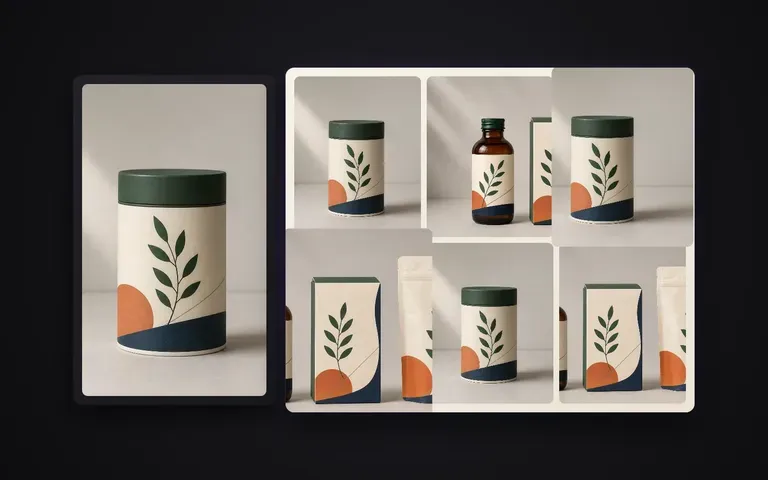
Coherencia
Identidad maestra bloqueada
La estructura, la paleta de colores y la tipografía principal de la etiqueta se mantienen desde tu renderizado confirmado sin reinventar el envase.
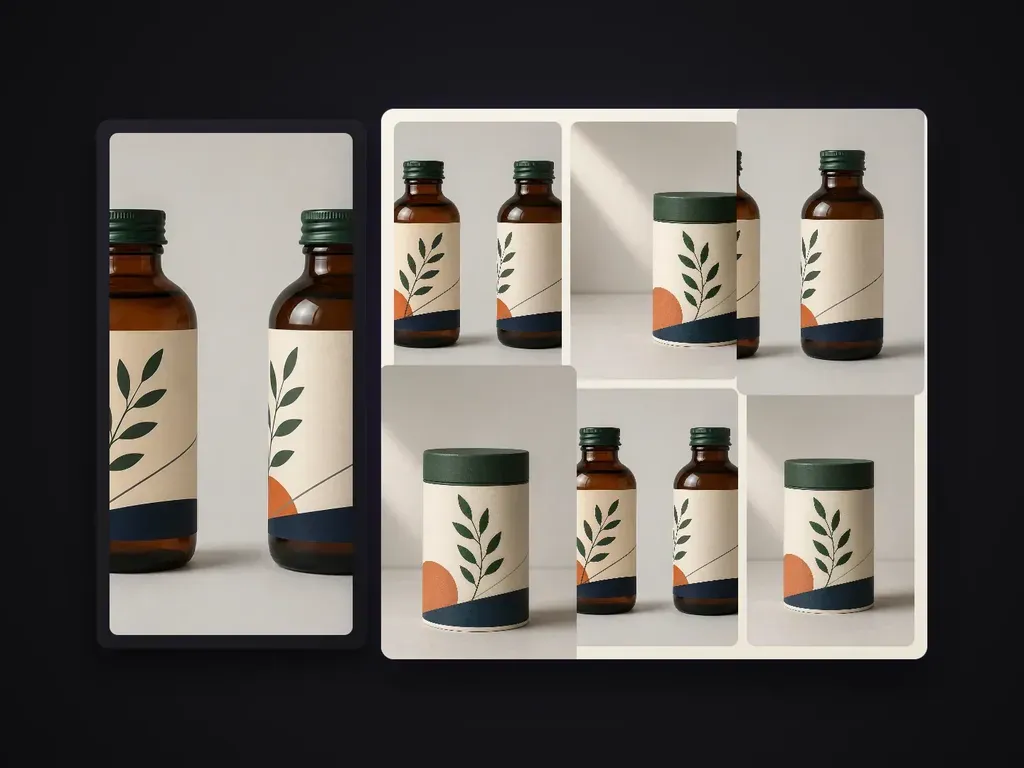
Amplía un render de packaging aprobado a una serie de imágenes de calidad para portafolio. Cada imagen cumple una función informativa distinta, mientras la estructura, el patrón, el texto de nivel A y los acabados se mantienen fieles al original maestro. Por defecto, crea una serie concisa de 6 imágenes.
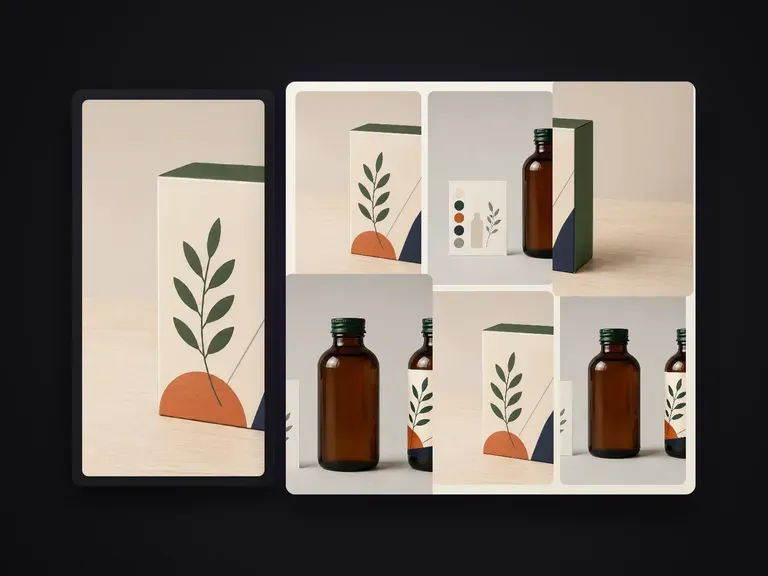
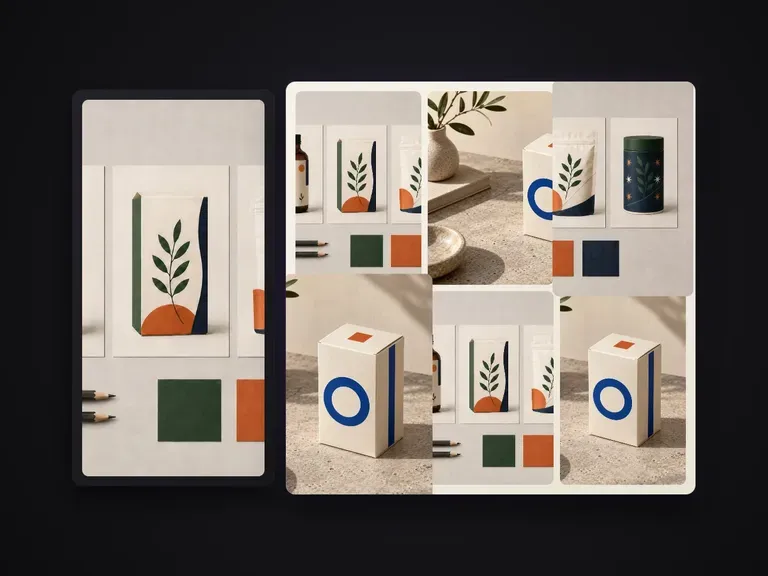
Una vez aprobado un render principal del packaging, las fichas de comercio electrónico y las presentaciones de marca siguen necesitando un conjunto visual completo: vistas en ángulo, recortes de detalle, multipacks agrupados y primeros planos de superficies. Packaging Series Shots toma tu render maestro confirmado y lo amplía hasta convertirlo en una serie coordinada de 6 imágenes de producto, manteniendo fijos la geometría de la caja, los gráficos del troquel, la tipografía de primer nivel y los acabados en foil o cartoncillo:
· Arte final bloqueado respecto al maestro: Los logotipos de marca, los mensajes principales y la colocación del troquel se mantienen coherentes en todos los ángulos.
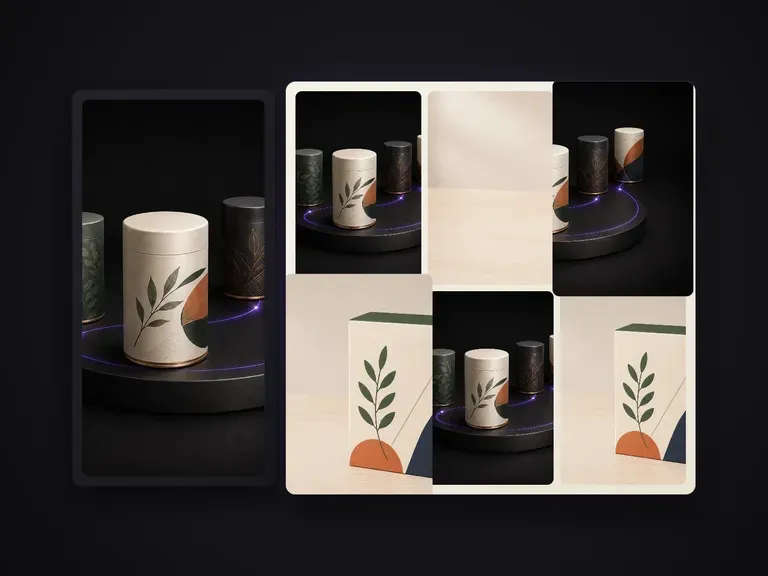
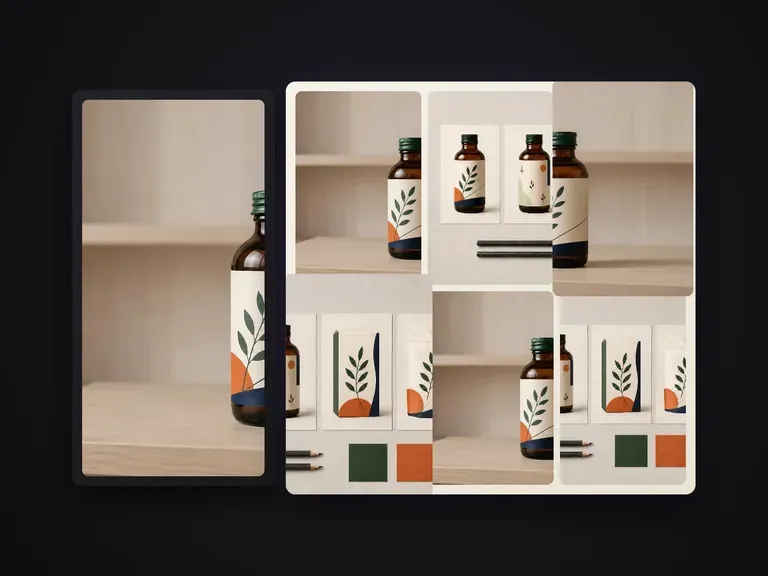
· Roles de imagen diferenciados: Genera vistas principal, de tres cuartos, macro de detalle, alineación de grupo y escala en una sola pasada.
· Iluminación de estudio coherente: Hace coincidir el grano del cartoncillo, los reflejos del foil metálico y la caída de las sombras en todo el conjunto.
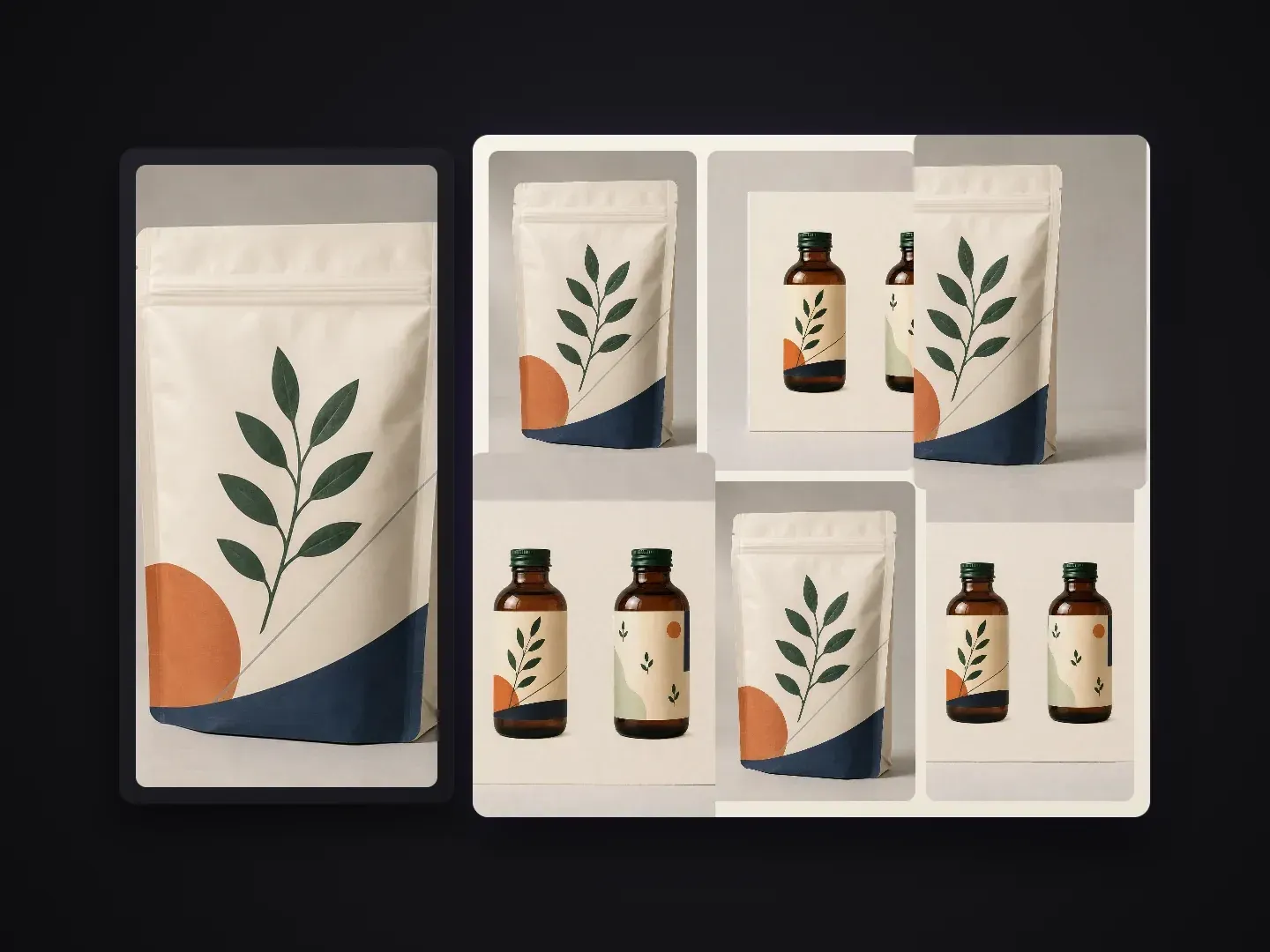
Cada imagen de una ficha de producto o de una presentación comercial tiene una función de comunicación específica.
La estructura, la paleta de colores y la tipografía principal de la etiqueta se mantienen desde tu renderizado confirmado sin reinventar el envase.
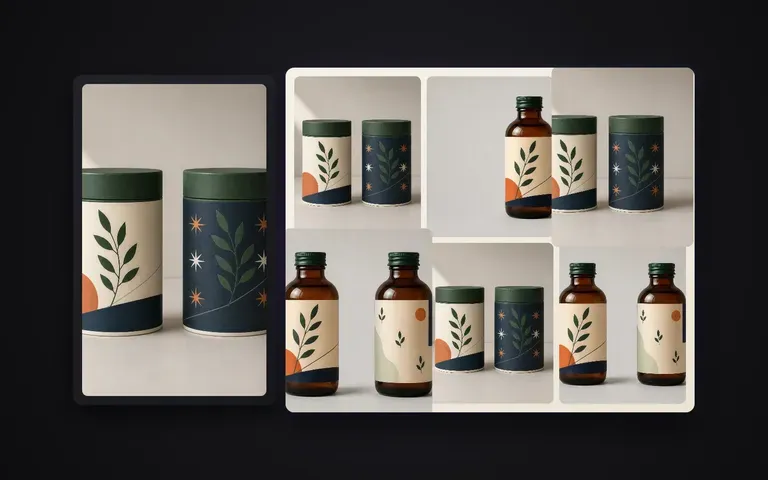
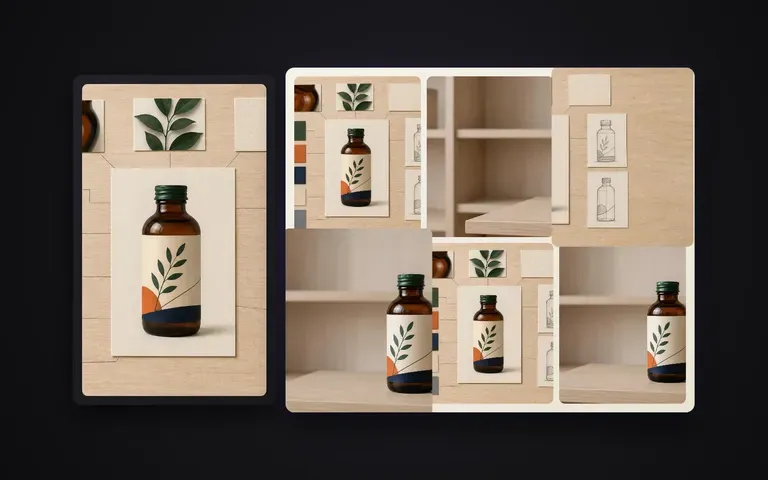
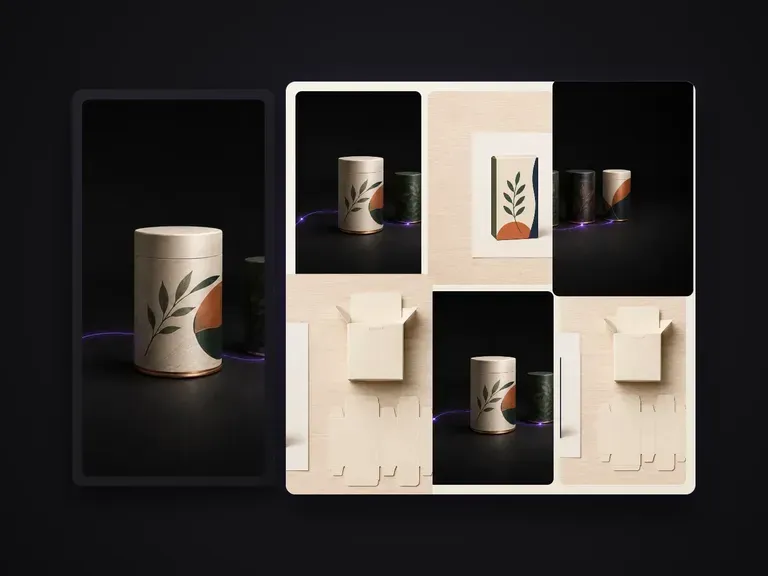
Cubre la imagen hero frontal, la vista dimensional a 45 grados, la macro del acabado, la composición multipack, el flat lay y el encuadre en contexto de lineal.
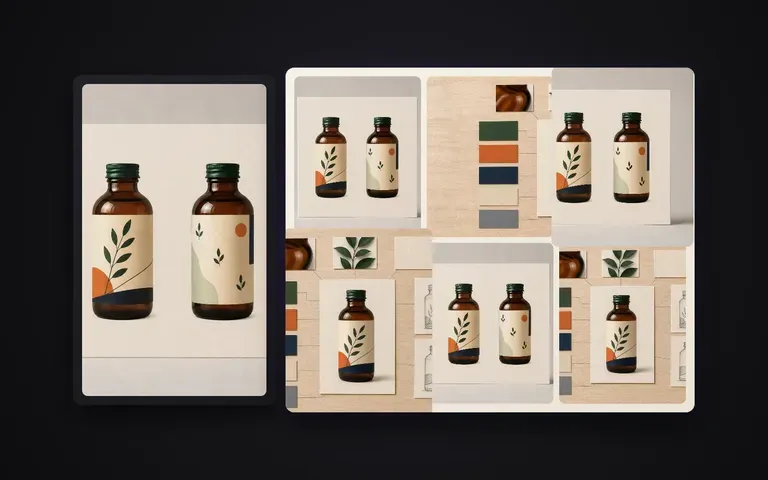
Evita configurar seis sistemas de cámara y pases de iluminación separados en software 3D solo para completar una galería de marketplace.
Qué cambia cuando tu render principal aprobado impulsa toda la galería de producto.
Renders independientes o nuevas sesiones
Tomas en serie de packaging de Virse
Empieza con tu renderizado de packaging aprobado o un packshot de estudio limpio donde el arte frontal y la forma se vean con claridad.
Mantén la serie ligera predeterminada de 6 tomas o indica vistas específicas, como detalle macro de lámina metalizada, pack dúo o flat lay cenital.
Destaca cualquier texto de marca de nivel A, relieve o detalles de sustrato mate/brillo que deban mantenerse nítidos en cada imagen.
Ejecuta el lote en tu lienzo de Virse, inspecciona las seis imágenes una al lado de la otra y exporta la galería completa.
Combina tu render maestro de packaging con una breve nota de lista de tomas para orientar los ángulos de cámara, la agrupación y el ambiente de iluminación a lo largo de la serie de 6 tomas:
· Estuche de cosmética y set de gotero: Serie de 6 tomas: toma hero frontal, caja en 3/4 + pareja de botella, macro del logotipo en foil dorado, alineación de 3 cajas, flat lay cenital, podio de piedra cálida.
· Serie de bolsa de café de especialidad: Bolsa stand-up de kraft mate: toma hero frontal, perfil lateral del fuelle, recorte de detalle de válvula y cierre zip, trío de 3 bolsas, sombra cálida de la mañana.
· Multipack de latas de bebida: Elegante lata de aluminio de 330ml: toma hero con condensación, inclinación de 45 grados, macro del borde y la anilla, grupo de 4 unidades, luz de contorno de estudio nítida.
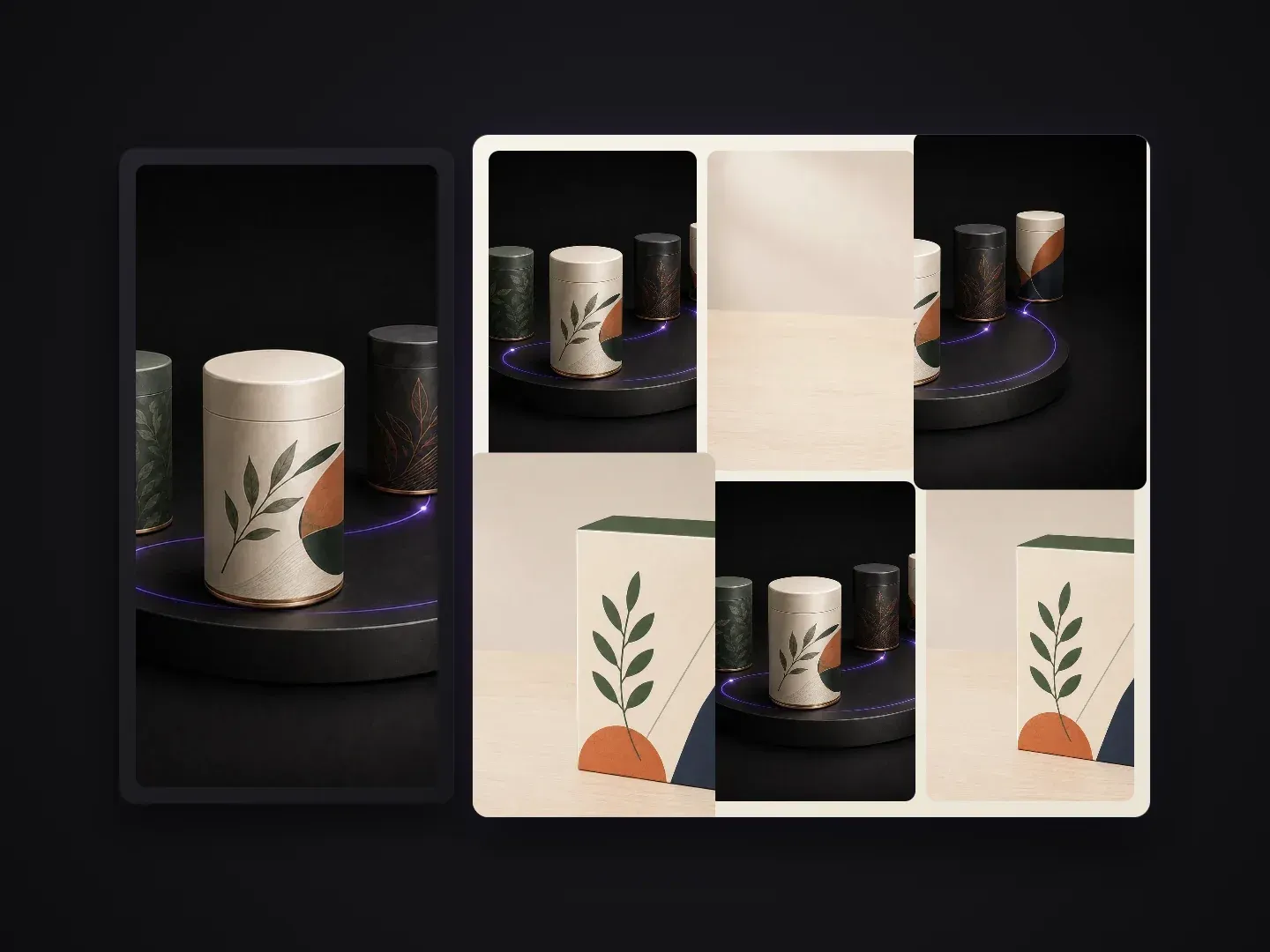
Equipos que convierten un único diseño de packaging aprobado en una presentación visual completa.
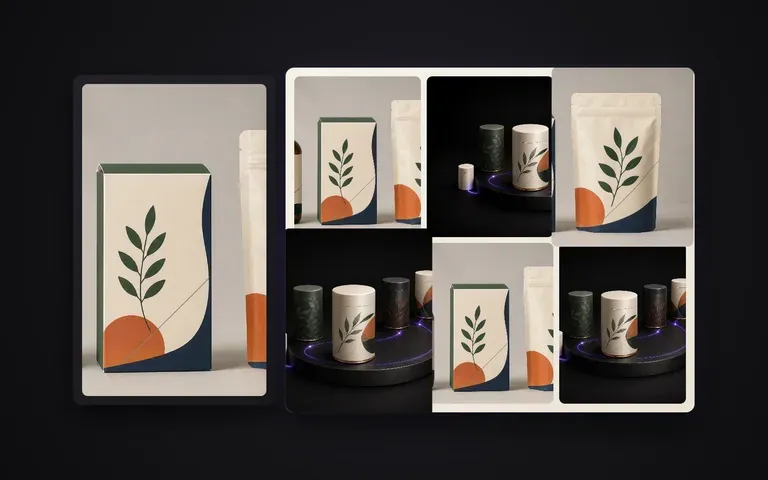
Convierte un renderizado de concepto finalizado en un caso de estudio de Behance multiángulo o en un deck de presentación para clientes en cuestión de minutos.
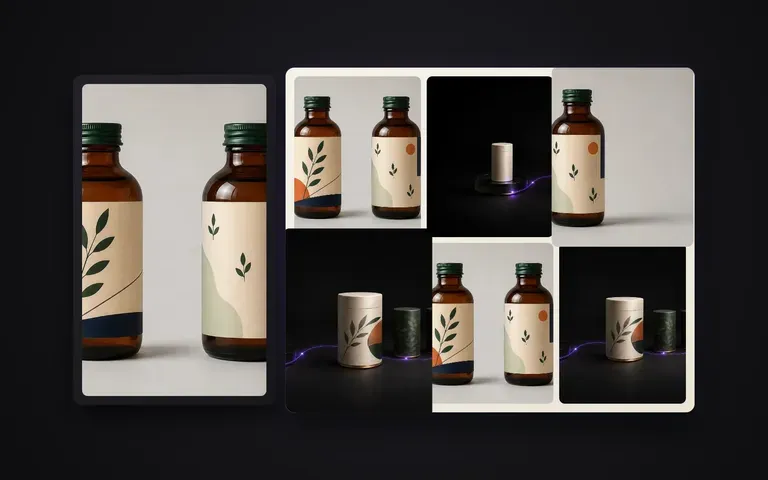
Completa los seis espacios de imagen en Amazon, Shopify o páginas de producto de retailers sin reservar una nueva sesión de estudio.
Crea imágenes coherentes multipack, hero y de detalle para kits de prensa, fichas de venta y catálogos estacionales de distribuidores.
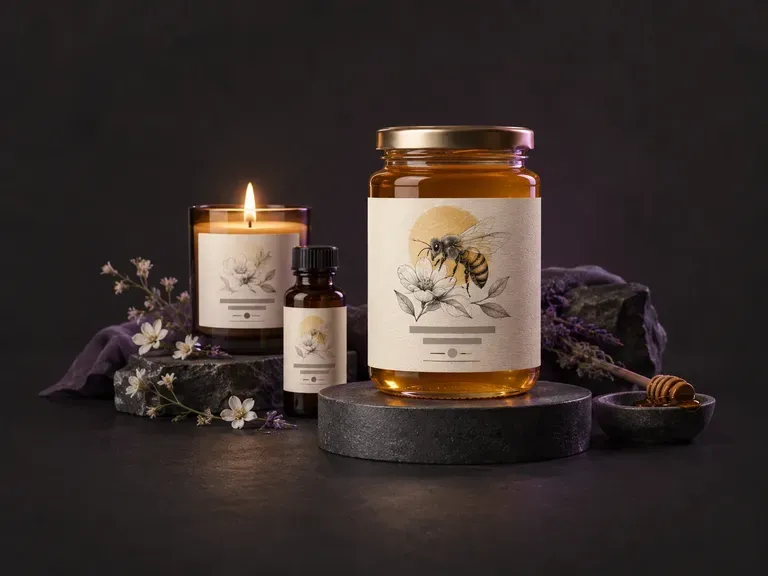
Crea borradores de ilustraciones de etiquetas planas para el panel frontal y envolventes a partir del nombre de tu marca, la variante de sabor o aroma y el estilo visual. Este generador de etiquetas con IA crea gráficos de etiquetas personalizados para tarros, botellas de bebidas artesanales, latas de aluminio, velas y cajas en tu lienzo de Virse.
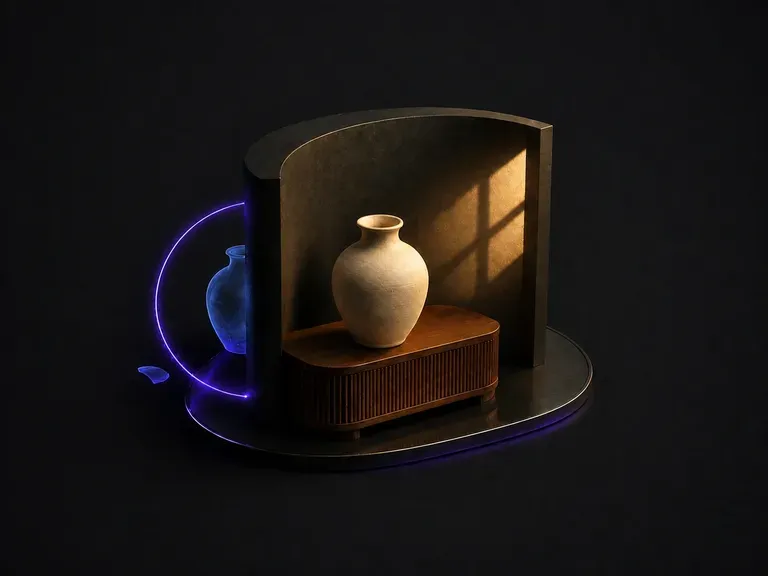
Sube una composición que parezca hecha a base de pegar elementos. Detecta por qué: luz que llega desde dos direcciones, una temperatura de color que no coincide, sombras que faltan o apuntan en la dirección equivocada. Después unifica el encuadre bajo una única fuente dominante.
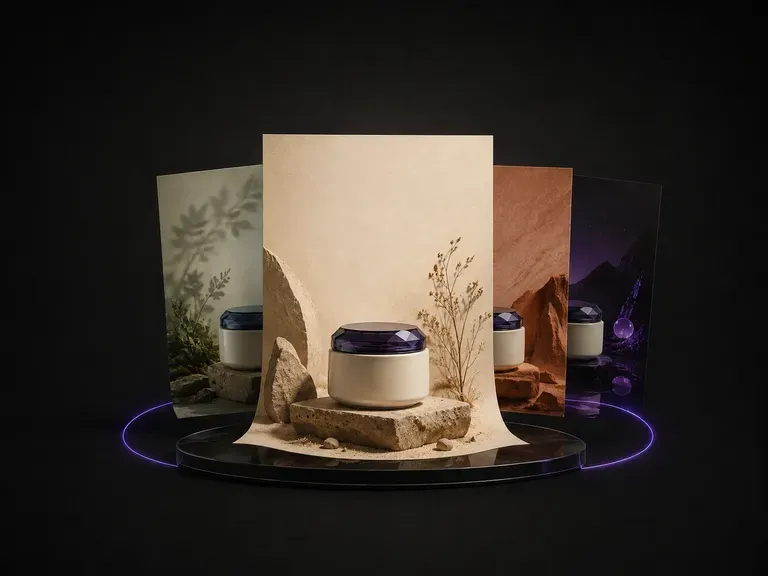
Sube una foto de producto. Lee la categoría, los colores y el carácter de lo que has enviado, propone un tema que encaja y después diseña el póster en torno al producto: fondo, composición y dónde se coloca el texto.
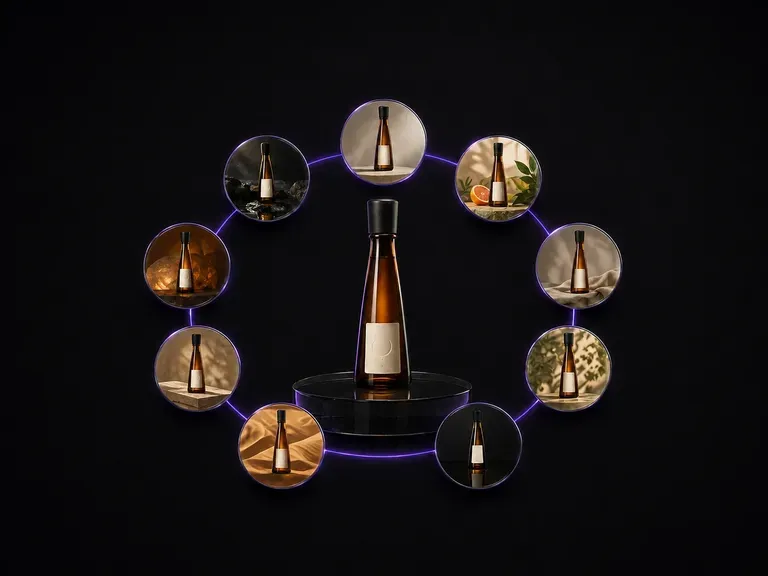
Sube una foto de una botella. Vuelve como nueve escenas publicitarias distintas dispuestas en una cuadrícula de tres por tres, con la forma de la botella, el diseño de la etiqueta y el texto que contiene exactamente como estaban.
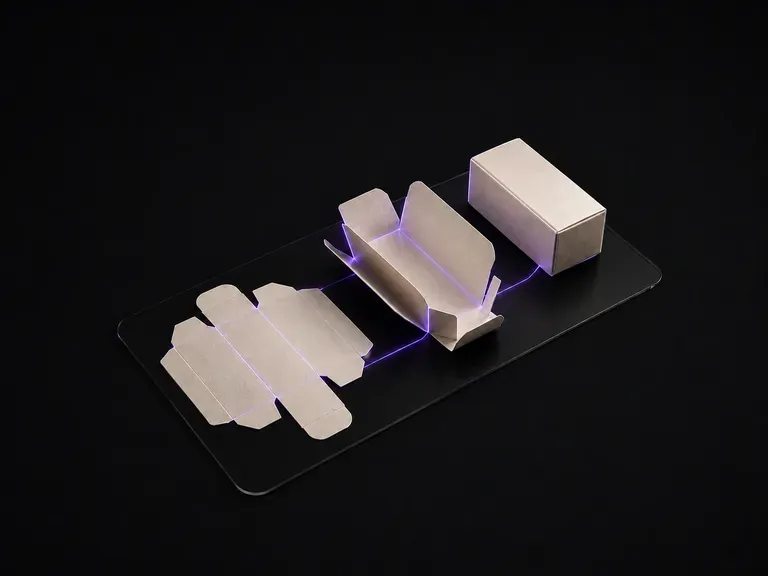
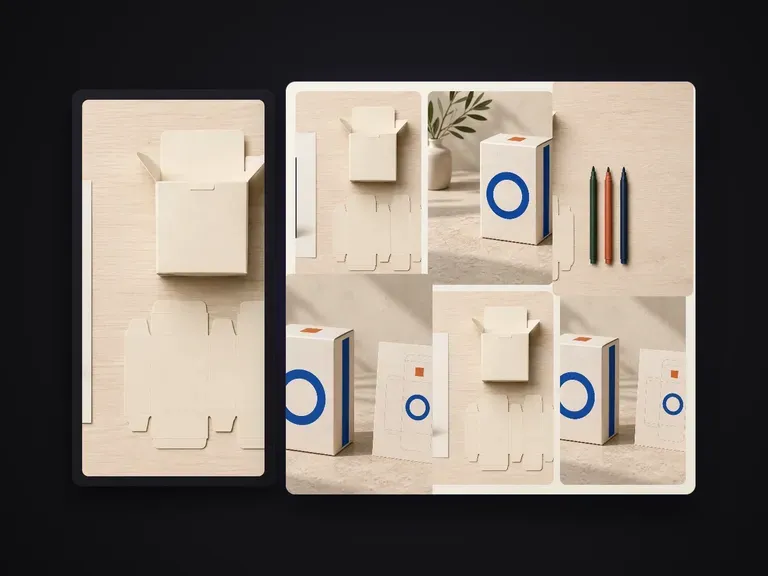
Sube el arte final plano. Lee el plano de troquel panel por panel, deduce la estructura de la caja a partir de las líneas de corte y hendido, y la renderiza plegada, con el diseño de cada panel colocado en la cara a la que pertenece.
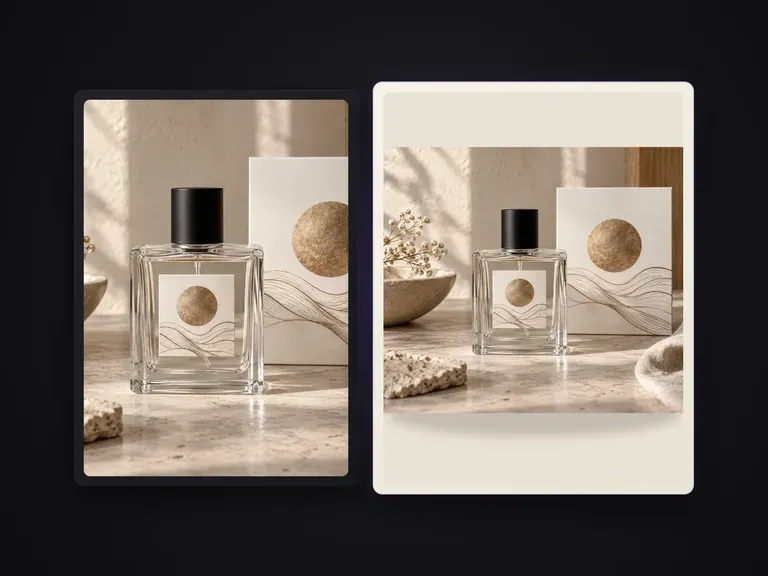
Sustituye el fondo de una foto de producto por un color liso y uniforme indicado mediante nombre, valor hexadecimal o imagen de referencia de color. Mantiene intacto el producto, con sombras de contacto naturales y bordes limpios. No sirve para fotos de catálogo con fondo blanco puro que deban cumplir normas, ni para sustituir fondos por escenas o ambientes de estilo de vida.

Crea y edita imágenes estáticas con FLUX 3 Image en 1K, 2K o 4K. Cambia a FLUX 3 Video para escenas de 5–20 segundos en 720P o 1080P con audio nativo, en el mismo lienzo de Virse.

Genera y edita imágenes con Nano Banana 2.1 en Virse. Elige una salida de 1K, 2K o 4K y utiliza hasta 14 imágenes de referencia para guiar el sujeto, el entorno y los materiales.

Qwen Image 3.0 Pro de Alibaba renderiza la tipografía como lenguaje en una docena de sistemas de escritura, manteniendo la legibilidad hasta diez píxeles en diseños densos.
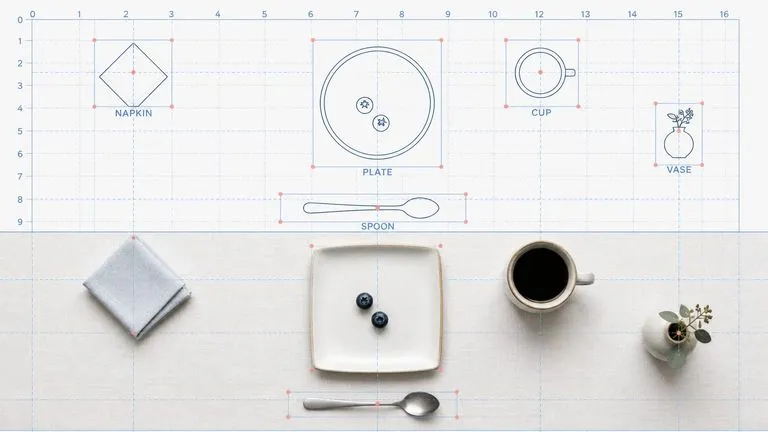
El modelo de segunda generación de Reve AI construye un diseño direccionable de elementos posicionados antes de renderizar, de modo que una disposición especificada vuelve dispuesta correctamente.
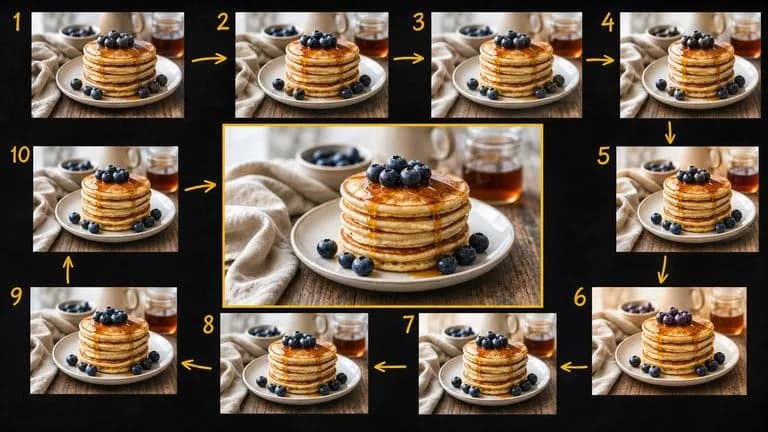
Gemini 2.5 Flash Image de Google — el Nano Banana original — genera y edita imágenes a la velocidad de una conversación, de modo que una corrección requiere una frase en lugar de una sesión.

Seedream 4.0 y Seedream 4.5 de ByteDance generan a partir de descripciones escritas y de imágenes que proporciones, convirtiendo una imagen de origen en tantas direcciones como necesite un proyecto.
Continúa en tu lienzo de Virse para revisar los datos de entrada y ejecutar esta herramienta.