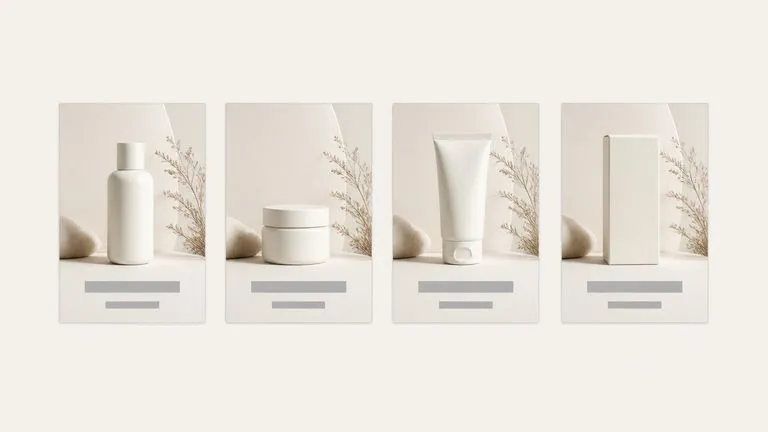
AI Auto Theme Poster
Entrada · OriginalSalida · Resultado

AI Product Poster Generator

Upload one product photo. It reads the category, the colors and the temperament of what you sent, proposes a theme that suits it, then designs the poster around the product: background, layout and where the copy sits.

Entrada
Product image · ObligatorioTheme style reference · OpcionalTheme and copy notes · Opcional
Salida
Themed poster × 1

Product image

Obligatorio

Drop your product photo

La imagen se sube en el lienzo; este formulario lleva los ajustes.

Theme style referenceOpcional

What an AI product poster generator does with one photo

An AI product poster generator builds a finished poster around a product rather than dropping it onto a template. This one looks at the product first, decides what kind of poster suits it, and designs the background and the layout to match.

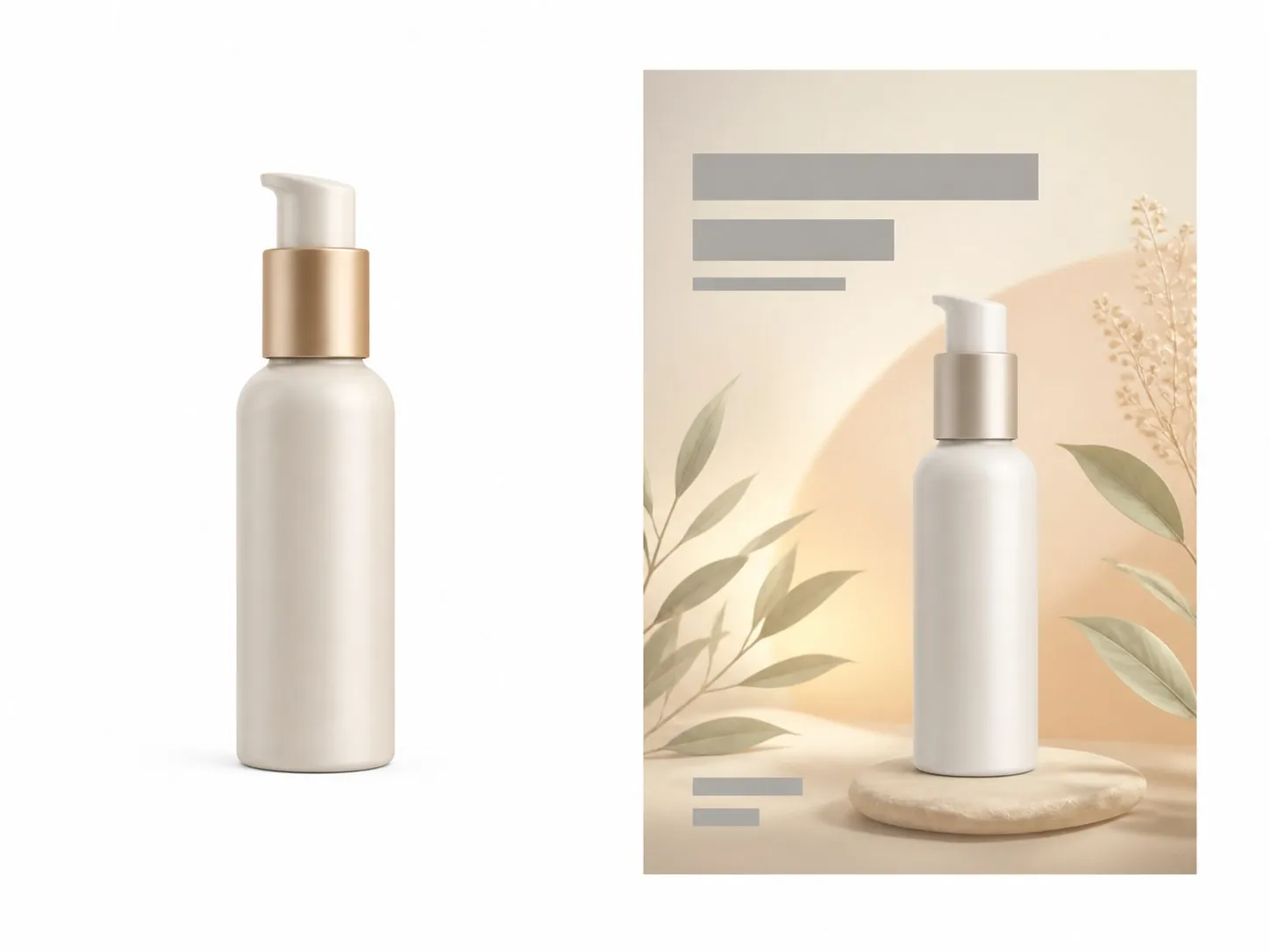
A plain skincare packshot on the left and a finished themed poster built around it on the right
A plain product photo and the themed poster designed around it

Three ways to steer the product poster maker

You can give it nothing but the product, or you can take the wheel. Most people start with the first and move to the second once they see what it proposes.

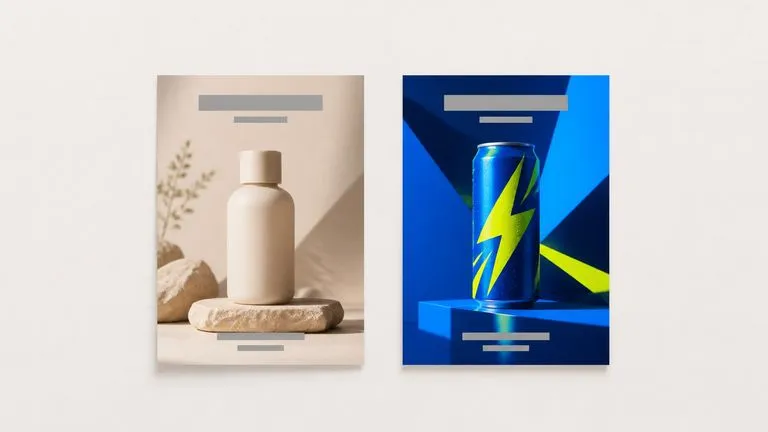
Two different products each given a poster whose mood clearly suits it
Required input

It reads the product first

Category, colour and temperament come off the photo. A matte skincare bottle and a neon energy drink get different backgrounds, different type weight and different light, because they are not selling the same feeling.

An existing campaign image beside a new poster matched to its palette and treatment
Optional

A style reference sets the look

Add an image from your existing campaign and the poster follows its palette and treatment instead of inventing one. This is how a new SKU joins a series that already has a look.

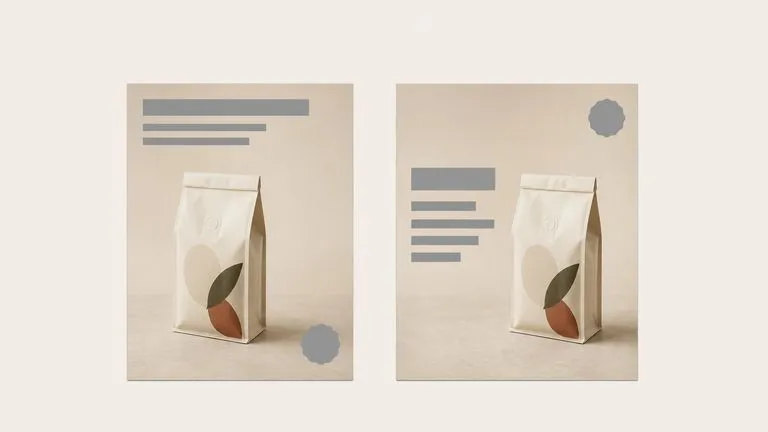
One product laid out two ways with the headline block in different positions
Optional

Notes place the copy

Say where the headline sits, whether there is a price badge, what the occasion is. Layout is where a generated poster usually falls apart, so this field is worth a sentence.

How to make an advertising poster with AI in four steps

  1. Drop in the product photo

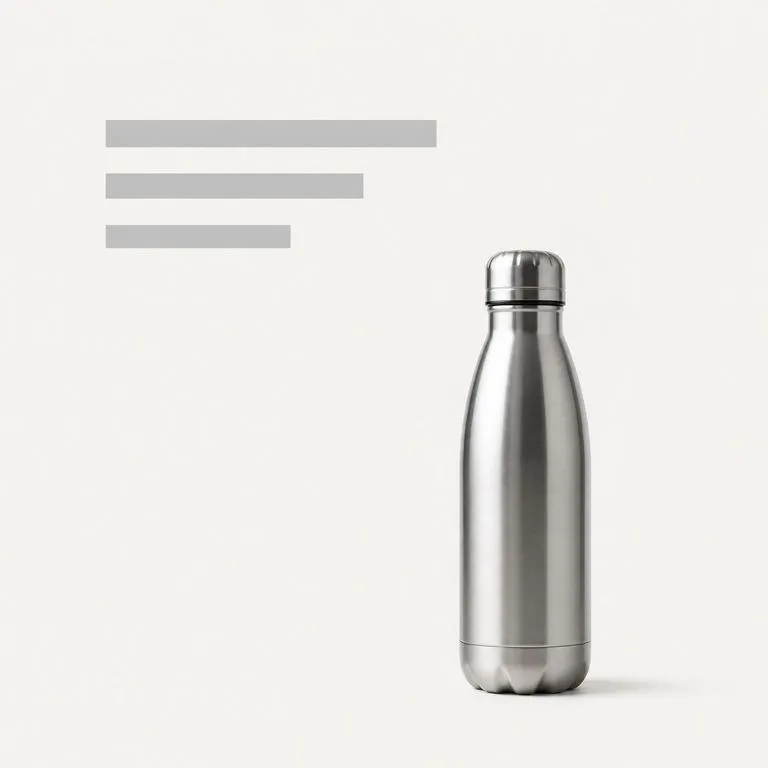
    A clean shot on any background works. Cutouts are fine, and so are packshots straight off a white sweep.

  2. Add a style reference if you have one

    Skip it and the tool proposes a theme. Add it and the poster joins a look you already use.

  3. Say what the copy has to do

    Headline, price, occasion, where each one sits. One line is enough, and it is the difference between a poster you can use and a poster you have to redo.

  4. Design, then keep working

    The poster lands on a fresh Virse canvas. Re-run it with a different theme, move the copy, or take it into an edit without exporting anything.

Who reaches for an AI advertising poster generator

People who need a poster this week for a product that already exists.

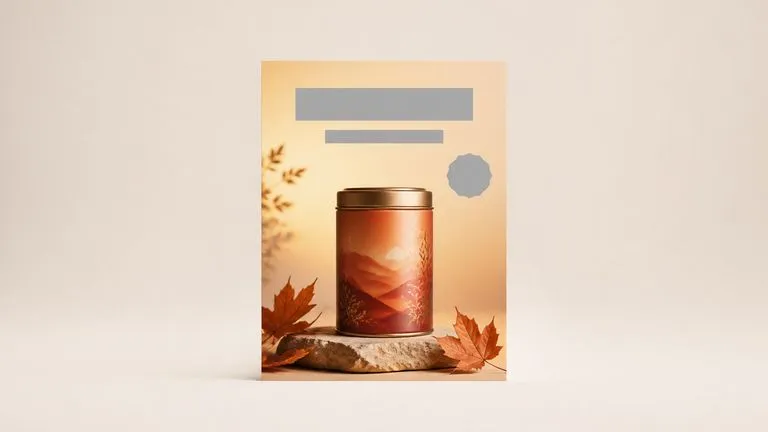
A packshot turned into an autumn seasonal promotion poster

E-commerce & Marketplace Sellers

Turn a packshot into a promotion banner for a seasonal push, without briefing a designer for something that goes live on Friday.

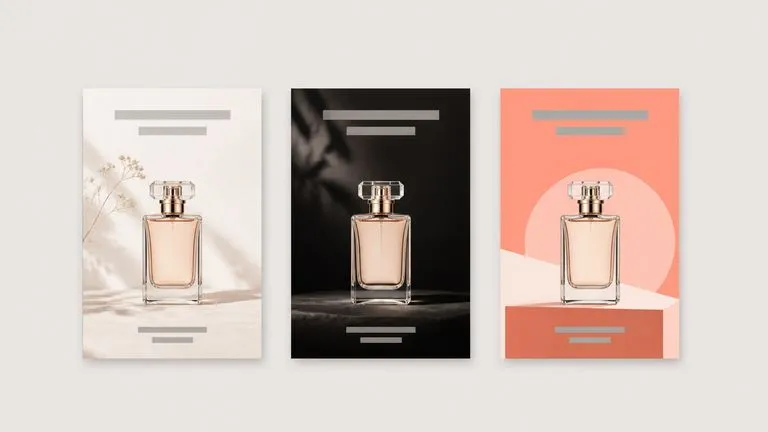
One product presented as three different poster directions in a row

Brand & Campaign Marketers

Get a first visual direction in front of a stakeholder the same day the product photo lands, then argue about the good version rather than about a blank page.

Four different products given one consistent poster treatment across a series

Small Studios & Freelancers

Cover a client's whole SKU list with consistent posters, using one style reference to hold the series together.

What a promotional poster generator returns

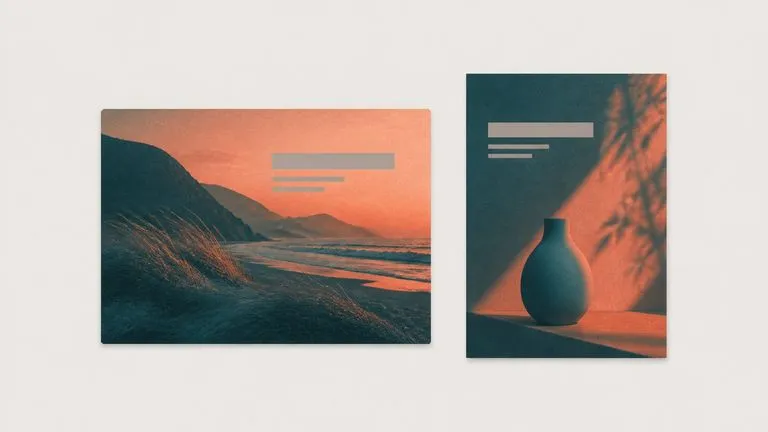
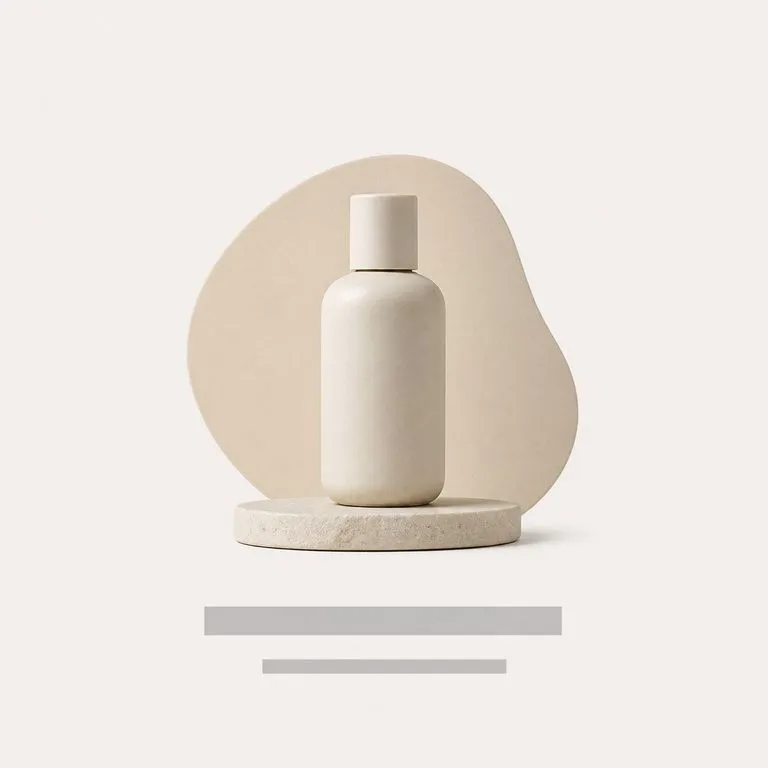
A calm low-contrast poster built around a matte skincare bottle
Theme Read From the Product: a matte skincare bottle given a calm, low-contrast set
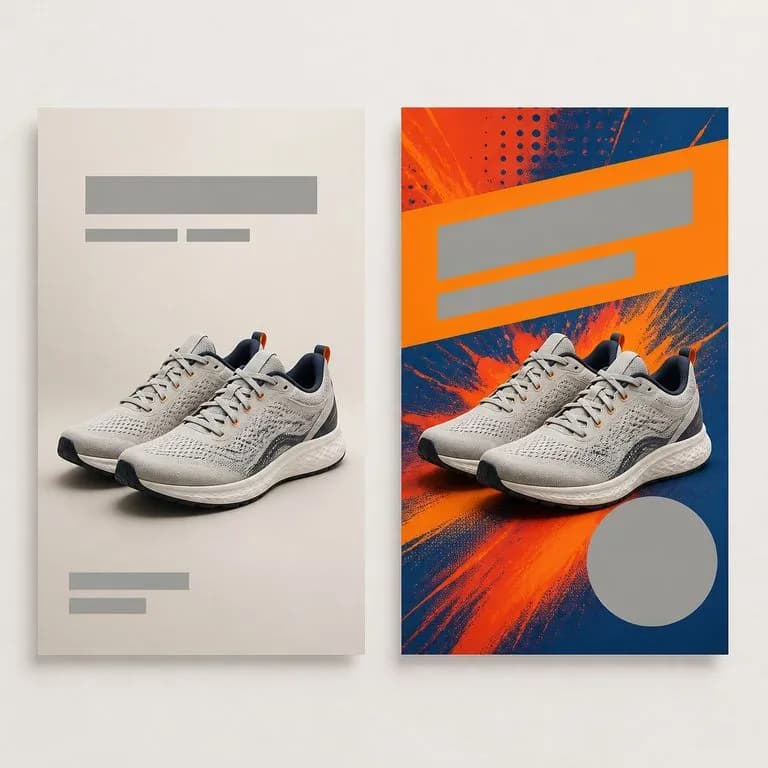
One product shown as a launch poster and as a sale poster side by side
Same Product, Two Themes: one photo proposed as a launch poster and as a sale poster
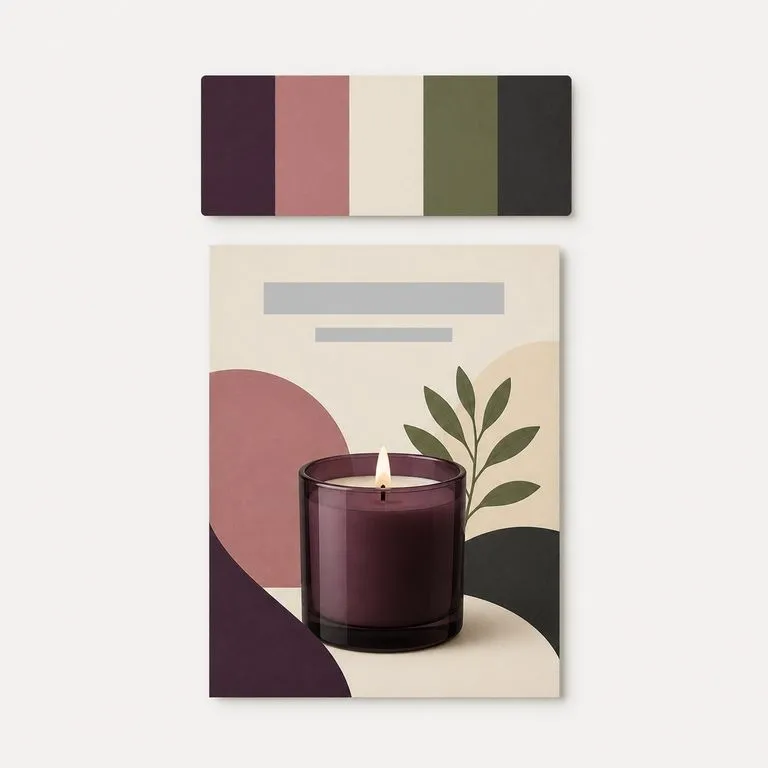
A palette reference card above a poster built in that exact palette
Campaign Reference Followed: palette and type treatment matched to an existing series
A poster where the headline block sits exactly where the layout reserved space for it
Headline Placed by Notes: copy sitting where the brief asked instead of where it fit
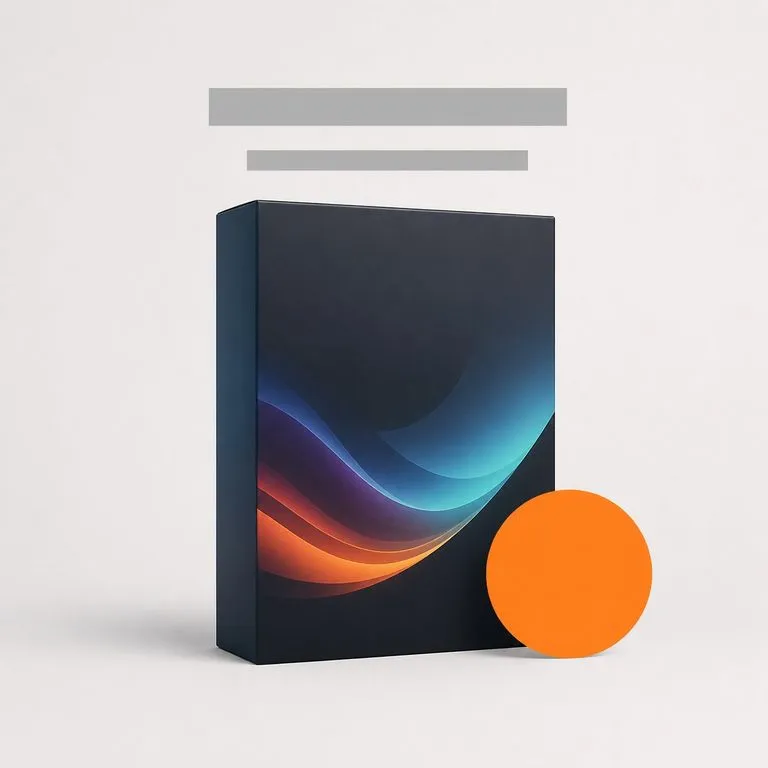
A promotion poster with a circular offer badge given its own clear space
Price Badge Included: a promotion layout with the offer given its own space
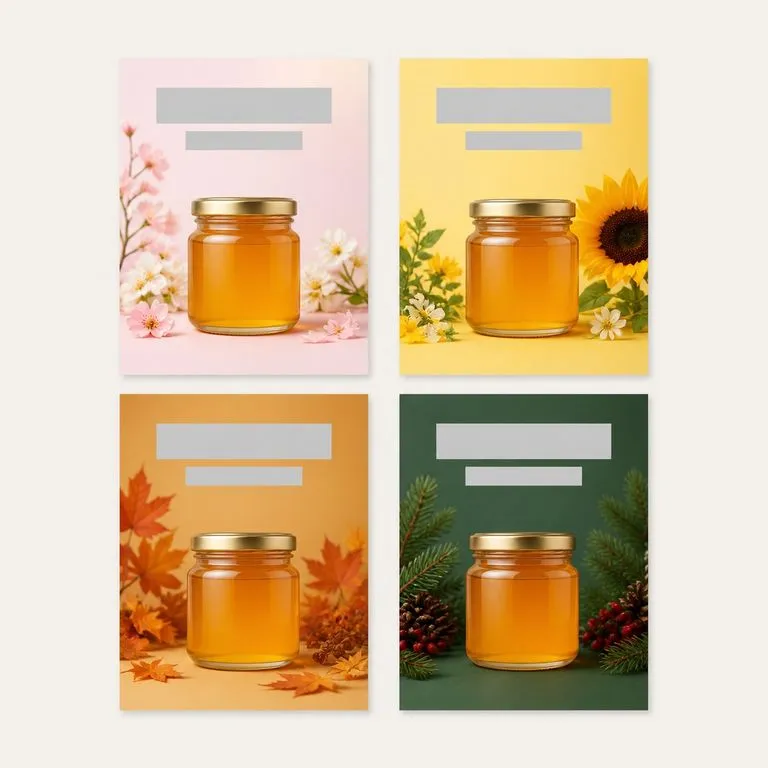
One product built into four seasonal posters arranged two by two
Seasonal Set From One SKU: four occasions built around a single product shot

Why a product poster generator beats a poster template

What changes when the poster is designed around the product instead of the product being dropped into a slot.

Template libraries

  • The layout exists before the product does, so the product gets cropped to fit
  • The palette belongs to the template, and it fights the packaging as often as it flatters it
  • Every SKU needs a human to re-tune the same template again
  • The result is a download, and the workflow stops there

The Virse poster generator

  • The product is read first, and the background and layout are designed around it
  • Colour comes off the product, or off the campaign reference you supplied
  • A new SKU is one upload, and a series stays consistent through one reference image
  • The poster lands on a canvas where the copy and the crop can still be moved
FAQ

Questions

Do I need to describe the theme?
No. The tool reads the product first and proposes a theme that fits it. The notes are there for when you already know what you want.
Can I match an existing campaign look?
Yes. Add a style reference image and the poster follows its palette and treatment rather than inventing one.
Can it make a poster without a product photo?
No. The product image is the required input, because reading the product is how the theme gets chosen. If you want a poster from a written brief alone, that is a different job: open a canvas and prompt an image model directly.
Will the headline text be spelled correctly?
Treat the copy as placement rather than as final type. The poster shows you where the headline and the badge sit and how much room they have, and the wording is worth setting properly on the canvas afterwards. Layout is what this tool is deciding for you.
Does pressing Create run the tool straight away?
No. Your inputs travel into a fresh canvas and land on the tool already filled in, but nothing runs until you press Start there. A link can never spend your credits on your behalf.
Can I keep working on the result afterwards?
Yes. Everything the tool produces arrives on a normal Virse canvas, so you can re-run a single output, adjust it, or take it into an edit without exporting and re-importing.

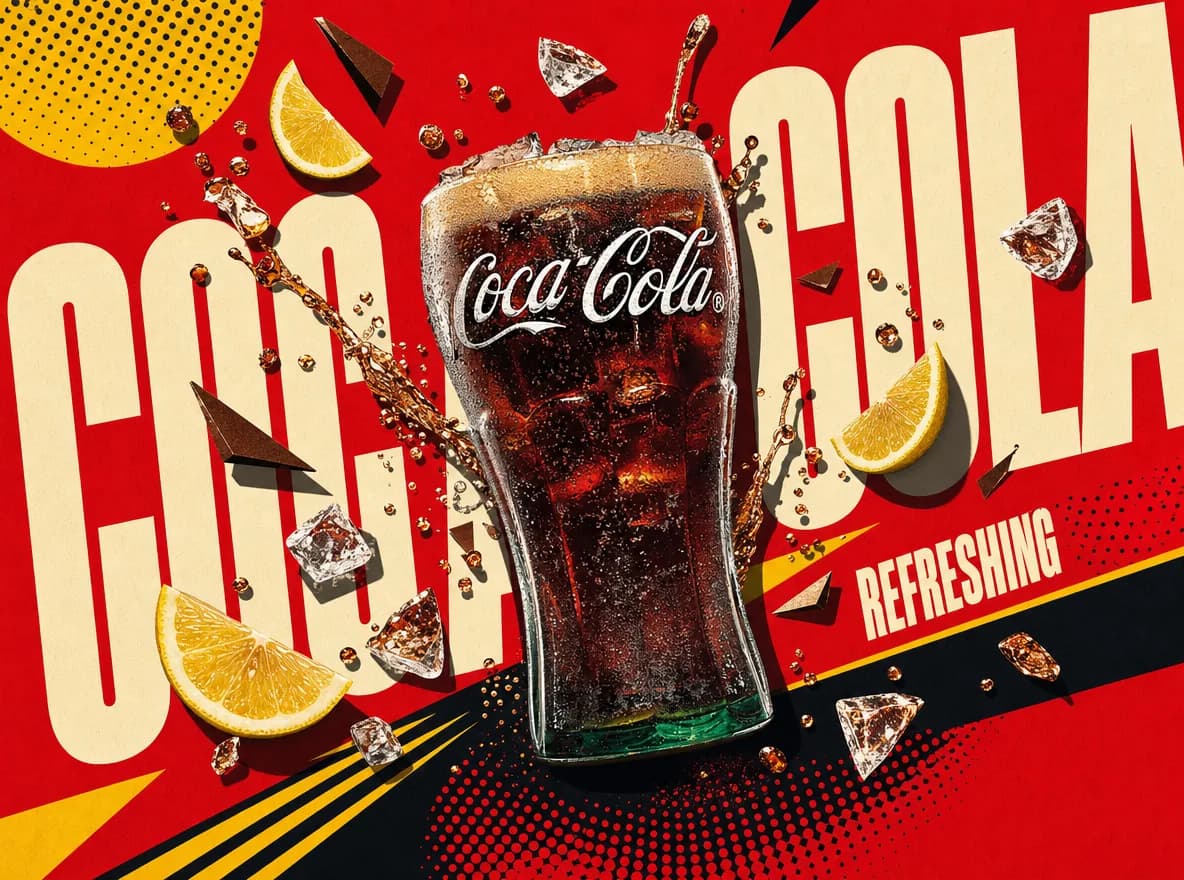
A finished poster from one product photo

Start here. Drop the product in and the poster opens on a fresh Virse canvas you can adjust, with nothing running until you press Start.