
Hasta 30 segundos
Genera historias completas de audio y vídeo en una única secuencia de 30 segundos.
Genera vídeos cinematográficos de 30 segundos con Seedance 2.5, con audio sincronizado, referencias multimodales y un control creativo preciso.
Abre esta página en un navegador de escritorio para empezar a crear.
Seedance 2.5 es un modelo audiovisual conjunto de última generación diseñado para convertir briefs creativos en secuencias de vídeo más completas.
En lugar de ampliar un único momento sencillo, el modelo puede organizar planos conectados en una narrativa estructurada con introducción, desarrollo, transición y conclusión. Una sola generación puede durar hasta 30 segundos, mientras que la extensión de vídeo ayuda a los creadores a continuar la historia a lo largo de secuencias más largas.
Usa Seedance 2.5 cuando tu idea requiera algo más que un movimiento de cámara aislado. Crea películas de campaña, historias de producto, secuencias de moda, vídeos de actuación, narrativas breves y conceptos cinematográficos con mayor continuidad de plano a plano.
Seedance 2.5 es un modelo de generación de vídeo con IA desarrollado por ByteDance Seed. Genera elementos visuales y audio coordinados siguiendo instrucciones detalladas sobre personajes, escenas, acciones, movimiento de cámara, diálogo, música y efectos de sonido.
El modelo se basa en tres mejoras principales:
Seedance 2.5 puede generar clips de hasta 30 segundos en una sola pasada. También admite hasta 30 referencias de imagen, 10 referencias de vídeo y 10 referencias de audio en una única generación.
Genera historias completas de audio y vídeo en una única secuencia de 30 segundos.
Guía personajes, productos, escenas, accesorios y el estilo visual con imágenes.
Usa como referencia el movimiento, el trabajo de cámara, el ritmo, la interpretación y las transiciones.
Guía voces, música, ritmo, ambiente y efectos de sonido.
Amplía vídeos manteniendo la continuidad de personajes, escenas, estilo y narrativa.
Controla acciones, movimiento de cámara, ritmo y cortes en momentos específicos.
Combina hasta 30 imágenes, 10 vídeos y 10 clips de audio en un único briefing creativo. Utiliza referencias para guiar personajes, productos, entornos, estilo, iluminación, música y efectos de sonido, y transfiere el movimiento, el encuadre, el ritmo, la interpretación y el lenguaje de cámara del metraje de referencia a nuevos sujetos, escenas o estilos visuales.
Mantén personajes, atrezo, entornos y estilos visuales reconocibles a través de acciones y ángulos de cámara cambiantes. Seedance 2.5 mejora la estabilidad en escenas con varios personajes y secuencias complejas con múltiples transiciones de plano.
Define qué ocurre en momentos específicos del vídeo. Las instrucciones de línea de tiempo te ofrecen un mayor control sobre el orden de los planos, las acciones de los personajes, el movimiento de cámara, el ritmo, las transiciones y el desarrollo narrativo.
Genera elementos visuales y audio sincronizado como un único resultado coordinado. Seedance 2.5 puede alinear voces, música, ambiente del entorno y efectos de sonido con las acciones, la temporización y la atmósfera de cada escena.
Seedance 2.5 resulta más útil cuando forma parte de un flujo de trabajo creativo completo, en lugar de ser un cuadro de indicaciones aislado. Virse reúne modelos, referencias, conceptos y resultados en un único lienzo visual. Los equipos creativos pueden desarrollar una dirección estética, explorar imágenes, organizar materiales de origen y pasar a la generación de vídeo sin tener que reconstruir el briefing en un espacio de trabajo separado.
Mantén el briefing creativo, el moodboard, las referencias de personajes, las imágenes de producto, las exploraciones visuales y los resultados de vídeo dentro del mismo espacio de trabajo.
Desarrolla fotogramas clave, piezas visuales de campaña, escenas de producto y direcciones de estilo con modelos de imagen antes de utilizarlos como referencias para Seedance 2.5.
Utiliza Seedance 2.5 junto con más de 50 modelos dentro de Virse, seleccionando el modelo adecuado para cada etapa del proceso creativo.
Utiliza referencias visuales y una dirección estética coherentes en todas las generaciones para que el vídeo final se sienta conectado con la campaña o el sistema de marca más amplio.
Crea vídeos de campaña estructurados con planos de producto, talento, piezas visuales de marca, transiciones de cámara, música y sonido.
Muestra productos desde múltiples ángulos, demuestra su uso en el mundo real y guía la apariencia y el movimiento de cámara con referencias.
Crea películas de pasarela, lookbooks, editoriales de belleza y campañas de moda con estilo, iluminación y movimiento coherentes.
Construye escenas completas con momentos narrativos conectados, acciones de personajes, diálogo, transiciones y un final claro.
Genera actuaciones coordinadas con voces, movimiento, iluminación escénica, trabajo de cámara, música y reacciones del público.
Crea vídeos verticales u horizontales para lanzamientos de productos, historias de marca, contenido de creadores y campañas sociales.
Describe el sujeto, el entorno, el estado de ánimo, las acciones, la cronología y cómo debe empezar y terminar el vídeo.
Sube imágenes, vídeos o audio, y define claramente el propósito de cada referencia.
Selecciona Seedance 2.5, genera la primera versión y revisa los elementos visuales, el movimiento, el ritmo y el audio.
Continúa la historia mediante la extensión de vídeo o revisa momentos específicos conservando las partes que funcionan.
Un prompt útil de Seedance 2.5 suele incluir siete elementos:
En lugar de escribir
Crea un vídeo de producto cinematográfico.
Escribe
Crea una película de producto cinematográfica de 30 segundos para la afeitadora eléctrica mostrada en la Imagen 1. Comienza con un primer plano macro de la superficie negra mate bajo una luz cenital estrecha. Rota lentamente alrededor del producto mientras las gotas de agua se desplazan por el metal. A los 10 segundos, haz la transición a un baño moderno y muestra el producto en uso. Sigue el movimiento de cámara controlado del Vídeo 1. Usa un diseño sonoro electrónico contenido con el ritmo del Audio 1. Termina con la afeitadora de pie sobre una superficie oscura reflectante en una composición hero limpia.
Crea un anuncio cinematográfico de 30 segundos para la zapatilla de running mostrada en la Imagen 1. 0–6 segundos: Comienza con un primerísimo primer plano de la suela tocando el asfalto mojado por la noche. Muestra un desplazamiento realista del agua y el detalle del material. 7–15 segundos: Sigue al atleta desde el lateral mientras corre por una calle de la ciudad iluminada con neones. Sigue el ritmo de cámara y el movimiento corporal del Vídeo 1. 16–24 segundos: Transiciona a un plano general mientras el atleta cruza un puente vacío antes del amanecer. 25–30 segundos: Termina con la zapatilla sobre una plataforma de hormigón, utilizando la iluminación y la composición de la Imagen 2. Añade sonidos de impacto contenidos, pisadas, ambiente urbano y un golpe de marca final de baja frecuencia.
Genera una secuencia editorial de moda de 30 segundos con la modelo de la Imagen 1 vistiendo el conjunto de la Imagen 2. Utiliza el entorno arquitectónico de la Imagen 3 y el movimiento de cámara lento y controlado del Vídeo 1. Comienza con un primer plano de la tela moviéndose con el viento. Retrocede mientras la modelo camina por el espacio. Transiciona entre planos frontales, de perfil y planos arquitectónicos generales, preservando la apariencia de la modelo y los detalles de la ropa. Utiliza música ambiental minimalista basada en el Audio 1. Termina con la modelo deteniéndose bajo un haz definido de luz natural.
Crea una película narrativa de 30 segundos sobre una joven diseñadora que se prepara para una presentación importante. 0–8 segundos: Muestra a la diseñadora trabajando sola en un estudio en penumbra por la noche, rodeada de bocetos y prototipos. 9–18 segundos: Sigue a la diseñadora por una ciudad tranquila mientras comienza la mañana. Mantén el personaje de la Imagen 1 y usa la Imagen 2 para el estilo visual de la ciudad. 19–26 segundos: La diseñadora entra en una luminosa sala de presentaciones y coloca el prototipo final sobre la mesa. 27–30 segundos: Termina con un primer plano de la expresión aliviada de la diseñadora mientras la sala queda en silencio. Usa un ambiente de sala sutil, pasos, sonidos de papel y música emocional contenida.
| Dimensión | Seedance 2.0 | Seedance 2.5 |
|---|---|---|
| Duración del vídeo | Genera vídeos de hasta 15 segundos | Genera vídeos de hasta 30 segundos |
| Entradas de referencia | Admite menos materiales de referencia | Admite hasta 30 imágenes, 10 vídeos y 10 clips de audio |
| Continuidad de la historia | Mejor para clips más cortos | Mejor para historias más largas con extensión en varias rondas |
| Control de edición | Flujo de trabajo de edición básico | Control a nivel de marca de tiempo para ediciones más precisas |
| Flujo de trabajo profesional | Control creativo más limitado | Admite renderizado en arcilla, referencia de movimiento, edición con pantalla verde, edición de perspectiva de cámara y control avanzado de planos |
No subas un grupo grande de recursos sin explicar. Indica exactamente qué debe tomar el modelo de cada imagen, vídeo o archivo de audio.
Describe las acciones en el orden en que deben ocurrir. Para vídeos complejos, divide el prompt en intervalos de tiempo.
Usa una referencia para el sujeto y otra para el estilo visual siempre que sea posible. Esto ayuda al modelo a entender qué debe mantenerse coherente y qué debe influir en la presentación.
Sustituye instrucciones vagas como “cámara cinematográfica” por movimientos específicos, como un dolly in lento, un plano de seguimiento cámara en mano, una órbita en ángulo bajo, un acercamiento macro, una toma con grúa o un plano general fijo.
Prepara imágenes de referencia e indicaciones visuales para tu próximo vídeo.
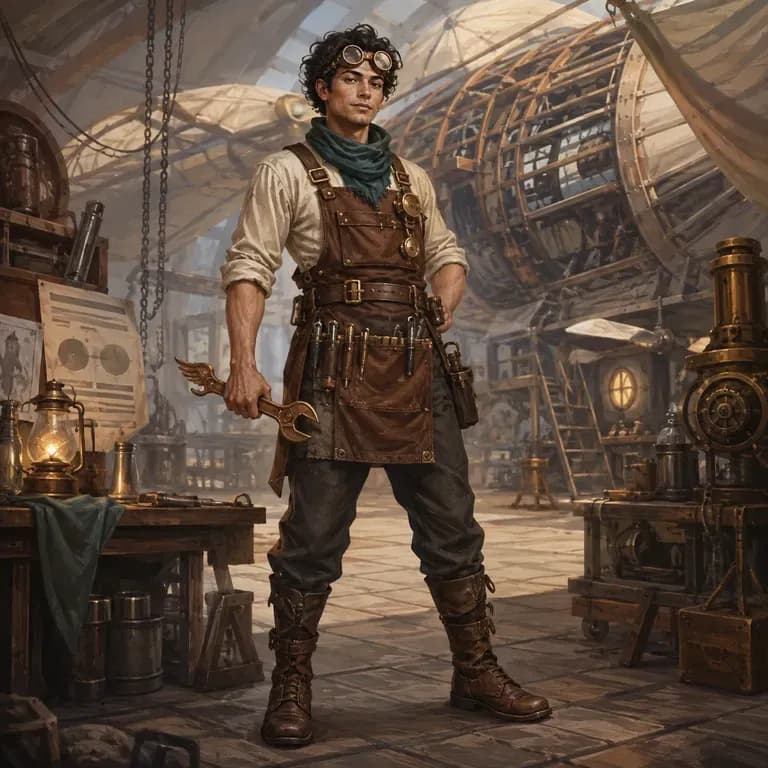
La mayoría de los prompts de personajes se leen bien para una persona y se desmoronan ante un modelo de imagen, porque la identidad, el mundo y el estilo visual están dispersos en tres frases distintas en lugar de estar en una que pueda interpretar. Describe quiénes son, genera una versión estructurada y pruébala con un render real directamente en el mismo lienzo. Los créditos gratuitos cubren la primera ronda.
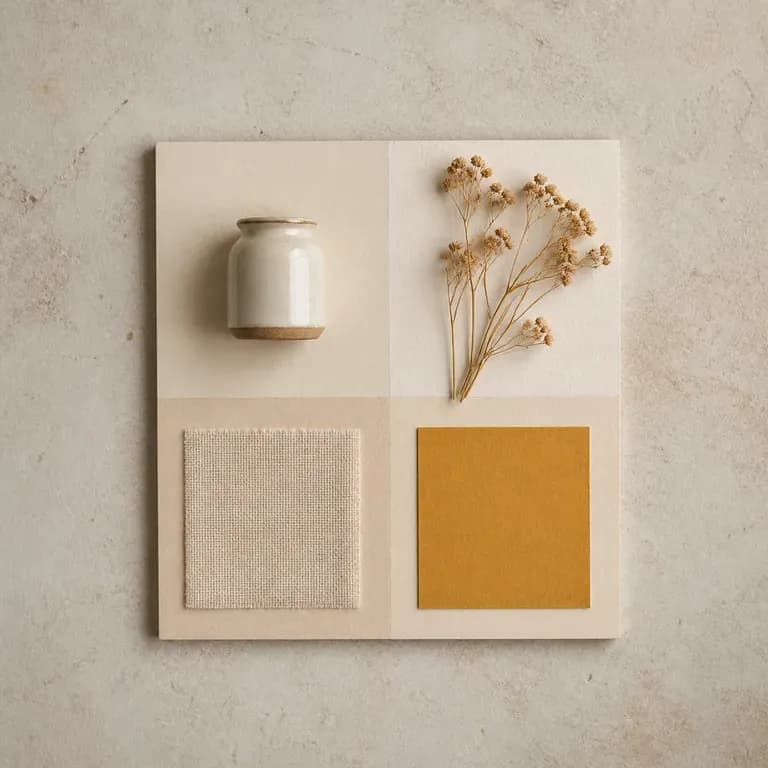
Una versión de un mood es solo una conjetura. Dale una referencia o un tema escrito y recibe varias lecturas distintas de la misma idea, con color, material e imágenes compuestos en un solo tablero, para tener algo ante lo que reaccionar en lugar de una página en blanco. Los créditos gratuitos son suficientes para empezar.
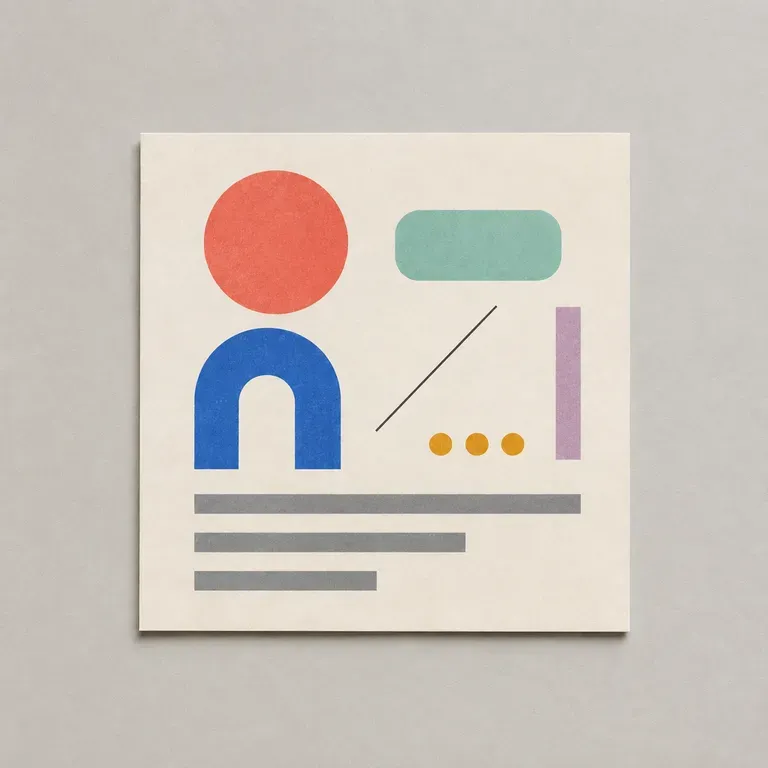
La mayoría de los prompts de diseño fallan en los detalles aburridos: relación de aspecto incorrecta, color de marca omitido, ninguna indicación de qué texto debe encajar dónde. Enumera el objetivo, el público, el formato y las restricciones, y esto escribe un prompt estructurado para que un modelo de imagen realmente tenga en cuenta todo ello, empezando con créditos gratuitos de Virse.
Seedance 2.0 de ByteDance produce imagen y sonido en una sola pasada, a partir de un primer y último fotograma o de imágenes de referencia, en tamaños que van de 480P a 4K nativo.
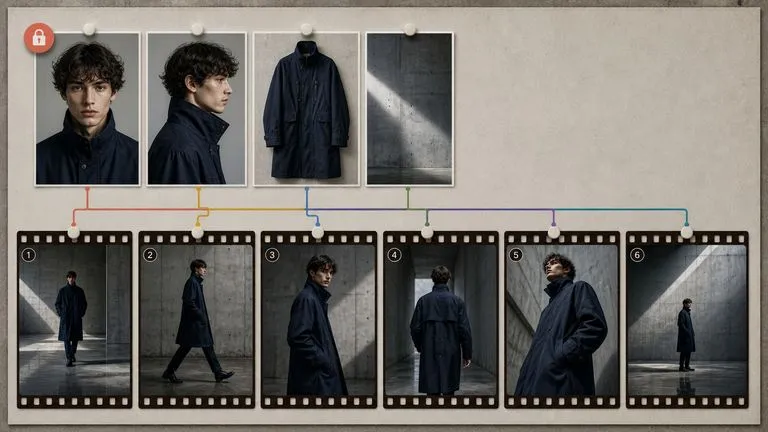
El modelo Hailuo 03 de MiniMax produce vídeo 2K silencioso, impulsado ya sea por un primer y último fotograma o por un conjunto de imágenes de referencia.
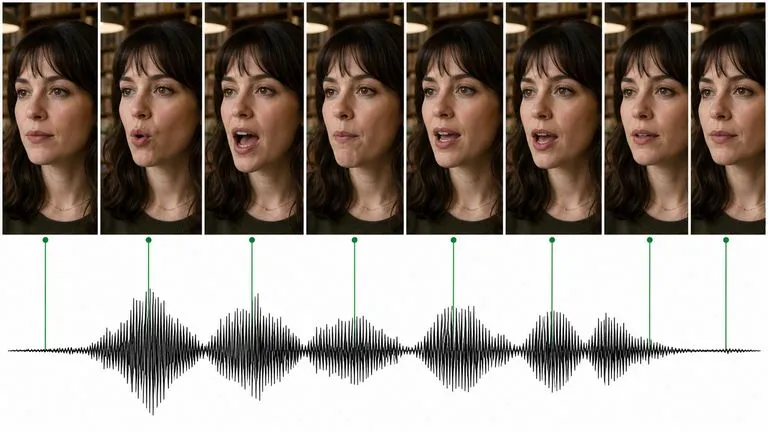
Kling 3.0 de Kuaishou habla: diálogo sincronizado con los labios en cinco idiomas, una voz distinta por personaje y un modo storyboard que estructura una secuencia completa.
Reúne personajes, productos, entornos, lenguaje de cámara y sonido en un flujo de trabajo de vídeo completo. Crea historias más largas, trabaja con referencias más ricas y perfecciona el resultado con mayor control usando Seedance 2.5 en Virse.