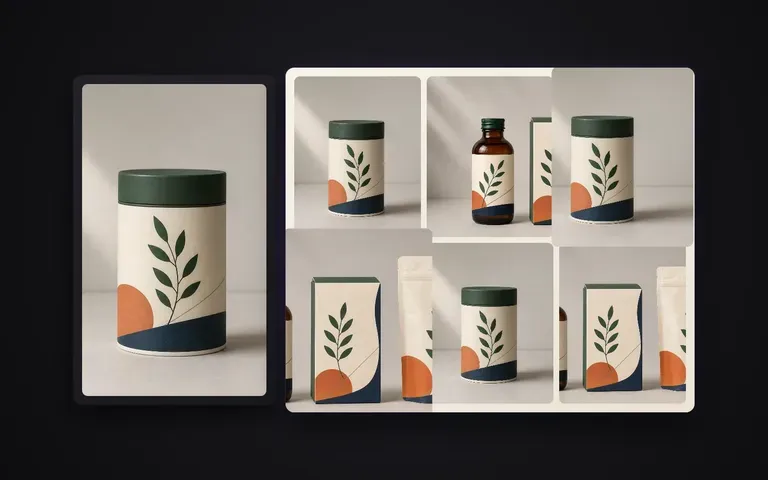
一貫性
固定されたマスターアイデンティティ
構造、カラーパレット、主要ラベルのタイポグラフィは、パッケージを作り直すことなく、確認済みのレンダーから引き継がれます。

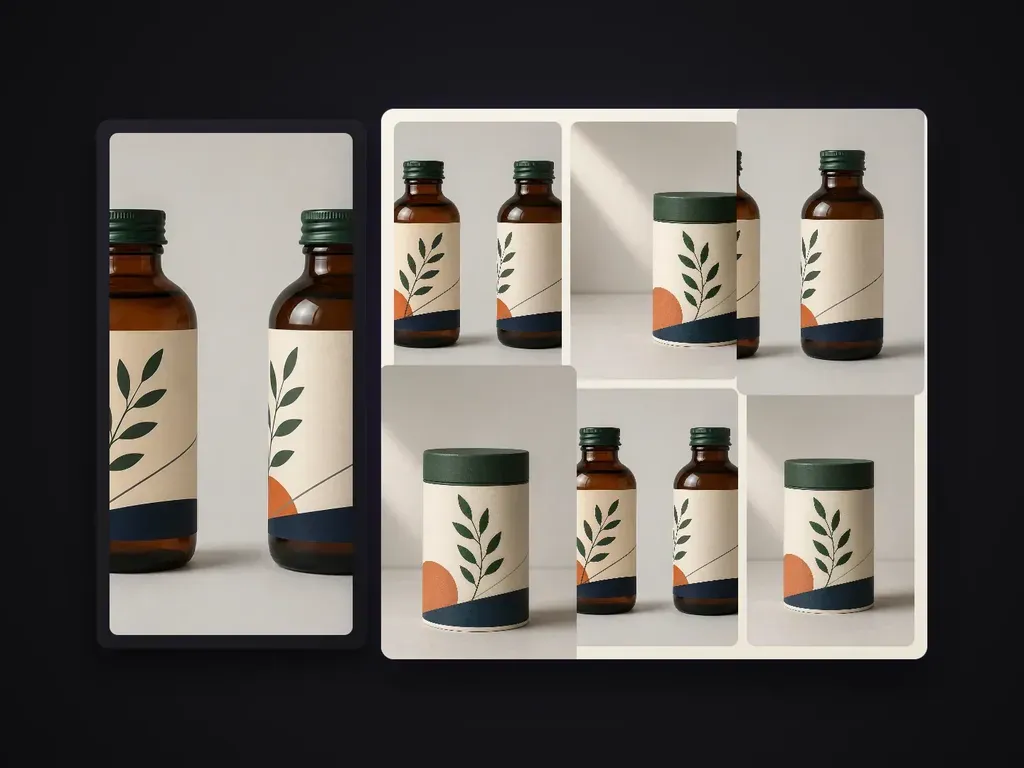
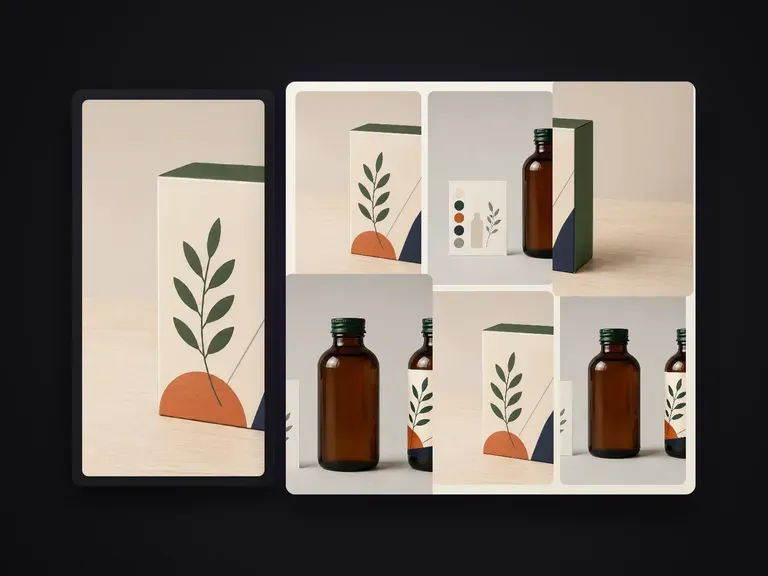
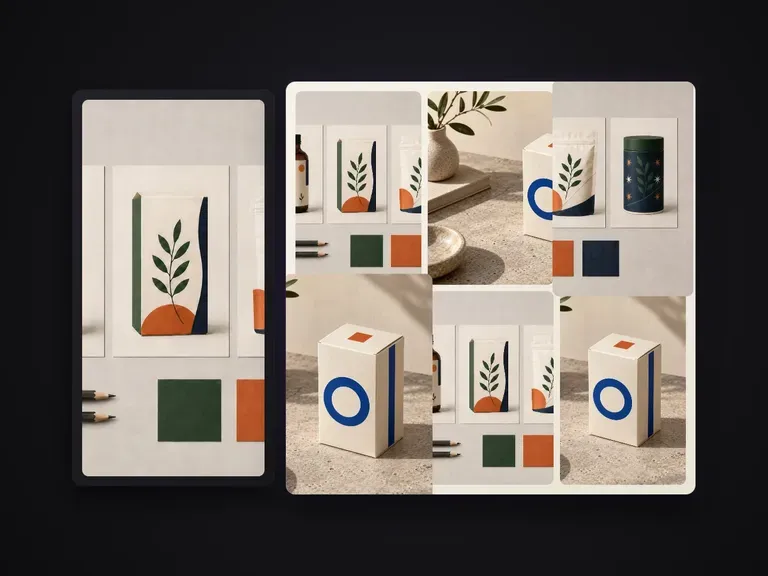
確認済みのパッケージレンダリング 1 枚を、ポートフォリオ品質のシリーズ画像に展開します。各画像が異なる情報を伝える役割を担い、構造、柄、A ランクの文字、表面仕上げはマスターと一致させます。標準では必要な内容に絞った 6 枚のセットを生成します。
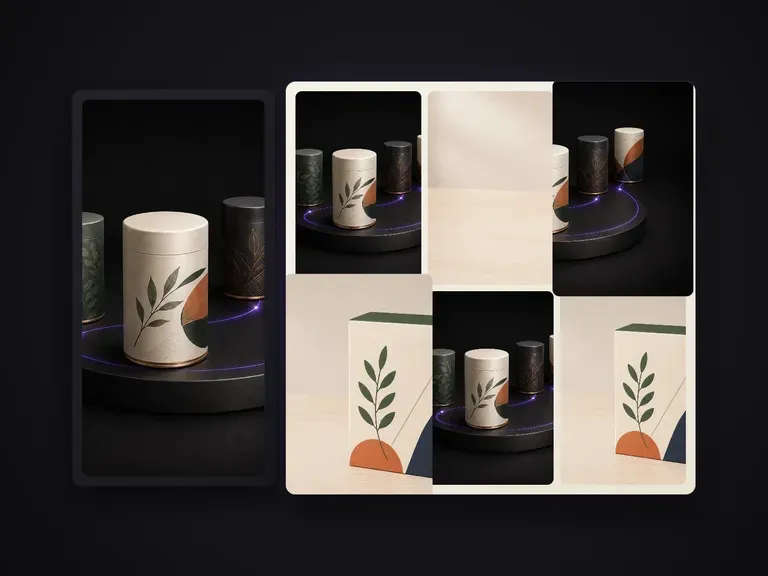
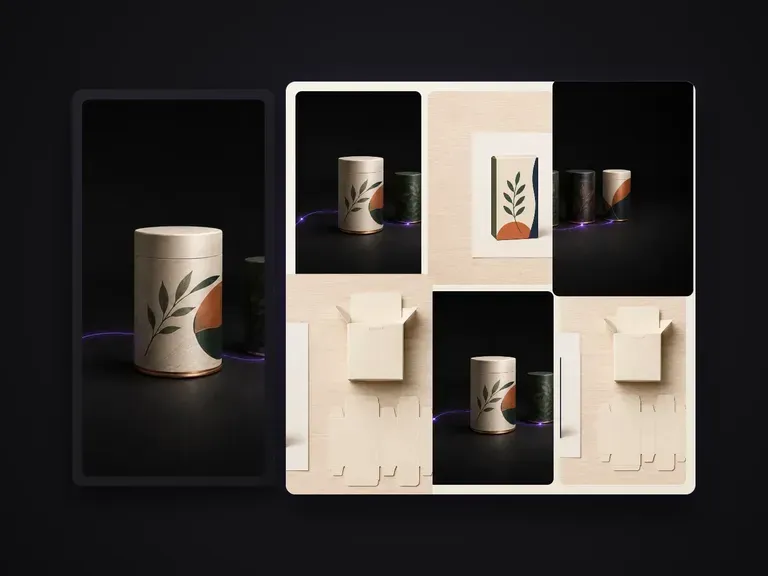
ヒーロー用パッケージレンダーが承認された後も、EC商品リスティングやブランドデッキには、アングル違いのビュー、ディテールの切り抜き、複数個をまとめたグループ表示、表面のクローズアップなど、完全なビジュアルセットが必要です。Packaging Series Shots は、確定済みのマスターレンダーをもとに、箱の形状、ダイラインのグラフィック、Aティアのタイポグラフィ、箔や紙器の仕上げを固定したまま、統一感のある6カットの商品シリーズへと展開します:
· マスター固定のアートワーク: ブランドロゴ、Aティアの訴求文言、ダイライン上の配置が、あらゆる角度で一貫して保たれます。
· 明確なショット役割: ヒーロー、斜め3/4、ディテールのマクロ、グループのラインアップ、スケール感のビューを一度に生成します。
· 一貫したスタジオライティング: 紙器の繊維感、メタリック箔の反射、影の落ち方をセット全体で一致させます。
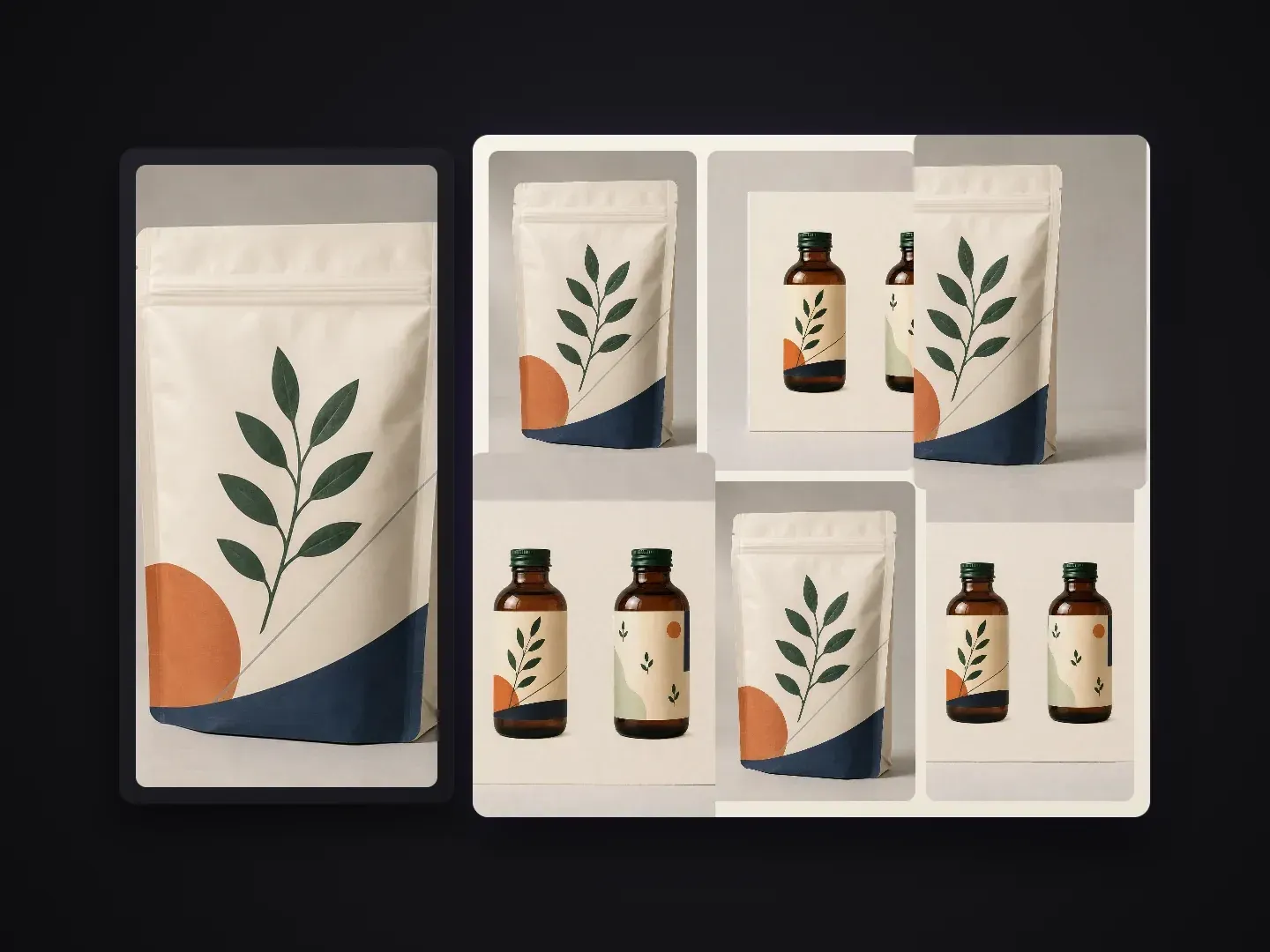
商品リストやピッチデックの各フレームには、それぞれ特定のコミュニケーション上の役割があります。
構造、カラーパレット、主要ラベルのタイポグラフィは、パッケージを作り直すことなく、確認済みのレンダーから引き継がれます。
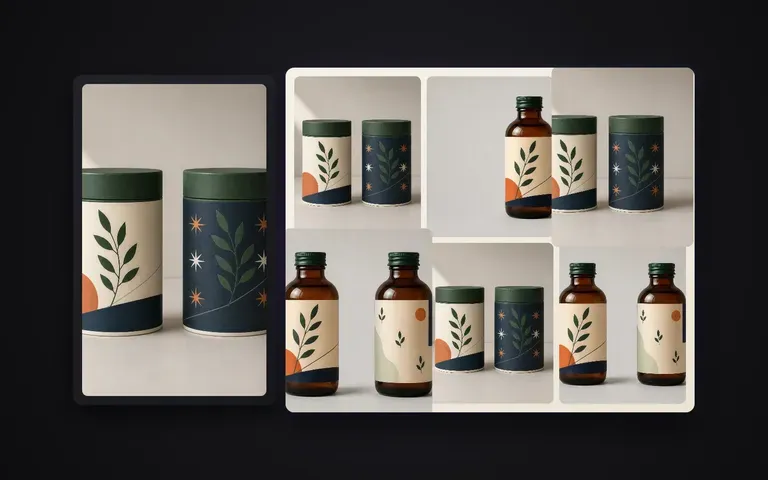
正面のヒーローショット、45度の立体ビュー、仕上げのマクロ、多個入り配置、フラットレイ、棚置きコンテキストのフレーミングをカバーします。
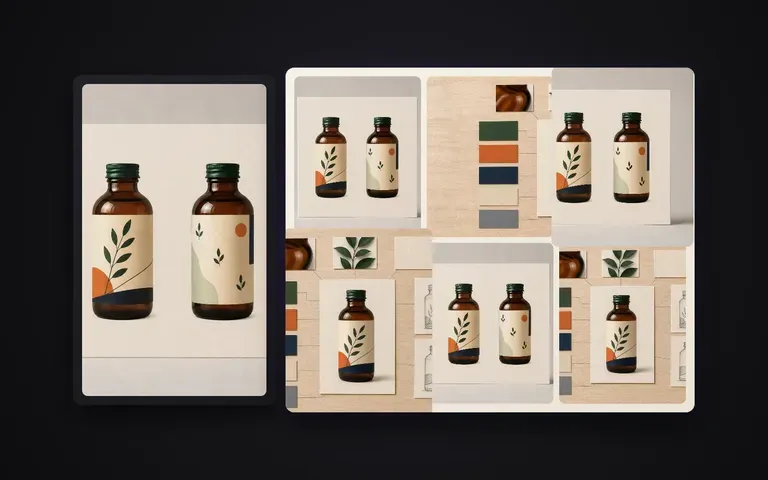
マーケットプレイスのギャラリーを埋めるためだけに、3Dソフトウェアで6つの個別カメラリグやライティングパスを設定する手間を省けます。
承認済みのヒーローレンダリングが製品ギャラリー全体を動かすと、何が変わるのか。
個別レンダリングまたは再撮影
Virse Packaging Series Shots
正面のアートワークと形状が明確な、承認済みのパッケージレンダーまたはクリーンなスタジオのパックショットから始めます。
デフォルトの無駄のない6ショットシリーズのままにするか、箔ディテールのマクロ、デュオパック、真上からのフラットレイなど、特定のビューを指定します。
すべてのフレームで鮮明に保つ必要がある、最上位のブランドテキスト、エンボス加工、またはマット/グロス素材の詳細を強調します。
Virseキャンバスでバッチを実行し、6つのフレームを横並びで確認して、完全なギャラリーを書き出します。
マスターのパッケージレンダリングに短いショットリストのメモを添えて、6ショットシリーズ全体のカメラアングル、グルーピング、ライティングのムードを方向づけます:
· スキンケア用カートン&スポイトセット: 6ショットシリーズ: 正面のヒーローショット、箱+ボトルの3/4アングルのペア、金箔ロゴのマクロ、3箱のラインアップ、真上からのフラットレイ、温かみのある石のポディウム。
· スペシャルティコーヒーバッグシリーズ: マットなクラフト紙の自立式パウチ: 正面ヒーローショット、ガセット側面プロフィール、バルブ&ジッパーのディテールの切り抜き、3袋のトリオ、温かい朝の影。
· 飲料缶マルチパック: 洗練された330mlアルミ缶: 結露のヒーローショット、45度の傾き、リム&タブのマクロ、4本パックのクラスター、くっきりとしたスタジオのリムライト。
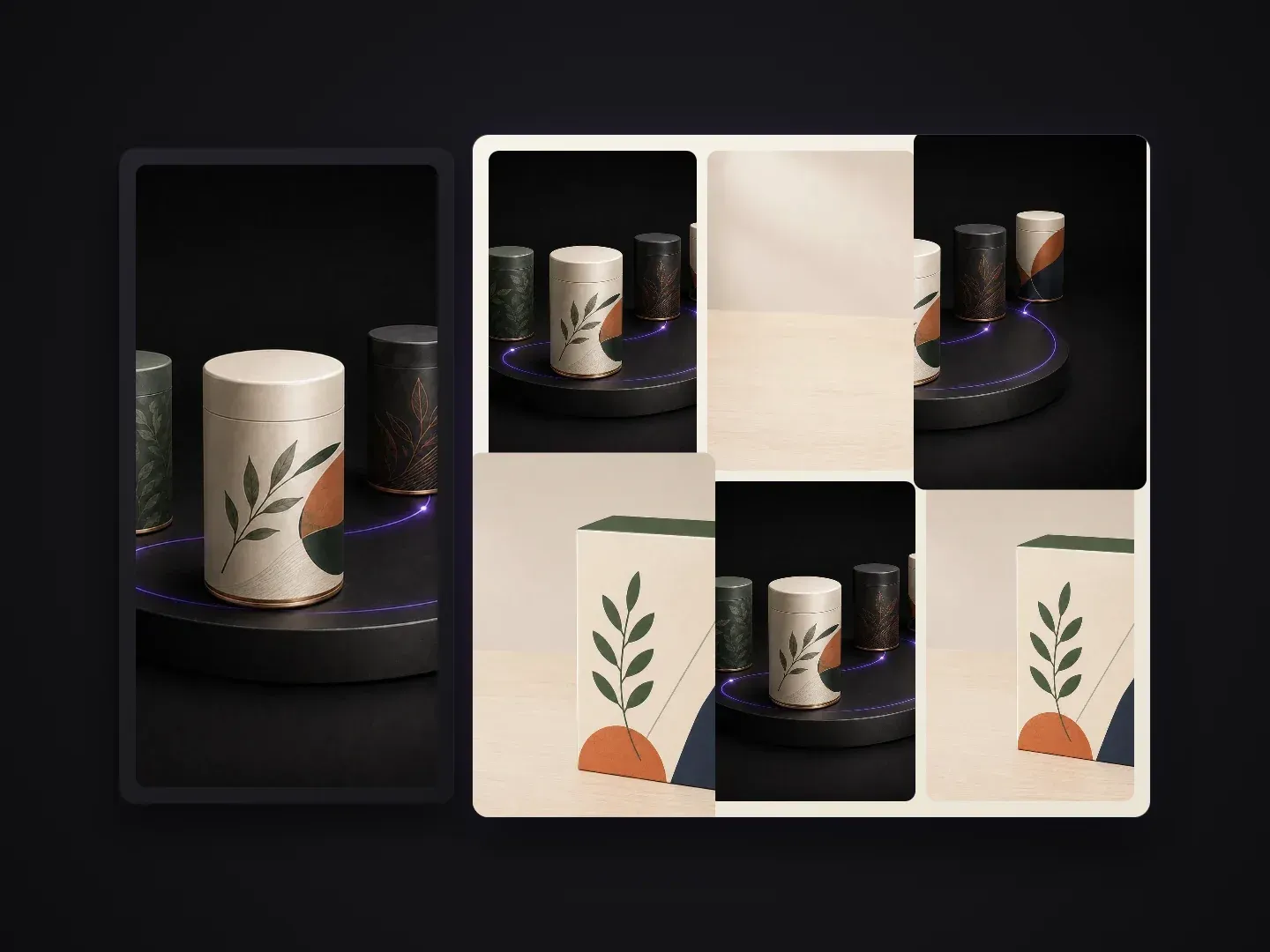
承認済みの1つのパッケージデザインを、完全なビジュアルプレゼンテーションに展開するチーム。
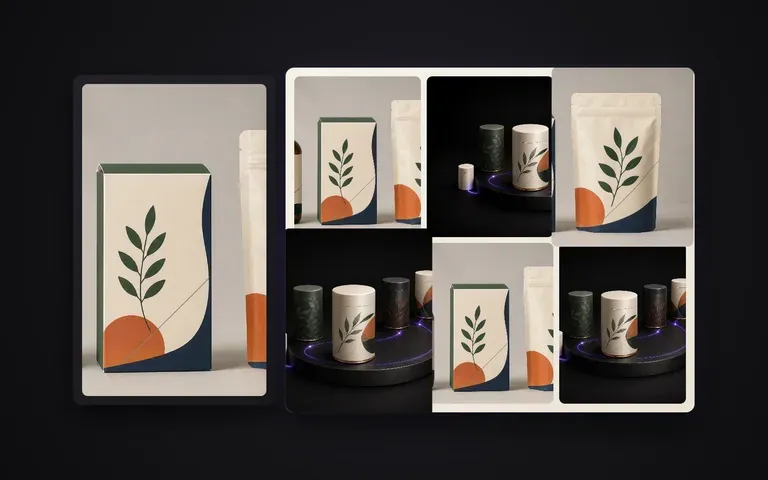
1つの完成したコンセプトレンダーを、数分で複数アングルのBehanceケーススタディやクライアント向けプレゼン資料に変換します。
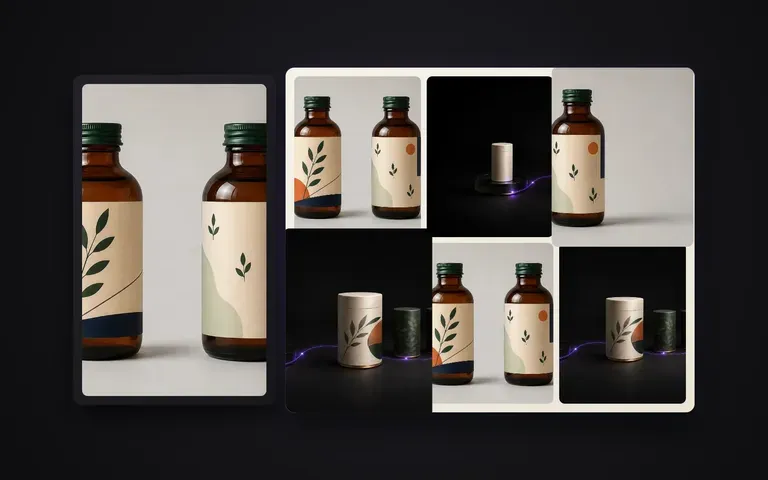
スタジオでの再撮影を予約せずに、Amazon、Shopify、または小売の商品ページにある6つの画像枠をすべて埋められます。
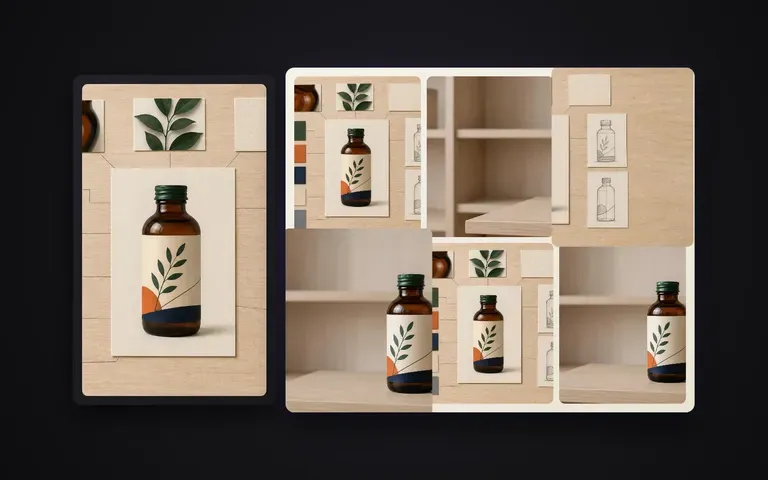
プレスキット、セルシート、季節ごとの販売代理店カタログ向けに、統一感のあるマルチパック、ヒーロー、ディテールのビジュアルを作成します。
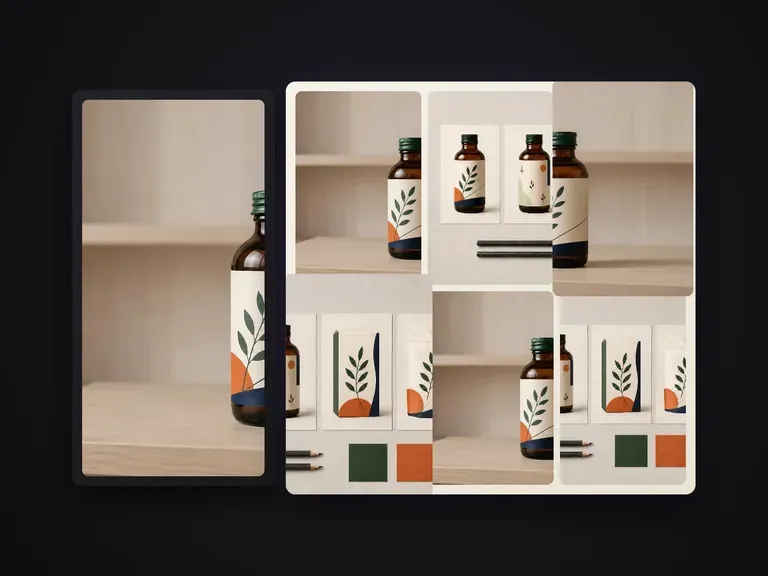
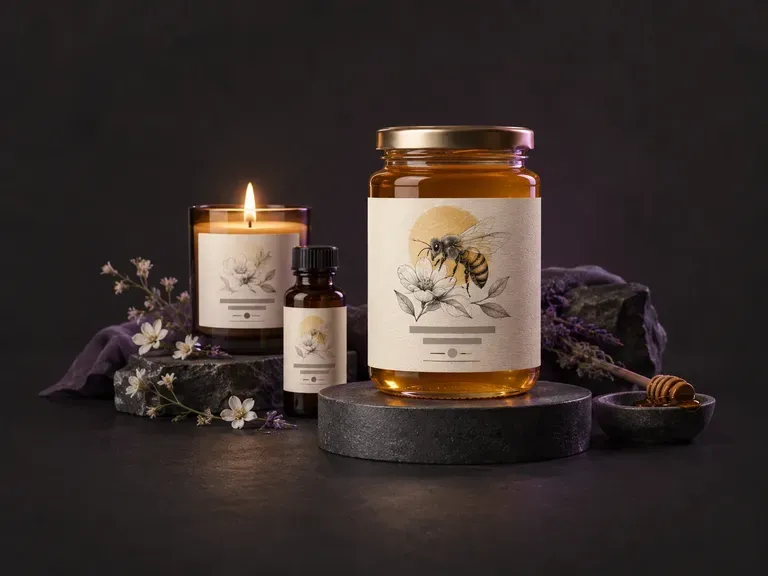
ブランド名、フレーバーや香りのバリエーション、ビジュアルスタイルから、平面の正面パネルや巻き付け型の商品ラベルアートワークを下書きできます。このAIラベルジェネレーターは、Virseキャンバス上でジャー、クラフト飲料ボトル、アルミ缶、キャンドル、箱向けのカスタムラベルグラフィックを作成します。
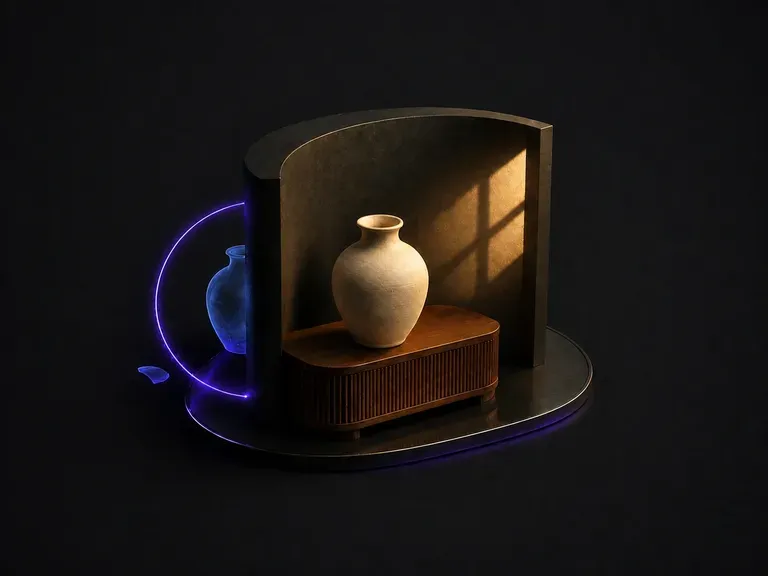
貼り合わせたように見える合成画像をアップロードしてください。光が2方向から来ている、色温度が合っていない、影がない、または間違った方向を向いているなど、その理由を特定します。そのうえで、1つの主要な光源の下にフレーム全体を統一します。
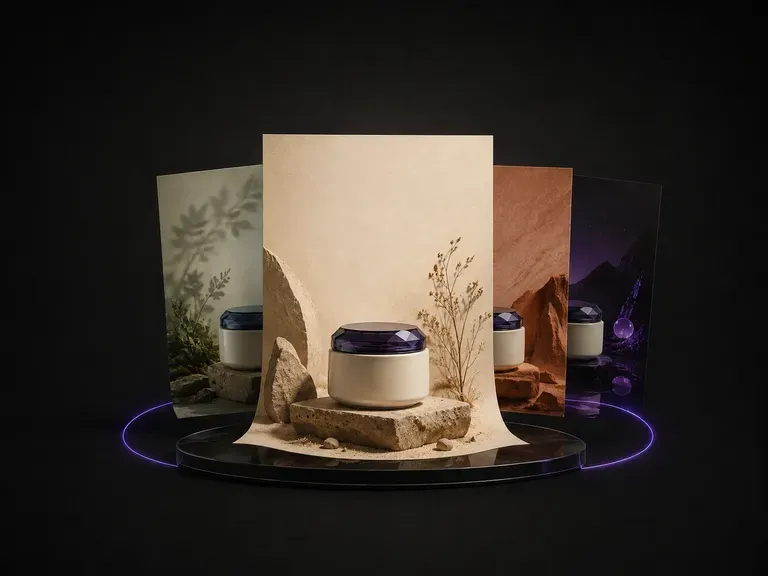
商品写真を1枚アップロードします。送信された写真からカテゴリー、色、雰囲気を読み取り、それに合うテーマを提案したうえで、商品を中心にポスターをデザインします。背景、レイアウト、コピーの配置まで含まれます。
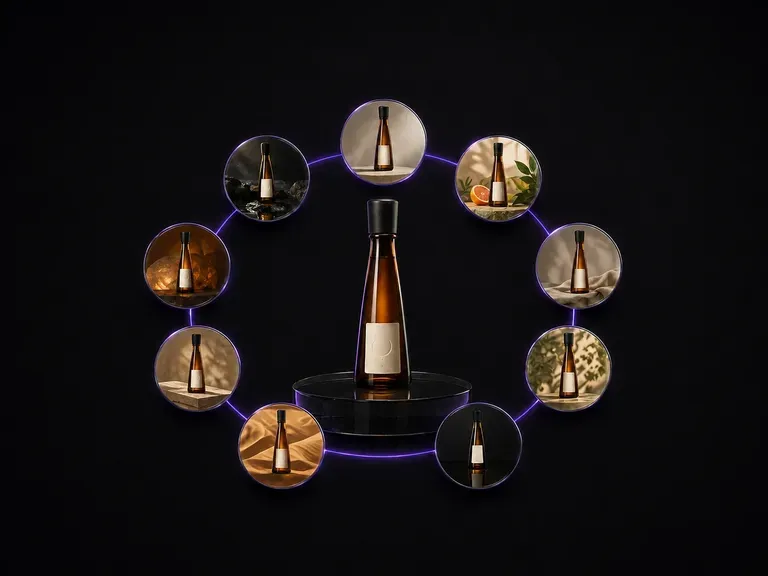
ボトル写真を1枚アップロード。ボトルの形状、ラベルのアートワーク、そしてそこに書かれたテキストを完全にそのまま保ちながら、3×3のグリッドに配置された9つの異なる広告シーンとして返ってきます。
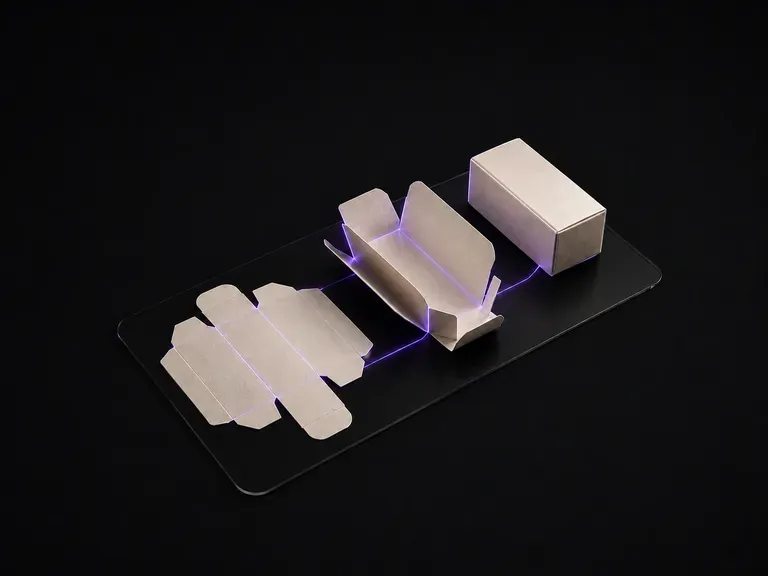
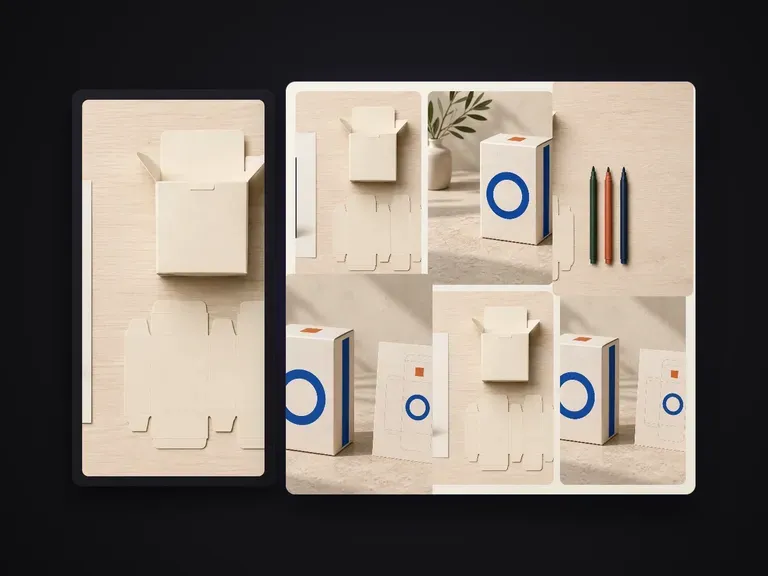
平面のアートワークをアップロードします。展開図を面ごとに読み取り、カット線と折り線から箱の構造を割り出し、折り上げた状態でレンダリングします。各面のアートワークは、本来配置されるべき面に正しく収まります。
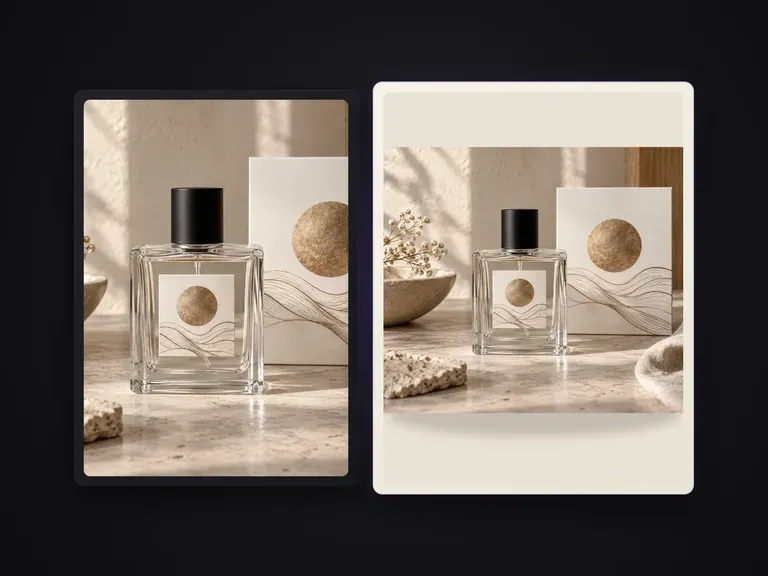
色名、16 進カラー値、または色の参考画像で指定した均一な単色に、商品写真の背景を置き換えます。商品は変更せず、自然な接地影ときれいな輪郭を保ちます。出品基準に準拠する純白背景の商品写真や、シーン・ライフスタイル背景への置き換えには向きません。

FLUX 3 Imageで1K、2K、または4Kの静止画を作成・編集できます。同じVirseキャンバス上でFLUX 3 Videoに切り替え、ネイティブ音声付きの720Pまたは1080P、5~20秒のシーンを制作できます。

VirseでNano Banana 2.1を使って画像を生成・編集できます。1K、2K、4Kの出力を選択し、最大14枚の参照画像を使って、被写体、設定、素材をガイドできます。

AlibabaのQwen Image 3.0 Proは12の文字体系で文字を言語として描画し、情報量の多いレイアウトでも10ピクセルまで読みやすさを保ちます。
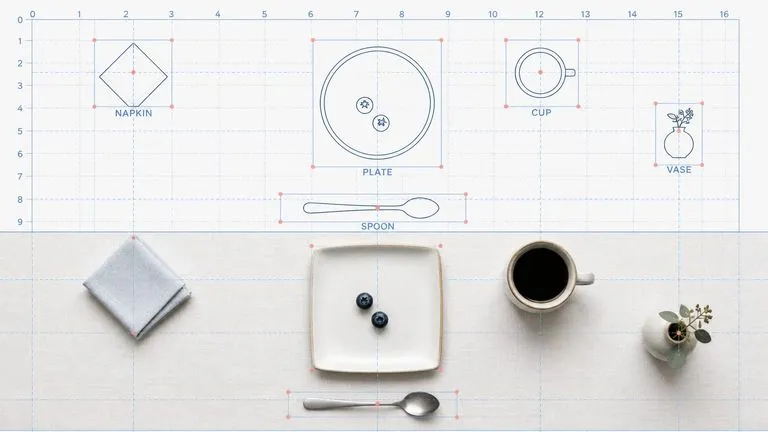
Reve AIの第2世代モデルは、描画前に位置を指定できる要素のレイアウトを構築し、指定した配置をそのとおりに表現します。
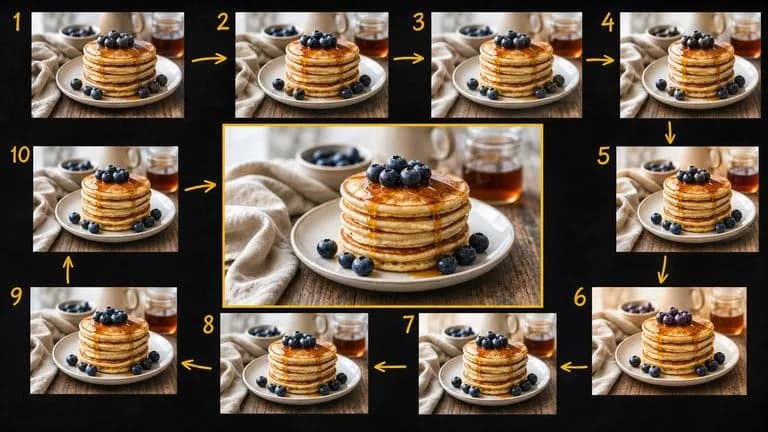
Google の Gemini 2.5 Flash Image — 元祖 Nano Banana — は、会話のスピードで画像を生成・編集できるため、修正はセッションではなく一文で済みます。

ByteDanceのSeedream 4.0とSeedream 4.5は、文章による説明やユーザーが提供する画像から生成を行い、1枚の元画像をプロジェクトに必要なだけ多様な方向へ展開します。