
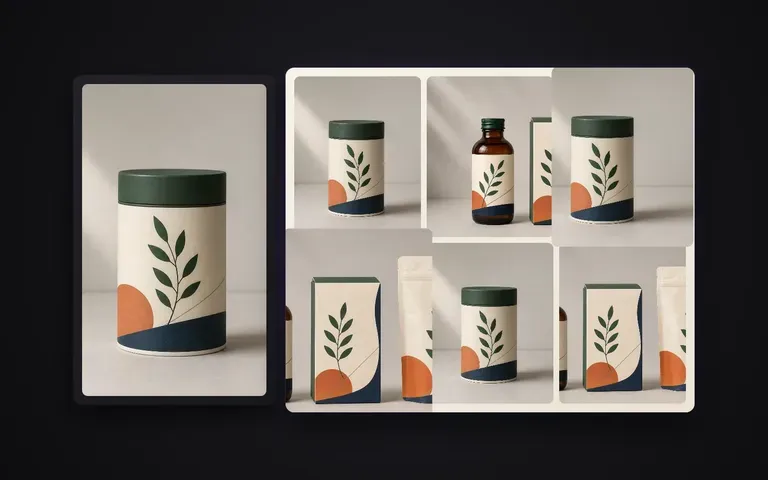
Consistency
Locked master identity
Structure, colour palette, and primary label typography carry over from your confirmed render without re-inventing the package.
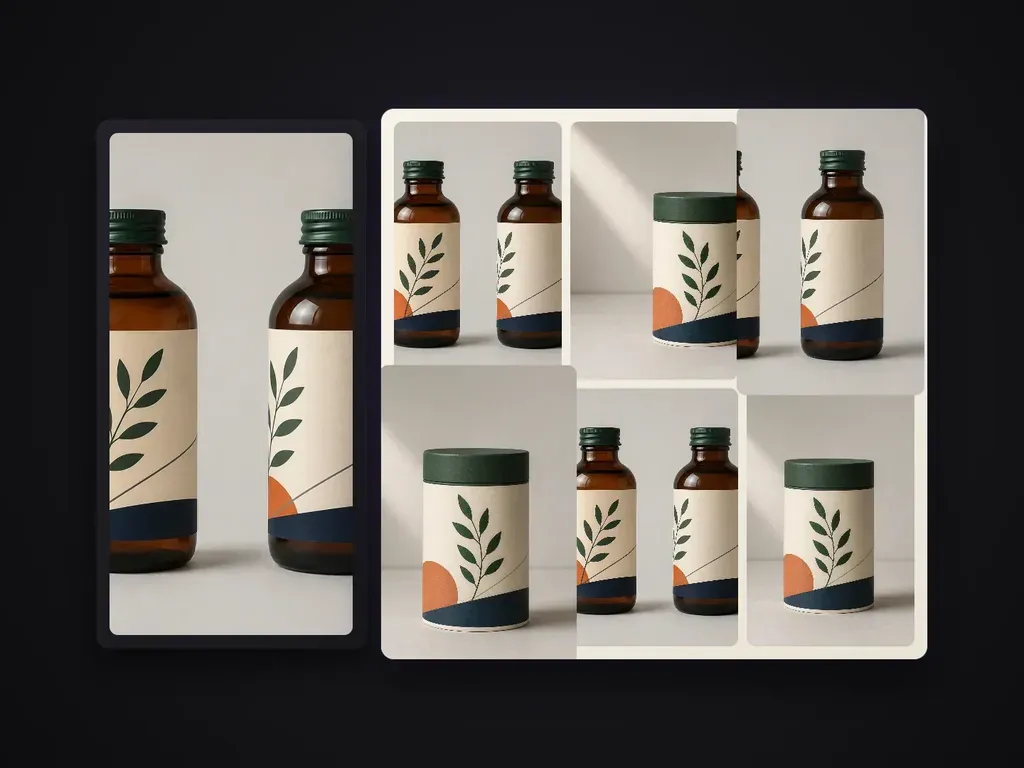
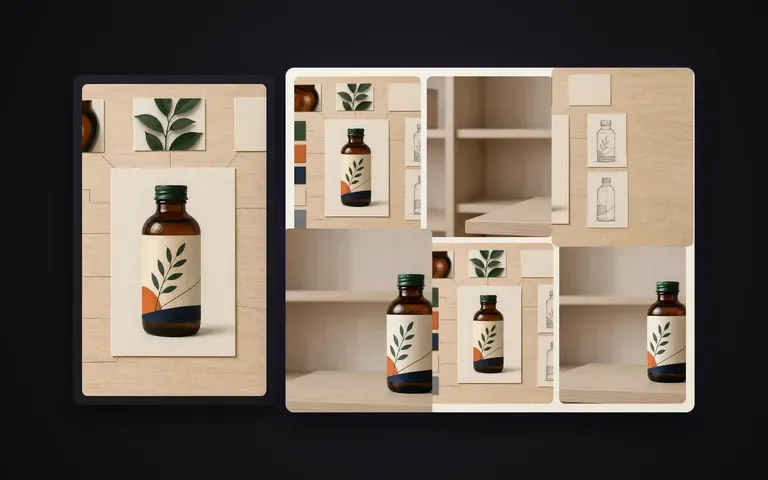
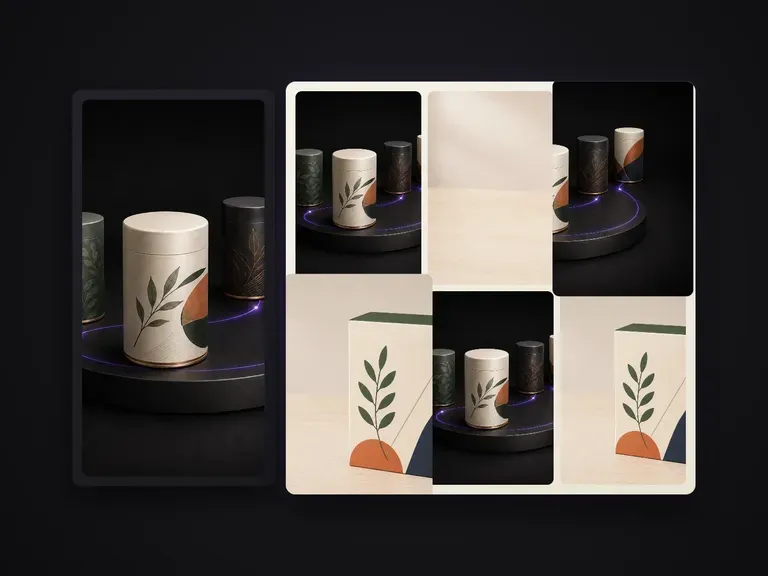
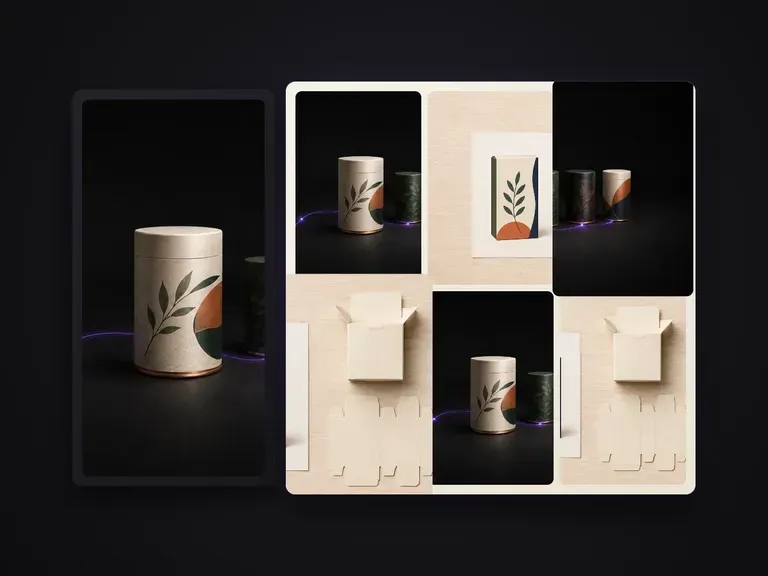
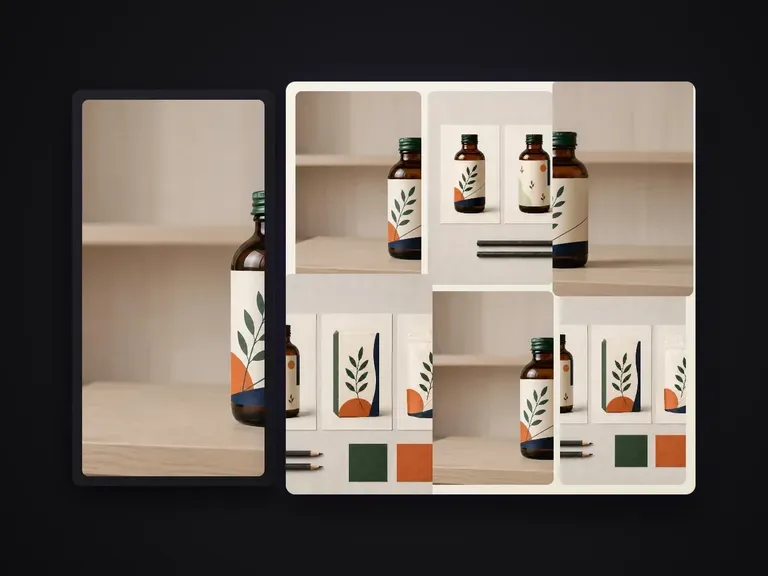
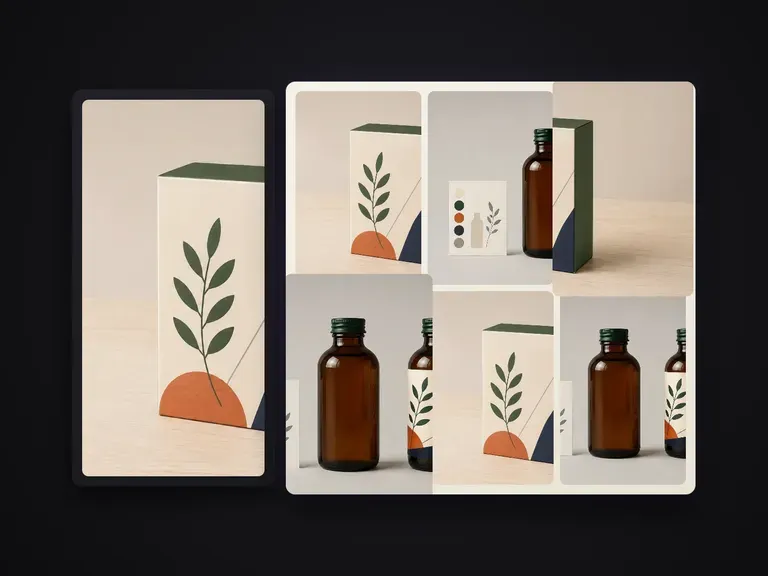
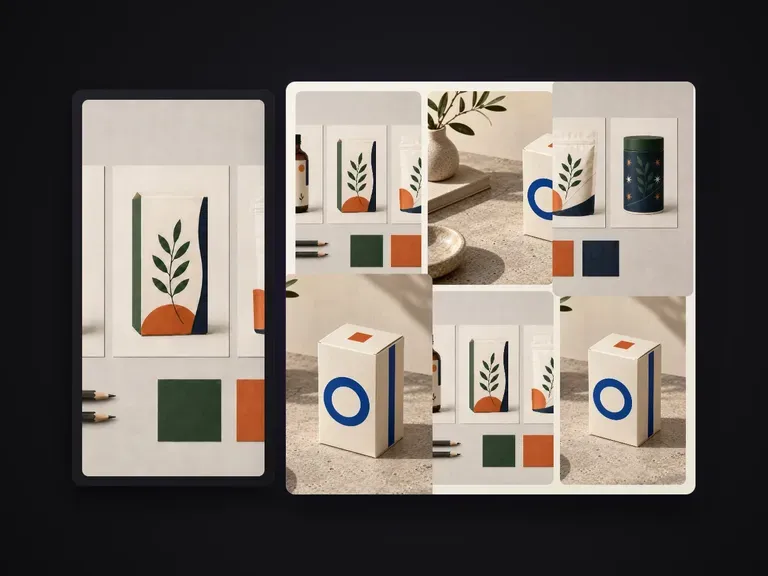
Extends one confirmed packaging render into a portfolio-grade shot series. Every shot carries a distinct information task while structure, pattern, A-tier text and finishes stay locked to the master. Defaults to a lean 6-shot set.
Once a hero packaging render is approved, e-commerce listings and brand decks still need a complete visual set—angled views, detail crops, grouped multi-packs, and surface close-ups. Packaging Series Shots takes your confirmed master render and extends it into a coordinated 6-shot product series while keeping box geometry, dieline graphics, A-tier typography, and foil or paperboard finishes locked:
· Master-locked artwork: Brand logos, A-tier claims, and dieline placement stay consistent across every angle.
· Distinct shot roles: Generates hero, three-quarter, detail macro, group lineup, and scale views in one pass.
· Consistent studio light: Matches paperboard grain, metallic foil reflections, and shadow falloff across the set.
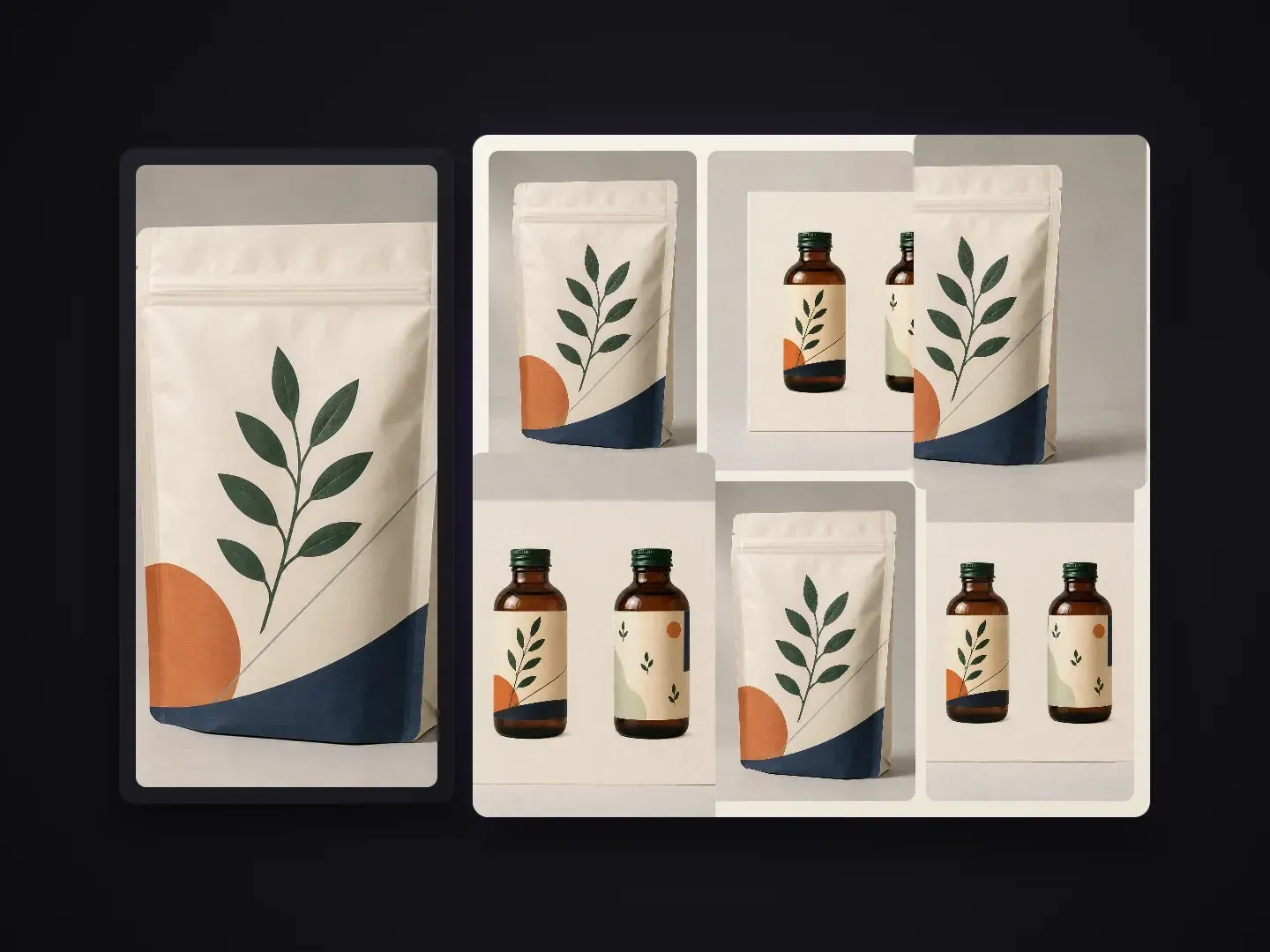
Every frame in a product listing or pitch deck has a specific communication job.
Structure, colour palette, and primary label typography carry over from your confirmed render without re-inventing the package.
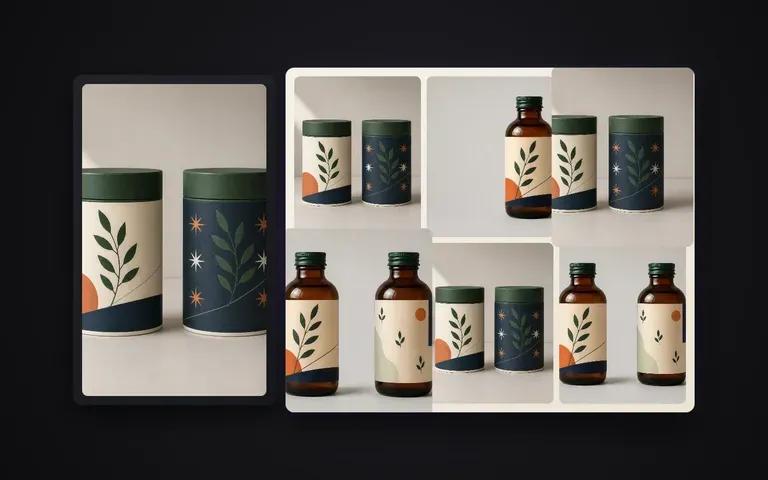
Covers front hero, 45-degree dimensional view, finish macro, multi-pack arrangement, flat lay, and shelf-context framing.
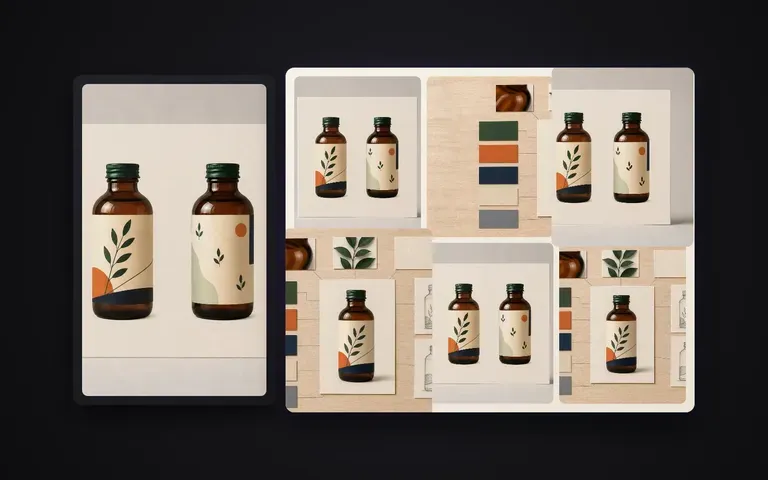
Skip setting up six separate camera rigs and lighting passes in 3D software just to fill out a marketplace gallery.
What changes when your approved hero render drives the entire product gallery.
Separate Renders or Reshoots
Virse Packaging Series Shots
Start with your approved packaging render or clean studio packshot where the front artwork and form are clear.
Keep the default lean 6-shot series or note specific views such as macro foil detail, duo pack, or top-down flat lay.
Highlight any A-tier brand text, embossing, or matte/gloss substrate details that must stay sharp across every frame.
Run the batch on your Virse canvas, inspect all six frames side by side, and export the complete gallery.
Pair your master packaging render with a short shot-list note to steer camera angles, grouping, and lighting mood across the 6-shot series:
· Skincare carton & dropper set: 6-shot series: hero front, 3/4 box + bottle pair, gold foil logo macro, 3-box lineup, top flat lay, warm stone podium.
· Specialty coffee bag series: Matte kraft stand-up pouch: front hero, gusset side profile, valve & zip detail crop, 3-bag trio, warm morning shadow.
· Beverage can multi-pack: Sleek 330ml aluminum can: condensation hero, 45-degree tilt, rim & tab macro, 4-pack cluster, crisp studio rim light.
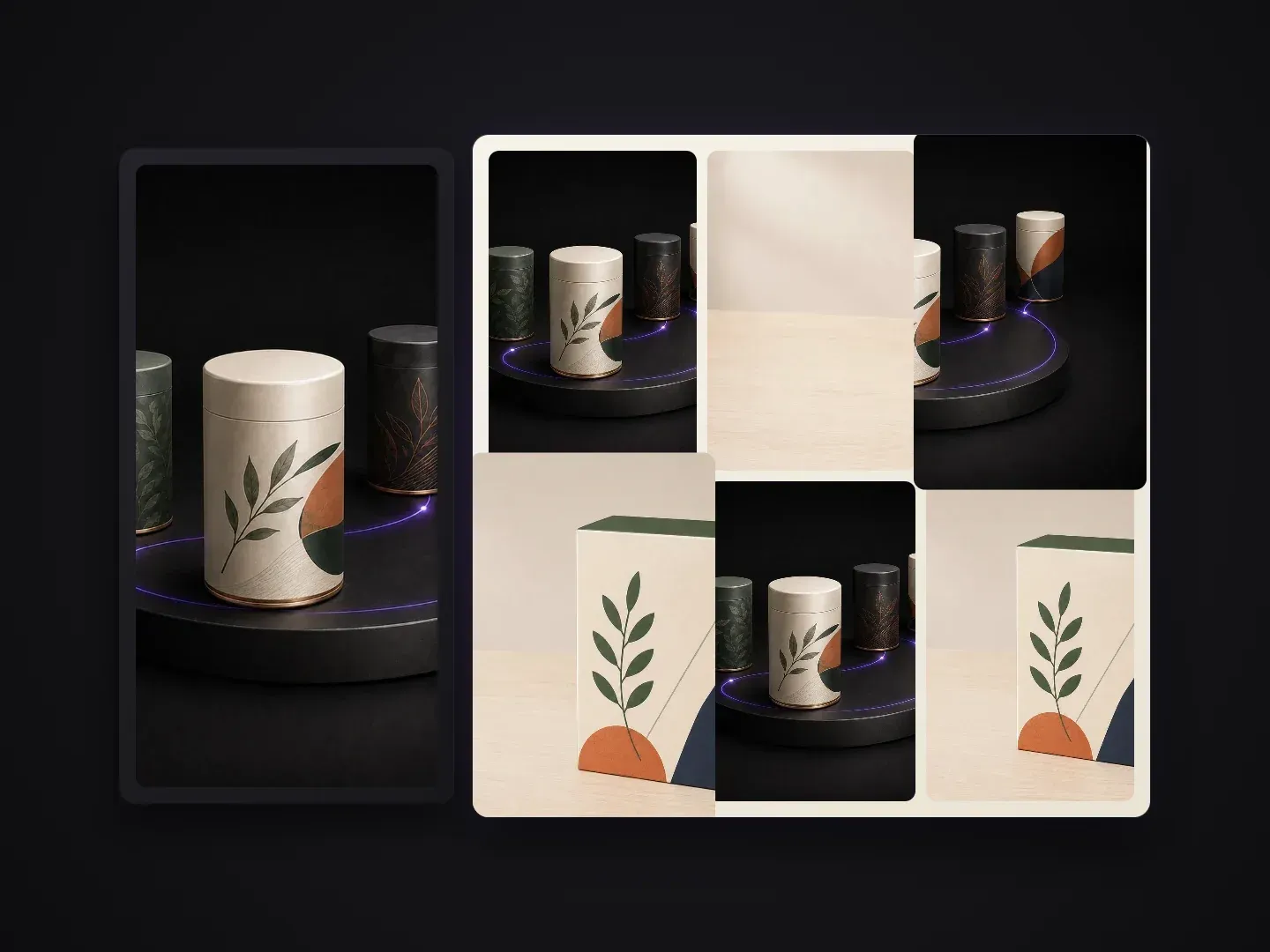
Teams turning a single approved package design into a complete visual presentation.
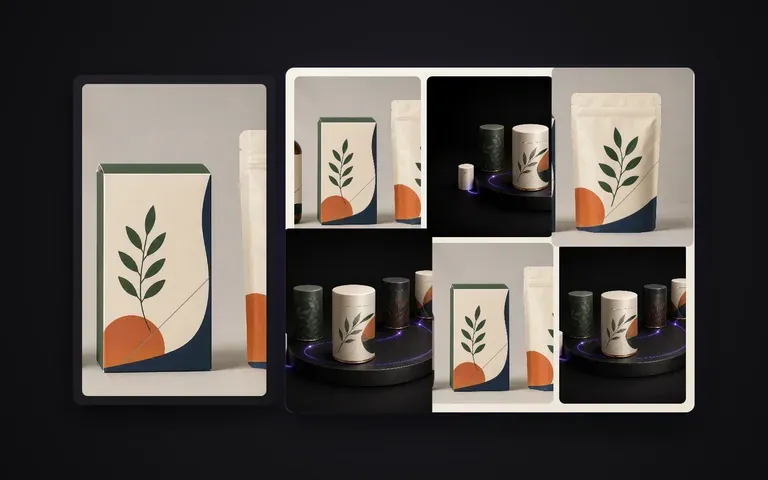
Turn one finished concept render into a multi-angle Behance case study or client presentation deck in minutes.
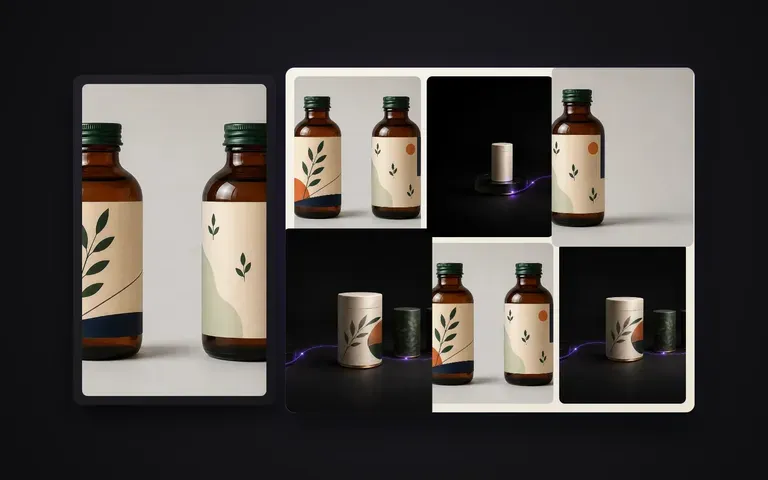
Fill out all six image slots on Amazon, Shopify, or retail product pages without booking a studio reshoot.
Create unified multi-pack, hero, and detail visuals for press kits, sell sheets, and seasonal distributor catalogs.
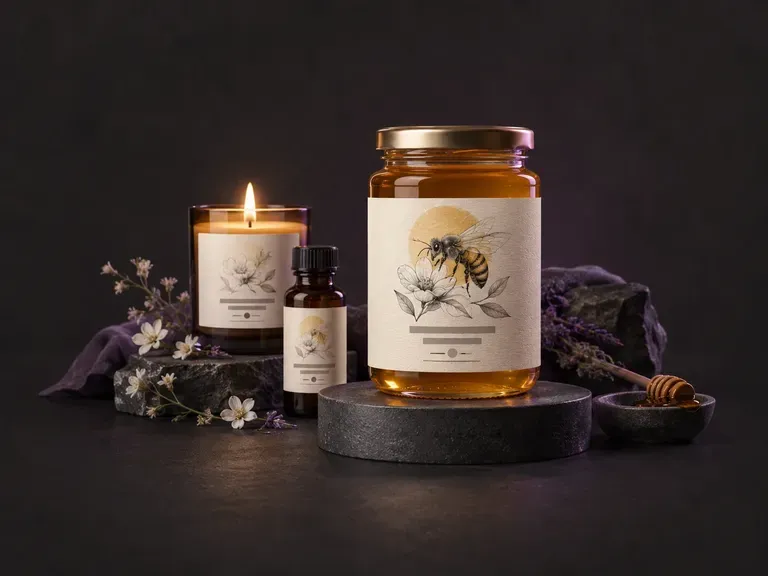
Draft flat front-panel and wrap-around product label artwork from your brand name, flavor or scent variant, and style. This AI label generator creates custom label graphics for jars, beverage bottles, cans, candles, and boxes on your Virse canvas.
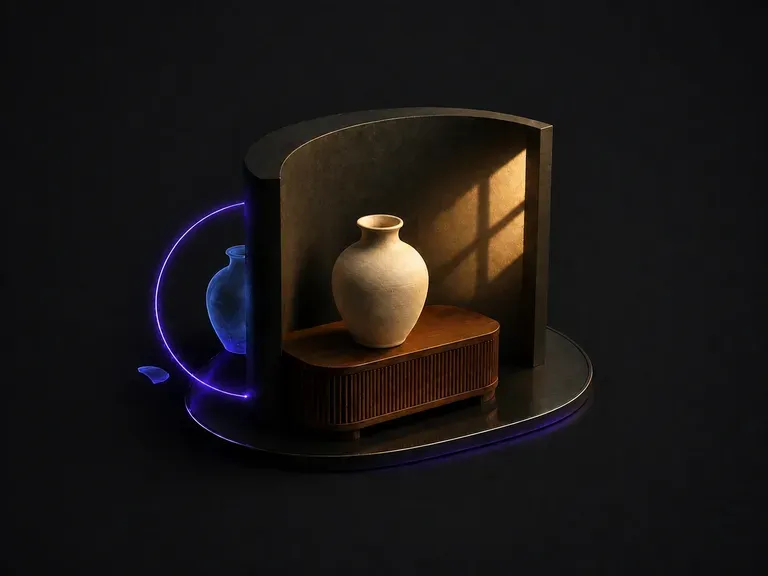
Upload a composite that looks pasted together. It works out why: light arriving from two directions, color temperature that does not match, shadows that are missing or pointing the wrong way. Then it unifies the frame under one dominant source.
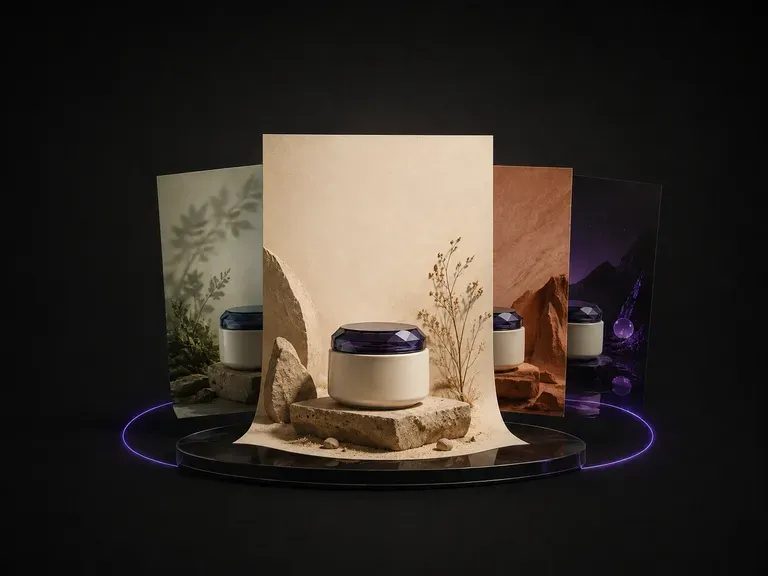
Upload one product photo. It reads the category, the colors and the temperament of what you sent, proposes a theme that suits it, then designs the poster around the product: background, layout and where the copy sits.
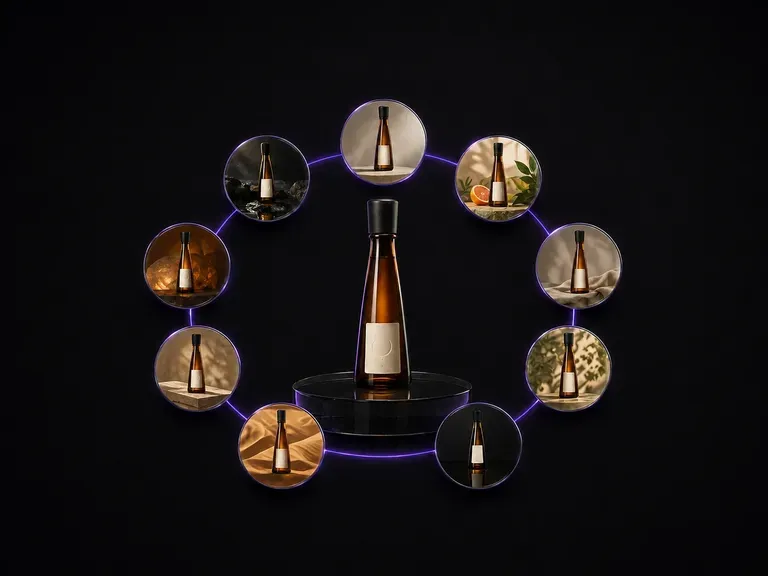
Upload one bottle photo. It comes back as nine distinct advertising scenes laid out in a three by three grid, with the bottle shape, the label artwork and the text on it exactly as they were.
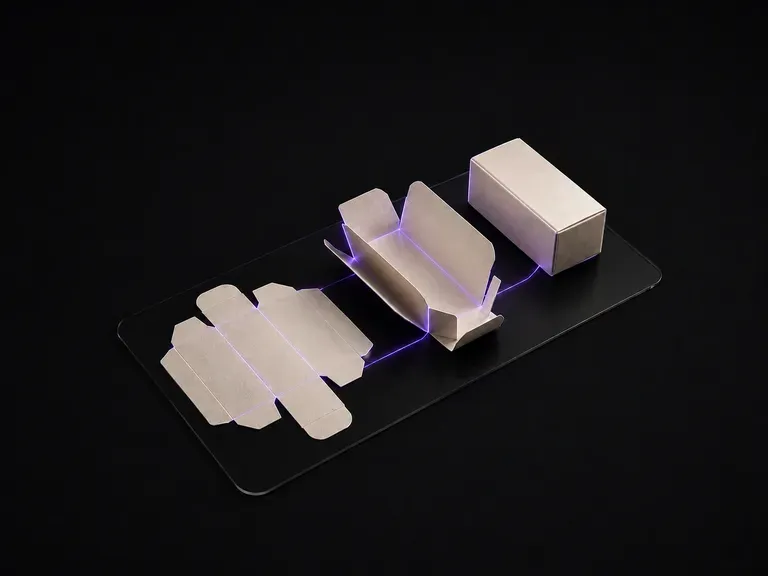
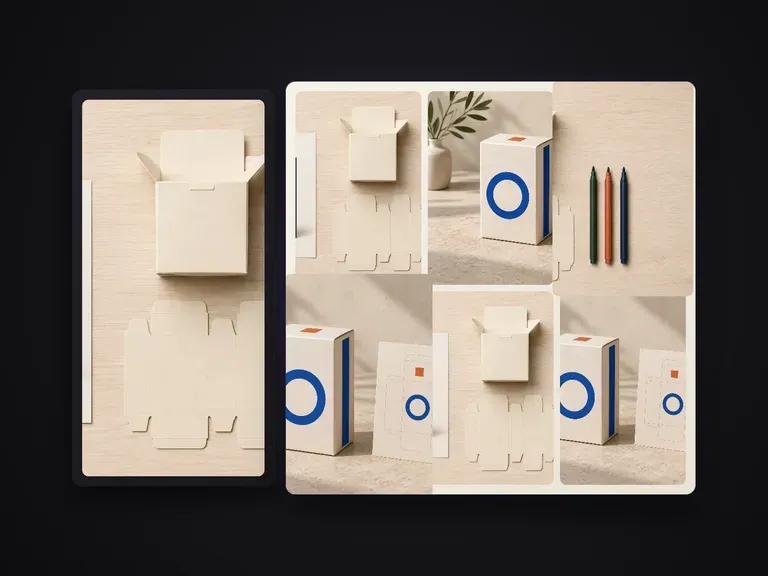
Upload your flat packaging dieline artwork. The generator reads the cut and crease layout panel by panel, infers the box geometry, and renders it folded in 3D—with every panel's graphics mapped to the right face.
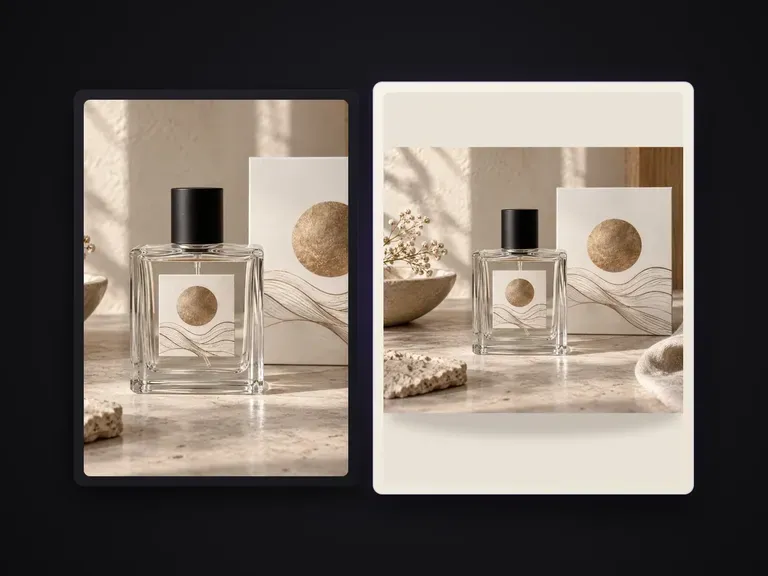
Replaces a product photo's background with a uniform solid color by name, hex code, or color reference image while keeping the product, edges and contact shadows intact.
Create and edit stills with FLUX 3 Image at 1K, 2K or 4K. Switch to FLUX 3 Video for 5–20-second scenes at 720P or 1080P with native audio, on the same Virse canvas.
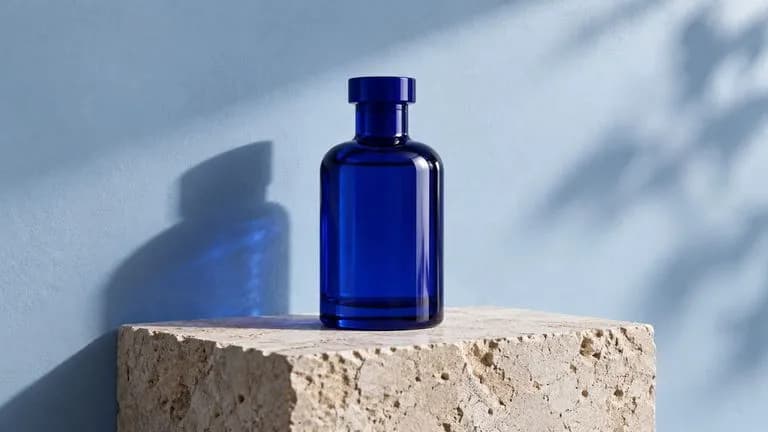
Generate and edit images with Nano Banana 2.1 in Virse. Choose 1K, 2K or 4K output and use up to 14 reference images to guide the subject, setting and materials.
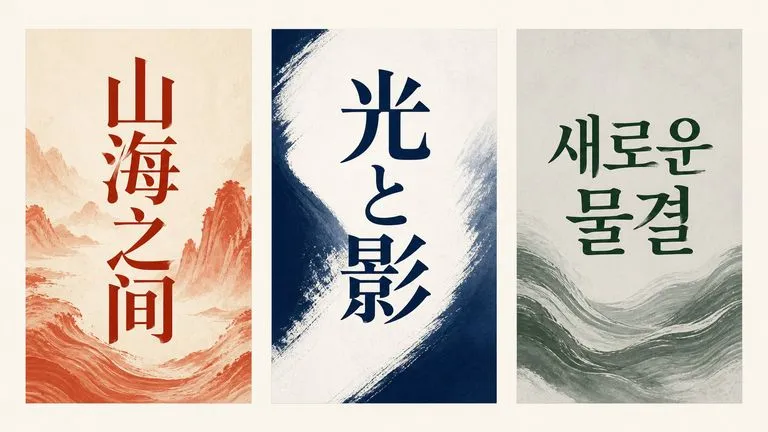
Alibaba's Qwen Image 3.0 Pro renders type as language across a dozen scripts, holding legibility down to ten pixels in dense layouts.
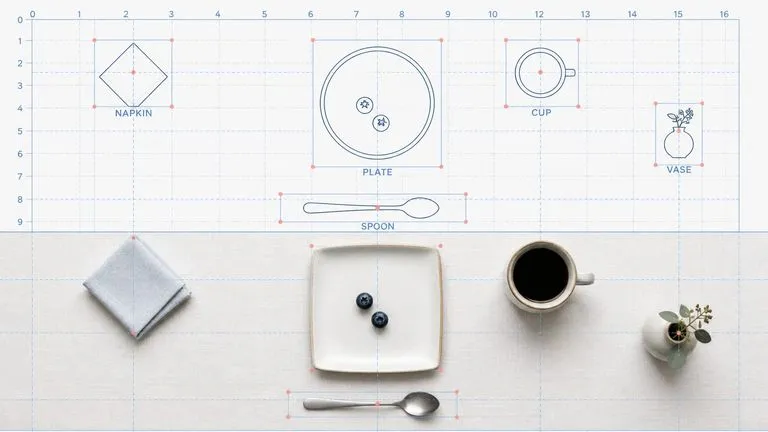
Reve AI's second-generation model builds an addressable layout of positioned elements before it renders, so a specified arrangement comes back arranged.
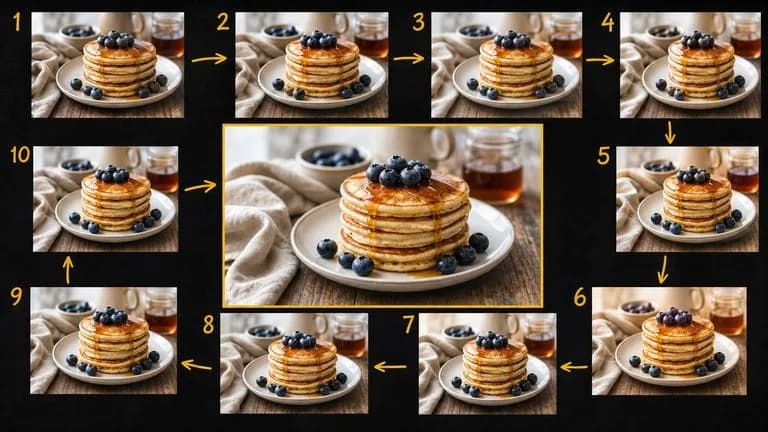
Google's Gemini 2.5 Flash Image — the original Nano Banana — generates and edits pictures at conversation speed, so a correction takes a sentence instead of a session.
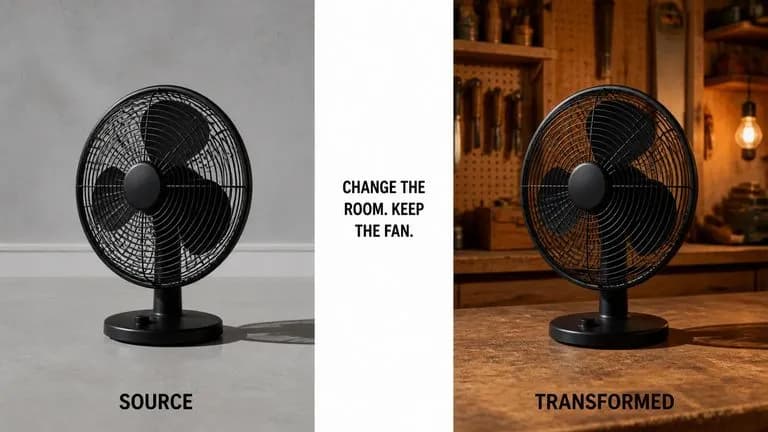
ByteDance's Seedream 4.0 and Seedream 4.5 generate from written descriptions and from images you supply, turning one source picture into as many directions as a project needs.
Continue in your Virse canvas to review the inputs and run this tool.