
Plazos de clase Flash
De la línea Gemini Flash, donde lo que se optimiza es el ciclo entre intentos.
Gemini 2.5 Flash Image de Google — el Nano Banana original — genera y edita imágenes a la velocidad de una conversación, de modo que una corrección requiere una frase en lugar de una sesión.
Abre esta página en un navegador de escritorio para empezar a crear.
Gemini 2.5 Flash Image es el modelo rápido de Google para generación y edición de imágenes, y el motivo para recurrir a él es el tiempo de respuesta más que el techo de calidad.
Editar una imagen no es una sola acción, es una conversación. Mueve el objeto. No, más pequeño. Luz más cálida. Vuelve a poner la sombra. Todos los modelos pueden realizar esos pasos; la cuestión es si la espera entre ellos te permite seguir pensando. A la velocidad de Flash, el bucle se mantiene lo bastante ajustado como para que corrijas por reflejo en lugar de planificar cada ronda.
Usa Gemini 2.5 Flash Image cuando el trabajo sea correctivo. Retoca fotografías, cambia fondos, elimina objetos, ajusta estaciones e iluminación, y aplica las numerosas pequeñas correcciones que separan una imagen casi correcta de una terminada.
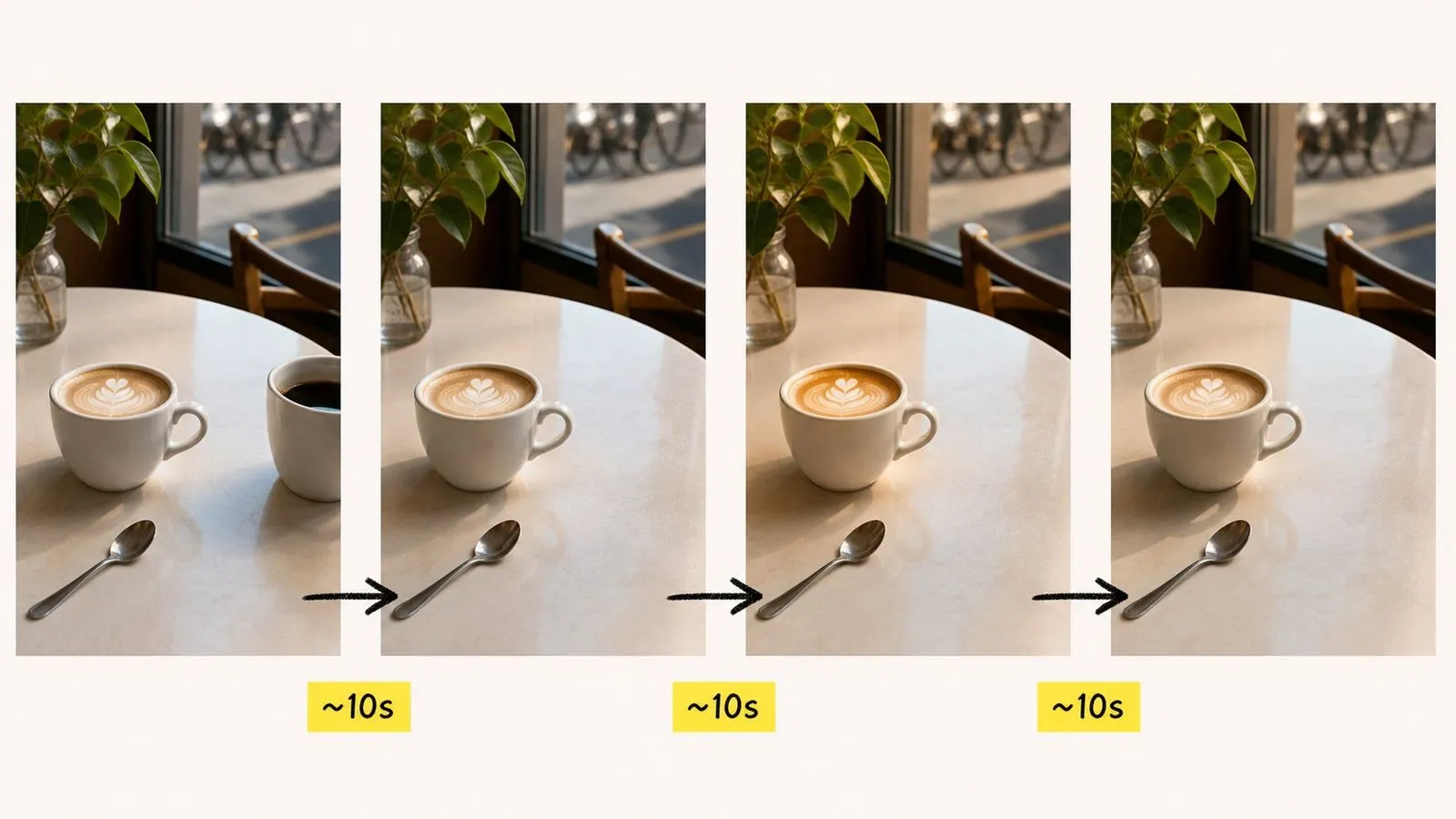
Gemini 2.5 Flash Image es un modelo de generación y edición de imágenes con IA desarrollado por Google DeepMind. La comunidad le puso el apodo de "Nano Banana" antes de que Google adoptara el nombre, por eso ambas denominaciones siguen refiriéndose al mismo modelo, incluso en partes de la interfaz de Virse.
El modelo se basa en tres grandes puntos fuertes:
Los modelos posteriores de la familia — Nano Banana 2 y Nano Banana Pro — son entradas independientes en Virse con más margen para la tipografía y el control de la identidad. Este permanece en la lista porque nada ha sustituido su combinación de velocidad y comportamiento de edición sencillo.
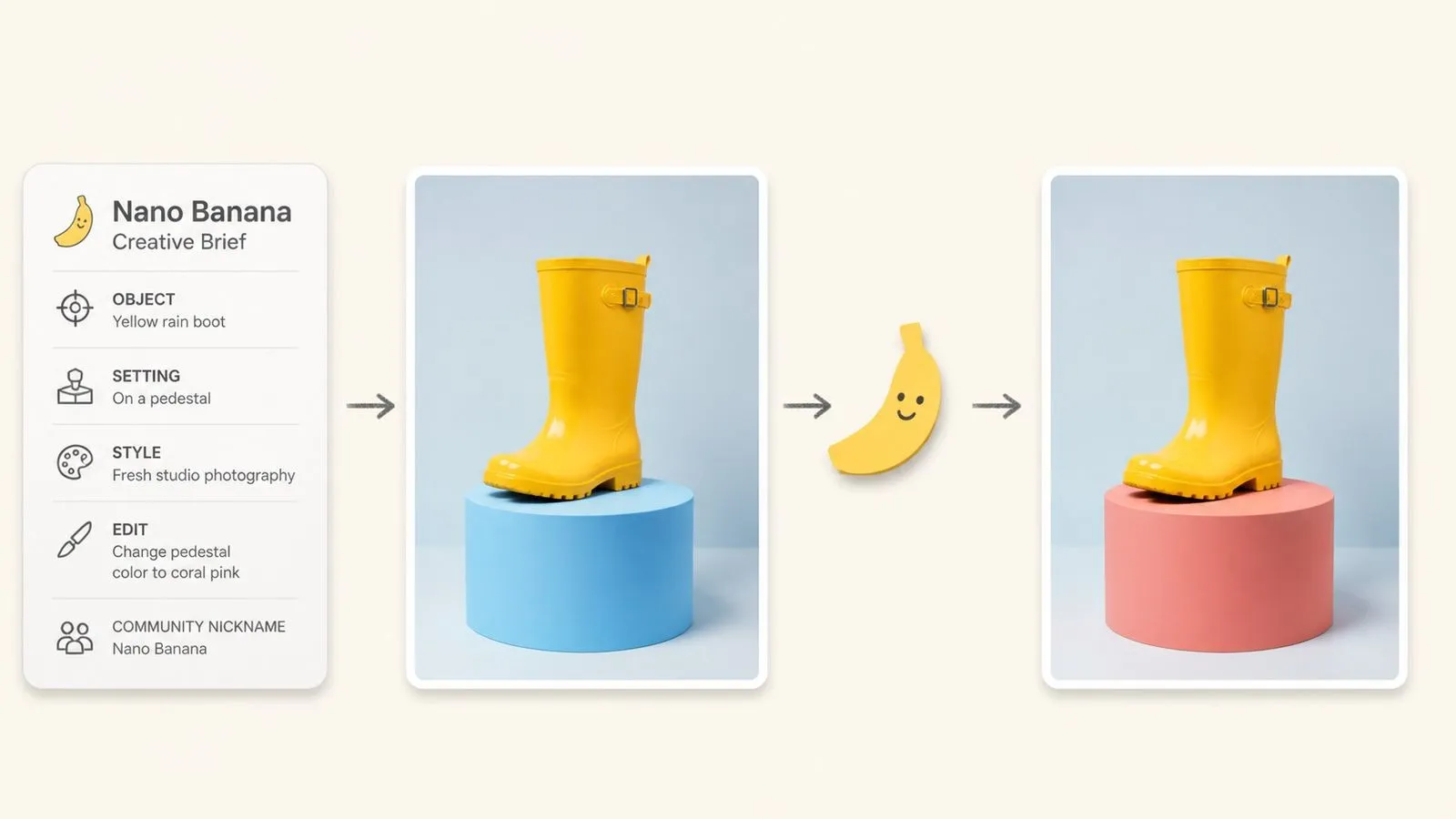
De la línea Gemini Flash, donde lo que se optimiza es el ciclo entre intentos.
Genera a partir de un briefing escrito, o proporciona una imagen y describe el cambio.
Nombra el cambio con lenguaje sencillo; sin enmascaramiento ni selección de regiones.
El modelo para el que se acuñó el apodo, aún disponible junto a sus sucesores.
Una señal invisible incrustada en los datos de píxeles de cada imagen.
Un modelo que cubre desde pasadas rápidas hasta trabajos terminados.
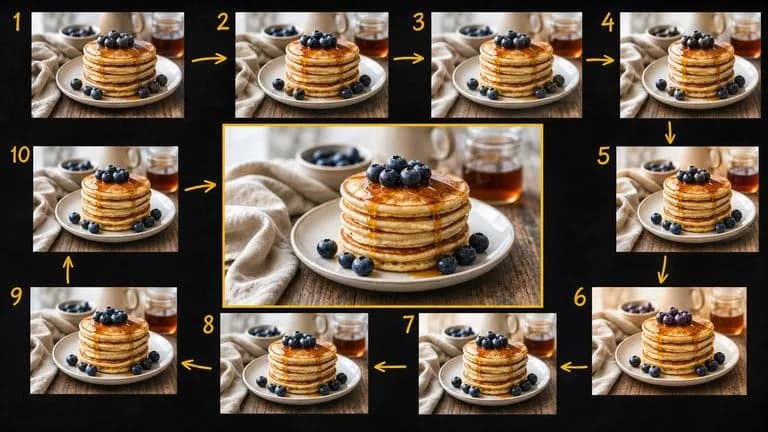
La velocidad cambia la naturaleza de la edición. Cuando cada corrección vuelve rápidamente, haces diez pequeños ajustes en lugar de intentar especificarlo todo desde el principio y aceptar lo que salga.
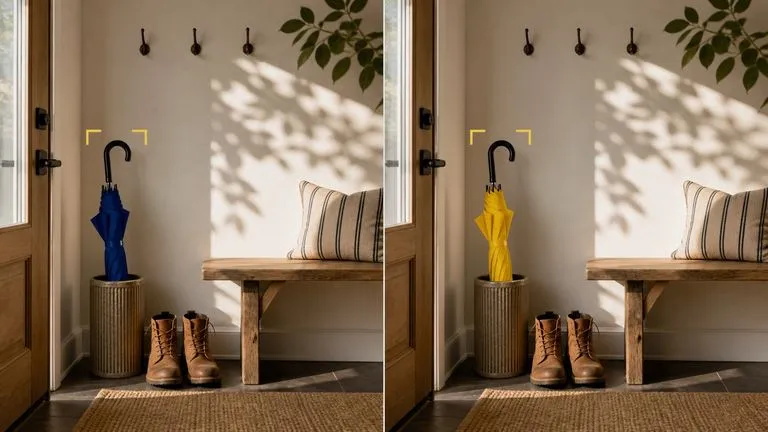
Describe la diferencia y el modelo trabaja dentro de la imagen que has proporcionado. Las zonas que no has mencionado están pensadas para permanecer sin cambios, que es lo que distingue una edición de una regeneración.
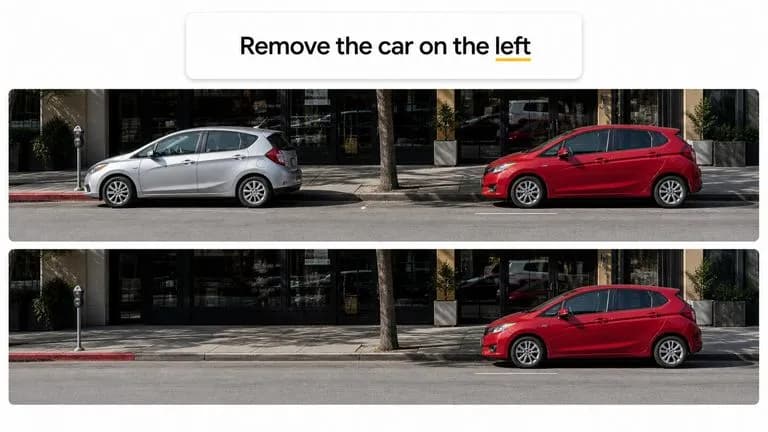
La focalización se hace mediante lenguaje en lugar de herramientas de selección. "El coche de la izquierda" es una forma válida de señalar algo.
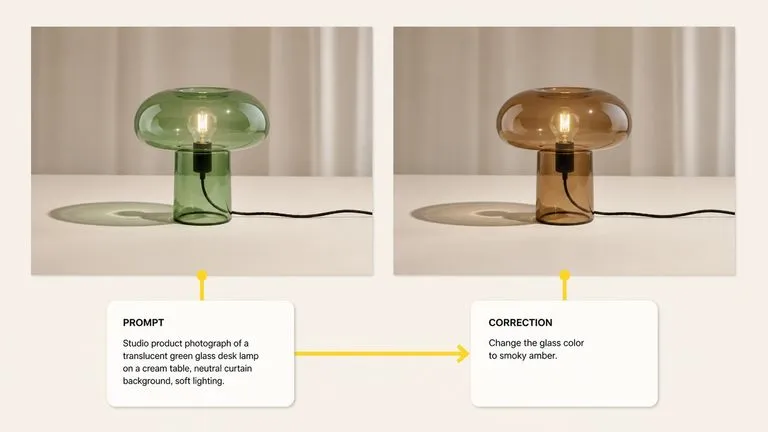
La misma entrada produce imágenes nuevas y modifica las existentes, por lo que un flujo de trabajo no tiene que pasar de una herramienta a otra a mitad del proceso.
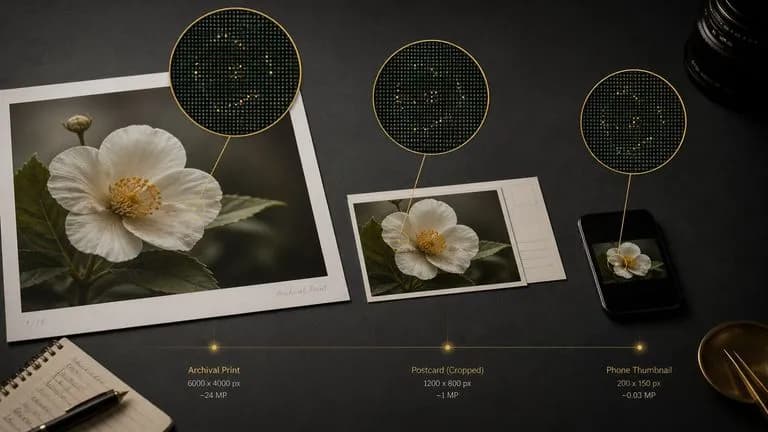
SynthID se incrusta automáticamente y sobrevive al recorte, al cambio de tamaño y a la compresión, sin nada visible en la imagen y sin nada que activar.
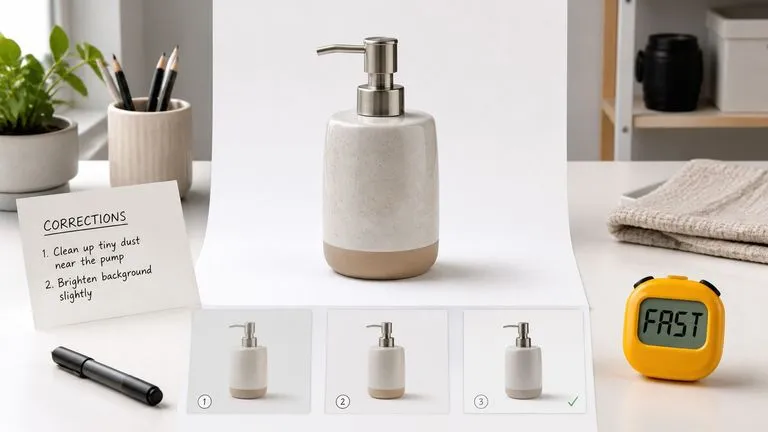
Cuando una imagen no necesita largos pasajes de texto ni control de identidad para toda una campaña, este modelo hace el trabajo sin la espera ni la carga.
El trabajo de corrección genera muchos archivos casi idénticos. La versión cuatro es mejor que la versión seis, y nadie puede distinguirlas por el nombre de archivo. Virse mantiene cada pasada visible en un único lienzo a medida que avanzas. El original y cada corrección están uno junto a otro, por lo que retroceder dos versiones es cuestión de un vistazo en lugar de un ejercicio de arqueología.
Coloca el original y cada edición juntos y evalúa el cambio directamente en lugar de hacerlo de memoria.
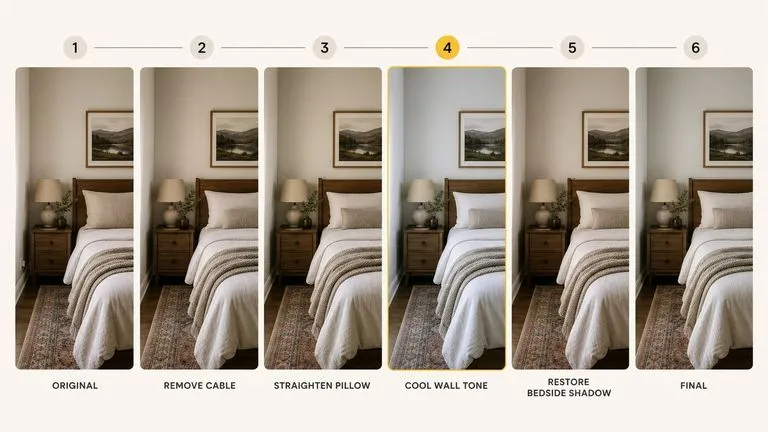
Las versiones anteriores permanecen en el lienzo, así que una edición que tomó el rumbo equivocado cuesta un intento en lugar de todo el hilo.
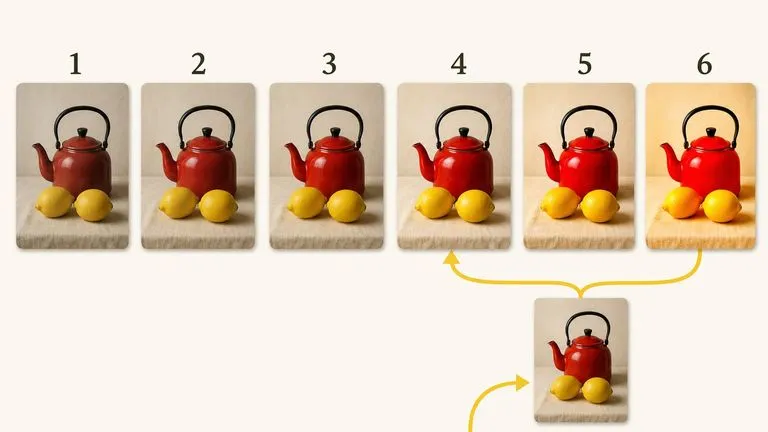
Pasa entre Gemini 2.5 Flash Image y más de 30 otros modelos de imagen y vídeo sin salir del lienzo ni reescribir el briefing.
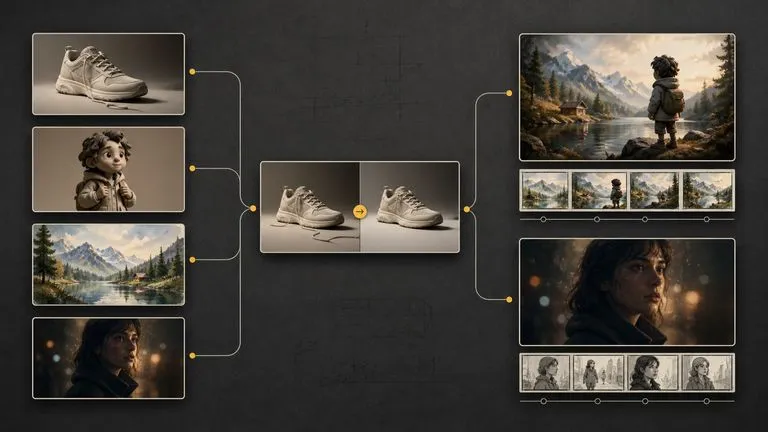
Una imagen fija retocada puede pasar directamente a Seedance 2.0, Kling 3.0 o Veo 3.1 como plano inicial.
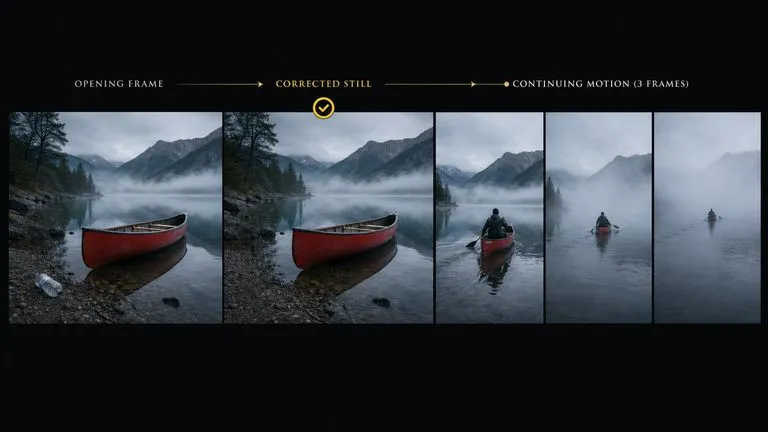
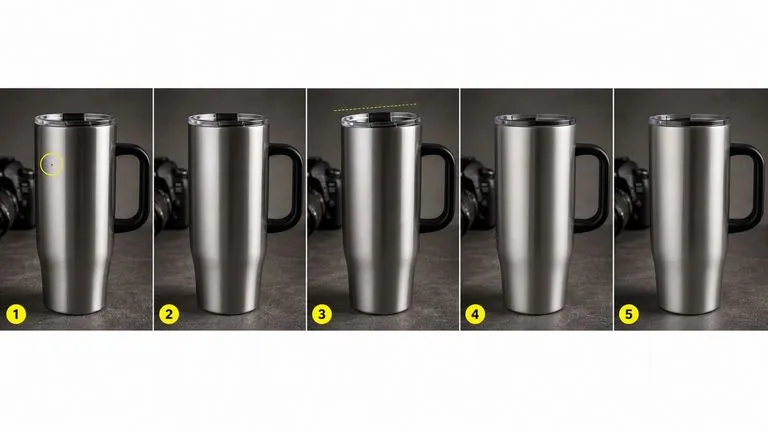
Ejecuta una secuencia de pequeñas correcciones sin la espera que hace que cada una parezca costosa.
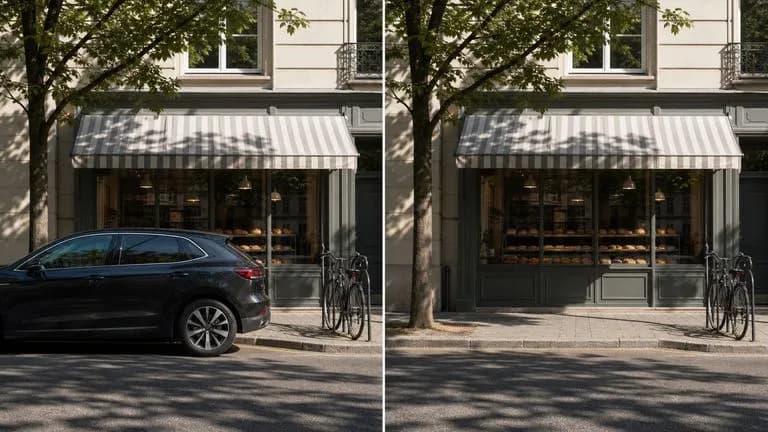
Elimina el coche aparcado, el cable suelto o el transeúnte, y rellena el hueco de forma plausible.
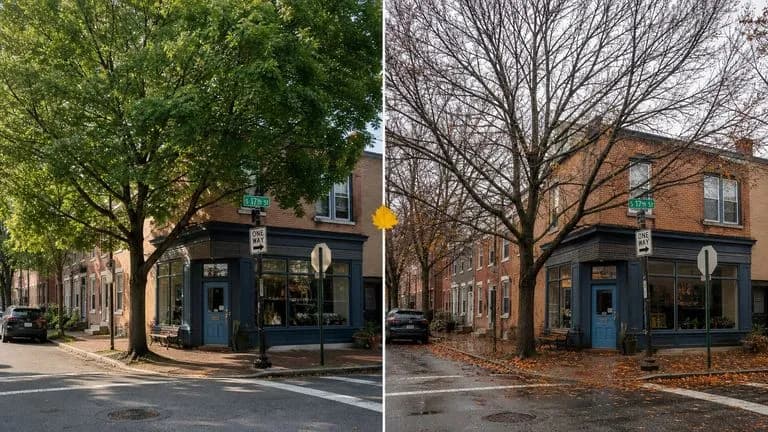
Convierte el verano en finales de otoño, o el mediodía en primeras horas de la tarde, con una sola instrucción.
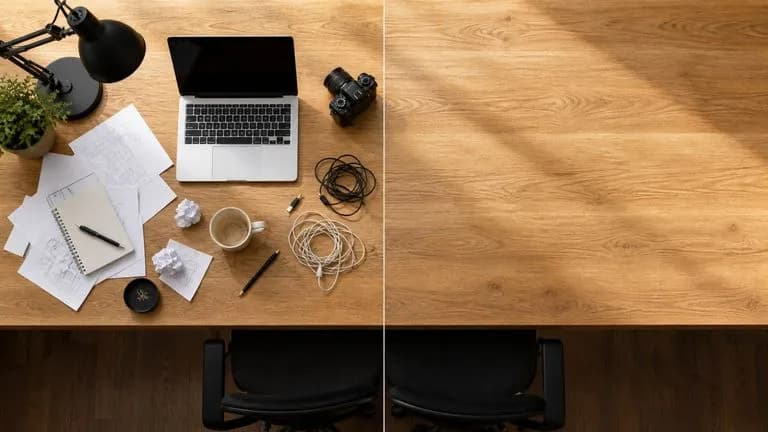
Elimina imperfecciones, ordena una superficie desordenada o corrige un detalle incómodo.
Genera elementos visuales sencillos cuando el requisito es la claridad más que el acabado.
Aplica la misma corrección a un conjunto de imágenes relacionadas en una sola sesión de trabajo.
Importa la fotografía o la generación anterior que quieras modificar.
Describe la única diferencia que quieres y di qué debe permanecer tal cual.
Comprueba qué se ha mantenido y luego da la siguiente instrucción en lugar de reescribir la primera.
Las iteraciones anteriores permanecen en el lienzo, así que elige la que funcionó en lugar de la que llegó la última.
Un prompt útil para Gemini 2.5 Flash Image suele incluir dos elementos:
En lugar de escribir
Una fotografía profesional increíblemente detallada y ultrarrealista de una taza de café, con calidad de obra maestra, galardonada.
Escribe
Quita la segunda taza del borde derecho. Todo lo demás permanece igual: la taza restante, su sombra, la mesa y el recorte.

Usando la fotografía proporcionada del escaparate de la tienda, cambia la estación de verano a finales de otoño. Ramas desnudas en el árbol de la calle, pavimento mojado, hojas caídas acumuladas junto al bordillo y una luz más baja y plana. Deja el edificio, la señalización, el escaparate y la posición de la cámara exactamente como están.

Retira los papeles sueltos y la taza de café de la mitad derecha del escritorio. Continúa la misma superficie de roble por la zona despejada, haciendo coincidir la dirección de la veta y la caída de sombra existente. Deja el portátil, la lámpara y la silla exactamente donde están.
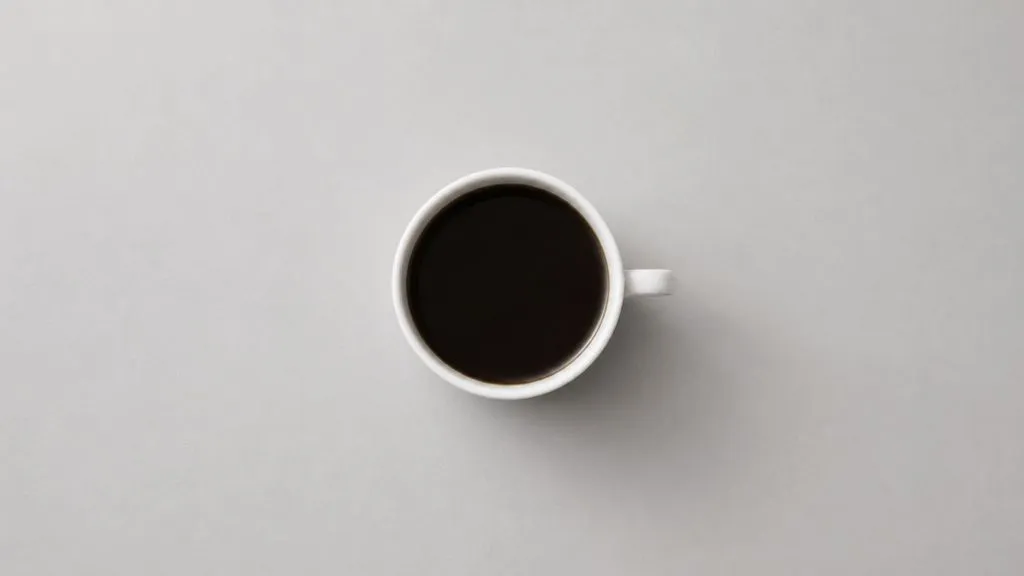
Una taza de cerámica blanca con café solo sobre una mesa gris claro, vista directamente desde arriba. Luz diurna suave y uniforme, una sombra tenue hacia la parte inferior derecha. Nada más en el encuadre, amplio espacio alrededor de la taza, recorte cuadrado.
| Dimensión | Gemini 2.5 Flash Image | Nano Banana Pro |
|---|---|---|
| Objetivo de diseño | Velocidad de entrega | Límite de salida |
| Mejor modo | Edición correctiva | Generación de recursos finales |
| Renderizado de texto | Cadenas cortas | Pasajes largos y diseños multilingües |
| Control de identidad | Adecuado para sujetos individuales | Mantenido durante una campaña completa |
| Coste de iteración | Lo bastante rápido como para corregir por reflejo | Más lento, así que merece la pena planificar el briefing |
| Dónde encaja | Retoques, sustituciones, visuales rápidos | Visuales clave, packaging, impresión |
La velocidad es la ventaja. Dos pasadas rápidas superan a una instrucción compuesta que solo acierta a medias.
Nombrar los elementos intactos es lo que evita que el modelo los vuelva a renderizar discretamente.
Las instrucciones breves se devuelven más rápido y fallan de forma más legible. Si una frase necesita tres cláusulas, probablemente sean dos ediciones.
Si la edición implica texto legible en la imagen, este es el momento de cambiar a Nano Banana Pro.
Explora herramientas específicas para crear, editar y preparar recursos de diseño.
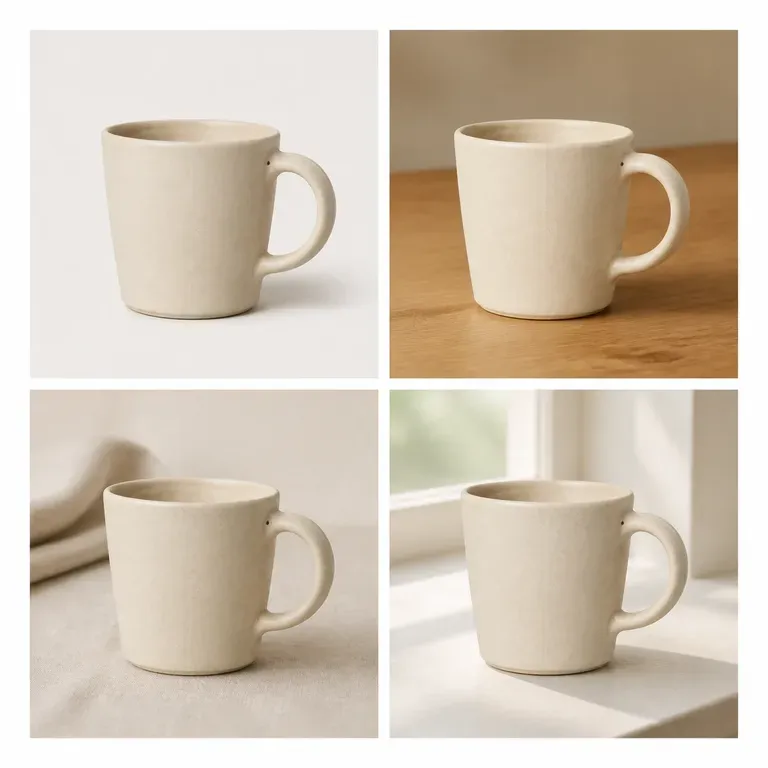
Una variación que cambia discretamente el producto no es una variación, es un producto diferente. Sube una imagen, indica si debe cambiar la escena, el color o el ángulo, y recibe un lote en el que todo lo demás permanece igual. Los créditos gratuitos son suficientes para comprobar si el sujeto realmente se mantiene en todo el lote.
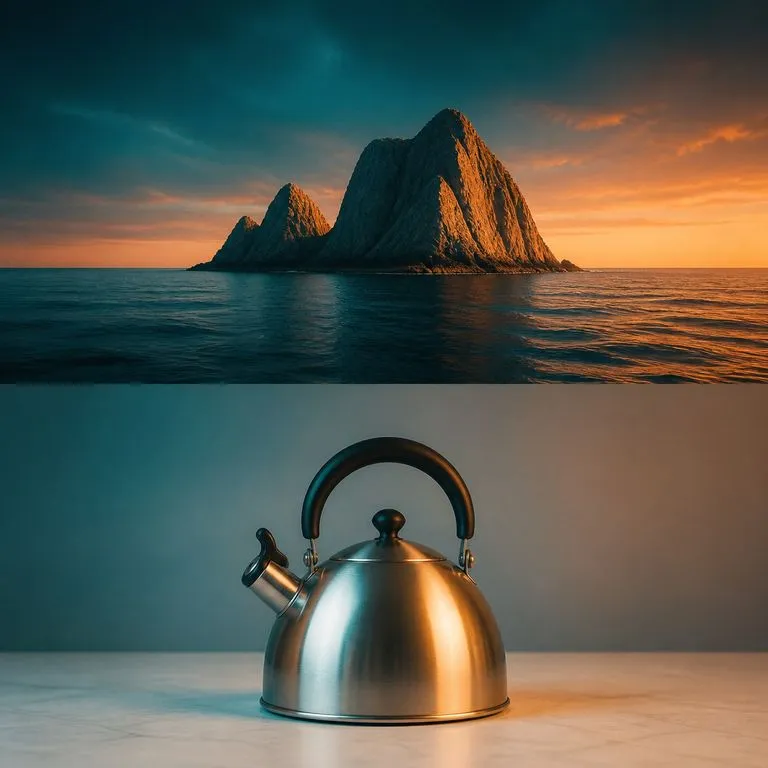
Dale tu imagen y una referencia de tono. La gradación de la referencia se transfiere mediante coincidencia estadística en Lab, que es un cálculo y no una regeneración, de modo que la paleta cambia mientras la estructura y el contenido permanecen idénticos píxel a píxel.
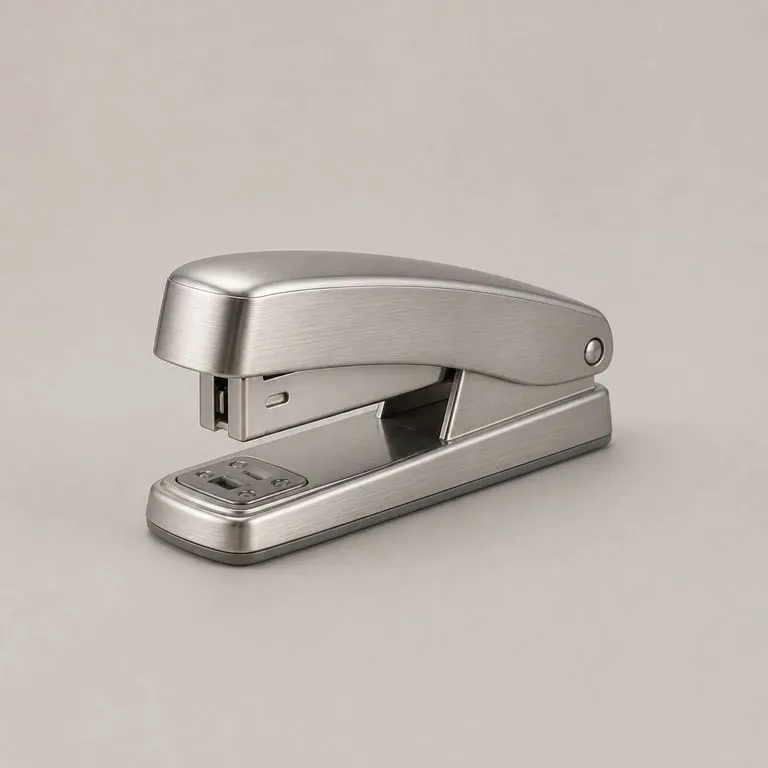
Sube la foto de tu producto y una referencia de material. Lee la estructura subyacente, determina qué panel es cada uno y dónde gira cada superficie, y después aplica el nuevo material siguiendo esa estructura, con una iluminación coherente y la forma exactamente donde estaba.
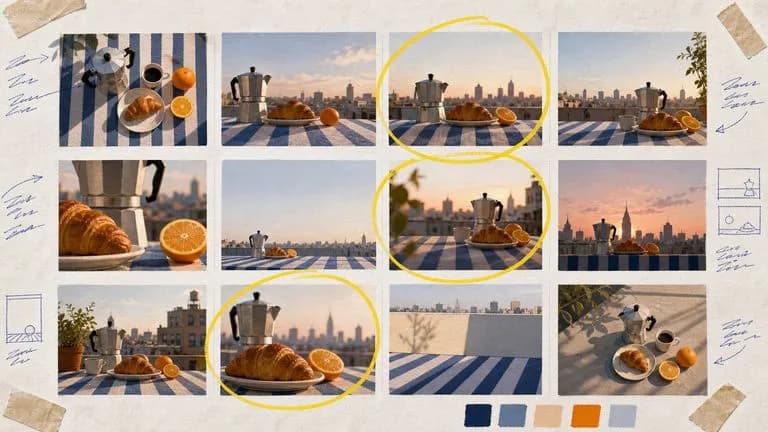
Nano Banana 2 de Google combina una calidad de imagen de nivel insignia con una velocidad de clase Flash, en cuatro tamaños de salida que van desde prototipos rápidos en 0.5K hasta resultados finales en 4K.

Genera imágenes 4K con calidad de estudio con Nano Banana Pro, combinando varias referencias y manteniendo la coherencia de personajes, productos y tipografía.

Los modelos de edición de Black Forest Labs, FLUX Kontext Pro y Kontext Max, creados para aplicar un único cambio descrito mientras el resto del encuadre permanece intacto.
Mantén el ciclo lo bastante corto como para que arreglar una imagen se sienta como hablar, no como presentar una solicitud.