
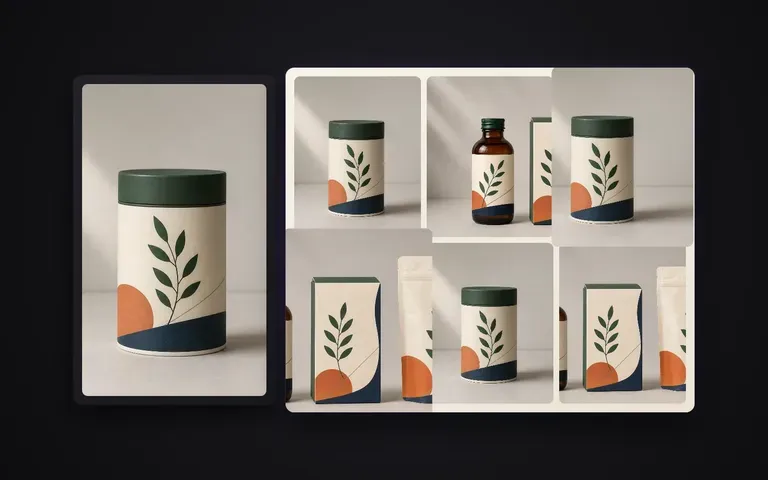
Cohérence
Identité master verrouillée
La structure, la palette de couleurs et la typographie principale de l’étiquette sont conservées à partir de votre rendu confirmé, sans réinventer le packaging.
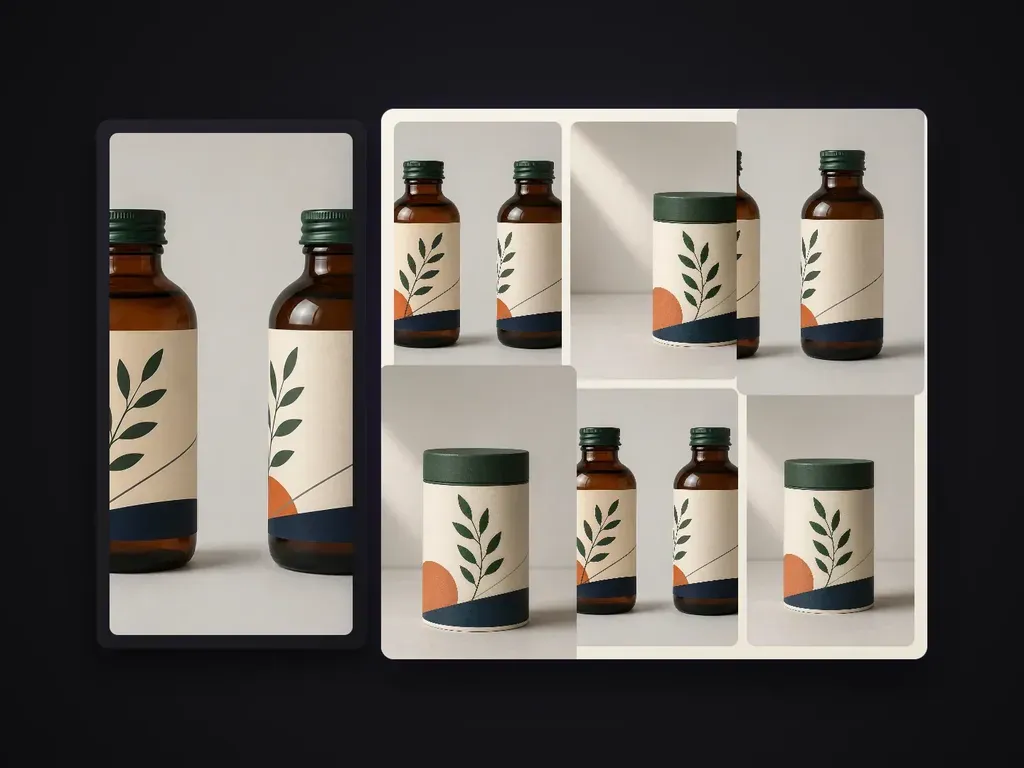
Décline un rendu de packaging validé en une série de visuels digne d’un portfolio. Chaque vue remplit un rôle informatif distinct, tandis que la structure, le motif, le texte de niveau A et les finitions restent conformes au modèle maître. Le réglage par défaut produit une série concise de 6 vues.
Une fois qu’un rendu packaging principal est approuvé, les fiches e-commerce et les présentations de marque ont encore besoin d’un ensemble visuel complet : vues en angle, recadrages de détails, multipacks groupés et gros plans de surface. Packaging Series Shots reprend votre rendu master confirmé et le décline en une série produit coordonnée de 6 visuels, tout en verrouillant la géométrie de la boîte, les graphismes du tracé de découpe, la typographie de premier plan et les finitions en dorure ou en carton :
· Artwork verrouillé sur le master : Les logos de marque, les promesses de premier plan et le positionnement sur le tracé de découpe restent cohérents sous chaque angle.
· Rôles de prises de vue distincts : Génère en une seule passe des vues hero, trois-quarts, macro de détail, alignement de groupe et mise à l’échelle.
· Lumière de studio cohérente : Harmonise le grain du carton, les reflets de la dorure métallique et la dégradation des ombres sur l’ensemble de la série.
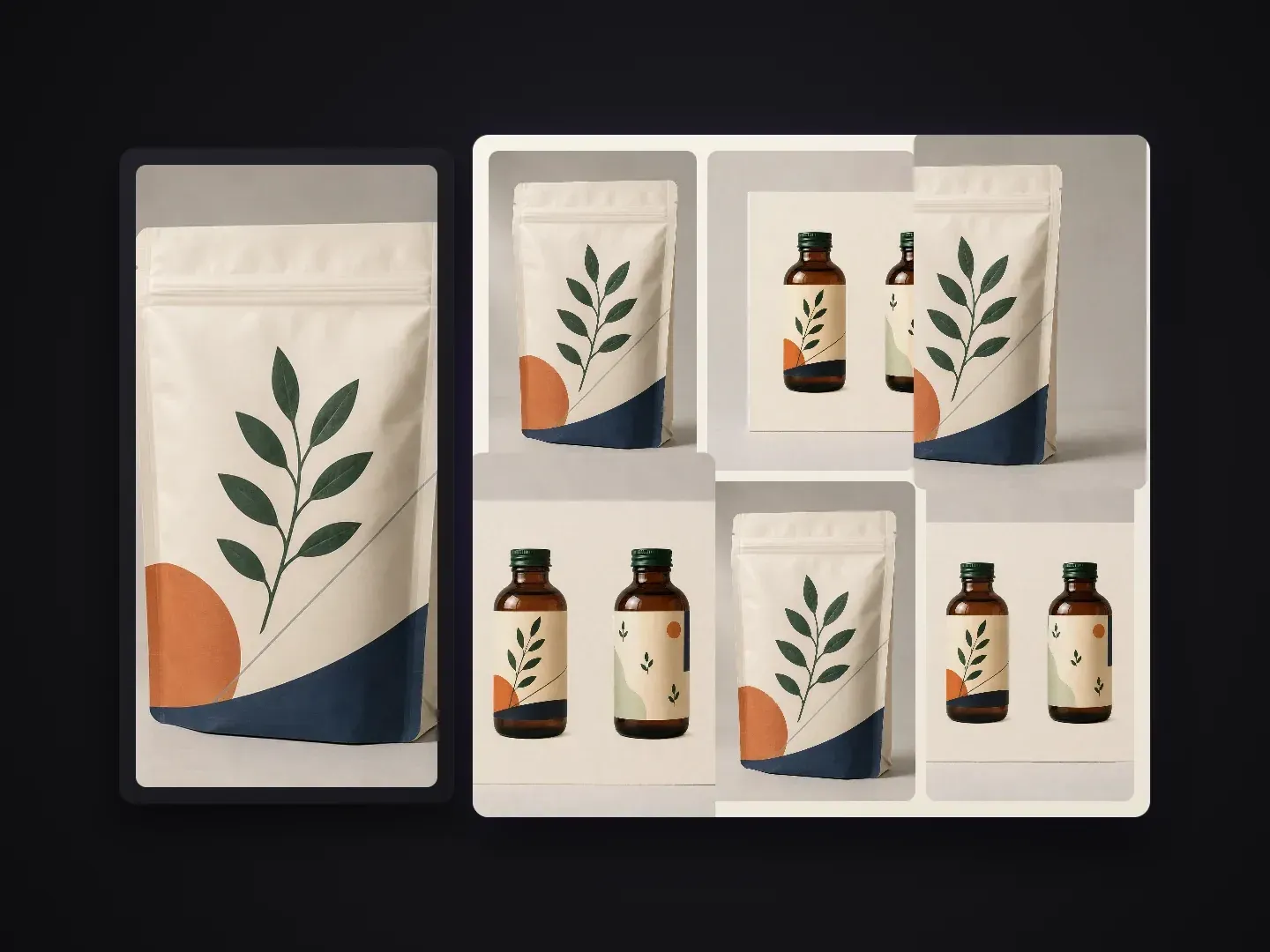
Chaque image d’une fiche produit ou d’un pitch deck a un rôle de communication précis.
La structure, la palette de couleurs et la typographie principale de l’étiquette sont conservées à partir de votre rendu confirmé, sans réinventer le packaging.
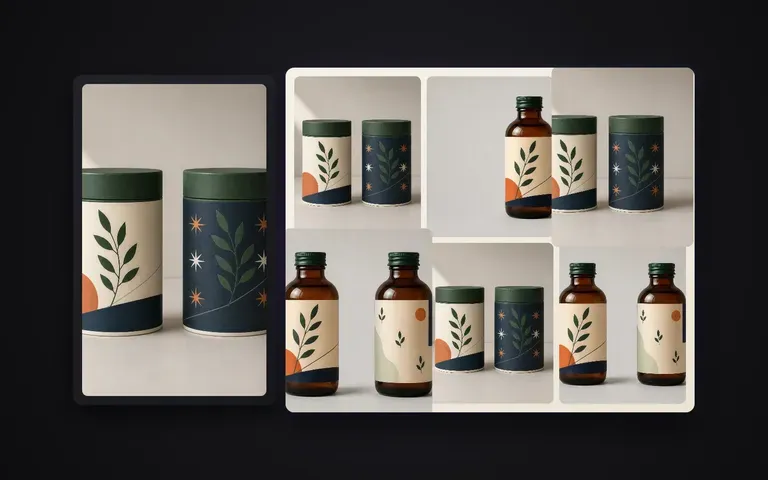
Couvre le visuel hero de face, la vue dimensionnelle à 45 degrés, le macro sur la finition, l’agencement multi-pack, le flat lay et le cadrage en contexte de rayon.
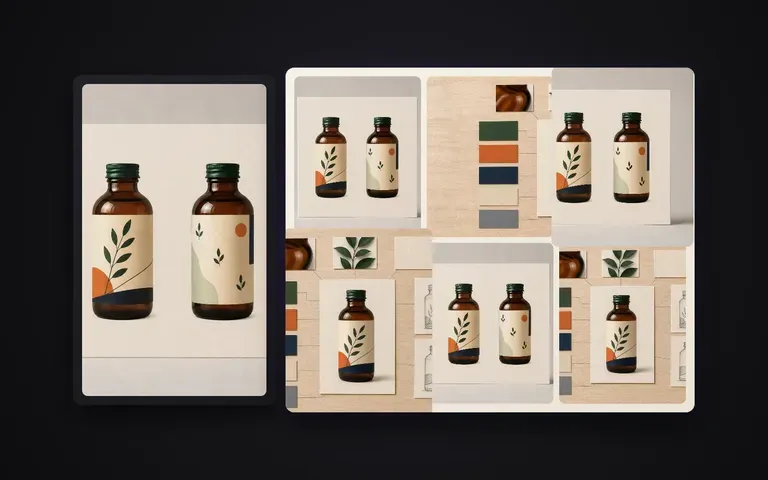
Évitez de configurer six rigs de caméra et passes d’éclairage distincts dans un logiciel 3D uniquement pour compléter une galerie de marketplace.
Ce qui change lorsque votre rendu hero approuvé pilote toute la galerie produit.
Rendus séparés ou nouvelles prises de vue
Packaging Series Shots de Virse
Commencez avec votre rendu packaging approuvé ou un packshot studio net où le visuel frontal et la forme sont clairement visibles.
Conservez la série allégée par défaut de 6 visuels ou indiquez des vues spécifiques, comme un détail macro de dorure, un duo pack ou un flat lay en vue de dessus.
Signalez tout texte de marque de premier niveau, gaufrage ou détail de support mat/brillant qui doit rester net sur chaque image.
Lancez le lot sur votre canevas Virse, inspectez les six images côte à côte et exportez la galerie complète.
Associez votre rendu maître de packaging à une courte note de liste de plans pour orienter les angles de caméra, le regroupement et l’ambiance lumineuse sur la série de 6 prises de vue :
· Ensemble étui carton et flacon compte-gouttes de soin : Série de 6 prises de vue : visuel principal de face, boîte + flacon en 3/4, macro du logo en feuille d’or, alignement de 3 boîtes, flat lay vu de dessus, podium en pierre chaude.
· Série de sachets de café de spécialité : Sachet stand-up en kraft mat : visuel principal de face, profil latéral à soufflet, recadrage détail sur la valve et le zip, trio de 3 sachets, ombre matinale chaleureuse.
· Multi-pack de canettes de boisson : Élégante canette en aluminium de 330ml : visuel principal avec condensation, inclinaison à 45 degrés, macro du bord et de la languette, groupe de 4, éclairage de contour net en studio.
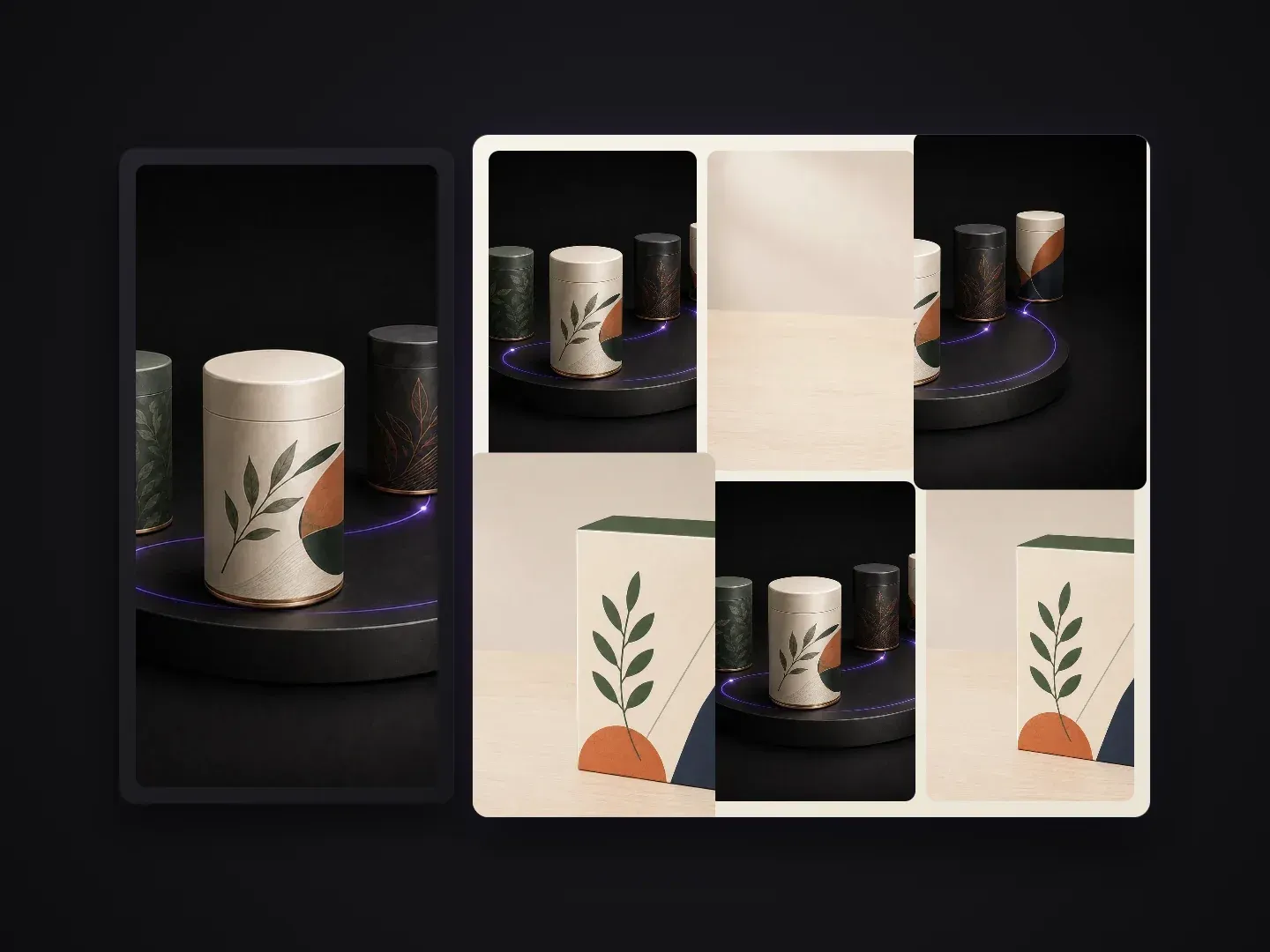
Les équipes qui transforment un design packaging approuvé en une présentation visuelle complète.
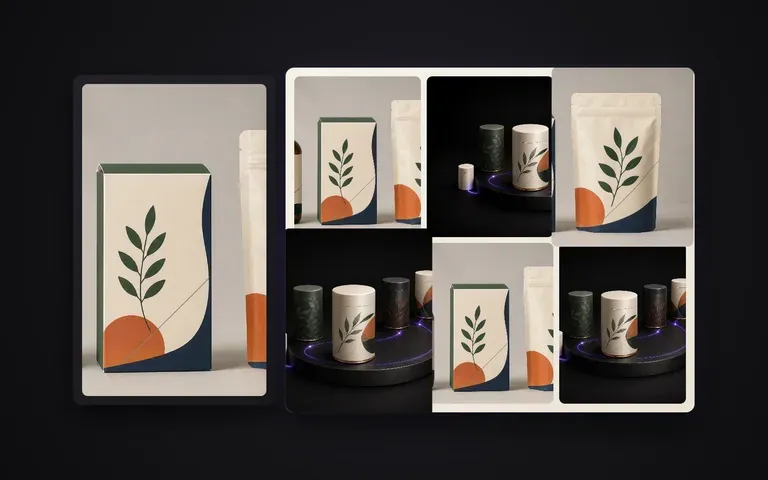
Transformez en quelques minutes un rendu de concept finalisé en une étude de cas Behance multi-angle ou en présentation client.
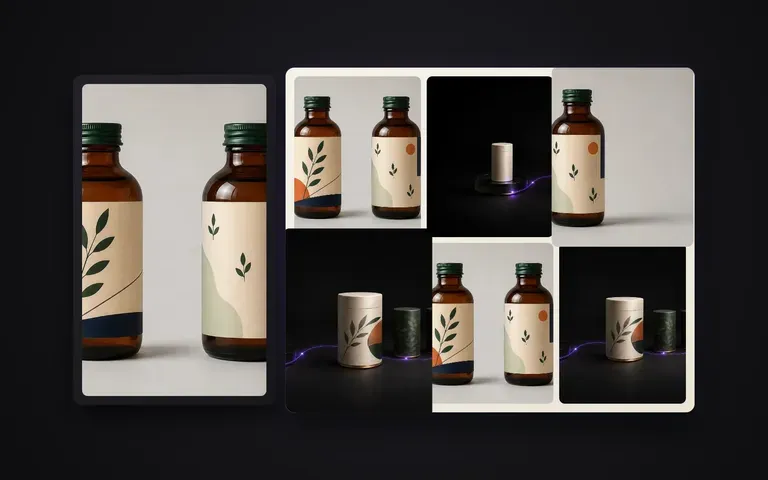
Remplissez les six emplacements d’image sur Amazon, Shopify ou des pages produit retail sans réserver de nouvelle séance studio.
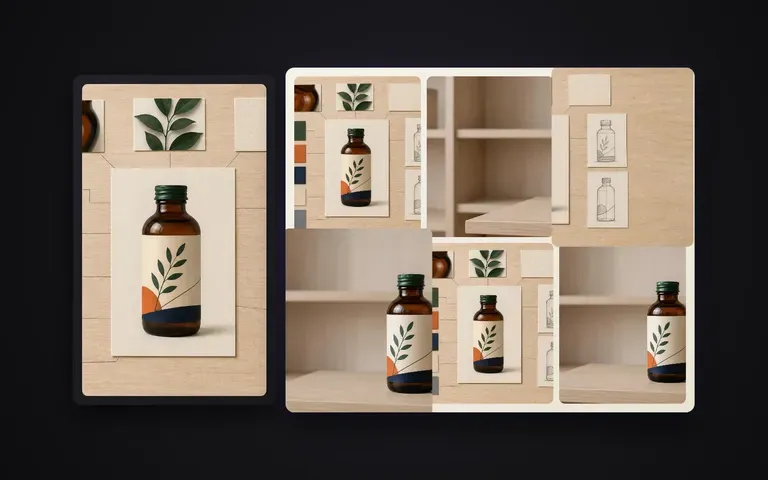
Créez des visuels cohérents multi-pack, hero et de détail pour des dossiers de presse, fiches de vente et catalogues distributeurs saisonniers.
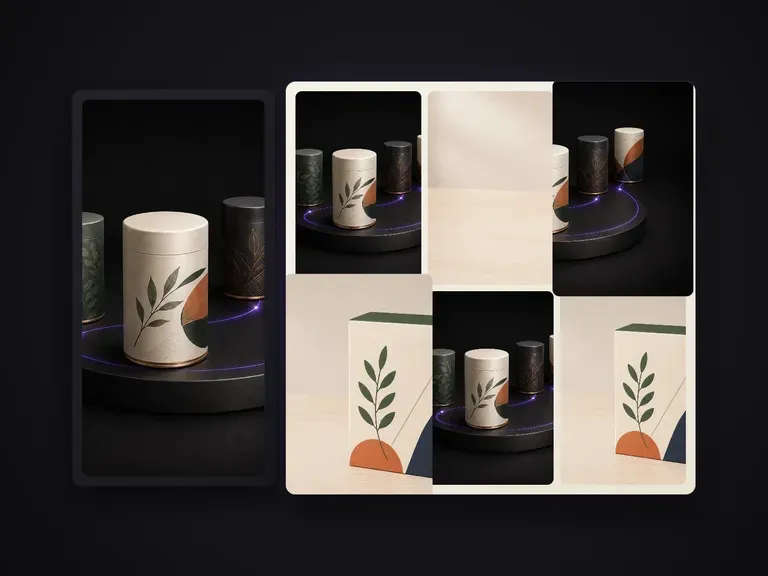
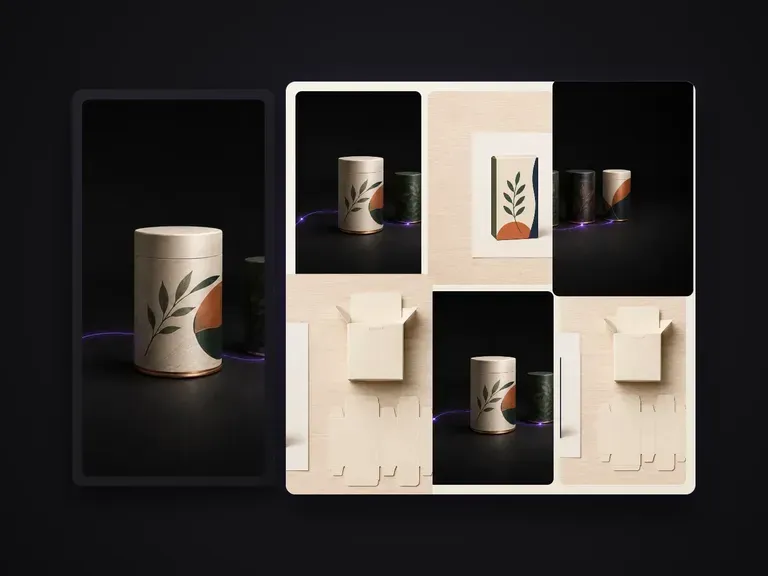
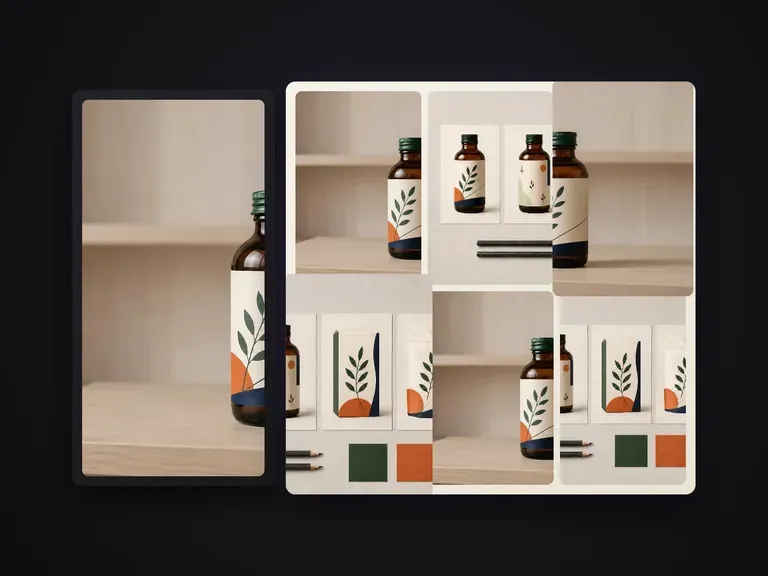
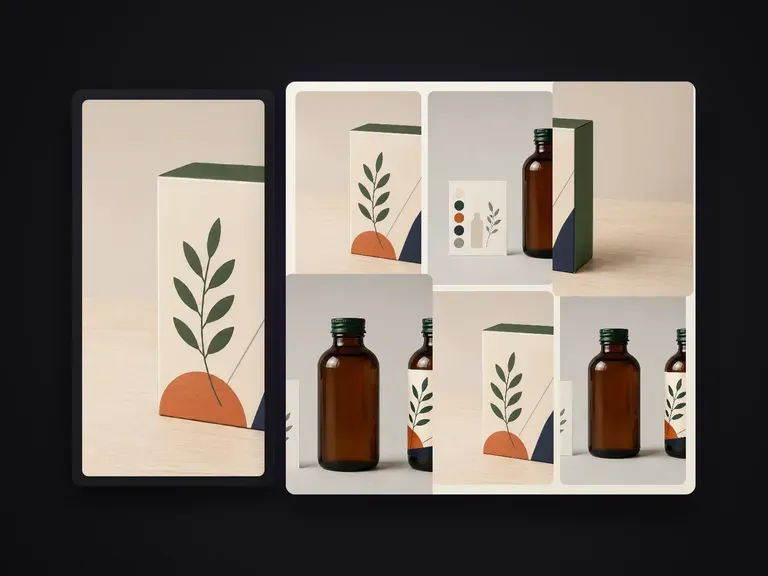
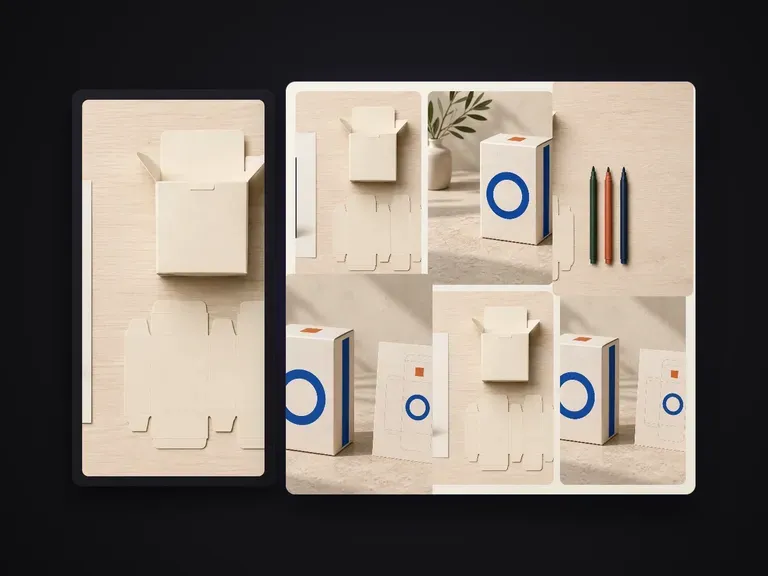
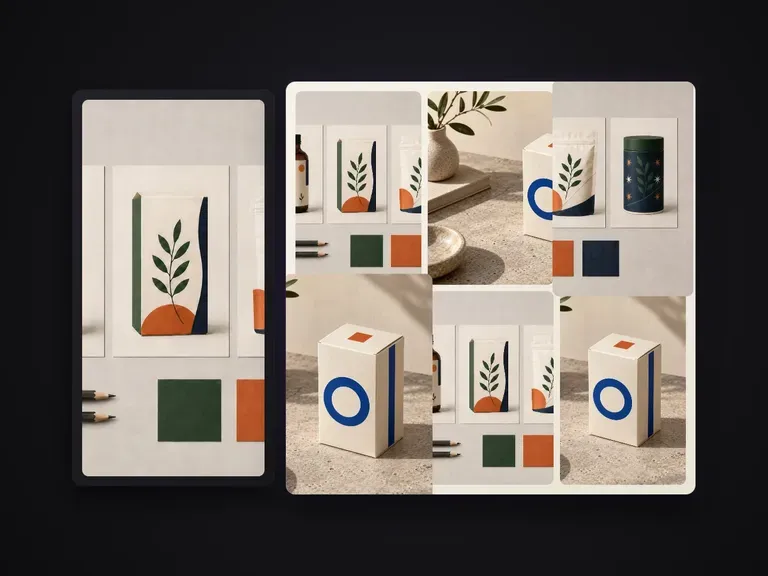
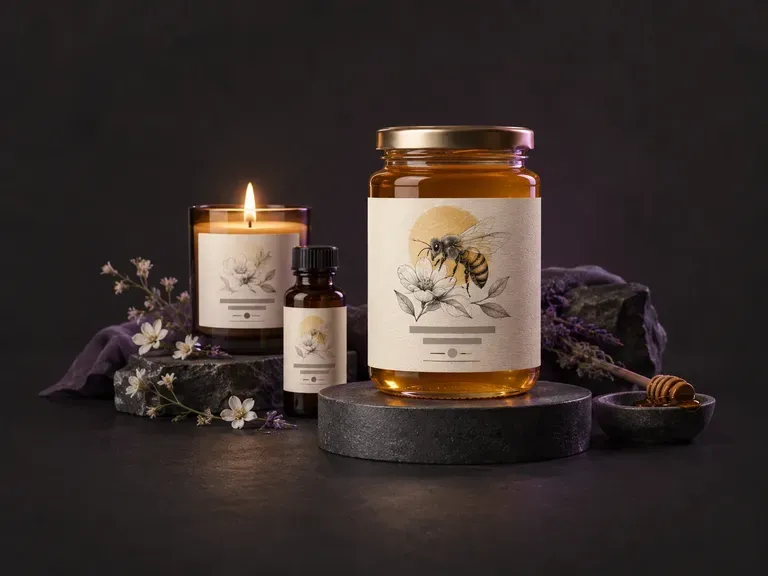
Créez des ébauches d’illustrations d’étiquettes produit à plat pour la face avant et le pourtour à partir de votre nom de marque, de votre variante de saveur ou de parfum et de votre style visuel. Ce générateur d’étiquettes IA crée des visuels d’étiquettes personnalisés pour les bocaux, les bouteilles de boissons artisanales, les canettes en aluminium, les bougies et les boîtes sur votre canevas Virse.
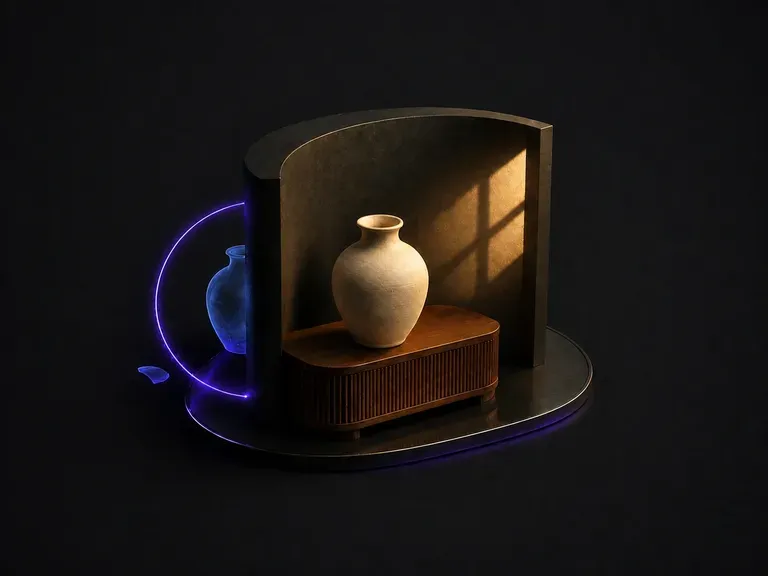
Importez un composite qui donne l’impression d’avoir été collé. L’outil identifie pourquoi : lumière provenant de deux directions, température de couleur qui ne correspond pas, ombres manquantes ou orientées dans le mauvais sens. Puis il unifie l’image sous une source dominante.
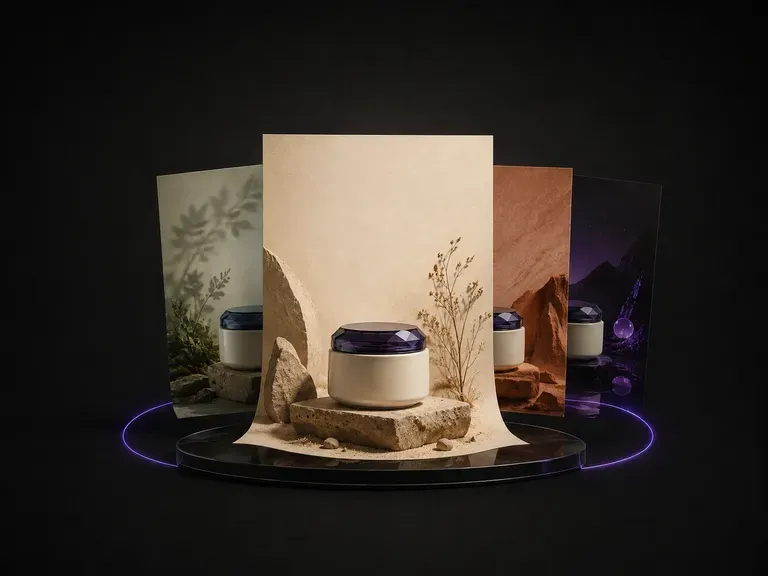
Importez une photo de produit. Il analyse la catégorie, les couleurs et le tempérament de ce que vous avez envoyé, propose un thème qui lui convient, puis conçoit l’affiche autour du produit : arrière-plan, mise en page et emplacement du texte.
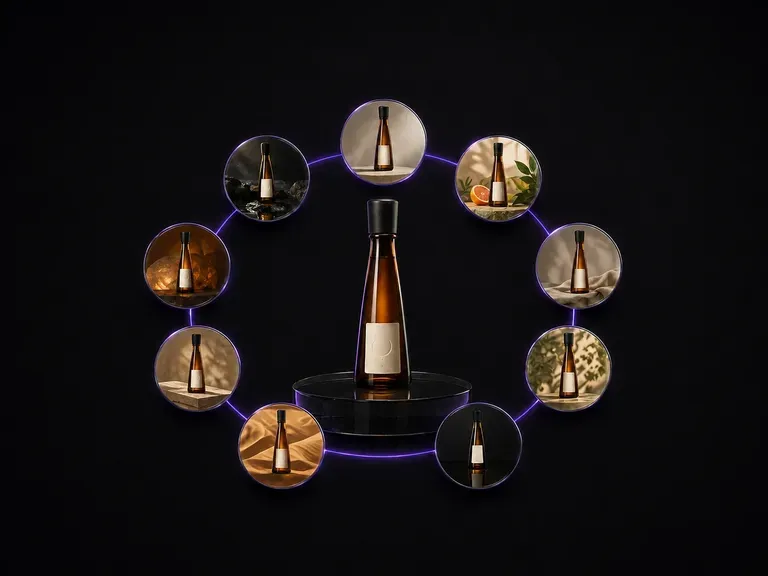
Importez une photo de bouteille. Elle revient sous forme de neuf scènes publicitaires distinctes disposées dans une grille de trois par trois, avec la forme de la bouteille, le visuel de l’étiquette et le texte qui y figure exactement tels qu’ils étaient.
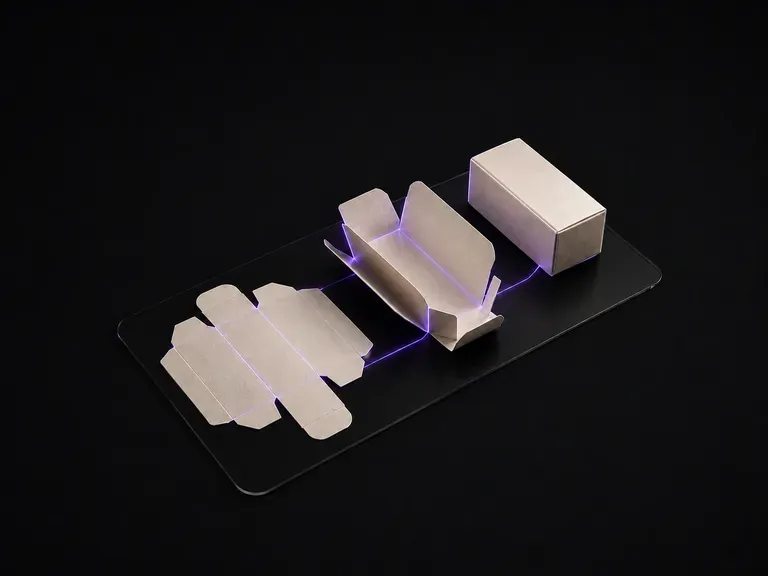
Importez le visuel à plat. Il lit le tracé de découpe panneau par panneau, déduit la structure de la boîte à partir des lignes de coupe et de rainage, puis la rend pliée, avec le visuel de chaque panneau placé sur la face qui lui correspond.
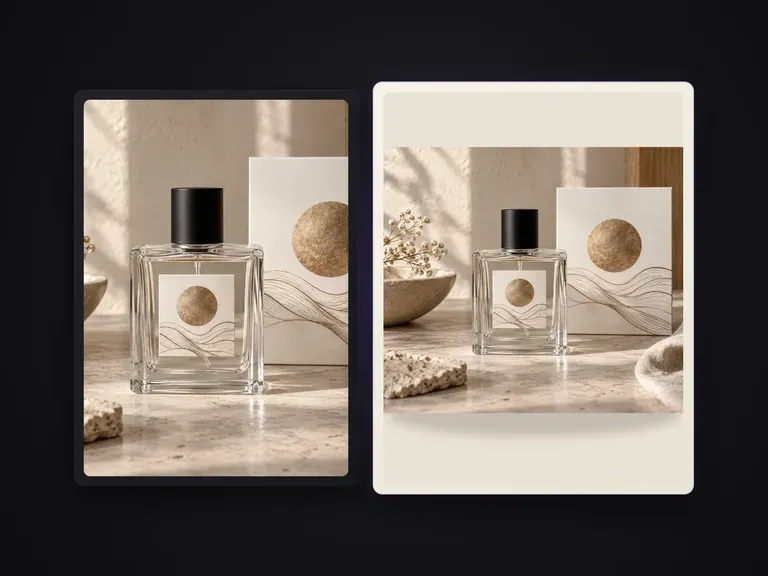
Remplace le fond d’une photo de produit par une couleur unie uniforme définie par un nom, une valeur hexadécimale ou une image de référence couleur. Le produit reste intact, avec des ombres de contact naturelles et des contours nets. Ne convient pas aux photos de fiche produit sur blanc pur soumises à des exigences de conformité, ni au remplacement du fond par une scène ou un décor lifestyle.

Créez et modifiez des images fixes avec FLUX 3 Image en 1K, 2K ou 4K. Passez à FLUX 3 Video pour des scènes de 5 à 20 secondes en 720P ou 1080P avec audio natif, sur le même canevas Virse.

Générez et modifiez des images avec Nano Banana 2.1 dans Virse. Choisissez une sortie 1K, 2K ou 4K et utilisez jusqu’à 14 images de référence pour guider le sujet, le décor et les matériaux.

Qwen Image 3.0 Pro d’Alibaba rend le texte comme du langage dans une douzaine de systèmes d’écriture, en maintenant sa lisibilité jusqu’à dix pixels dans les compositions denses.
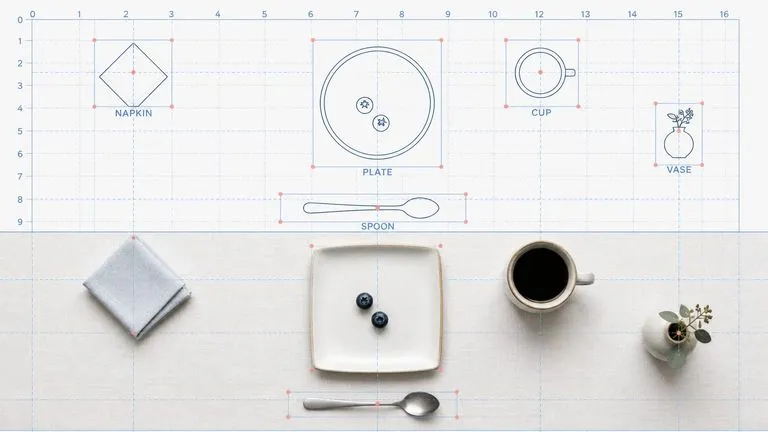
Le modèle de deuxième génération de Reve AI construit une mise en page d’éléments positionnés et individuellement identifiables avant le rendu, pour restituer la disposition demandée.
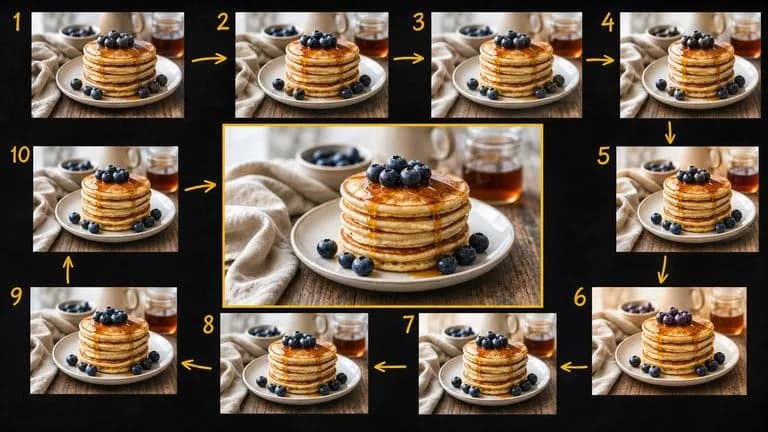
Gemini 2.5 Flash Image de Google, le Nano Banana original, crée et retouche des images au rythme de la conversation : une correction prend une phrase plutôt qu’une séance.

Seedream 4.0 et Seedream 4.5 de ByteDance génèrent des images à partir de descriptions écrites et d’images que vous fournissez, transformant une image source en autant de directions qu’un projet l’exige.
Poursuivez dans votre canevas Virse pour vérifier les données d’entrée et exécuter cet outil.