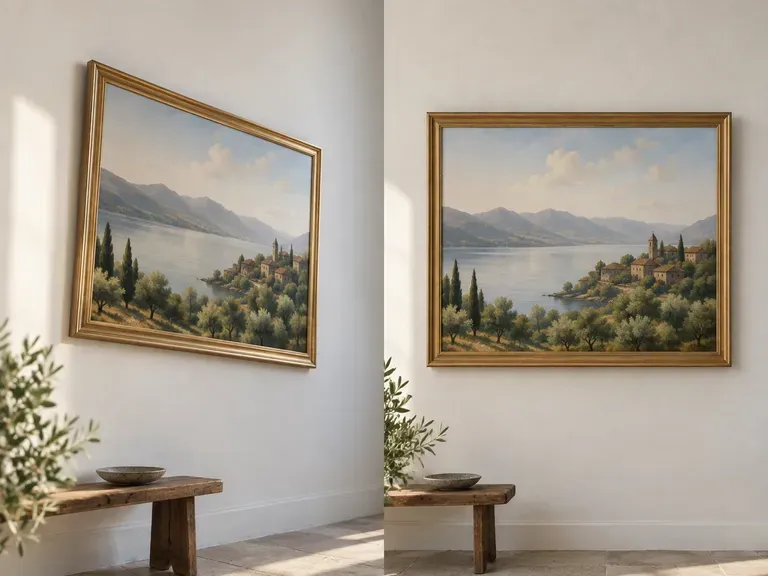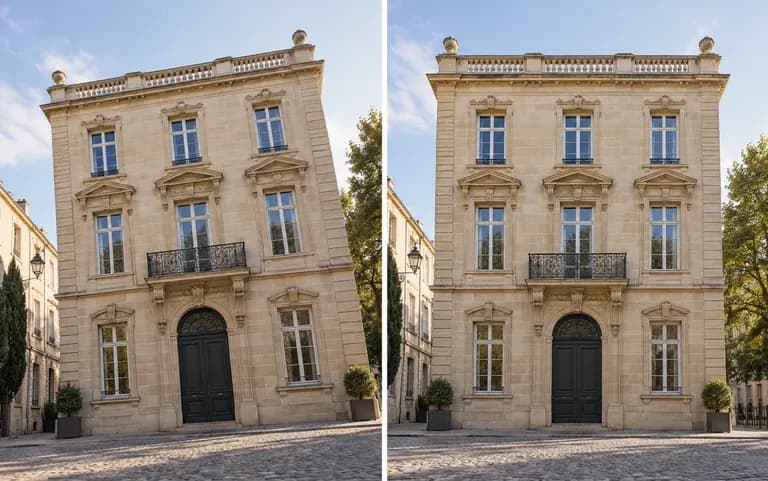
Correct
Straight lines again
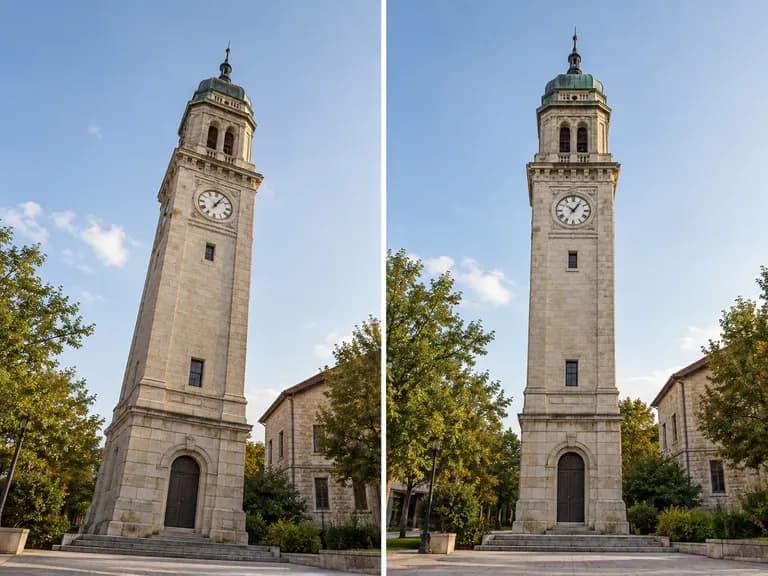
Lines that should run straight up or square across come back that way, instead of leaning or narrowing toward the top.
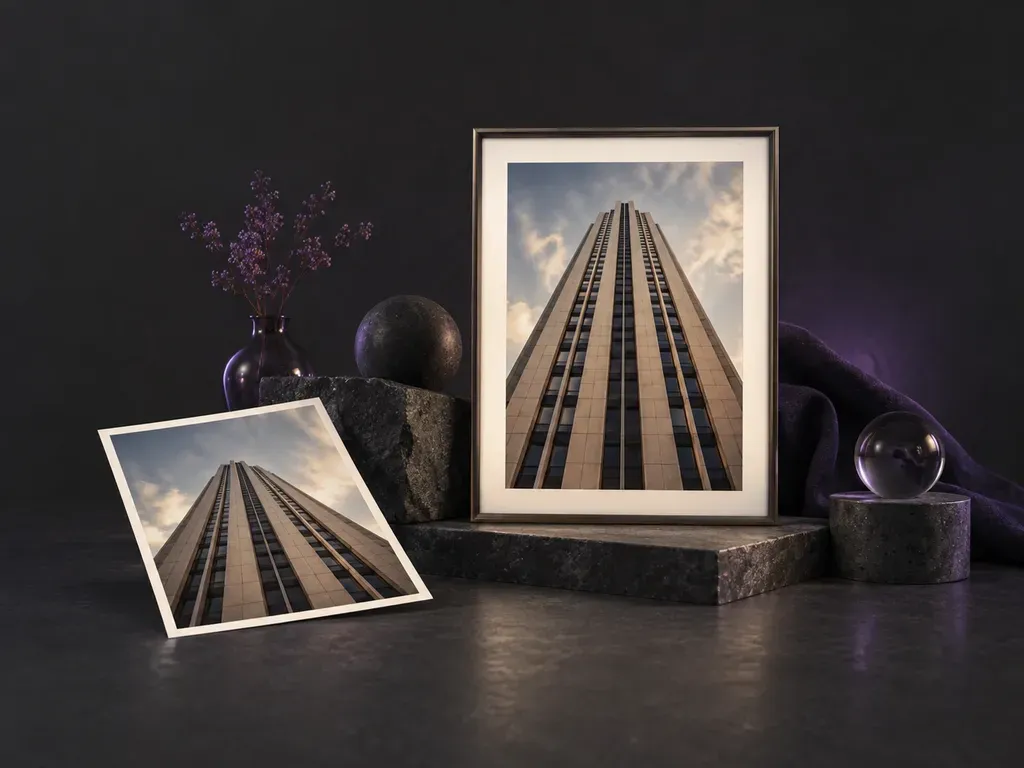
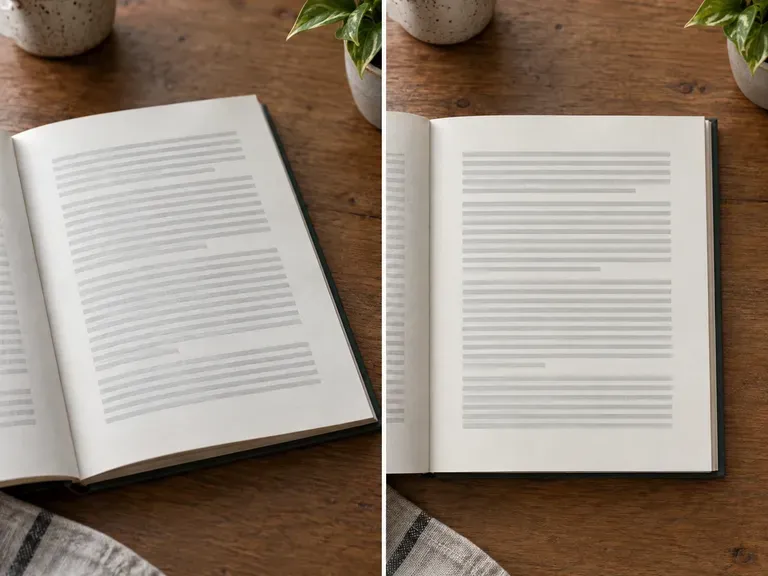
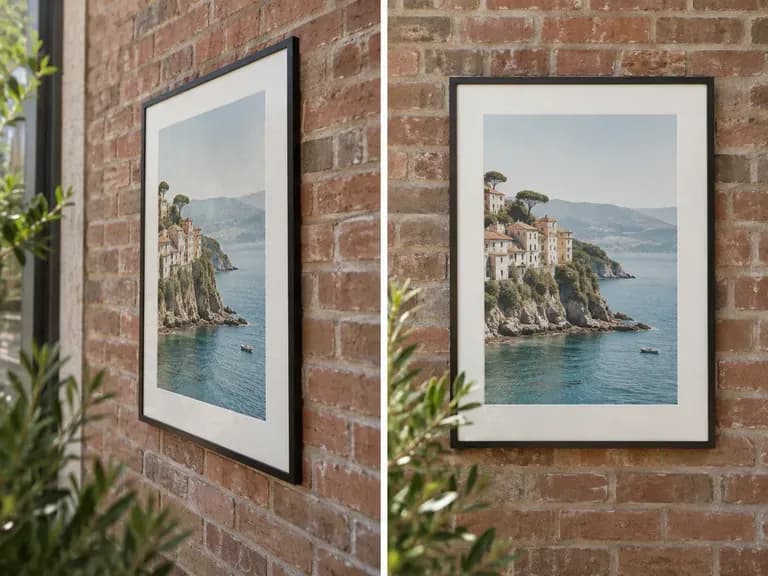
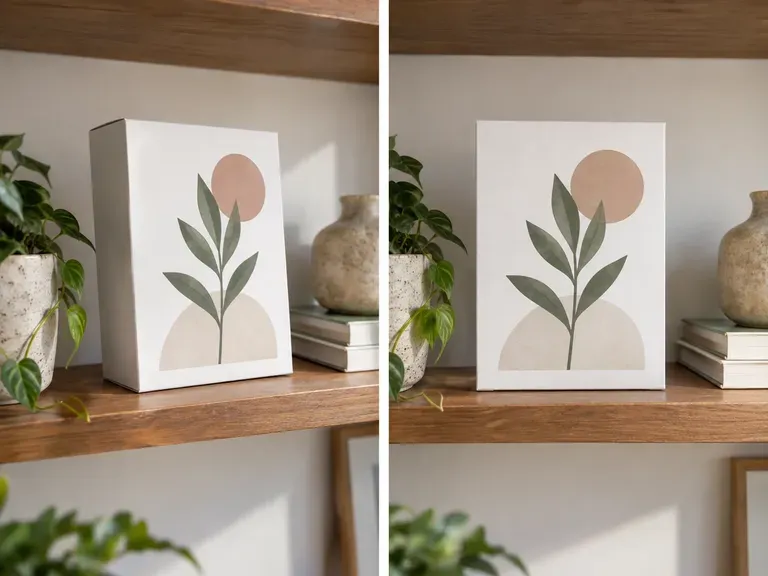
The AI perspective correction tool straightens a subject you could not shoot square-on, so its edges run true.
Perspective correction pulls the four corners of a skewed subject back into a rectangle, the way a scanner app squares up a page. It works with the photo you took and does not invent a new camera angle.
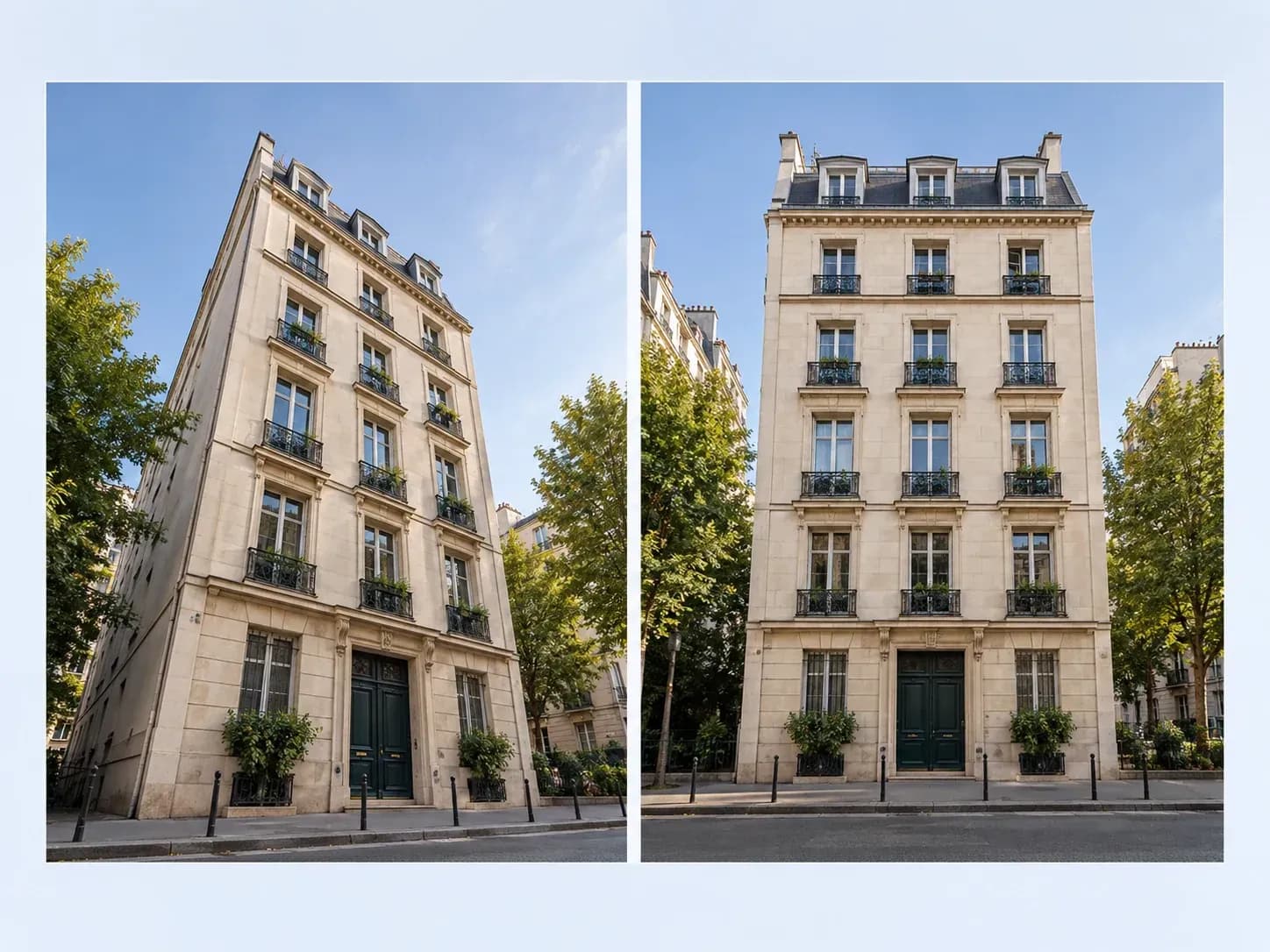
Correction is the main job; the last card covers the reverse.
Lines that should run straight up or square across come back that way, instead of leaning or narrowing toward the top.
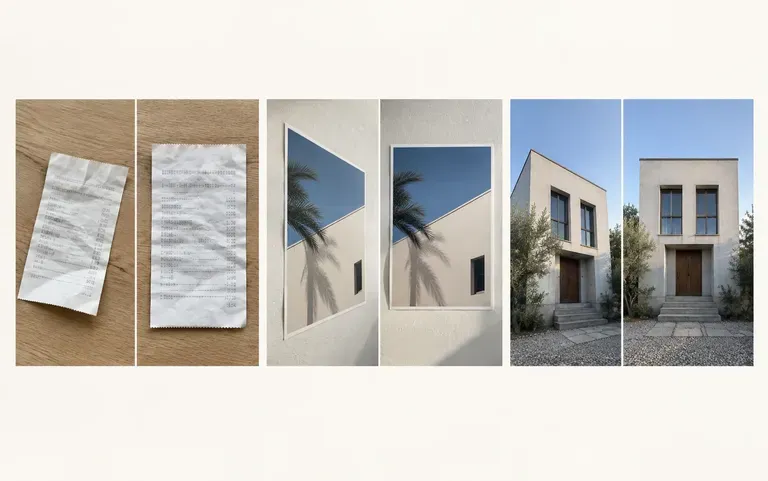
It works on buildings, documents, products and poster screenshots.

A flat poster or screenshot can also come back angled, with a 3D look for a slide or mockup.
Make sure all four corners of the subject are inside the photo.
Upload the photo as it came off the camera, uncropped.
One run returns the straightened version.
Check the straight lines against the edges of the frame.
Anyone whose photos rarely come out square.
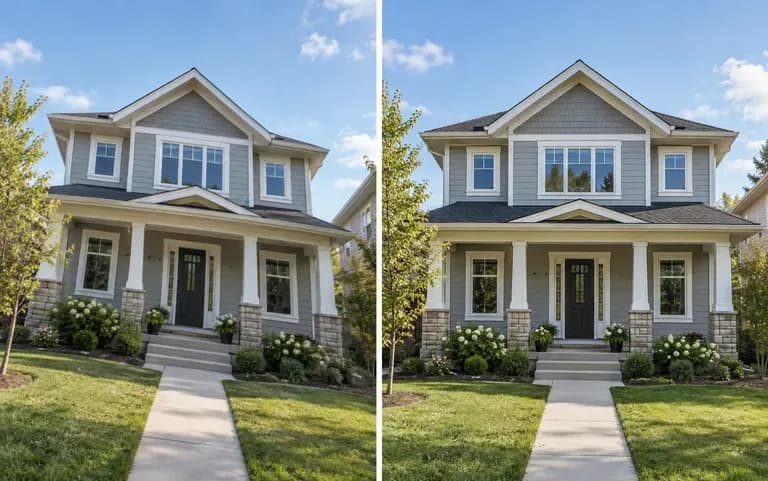
Make building exteriors look upright in listing photos.
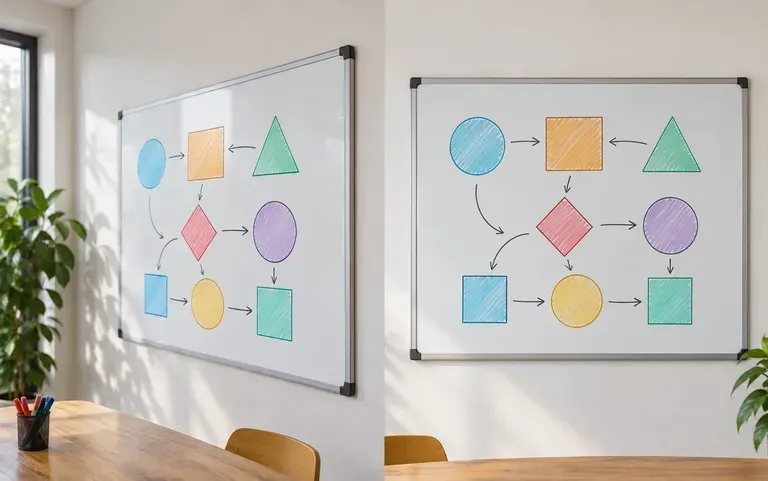
Tidy a whiteboard photo before sending it to the team.
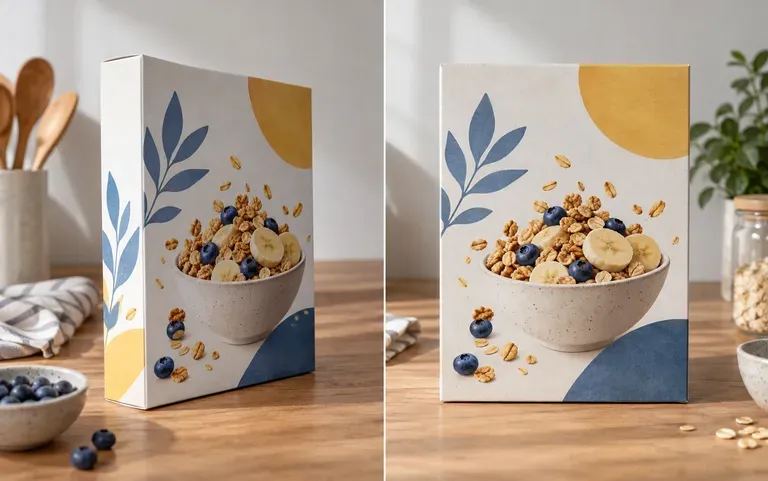
Straighten a product box shot at a slight angle.
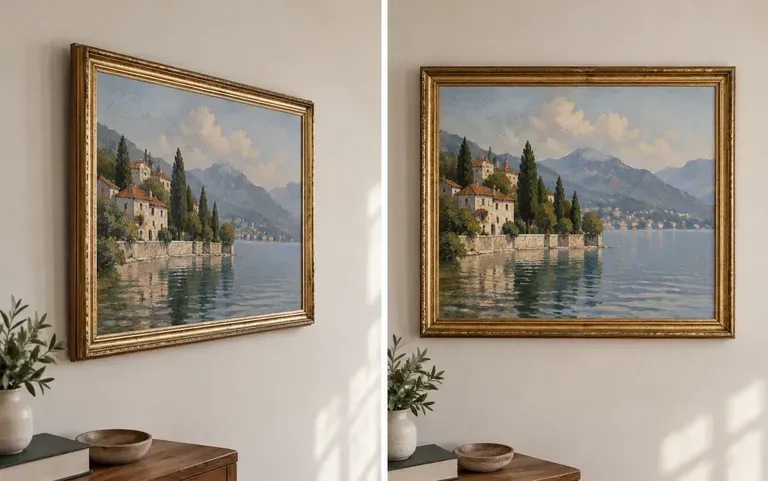
Square up a painting you had to shoot at an angle to avoid glare, before it goes into your portfolio.