AI Perspective Correction Tool

AI Perspective Correction Tool

The AI perspective correction tool straightens a subject you could not shoot square-on, so its edges run true.

Entrada
Image to correct · ObrigatórioCorrection mode · OpcionalTarget surface · OpcionalReference image · OpcionalEdge handling · OpcionalExtra requirements · Opcional
Saída
1 perspective-corrected square-on image, or 1 tilted 3D-style version, with all content and text identical to the source

Image to correct

Obrigatório

Upload a photo

A imagem é carregada na tela; este formulário leva as definições.

Reference imageOpcional

Correction modeOpcional

Edge handlingOpcional

What is an AI perspective correction tool?

Perspective correction pulls the four corners of a skewed subject back into a rectangle, the way a scanner app squares up a page. It works with the photo you took and does not invent a new camera angle.

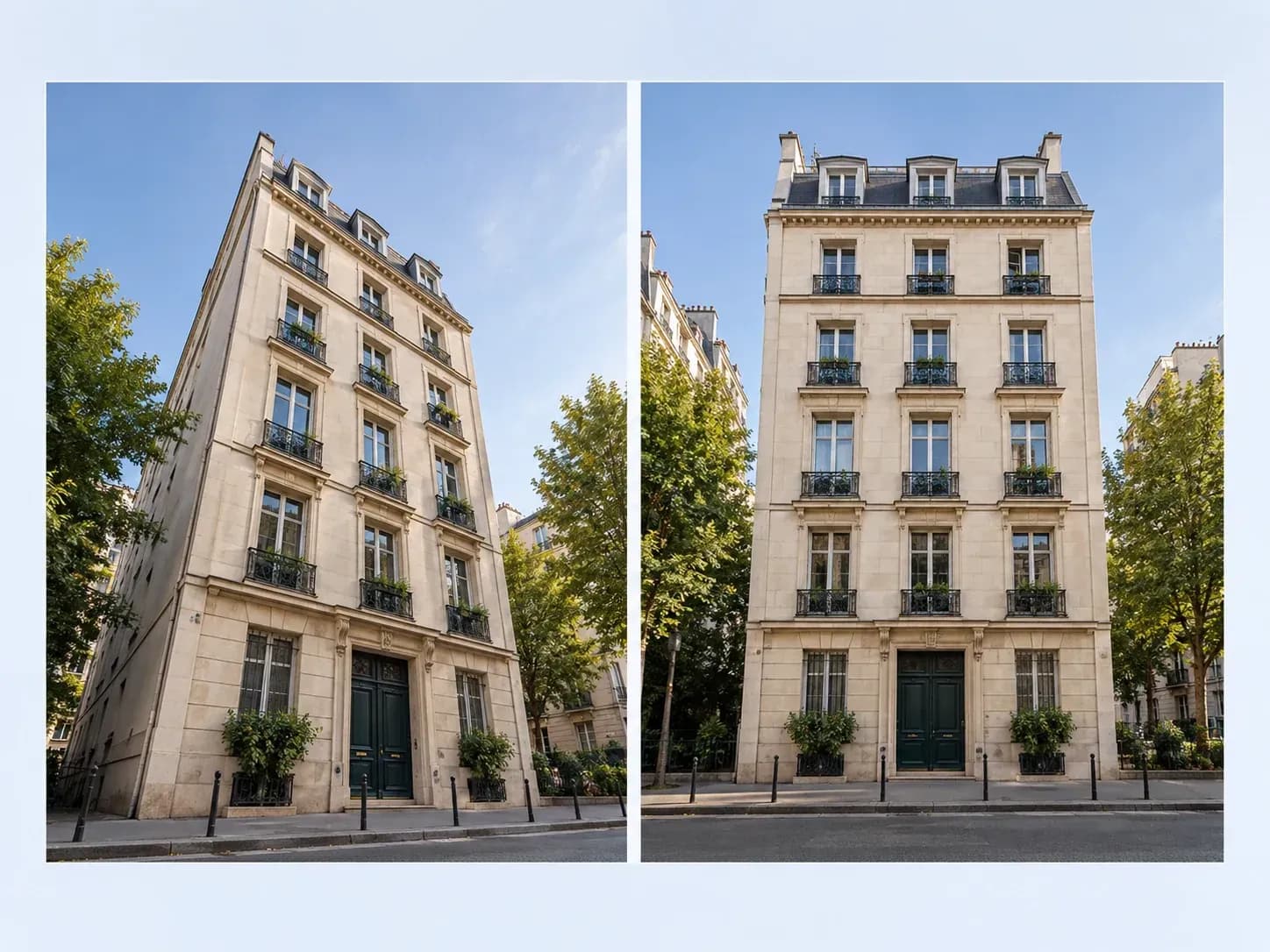
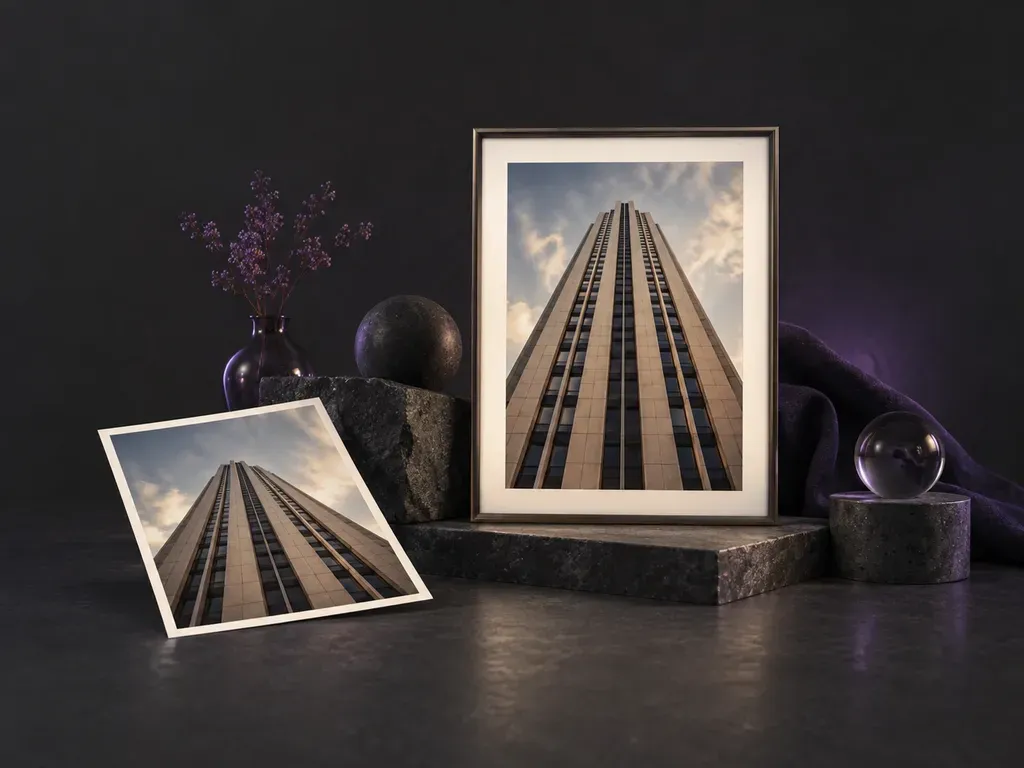
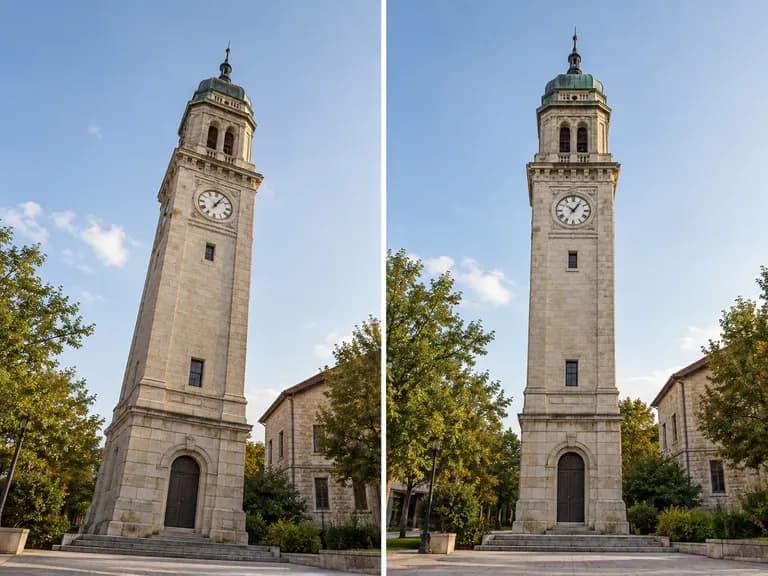
A building shot from below, straightened

Why use Virse to fix perspective distortion?

Correction is the main job; the last card covers the reverse.

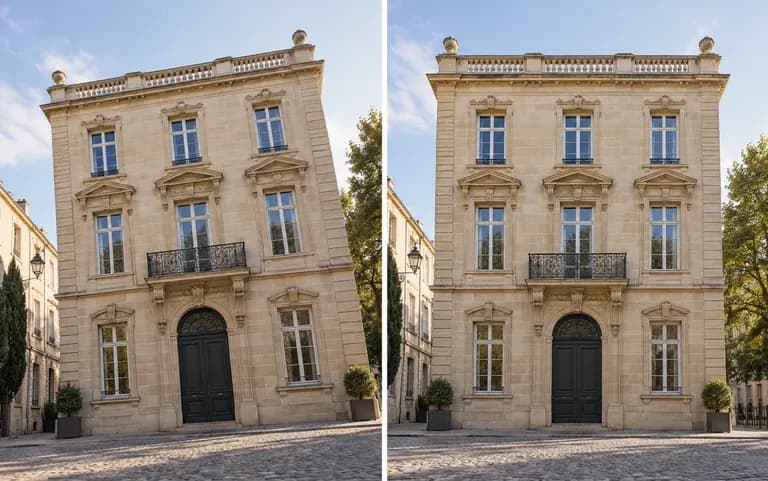
A leaning facade made upright
Correct

Straight lines again

Lines that should run straight up or square across come back that way, instead of leaning or narrowing toward the top.
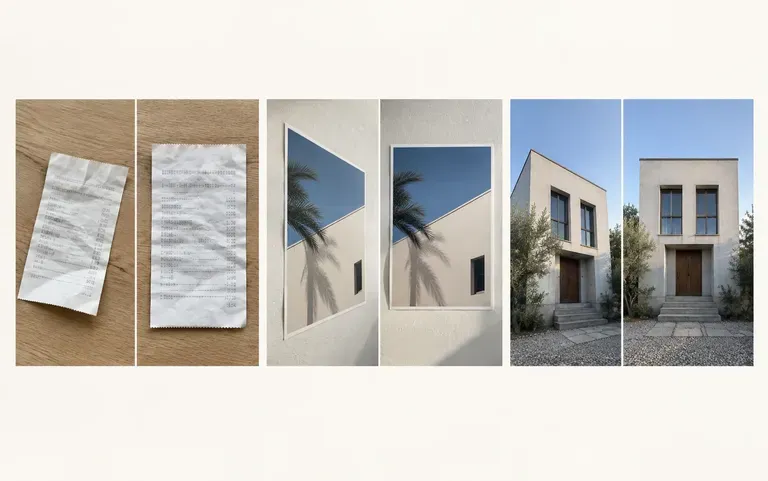
A receipt, a poster and a building, each squared up
Subjects

Buildings to screenshots

It works on buildings, documents, products and poster screenshots.
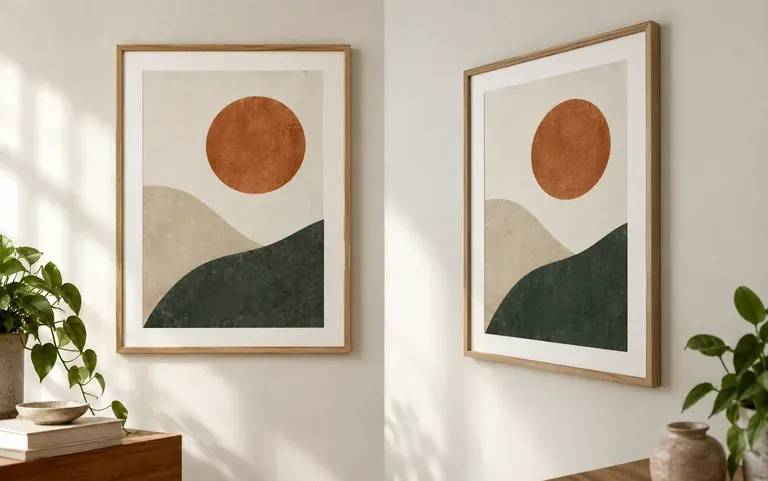
A flat poster given a tilted 3D look
Reverse

Add a tilt

A flat poster or screenshot can also come back angled, with a 3D look for a slide or mockup.

How to straighten photo perspective

  1. Frame the subject

    Make sure all four corners of the subject are inside the photo.

  2. Send the shot in

    Upload the photo as it came off the camera, uncropped.

  3. Let it square up

    One run returns the straightened version.

  4. Compare with the original

    Check the straight lines against the edges of the frame.

Who uses a perspective warp tool?

Anyone whose photos rarely come out square.
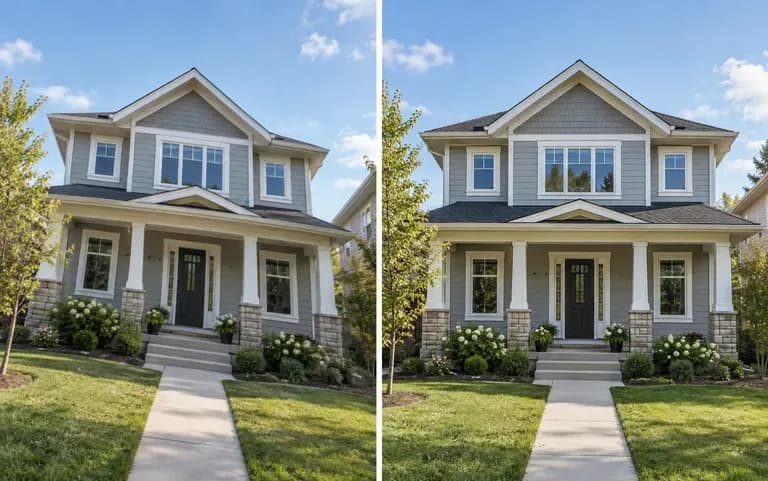
An upright house exterior for a listing

Real estate agents

Make building exteriors look upright in listing photos.
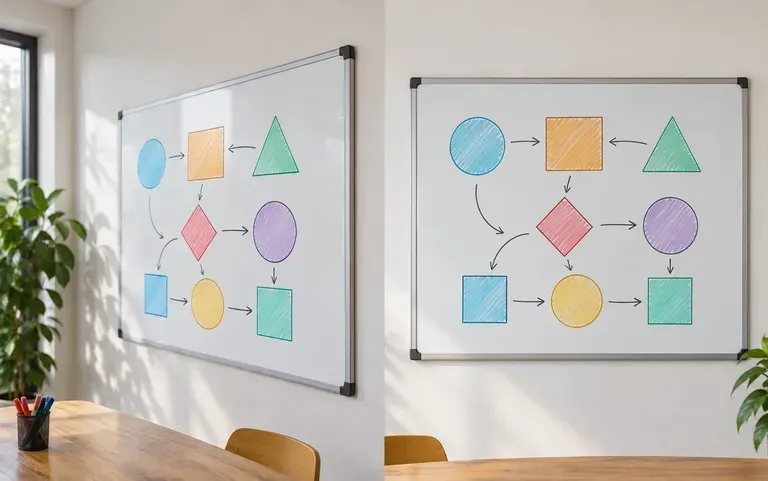
A whiteboard photo squared up

Office workers

Tidy a whiteboard photo before sending it to the team.
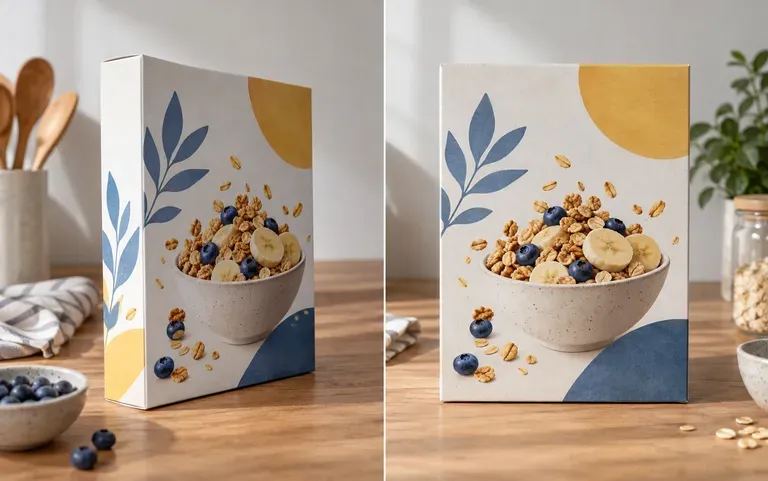
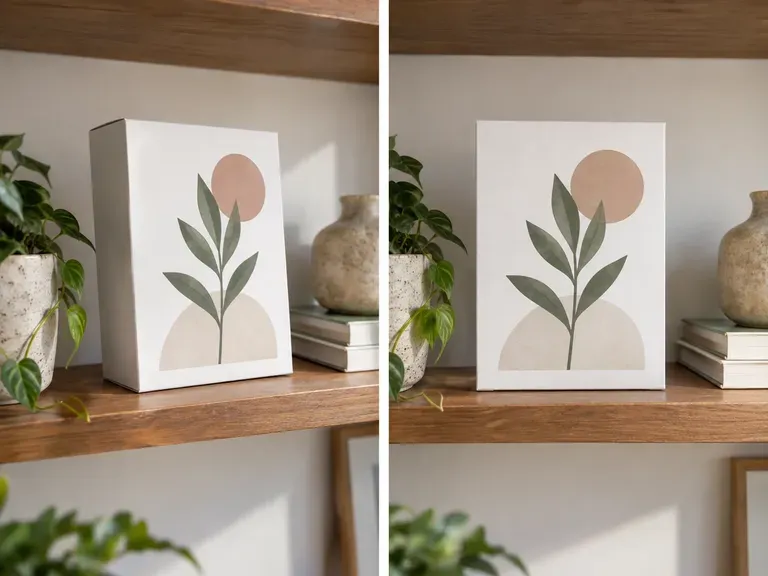
A product box front squared up for a listing

Marketplace sellers

Straighten a product box shot at a slight angle.
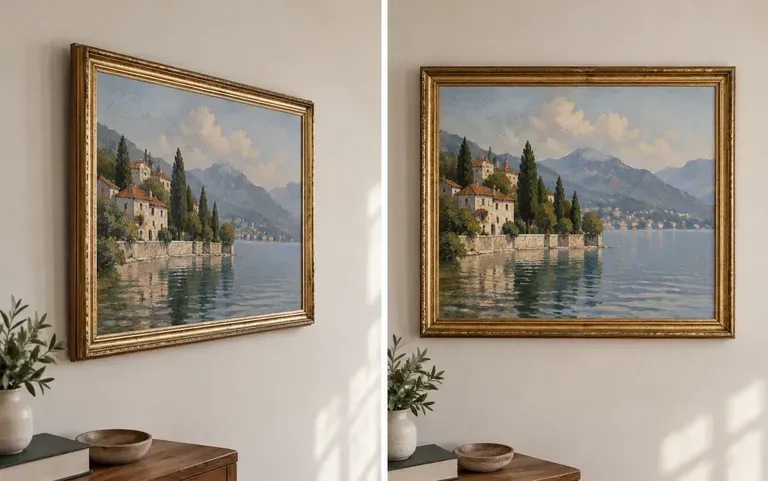
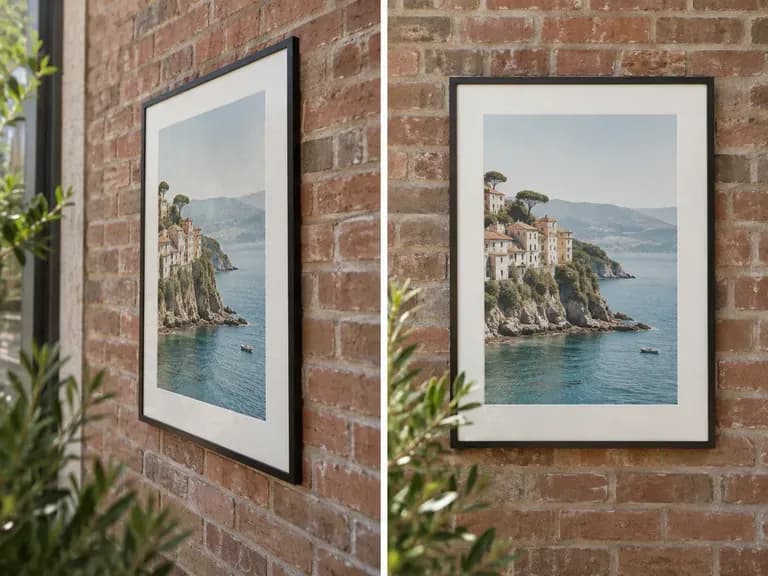
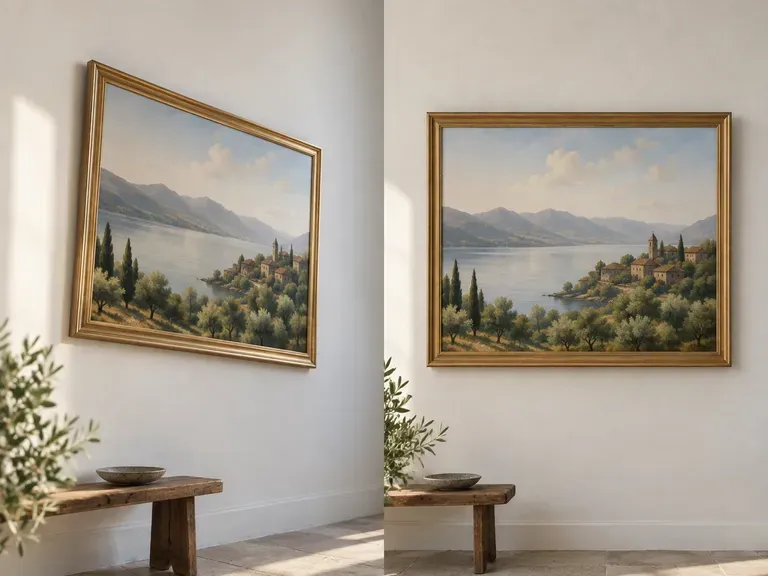
A painting photo squared up for a portfolio

Artists

Square up a painting you had to shoot at an angle to avoid glare, before it goes into your portfolio.
Perspective correction ideas

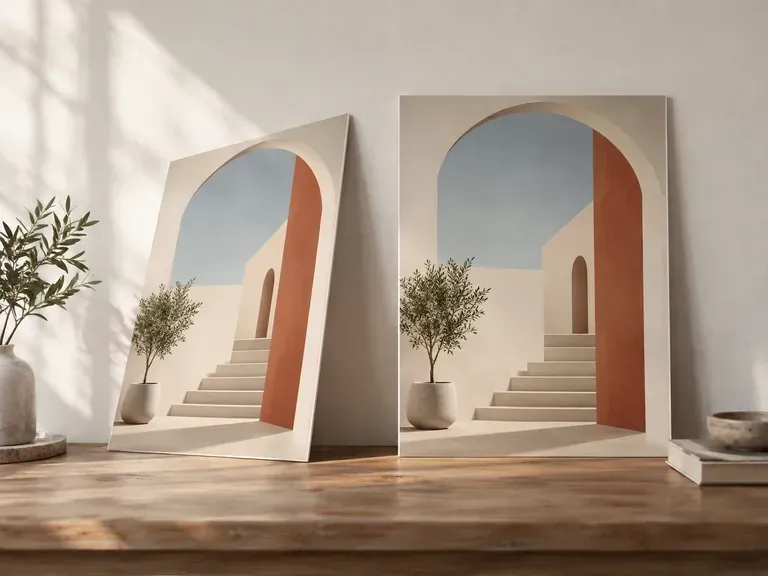
Upright Facades: towers without the backwards lean
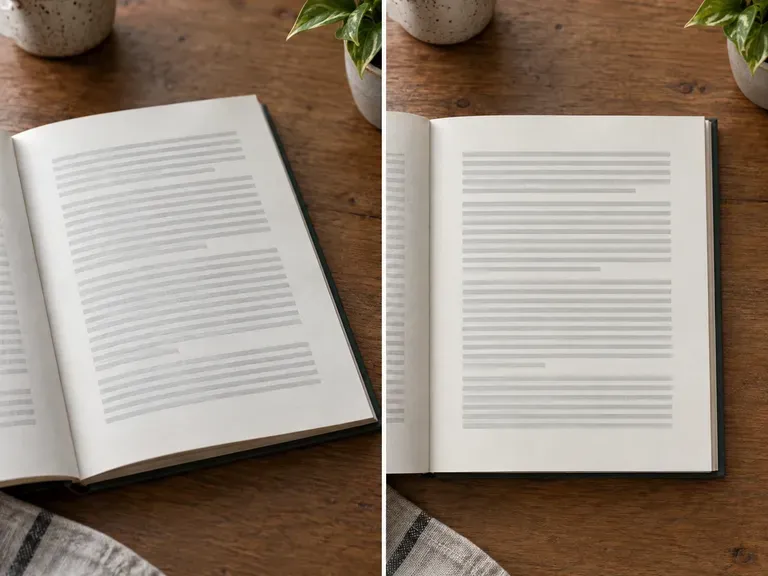
Flat Documents: a page shot at an angle, squared up
Straight Posters: a wall poster seen face on
Product Boxes: packaging straightened for a listing
Tilted Presentations: a flat design given depth
Artwork Photos: a framed painting squared up
FAQ

Frequently asked questions

Can it change the camera angle of my photo?
No. The result only reshapes what the camera already captured, so a wall hidden from view stays hidden. To show another side, you need another photo.
Is the tilted version a 3D model?
No. The tilt is drawn into a flat picture, so it cannot be rotated in 3D software or turned to show the back of the poster.
Does it work on documents and receipts?
Yes. A page, a receipt or a whiteboard shot at an angle can be squared up, as long as all four corners are in the photo.
Is Virse's perspective correction tool free?
Yes. A new account comes with 200 compute, plus 50 a day when the balance drops under 200. Corrected photos on the Free plan are 1K on any image model.
Does it fix lens distortion like fisheye?
No. It corrects perspective, not lens distortion. Curved lines from a fisheye or very wide lens stay curved.
Can I drag the corners myself?
No. Corner placement is automatic, with no handles on the image. If a corner is picked wrong, check that all four corners are in the frame and submit the photo again.

Straighten your photo with AI

Bring the photo with the leaning walls.