Keystone fix
Plumb Verticals and Horizon Alignment
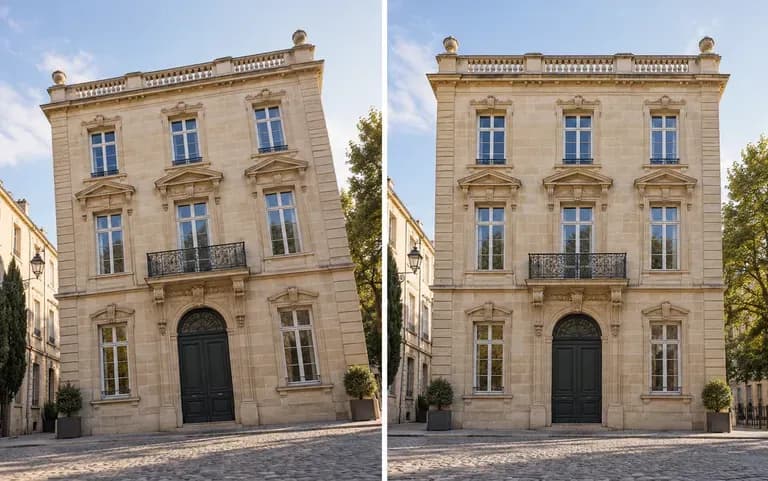
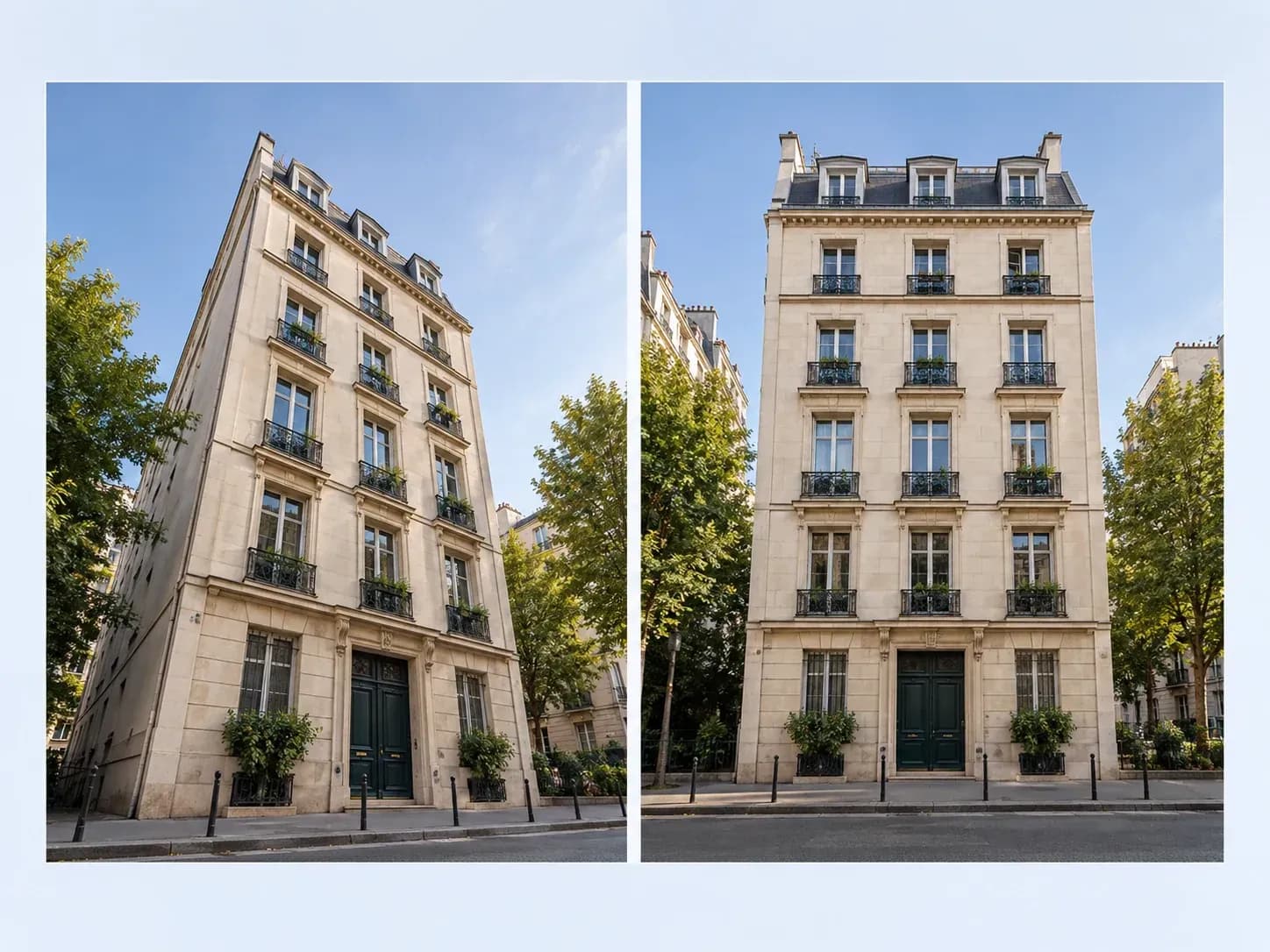
Eliminate upward camera pitch and keystone convergence so building exteriors, interior cabinetry, and door frames stand parallel to the left and right edges of the frame.
Upload an uncropped photo shot at an upward pitch or side angle to square up leaning walls, skewed boxes, or off-axis documents. This AI perspective correction tool aligns verticals, levels horizons, and preserves proportions, or applies a 3D tilt to flat graphics.
An AI perspective correction tool (also called a photo perspective correction or picture perspective correction utility) re-projects a skewed rectangular subject into a true upright rectangle without dragging corner pins. Virse resolves three alignment issues:
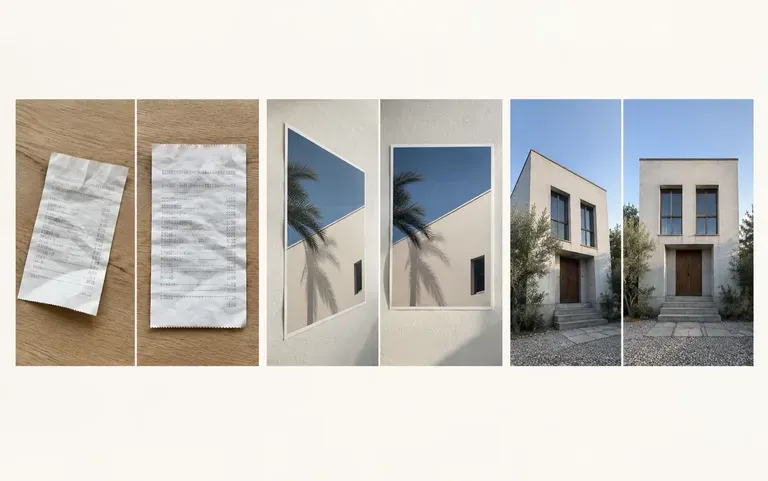
• Architectural keystone fix: Pull inward-leaning walls, doors, and window mullions plumb while leveling tilted street horizons.
• Packaging and art squaring: Restore front-facing rectangular geometry and proportions to angled boxes, posters, and canvases.
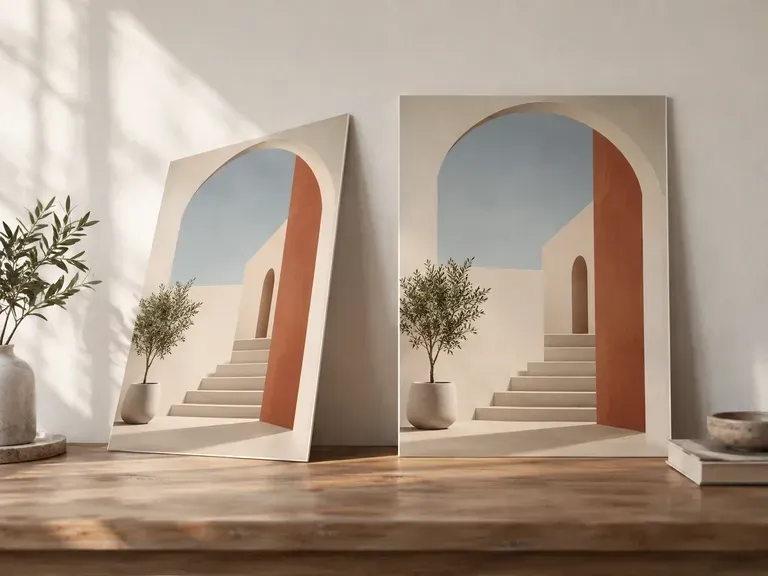
• Reverse 3D presentation tilt: Give flat 2D posters or UI screenshots a controlled three-quarter tilt for decks and hero banners.
Three planar alignment tasks handled automatically from your uploaded image and direction.
Eliminate upward camera pitch and keystone convergence so building exteriors, interior cabinetry, and door frames stand parallel to the left and right edges of the frame.
Apply image perspective correction to street-level real estate shots, e-commerce boxes, glare-dodging artwork photos, and angled whiteboard captures while keeping text and proportions legible.
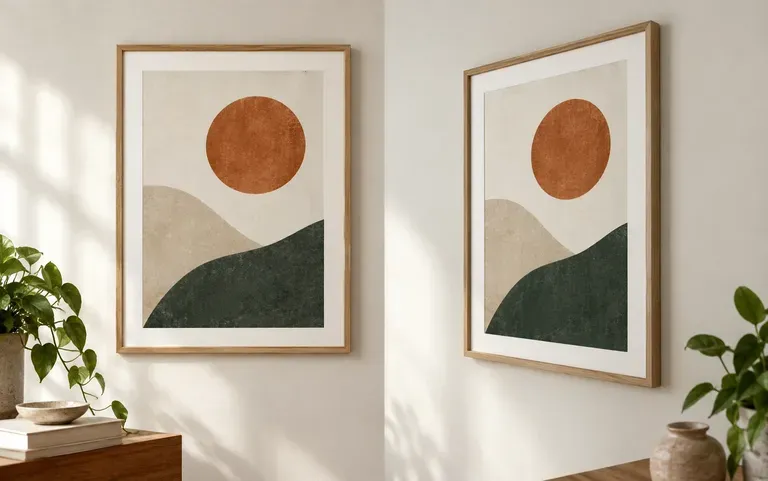
Work in the opposite direction when needed by re-projecting a flat poster, book layout, or app screenshot into an angled 3D perspective view for presentations.
How browser-based AI image perspective correction compares with dragging four-point perspective crop handles in desktop editors.
Manual Perspective Crop & Grid Tools
Virse AI Perspective Correction
Choose an uncropped photo where all four corners or vertical edges of the building, box, or frame sit clearly inside the boundary.
Add the original camera file without pre-cropping tight to the skewed edges, leaving breathing room for planar re-projection.
Select a preset or state whether you want architectural keystone straightening, rectangular document squaring, or a 3D tilt.
Compare the output beside your source photo on the canvas to verify that vertical lines run parallel and proportions look natural.
Adding a clear note helps guide planar alignment and aspect ratios. Copy any of these three image perspective correction briefs:
• Architectural keystone: "Straighten the upward keystone lean on this two-story facade so window mullions stand plumb, level the sidewalk, and keep natural proportions."
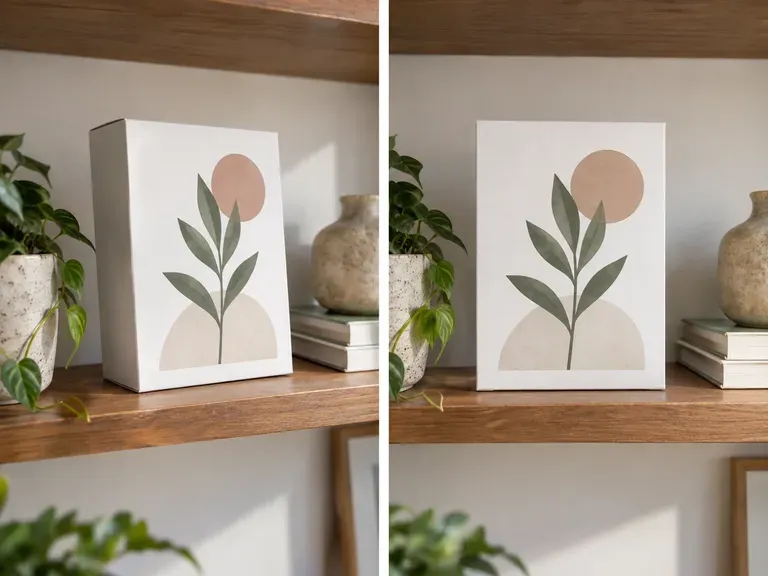
• E-commerce packaging box: "Square up the front panel of this cosmetic carton shot at an angle into a clean upright rectangle while keeping label text sharp."
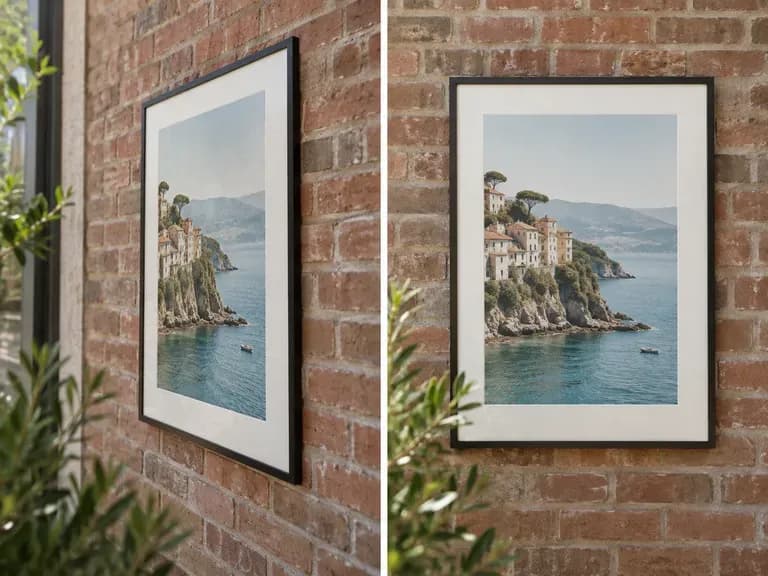
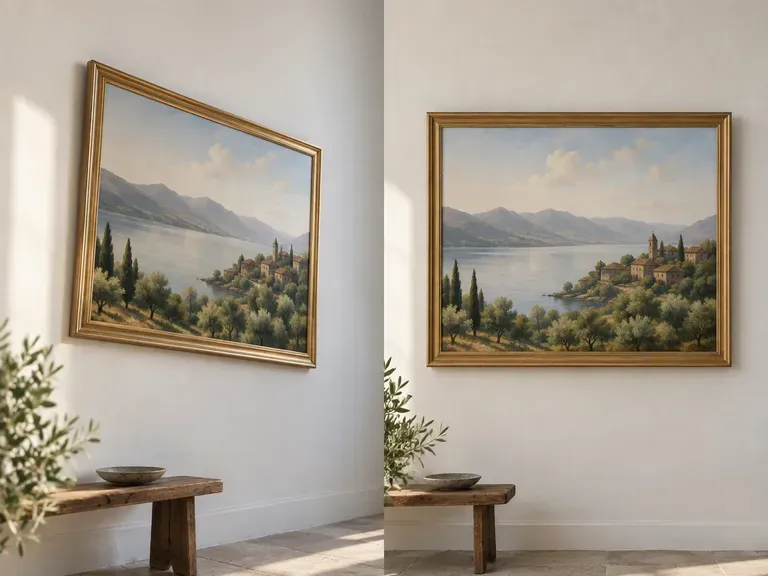
• Glare-free framed artwork: "Correct perspective on this oil painting shot off-axis to dodge glass glare; bring all four frame corners into a true 4:5 rectangle."
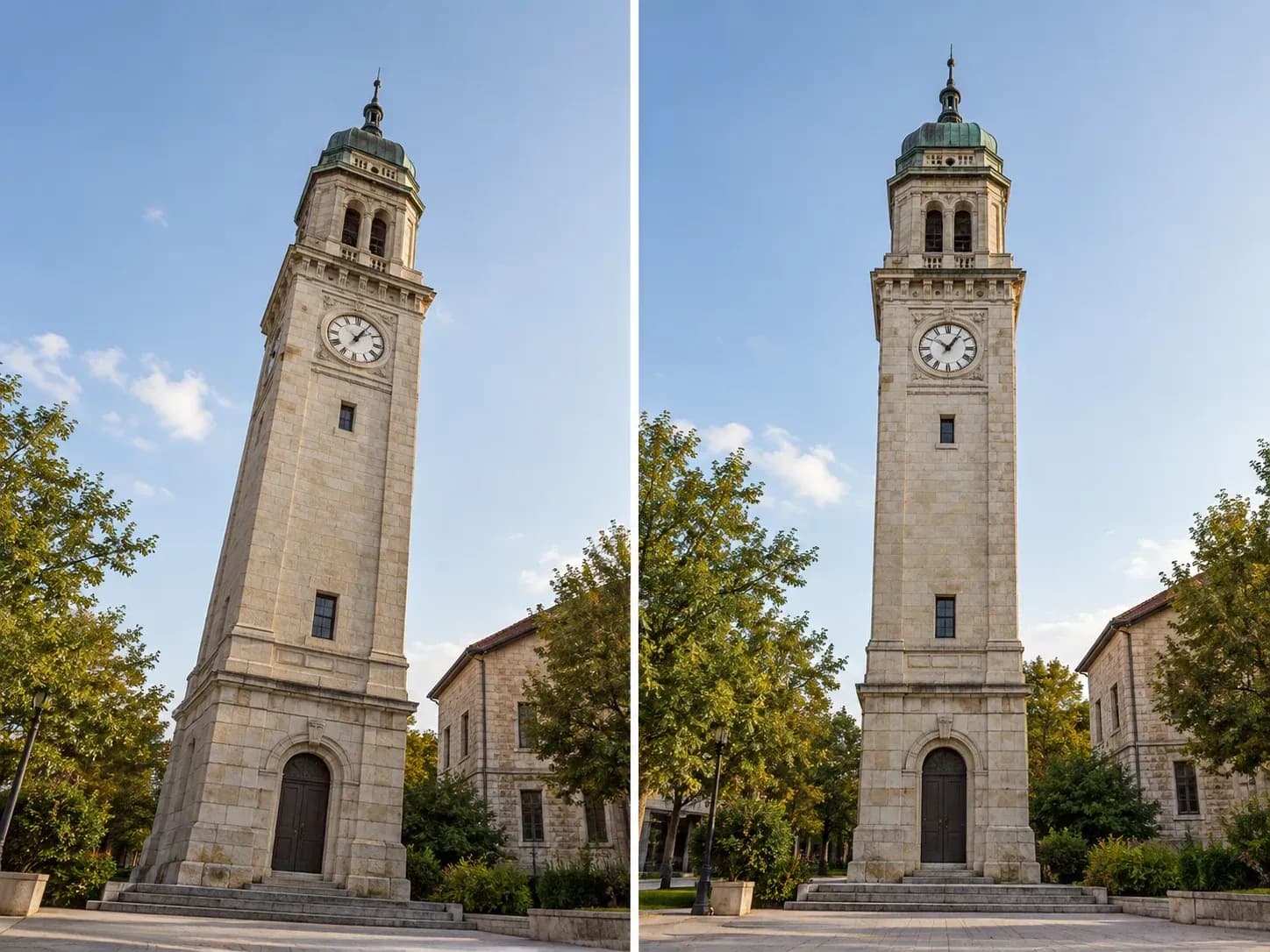
Four everyday photography and design workflows where off-axis camera angles need fast planar straightening.
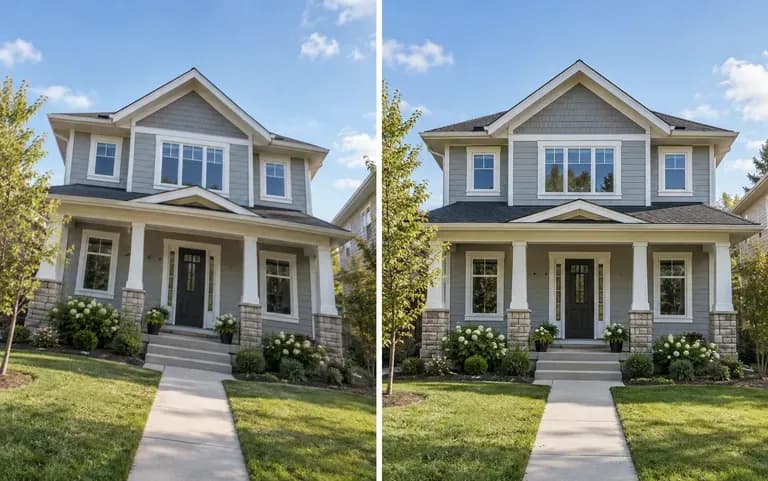
Fix converging vertical walls on street-level home exteriors and tight kitchen or bathroom interiors so property listings look level and structurally accurate.
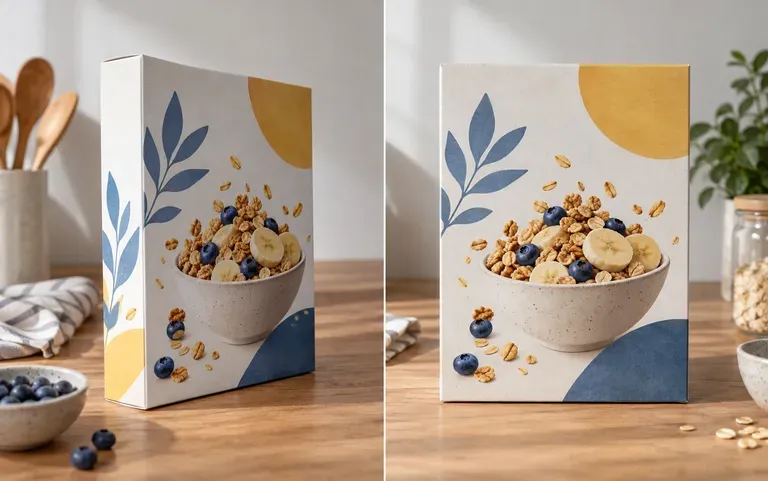
Straighten retail cartons, book covers, and boxed electronics photographed at a slight angle so catalog thumbnails align cleanly across a storefront grid.
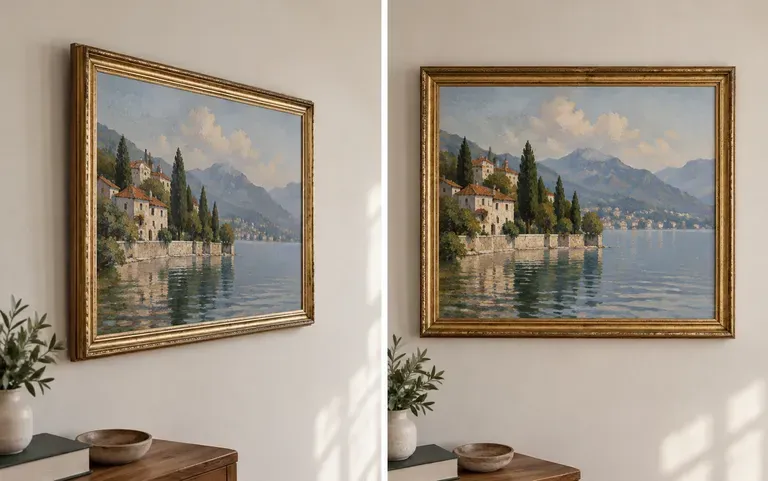
Shoot framed paintings, glazed prints, or glossy posters from the side to avoid lamp reflections in the glass, then square the frame back up for portfolios.
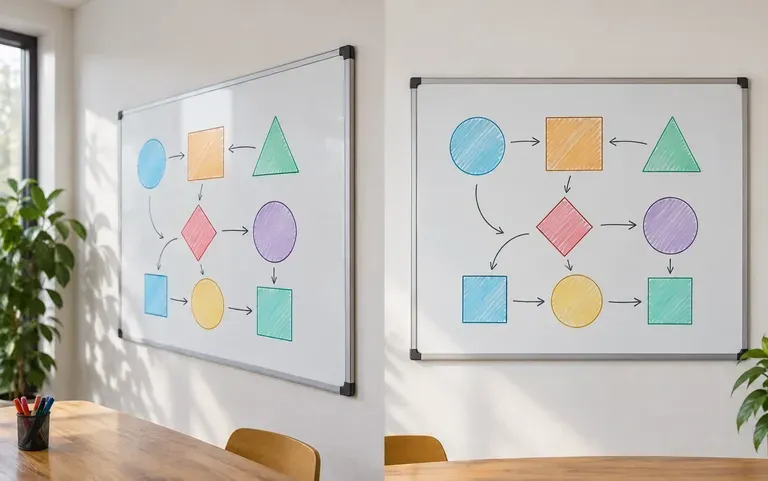
Turn angled phone captures of meeting whiteboards, printed handouts, receipts, and wall schedules into flat rectangular reference images.
Six before-and-after use cases spanning architectural facades, product boxes, documents, and tilted presentation graphics.
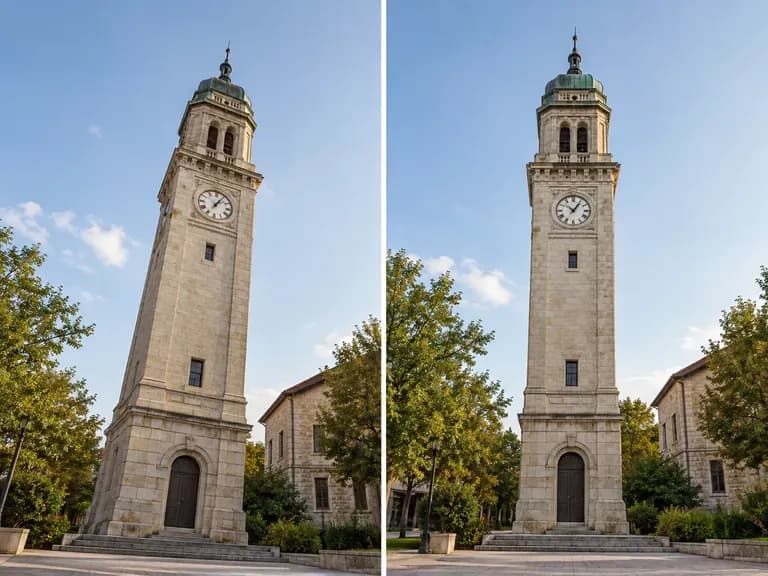
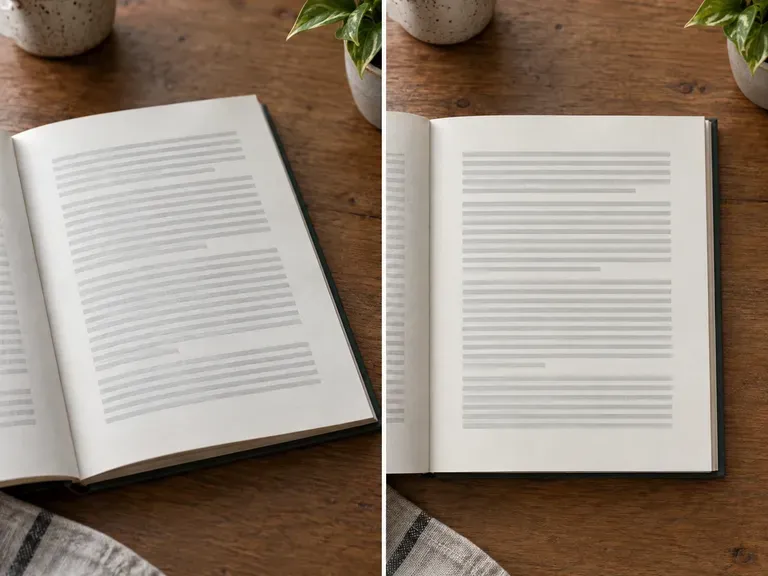
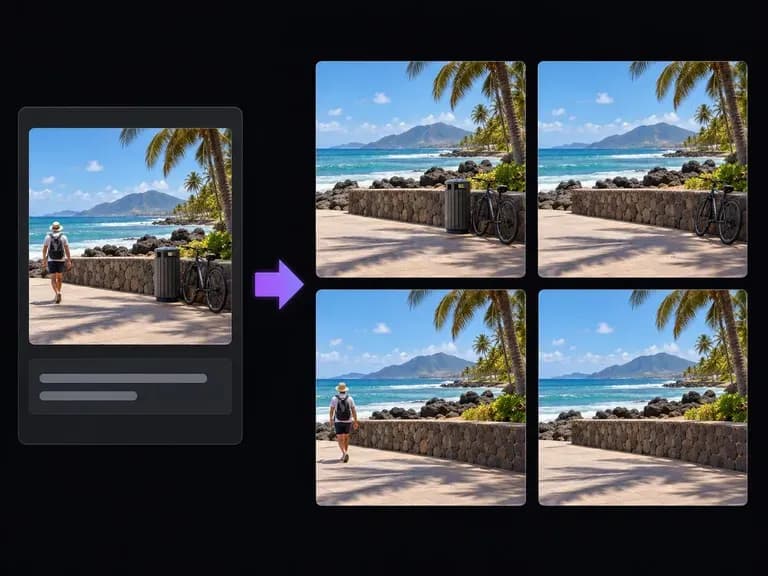
Remove distracting street signs, power lines, or tabletop clutter from your photo with a text prompt.
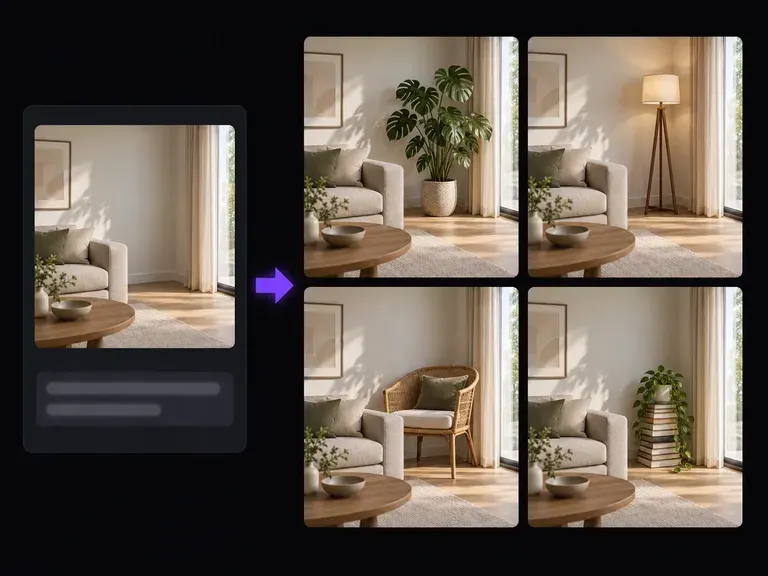
Extend tight canvas borders or fill missing corner areas after straightening an angled photograph.
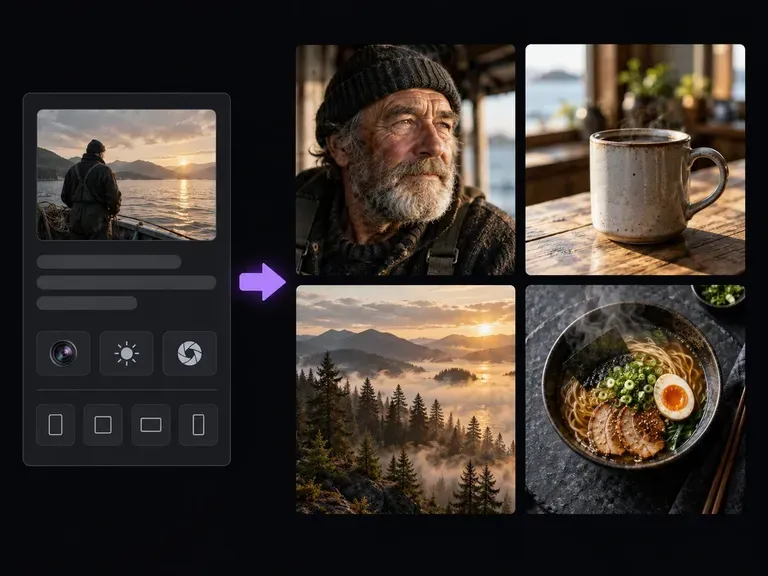
Generate clean architectural, interior, or product scene concepts from text when starting from scratch.
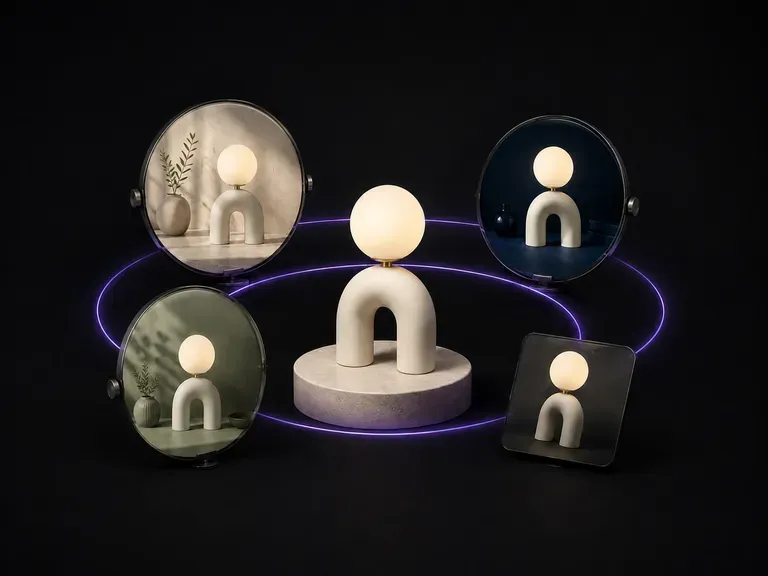
Branch one approved frame into controlled lighting, angle, and styling alternatives on the canvas.
Turn a rough creative idea into a structured prompt specifying subject, lens, lighting, and mood.
Organize deliverables, target audience, visual references, and constraints into a clear project brief.

Explore four distinct framing and styling variations side by side on the canvas in a single run.
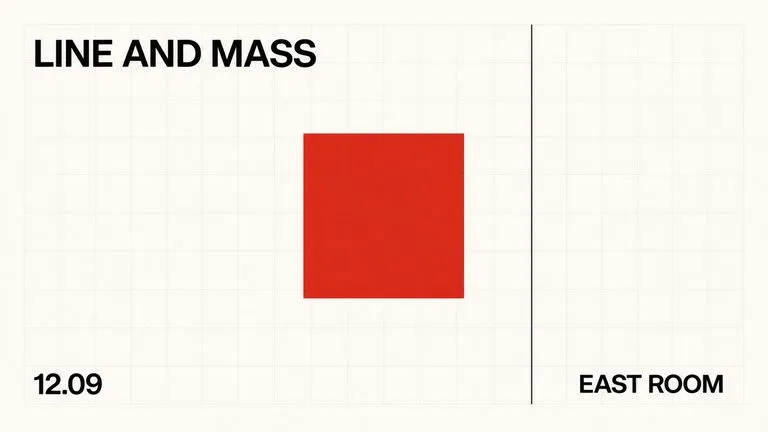
Keep display headlines, packaging wordmarks, and monogram badges sharp inside generated visuals.

Translate detailed creative briefs into balanced compositions with reliable spatial relationships.
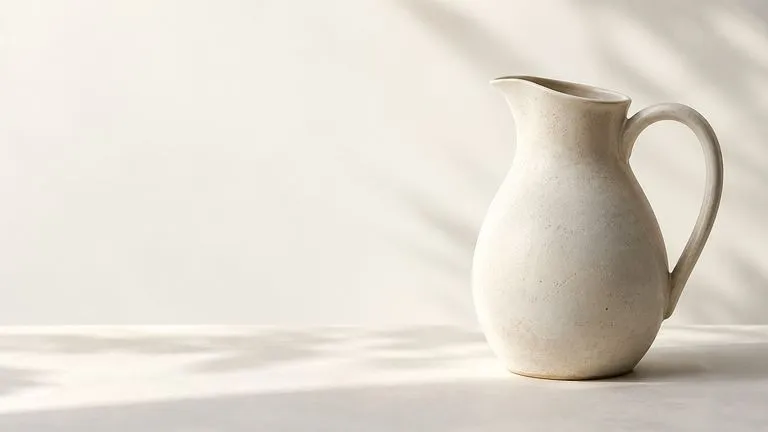
Render high-contrast metallic reflections, fabric weaves, and shallow depth of field.

Guide subject posture, materials, and lighting using up to 14 reference images at 1K to 4K.
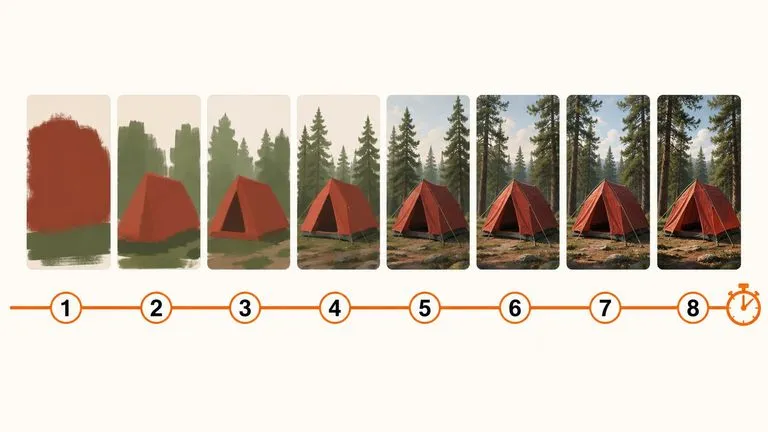
Draft rapid concept thumbnails and layout options before committing compute to final high-res renders.
Upload an uncropped architectural, packaging, or document photo to align verticals and horizons on the Virse canvas.