Design Brief Generator

Design Brief Generator

Describe a project and get a structured brief back, covering background, goals, audience and deliverables. Or upload a design that is already in progress and get findings, suggestions and a design strategy instead. Both run on a Virse canvas, starting on free credits.

Entrada
Project info · ObligatorioDesign to review · Opcional
Salida
结构化设计简报 / 评审意见(对话输出) × 1

Design to reviewOpcional

La imagen se sube en el lienzo; este formulario lleva los ajustes.

What Is a Design Brief Generator?

A design brief generator turns project details into a structured document covering background, goals, audience and deliverables. In Virse, the same tool also works the other way: upload a design already in progress and it returns findings, suggestions and a strategy for the next revision.

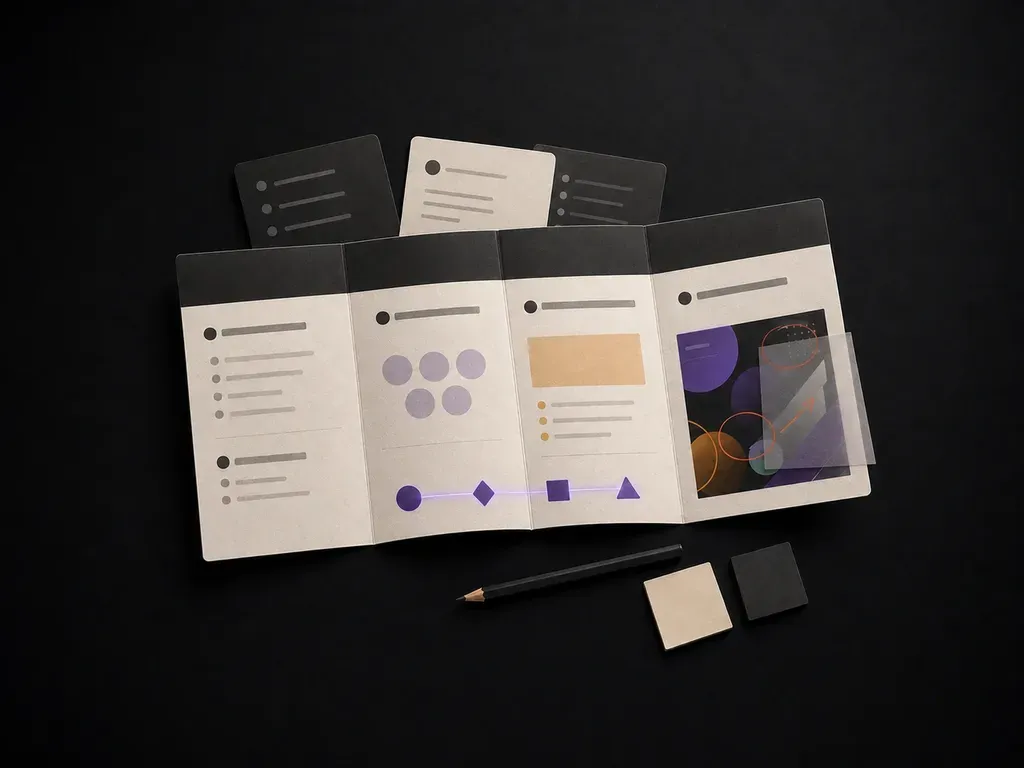
Handwritten project notes beside a printed structured brief document
Project notes turned into a structured design brief

Why Use Virse's Design Brief Generator?

A brief is only useful if someone actually reads it before starting work. Getting a clean first draft fast is what makes that likely.

A freshly generated blank brief document beside a pen and a coffee cup
Free

Start with Free Generations

Try your first brief or design review on Virse credits. New users can generate up to 10 outputs, enough to see whether the structure fits your project before relying on it for a real kickoff.

Two draft versions of the same brief document with slightly different section lengths
40+ models

Explore with Multiple AI Models

Virse brings 40+ AI models into one environment, and paid plans include unlimited model usage. Different models weigh project details differently, and comparing a couple of drafts is often faster than editing one from scratch.

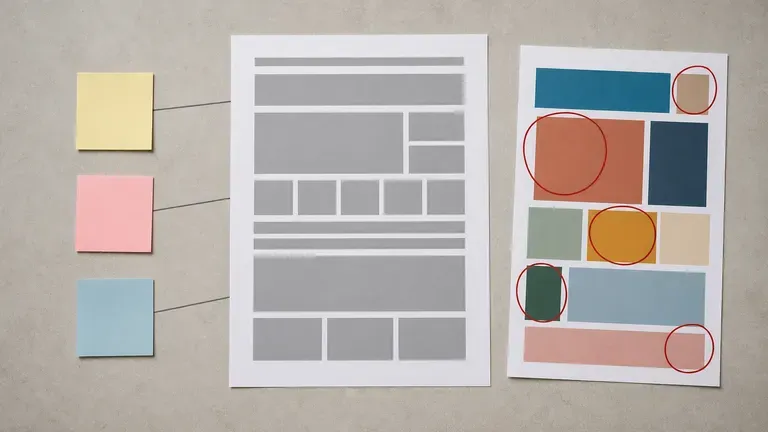
A brief document surrounded by a red-annotated design print and sticky notes on a desk
Canvas

Keep Everything on One Canvas

Project notes, uploaded designs, generated briefs and review notes stay together on an infinite canvas. Virse keeps the project context, so a later revision review builds on the same brief rather than starting over.

How to Generate a Creative Design Brief with AI in Four Steps

  1. Describe the project or upload a design

    Write out the project background, goal, audience and deliverables, or upload a design that already exists if you want it reviewed instead of briefed.

  2. Choose brief or review mode

    A new brief produces a structured document from your notes. Review mode reads an uploaded design and returns findings against the goal you described.

  3. Generate the draft

    Run it and get a full draft back, either a structured brief or a set of findings, suggestions and a design strategy for what to change next.

  4. Refine and hand it off

    Adjust the draft with more detail where it is thin, then keep it on the canvas as the shared reference for whoever picks up the project next.

Who Is a Graphic Design Brief Generator For?

People who need a project to start from a clear document, not a hallway conversation.

A marketing-themed brief document on a meeting table beside product packaging samples

Marketing & Brand Managers

Turn a rough project idea into a brief a design team or agency can actually work from.

A freelance designer's desk with a brief document beside a blank quote-style notebook

Freelance & In-House Designers

Get a structured starting point before quoting or scoping a new project.

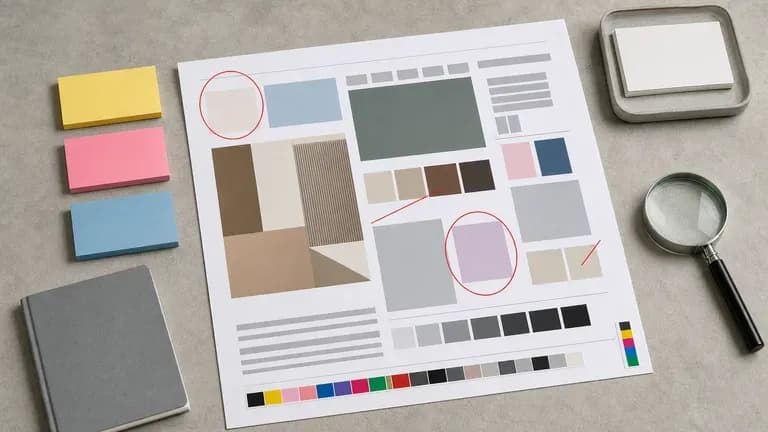
A printed design proof marked with red circles and coloured sticky notes beside a magnifying glass

Design Leads & Reviewers

Run an existing design through review mode to get a second opinion before a client presentation.

A small startup desk with a founder's handwritten notes beside a brief document

Startup Founders

Write a brief for a first logo, packaging or website project without design experience of your own.

Design Brief Generator Use Cases

A clean, blank new-project brief document close-up
New Project Briefs: background, goals, audience and deliverables from a short description
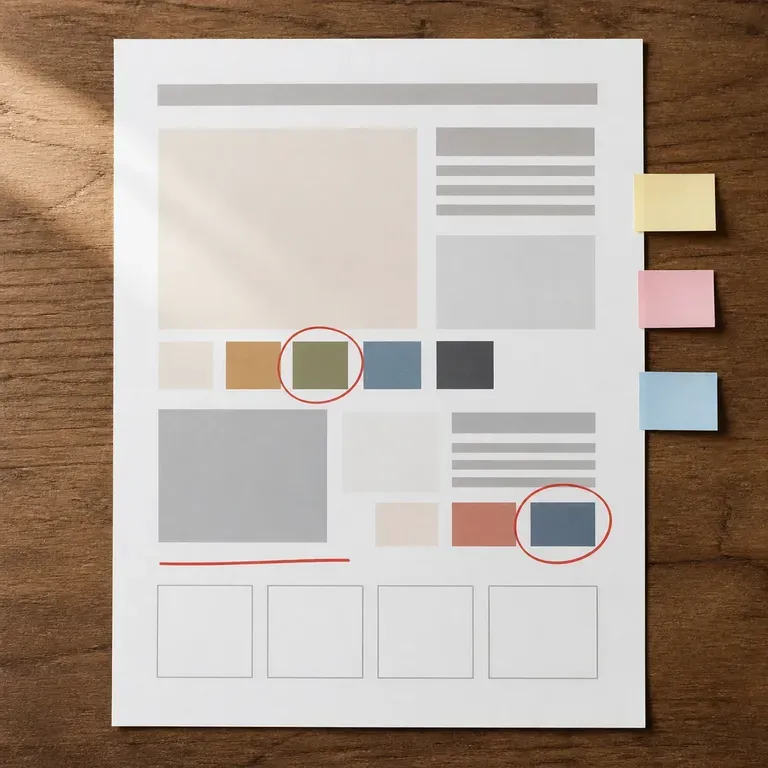
A design review document with visible red pen circles and sticky notes
Design Review Findings: an uploaded design assessed against its stated goal
A brief document beside a blank agency letterhead sheet, suggesting a handoff
Agency Handoff Documents: a brief formatted for an outside team to pick up
A packaging-themed brief document beside a blank cardboard box mockup
Client Kickoff Briefs: a first document to align a client and a designer before work starts
A cluster of coloured sticky notes representing a post-review revision strategy
Packaging & Product Briefs: deliverable and audience details for a physical design project
A client kickoff scene with a brief document centred on a table among tea cups and pens
Revision Strategy Notes: suggested next steps after a design review
FAQ

Frequently Asked Questions

Is this design brief generator free?
You can start on free Virse credits. New users can generate up to 10 outputs, enough to test a brief or a review before deciding whether you need a paid workflow. Free access is limited rather than unlimited.
Can it review a design I already made instead of writing a brief?
Yes. Upload the design and describe the goal it was meant to hit, and it returns findings, suggestions and a strategy for the next revision instead of a fresh brief.
Does it work as a creative brief generator, or only a formal project brief?
Both. Choose the creative brief preset for a shorter document focused on tone, mood and reference direction, or the full project brief for background, goals, audience and deliverables.
Will the brief include a budget or timeline?
Only if you include that information in your notes. The generator structures what you give it. It does not invent a budget or deadline on its own.
Can I use this as a graphic design brief generator for a specific deliverable, like packaging or a logo?
Yes. Mention the deliverable in your project description, such as packaging, a logo or a website, and the brief structures around that specific output.
What do Virse paid plans include?
Paid plans include access to 40+ AI models with unlimited model usage and unlimited team seats, aimed at teams running briefs and reviews as a regular part of their process.

Generate Your Design Brief with AI

Describe a project or upload a design in progress, and get a structured brief or a set of review findings back, ready to hand off.