Start with Free Generations
Try your first flowchart layout on Virse credits. New users can generate up to 10 images, enough to see whether a diagram structure fits your process before relying on it for real documentation.

A process that only lives in one person's head isn't documented, it's a bottleneck. Describe the steps, the roles and where it branches, and get a diagram back that someone else can actually follow without you in the room. Free credits cover a first layout.
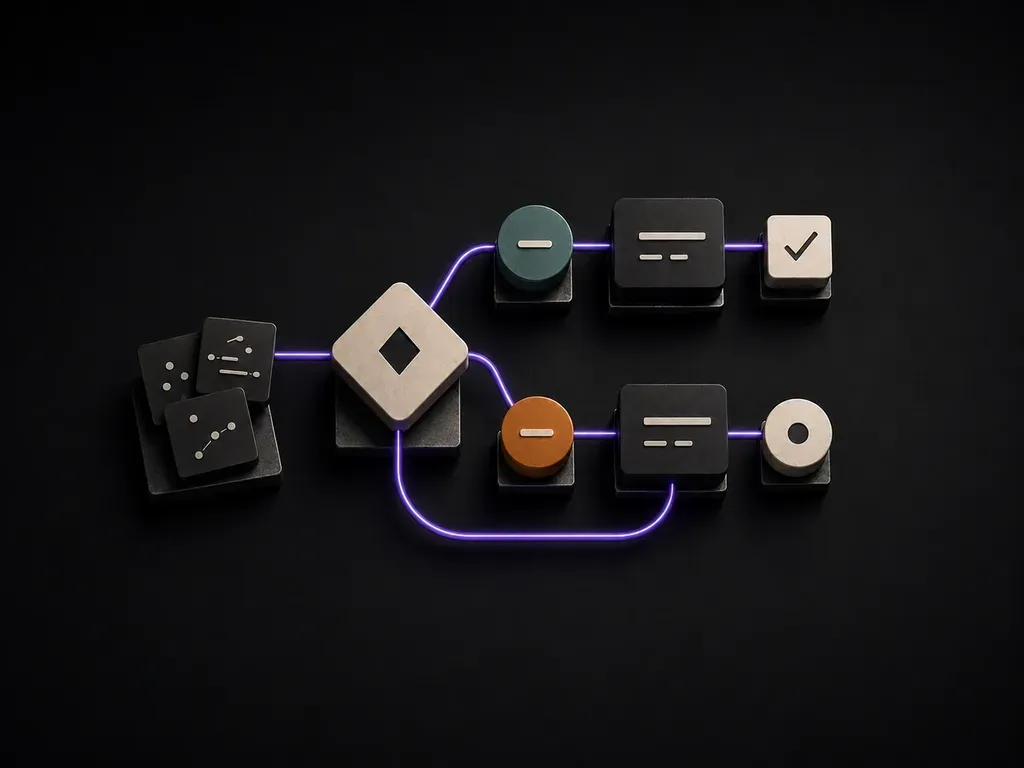
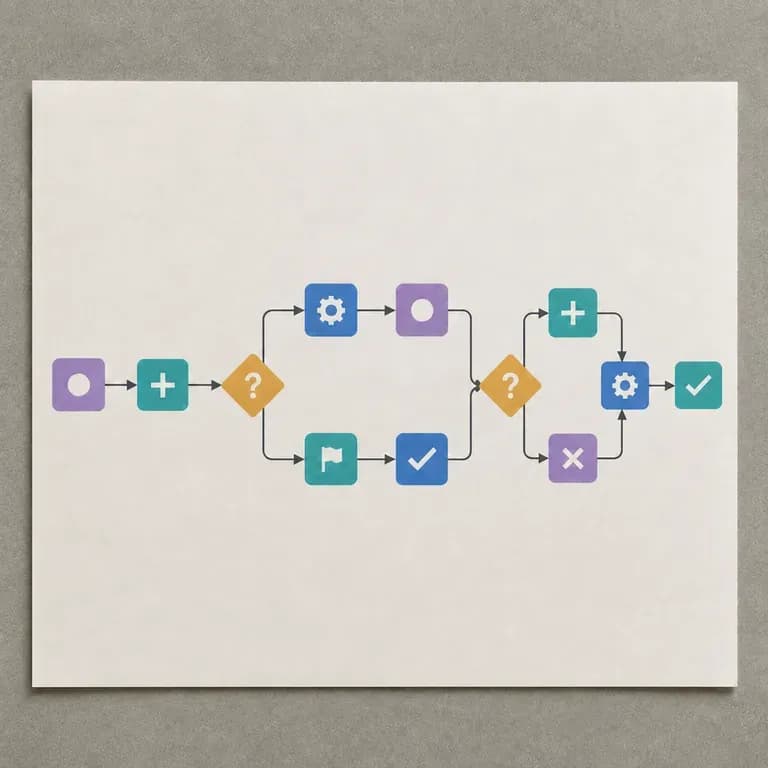
An AI flowchart generator turns a process description into a visual diagram of nodes, connections and branches. In Virse you describe the steps and decision points, generate a layout, and refine it into something you can actually share with a team.

A flowchart only helps if someone else can follow it without you in the room. A clean first layout is what makes that likely.

Try your first flowchart layout on Virse credits. New users can generate up to 10 images, enough to see whether a diagram structure fits your process before relying on it for real documentation.

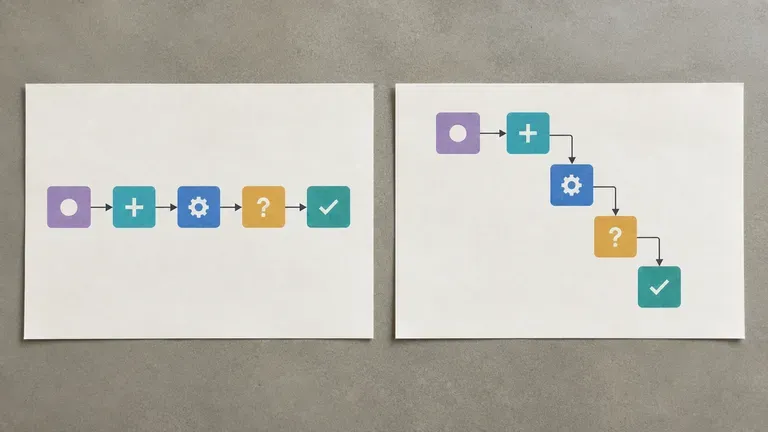
Virse brings 40+ AI models into one environment, and paid plans include unlimited model usage. Different models organise the same process differently, and comparing a couple of layouts is often faster than redrawing one by hand.

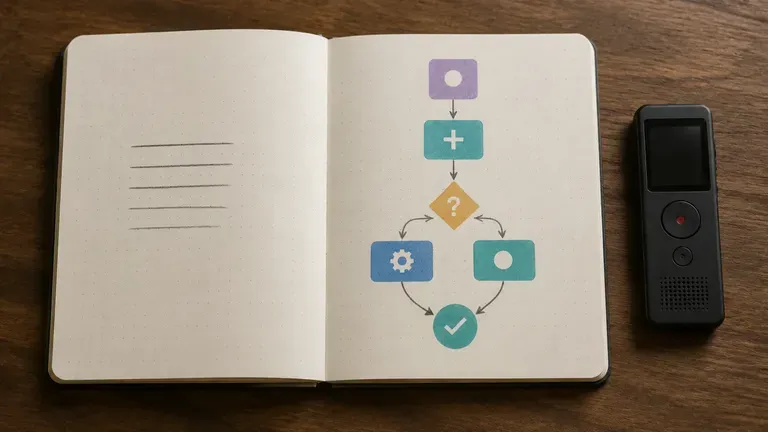
Process notes, generated diagrams and alternative layouts stay together on an infinite canvas. Virse keeps the process context, so a later revision builds on the same diagram rather than starting over.
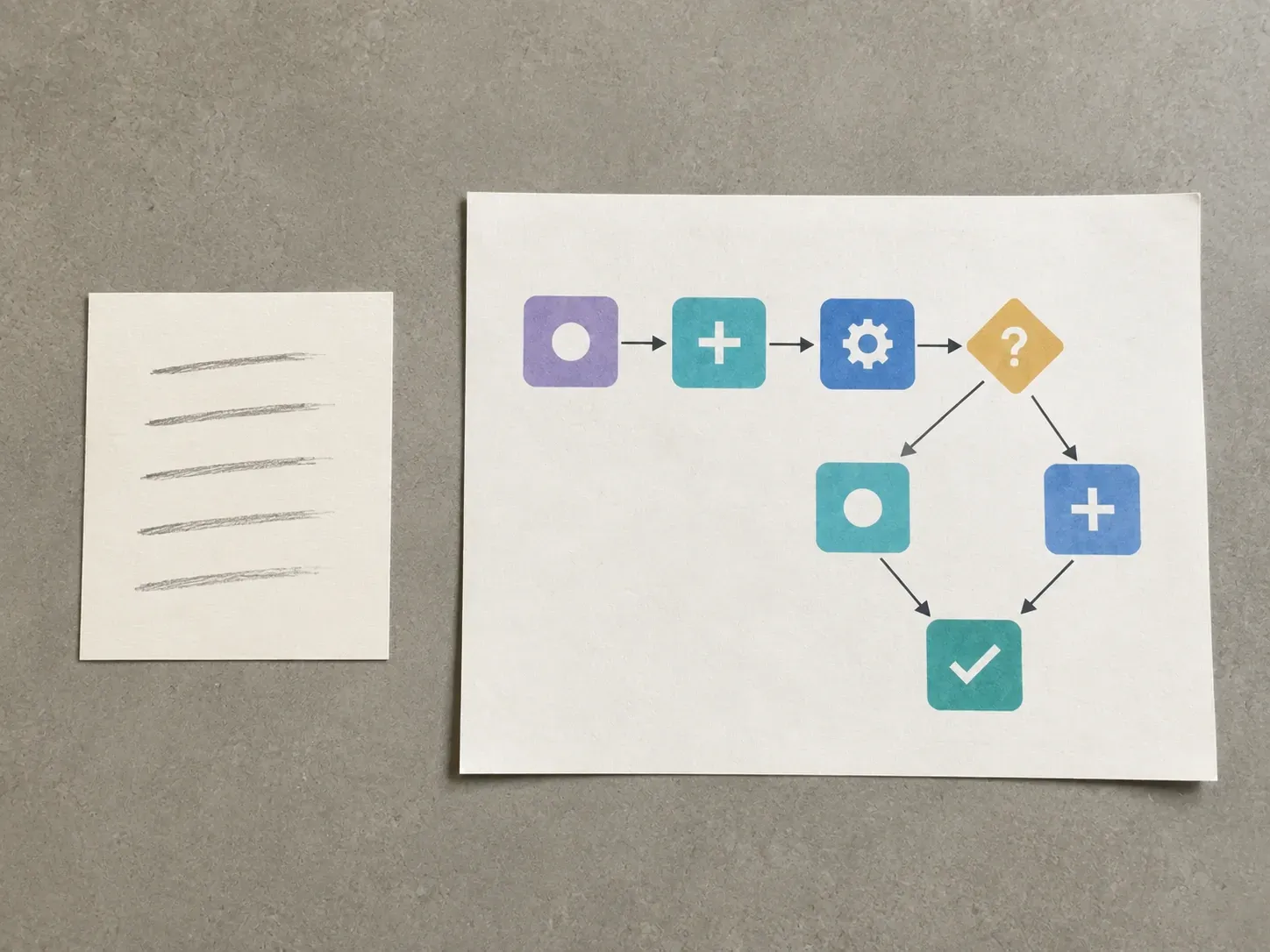
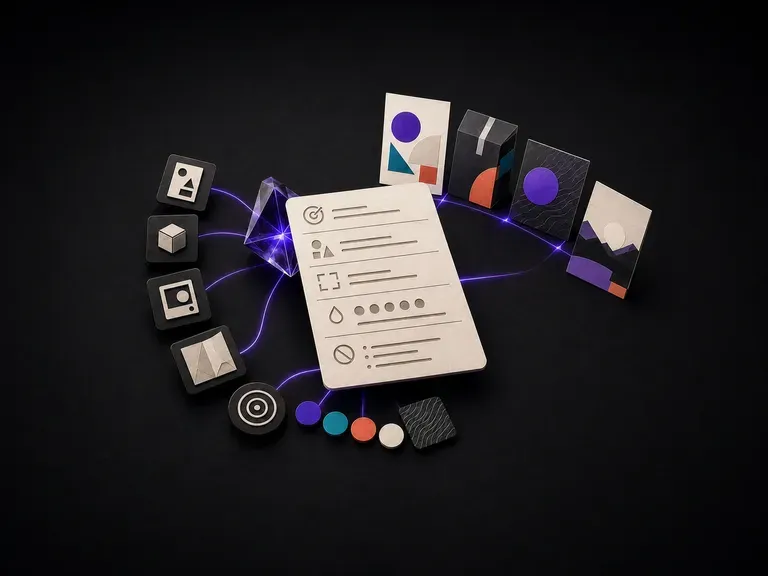
Write out the goal, the roles involved, the key steps in order, and any point where the process branches.
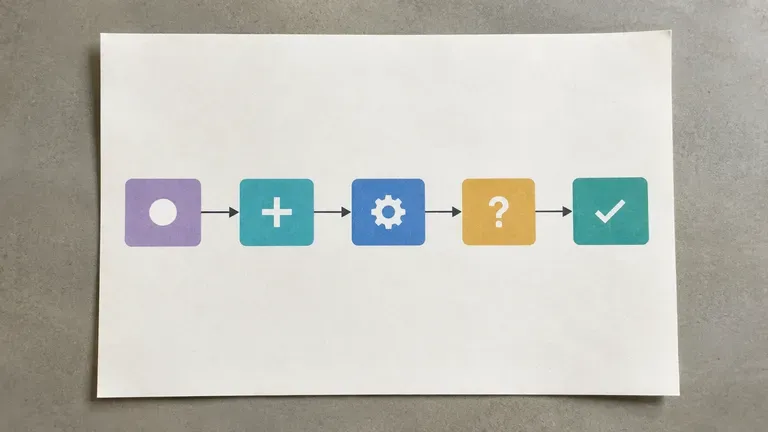
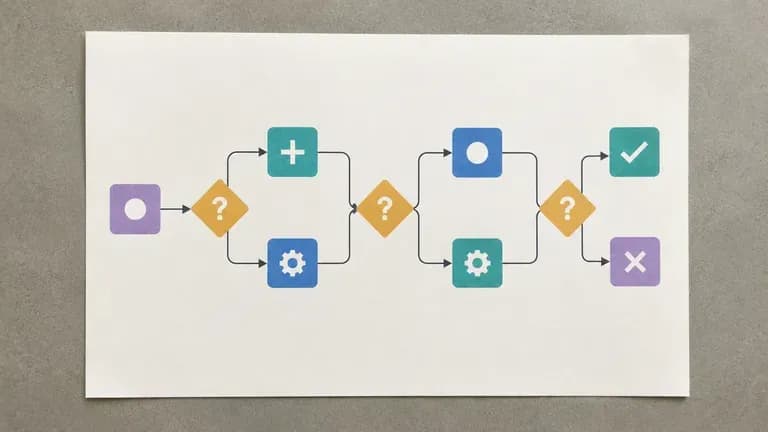
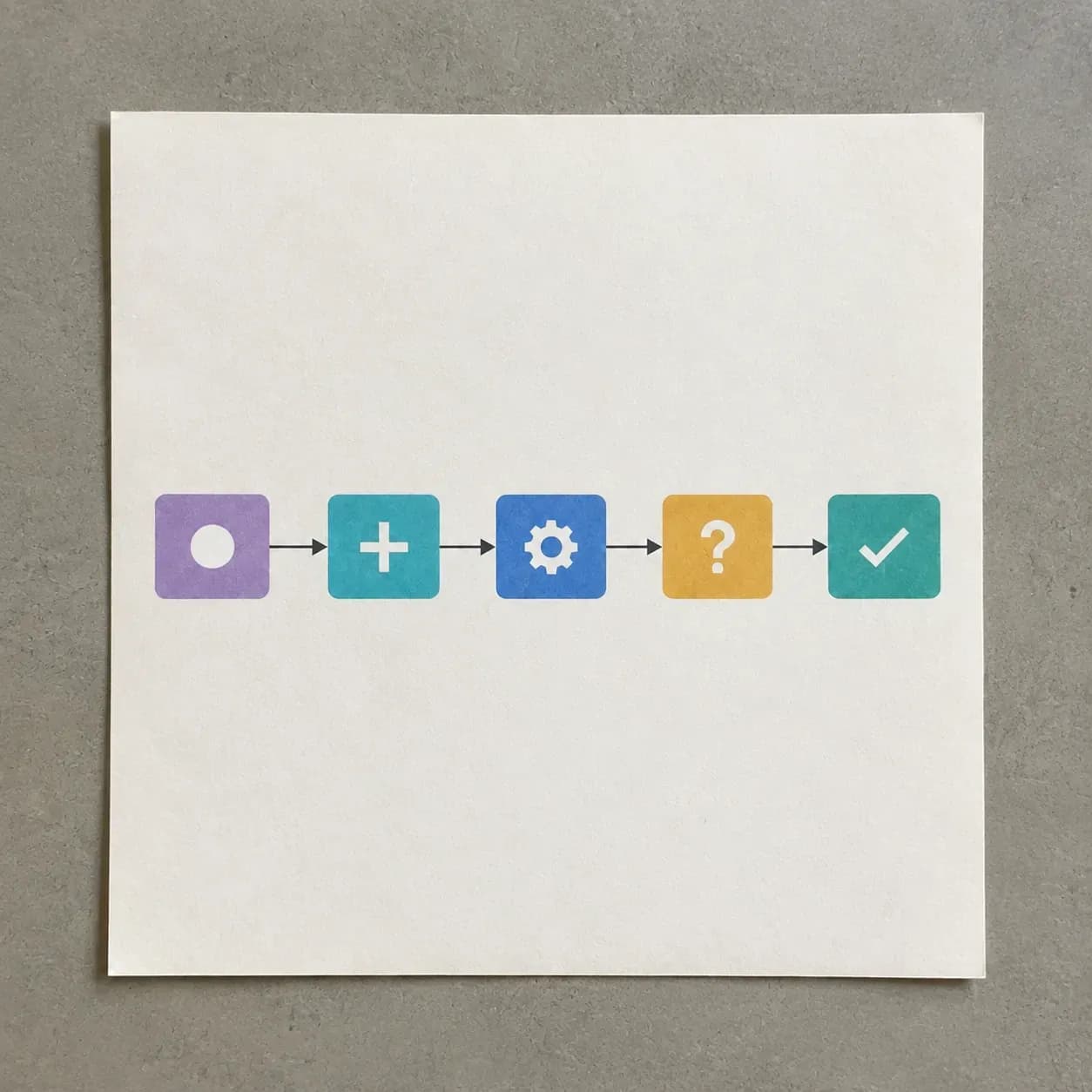
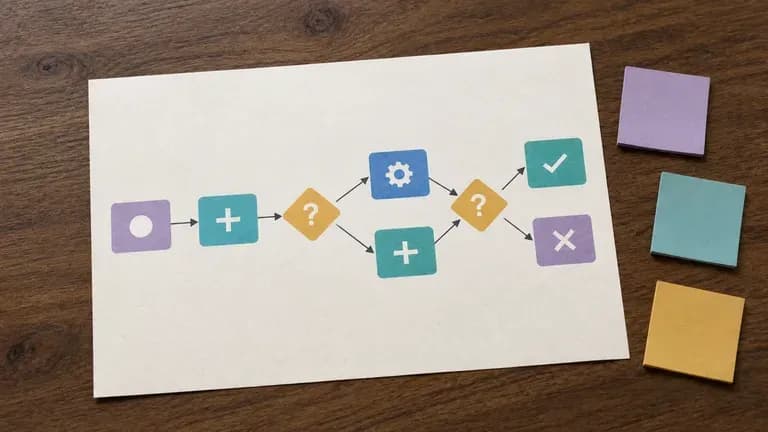
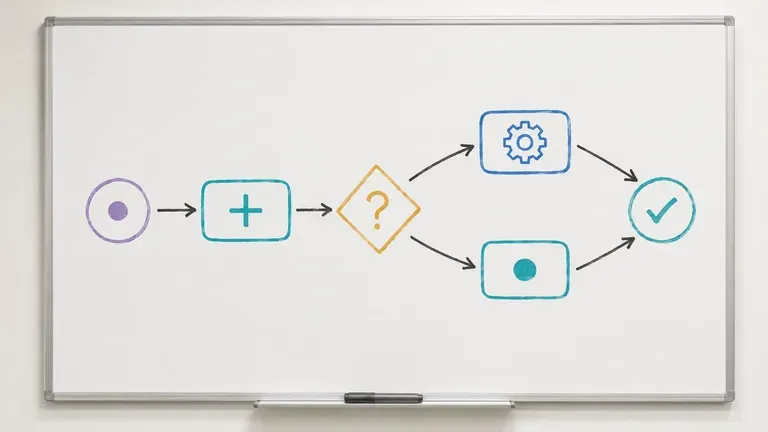
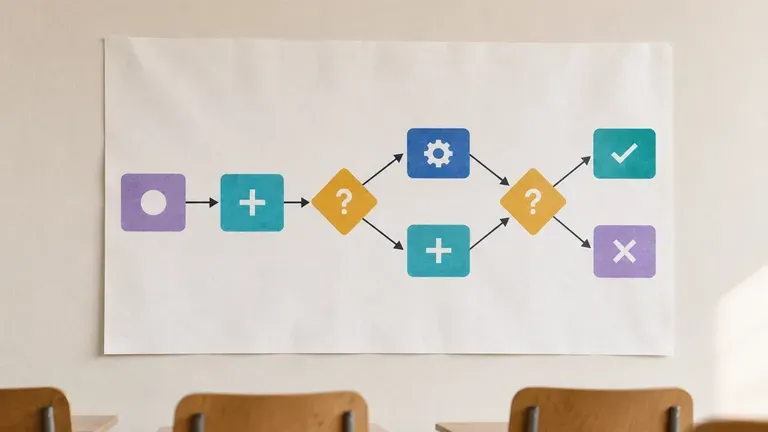
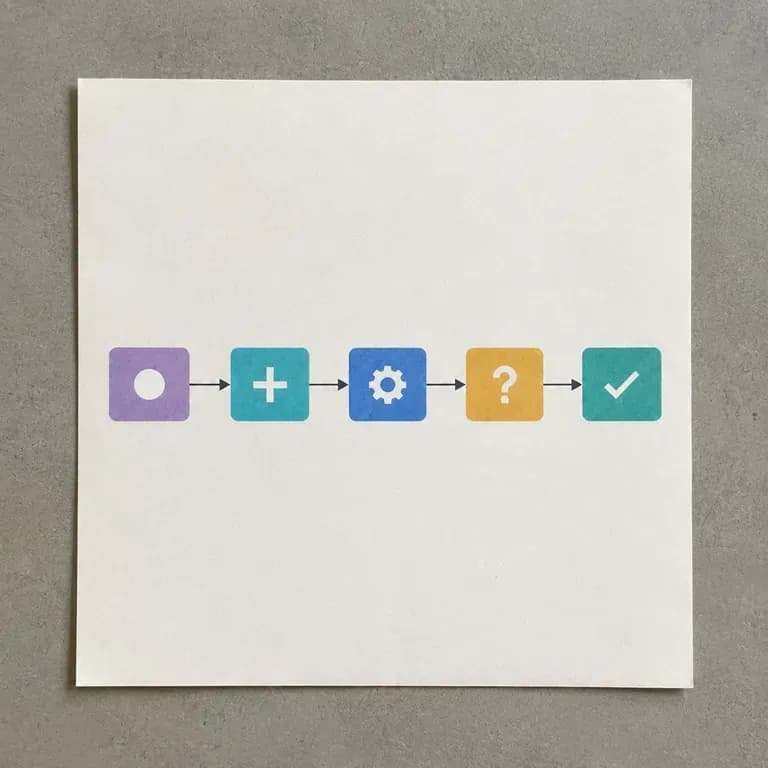
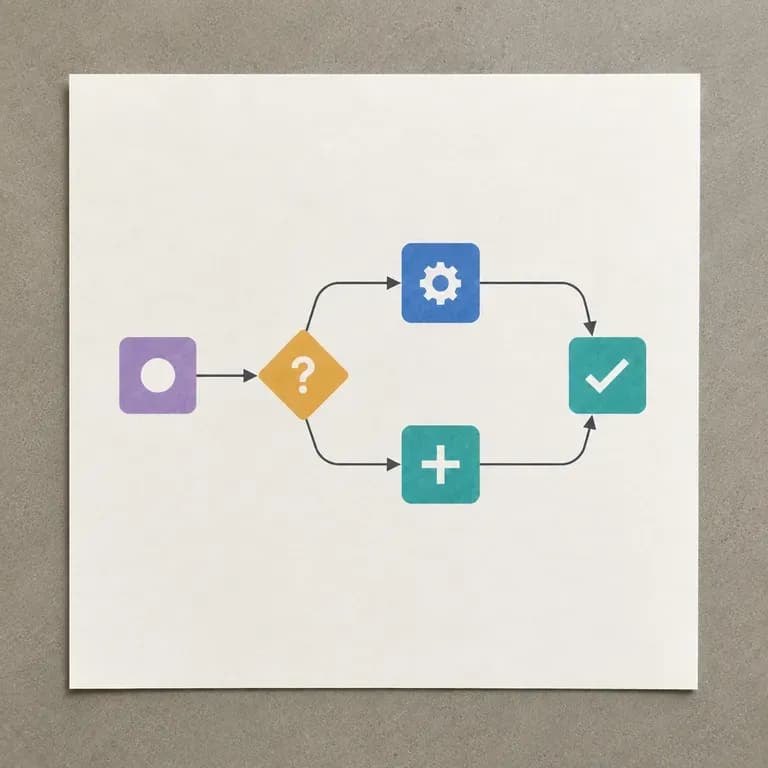
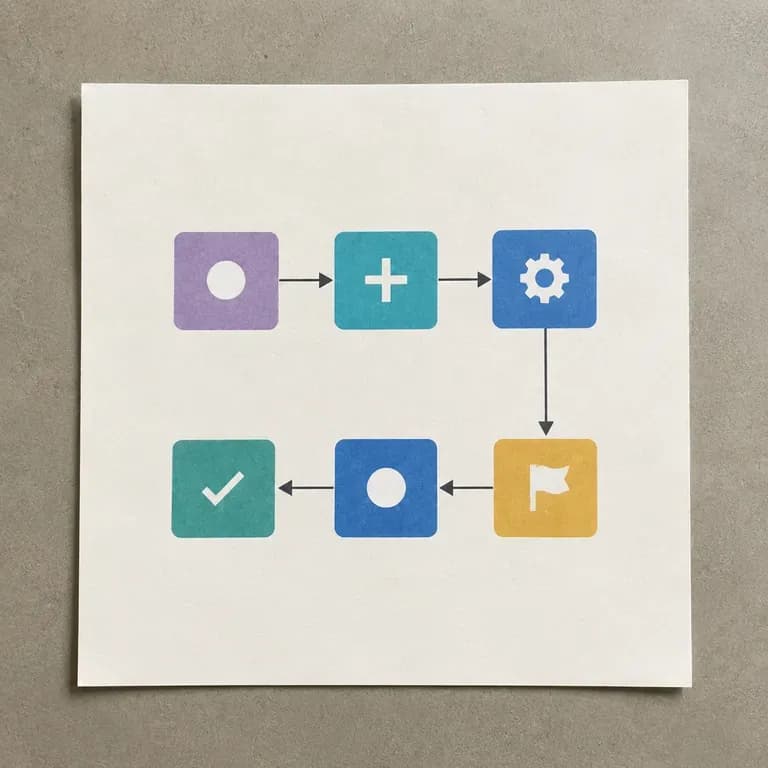
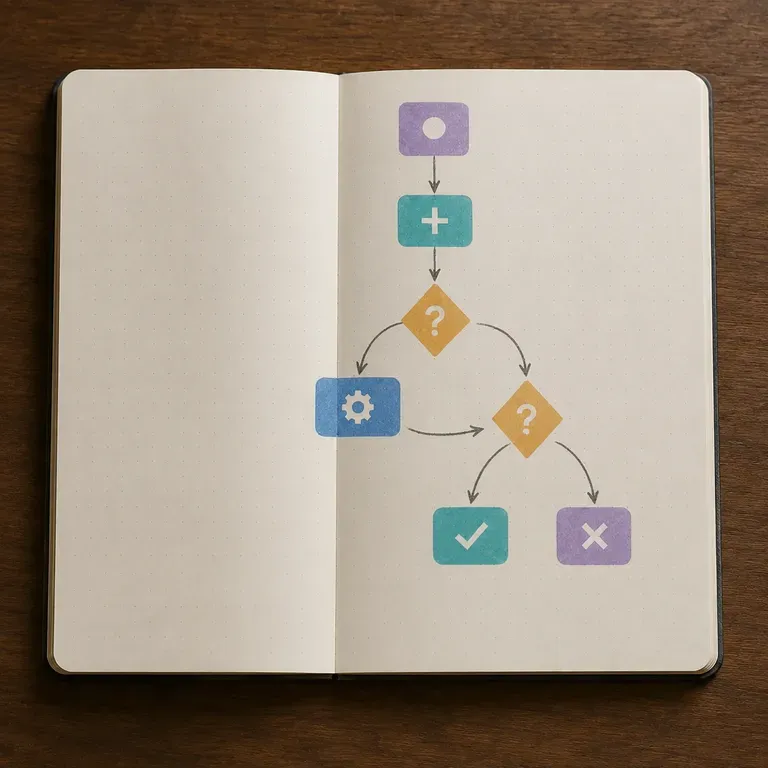
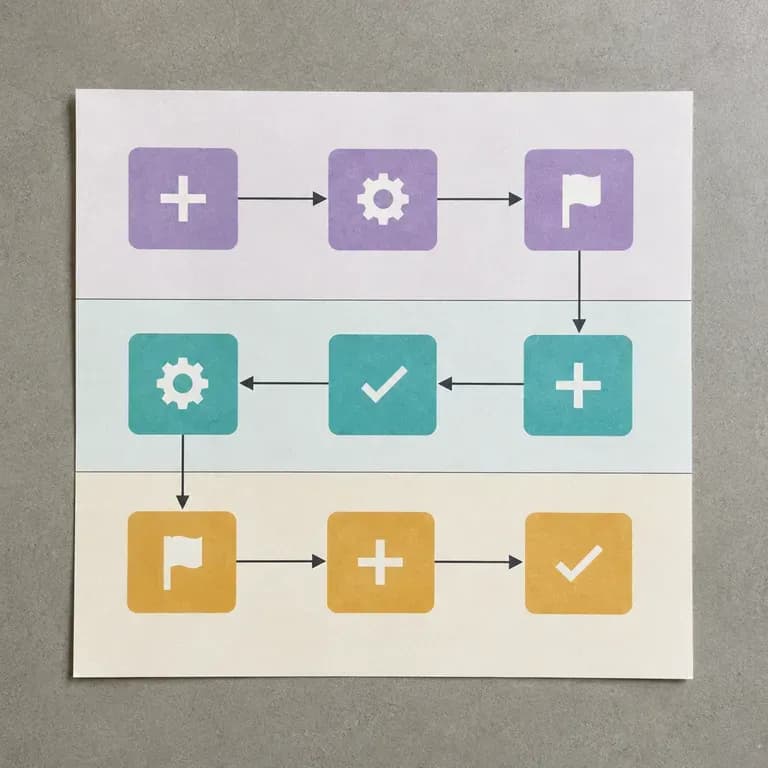
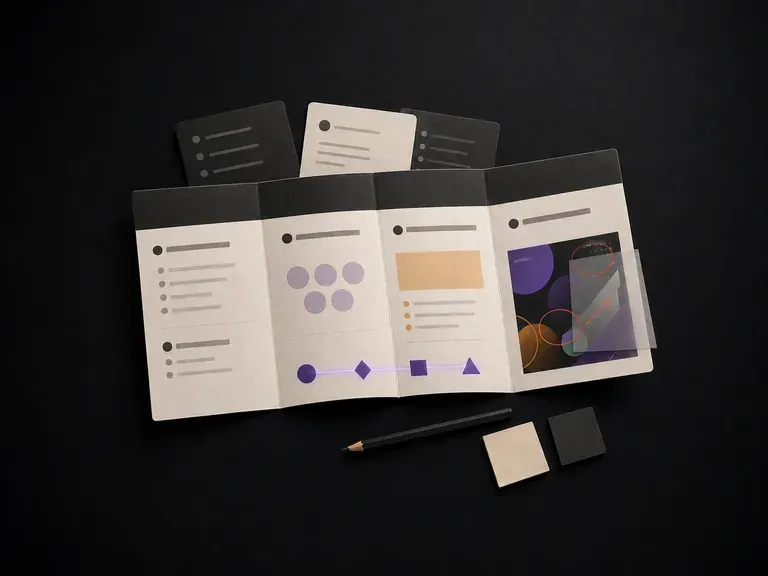
Pick a linear process, a decision-branch process, or a multi-role process, matching how the real workflow actually behaves.
Run an available AI image model and let it lay out the process as nodes, connections and branches.
Adjust labels and structure with updated notes, then keep the diagram on the canvas as the shared reference for your team.
People who need a process to be visible, not just remembered.

Turn a process that lives in someone's head into a diagram the whole team can follow.

Map a user flow or system logic before building it, catching branches that were missed in conversation.

Document a client's process quickly during discovery, without a diagramming tool learning curve.

Turn a course concept or procedure into a diagram for teaching or coursework.


Describe your process, generate a diagram with nodes and branches, and refine it into something your team can follow.