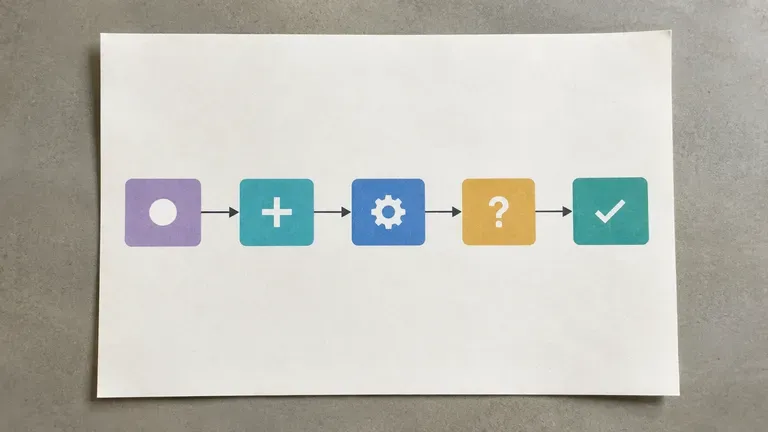
무료
무료 생성으로 시작하기
Virse 크레딧으로 첫 순서도 레이아웃을 시도해 보세요. 신규 사용자는 최대 10개의 이미지를 생성할 수 있어, 실제 문서화에 활용하기 전에 다이어그램 구조가 프로세스에 맞는지 확인하기에 충분합니다.

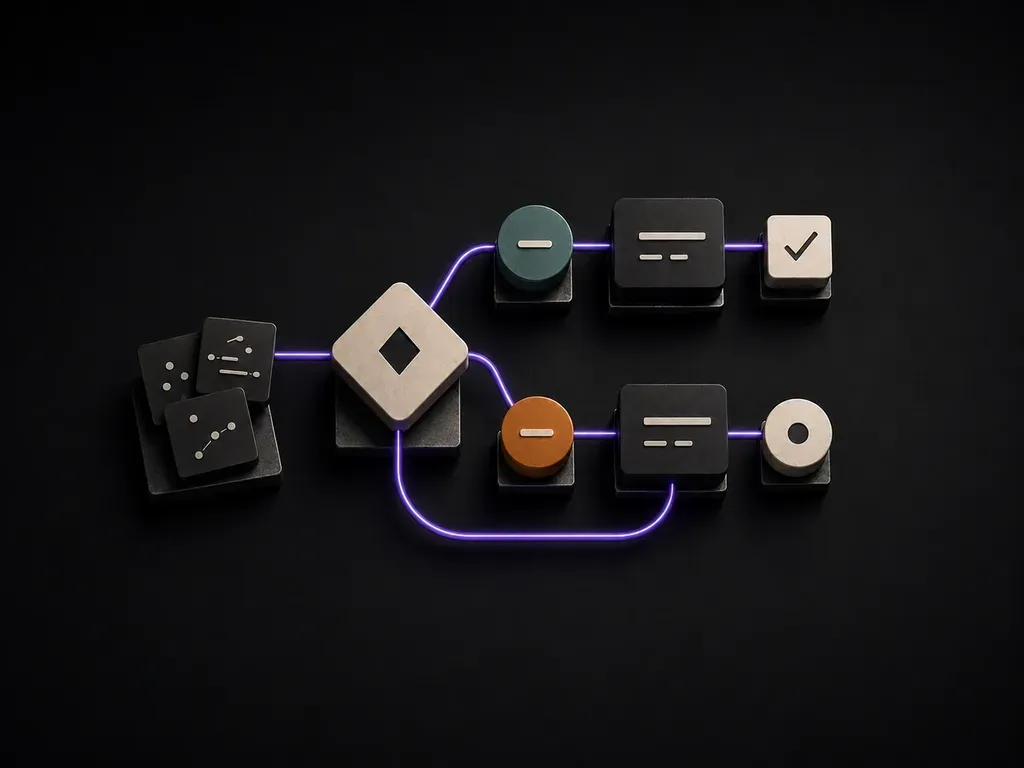
한 사람의 머릿속에만 있는 프로세스는 문서화된 것이 아니라 병목입니다. 단계, 역할, 분기 지점을 설명하면, 당신이 없어도 다른 사람이 실제로 따라갈 수 있는 다이어그램을 받아볼 수 있습니다. 무료 크레딧으로 첫 레이아웃을 만들 수 있습니다.
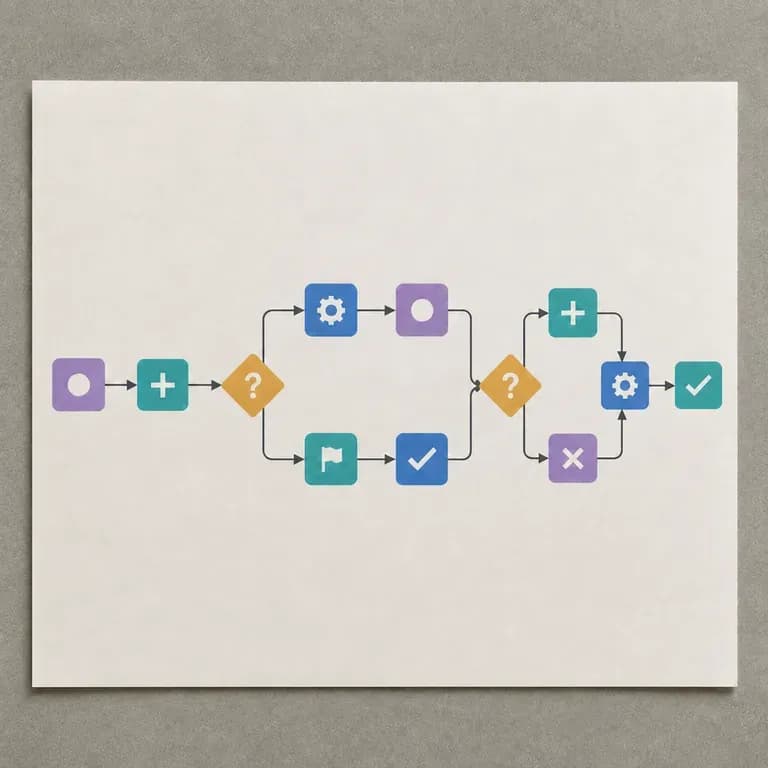
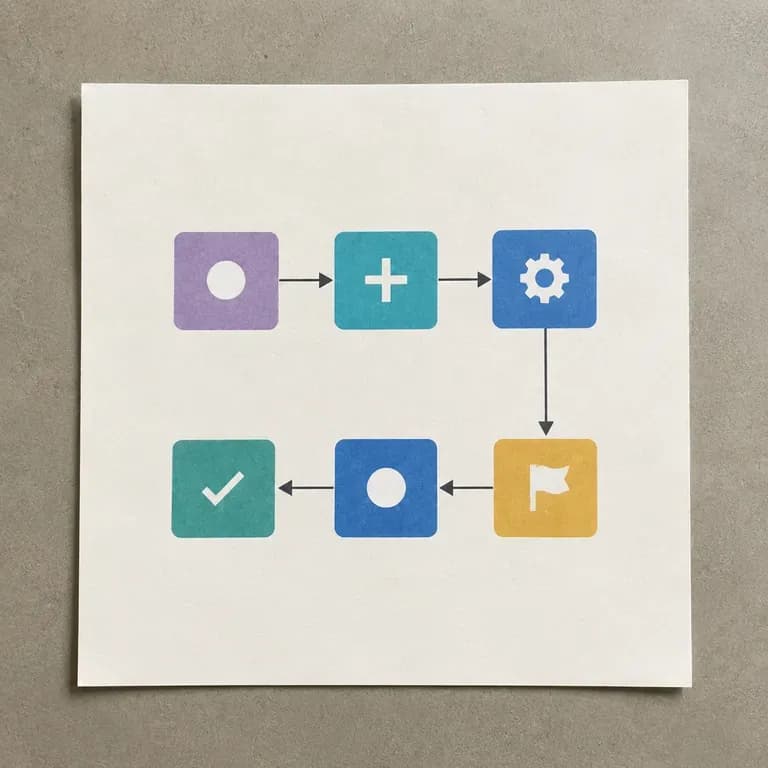
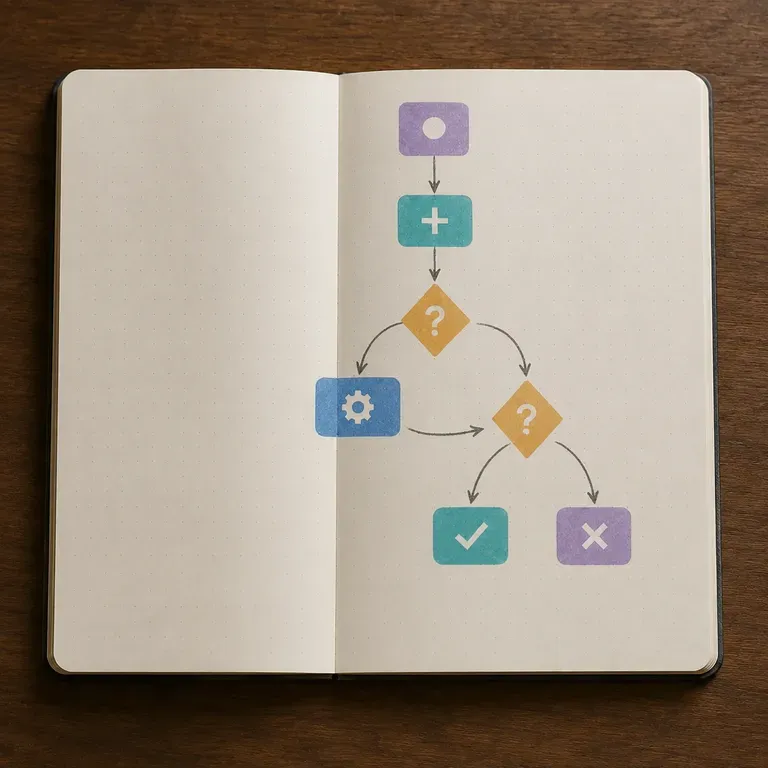
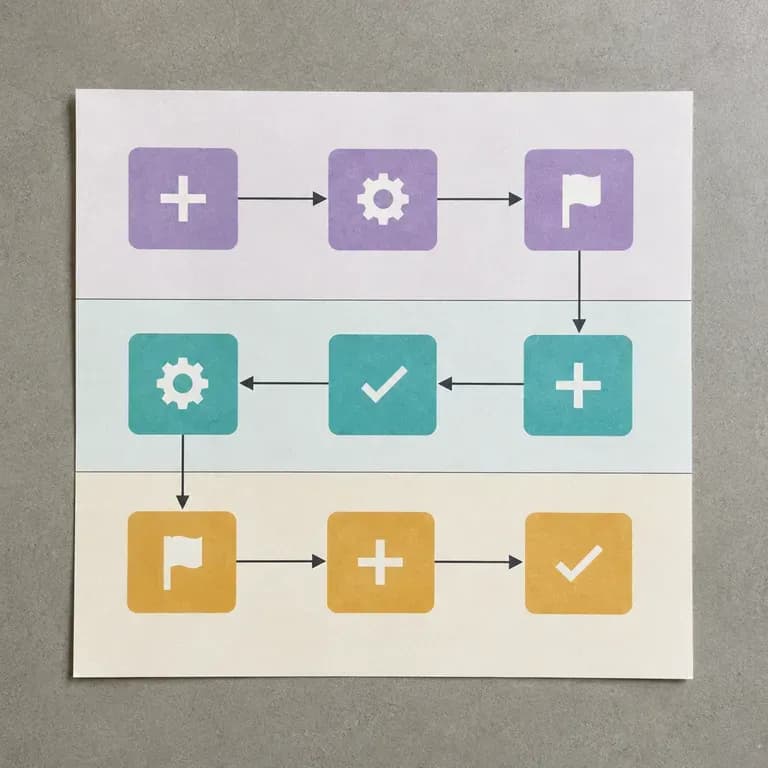
AI 플로차트 생성기는 프로세스 설명을 노드, 연결 및 분기로 이루어진 시각적 다이어그램으로 변환합니다. Virse에서는 단계와 의사 결정 지점을 설명하고, 레이아웃을 생성한 다음, 팀과 실제로 공유할 수 있는 형태로 다듬을 수 있습니다.
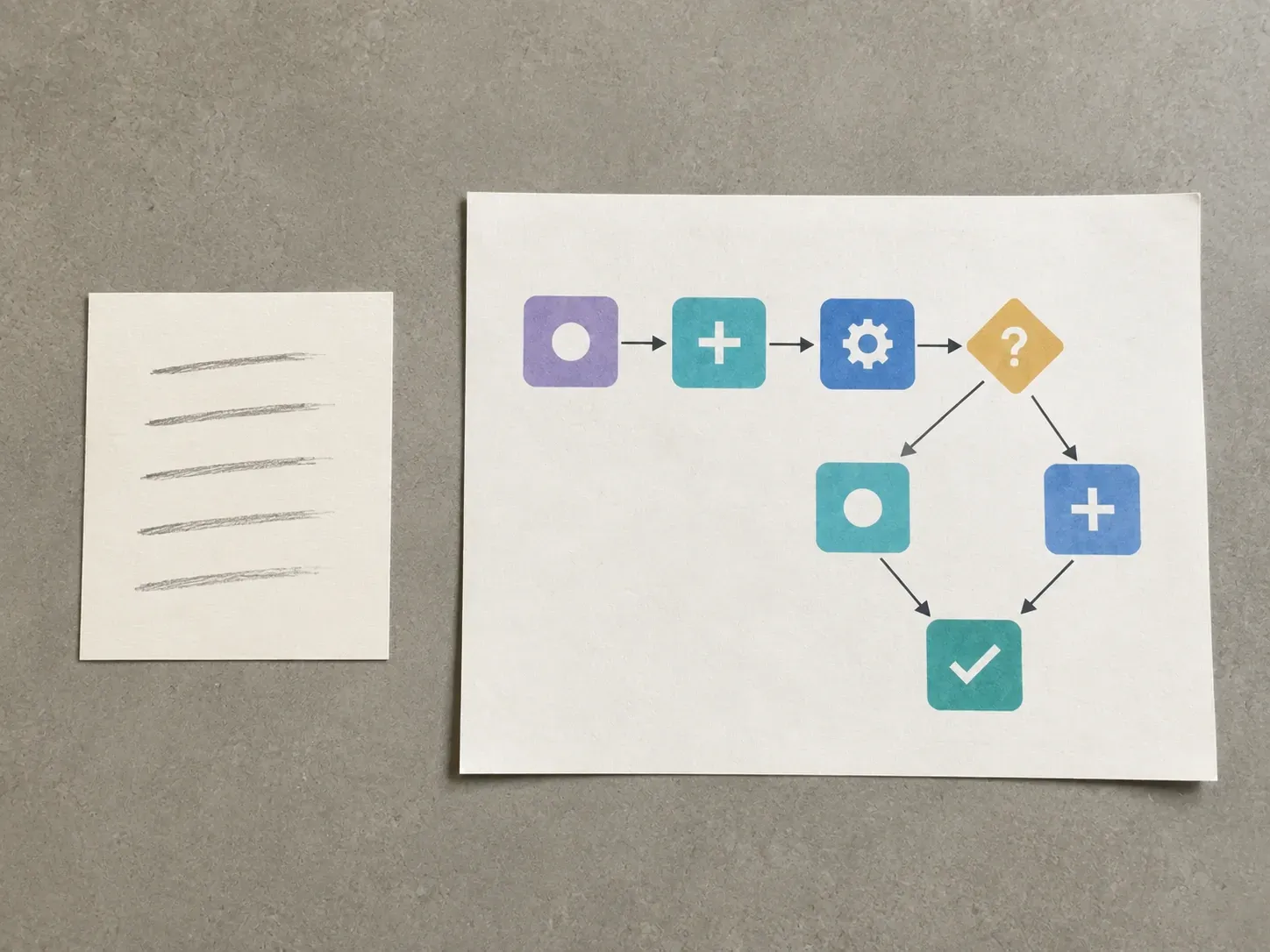
순서도는 당신이 없어도 다른 사람이 따라갈 수 있을 때만 도움이 됩니다. 깔끔한 첫 레이아웃이 바로 그 가능성을 높여줍니다.
Virse 크레딧으로 첫 순서도 레이아웃을 시도해 보세요. 신규 사용자는 최대 10개의 이미지를 생성할 수 있어, 실제 문서화에 활용하기 전에 다이어그램 구조가 프로세스에 맞는지 확인하기에 충분합니다.
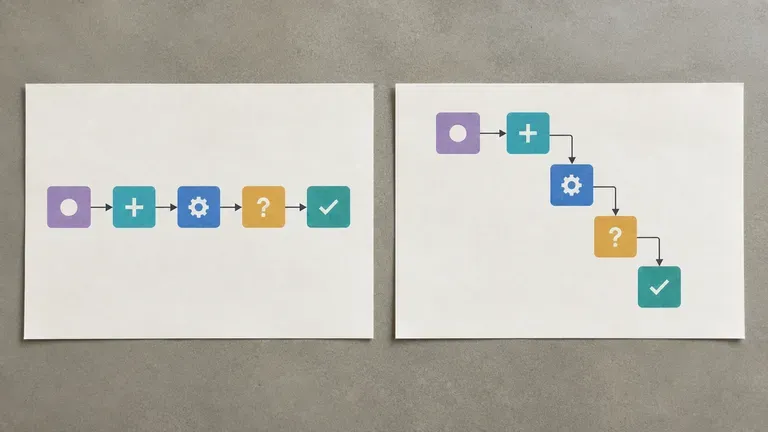
Virse는 40개 이상의 AI 모델을 하나의 환경에 통합하며, 유료 플랜에는 무제한 모델 사용이 포함됩니다. 모델마다 동일한 프로세스를 다르게 구성하므로, 몇 가지 레이아웃을 비교하는 것이 하나를 손으로 다시 그리는 것보다 빠를 때가 많습니다.
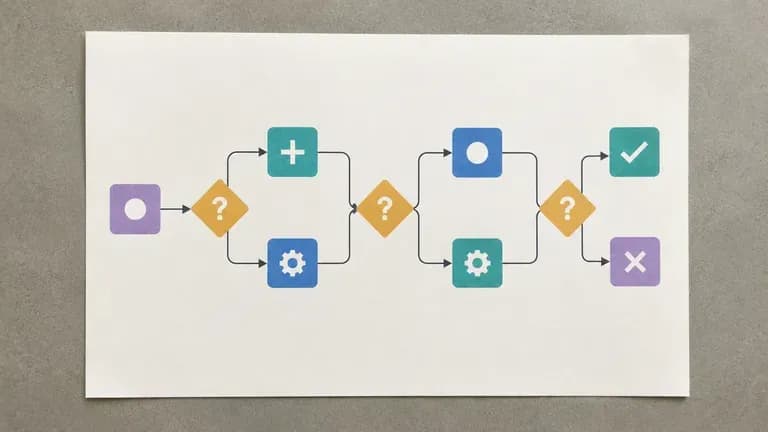
프로세스 메모, 생성된 다이어그램, 대안 레이아웃이 무한 캔버스에 함께 유지됩니다. Virse는 프로세스 맥락을 보존하므로, 이후 수정 작업도 처음부터 다시 시작하지 않고 동일한 다이어그램을 기반으로 진행됩니다.
수동 상자-화살표 정렬과 Virse 캔버스의 프롬프트 기반 플로차트 레이아웃을 비교해 보세요.
수동 다이어그램 작성 및 상자 정렬
Virse 워크플로 디자이너
목표, 관련 역할, 주요 단계를 순서대로, 그리고 프로세스가 분기되는 지점을 작성하세요.
실제 워크플로가 어떻게 작동하는지에 맞춰 선형 프로세스, 결정 분기 프로세스 또는 다중 역할 프로세스를 선택하세요.
사용 가능한 AI 이미지 모델을 실행하여 프로세스를 노드, 연결 및 분기로 배치하게 하세요.
업데이트된 메모로 레이블과 구조를 조정한 다음, 다이어그램을 팀의 공유 참고 자료로 캔버스에 유지하세요.
프로세스 단계를 순서대로 나열하고, 예/아니요 분기 지점을 표시하며, 선호하는 레이아웃 방향을 적어 주세요:
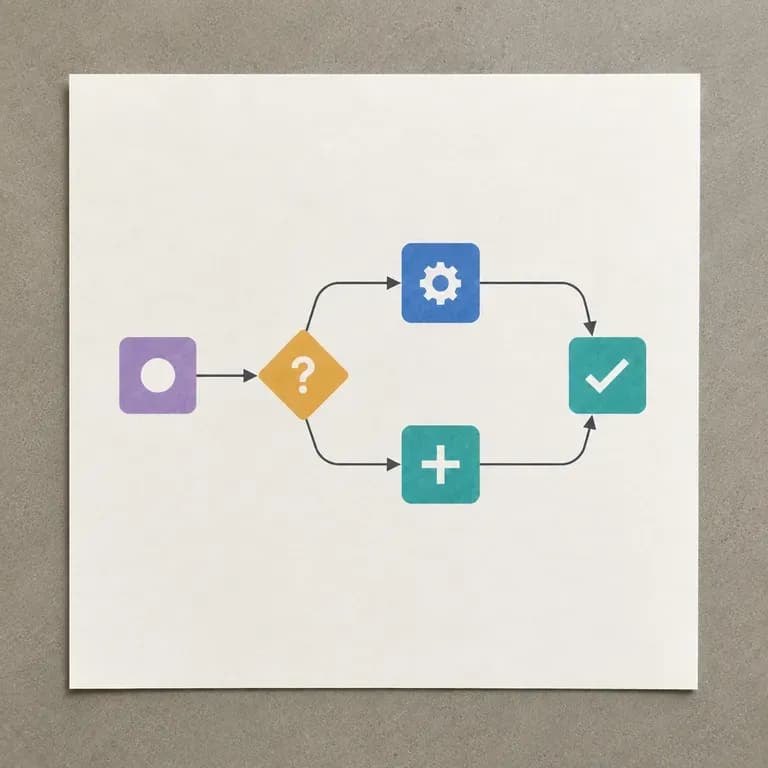
· 고객 환불 승인 흐름: 왼쪽에서 오른쪽: 요청 제출 -> 자동 확인 <$50? (예 -> 즉시 환불; 아니요 -> 관리자 검토 -> 승인 또는 에스컬레이션).
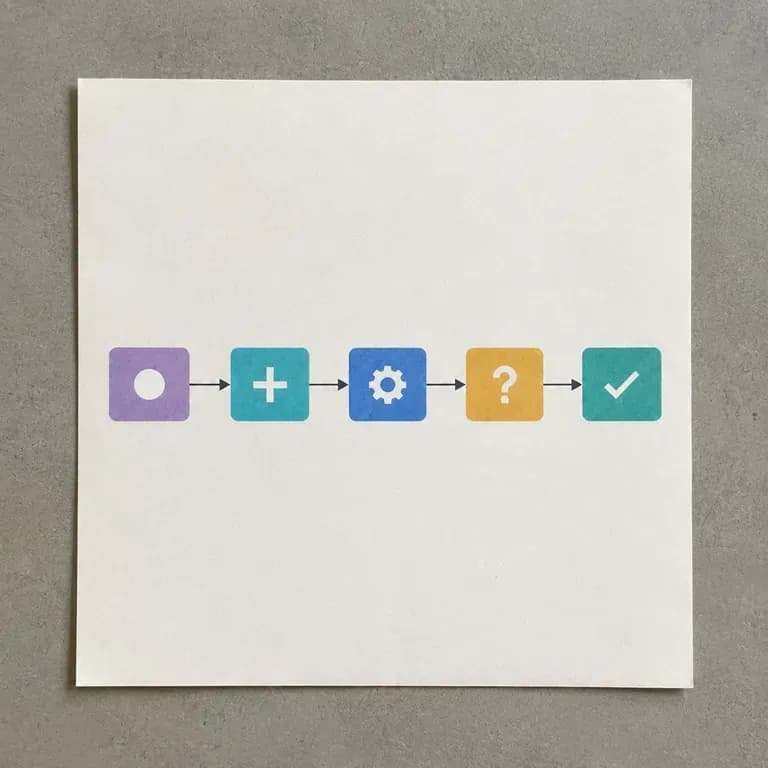
· SaaS 사용자 온보딩 퍼널: 위에서 아래로 5단계: 가입 -> 이메일 확인 -> 워크스페이스 연결 -> 팀 초대(선택적 분기) -> 첫 프로젝트 라이브.
· 콘텐츠 게시 파이프라인: 세 개의 스윔레인(작성자, 편집자, SEO): 키워드 브리프 -> 초안 -> 품질 감사 -> 통과? (예 -> 게시; 아니요 -> 수정).
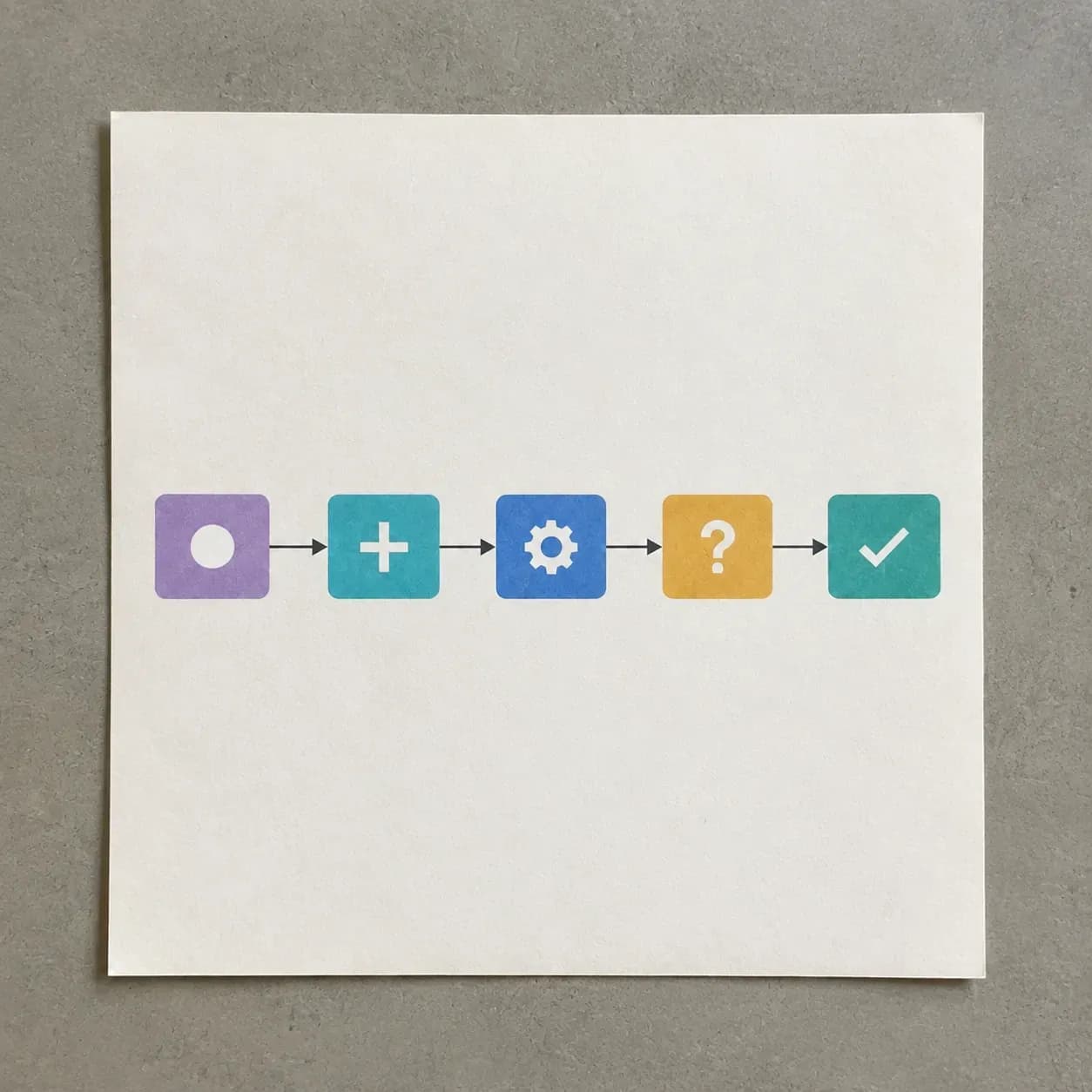
프로세스를 단순히 기억하는 것이 아니라, 보이게 만들어야 하는 사람들을 위한 도구입니다.
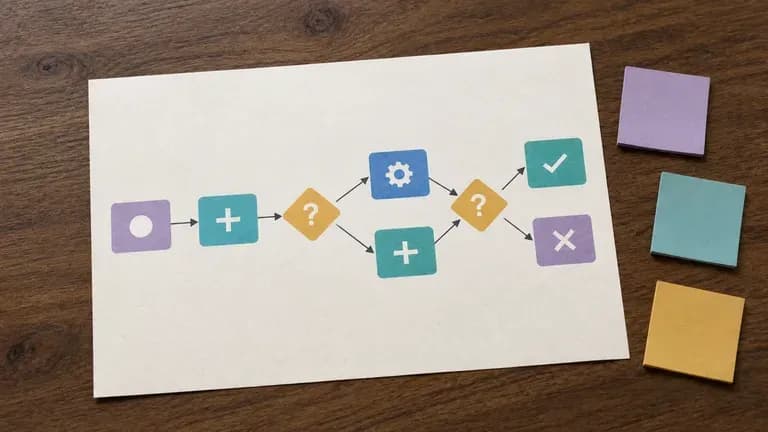
누군가의 머릿속에만 있는 프로세스를 팀 전체가 따라갈 수 있는 다이어그램으로 바꾸세요.
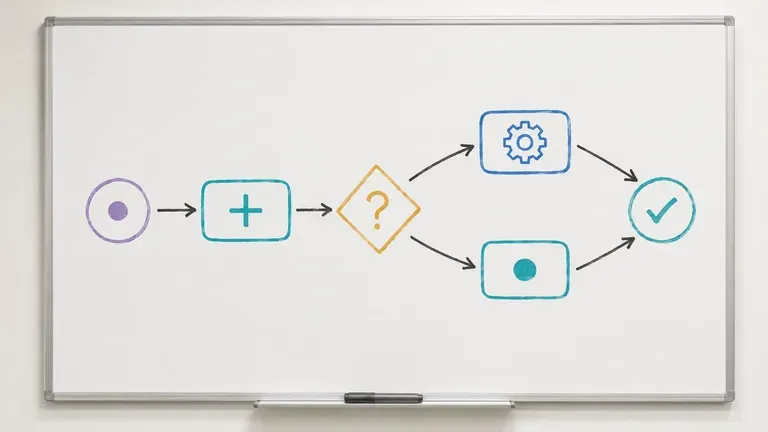
구축 전에 사용자 흐름이나 시스템 로직을 매핑하여, 대화 중에 놓쳤던 분기를 찾아내세요.
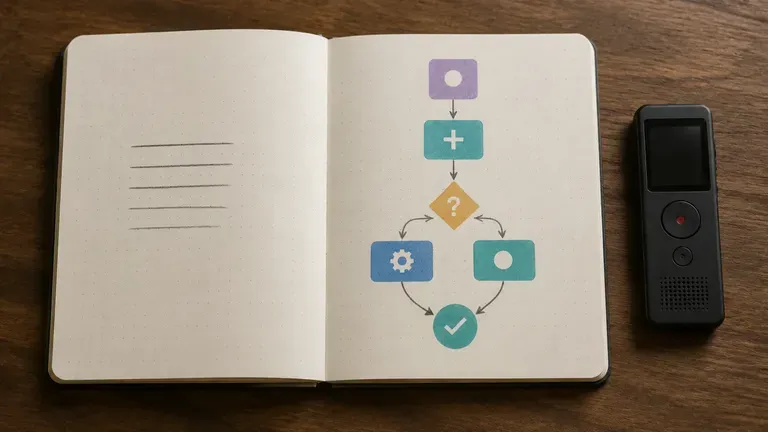
다이어그램 도구를 배우는 데 걸리는 시간 없이, 디스커버리 단계에서 클라이언트의 프로세스를 빠르게 문서화하세요.
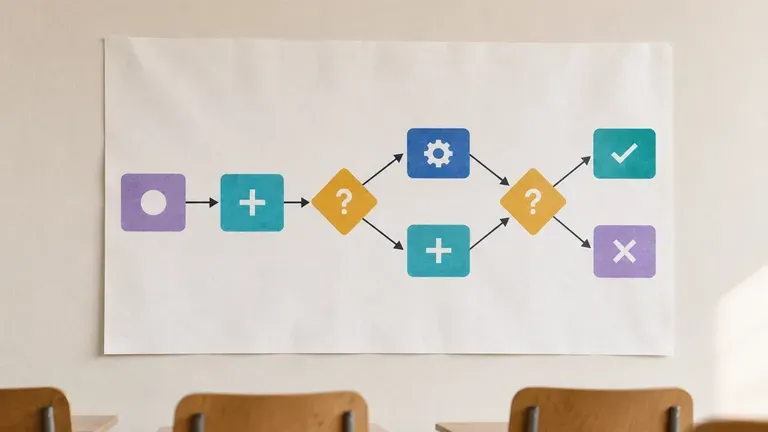
강의 개념이나 절차를 교육 또는 과제용 다이어그램으로 변환하세요.
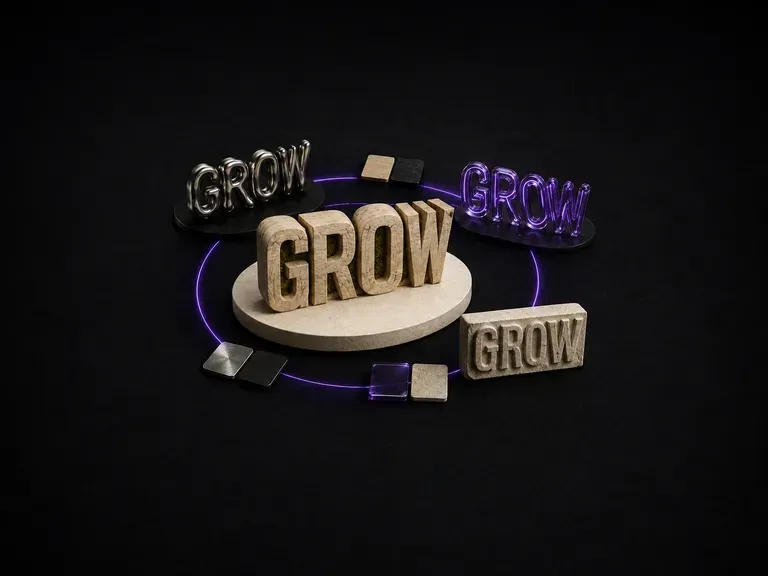
나무에 새겨진 글자는 액체 금속으로 주조된 글자와 빛 아래에서 다르게 반응하며, 하나의 프롬프트가 우연히 둘 다 정확히 구현해 내기는 어렵습니다. 텍스트를 입력하고 소재를 지정하면, 문구는 그대로 유지하면서 해당 소재가 실제로 빛을 어떻게 받아야 하는지 계산한 효과를 받아볼 수 있습니다. 무료 크레딧으로 첫 번째 버전을 만들어 보세요.
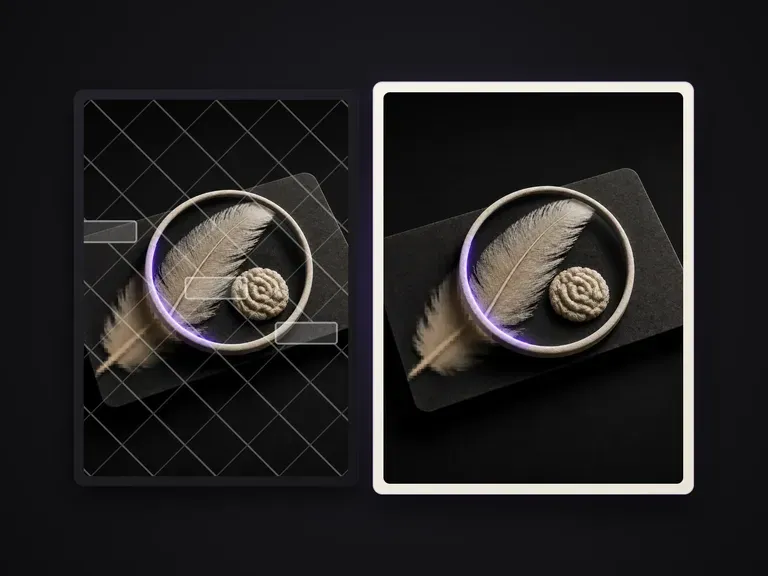
이미지에 겹쳐진 텍스트와 전경의 덮인 영역을 파악해 하나씩 제거하고, 가려진 배경을 깨끗한 원판으로 복원합니다. 나머지 내용은 그대로 유지합니다.
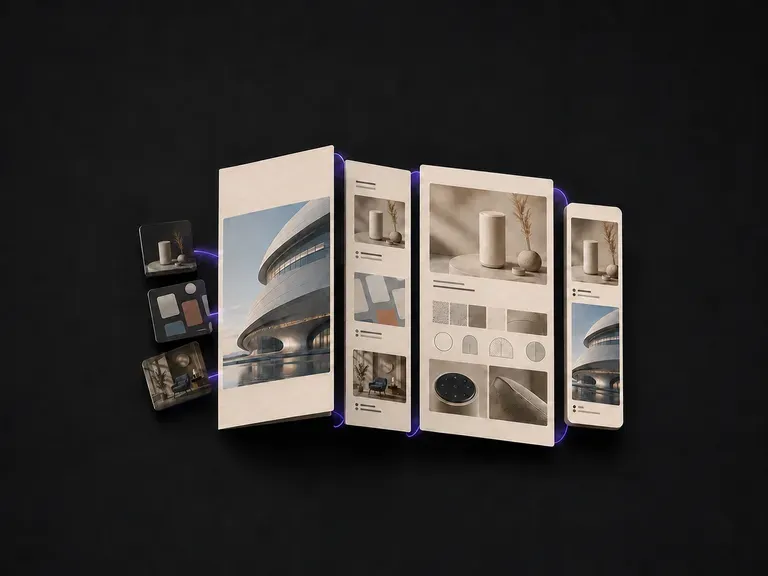
작업물은 하나의 결과물처럼 배치되어야 비로소 하나로 읽힙니다. 프로젝트를 업로드하고 각 프로젝트에서 맡은 역할을 한 줄로 추가하면, 흩어진 파일 폴더가 아니라 하나의 세트로 묶어 주는 레이아웃을 받아볼 수 있습니다. 무료 크레딧만으로도 그 구조가 맞는지 확인하기에 충분합니다.
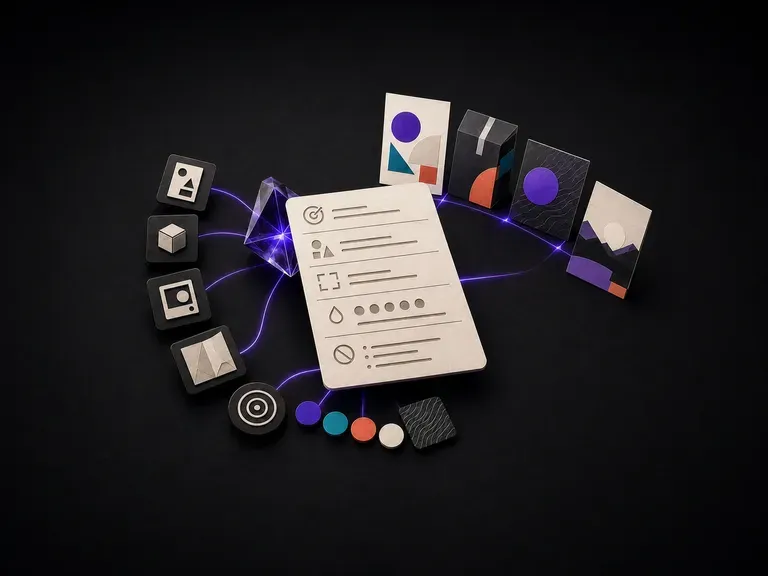
대부분의 디자인 프롬프트는 지루해 보이는 세부 사항에서 실패합니다. 잘못된 화면 비율, 빠진 브랜드 색상, 어떤 텍스트가 어디에 들어가야 하는지에 대한 언급 없음 등이죠. 목표, 대상, 형식, 제약 조건을 나열하면, 이미지 모델이 실제로 이 모든 것을 놓치지 않도록 구조화된 프롬프트를 작성해 드립니다. 무료 Virse 크레딧으로 시작할 수 있습니다.
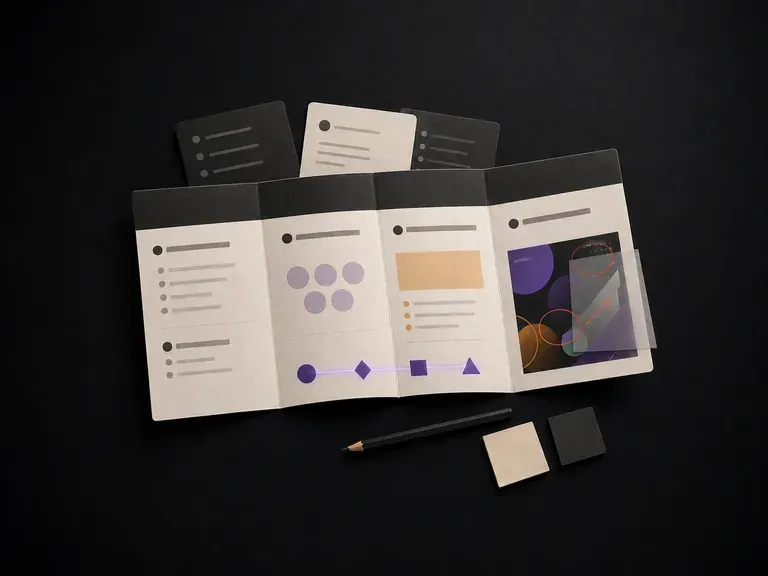
프로젝트를 설명하면 배경, 목표, 대상 고객, 결과물을 포함한 구조화된 브리프를 받을 수 있습니다. 또는 이미 진행 중인 디자인을 업로드하면 발견 사항, 제안, 디자인 전략을 대신 받을 수 있습니다. 두 가지 모두 Virse 캔버스에서 실행되며, 무료 크레딧으로 시작할 수 있습니다.
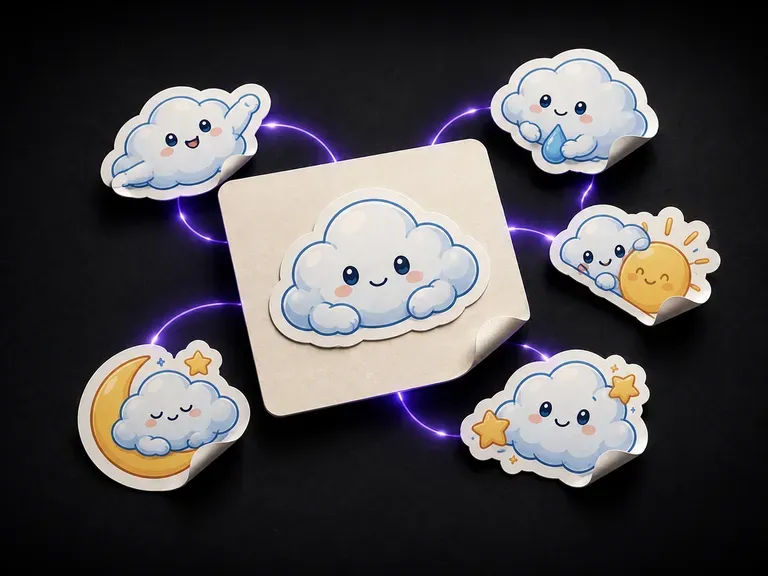
스티커는 단순히 멋진 그림이 아니라, 깔끔하게 잘린 형태로도 완성되어야 합니다. 대상과 스타일을 설명하면, 하나의 캐릭터든 함께 어울려야 하는 통일된 세트든, 다이컷 윤곽선이 표시된 디자인을 받아볼 수 있습니다. 무료 크레딧만으로도 첫 번째 시트를 확인하기에 충분합니다.

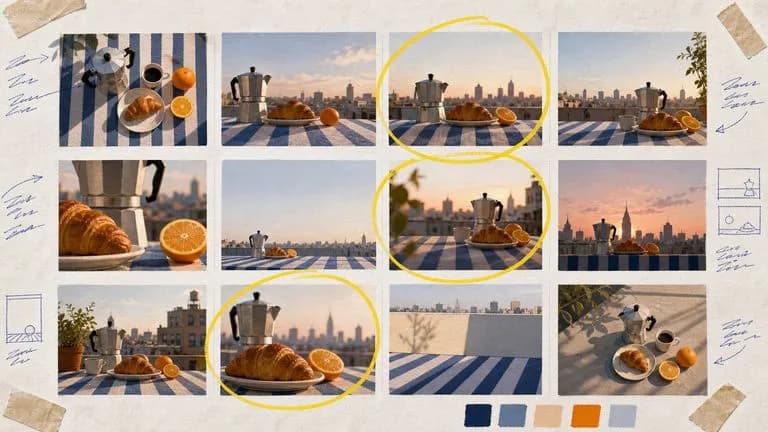
ByteDance의 Seedream 4.0 및 Seedream 4.5는 작성한 설명과 제공한 이미지로부터 생성하여, 하나의 원본 사진을 프로젝트에 필요한 만큼 다양한 방향으로 전개합니다.
Google의 Nano Banana 2는 최상위급 이미지 품질과 Flash급 속도를 결합하며 빠른 0.5K 시제품부터 완성 4K까지 네 가지 출력 크기를 제공합니다.
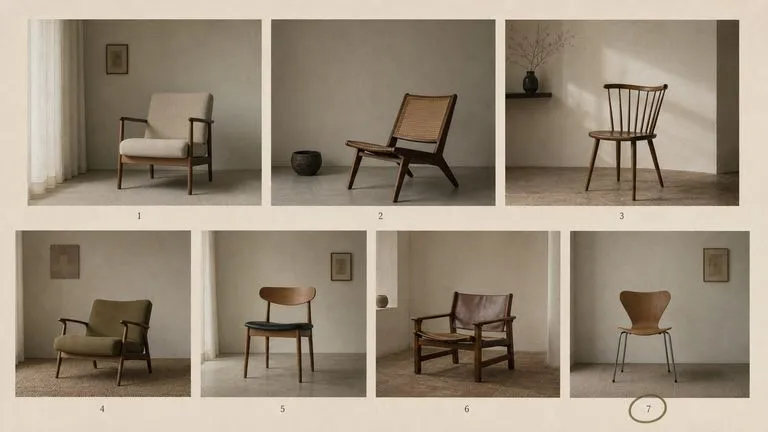
FLUX 2 이전에 출시된 Black Forest Labs의 FLUX 라인 세대로, 표준 모델과 Ultra라는 두 항목으로 계속 제공됩니다.
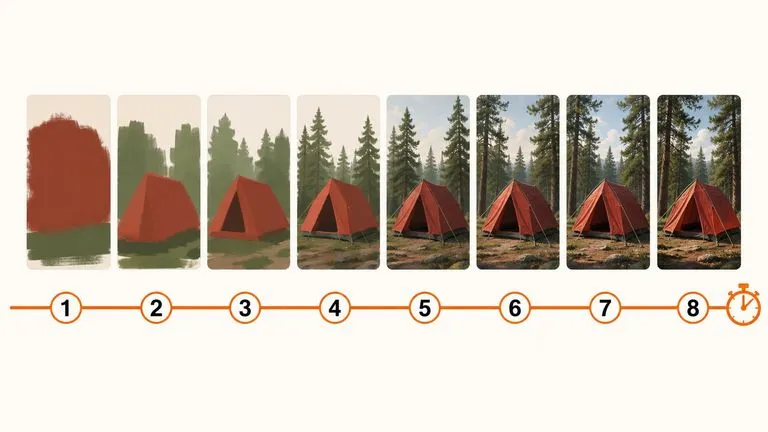
60억 개의 파라미터를 갖춘 모델을 8단계 추론 파이프라인으로 압축해, 생각의 흐름이 넘어가기 전에 바로 사용할 수 있는 이미지를 반환하도록 설계했습니다.

Nano Banana Pro로 스튜디오급 4K 이미지를 생성하고, 캐릭터, 제품, 타이포그래피의 일관성을 유지하며 여러 레퍼런스를 혼합하세요.

OpenAI의 ChatGPT Images 2.5가 GPT Image 2.5 Flare와 GPT Image 2.5 Sunburst, 두 API 에디션으로 Virse에 도입되어 여섯 가지 품질 등급과 최대 4K 출력을 제공합니다.