
Free
Start with Free Generations
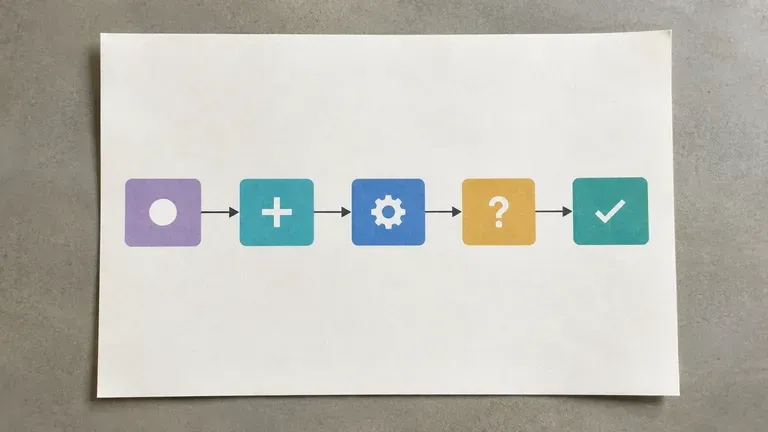
Try your first flowchart layout on Virse credits. New users can generate up to 10 images, enough to see whether a diagram structure fits your process before relying on it for real documentation.
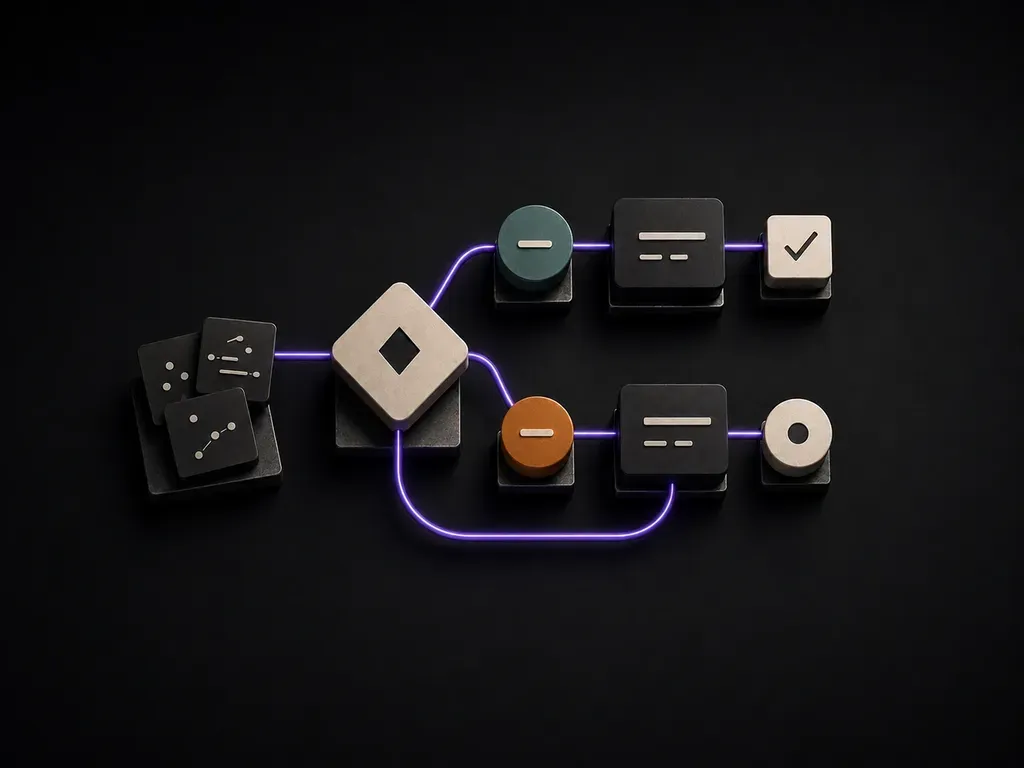
Describe your process steps, roles and branch points to generate a clear flowchart diagram your team can follow without you in the room. Free Virse credits cover your first layout.
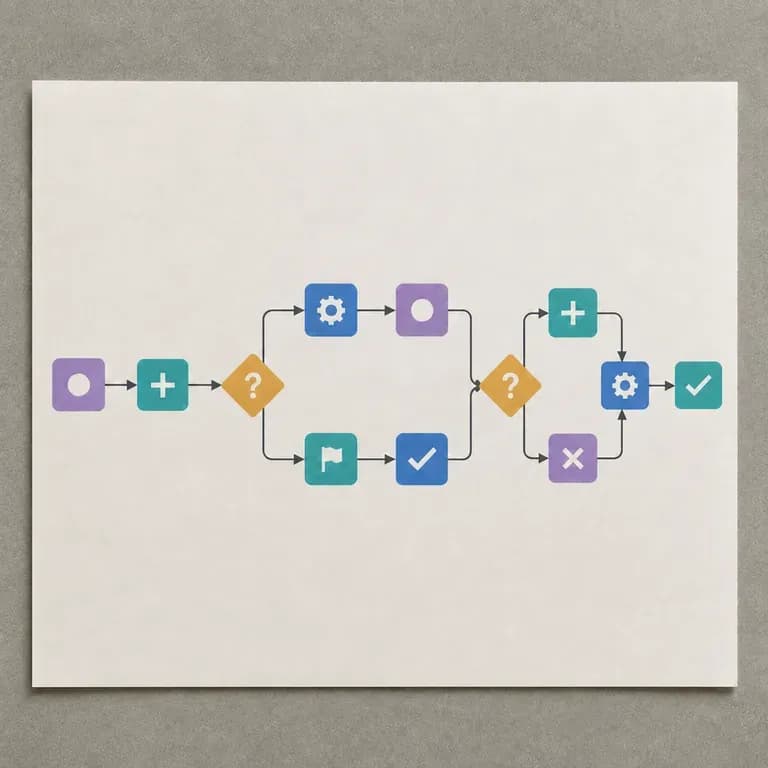
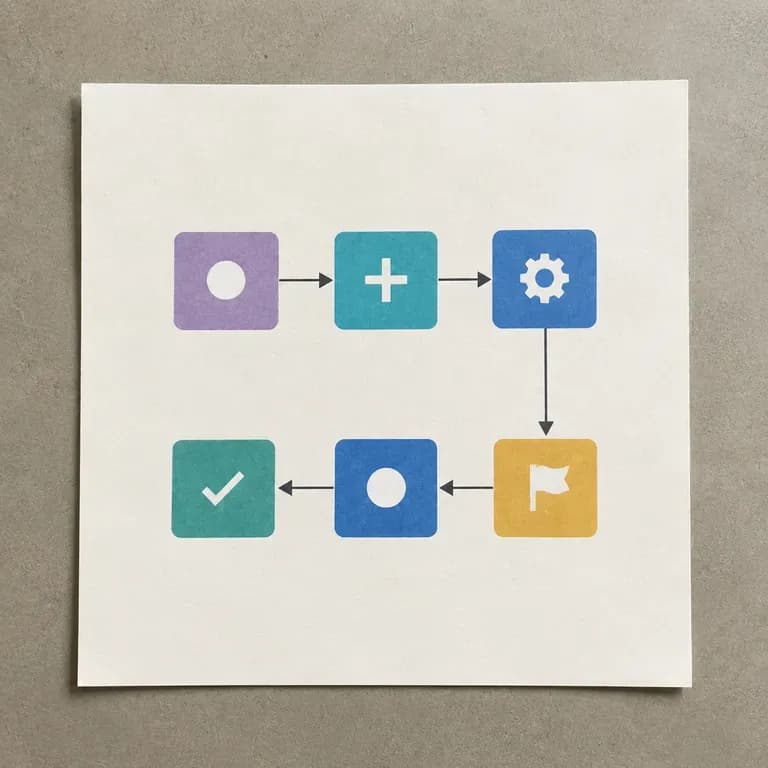
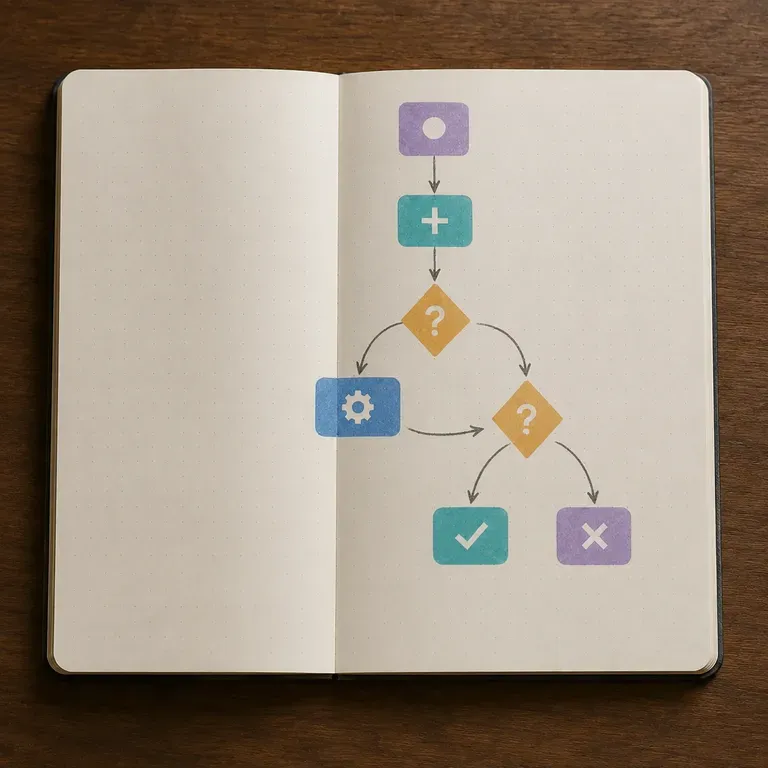
An AI flowchart generator turns a process description into a visual diagram of nodes, connections and branches. In Virse you describe the steps and decision points, generate a layout, and refine it into something you can actually share with a team—built around three core workflow advantages:
· Text steps to node diagrams: Converts written SOPs, onboarding flows, and approval chains into structured visual nodes.
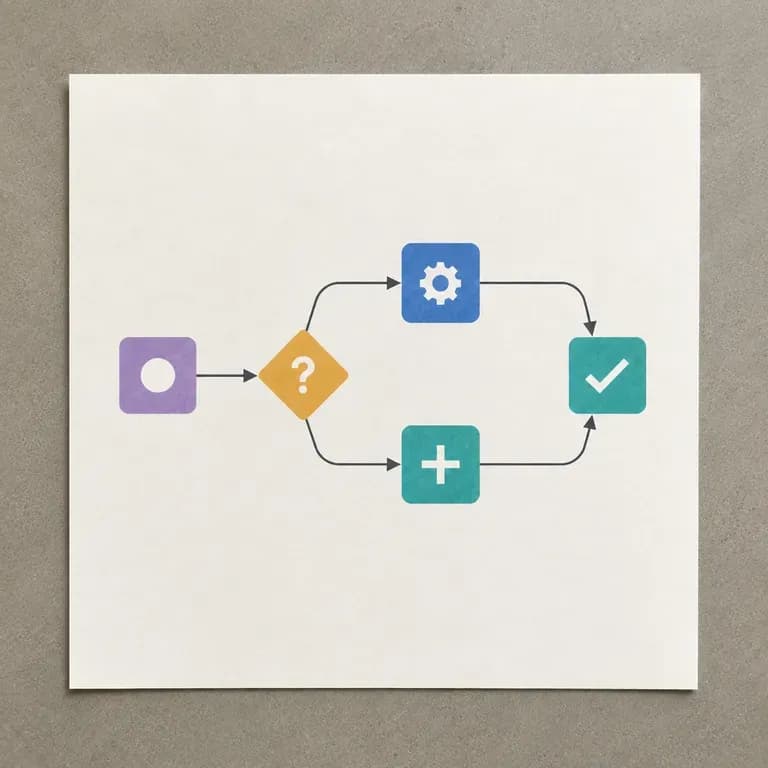
· Clear decision branches: Separates linear steps, yes/no conditional forks, parallel lanes, and end states.
· Presentation-ready layouts: Produces clean, readable workflow diagrams for slide decks, docs, and team handoffs.
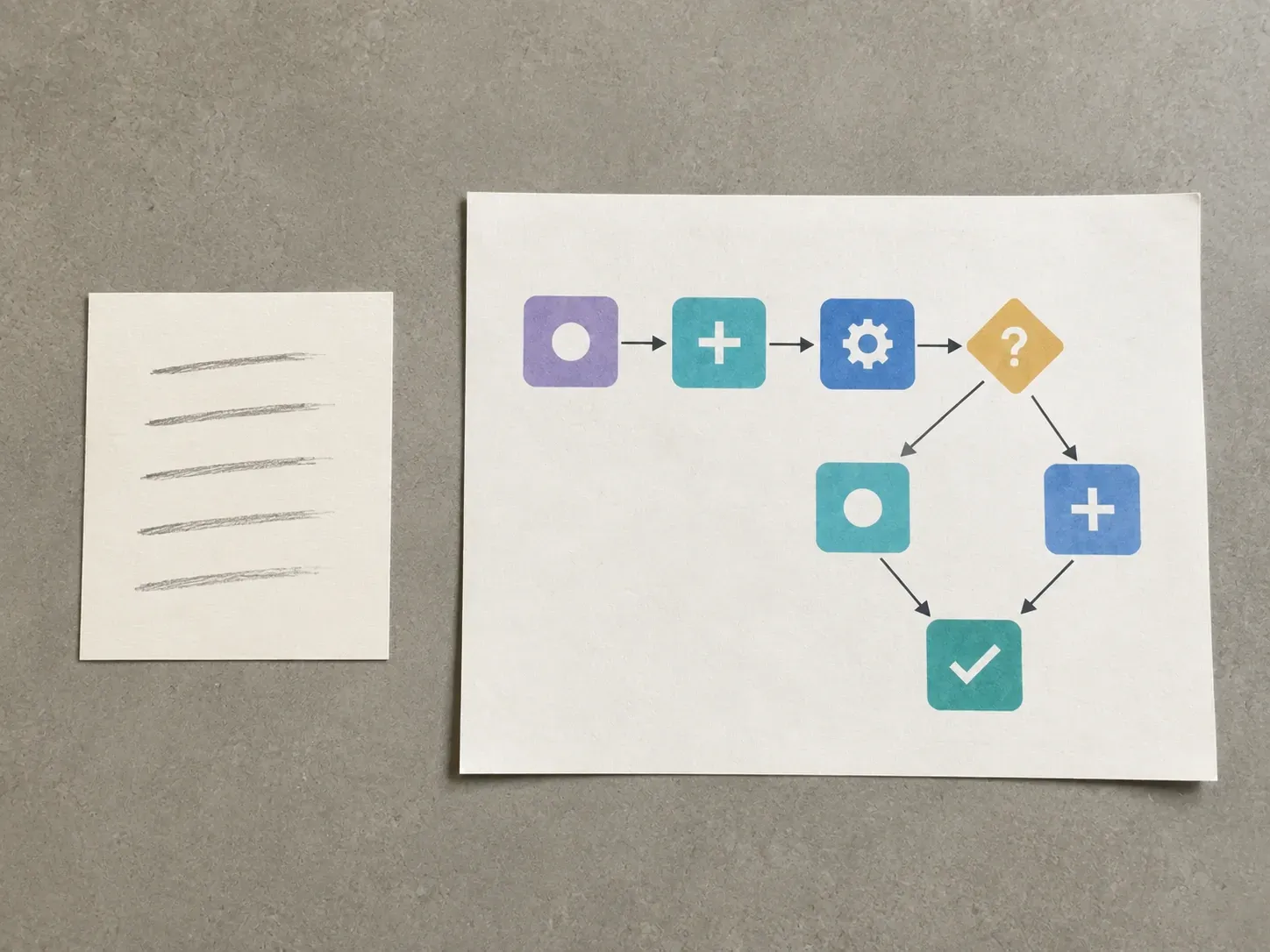
A flowchart only helps if someone else can follow it without you in the room. A clean first layout is what makes that likely.
Try your first flowchart layout on Virse credits. New users can generate up to 10 images, enough to see whether a diagram structure fits your process before relying on it for real documentation.
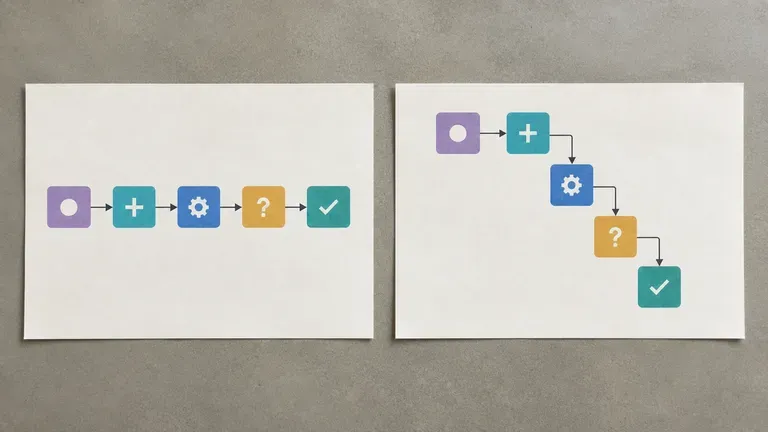
Virse brings 40+ AI models into one workspace with unlimited model usage on paid plans, making it easy to compare several flowchart layouts.
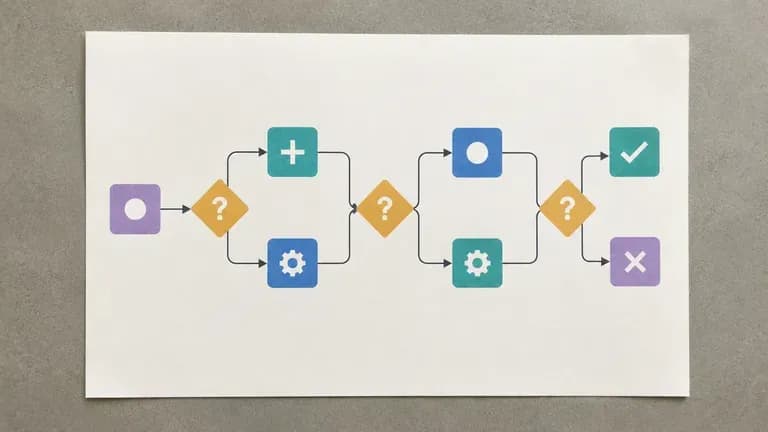
Process notes, generated diagrams and alternate layouts stay together on an infinite canvas so revisions build on the same workflow.
Compare manual box-and-arrow alignment against prompt-driven flowchart layouts on the Virse canvas.
Manual Diagramming & Box Alignment
Virse Workflow Designer
Write out the goal, the roles involved, the key steps in order, and any point where the process branches.
Pick a linear process, a decision-branch process, or a multi-role process, matching how the real workflow actually behaves.
Run an available AI image model and let it lay out the process as nodes, connections and branches.
Adjust labels and structure with updated notes, then keep the diagram on the canvas as the shared reference for your team.
List your process steps in order, mark any yes/no branch points, and note the preferred layout direction:
· Customer refund approval flow: Left-to-right: Request submitted -> Auto-check <$50? (Yes -> Instant refund; No -> Manager review -> Approve or Escalate).
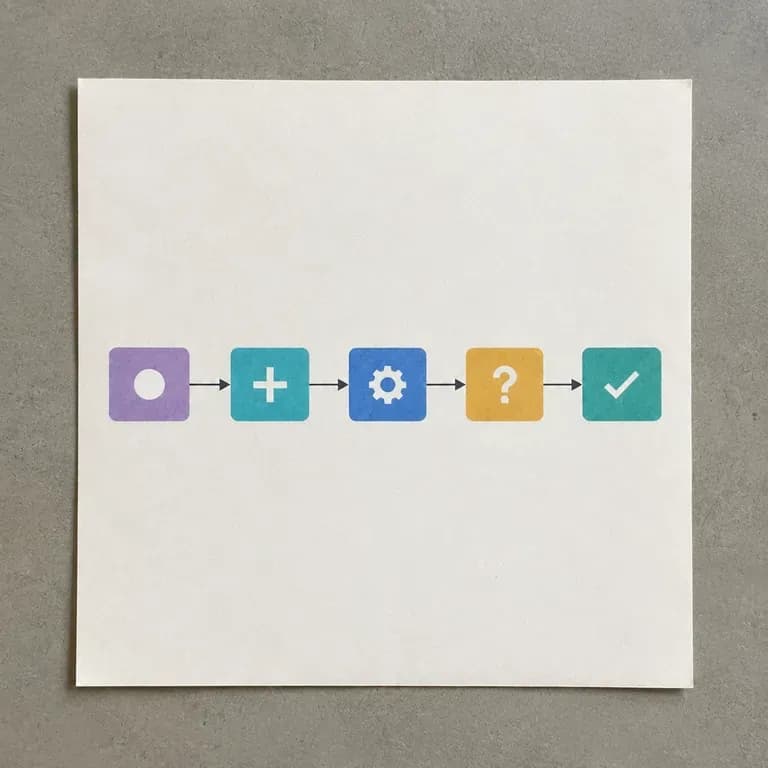
· SaaS user onboarding funnel: Top-down 5 steps: Sign up -> Verify email -> Connect workspace -> Invite team (optional branch) -> First project live.
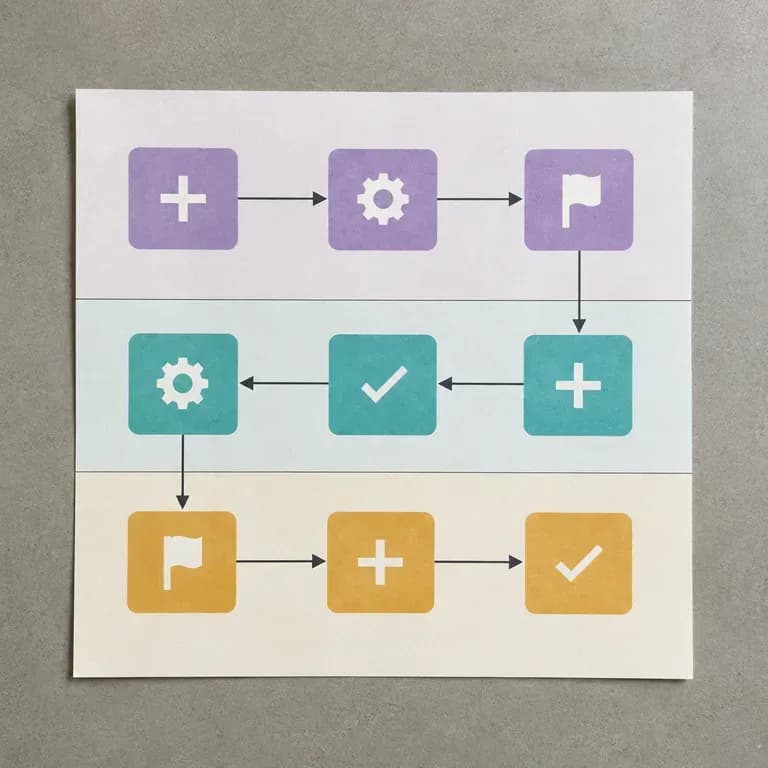
· Content publishing pipeline: Three swimlanes (Writer, Editor, SEO): Keyword brief -> Draft -> Quality audit -> Pass? (Yes -> Publish; No -> Revise).
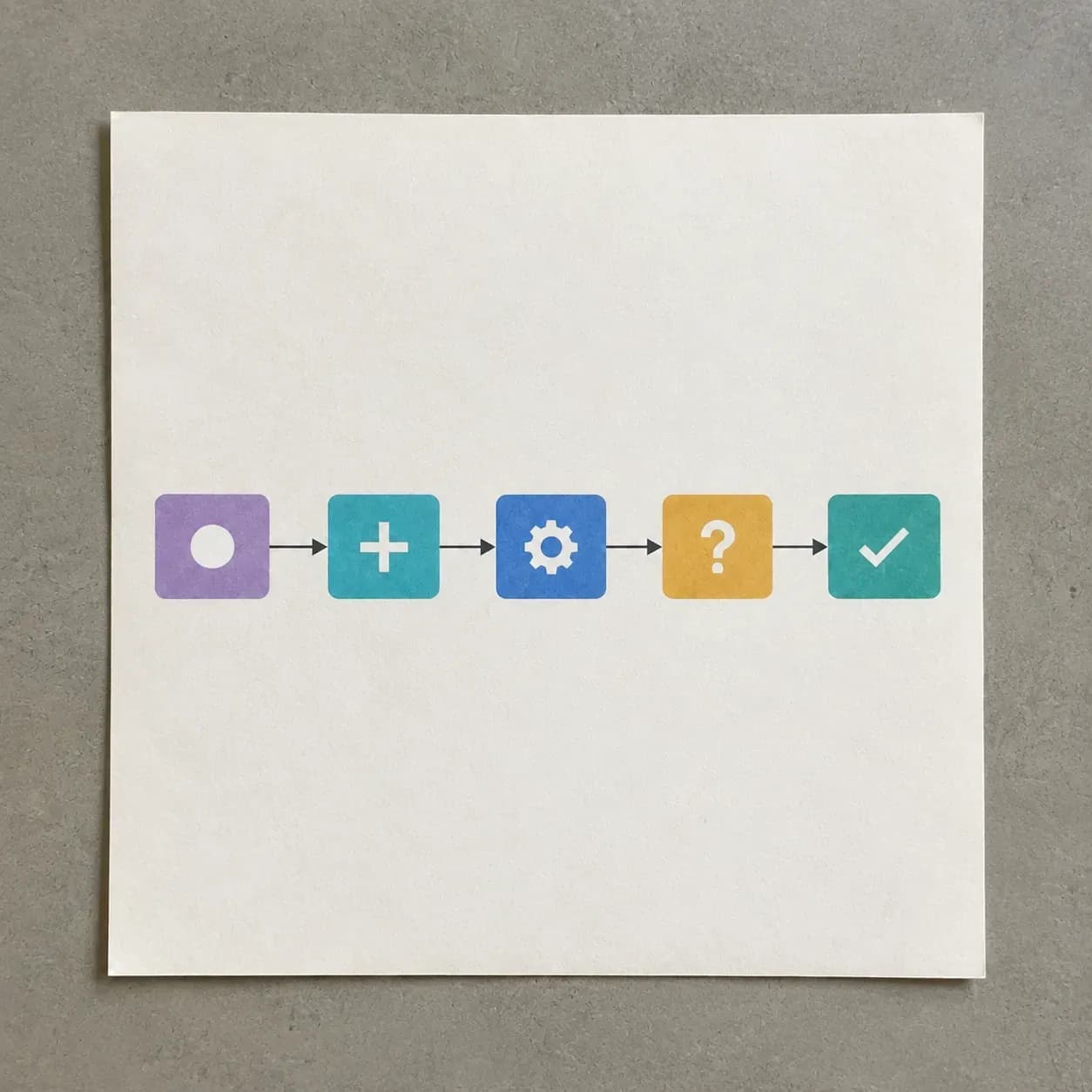
People who need a process to be visible, not just remembered.
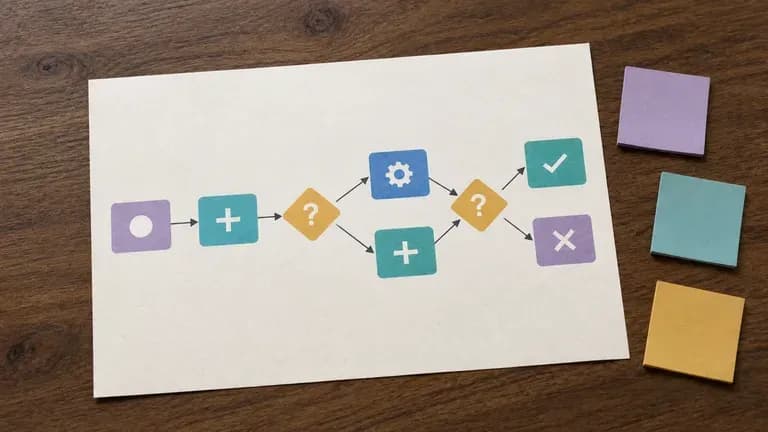
Turn a process that lives in someone's head into a diagram the whole team can follow.
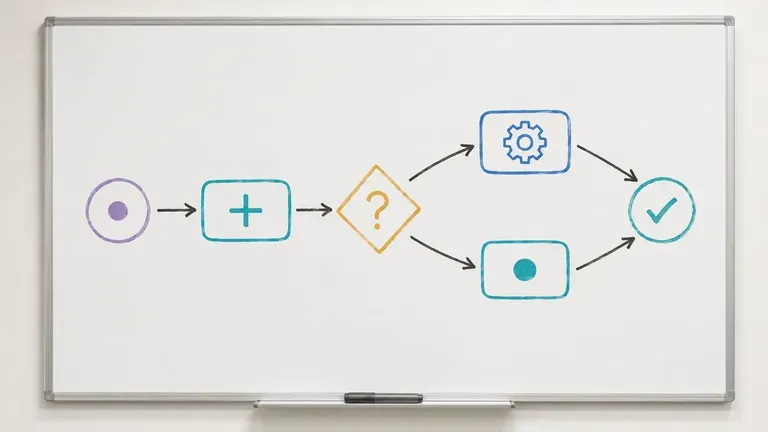
Map a user flow or system logic before building it, catching branches that were missed in conversation.
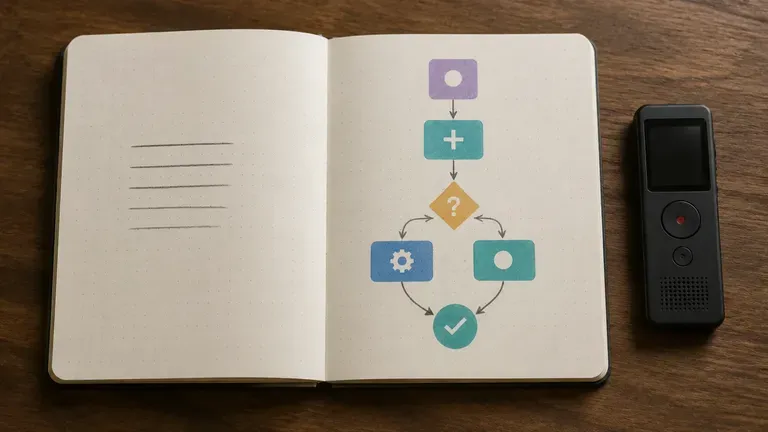
Document a client's process quickly during discovery, without a diagramming tool learning curve.
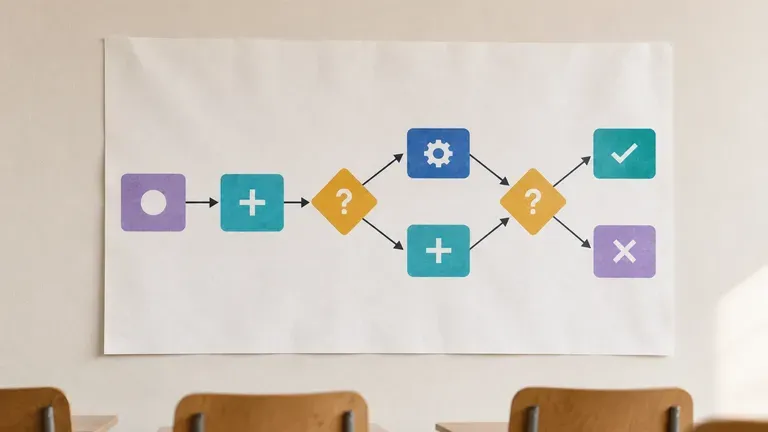
Turn a course concept or procedure into a diagram for teaching or coursework.
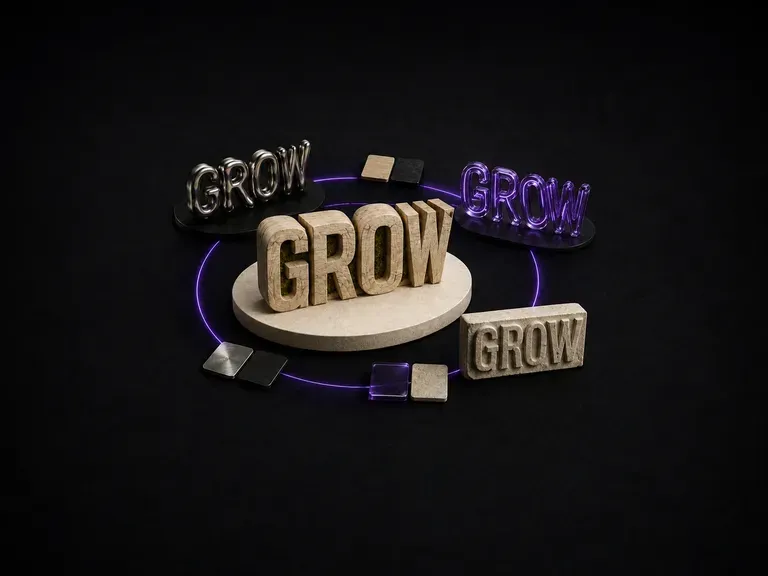
Wood-carved letters catch light differently than liquid metal. Enter a word or short phrase, name the material, and generate a 3D typography effect that keeps your lettering intact, starting on free credits.
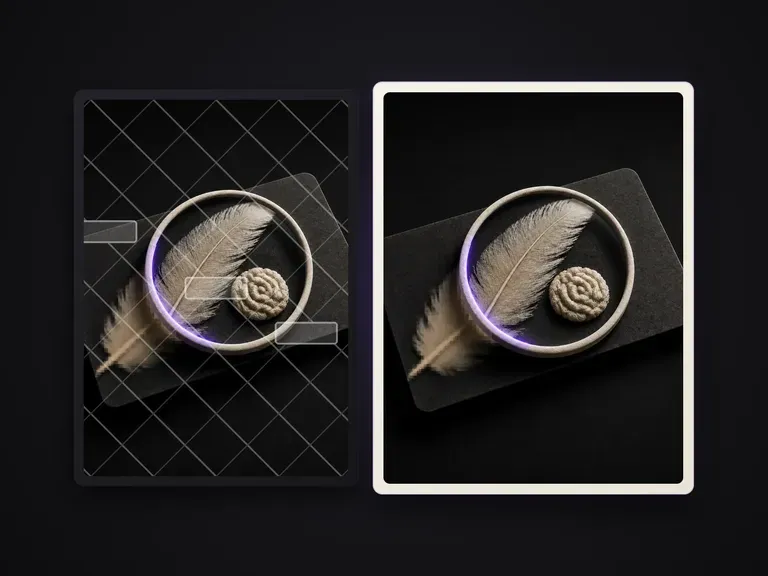
Inventories overlaid text and foreground patches on an image, cleans them item by item, and repairs the occluded background into a clean plate while keeping everything else unchanged.
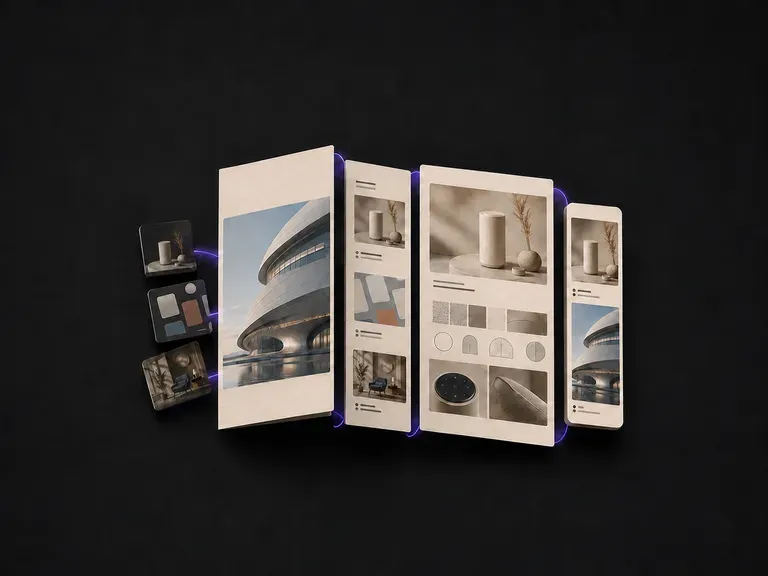
Upload your project images, add a short line on your role in each, and generate a cohesive portfolio layout that holds your work together as a unified set, starting on free Virse credits.
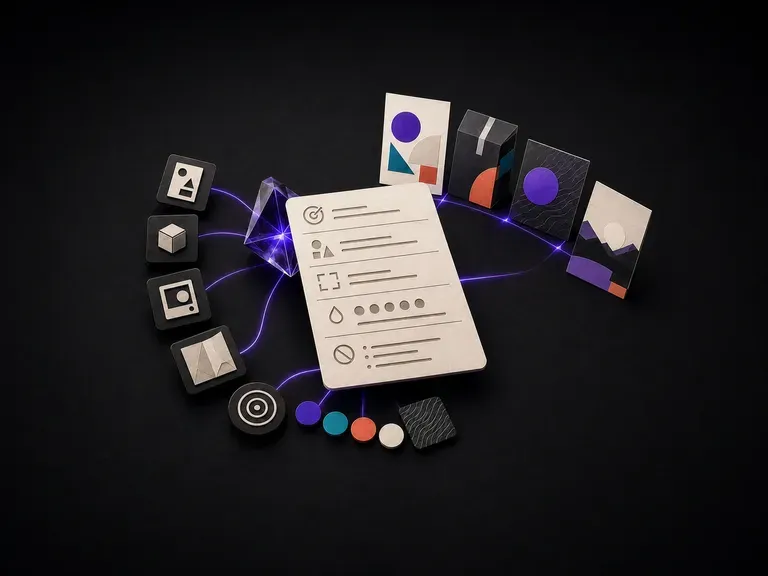
List your design goal, audience, format, brand colours and text constraints to generate a structured prompt that image models can follow accurately, starting on free Virse credits.
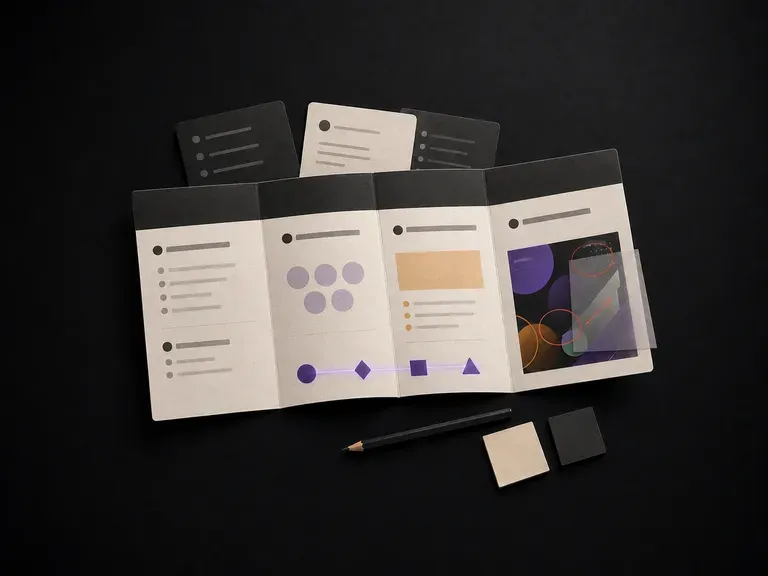
Describe a project to get a structured brief covering background, goals, audience and deliverables, or upload an in-progress design for strategy feedback on a Virse canvas, starting on free credits.
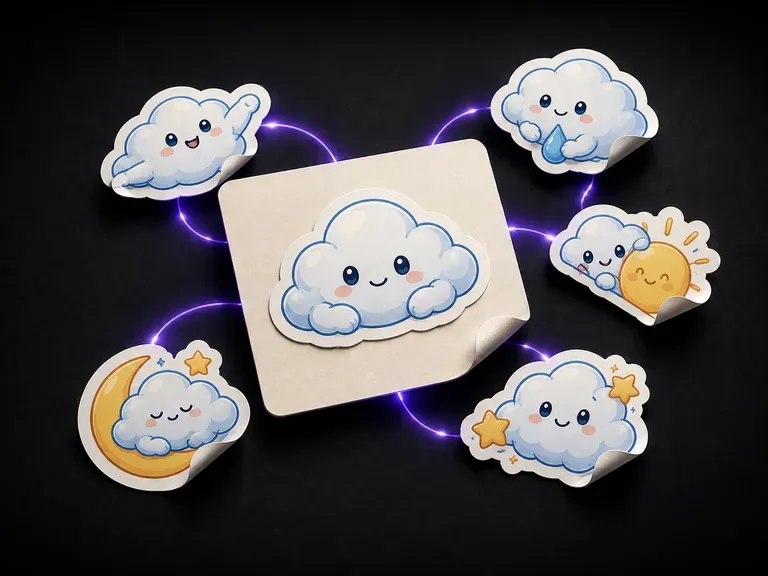
A sticker must hold up as a clean cut shape. Describe your subject and style to generate single characters or matching sticker sheets complete with die-cut outlines, starting on free credits.
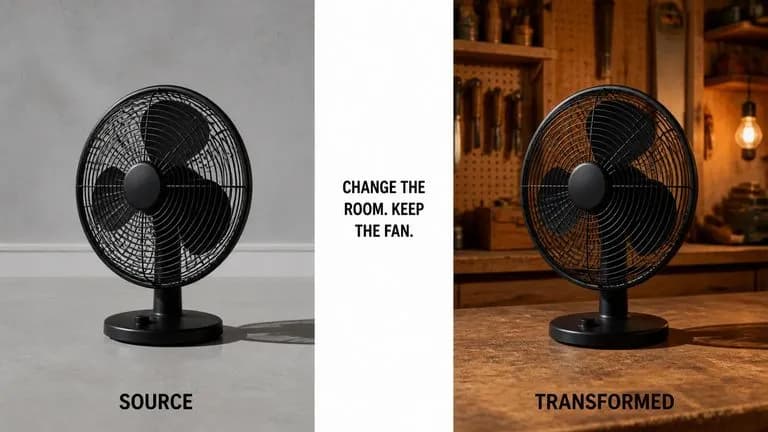
ByteDance's Seedream 4.0 and Seedream 4.5 generate from written descriptions and from images you supply, turning one source picture into as many directions as a project needs.
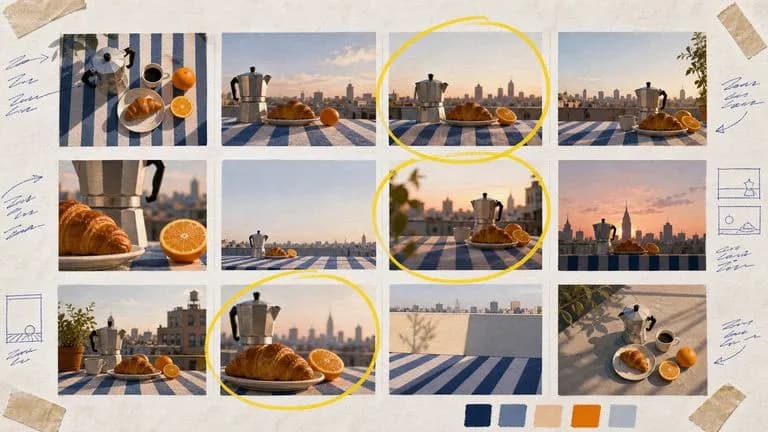
Google's Nano Banana 2 pairs flagship-level image quality with Flash-class speed, across four output sizes from rapid 0.5K prototypes to finished 4K.
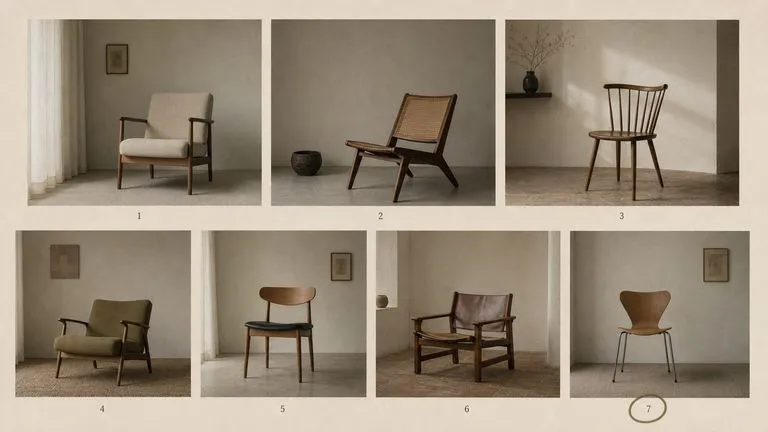
The generation of Black Forest Labs' FLUX line that came before FLUX 2, kept available as two entries — the standard model and Ultra.
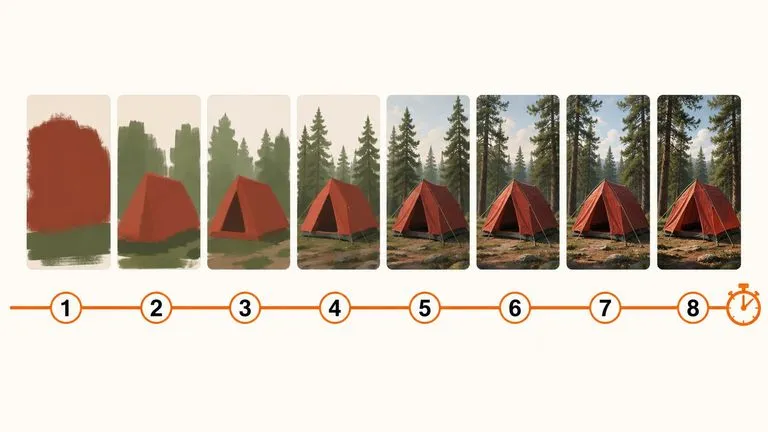
A 6-billion-parameter model compressed to an eight-step inference pipeline, built to return a usable picture before your train of thought moves on.
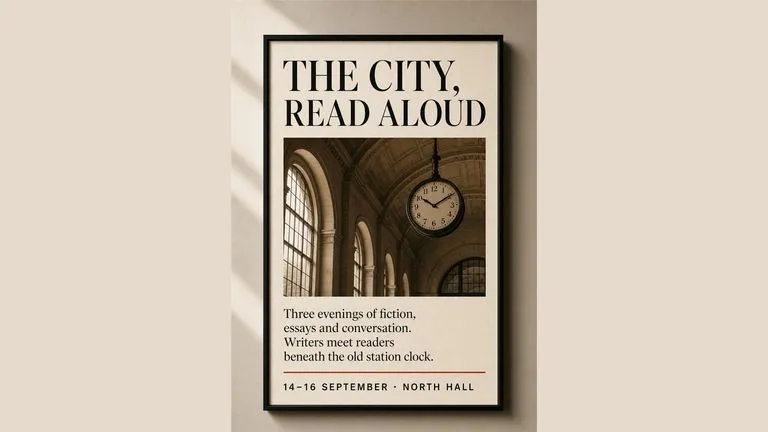
Generate studio-grade 4K images with Nano Banana Pro, blending multiple references while holding characters, products, and typography consistent.

OpenAI's ChatGPT Images 2.5 arrives in Virse as both API editions, GPT Image 2.5 Flare and GPT Image 2.5 Sunburst, with six quality grades and output up to 4K.
Describe your process, generate a diagram with nodes and branches, and refine it into something your team can follow.