AI Photo Blender

AI Photo Blender

Upload a source image and a second image, describe how they should combine, and create one blended picture.

入力
Source image · 必須Image to blend · 必須Region annotation · 任意Blend region and content · 任意Blend style · 任意
出力
1 image-to-image blend composite × 1

Source image

必須

Upload a source image and an image to blend

画像はキャンバスでアップロードします。ここでは設定のみ入力します。

Image to blend

必須

Upload a source image and an image to blend

Region annotation任意

Blend style任意

What is an AI photo blender?

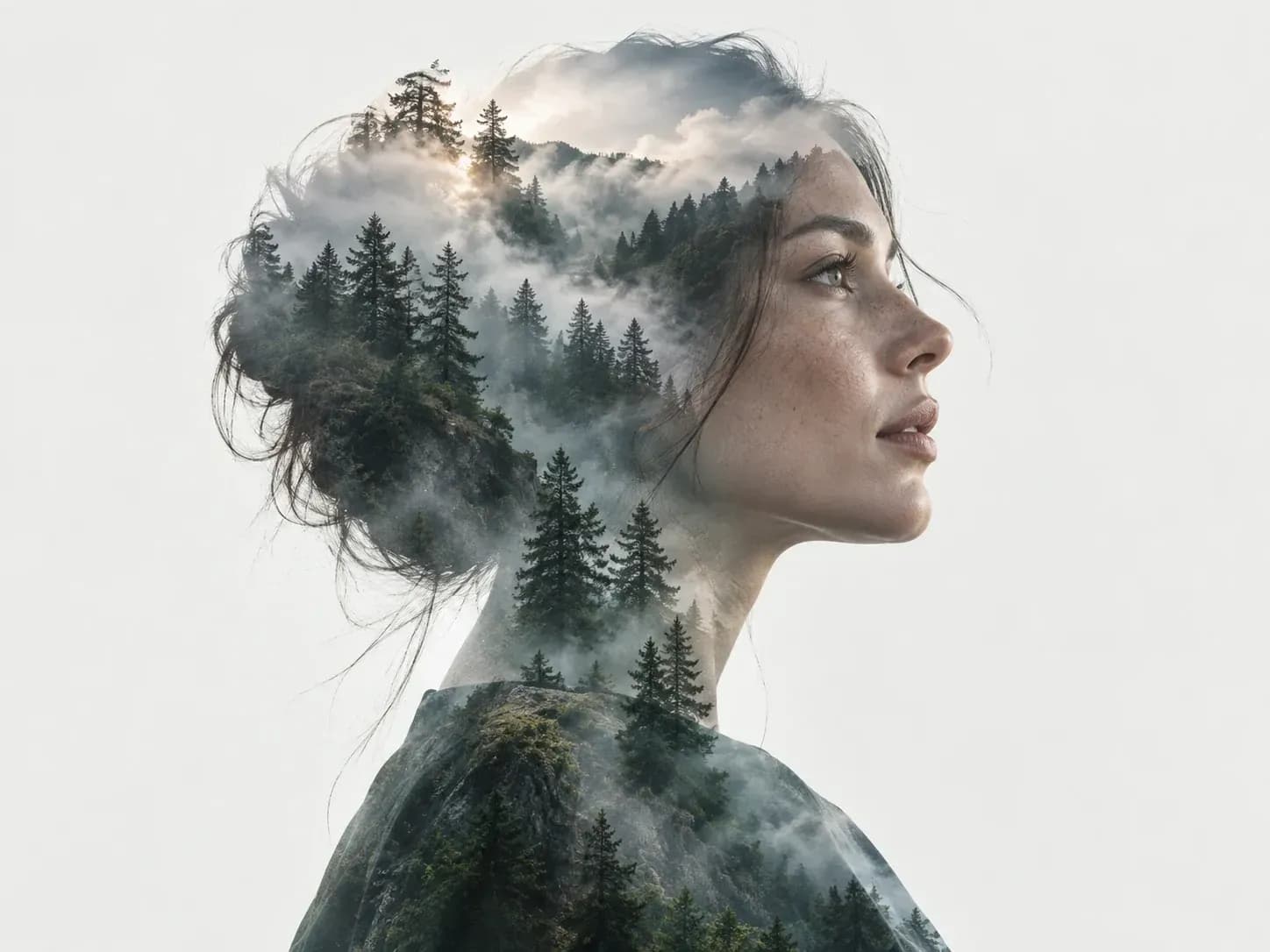
An AI photo blender uses two images as references to generate one combined picture. Describe the region and style of the blend, such as a portrait mixed with a forest scene. The result is a finished image; this tool does not remove backgrounds, create transparent cutouts or export editable masks.

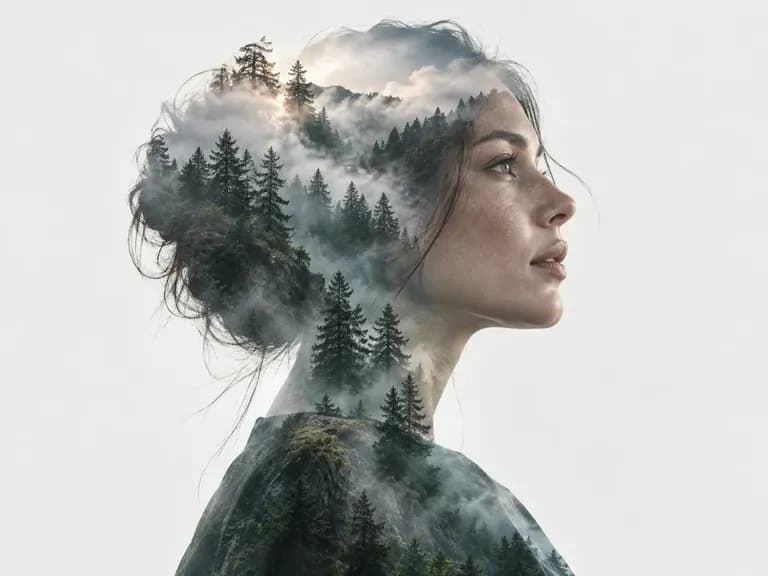
A portrait and forest blended into a double exposure image
A portrait and a forest combined into a double exposure image

Ways to blend two images

Choose the source images, describe their relationship and review the combined result.

A portrait and forest blended into a double exposure image
Two images

Bring both images

Upload one source image and one image to blend. Both are required; an optional region reference can help explain where they should combine.
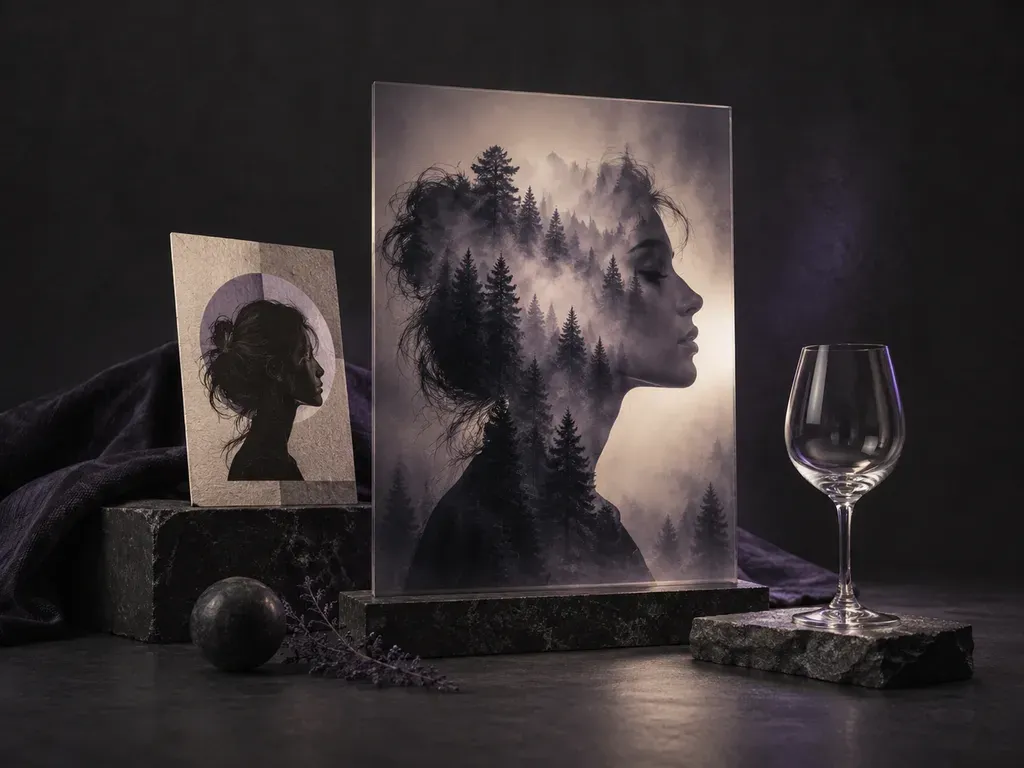
Photo-in-Photo Blends: one picture showing through another
Blend styles

Describe the transition

Request a gradient transition, a geometric shape blend, subject integration or a double exposure look.
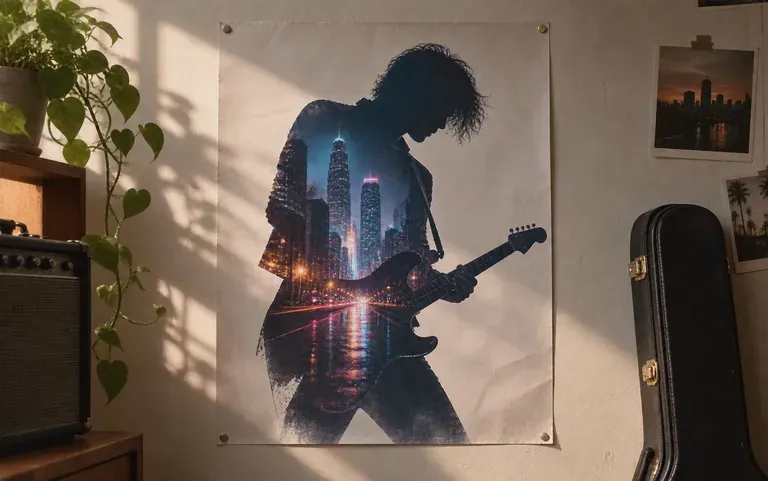
Two photos merged for a gig poster
One result

Get a finished composite

Receive one blended image by default. Generated details can shift, so check the subjects, lettering and composition before using it.

How to blend two photos with AI

  1. Choose two images

    Pick a source image and the second image you want to combine with it.

  2. Upload both images

    Add each image to its matching field. A region annotation is optional.

  3. Describe the blend

    Say where the images should meet, which content should remain recognizable and which blend style you want.

  4. Generate and review

    Create the composite, then compare it with both originals. Request another version only when you want a further edit.

Who uses an AI photo blender?

For creative composites made from two source images.

A portrait and forest blended into a double exposure image

Portrait creators

Combine a portrait with a landscape to explore a double exposure concept.
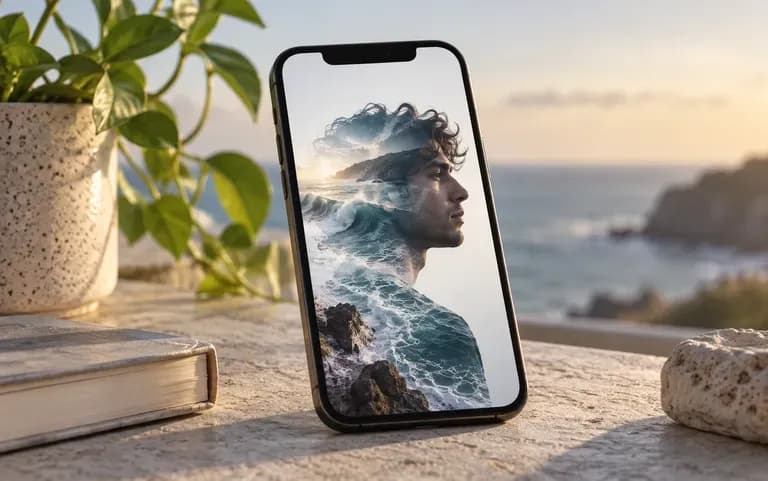
A double exposure portrait for a social post

Social media creators

Blend a selfie with a second scene for a new profile or post image.

Two photos merged for a gig poster

Poster designers

Combine a band photo with city or landscape imagery for a poster concept.

Photo blending ideas

Examples of visual directions for a finished composite; they do not demonstrate transparent cutouts or editable masks.

A portrait and forest blended into a double exposure image
Forest double exposure: a portrait combined with a woodland scene
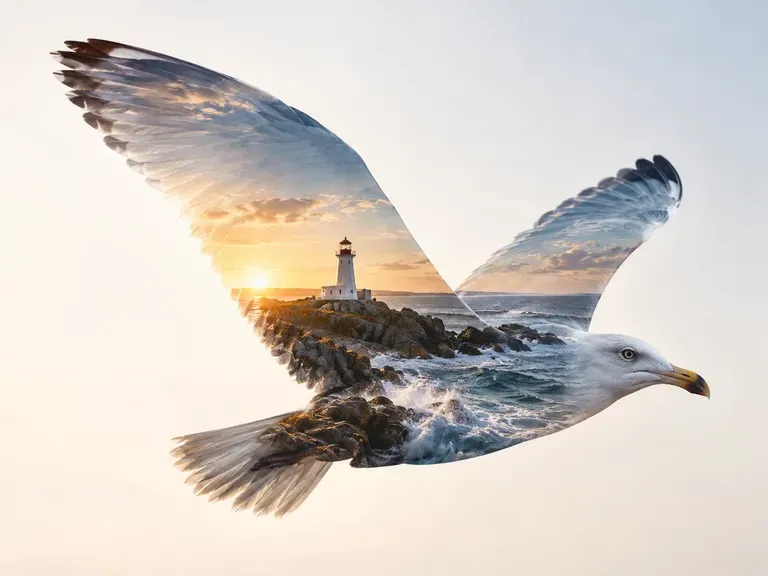
Photo-in-Photo Blends: one picture showing through another
Landscape silhouette: coastal scenery blended into a bird-shaped composition
A double exposure portrait for a social post
Social portrait: a blended image presented as a profile picture
Two photos merged for a gig poster
Music poster concept: a performer combined with city lights
FAQ

Frequently asked questions

Do I need two images?
Yes. Upload one source image and one image to blend. This tool does not offer a single-photo cutout mode.
Can it remove backgrounds or make transparent cutouts?
No. It creates a finished image from two source images. Background removal, transparent cutouts and hair or glass extraction are not supported.
Can I paint or export an editable mask?
No. You can describe a region or upload an optional region annotation, but the output is one image rather than a brush-editable mask or separate layers.
Which blend styles can I request?
Choose a gradient transition, a geometric shape blend, subject integration or a double exposure look. Describe which parts of each image should appear in the result.
Will the original images remain pixel-for-pixel unchanged?
No. Image-to-image generation can redraw details. Check faces, lettering and important shapes in the finished composite.
Is Virse's photo blender free?
Yes. You start with 200 compute, and 50 more arrive each day your balance is below 200. Blended images on the Free plan are 1K, with all image models included.

Blend two photos with AI

Bring two images and describe how they should come together.