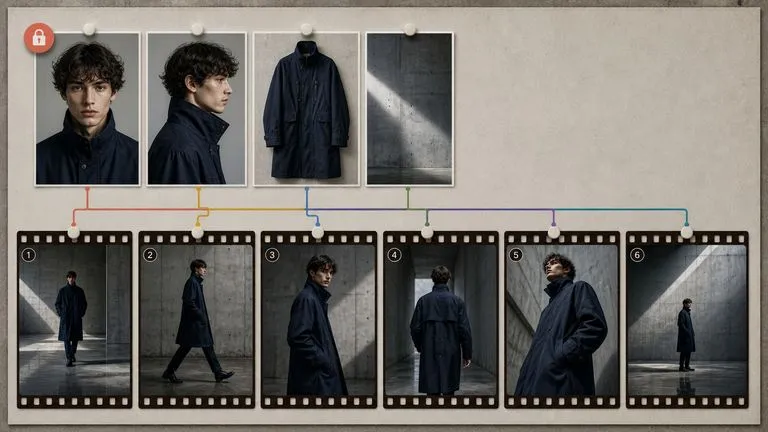
Natively Multimodal
Text, image, video, and audio accepted through one interface.
Google's natively multimodal video model, taking text, images, video, and audio as input, offered in Virse as frame-driven and reference-driven entries.
作成を始めるには、デスクトップのブラウザでこのページを開いてください。
Gemini Omni Flash is Google's fast video model, announced in June 2026, and the part of it worth understanding is what it will accept.
Most video models take a picture and a paragraph. This one is natively multimodal — text, images, video, and audio all go in through the same interface rather than through separate adapters bolted on afterwards. That is an architectural property rather than a feature list, and it shows up in how coherently the model reconciles inputs that pull in different directions. Google also built it for conversational refinement, where a clip is adjusted by continuing the conversation instead of rewriting the brief.
Use Gemini Omni Flash when your inputs are varied and your image pipeline is already Google's. Animate stills from Nano Banana or Gemini image models, drive shots from reference material, and iterate on a clip by responding to it.
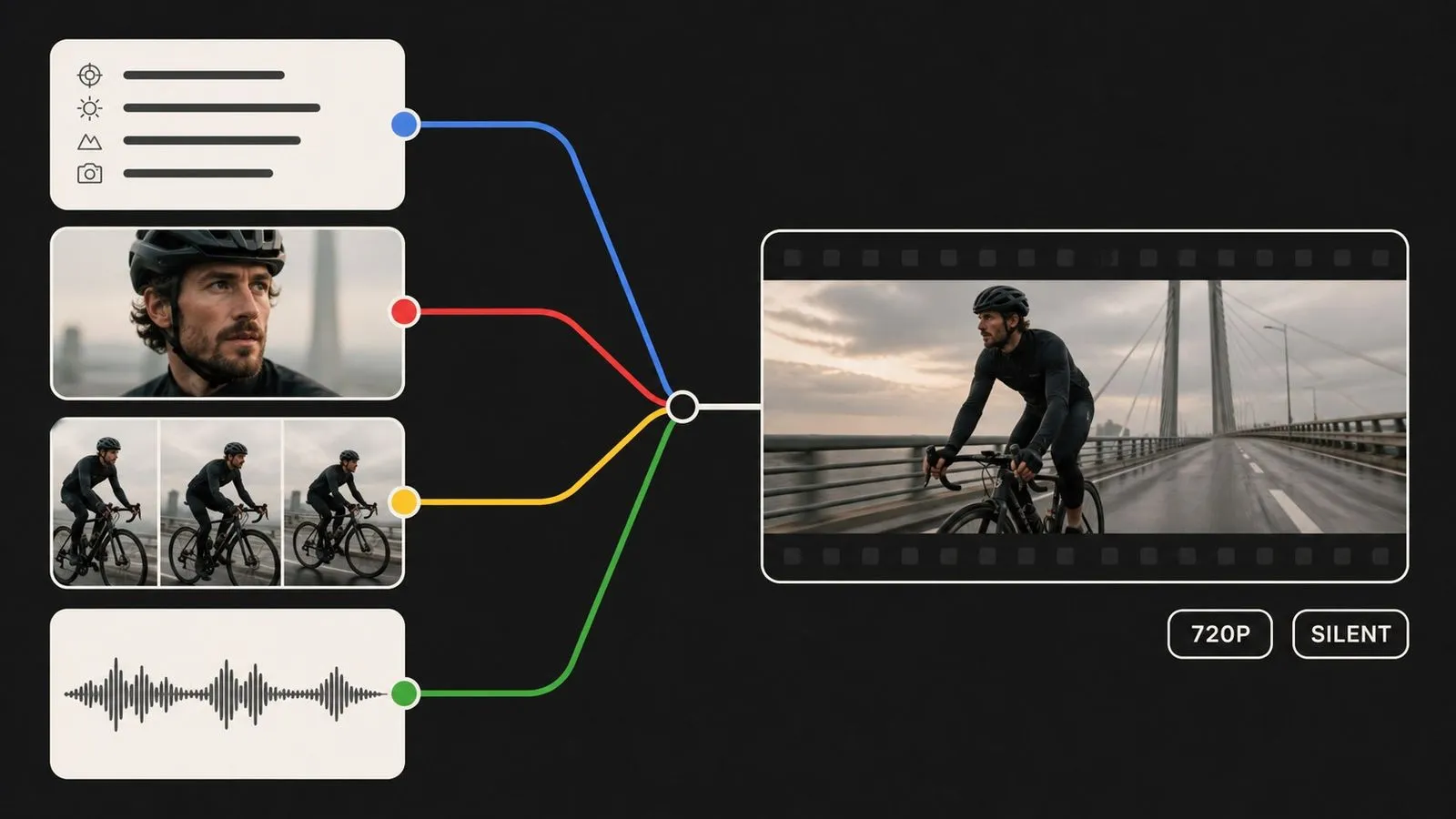
Gemini Omni Flash is an AI video generation model developed by Google DeepMind, part of the Gemini Flash line where turnaround speed is the design priority. It was announced in June 2026 as a cost-efficient option for video generation and conversational video editing.
The model is built around three major strengths:
Virse lists two entries. Gemini Omni Flash takes a first frame, a last frame, or both, plus a written brief. Gemini Omni Flash Reference works from supplied example images instead. The entry offered in Virse is the 720P configuration, which renders native audio on every generation, so audio direction is not part of the brief here.
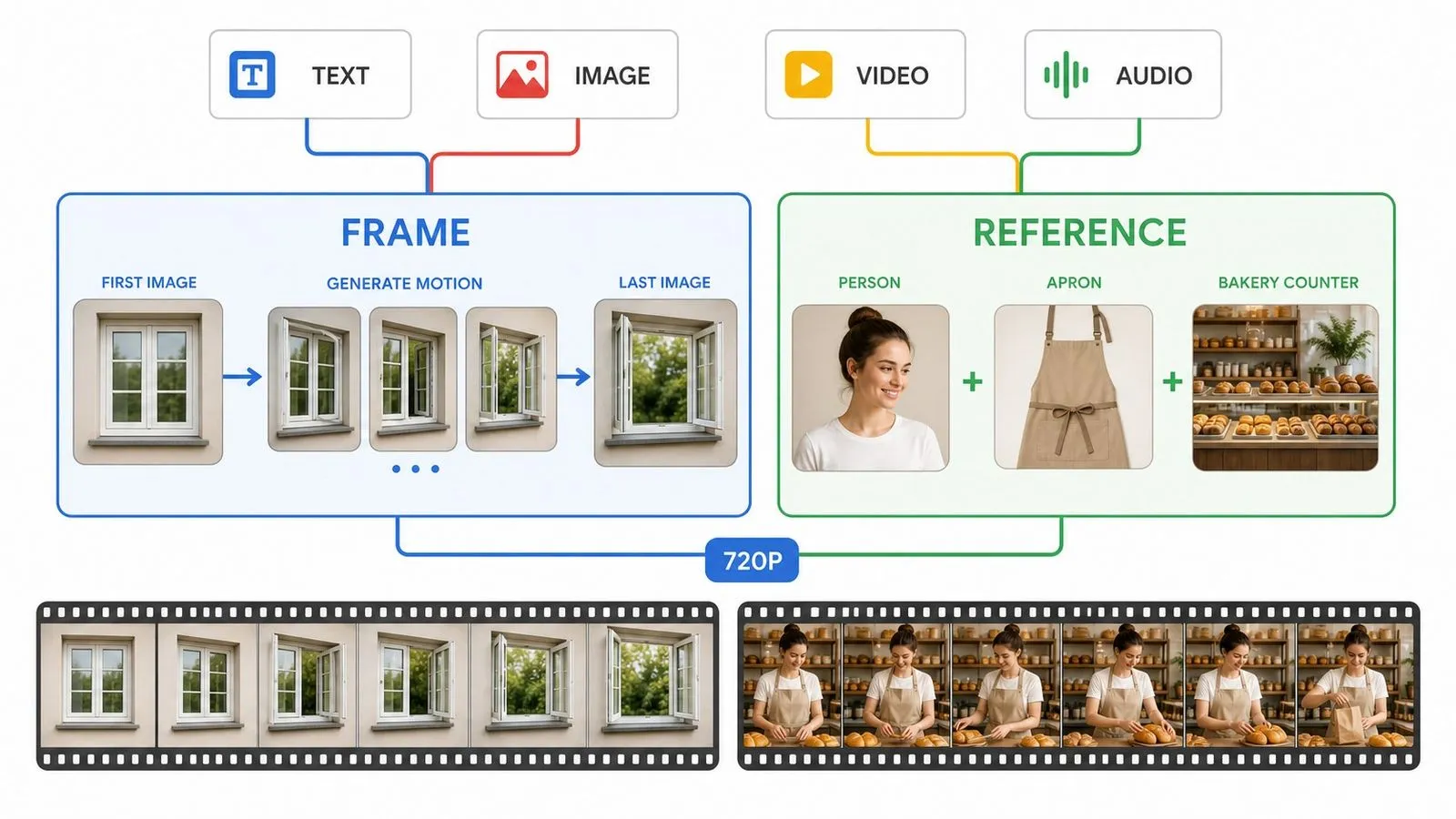
Text, image, video, and audio accepted through one interface.
Frame-driven and reference-driven, listed separately in Virse.
The size offered in Virse. Audio is generated natively with the picture.
A Flash-line model, which on video matters more than it does on stills.
Adjust a result by continuing the instruction rather than rewriting it.
An imperceptible signal embedded in every generated clip.
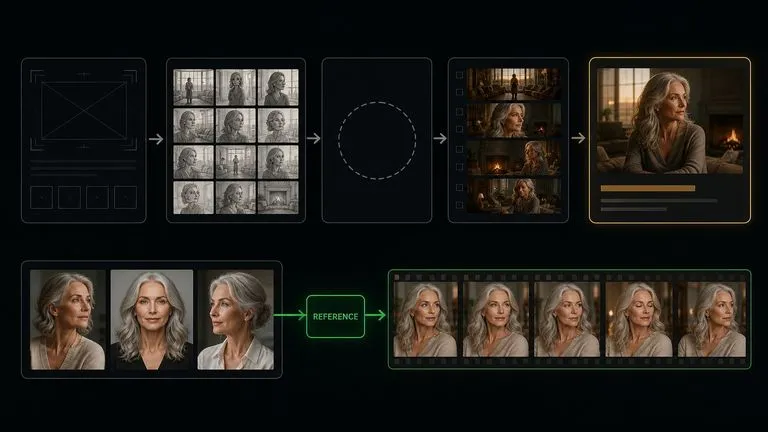
Native multimodality means text, images, video, and audio are handled by the same model rather than passed through separate encoders. Inputs that would conflict in a bolted-together system get reconciled instead.
Veo 3.1, Google's heavier video model, is frame-driven. Gemini Omni Flash adds a reference-image path, which is the only route to that kind of continuity control inside the Google family.
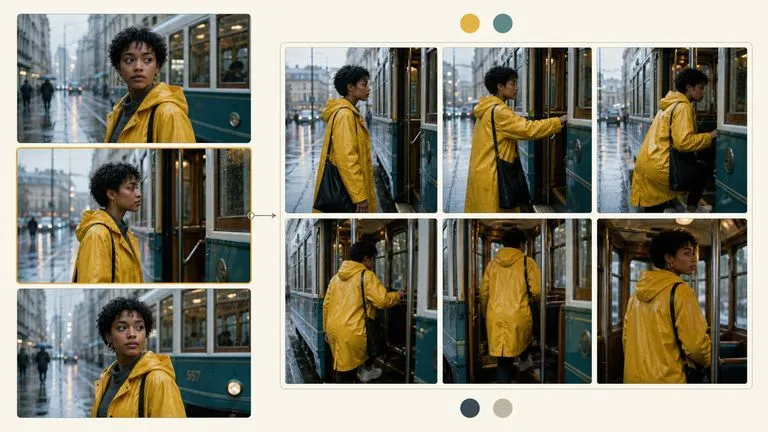
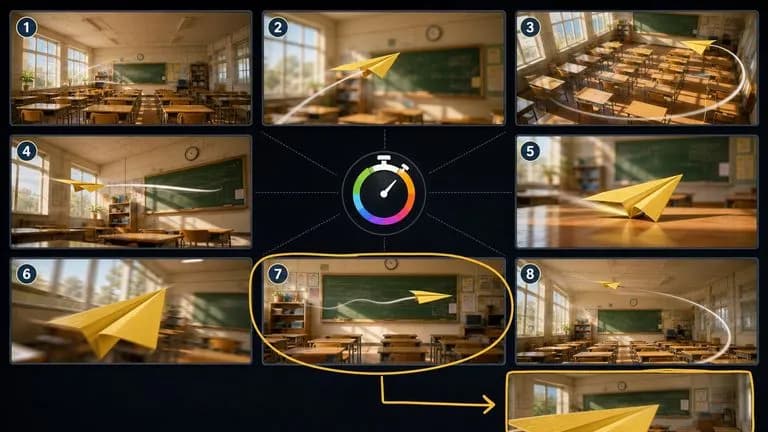
Rather than rewriting a brief from scratch to fix one thing, the model is built for iterative adjustment — the design assumption is that the first result is a starting point.
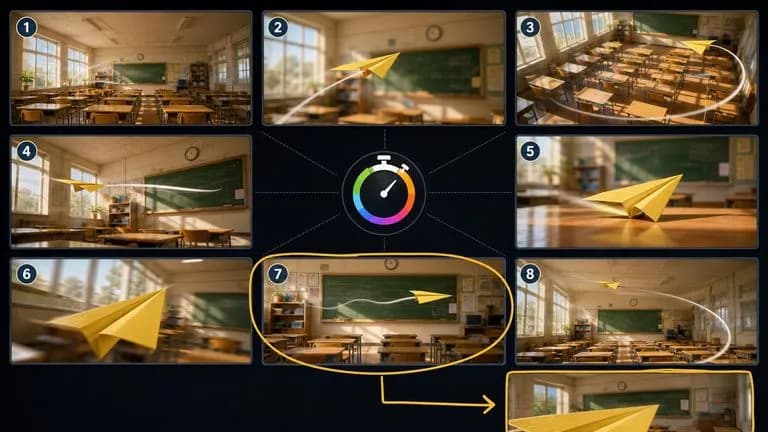
The Flash line optimises for turnaround. On video, where a slow generation breaks concentration entirely, that matters more than it does on stills.
Frames produced by Nano Banana Pro, Nano Banana 2, or Gemini 2.5 Flash Image come from the same family, which keeps the visual character continuous across the still-to-motion handoff.
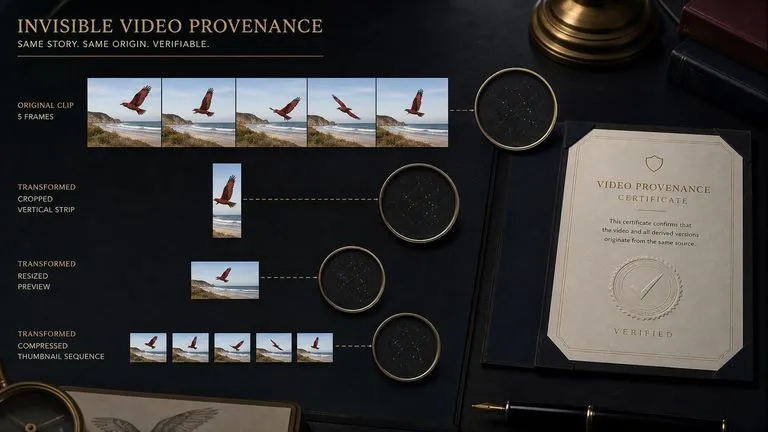
SynthID is embedded automatically in every clip, identifying it as AI-generated with nothing visible on the picture and nothing to enable.
Staying inside one model family across a pipeline sounds like a preference until you cross vendors mid-project and spend an afternoon on why the animated version does not match the still. Virse makes the same-family route the path of least resistance. A frame generated by any Google image model on the canvas goes straight into Gemini Omni Flash without an export, so the handoff from still to motion happens in place.
Send a Nano Banana or Gemini image frame directly into the video model on the same canvas.
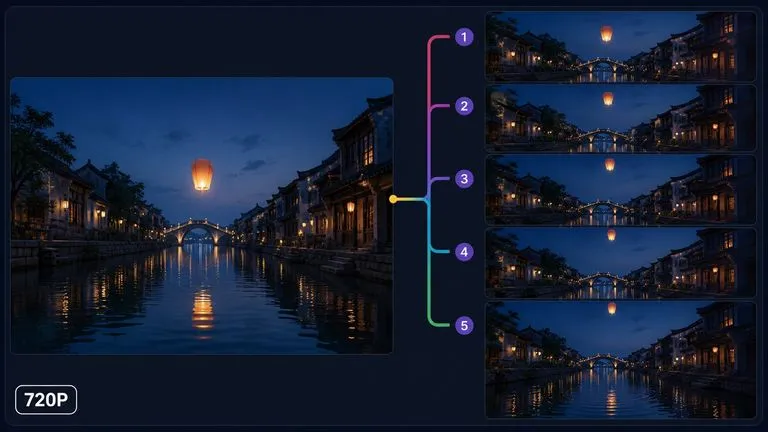
Each refinement sits beside the version it came from, which is what makes a conversational workflow reviewable afterwards.
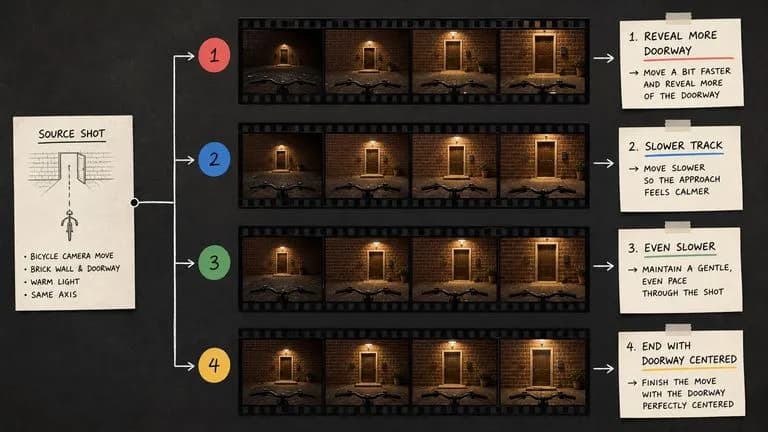
Move between Gemini Omni Flash and 30+ other image and video models without leaving the canvas or rewriting the brief.
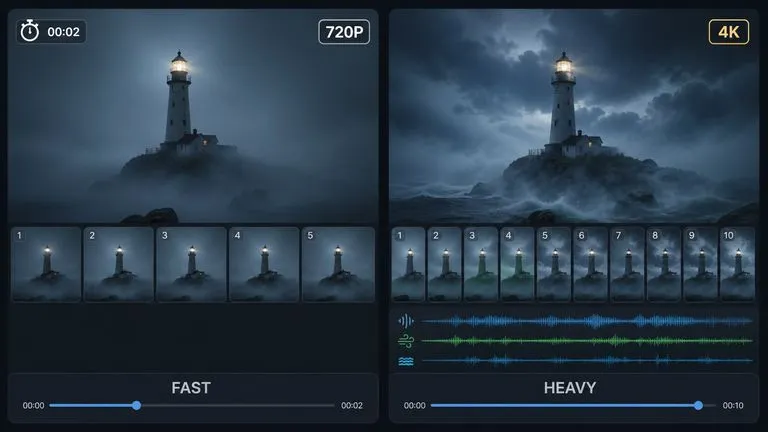
Run the same frame through Veo 3.1 beside it when you need to know whether the extra weight is worth it.
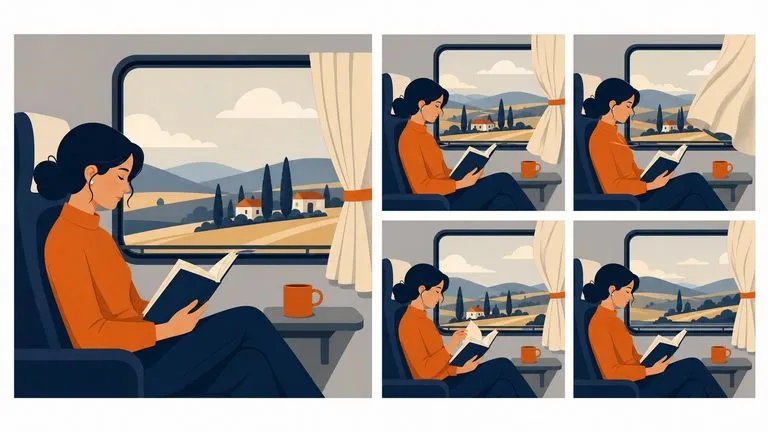
Motion added to images generated elsewhere in the Google family.
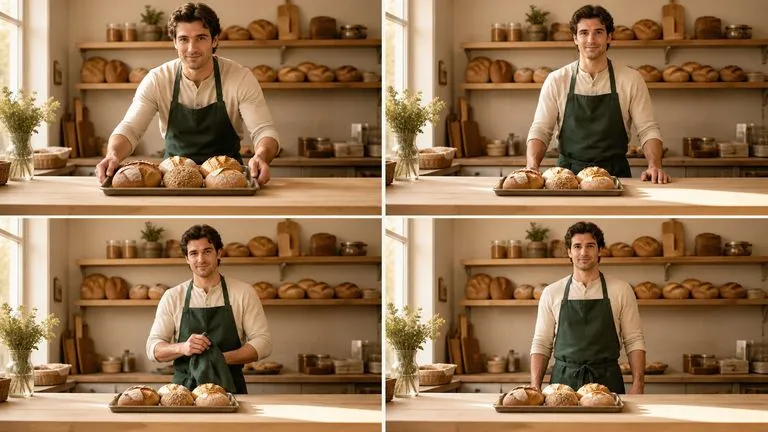
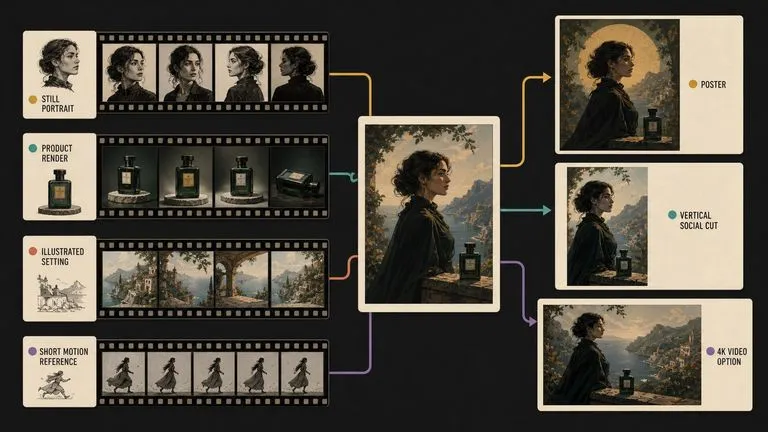
Shots where a subject is defined by example images rather than described.
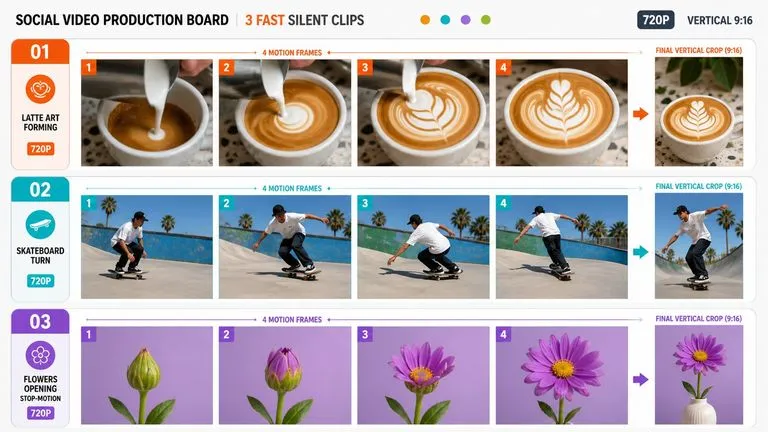
Quick clips where turnaround matters more than resolution.
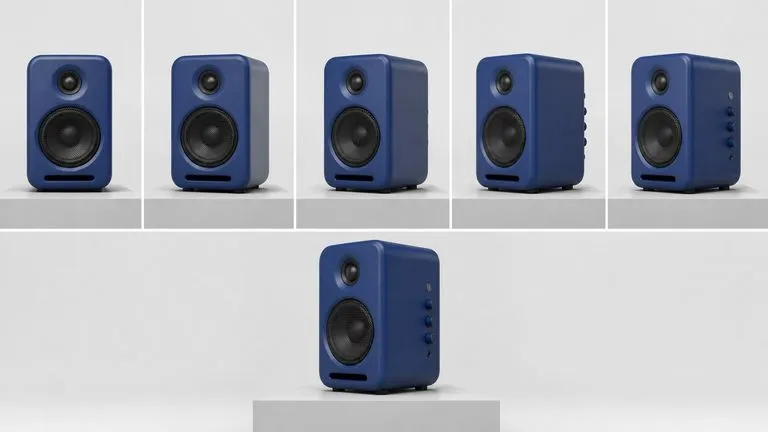
Simple reveals and rotations from a defined opening frame.
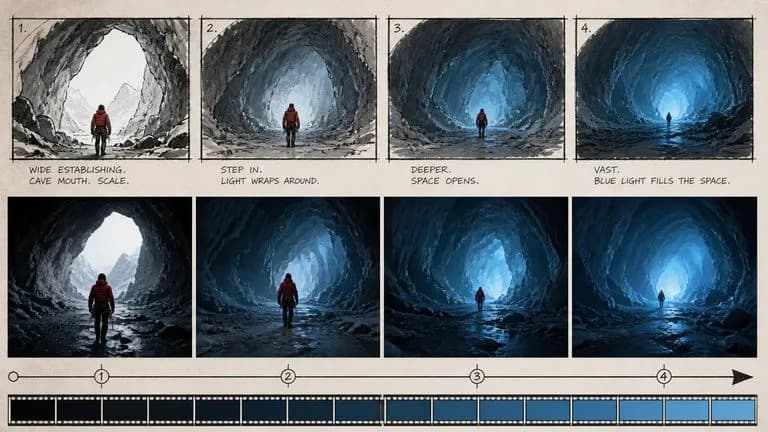
Moving reference for a shot idea before anything is committed.
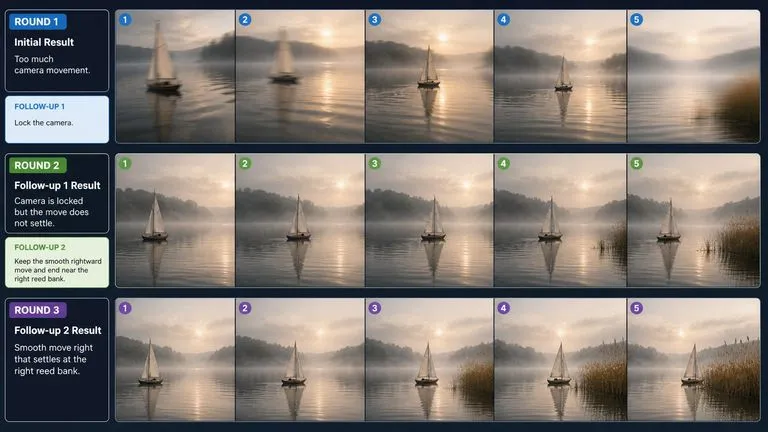
Clips refined across several rounds rather than specified perfectly up front.
Frames in hand, use the standard one. Need a subject to persist across clips, use Reference.
Drop in the compositions, or the example set with a stated job for each picture.
Describe movement in the scene, camera behaviour, and pace. Audio renders with the picture, so dialogue and ambience cues are worth including.
Adjust the result with a follow-up instruction instead of rewriting the original brief.
A useful Gemini Omni Flash prompt usually includes four elements:
こう書く代わりに
A person opening a window, nice natural movement, cinematic.
こう書く
A person stands at a sash window with both hands on the lower frame, seen from behind at waist height. They push the window up in one smooth movement until it is fully open, then lower their hands. Camera holds still throughout, no push and no track. End with the window open and their arms at their sides.
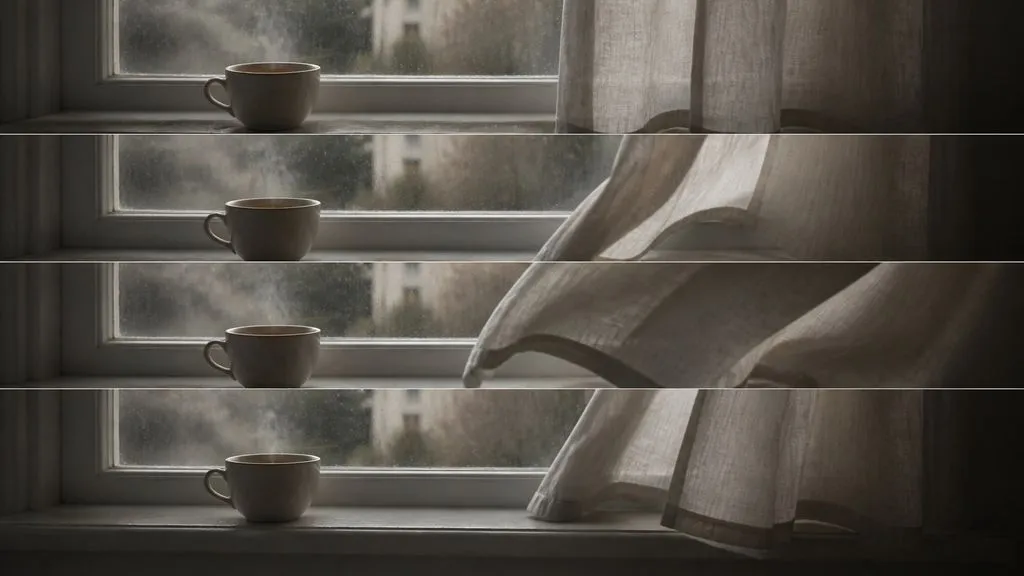
Begin on Image 1: a cup of tea on a windowsill, steam rising, curtain still. A breeze lifts the curtain from the right over the first half of the clip, then it settles. Steam continues to rise throughout. Camera holds a static close shot, no movement and no cuts. End on Image 2: curtain settled, cup unchanged.
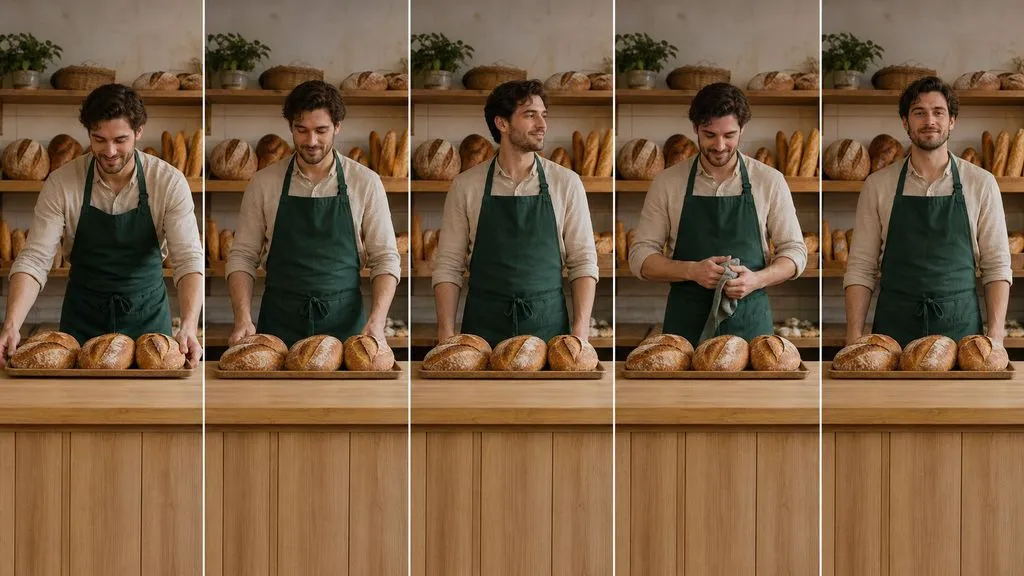
Use the person in Image 1, the apron from Image 2, and the bakery counter in Image 3. He places a tray of loaves onto the counter, straightens up, and wipes his hands on the apron. A fixed medium shot from the customer side of the counter, camera unmoving. Preserve his face, hair, and the apron's colour and cut exactly as shown. End with his hands at his sides.
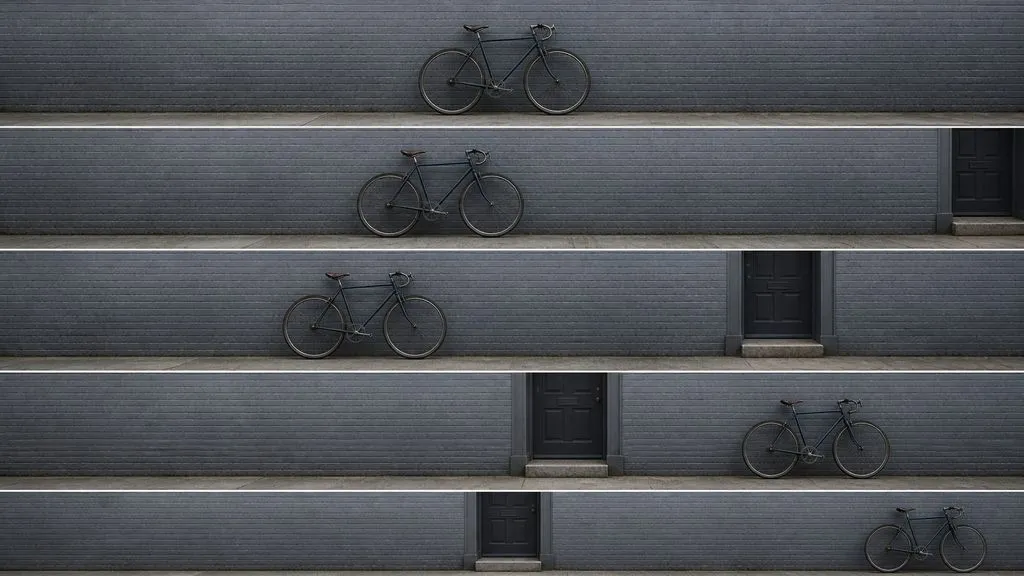
A bicycle leaning against a painted brick wall, seen straight on. Nothing in the scene moves. The camera tracks slowly to the left at a constant speed, keeping the bicycle in frame and revealing a doorway to its right. Even overcast light throughout. End with the bicycle at the right edge and the doorway centred.
| 比較項目 | Gemini Omni Flash | Veo 3.1 |
|---|---|---|
| Input types | Text, image, video, and audio | Text and frames |
| Reference entry | Yes, listed separately | No |
| Output in Virse | 720P, silent | 720p to 4K, audio optional |
| Design target | Turnaround speed | Output ceiling |
| Sequence building | Conversational refinement | Scene extension |
| Choose it when | Inputs are varied or a subject must persist | The piece needs length, audio, or 4K |
Give the movement a clear start and stop rather than an open-ended description.
On the Reference entry, say which image supplies the subject and which supplies the setting.
Images from Nano Banana or Gemini 2.5 Flash Image hand off to this model without a change in visual character.
The model is built for follow-up instruction. Rewriting the whole brief throws away what already worked.
Prepare reference images and visual directions for your next video.
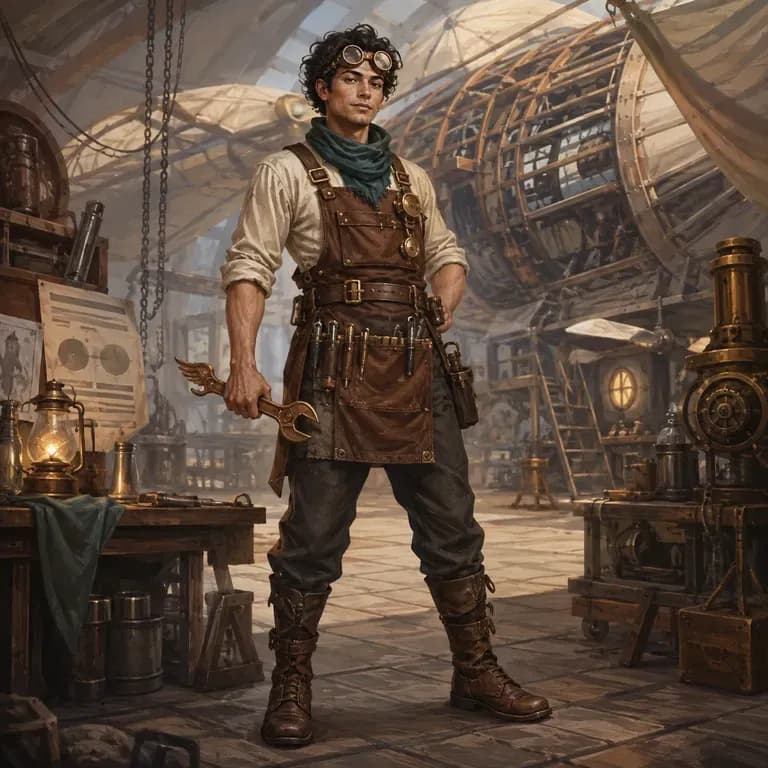
多くのキャラクタープロンプトは、人が読むと問題なく見えても、画像モデルではうまく機能しません。アイデンティティ、世界観、ビジュアルスタイルが、モデルが解析できる1つのまとまりではなく、3つの別々の文に散らばっているからです。どんなキャラクターかを説明し、構造化されたバージョンを生成し、同じキャンバス上で実際のレンダーに対してテストできます。無料クレジットで最初のラウンドをカバーできます。
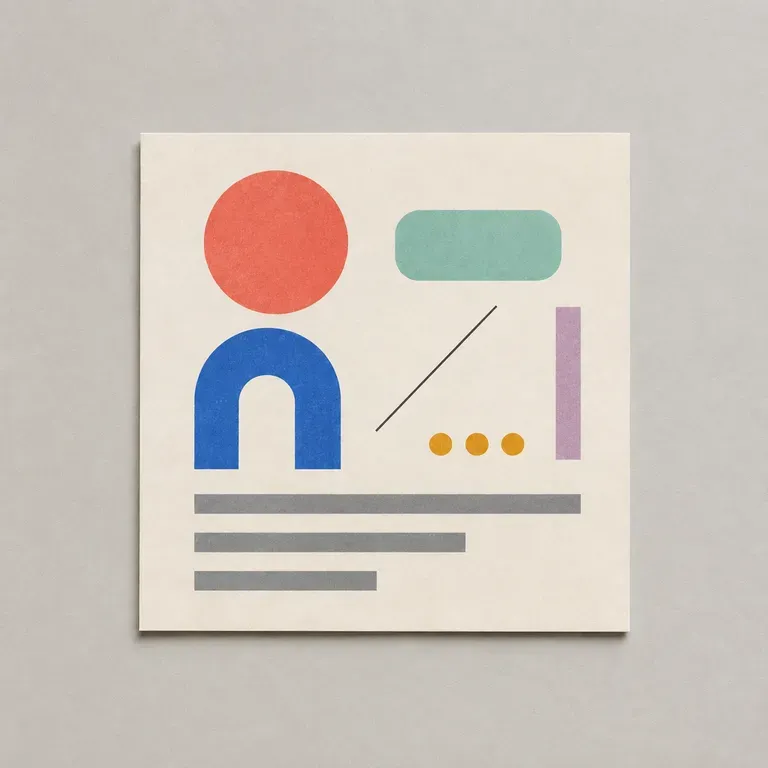
多くのデザインプロンプトは、地味な細部で失敗します。アスペクト比が間違っている、ブランドカラーが抜けている、どのテキストをどこに収めるべきかの記載がない、といったことです。目的、対象読者、形式、制約を列挙すれば、画像モデルがそれらすべてを実際に把握できる構造のプロンプトを作成します。無料のVirseクレジットから始められます。
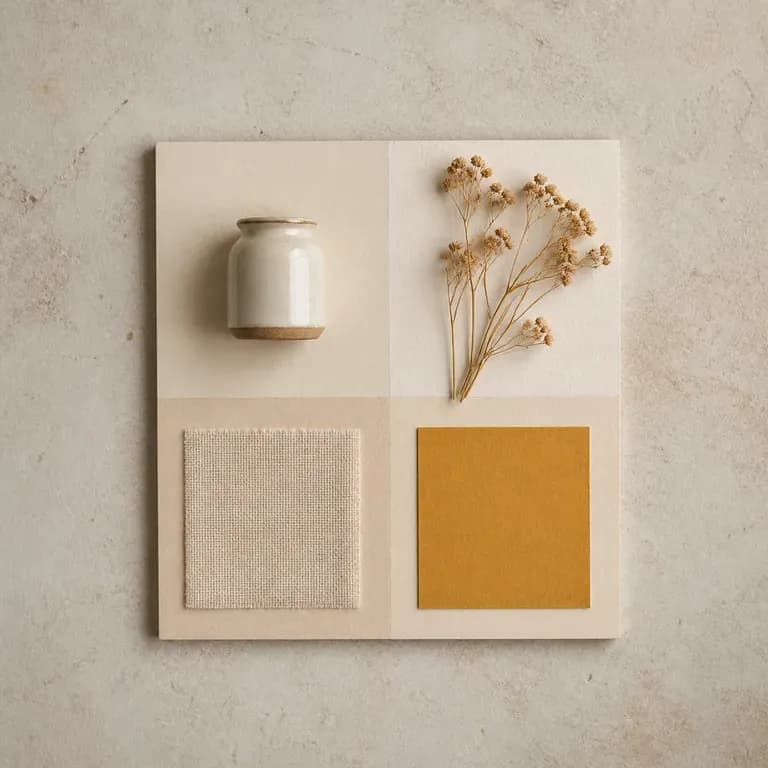
ムードを1バージョンだけ作るのは、ただの推測にすぎません。参考資料や文章で書いたテーマを入力すると、同じアイデアをいくつかの異なる解釈で返します。色、素材、イメージを1つのボード上にまとめることで、白紙のページではなく、反応しながら進められるものが生まれます。無料クレジットだけで始められます。
Animate the frames your Google-family image models already produced, or drive the shot from a reference set — without leaving the canvas either way.