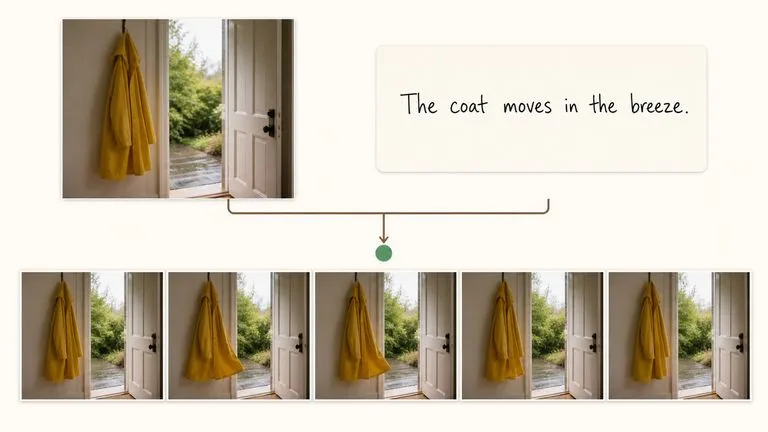
Joint Audio and Video
Sound generated with the picture rather than added after it.
ByteDance's Seedance 2.0 produces picture and sound in one pass, from a first and last frame or from reference images, at sizes from 480P to native 4K.
作成を始めるには、デスクトップのブラウザでこのページを開いてください。
Seedance 2.0 is ByteDance's video model, and its defining property is that audio is not a separate stage.
Most generated video arrives silent and gets scored afterwards, which is why so much of it feels like footage with music placed over it. Seedance 2.0 generates joint audio and video, so ambience, movement sounds, and rhythm are timed against what is actually happening on screen rather than approximately matched to it later. Virse carries the model as four entries, splitting frame-driven generation from reference-driven generation and offering a Fast variant of each.
Use Seedance 2.0 when the clip has to sound like the place it depicts. Build advertising cuts, product motion, animated sequences, character-led series, and social video where the audio is part of the shot rather than a decision you postpone.
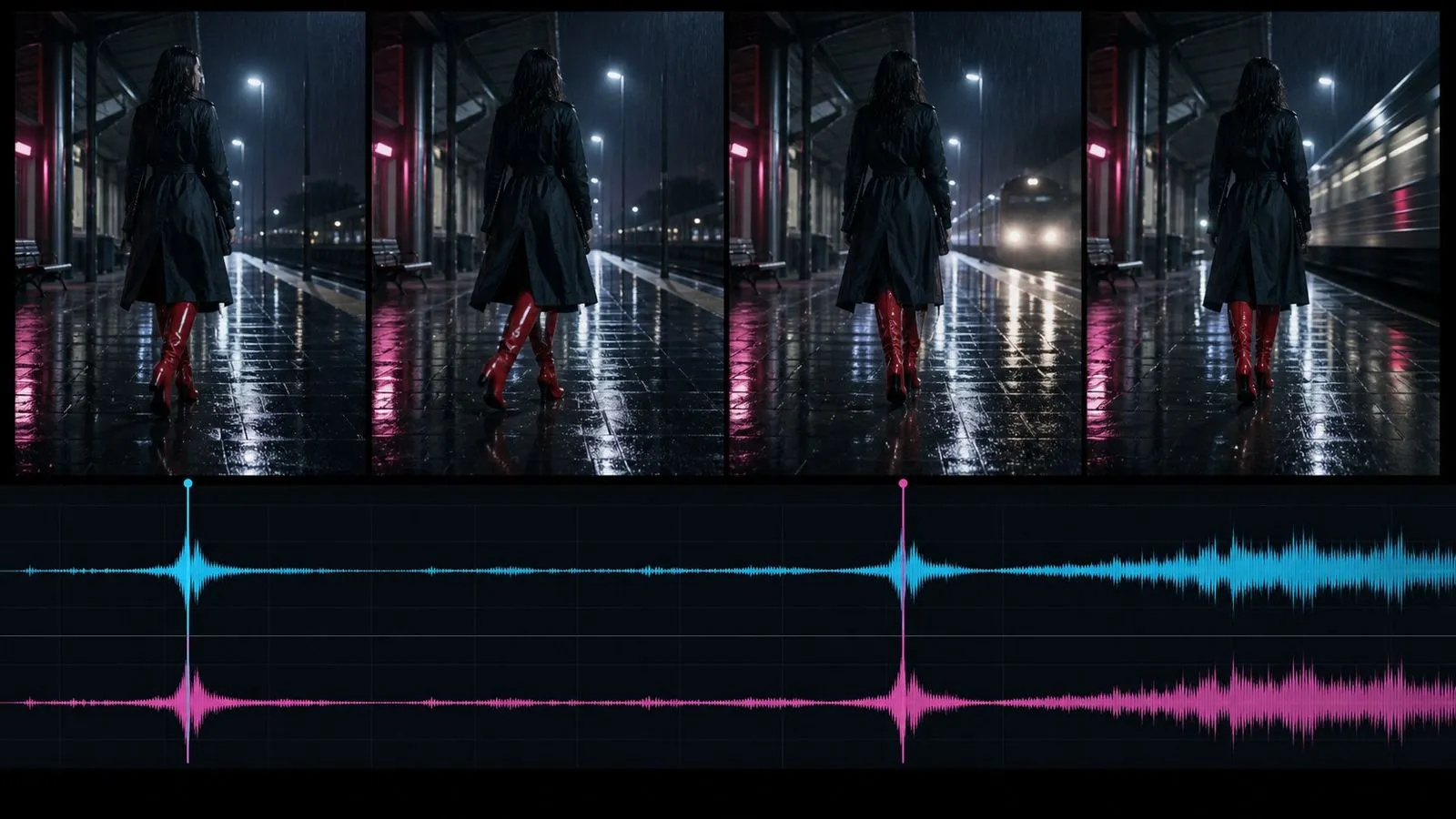
Seedance 2.0 is an AI video generation model developed by ByteDance. It generates video with synchronised dual-channel audio, following written instruction about subjects, action, camera behaviour, pacing, and sound.
The model is built around three major strengths:
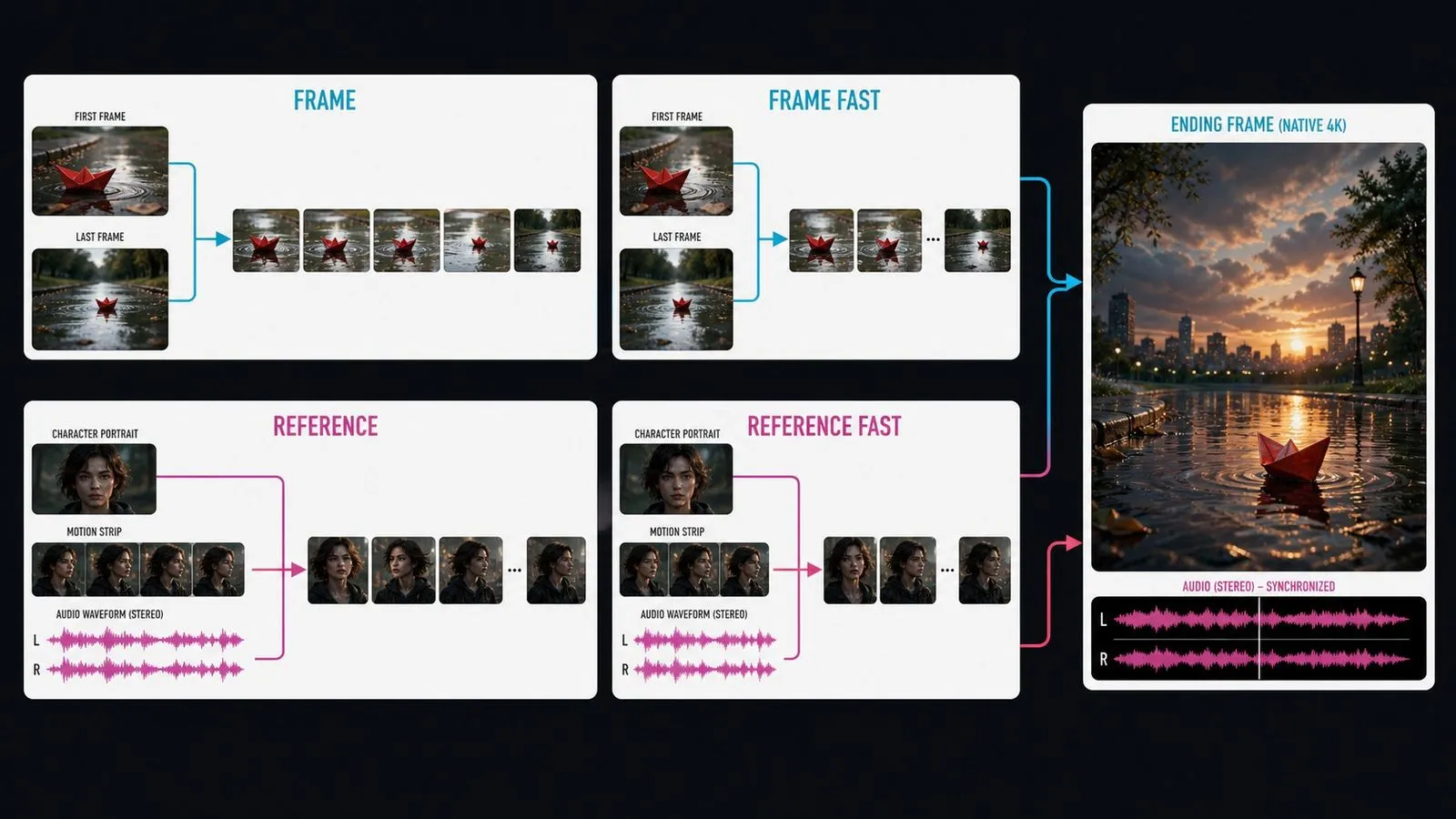
Generations run from four to fifteen seconds, with aspect ratios spanning 21:9 through 9:16. Virse lists four entries: Seedance 2.0 and Seedance 2.0 Fast take a first frame, a last frame, or both, while Seedance 2.0 Reference and Seedance 2.0 Fast Reference work from supplied reference material instead.
Sound generated with the picture rather than added after it.
Single-pass generation length, extendable by continuing from a previous result.
True 4K output rather than an upscale, with 480P, 720P, and 1080P below it.
Images, video clips, and audio can all be supplied as input.
Frame-driven and reference-driven paths, each with a Fast variant.
21:9 through 9:16 from the same written brief.
Because sound is generated alongside the picture, a footstep lands when the foot lands. That synchronisation is difficult to achieve by scoring a silent clip afterwards and is the main reason to choose a joint model.
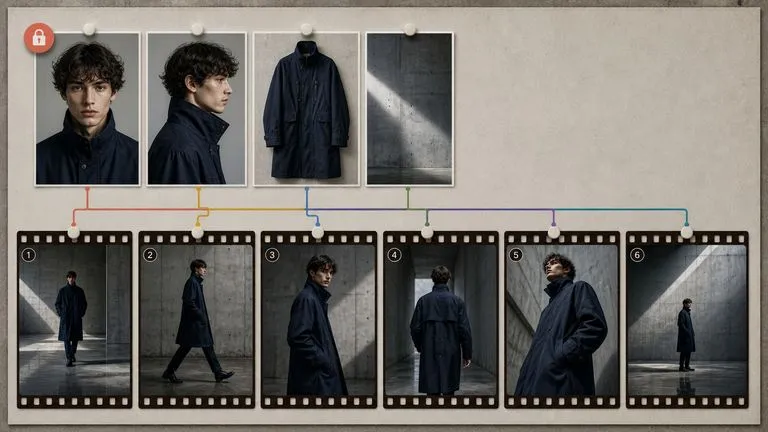
Most video models accept pictures. This one also takes video clips and audio as reference material, so motion character and sonic texture can be shown rather than described.
The four entries split cleanly. Supply frames when you know what the shot opens and closes on; supply references when a subject has to stay recognisable and describing it is harder than showing it.
480P exists so that testing timing and motion does not consume the budget for the finished cut. The brief does not change when you move up.
Seedance 2.0 Fast and Fast Reference cover the lower sizes at reduced cost, which is where the exploratory rounds belong.
The model handles 2D cartoon motion, 3D animated sequences, and illustrated treatments as readily as live-action-style footage.
Reference-driven video needs its references to exist first, and they rarely arrive as a tidy set. A character comes from one place, a product shot from another, a motion reference from a third. Virse assembles that material in the same space where the video gets made. Stills generated by any image model on the canvas can go straight into Seedance 2.0 as references or frames, without an export and re-upload in between.
Generate character and product stills with an image model, then point Seedance 2.0 at them directly.
Settle timing and motion at 480P, then re-run the identical brief at 1080P or 4K.
Move between Seedance 2.0 and 30+ other image and video models without leaving the canvas or rewriting the brief.
Reuse the same reference set across every clip in a sequence so the whole run stays consistent.
Short branded sequences where the audio bed is generated with the picture.
Rotations, reveals, and detail passes that start and end on defined compositions.
Illustrated and animated sequences holding a consistent look across shots.
A run of clips in which one performer stays recognisable from shot to shot.
Vertical and landscape cuts drafted at 480P and finished at 1080P.
Boards turned into moving reference before anything goes into production.
Frame-driven for defined compositions, reference-driven for continuity, Fast for exploration.
Upload the opening and closing frames, or the reference material, and say what each contributes.
Describe what moves, how the camera behaves, and what the clip should sound like.
Take the approved brief up to 1080P or 4K without changing a word of it.
A useful Seedance 2.0 prompt usually includes six elements:
こう書く代わりに
A product video of a watch, cinematic.
こう書く
Open on the watch face shown in Image 1, filling the frame under a single hard overhead light. Rotate slowly clockwise around the case as reflections travel across the polished bezel. At the halfway point, pull back to reveal the full watch resting on dark stone. End on the composition in Image 2. Keep the movement continuous with no cuts. Quiet room tone throughout, with one low metallic tone as the camera settles.
Begin on the closed perfume bottle shown in Image 1, centred against a deep burgundy backdrop. Push in slowly for the first third of the clip as the light shifts across the glass. Lift the stopper away in one continuous movement, keeping the bottle still and the camera steady. End on the composition in Image 2, with the stopper suspended above the bottle. Faint room ambience and one soft glass chime at the moment the stopper lifts.
Animate the character from Image 1 in the illustrated style of Image 2. The character walks in from the left of a hand-painted forest clearing, stops at the centre, and looks upward as light breaks through the canopy. Hold the linework, colour palette, and proportions from the references throughout. Camera locked off. Layered forest ambience with birdsong, and a light rising musical phrase as the character looks up.
Use the model from Image 1, the jacket from Image 2, and the rooftop location from Image 3. Start on a medium shot as the model turns toward the camera, then track slowly right as the city skyline comes into frame behind them. Hold the face, and the jacket's cut, colour, and texture, to what the references show. Overcast daylight. Wind, distant traffic, and a restrained electronic bed underneath.
| 比較項目 | Seedance 2.0 | Seedance 2.5 |
|---|---|---|
| Clip length | Four to fifteen seconds | Up to thirty seconds |
| Reference inputs | Images, video, and audio | Broader multimodal reference set |
| Story continuity | Single shots and short sequences | Multi-round extension for longer narratives |
| Editing control | Prompt-level across the clip | Timestamp-level on specific moments |
| Entries in Virse | Four, splitting frames from references | One |
| Where it fits | Defined shots at a chosen size | Longer structured narratives |
On a joint model, silence about sound is not neutral — it means the model decides. Name the mix even when it is simple.
Constraining the closing composition removes most of the drift from a shot that has to land somewhere specific.
Naming what each image, clip, or audio file contributes is what stops the model averaging them together.
Settle framing, pacing, and camera movement at the lowest size and spend the delivery budget once.
Prepare reference images and visual directions for your next video.
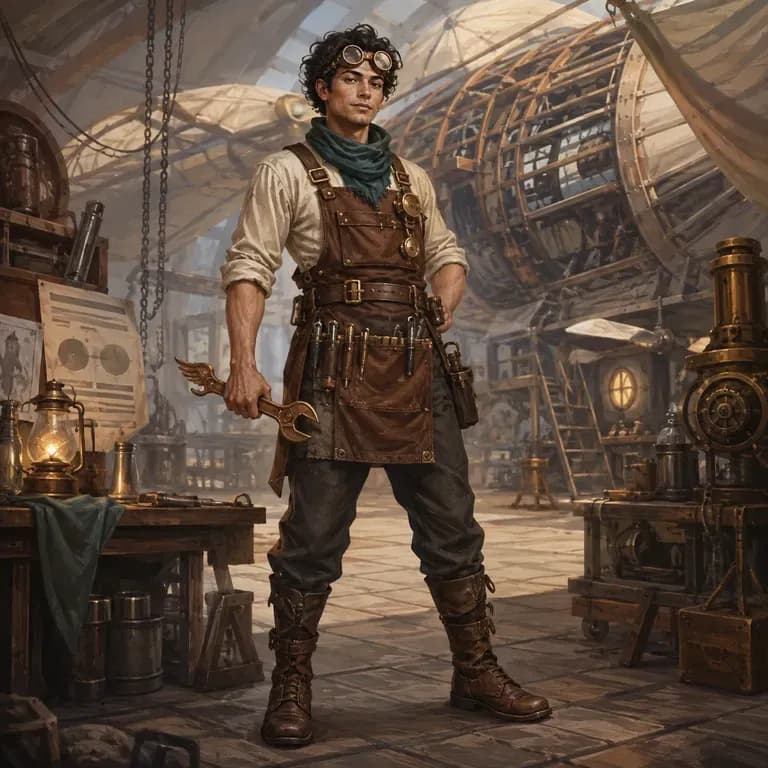
多くのキャラクタープロンプトは、人が読むと問題なく見えても、画像モデルではうまく機能しません。アイデンティティ、世界観、ビジュアルスタイルが、モデルが解析できる1つのまとまりではなく、3つの別々の文に散らばっているからです。どんなキャラクターかを説明し、構造化されたバージョンを生成し、同じキャンバス上で実際のレンダーに対してテストできます。無料クレジットで最初のラウンドをカバーできます。
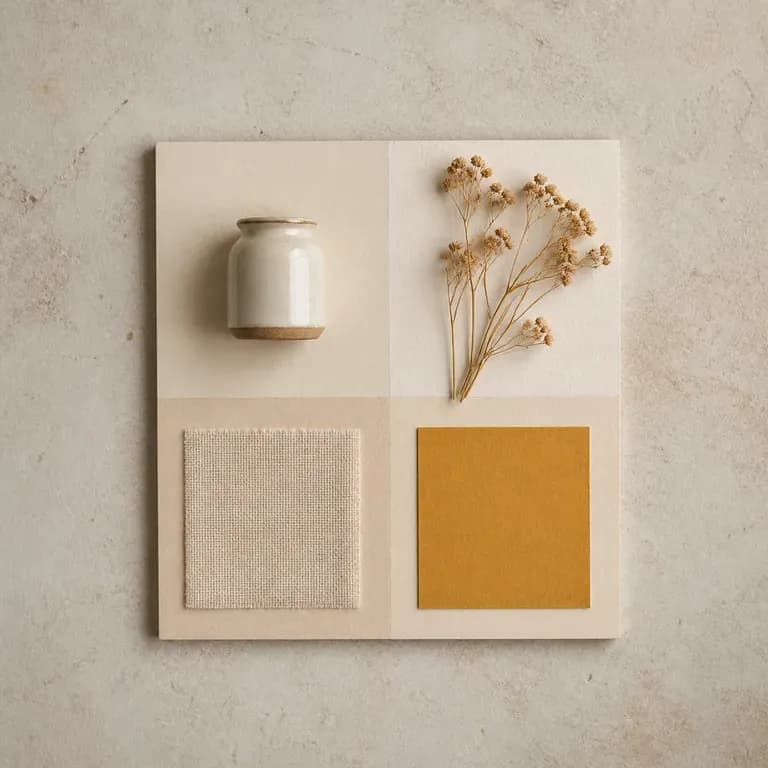
ムードを1バージョンだけ作るのは、ただの推測にすぎません。参考資料や文章で書いたテーマを入力すると、同じアイデアをいくつかの異なる解釈で返します。色、素材、イメージを1つのボード上にまとめることで、白紙のページではなく、反応しながら進められるものが生まれます。無料クレジットだけで始められます。
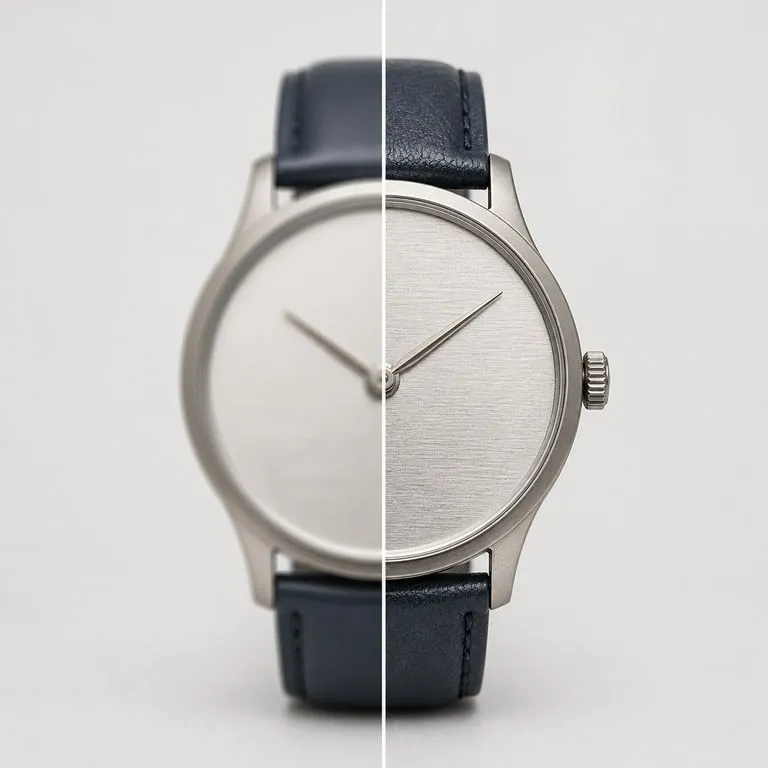
使用するには品質が不十分な写真をアップロードしてください。ブレ、ノイズ、圧縮アーティファクト、または単にピクセル数不足など、実際に何が問題だったのかを特定し、まずそれを修復してから、選択した解像度でレンダリングします。
Bring your opening frame, your references, and your sound direction into one workspace, and let the model handle the motion and the mix together.