Ideogram 4.0 AI Image Generator

A text-to-image foundation model trained from scratch around layout, with bounding-box placement, hex colour conditioning, and native 2K output.

作成を始めるには、デスクトップのブラウザでこのページを開いてください。

Composed Like a Layout, Not Like a Picture

Ideogram 4.0 approaches type from the opposite direction to most image models, and the difference is architectural rather than stylistic.

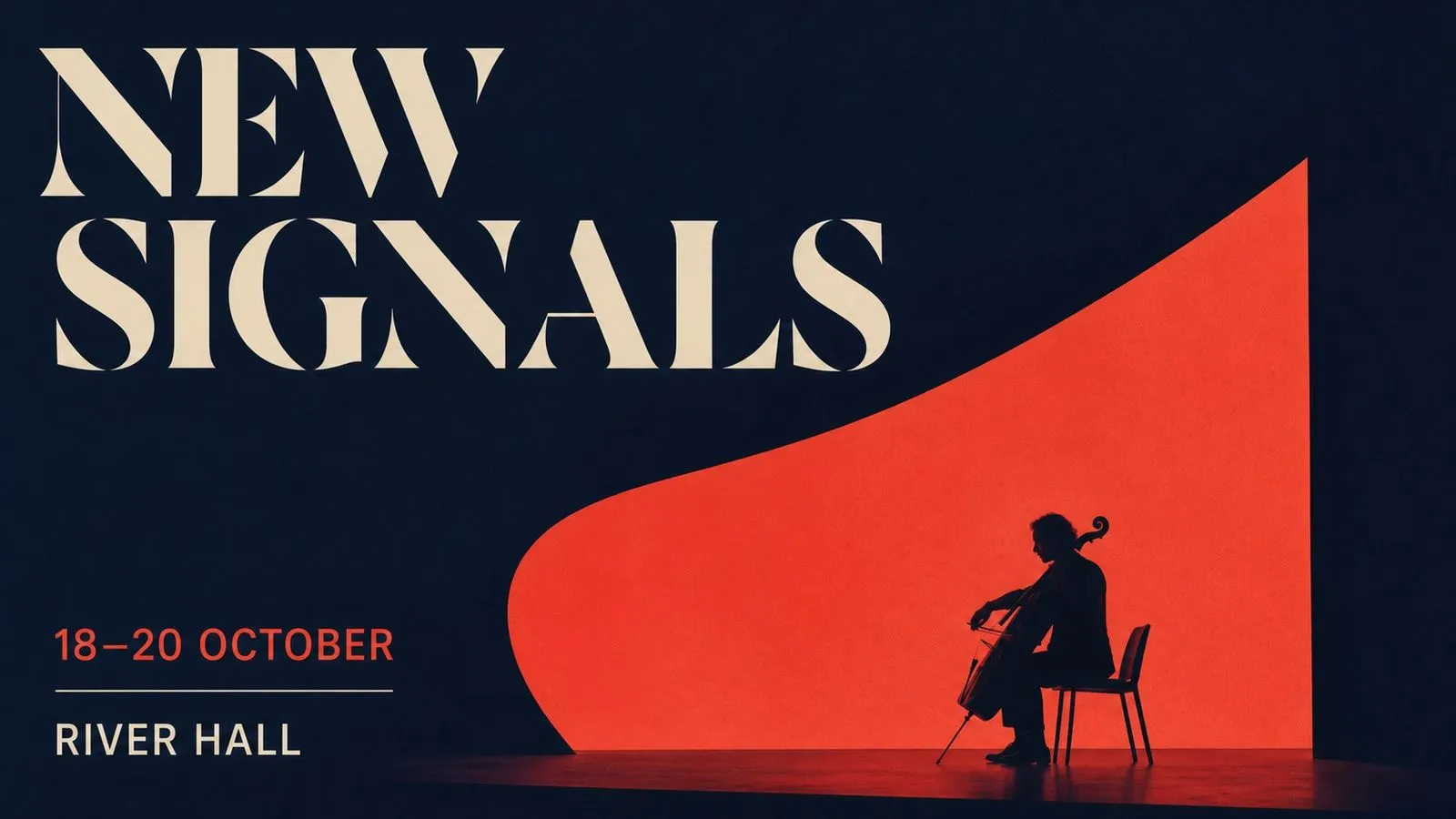
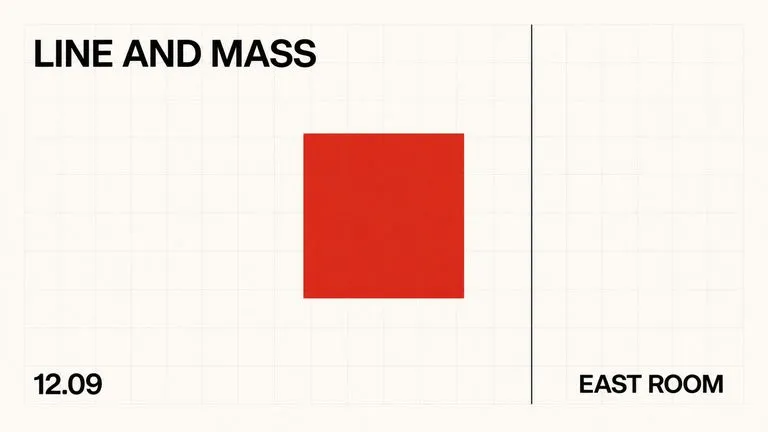
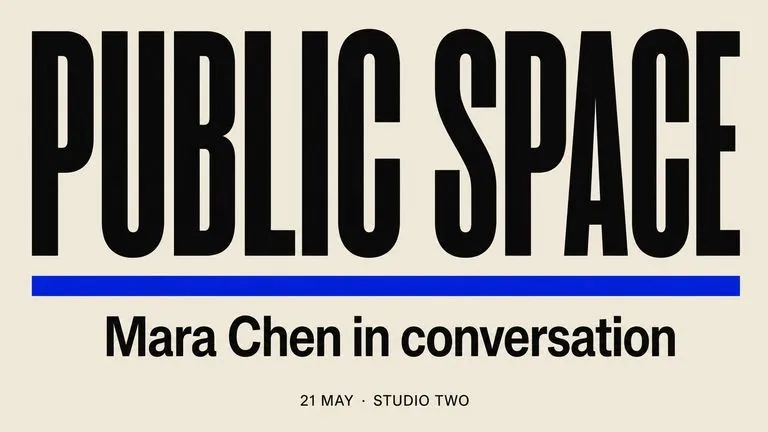
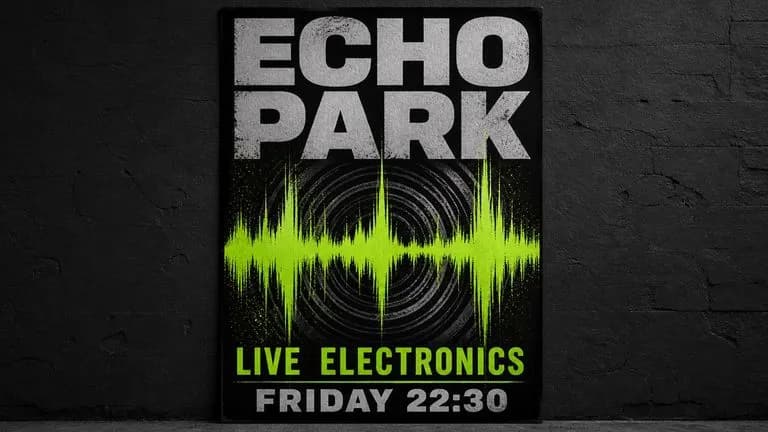
It was trained on bounding boxes paired with plain-language descriptions, which means the model learns where each object, text region, and layout element belongs before it renders anything. Ask a photographic model for a gig poster and you generally get a photograph with lettering placed on it. Ask this one and you get a layout — type sized against the space it occupies, imagery arranged to leave room for it, and a hierarchy between headline and supporting copy.

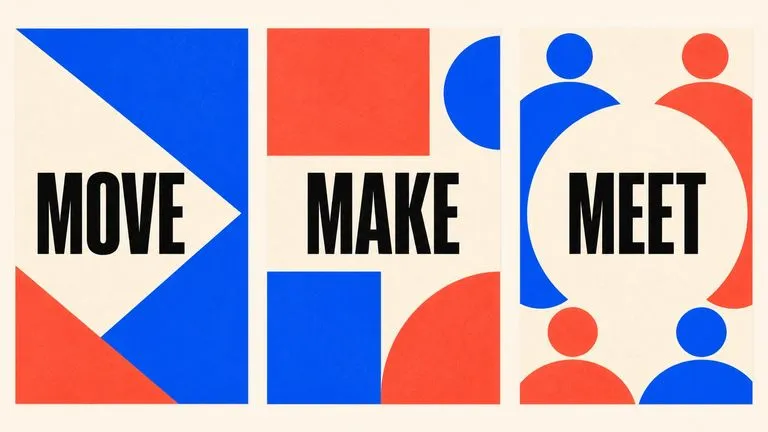
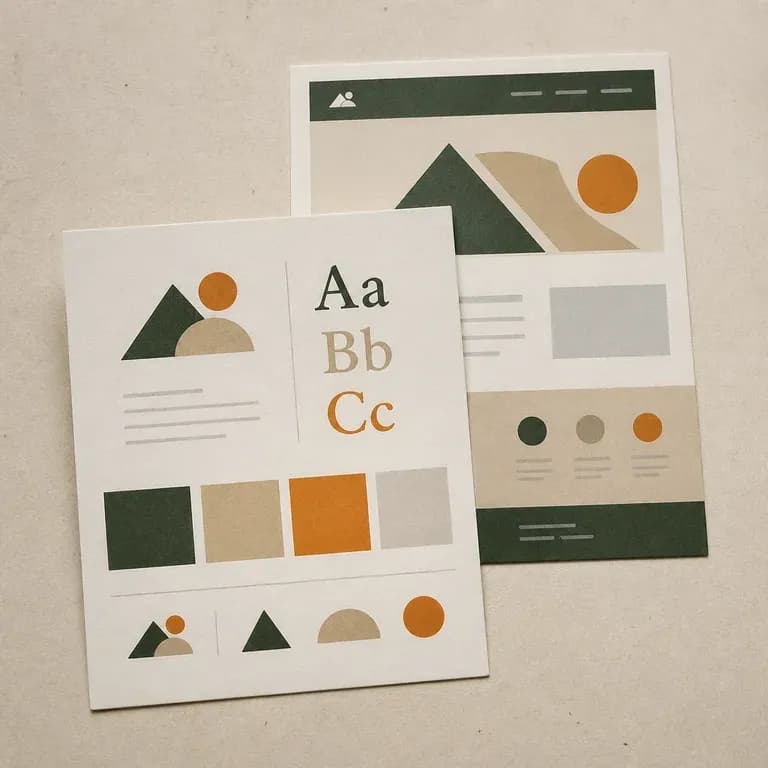
Use Ideogram 4.0 when the deliverable is a piece of design. Produce posters, wordmarks, packaging fronts, ad creative, social graphics, and anything where the words are the design rather than a label attached to one.

What Is Ideogram 4.0?

Ideogram 4.0 is a text-to-image foundation model trained from scratch, with a feature set shaped around design work rather than around photography.

The model is built around three major strengths:

  • Layout control learned from bounding boxes paired with plain-language descriptions
  • Multilingual typography with legible rendering at display and supporting sizes
  • Colour palette guidance by exact hex value rather than by description

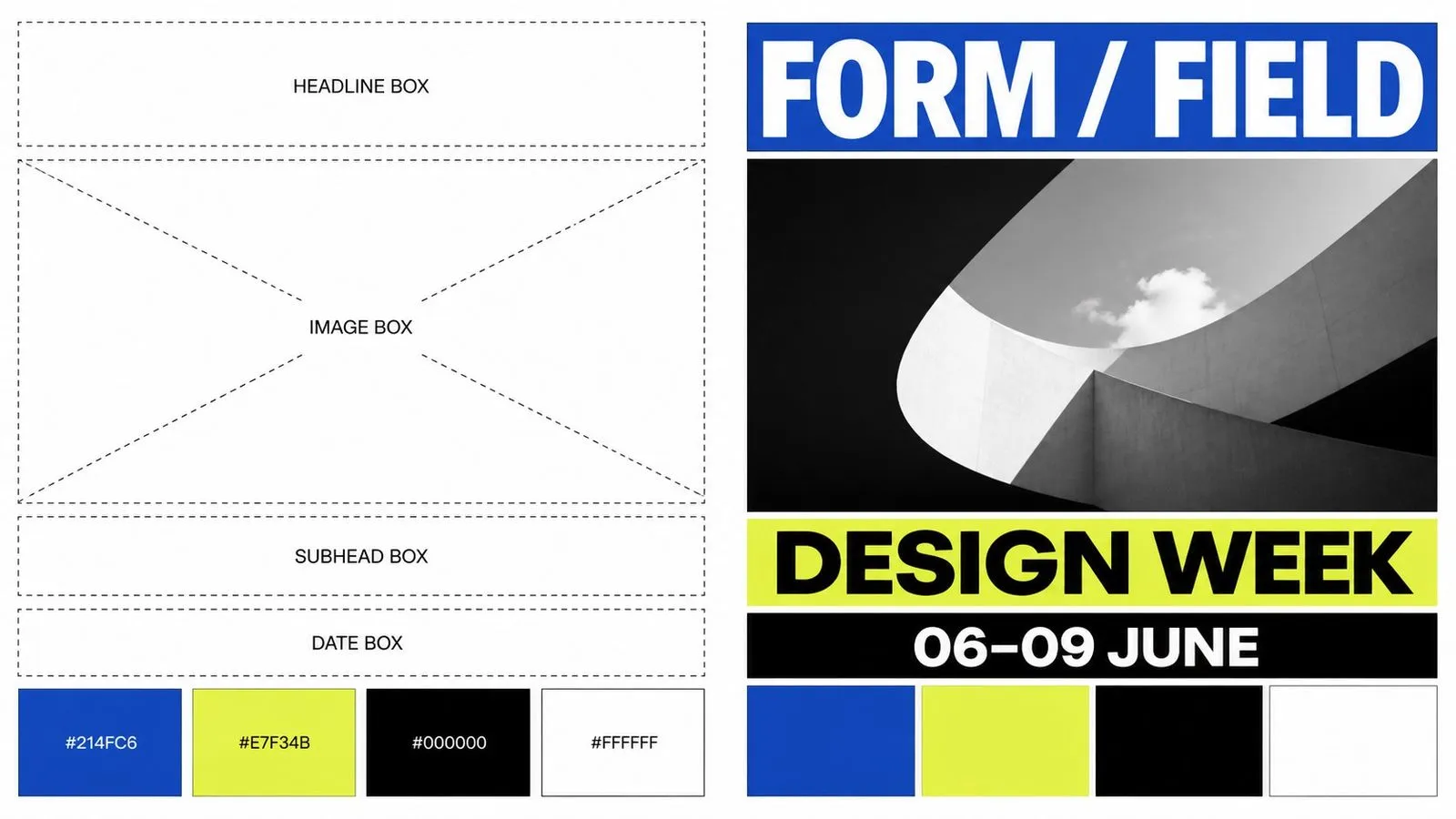
Output is native 2K, which is print-ready without a separate upscaling pass. Placement can be stated in ordinary language — title at the top, subject centred, logo bottom right — or specified exactly through bounding boxes in a structured JSON brief, which is the reliable route when an element has to sit in a precise position.

Ideogram 4.0 Specs at a Glance

Bounding-Box Layout Control

Element placement learned during training, not approximated at render time.

JSON Structured Briefs

Specify exact positions and values rather than describing them.

Hex Colour Conditioning

State a brand colour by value and get that colour.

Native 2K Output

Print-ready without a separate upscaling step.

Multilingual Typography

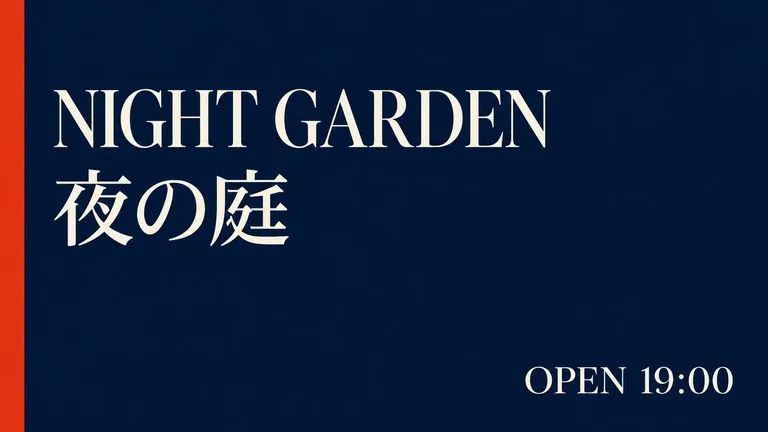
Display and supporting type across more than one script.

Trained From Scratch

A foundation model built for this purpose rather than fine-tuned toward it.

Key Features of the Ideogram 4.0 AI Image Generator

Placement You Can Specify Exactly

Because the training paired boxes with descriptions, position is something the model understands rather than infers. A JSON brief carrying bounding boxes puts an element where you said, which is the difference between generating a poster and designing one.

Brand Colour by Value

Hex conditioning removes the round trip where a designer explains that the blue is not the right blue. State the value and it appears, which is what makes campaign-accurate output repeatable across a set.

Hierarchy That Holds

Headline, subhead, and supporting copy come back at sensibly different weights and sizes, rather than as three strings at similar scale competing for the same attention.

Wordmarks and Lettermarks

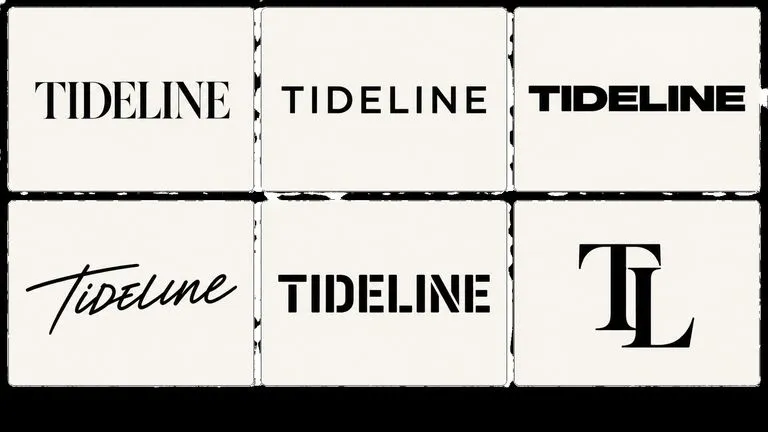
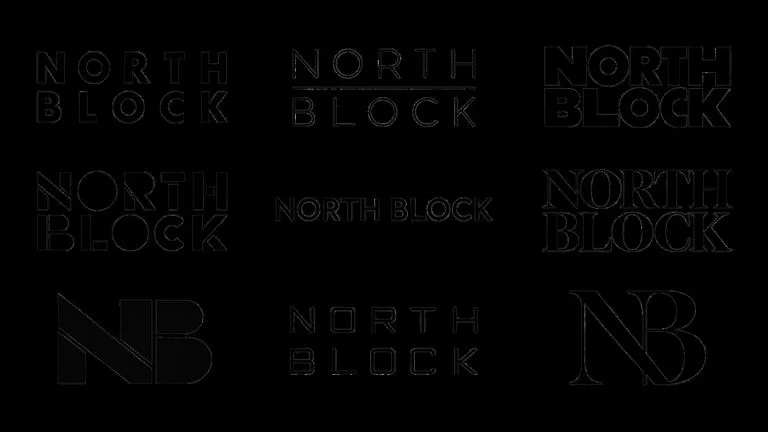
Logo exploration in volume is one of the practical uses. Output is raster rather than vector, so a chosen direction still needs redrawing for production, but finding the direction is the expensive part.

Print-Ready at 2K

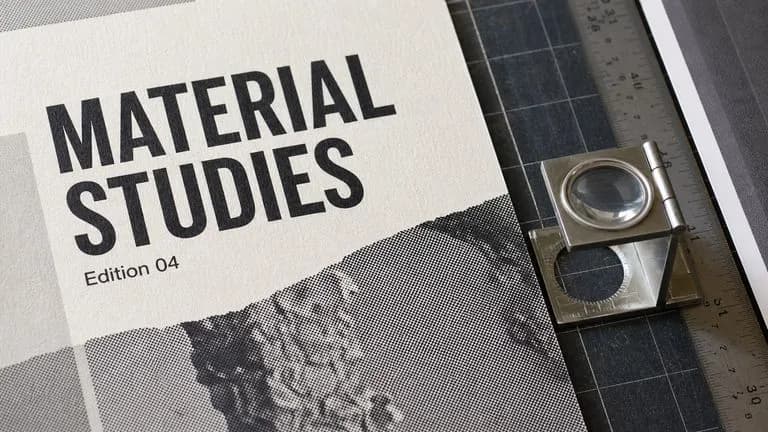
Native 2K means poster and packaging work leaves the model at a usable size instead of needing an upscaling pass that softens the type.

Layout Across Languages

Multilingual typography means a campaign layout can carry a second script without the structure falling apart around it.

Build with Ideogram 4.0 in Virse

Layout work is comparative. Nobody picks a poster direction from one render, and nobody picks a wordmark from fewer than a dozen. Virse lays the whole set out at once. Thirty logo directions sit in a grid you can scan, and the JSON brief that produced them stays beside the results, so amending one value and re-running is a small edit rather than a rebuild.

Scan a Grid, Not a Folder

Generate a spread of layout directions and judge them together, which is the only way this kind of decision actually gets made.

Keep the JSON Brief Next to the Output

Park the structured brief beside the renders so changing one bounding box or hex value is an edit in place.

Access 30+ Creative Models

Move between Ideogram 4.0 and 30+ other image and video models without leaving the canvas or rewriting the brief.

Hand Finished Layouts to Other Models

Send an approved poster into FLUX Kontext for a targeted change, or into a video model as an opening frame.

What Can You Create with Ideogram 4.0?

Posters and Event Graphics

Gig posters, festival lineups, and exhibition announcements with a working hierarchy.

Logo and Wordmark Exploration

Dozens of typographic directions to choose between before committing to one.

Packaging Fronts

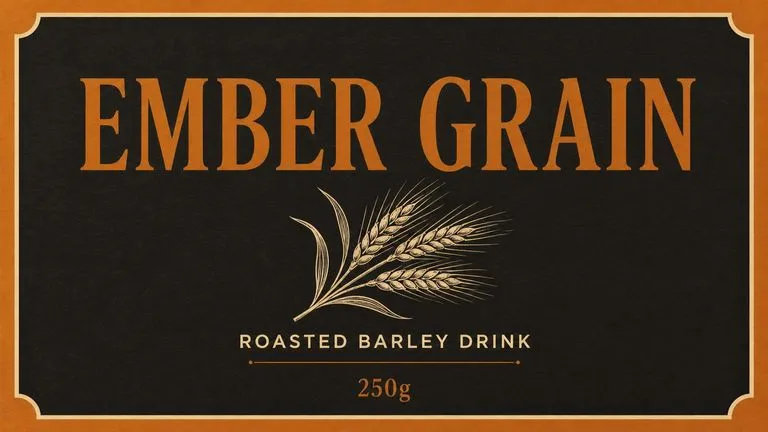
Product name, descriptor, and volume at plausible relative sizes.

Advertising Creative

Display ads built to brand colour values from a single structured brief.

Social Graphics With Copy

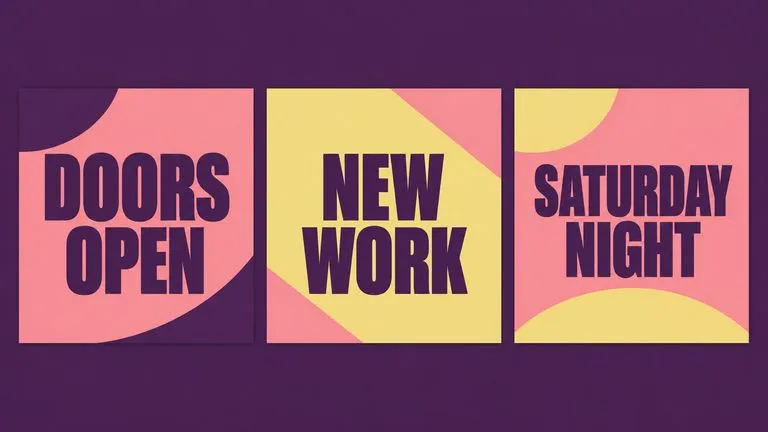
Quote cards, announcements, and campaign posts carrying a line of text.

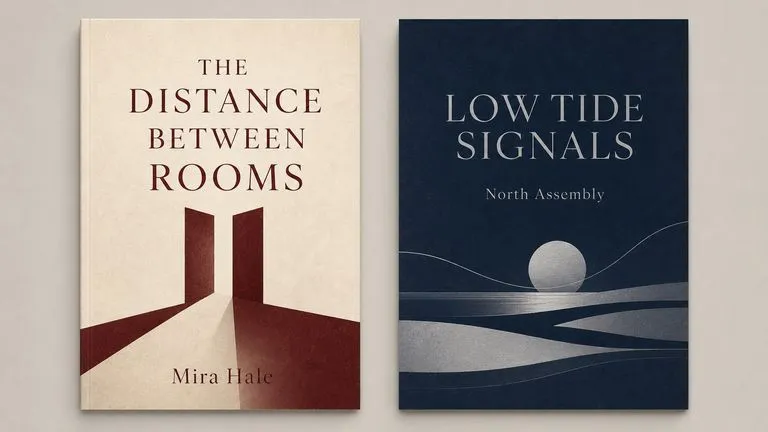
Book and Album Covers

Title-led compositions where type is the primary visual element.

How to Use Ideogram 4.0 in Virse

  1. Write Out the Exact Copy

    Type every word that should appear, in quotation marks. The model sets what you supply and invents what you do not.

  2. State the Hierarchy

    Say which line is the headline and how much larger it should be than the rest.

  3. Place the Elements

    Describe positions in plain language, or specify bounding boxes and hex values in a JSON brief.

  4. Generate a Set

    Run a spread and compare, because layout decisions are made by looking at options.

How to Write an Ideogram 4.0 Prompt

A useful Ideogram 4.0 prompt usually includes four elements:

  • Exact Copy
  • Hierarchy
  • Type Style
  • Placement

こう書く代わりに

A cool poster for a jazz concert with the band name and date, nice typography.

こう書く

A concert poster. The headline reads MERIDIAN QUARTET in a tall condensed sans-serif, set in two lines and filling the upper third. Below it, much smaller, 'Thursday 14 November · Union Chapel'. Bottom left corner, smaller again, 'Doors 7pm'. Deep navy background, one warm ochre shape behind the headline, no photography. Wide margins on all four sides.

Ideogram 4.0 Prompt Examples

Exhibition Poster

An exhibition poster in portrait format. Headline reads SLOW WATER in a heavy geometric sans, all caps, two lines, occupying the top quarter. Beneath it in small caps at roughly one fifth the size: "Photographs by Ana Reyes · 3 March – 12 April". Bottom edge, smallest size: "Corran Gallery, Edinburgh". Flat pale grey background with one horizontal deep blue band running behind the headline. No imagery. Generous margin on all sides, all text left-aligned to a common margin.

Wordmark Exploration

A wordmark for a coffee roaster called NORTHBOUND. Single line, all caps, a high-contrast serif with pronounced thick-thin transitions and sharp bracketed serifs. Tight letter spacing. Pure black on white, nothing else in frame, no icon, no container shape, no tagline. Centred with equal space above and below.

Packaging Front

A front-of-pack layout for a tin of loose leaf tea, shown flat rather than as a product render. Centred and largest: ASSAM SECOND FLUSH. Directly beneath at half the size: "Loose Leaf Black Tea". Bottom edge, small: "100g". Background in #B4593C, one thin cream rule separating the product name from the descriptor. Simple line illustration of a tea leaf above the name, no shading.

Ideogram 4.0 vs. Nano Banana Pro

比較項目Ideogram 4.0Nano Banana Pro
Approach to typeComposes the layout around itRenders it inside an image
Placement controlBounding boxes and JSON briefsDescribed in the prompt
Colour controlHex value conditioningDescribed in the prompt
Native output2K, print-readyUp to 4K
Best deliverablePosters, wordmarks, layoutsPhotographic images containing words
Reference handlingLayout-orientedMulti-image blending with roles

Tips for Better Typographic Results

Write Every Word Out

The model sets copy you supply and invents copy you do not. Supply all of it, including the small print.

State Relative Sizes

"Half the size of the headline" is actionable. "Smaller" is a guess the model has to make for you.

Name a Type Category, Not a Font

Specific typeface names are unreliable. Describing the letterform — condensed sans, high-contrast serif, geometric grotesque — is not.

Say Where the Empty Space Goes

Margin and negative space are half of layout, and a model left to itself will fill them.

Ideogram 4.0 FAQ

What is Ideogram 4.0?
Ideogram 4.0 is a text-to-image foundation model trained from scratch around layout, typography, and colour control, with native 2K output.
Can I specify exact element positions?
Yes. Alongside plain-language placement, Ideogram 4.0 accepts bounding boxes in a structured JSON brief — the model was trained on boxes paired with descriptions, which is what makes exact placement work.
Is Ideogram 4.0 free, and what does it cost?
Ideogram 4.0 is available on Virse's paid plans. Generation draws on a monthly credit allowance rather than a charge per image, and the higher plans make it unmetered within fair use. Current plan rates are listed on the Virse pricing page.
Can Ideogram 4.0 match exact brand colours?
Yes. Colour palette guidance works by hex value rather than description, which is what makes brand-accurate output repeatable.
Is Ideogram 4.0 good for logos?
It suits wordmark and lettermark exploration well. Output is raster rather than vector, so a chosen direction still needs redrawing for production use.
Can Ideogram 4.0 render long text?
Headlines, subheads, and short supporting copy are its range. Paragraphs of body text are beyond what any current image model does reliably.
How is Ideogram 4.0 different from Nano Banana Pro?
Ideogram composes the layout around the type; Nano Banana Pro renders type inside an otherwise photographic image. Different deliverables, similar competence at making words legible.
How do I use Ideogram 4.0 in Virse?
Select it from the model list, write out the exact copy with hierarchy and placement, and generate. Supply a JSON brief when a position has to be precise.

Brief It Like a Layout

Write the words, state the sizes, place the blocks — and the model will set them rather than guess at them.