Platform sizing
Proportions and Safe Margins per Platform
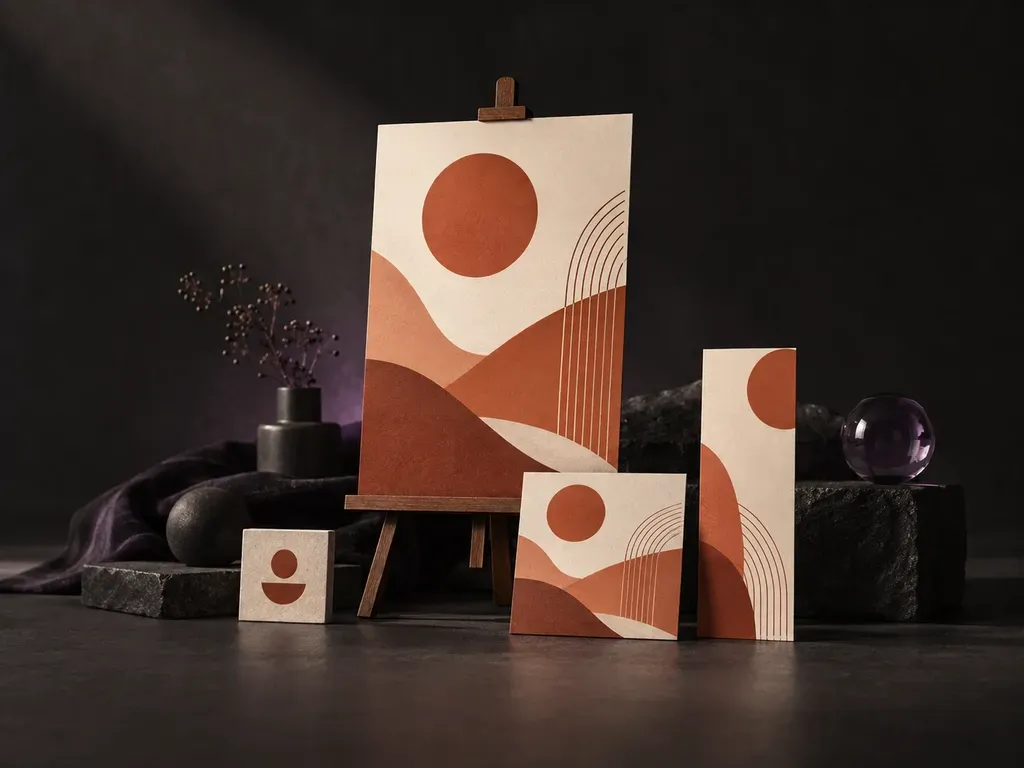
Select your target placement first so the template generator AI arranges hero imagery, headline blocks, and outer margins for a square social feed, vertical poster, or wide banner.
Pick a format, upload your product photo and logo, and enter your headline, offer copy, and brand hex colors. This AI template generator and AI template editor composes finished social media posts, event posters, sale flyers, and web banners with clear hierarchy.
An AI template generator (also used as an AI template editor or social media template generator) composes a finished marketing layout from your uploaded brand assets and copy instead of stock templates. Virse organizes three layout elements at once:
• Typographic hierarchy: Place your headline, date or discount line, and call to action in a balanced order with safe margins.
• Brand kit integration: Build compositions around your uploaded product photo, logo mark, hex codes, and font direction.
• Multi-format resizing: Re-run the same brand kit and offer across square social posts, vertical posters, flyers, and banners.
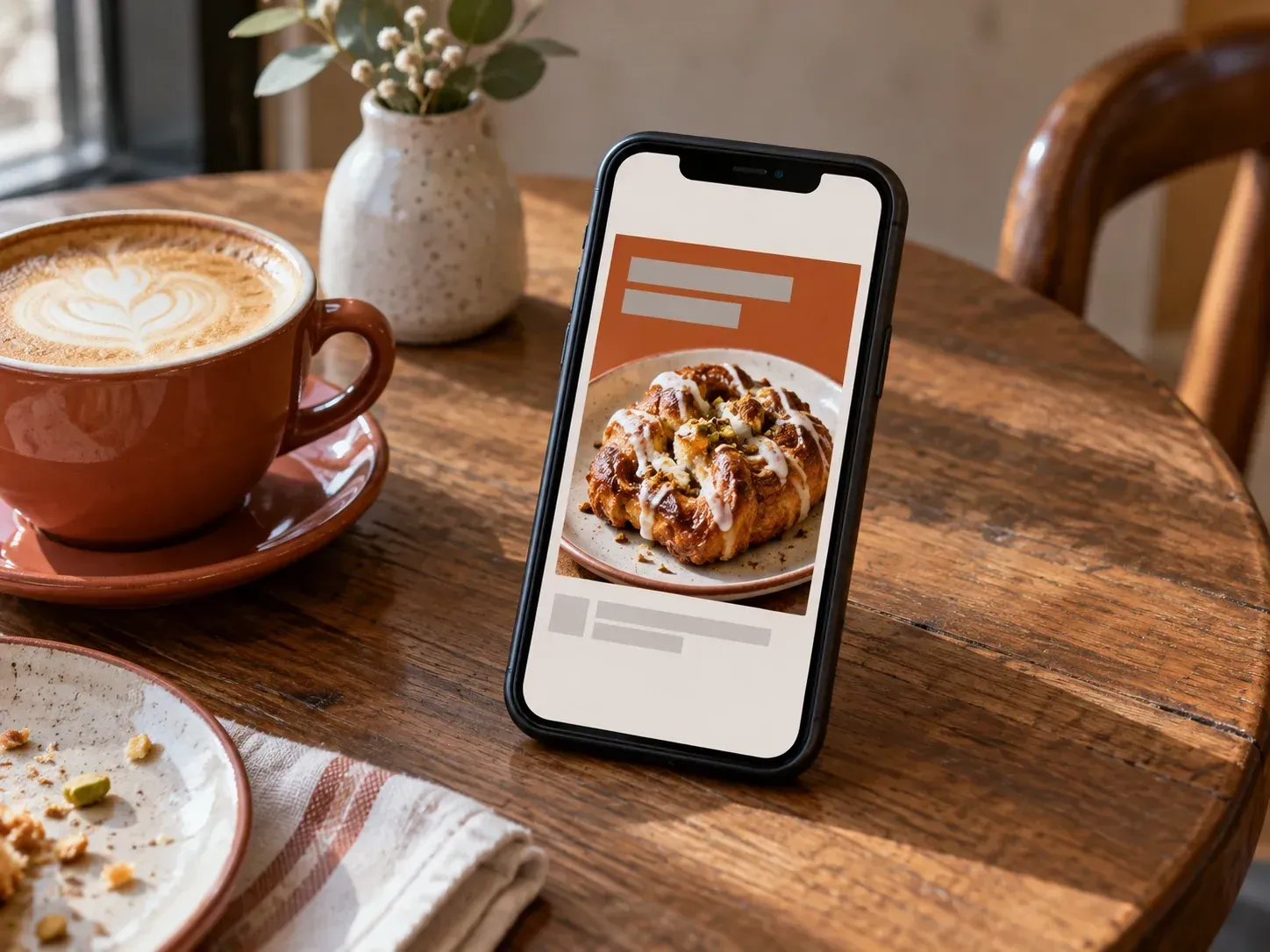
Three ways asset-driven layout generation speeds up recurring social, retail, and event graphics.
Select your target placement first so the template generator AI arranges hero imagery, headline blocks, and outer margins for a square social feed, vertical poster, or wide banner.
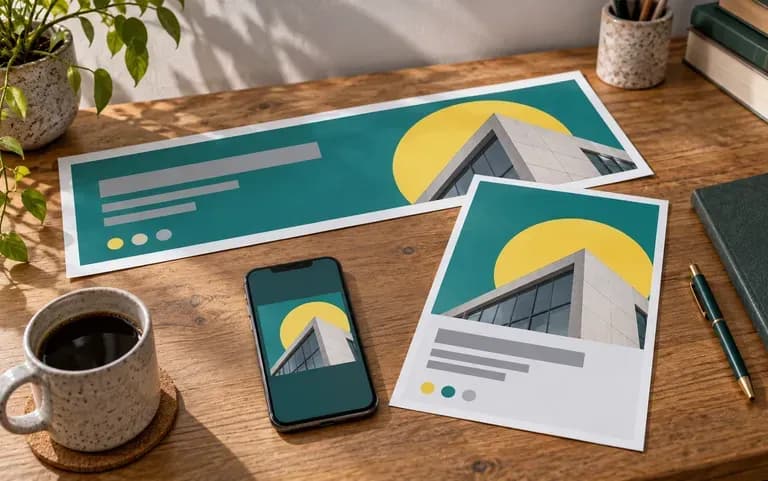
Keep your uploaded logo, hero product shot, and hex palette loaded while switching formats to produce a coordinated Instagram post, sale flyer, and homepage banner in minutes.
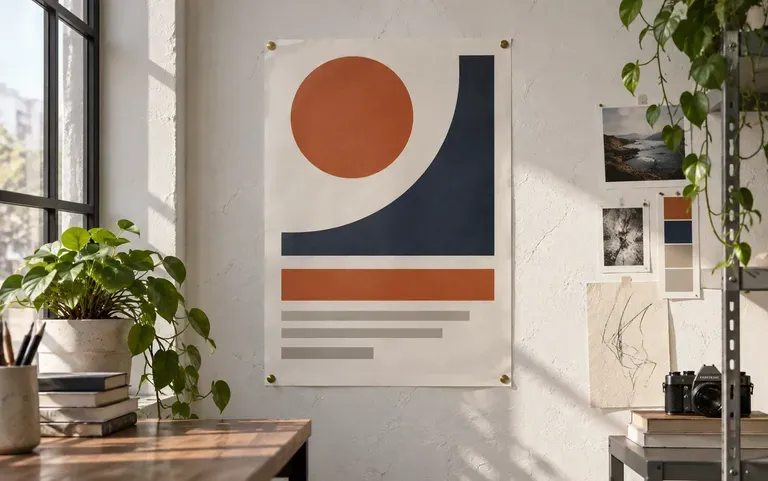
Update weekly offers by swapping the hero product photo, promotional headline, or seasonal color hex codes in your brief while keeping a recognizable visual hierarchy.
How generating marketing layouts from your own brand assets compares with browsing and dragging elements inside a stock template catalog.
Stock Drag-and-Drop Template Catalogs
Virse AI Template Generator & Editor
Choose a square social post, vertical event poster, promotional flyer, or wide e-commerce banner to lock the target aspect ratio.
Add your product photo and logo file, then specify primary and accent hex color codes plus your preferred serif or sans-serif font.
Type the exact headline, date or discount figure, and call to action, keeping copy concise so typographic hierarchy stays sharp.
Inspect every rendered word, numeral, and logo mark on the Virse canvas before publishing, or change the format to resize the campaign.
Clear hierarchy and palette instructions produce cleaner marketing layouts. Copy any of these three template briefs and swap details:
• Product launch post: "Square Instagram post with uploaded mug centered low, green #2E4A3F and gold #F2C14E palette, serif headline 'Autumn Espresso Collection'."
• Flash-sale flyer & story: "Vertical flyer with uploaded sneaker at a dynamic angle, charcoal and neon lime palette, headline '48-Hour Warehouse Sale', bottom CTA 'Shop Now'."
• Homepage shipping banner: "Wide e-commerce banner with uploaded bottle on right, cream backdrop #FAF6F0, sans-serif headline 'Complimentary Express Shipping Over $50'."
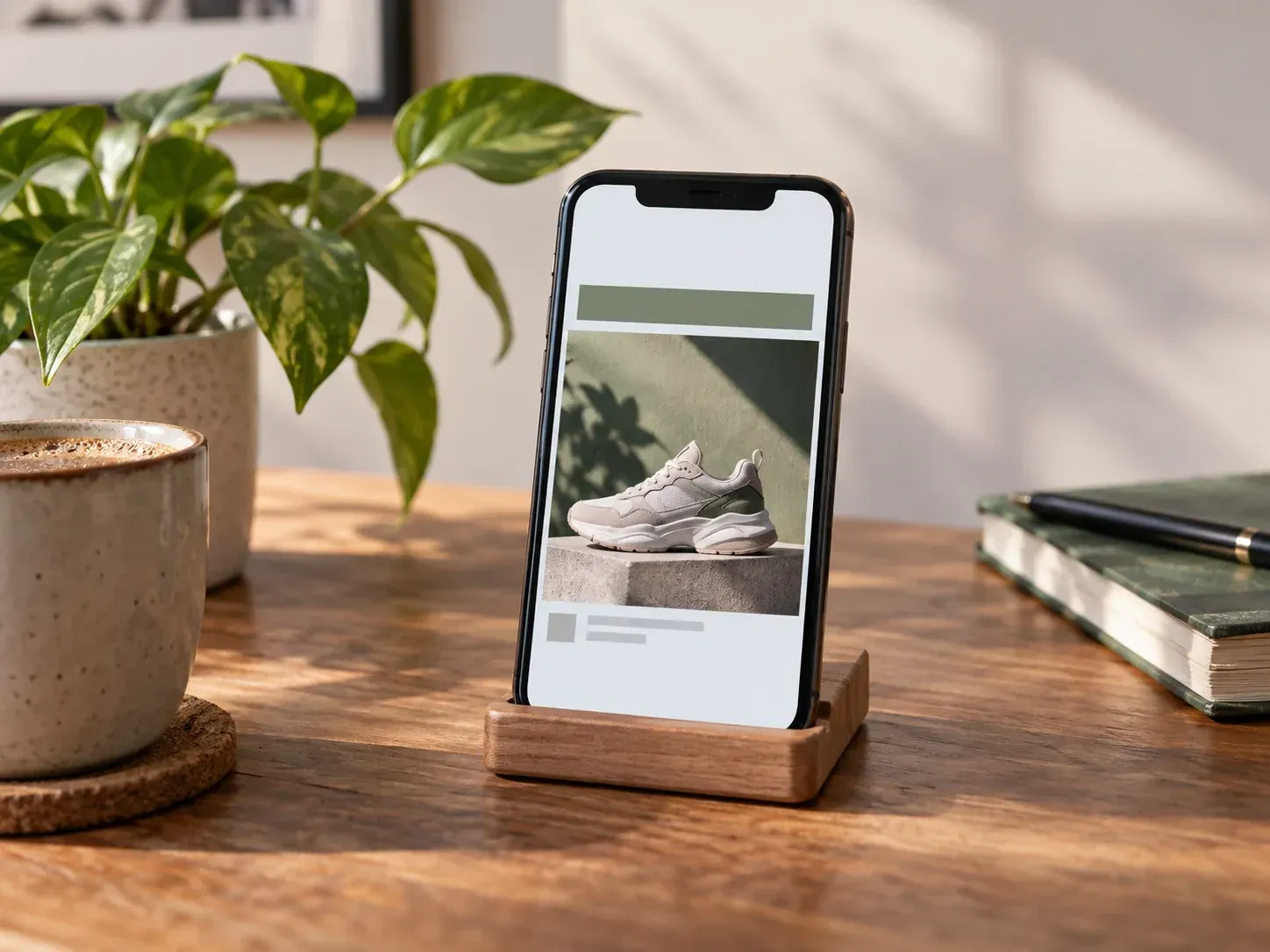
Four marketing and operations roles that turn recurring briefs into social, retail, and event graphics without starting from a blank artboard.
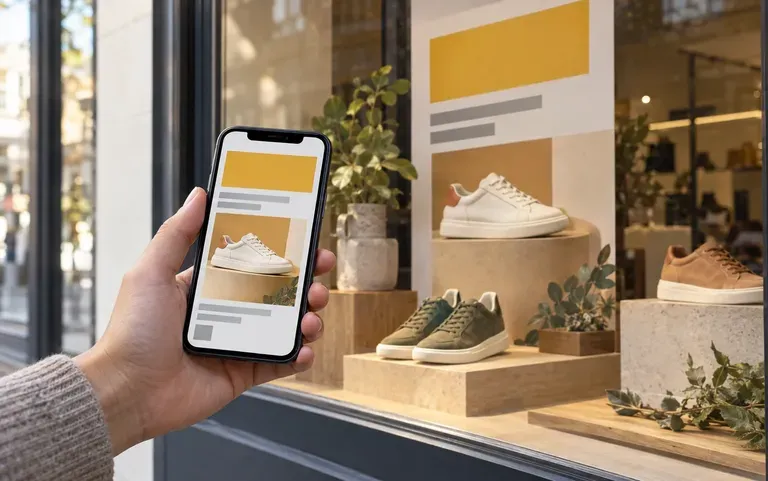
Swap hero product photos and weekly discount headlines to publish fresh store promotions and homepage banners without hiring a retainer agency.
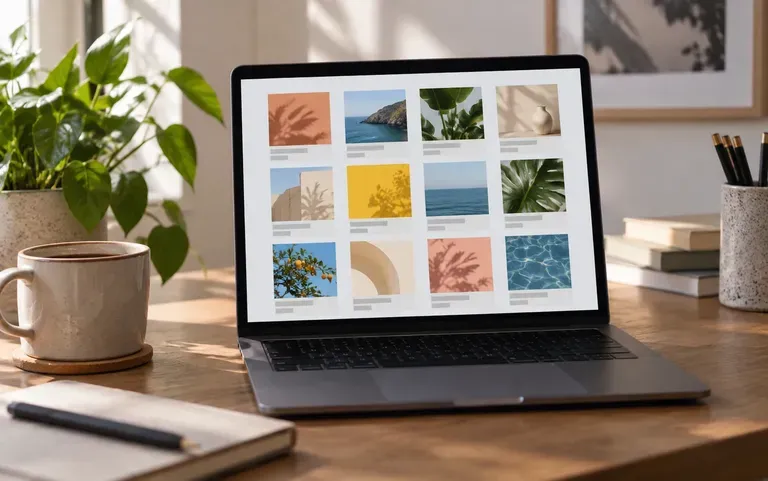
Batch-produce feed graphics, seasonal announcements, and hiring posts across client brand kits while keeping each account's color palette distinct.
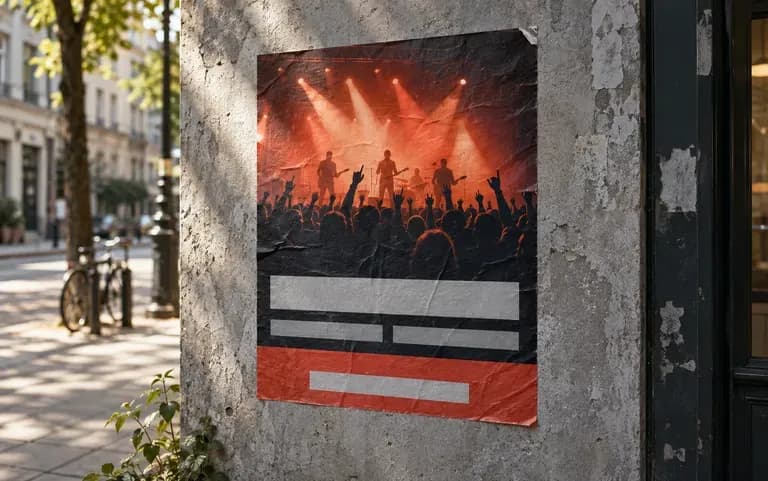
Turn artist lineups, workshop dates, and venue details into portrait posters and square social announcements from a single set of assets.
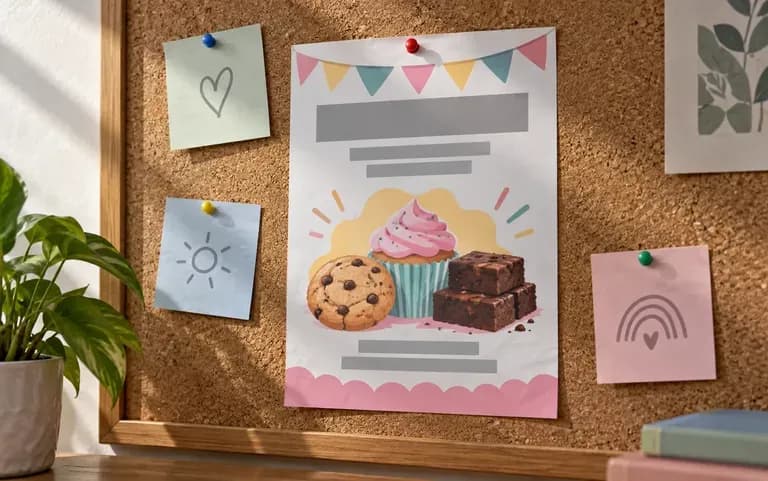
Create open-house flyers, fundraiser announcements, and weekly menu boards with clear typographic hierarchy when no dedicated graphic designer is on staff.
Six marketing and e-commerce formats built from uploaded brand assets, hex palettes, and short promotional copy.
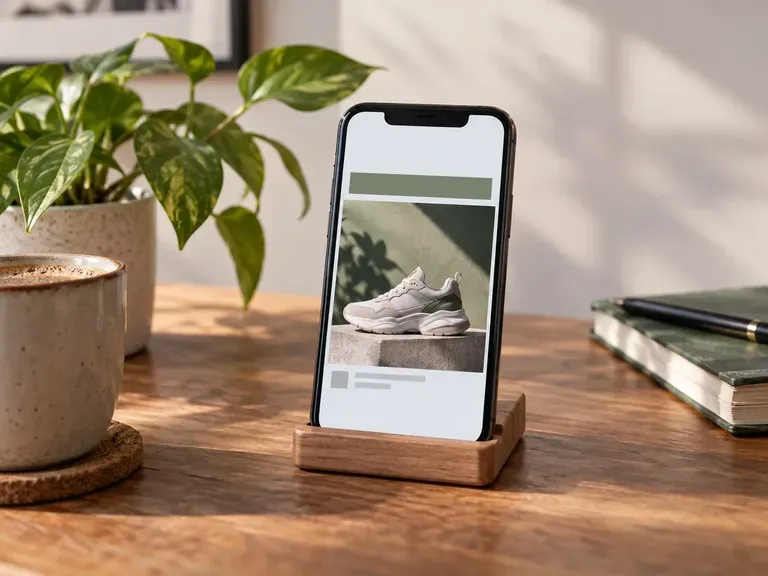
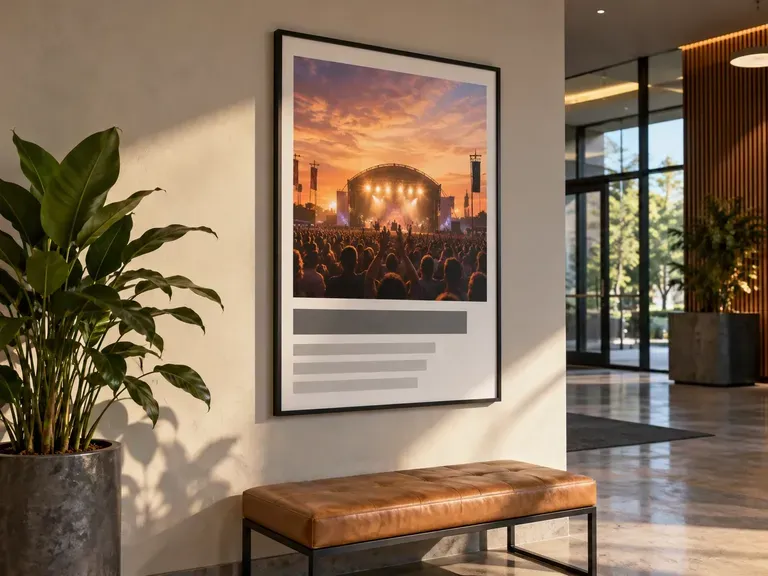
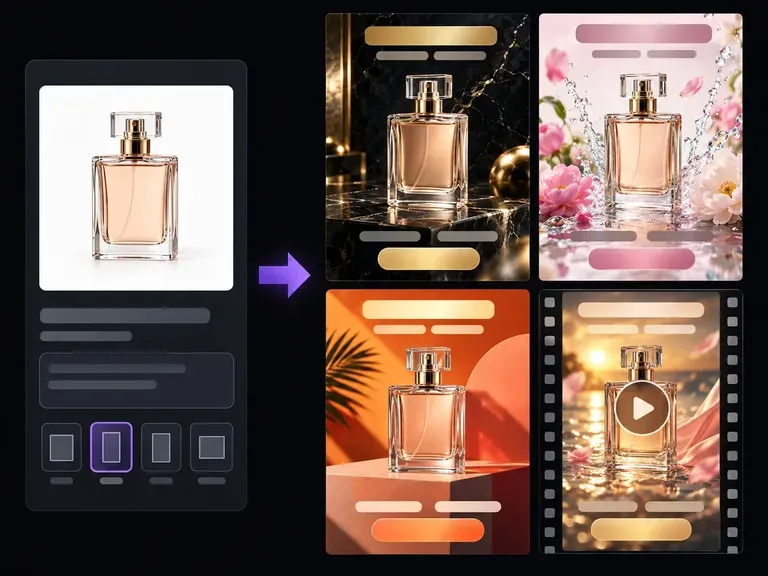
Create conversion-focused product ad visuals from an uploaded product photo and a campaign brief.
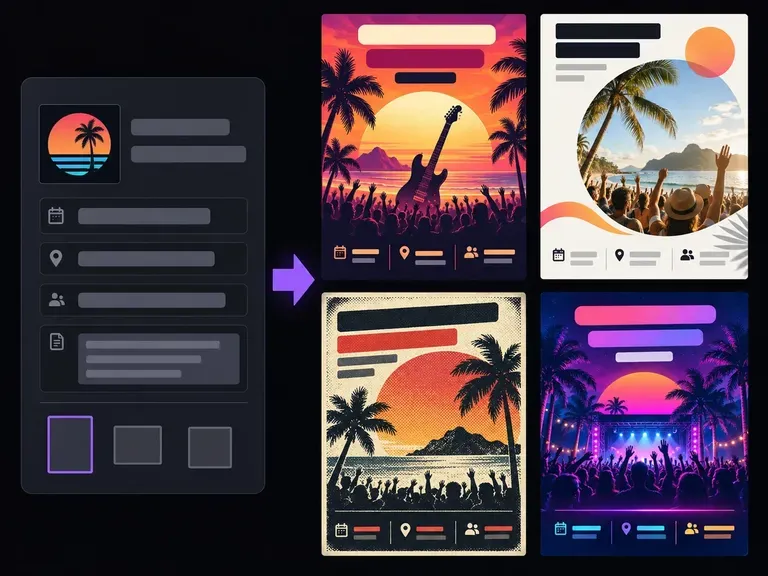
Turn an event announcement, local offer, or store promotion brief into a print or digital flyer.
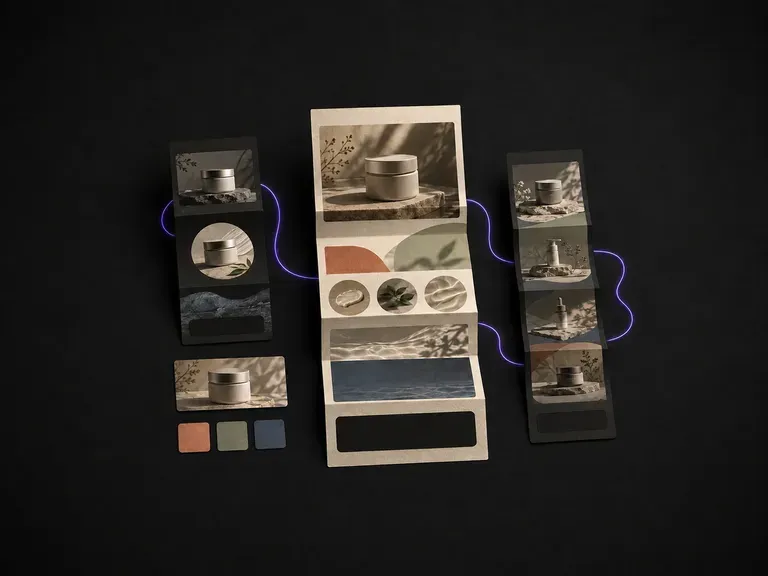
Generate promotional email and newsletter layout visuals from a campaign brief before sending.
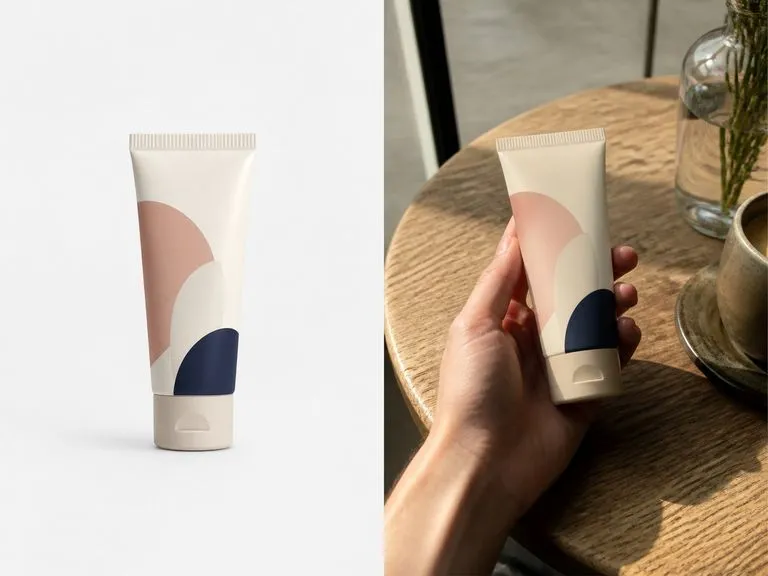
Stage everyday tabletop and hand-held product photos with authentic creator-style lighting.
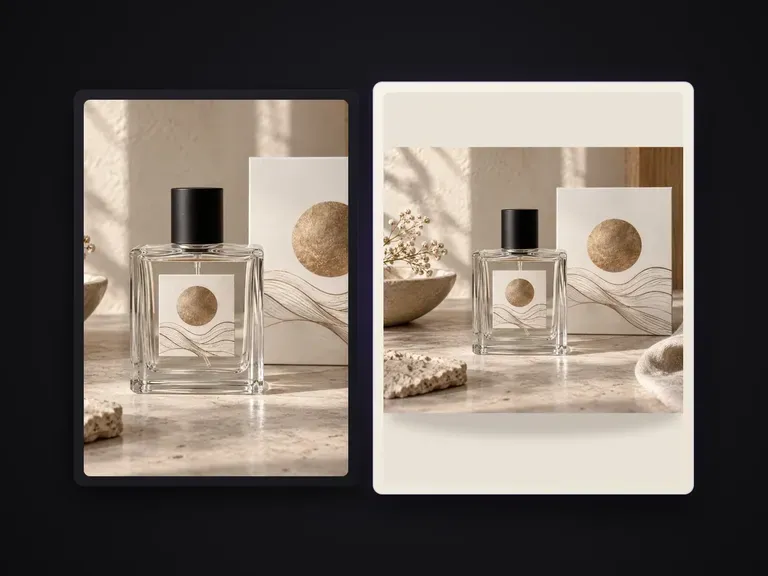
Isolate products against clean solid-color studio backdrops for catalog grids and PDPs.

Sharpen soft product photos, recover fine surface grain, and prepare clean high-res exports.

Explore four distinct framing and styling variations side by side on the canvas in a single run.
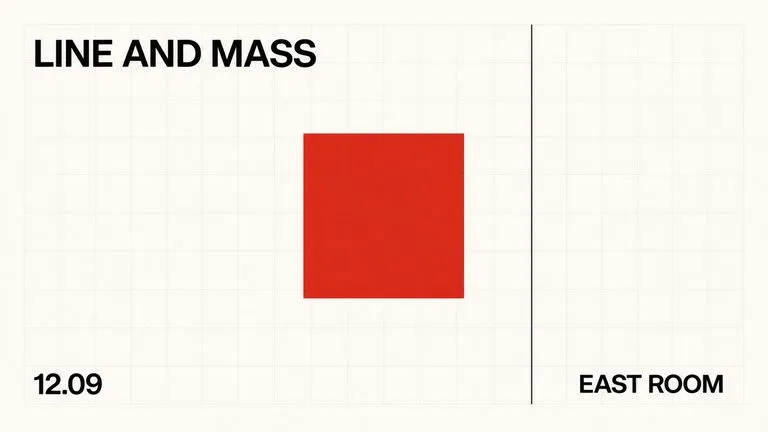
Keep display headlines, packaging wordmarks, and monogram badges sharp inside generated visuals.
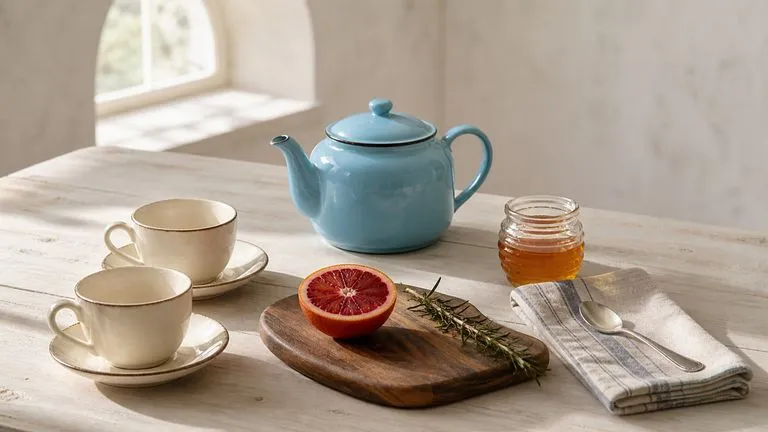
Translate detailed creative briefs into balanced compositions with reliable spatial relationships.
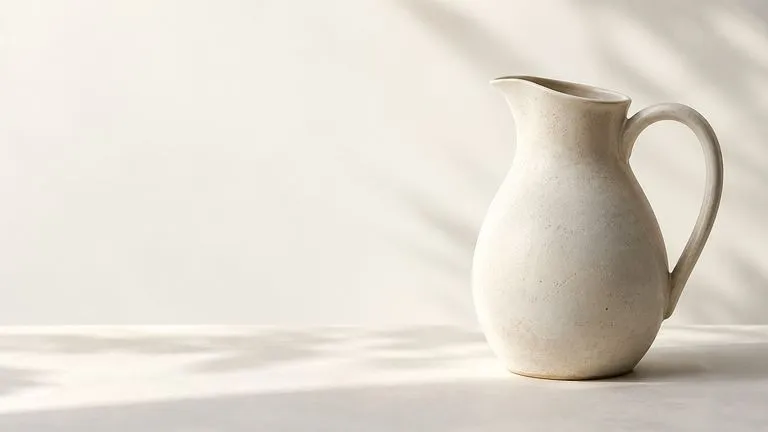
Render high-contrast metallic reflections, fabric weaves, and shallow depth of field.

Guide subject posture, materials, and lighting using up to 14 reference images at 1K to 4K.
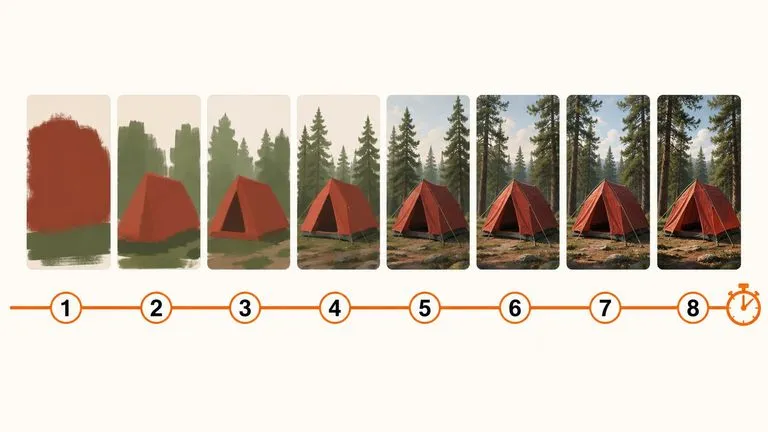
Draft rapid concept thumbnails and layout options before committing compute to final high-res renders.
Bring your hero product photo, logo, and offer copy to build an on-brand marketing layout on the Virse canvas.