AI UGC Product Share Shot

AI UGC Photo Generator

Upload your product and pick a platform. You get a social-media style photo of someone holding it, shot the way a customer would shoot it. The platform sets the aspect ratio and the visual register, and the product itself stays exact.

Input
Product image · RequiredUGC reference photo · OptionalTarget platform · OptionalExtra requirements · Optional
Output
UGC-style handheld product shot × 1

Product image

Required

Drop the product photo

Your image is uploaded on the canvas — this form carries the settings.

UGC reference photoOptional
Target platformOptional

What an AI UGC photo generator makes from a packshot

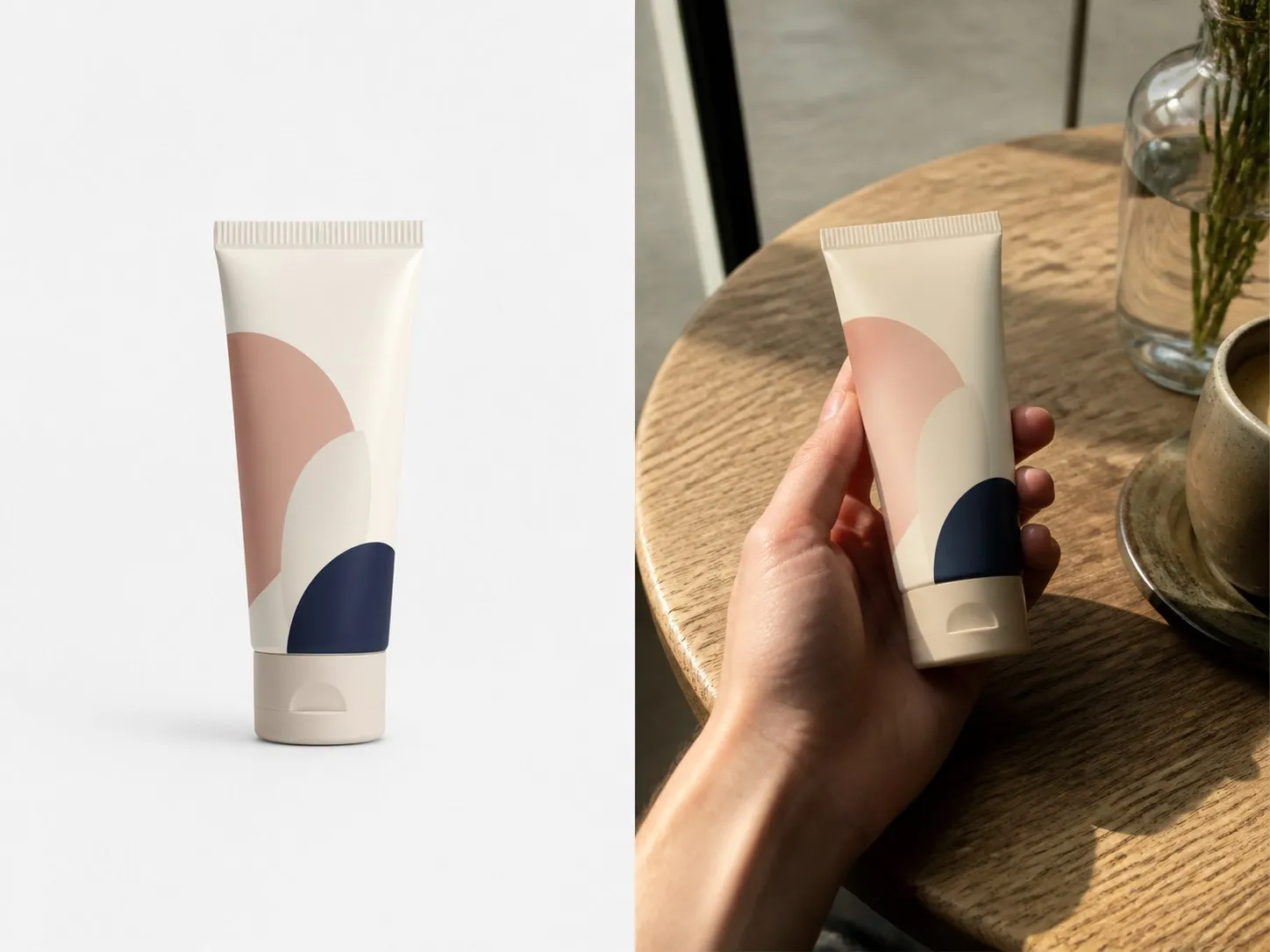
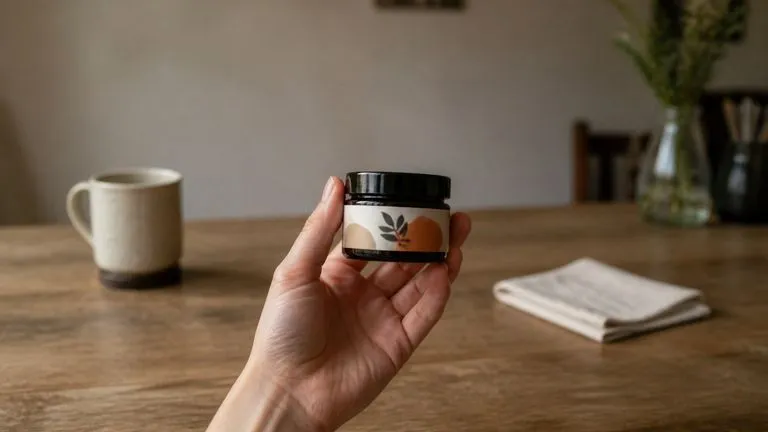
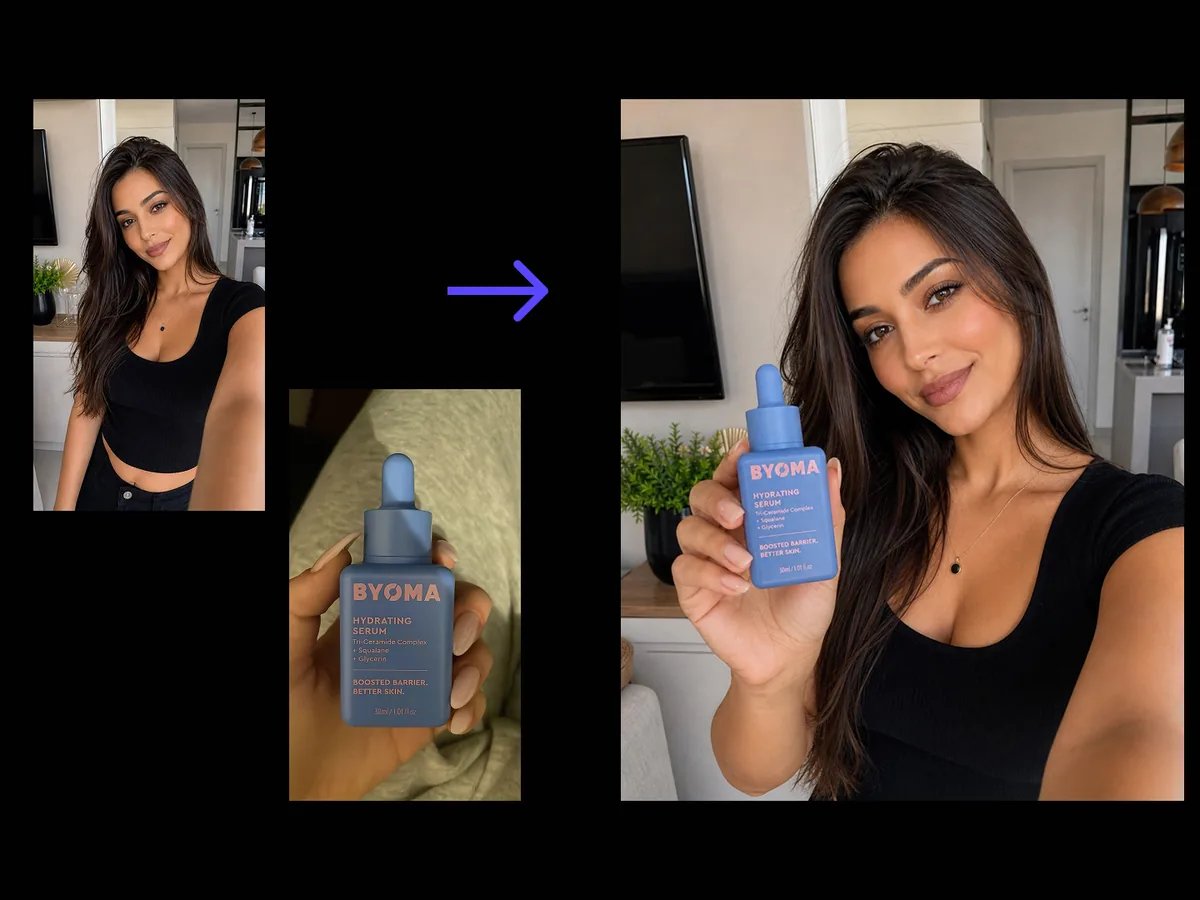
An AI UGC photo generator produces the kind of photo a customer would post: handheld, casually lit, obviously not a studio shot. The scene and the hands are generated. The product is the one thing carried straight over from your own photograph.

A plain packshot on the left and a candid handheld photo of the same product on the right
A packshot and the UGC-style handheld photo made from it

What the AI UGC image generator decides for you

One required photo, one platform choice, and two optional inputs. Here is what each one moves.

A candid handheld shot where the product stays crisp and commercially accurate
Fixed

The product stays exact

This is the constraint that separates a usable UGC shot from a render. Packaging, label and proportions come from your photo unchanged. The scene, the hands and the framing are generated around it.
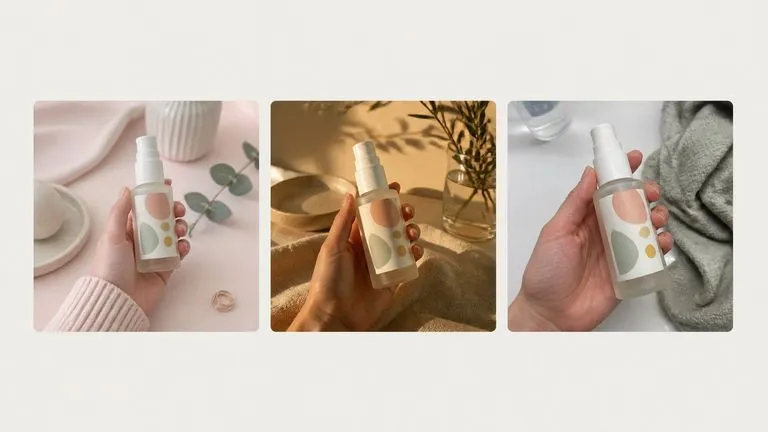
One product shot three ways in three different social registers
Four options

The platform sets ratio and register together

Xiaohongshu, Instagram, TikTok or Generic. It is not only the aspect ratio. A shot that reads as native on TikTok looks wrong on Xiaohongshu, so the styling, the tidiness and the light move with the choice.
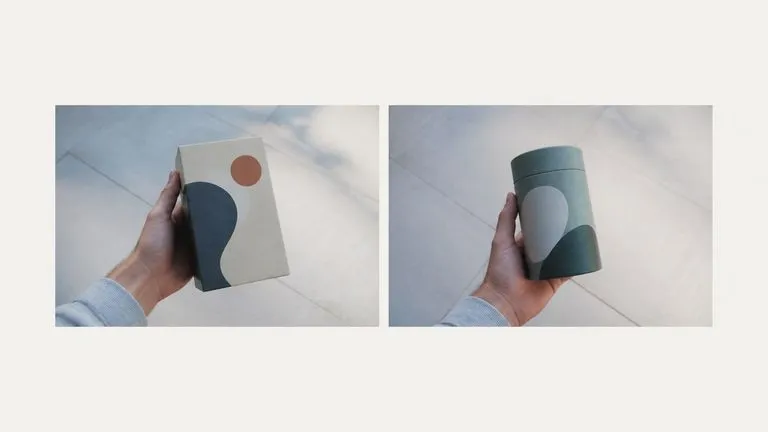
A reference lifestyle photo beside a new product shot matched to its feel
Optional

A reference photo sets the vibe

Add a UGC photo whose feel you want and the result follows its register rather than the default. This is how a brand keeps a run of creator-style posts looking like they came from the same world.

How to make a UGC image for e-commerce in four steps

  1. Drop in the product photo

    A packshot on white works. So does a shot on a desk. The label needs to be readable, because it is carried over rather than redrawn.

  2. Pick the platform

    This sets both the ratio and how polished the result reads. Pick Generic if the image is going somewhere other than a social feed.

  3. Say what the shot should show

    Held over a table, in a bathroom, mid-unboxing, face in frame or not. One line, and it is what keeps the image from reading as generic.

  4. Create, then keep working

    The shot lands on a fresh Virse canvas. Change the platform and re-run, adjust the scene notes, or take it into an edit without exporting anything.

Who reaches for a UGC image generator

Teams who need creator-style images at a volume no creator roster covers.
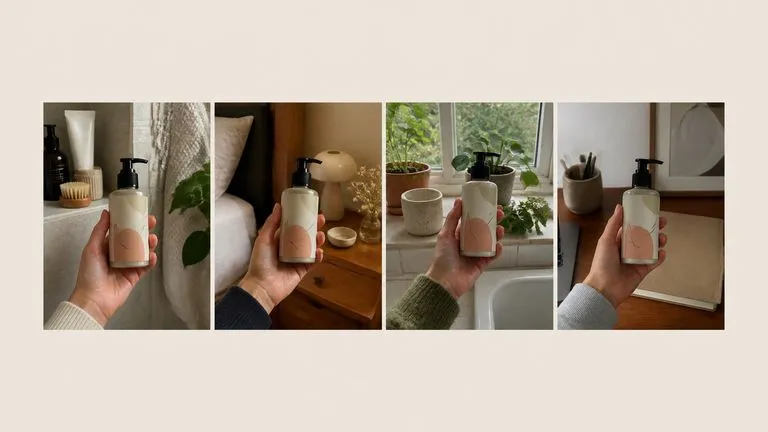
Four candid handheld product photos laid out as listing lifestyle slots

E-commerce & Marketplace Sellers

Fill the lifestyle slots on a listing with images that look like customer photos, using the packshot you already have.
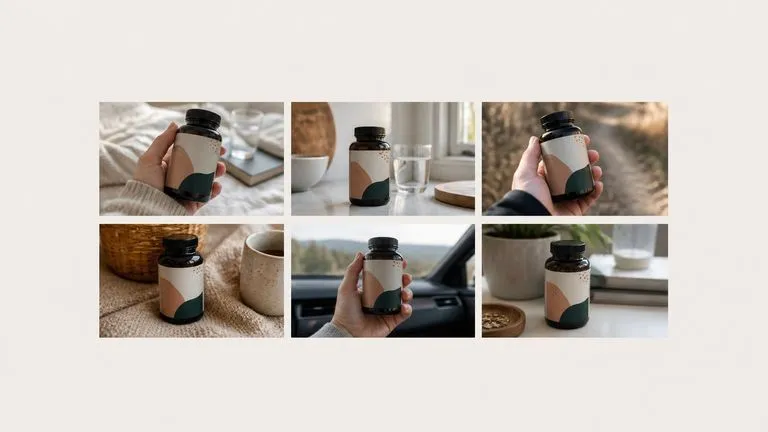
Six variations of one product shot arranged for creative testing

Performance Marketers

Test ten creative angles before committing spend, without briefing ten creators to find out which one works.
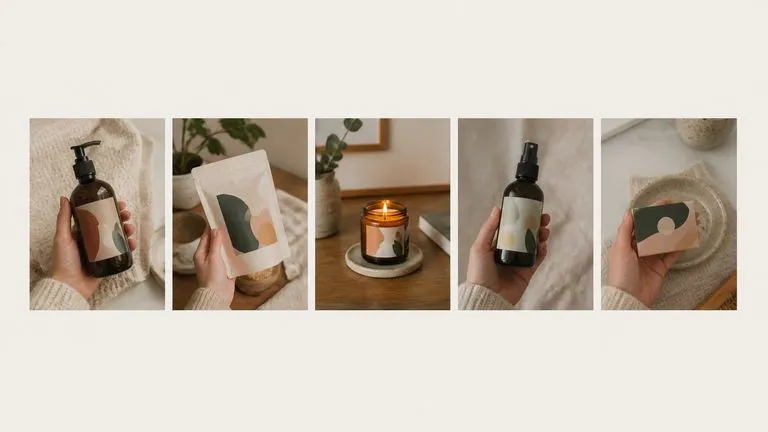
A row of candid product photos that sit in one consistent social register

Social & Community Teams

Keep a feed running between real creator drops, with images that sit in the same register rather than jumping to studio polish.
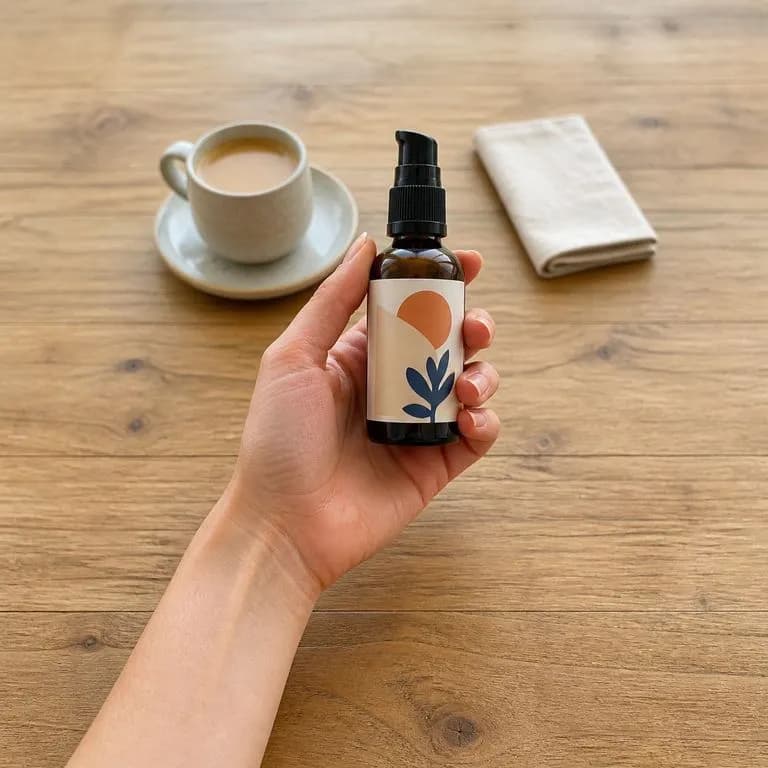
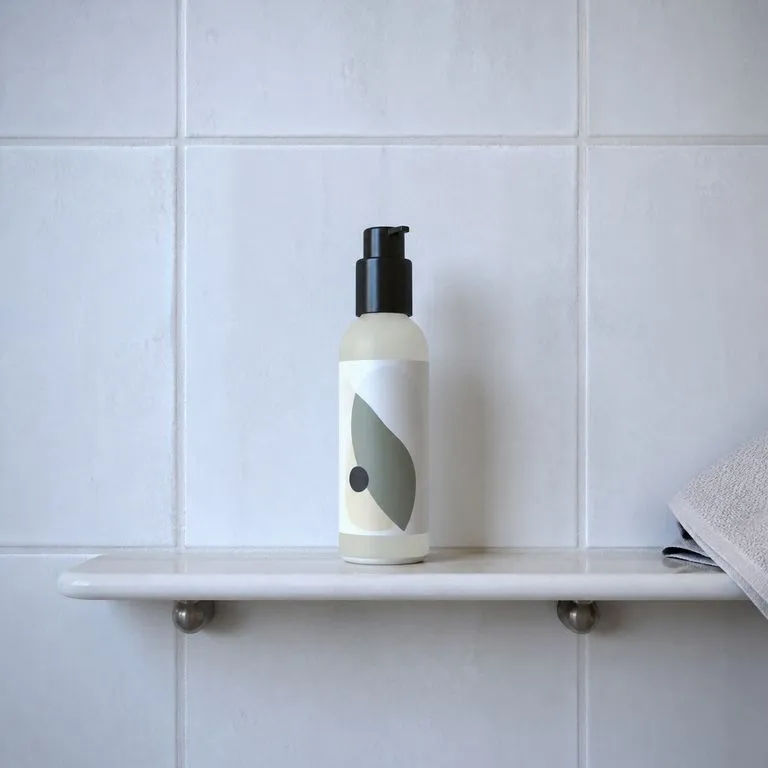
What an AI UGC ads generator returns

A product held over a café table in soft daylight
Held Over a Café Table: soft daylight, casual framing, label reading clearly
A skincare bottle standing on a bathroom shelf in morning light
Bathroom Shelf, Morning: a skincare product in the setting it is actually used
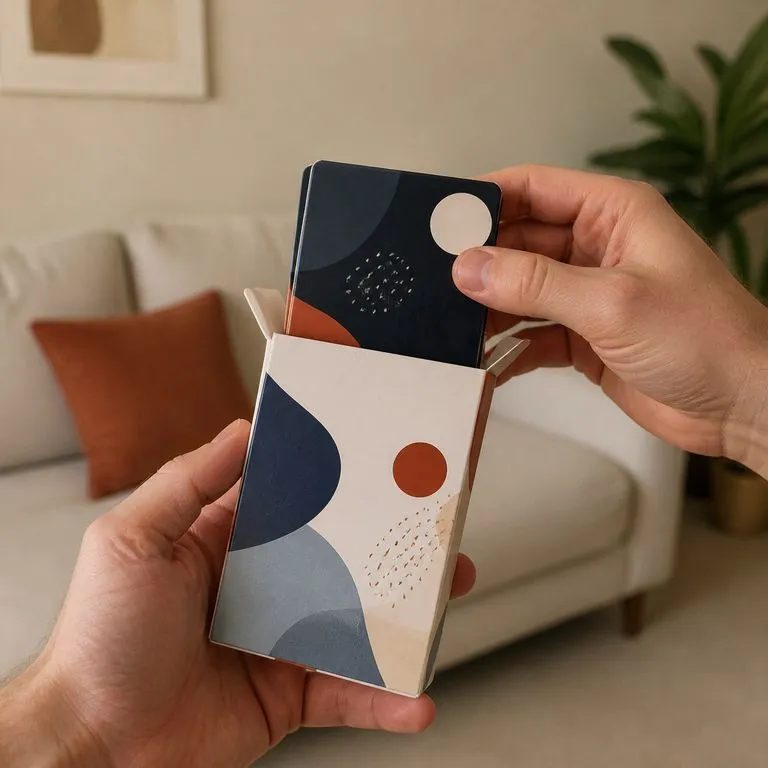
A product half out of its opened box held close to camera
Mid-Unboxing, Vertical: TikTok ratio with the packaging half open
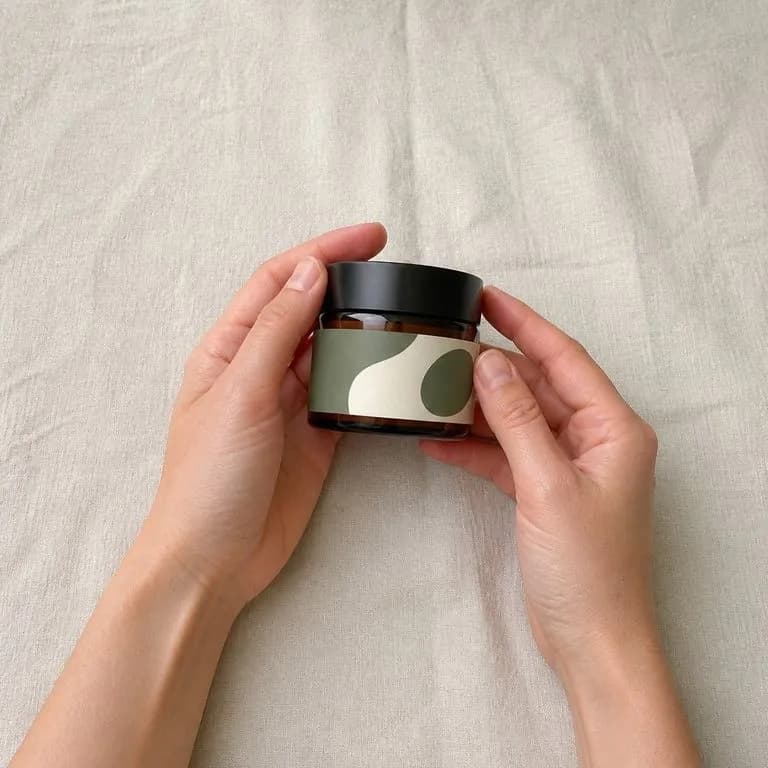
Hands and product only, deliberately framed to keep any face out of shot
No Face in Frame: hands and product only, for brands avoiding likeness questions
The same product shot in a tidier, softer register than a casual snapshot
Xiaohongshu Register: tidier styling and a softer palette than the same shot for TikTok
Three candid shots matched to one supplied reference photo's feel
Reference-Matched Set: three shots following one supplied UGC photo's feel

Why an AI UGC photo generator is not a studio shot

The point of this format is that it does not look produced. That changes what the tool should be doing.

A polished product render

  • Even studio light, clean backdrop, everything in its place
  • The frame is composed, so it reads as an advertisement immediately
  • Scrollers recognise it as brand content and treat it as one
  • Every new angle is another render setup

The Virse UGC generator

  • Available light, a real surface, and a slightly imperfect frame
  • The product is exact, and everything around it is allowed to look ordinary
  • The platform choice moves the register, so the image sits in the feed it is going to
  • The next variant is a platform switch or a line of notes, on the same canvas
FAQ

Questions

Does the product stay exactly as it is?
Yes. That is the constraint that separates a usable UGC shot from a render. The scene, the hands and the framing are generated, and the product is not reinterpreted.
Why does the platform choice matter?
It sets the aspect ratio and the visual register together. A shot that reads as native on TikTok looks wrong on Xiaohongshu, and the other way around.
Can it make a UGC video?
No. This tool returns a still image. Most of the demand around UGC is for video, so it is worth being clear: what comes back here is one handheld photo per run, not a clip.
Do I have to disclose that the image is generated?
That depends on where you post it and what you claim about it. An image that reads as a customer photo but is not one is the kind of thing platform policies and advertising rules increasingly cover. Using these as brand-owned lifestyle imagery is straightforward. Presenting them as genuine customer reviews is not, and that is a decision worth making deliberately.
Does pressing Create run the tool straight away?
No. Your inputs travel into a fresh canvas and land on the tool already filled in, but nothing runs until you press Start there. A link can never spend your credits on your behalf.
Can I keep working on the result afterwards?
Yes. Everything the tool produces arrives on a normal Virse canvas, so you can re-run a single output, adjust it, or take it into an edit without exporting and re-importing.

Social-ready product shots without a shoot

Start here. Drop the product photo in, pick a platform, and the shot opens on a fresh Virse canvas where nothing runs until you press Start.