
Exact Model ID
Google: gemini-nano-banana-2.1. Virse billing key: nano-banana-2.1.
Generate and edit images with Nano Banana 2.1 in Virse. Choose 1K, 2K or 4K output and use up to 14 reference images to guide the subject, setting and materials.
Open this page on a desktop browser to start creating.
A campaign image rarely ends with its first render. You may need a different background, a tighter crop or a new colourway. Keep a clear reference and change one decision at a time, then review the subject before making the next change.
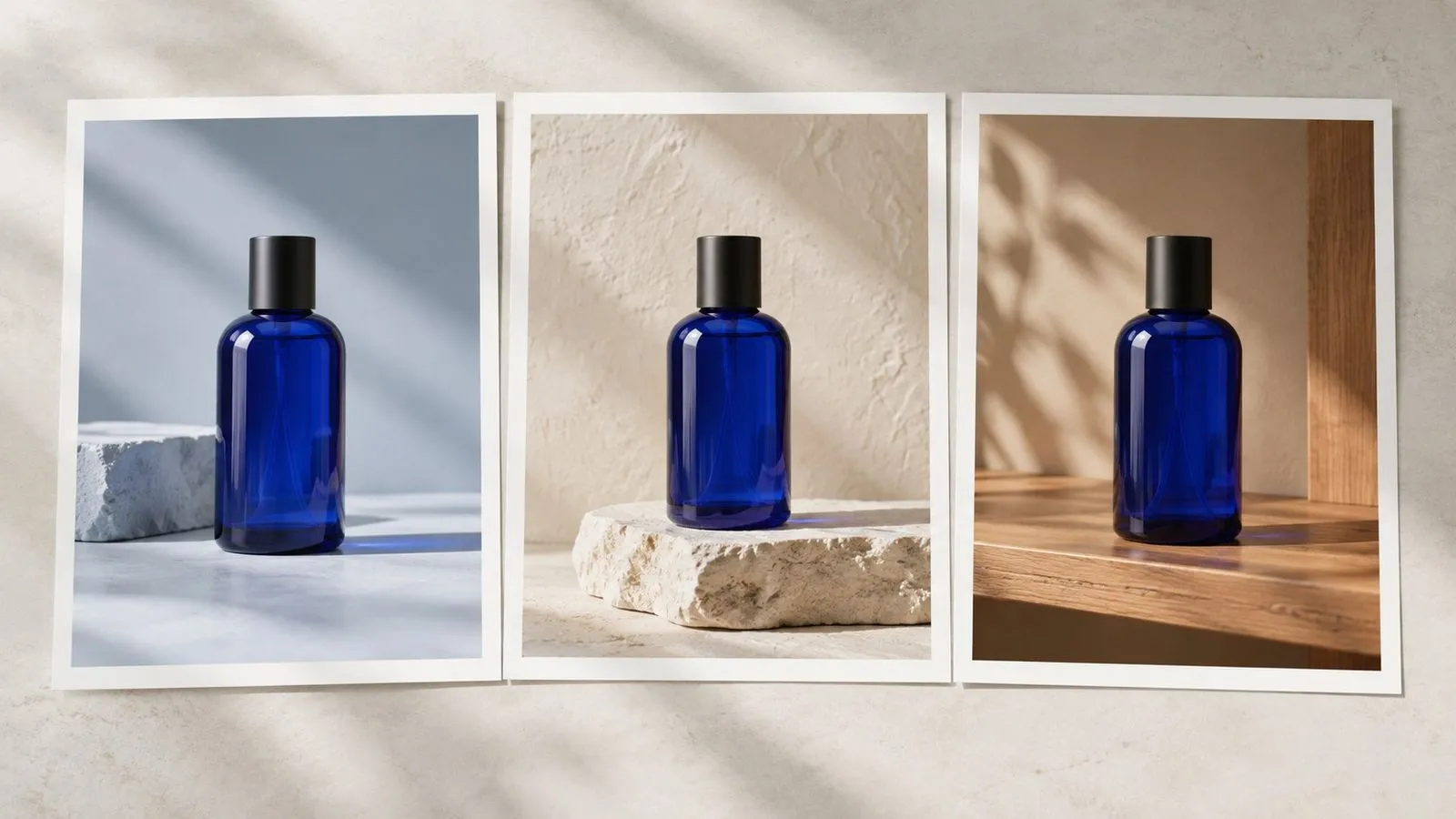
Nano Banana 2.1 is Google's update to Nano Banana 2, with the model ID gemini-nano-banana-2.1. Google describes improved visual quality, instruction following, text rendering and consistency across edits. Nano Banana Pro remains a separate model.
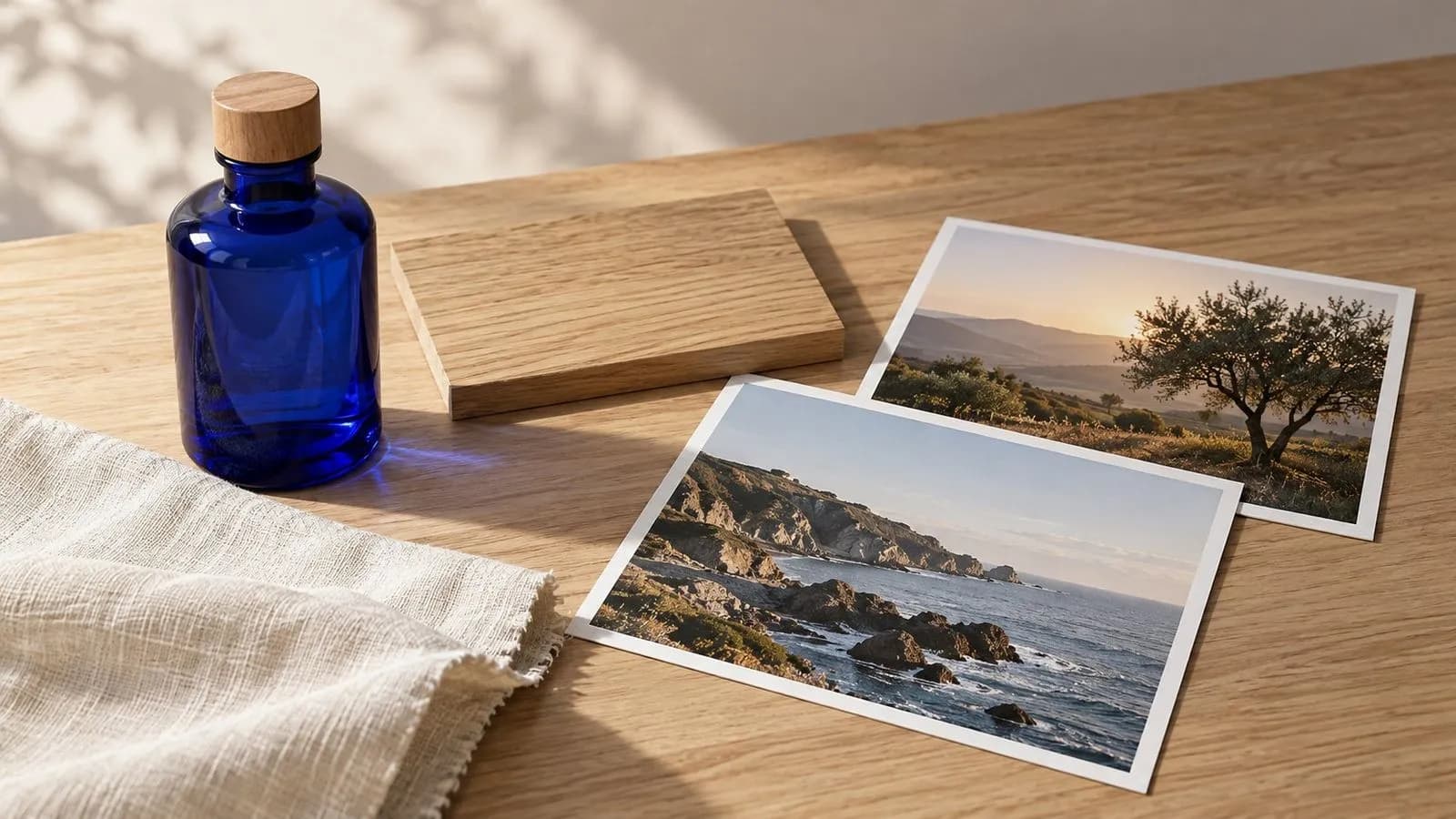
Google: gemini-nano-banana-2.1. Virse billing key: nano-banana-2.1.
Choose 1K, 2K or 4K; the default is 1K.
Google's 2.1 documentation does not include the older 512px tier.
Virse supports up to 14 reference images for this entry.
The publisher describes new images and conversational revision.
Enabled for text-to-image and image-to-image work.

Describe the subject, materials, setting and light. Use specific nouns so a revision can refer back to the same scene.
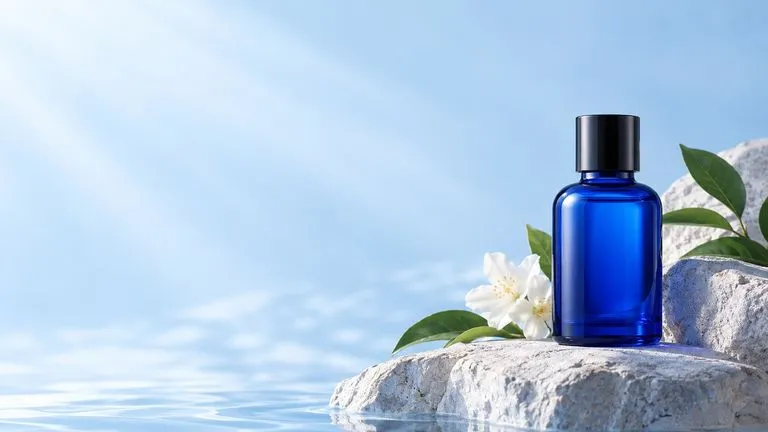
Google reports improved text rendering. Put the exact short wording in quotation marks and check every character before using the result.
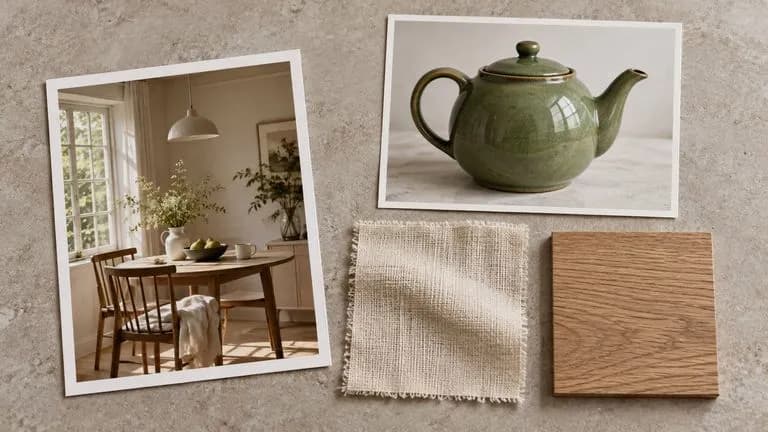
Tell the model which image supplies the product and which supplies the setting. Mixed references need clear instructions.
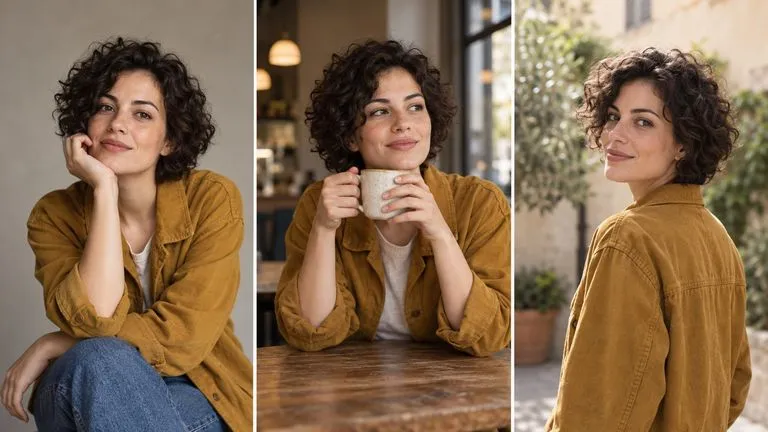
Google reports better consistency over multiple turns. Review the face or product after each change; do not assume every detail survived.
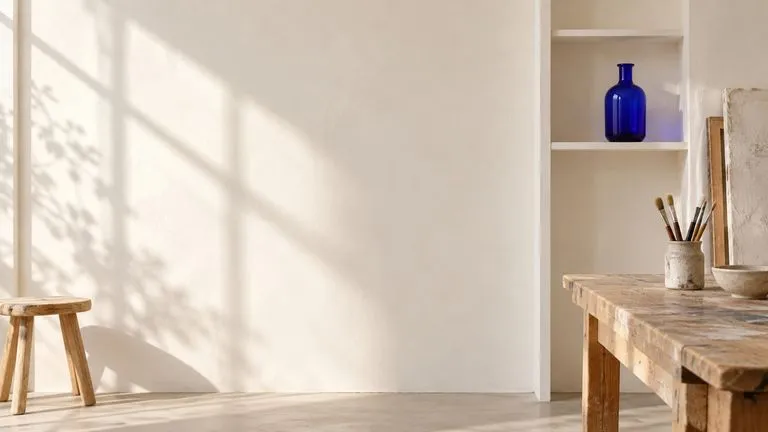
Google documents fixes to tiling artifacts in panoramic output. Use a wide brief to plan placement, then check the size offered in Virse.
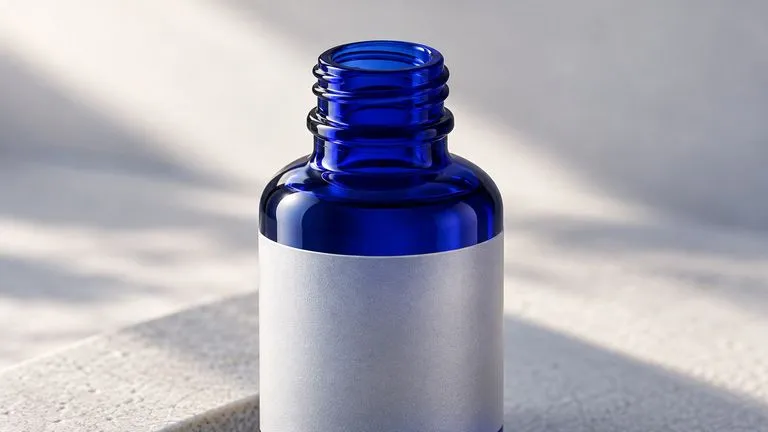
Settle the idea before requesting a larger render. Compare detail at the destination's display size rather than judging only the full canvas.
Choose Nano Banana 2.1 in the workspace, set the output size and give each attached reference a clear role.
Select Nano Banana 2.1 for this workflow. Nano Banana 2, Lite and Pro remain separate model entries.
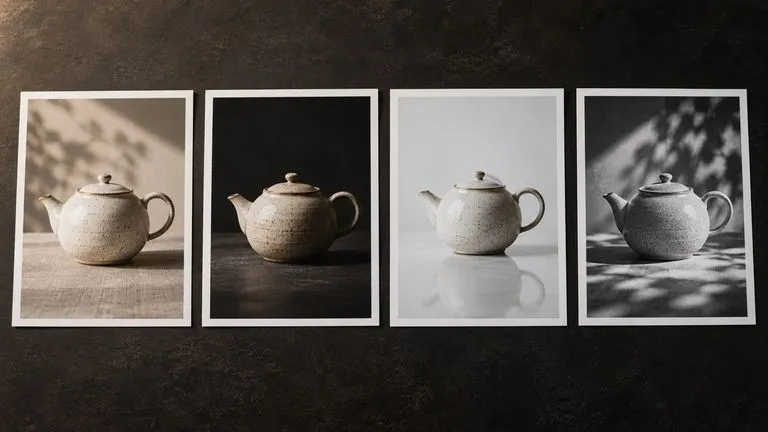
Collect a clear subject view and one reference for each change you want to make. State their roles in the prompt.
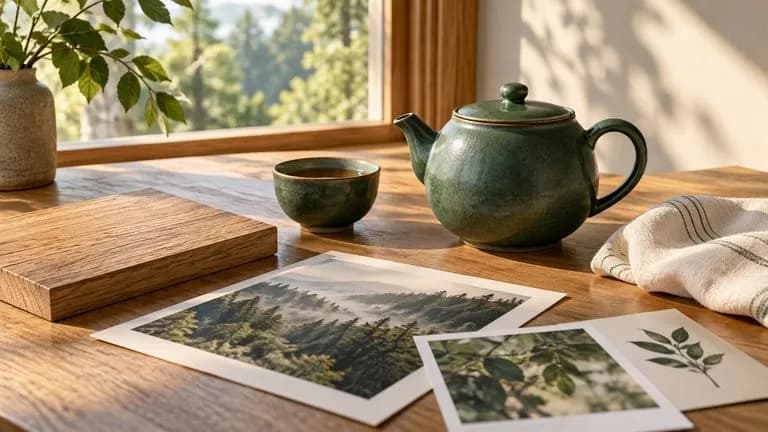
Use the same composition when judging a new background, crop or colour. A controlled comparison makes the decision easier to read.
The catalog lists 8, 12 and 24 compute per image at 1K, 2K and 4K. Confirm the quote before you generate.
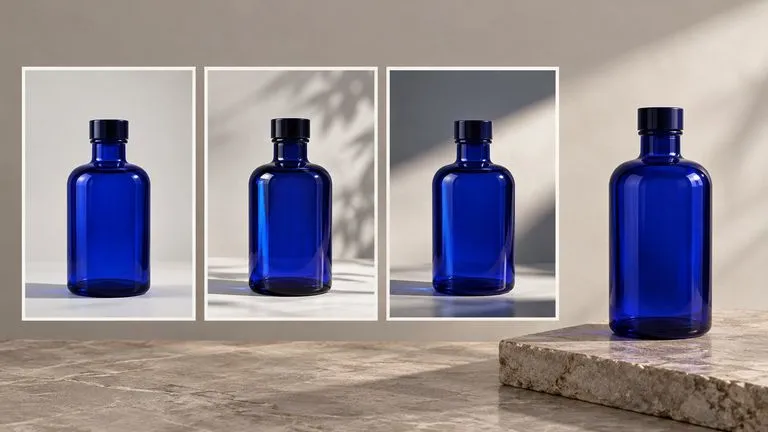
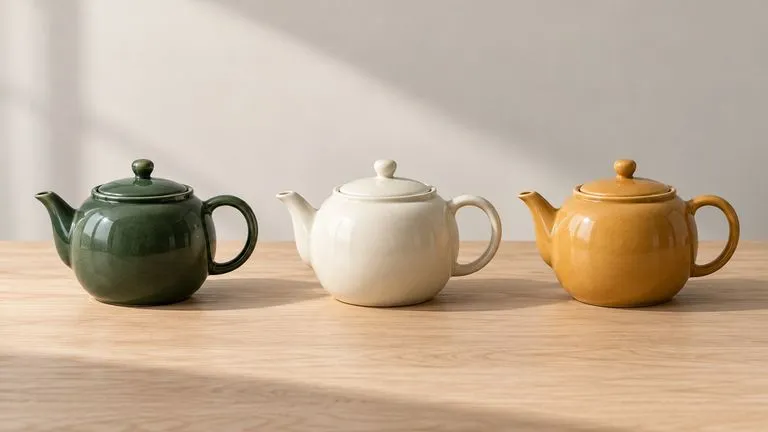
Keep one product view while planning colour and surface variations.
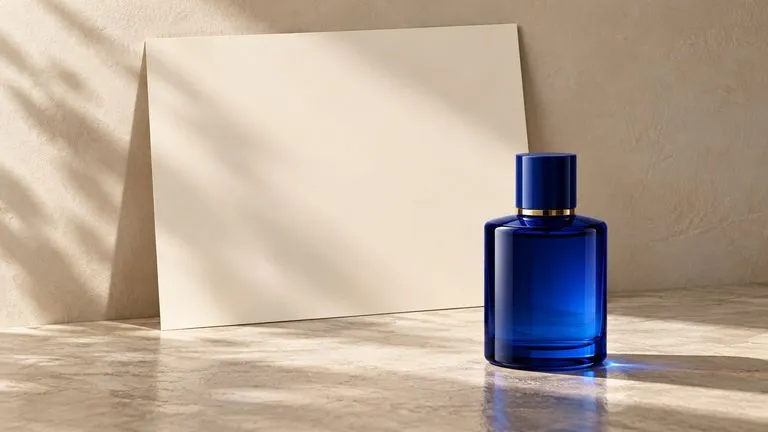
Prepare short text and a deliberate space for it in the image.

Use a clear reference when placing a fictional character in a new setting.
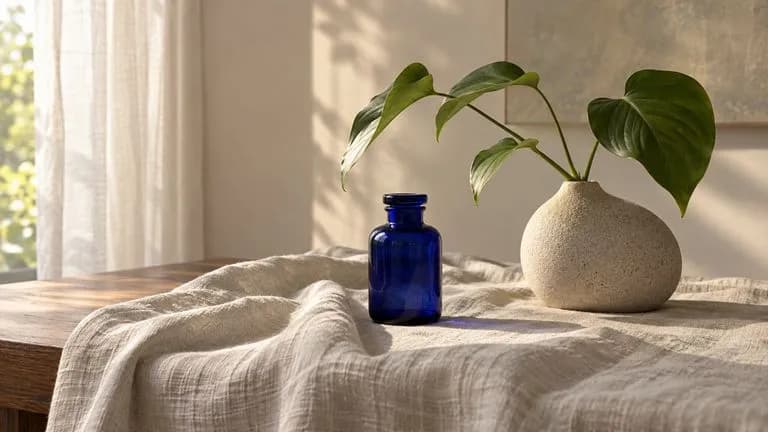
Change one scene detail while reviewing the rest of the composition.
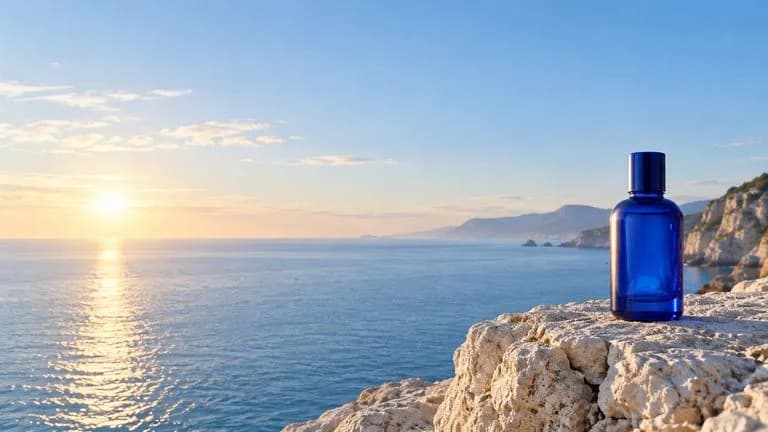
Describe a wide image with useful copy space and a clear focal point.
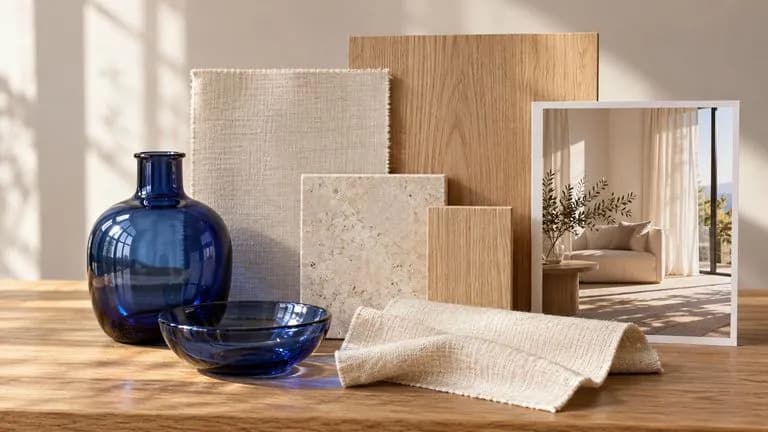
Assign materials, palette and scene references to distinct parts of the brief.
Open the workspace, choose Nano Banana 2.1 and set the output size.
Identify the subject reference, background reference and any material sample.
Specify the requested output or one revision, plus what should remain.
Check wording, subject details and edges before using the image. Compare any edit with the original.
Describe the scene in concrete terms, then add the change or action you want.
Instead of writing
Make a perfect beauty campaign, stunning text, premium lighting.
Write
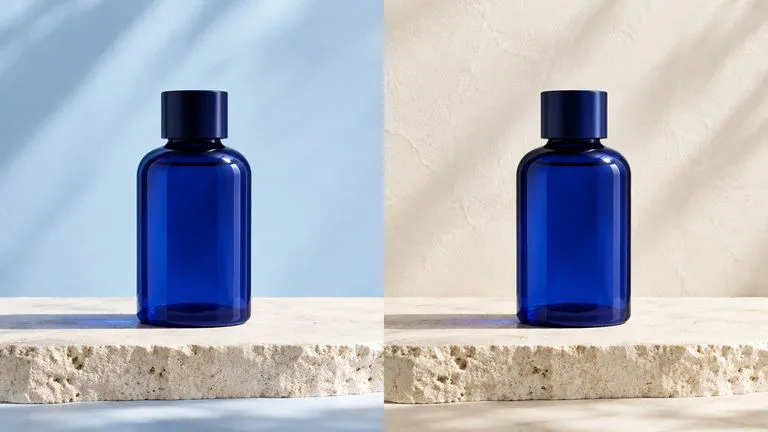
A plain cobalt glass skincare bottle on a pale limestone shelf, with a soft blue wall behind it. Place the exact words 'DAILY RITUAL' in dark navy in the upper-left area, using a simple sans-serif headline. Window light from the right. Keep the bottle label blank; no other text or logos.
Concept illustrations generated for these briefs. They are not verified outputs from this model; video scenes are static images.
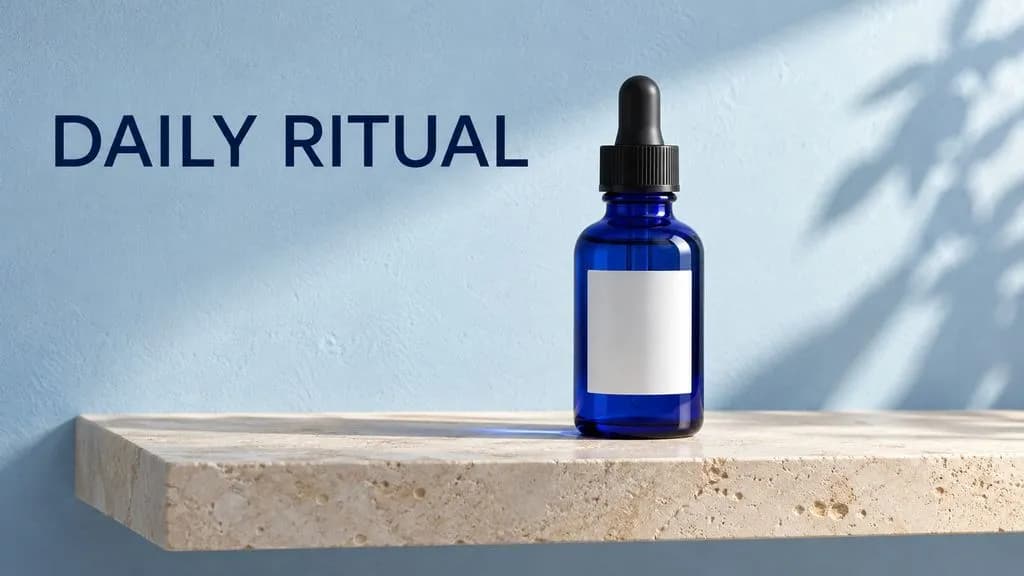
A plain cobalt glass skincare bottle on a pale limestone shelf. Soft blue wall, window light from the right. The exact words 'DAILY RITUAL' appear in dark navy in the upper-left area, set in a simple sans-serif headline. Leave the bottle label blank. No other words, logos or decorative graphics. Horizontal 16:9 composition.
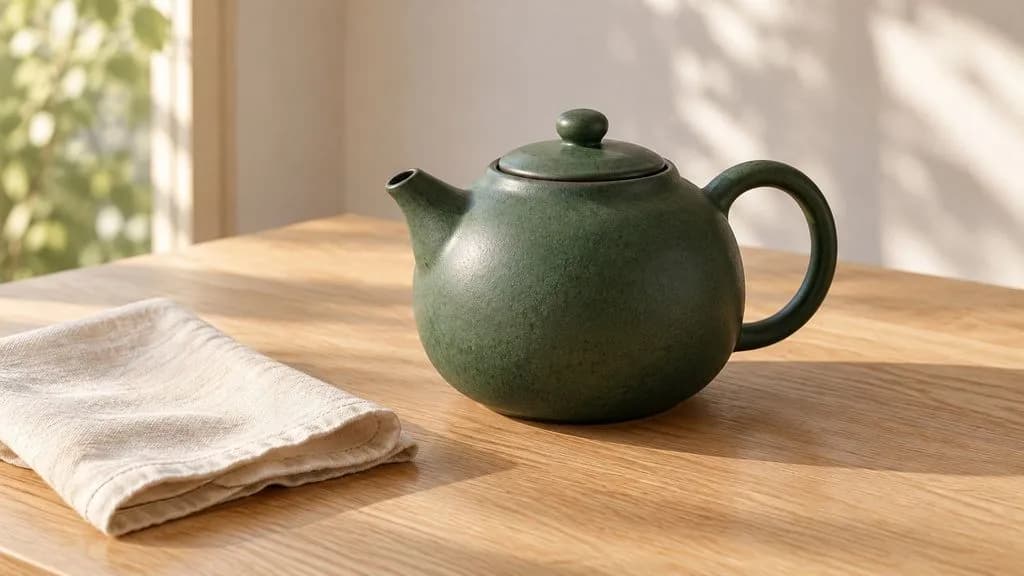
Use a supplied product photograph as the reference for a small forest-green ceramic teapot. Place it on a pale oak breakfast table beside a cream linen napkin. Keep its round handle, short spout and matte glaze. Morning window light, three-quarter camera view. No additional tableware, text or logos.
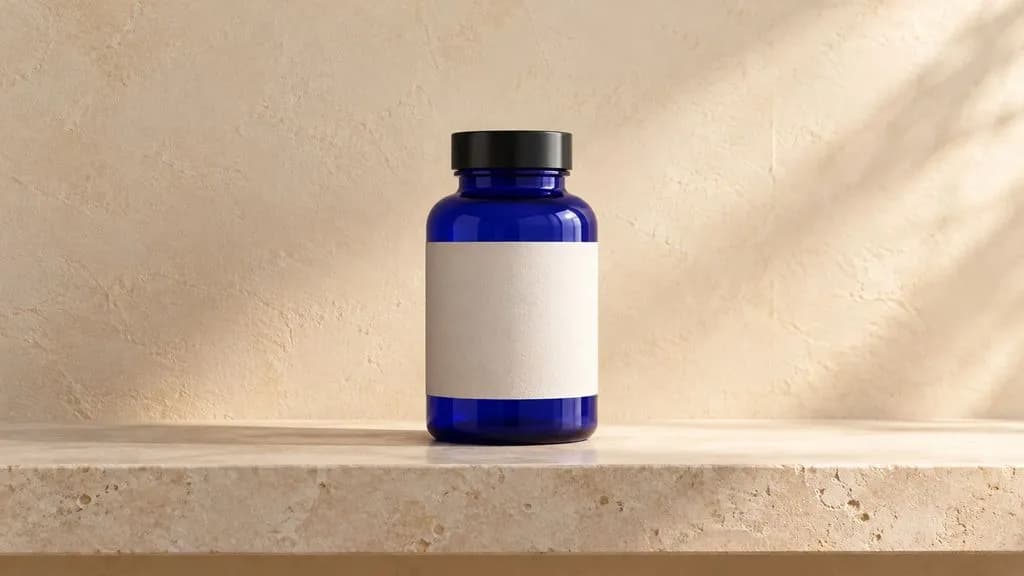
Using a supplied photograph of a cobalt glass bottle on a pale stone shelf, change only the background to warm cream plaster. Keep the bottle's shape, colour, blank label and camera angle. Retain soft light from the right and the existing contact shadow. No additional objects or words.
| Dimension | Nano Banana 2.1 | Nano Banana 2 | Nano Banana Pro | Source |
|---|---|---|---|---|
| Google model ID | gemini-nano-banana-2.1 | gemini-3.1-flash-image | gemini-3-pro-image | Source |
| Publisher position | Updated efficient generation and editing | Previous efficient generation model | Professional image production | Source |
| Smallest documented image tier | 1K | 0.5K | 1K | Source |
| Virse access | Enabled | Existing model entry | Existing model entry | Source |
Keep image text short and spell it exactly. Set final legal or product copy after verifying the output.
A product view establishes identity; a room image establishes the setting. Explain that distinction.
Compare every edit with the source to catch changes to proportions, labels or facial detail.
Set the destination and aspect ratio before testing the composition.
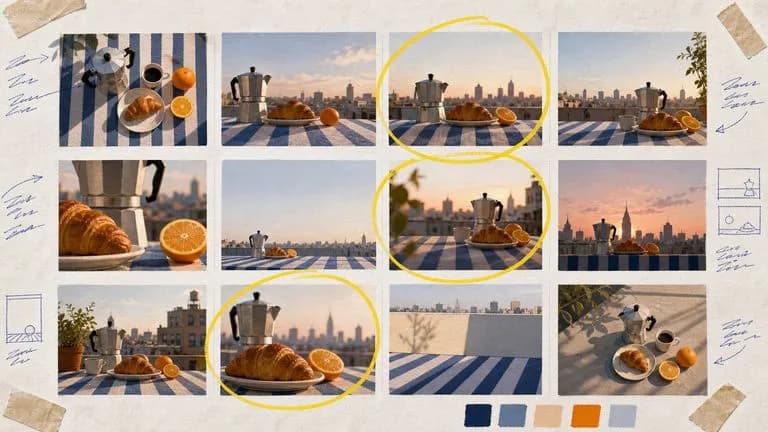
Google's Nano Banana 2 pairs flagship-level image quality with Flash-class speed, across four output sizes from rapid 0.5K prototypes to finished 4K.

Generate studio-grade 4K images with Nano Banana Pro, blending multiple references while holding characters, products, and typography consistent.

OpenAI's GPT Image 2.0 reads a hundred-word brief and attempts all of it, with independent quality and resolution controls from 1K to 4K.
Open Virse, select Nano Banana 2.1 and assign a clear job to each reference before generating your next image.