

Product anchor
Stage Around Your Real Product Photo
Upload a clear reference shot of your item, specify the camera angle and lighting, and verify the bottle shape, materials, and proportions against your source file.
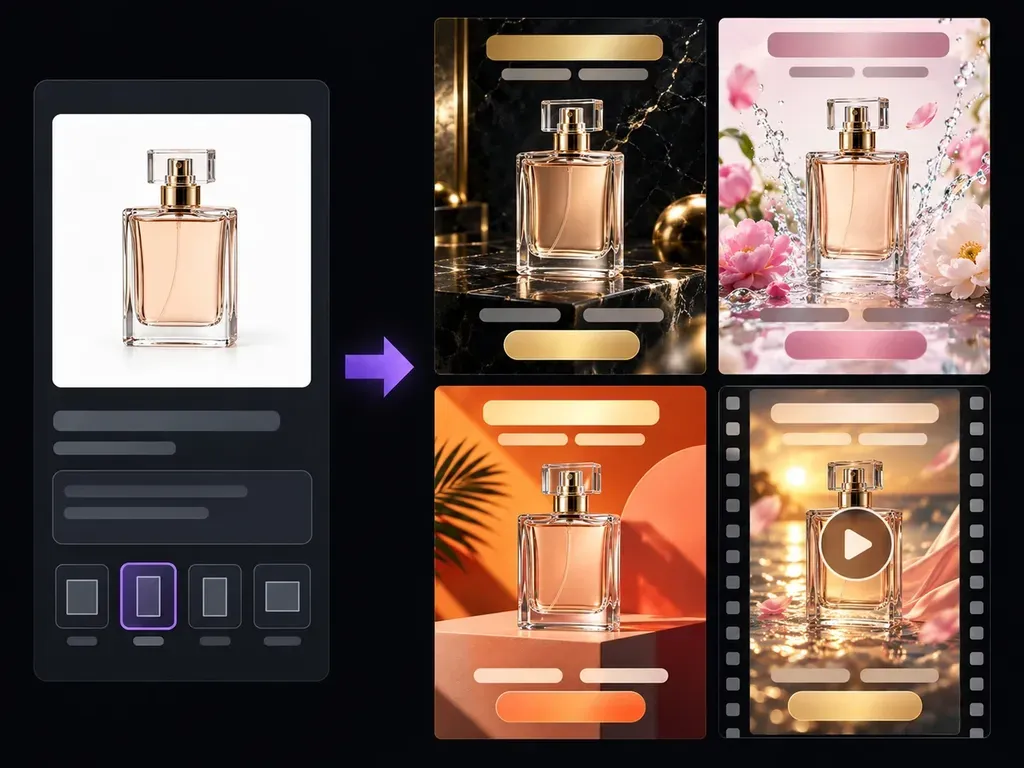
Upload a clear product photo and describe your target audience, setting, and campaign hook. Virse's AI ad generator stages your item across studio plinths, everyday lifestyle scenes, and seasonal backdrops with clean safe zones for Meta and Google Display ads.
An AI ad generator turns a product photo and campaign brief into visual advertising concepts before a shoot or media buy so teams can control three creative factors:
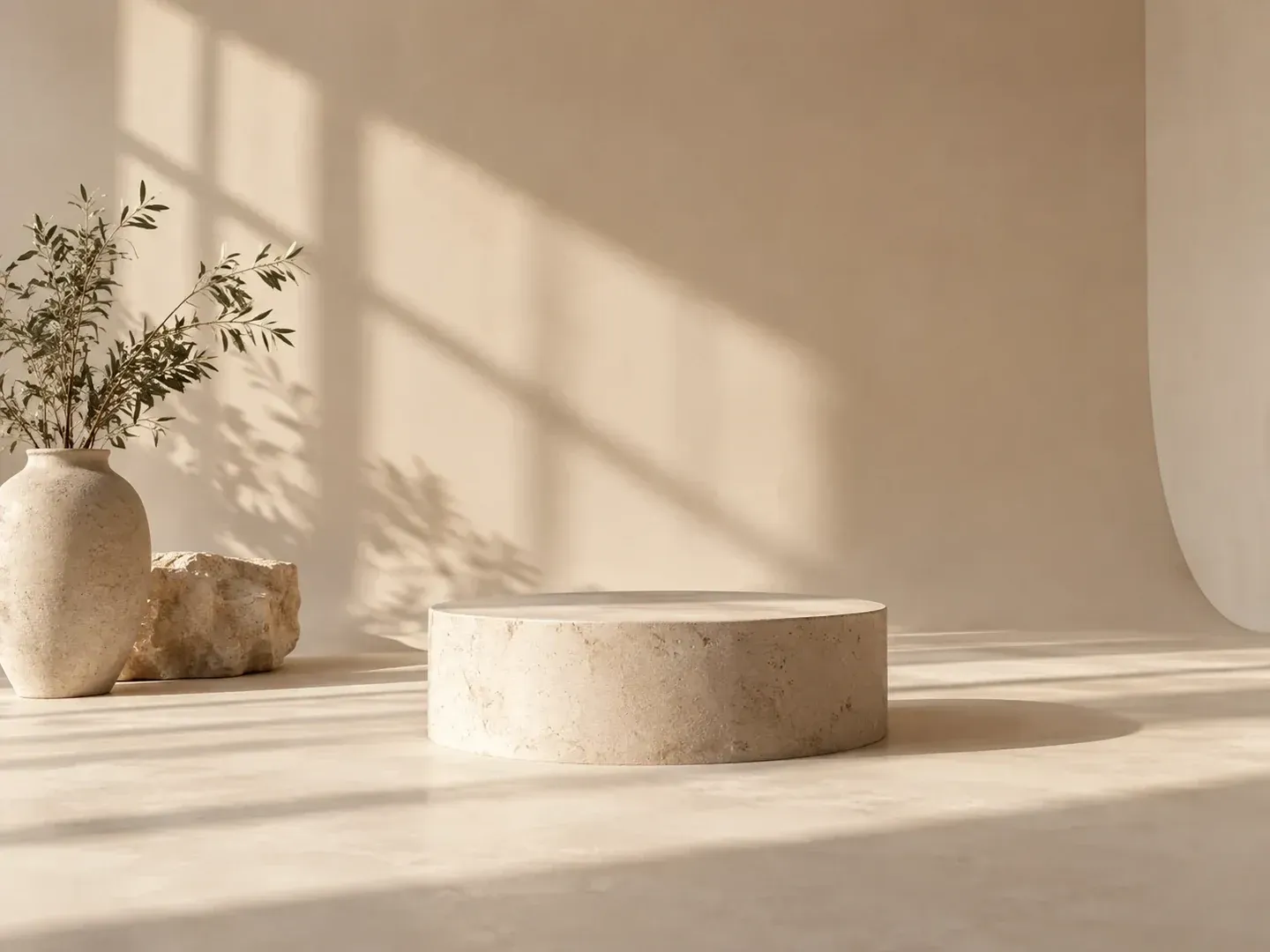
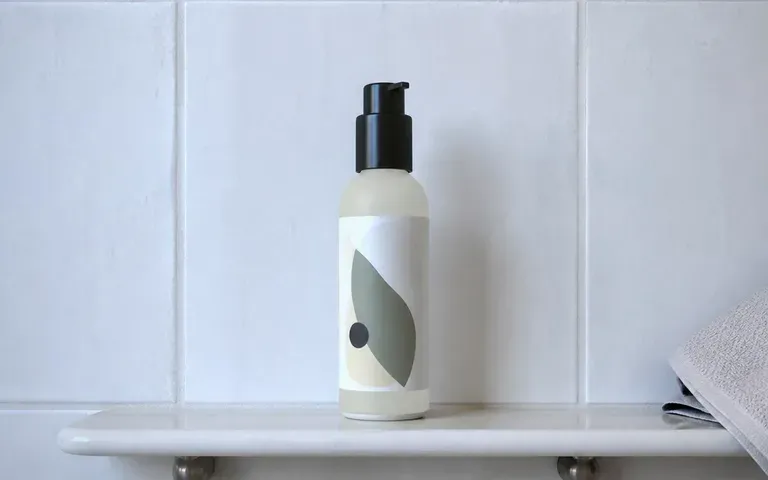
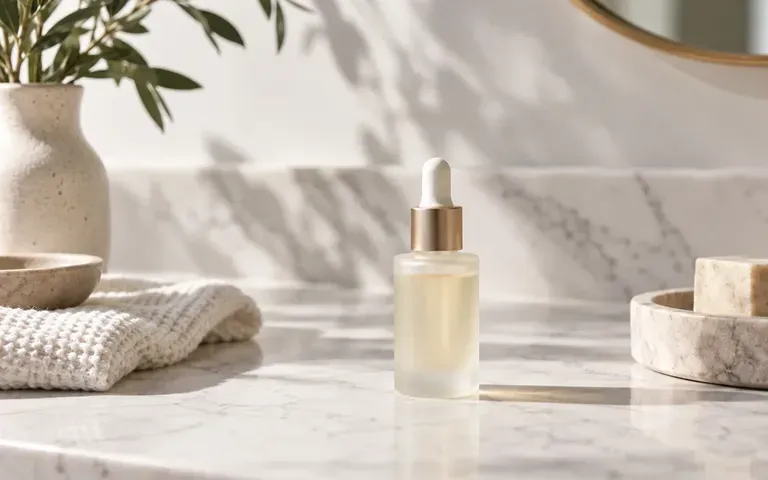
• Product-in-context staging: Place bottles, mugs, electronics, or skincare jars onto marble counters, sunlit cafe tables, or studio plinths with matched shadows.
• Hook and CTA safe zones: Request uncluttered negative space at the top, bottom, or side of the frame so headlines, price badges, and CTAs stay readable.
• Rapid A/B angle exploration: Generate studio, lifestyle, and seasonal variants on one shared canvas to align stakeholders before building final ad units.
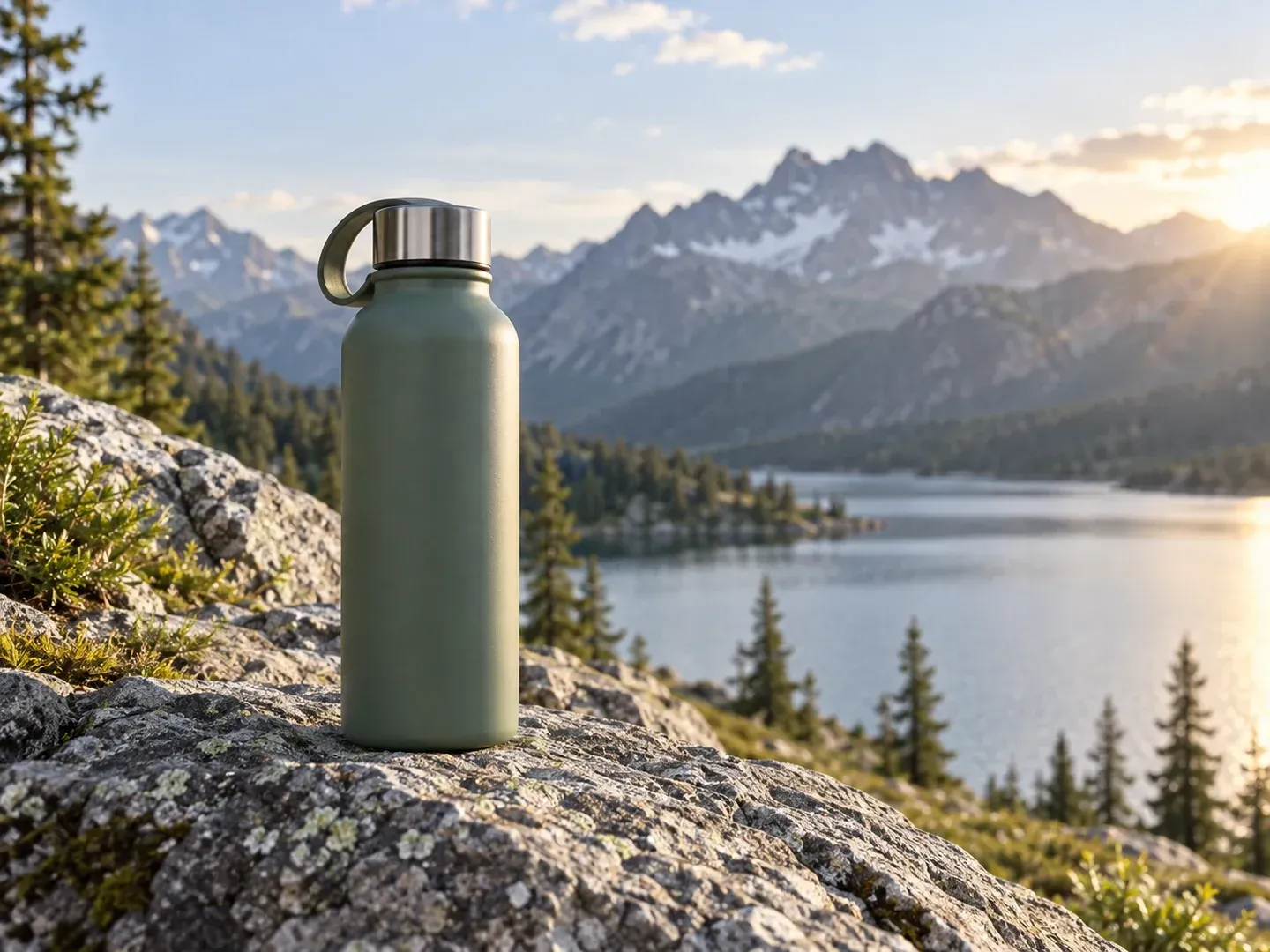
Three controls that help marketing teams produce testable ad imagery without garbled template text.
Upload a clear reference shot of your item, specify the camera angle and lighting, and verify the bottle shape, materials, and proportions against your source file.
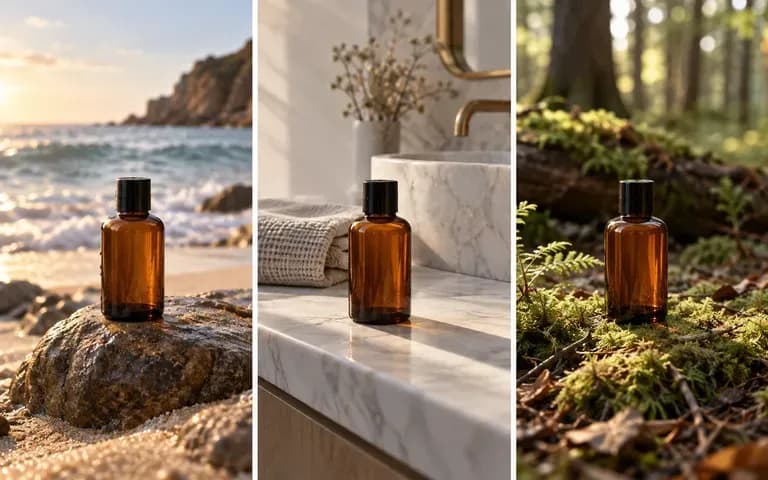
Run the same product through a minimal plinth setup, a morning kitchen routine, or a winter holiday table to prepare distinct visual hooks for A/B creative testing.
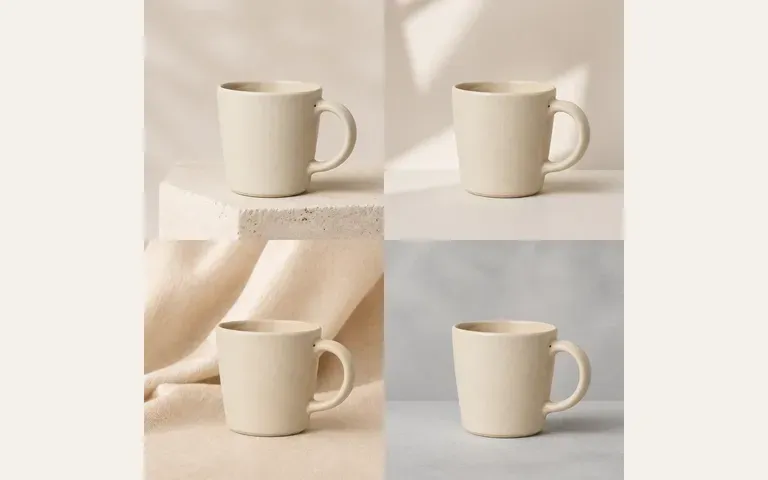
Keep your source product photo and every candidate visual side by side on the Virse canvas to check hook safe zones and brand fit before adding final copy.
How staging product ad visuals on the Virse canvas compares with using fixed cookie-cutter banner templates.
Rigid Banner Template Builders
Virse AI Ad Generator
Add a well-lit photo of the item you are authorized to promote so the model can see its form and materials.
Specify your customer persona, environment props, lighting temperature, and the margin area reserved for headline overlays.
Run the generator to produce studio, lifestyle, or seasonal ad compositions on your Virse workspace canvas.
Inspect product accuracy against your source photo, export the chosen visual, and layer exact prices and claims in your design tool.
Specifying the buyer environment and text safe zone produces ad concepts for Meta Feed, Story, or Google Display. Copy these briefs:
• Meta Feed studio hero: "Matte black portable espresso maker on a low travertine plinth against a slate backdrop, crisp rim light, clean upper third for a headline."
• Instagram Story lifestyle: "Ceramic coffee mug on a sunlit patio table beside a notebook in morning light, vertical 9:16 frame with clean top and bottom space."
• Seasonal gift campaign: "Amber glass dropper bottle on warm stone with pine sprigs and soft candle glow, simple right half for holiday offer copy."
Four marketing and design roles that use visual ad concepts to speed up creative testing and campaign alignment.
Turn basic tabletop product photos into studio and lifestyle ad visuals for Meta and TikTok tests without waiting weeks for an external studio booking.
Stage hero products across sunlit patios, kitchen counters, and clean plinths while keeping exact specs and discounts in crisp vector text.
Pitch three distinct visual hooks (minimal studio, everyday utility, and seasonal gifting) on one shared board before full production.

Refresh fatigued Facebook, Instagram, and Pinterest ad sets by swapping background settings and seasonal lighting moods around the same core product shot.
Six advertising visual directions showing studio plinths, sunlit patios, multi-scene comparisons, seasonal props, hand-held lifestyle shots, and quiet editorial lighting.
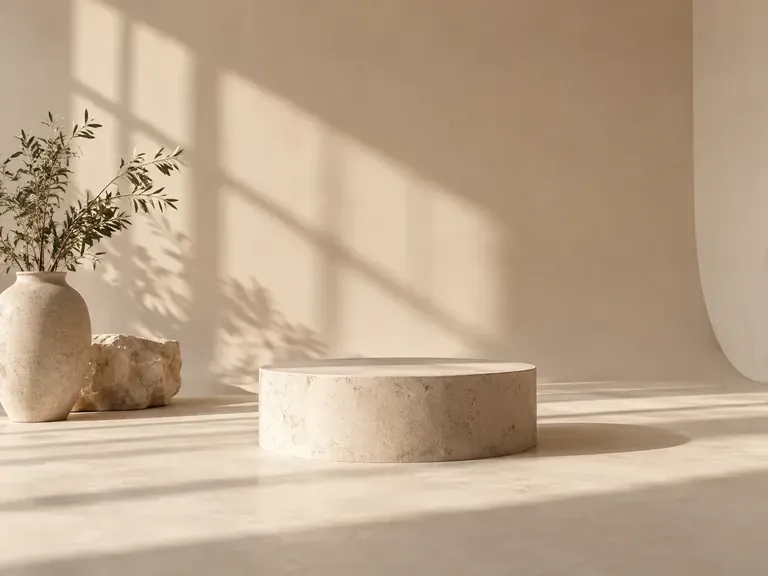

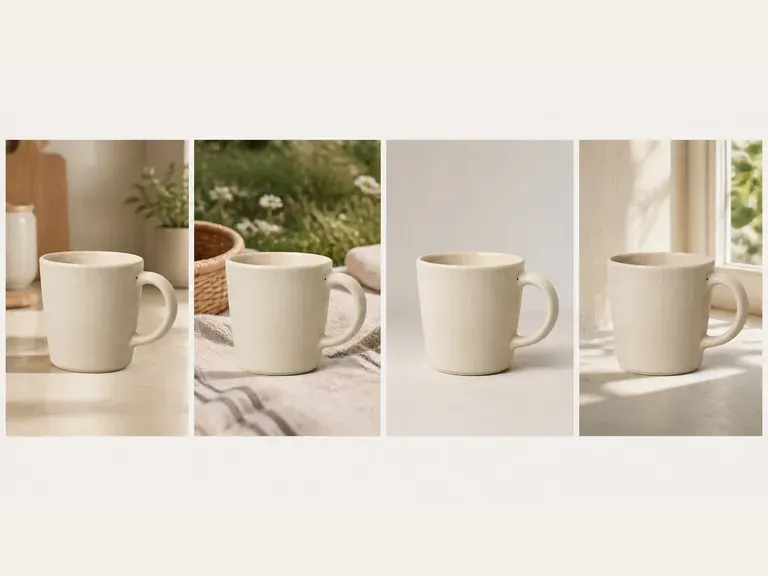

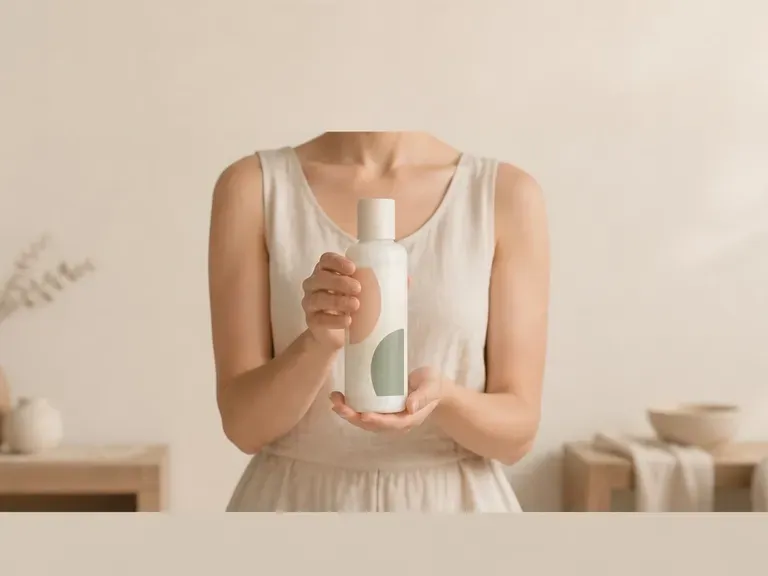

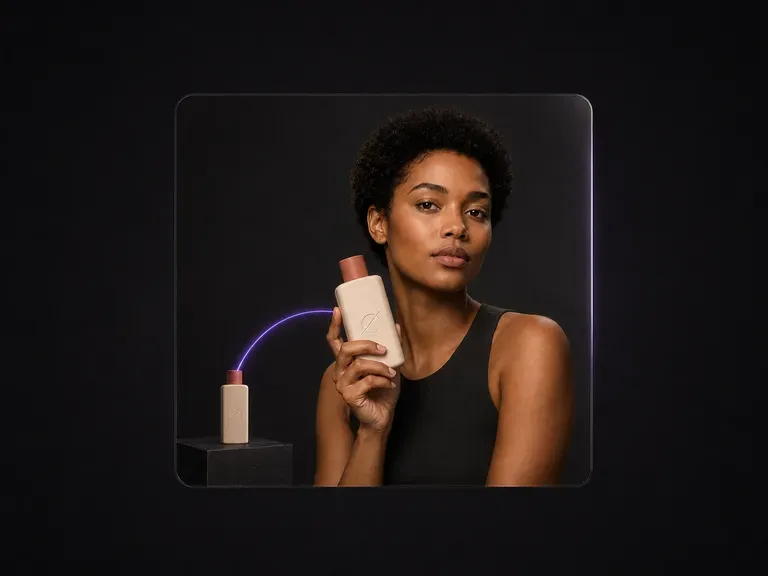
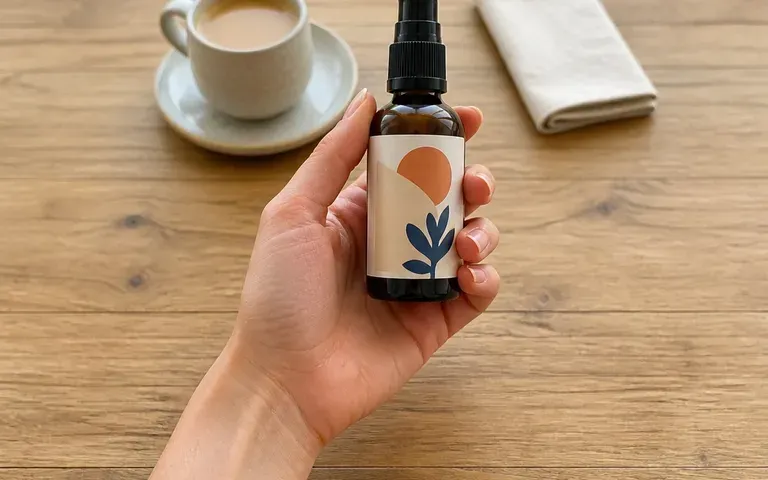
Place your product naturally in a model's hands with grip, scale, and lighting resolved for social ads.
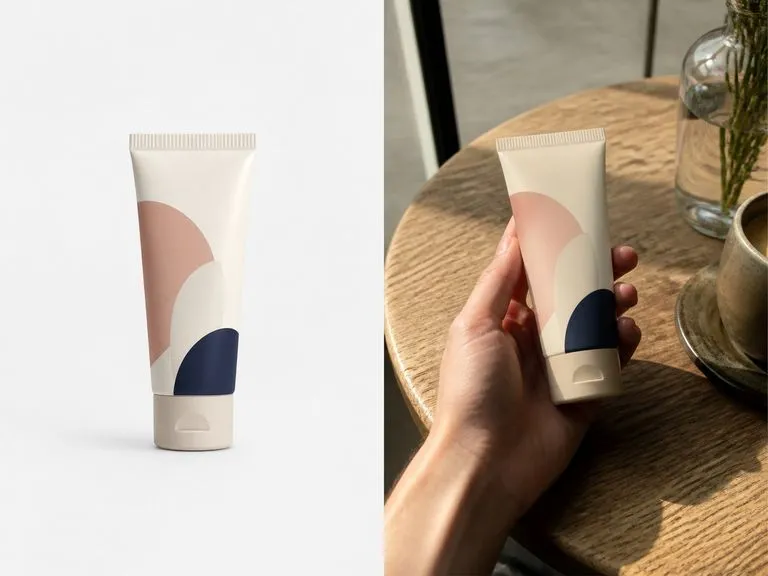
Generate candid, phone-style photos of someone holding your product tailored to social feed placements.
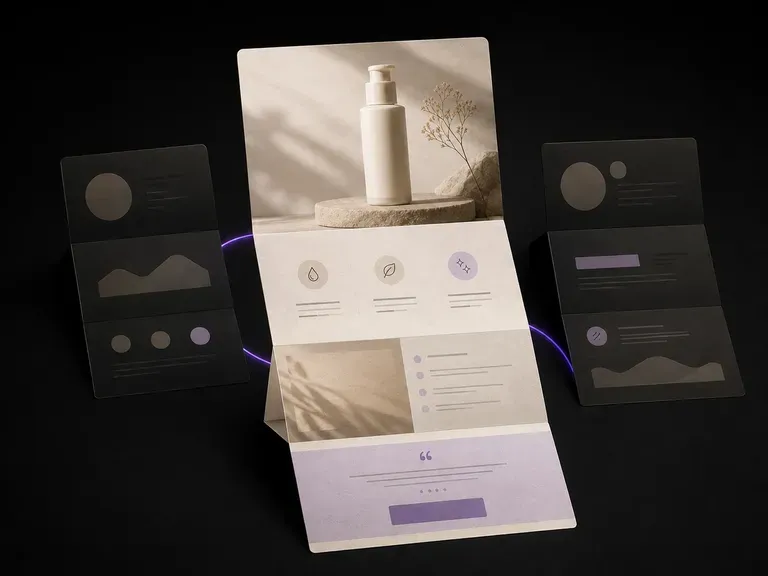
Turn product shots and selling points into coordinated hero and feature visuals for your landing page.
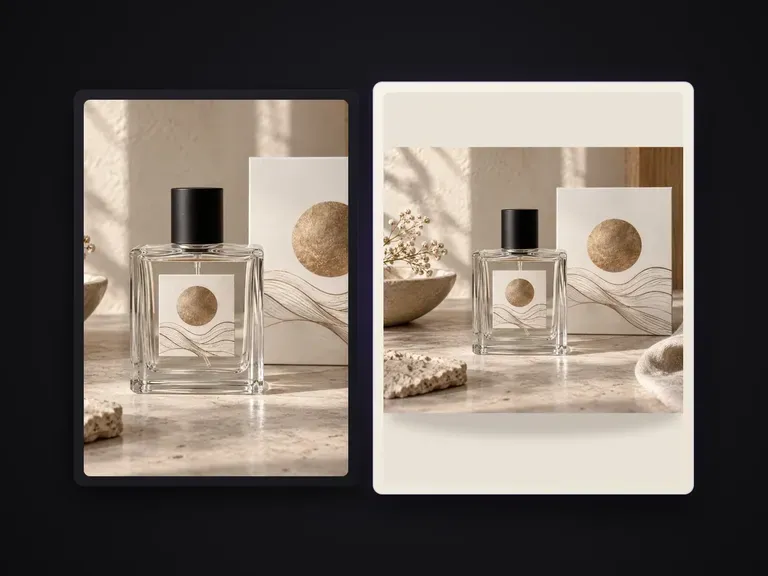
Produce realistic studio lighting, accurate contact shadows, and natural material grain for shots.

Sharpen soft product photos, recover fine surface grain, and prepare clean high-res exports.
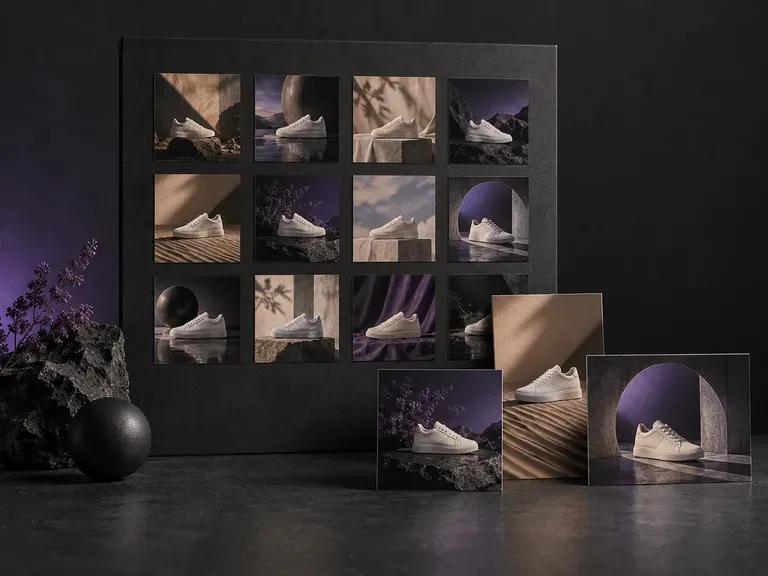
Run a consistent visual brief across multiple product angles, colorways, or ad ratios at once.
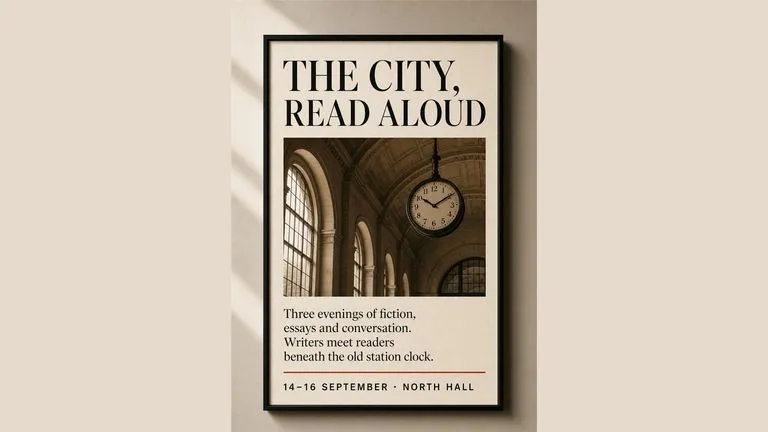
Render crisp labels, fine surface textures, and multi-reference compositions up to 4K resolution.

Follow complex multi-part written briefs that combine uploaded reference photos with strict layout rules.
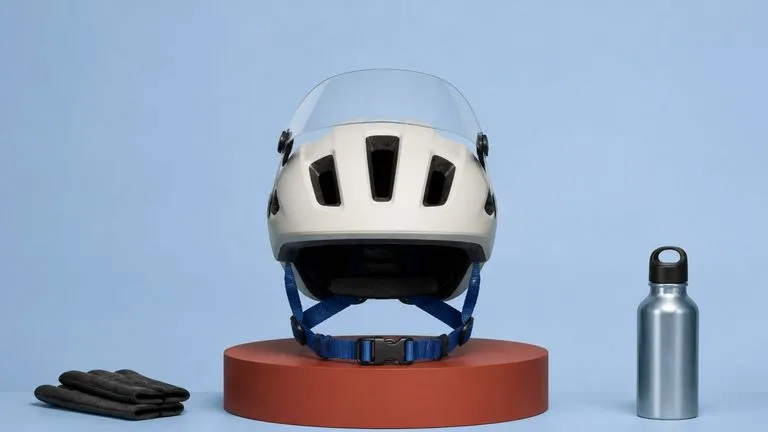
Turn product shots and selling points into coordinated hero and feature visuals for your landing page.
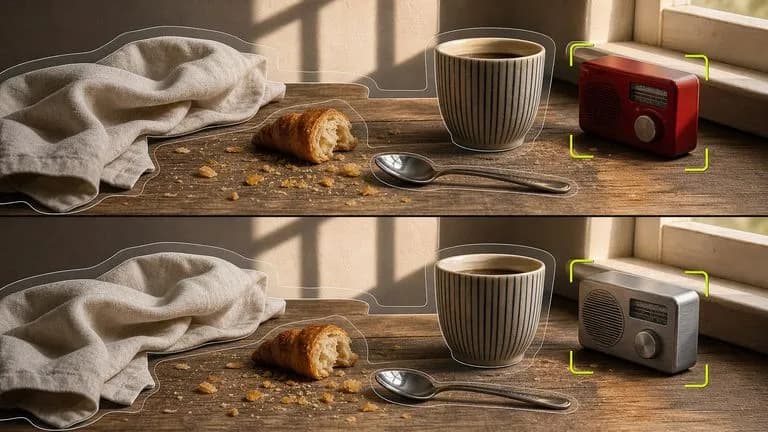
Produce realistic studio lighting, accurate contact shadows, and natural material grain for shots.

Explore four distinct framing and styling variations side by side on the canvas in a single run.
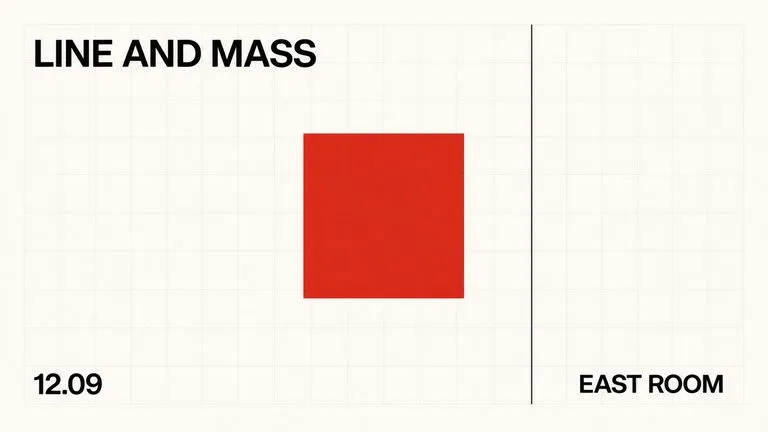
Keep display headlines, packaging wordmarks, and monogram badges sharp inside generated visuals.
Upload your product photo, test studio and lifestyle ad angles side by side, and export clean visuals for your paid campaigns.