
Flash-Class Turnaround
From the Gemini Flash line, where the loop between attempts is the thing being optimised.
Google's Gemini 2.5 Flash Image — the original Nano Banana — generates and edits pictures at conversation speed, so a correction takes a sentence instead of a session.
Open this page on a desktop browser to start creating.
Gemini 2.5 Flash Image is Google's fast image generation and editing model, and the reason to reach for it is turnaround rather than ceiling.
Editing an image is not one action, it is a conversation. Move the object. No, smaller. Warmer light. Put the shadow back. Every model can perform those steps; the question is whether the wait between them lets you keep thinking. At Flash speed the loop stays tight enough that you correct by reflex rather than by planning each round.
Use Gemini 2.5 Flash Image when the work is corrective. Clean up photographs, swap backgrounds, remove objects, adjust seasons and lighting, and run the many small fixes that stand between a nearly-right image and a finished one.
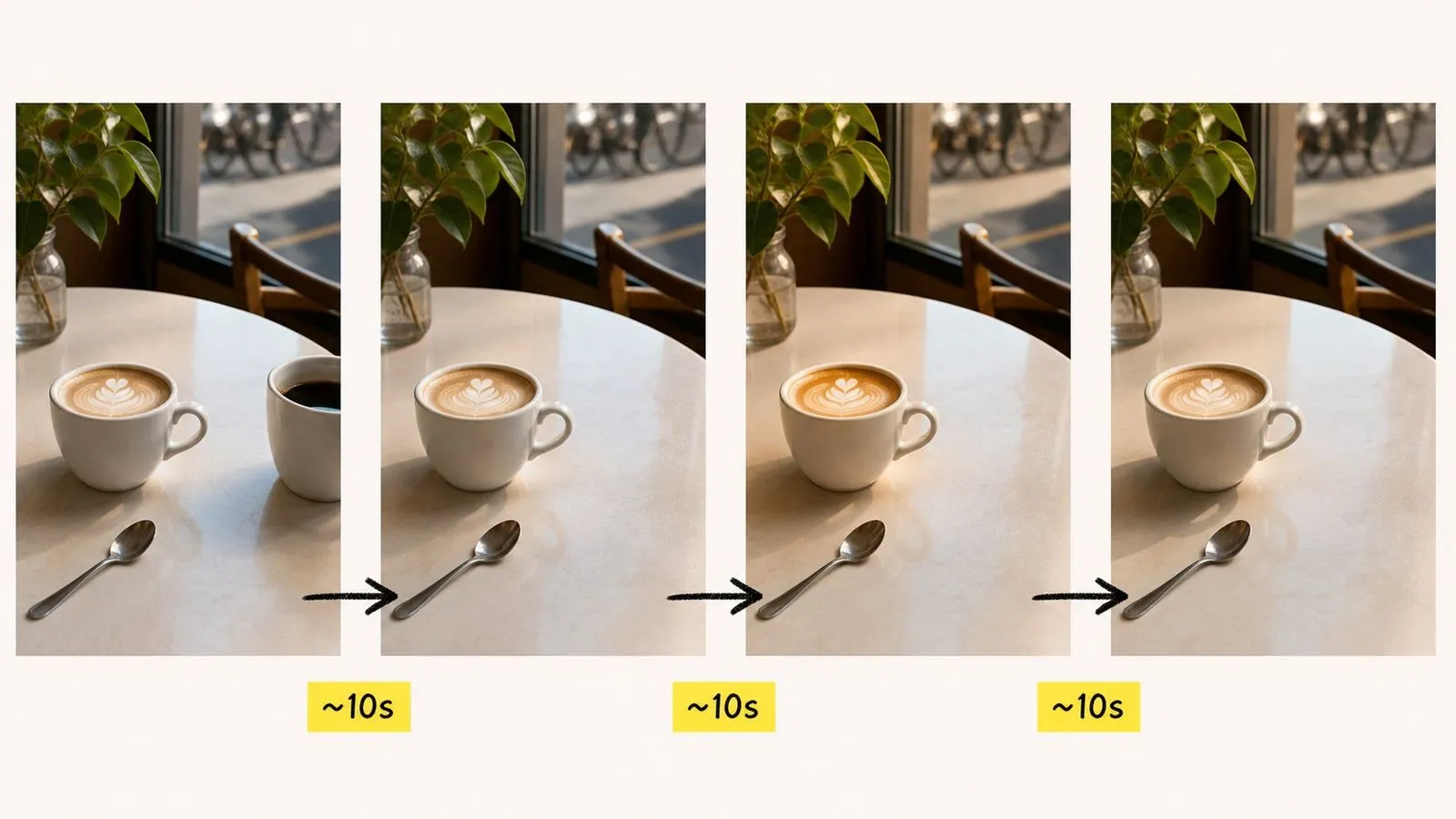
Gemini 2.5 Flash Image is an AI image generation and editing model developed by Google DeepMind. It picked up the nickname "Nano Banana" from the community before Google adopted the name, which is why both labels still refer to the same model — including in parts of the Virse interface.
The model is built around three major strengths:
Later models in the family — Nano Banana 2 and Nano Banana Pro — are separate entries in Virse with more headroom for typography and identity control. This one remains in the list because nothing has replaced its combination of speed and straightforward editing behaviour.
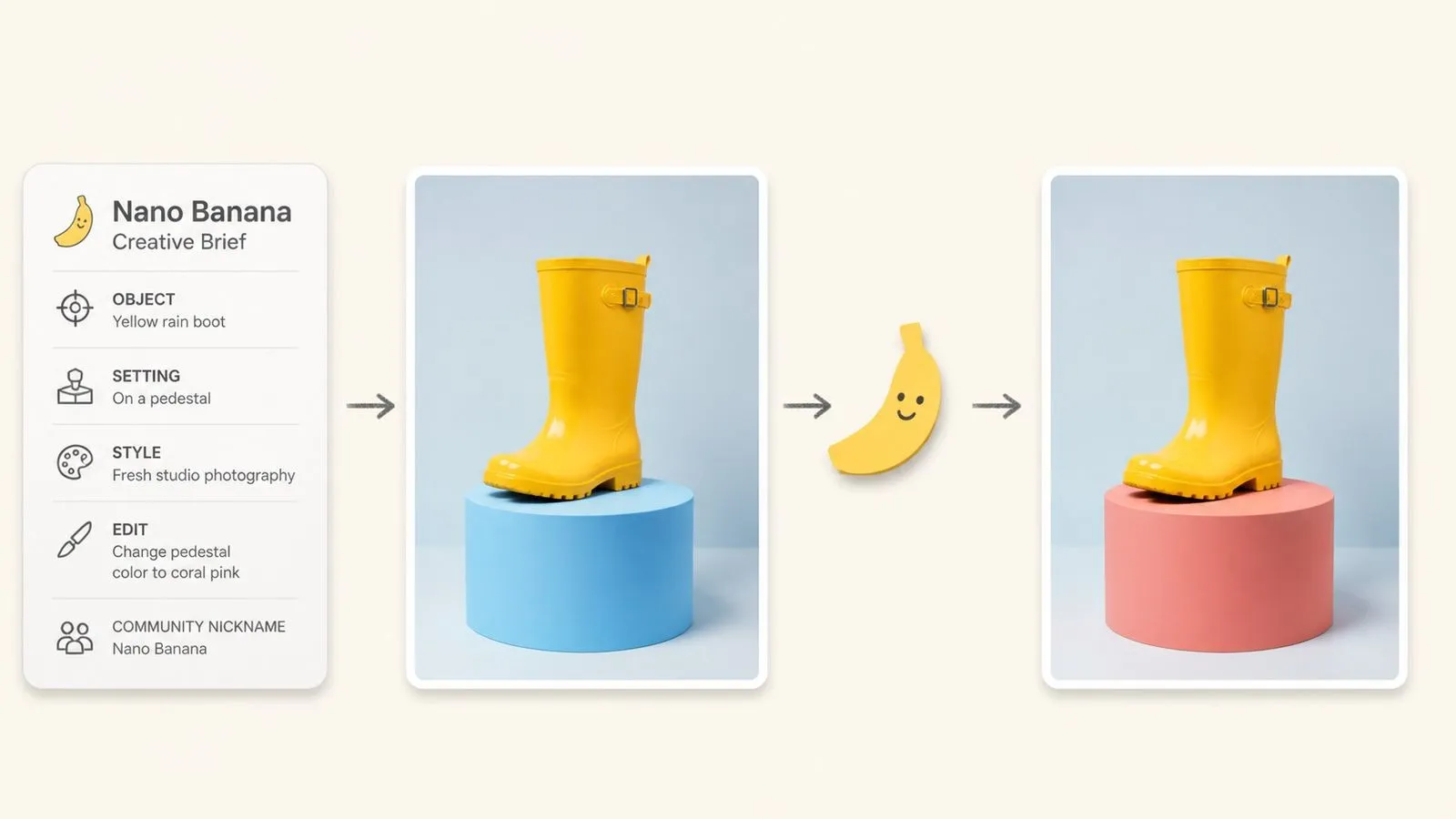
From the Gemini Flash line, where the loop between attempts is the thing being optimised.
Generate from a written brief, or supply a picture and describe the change.
Name the change in plain language; no masking or region selection.
The model the nickname was coined for, still available alongside its successors.
An invisible signal embedded in the pixel data of every image.
One model covering quick passes through to finished work.
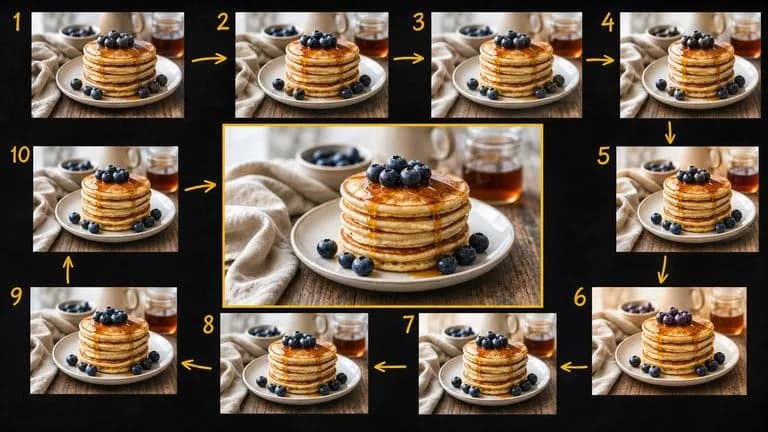
Speed changes the nature of editing. When each correction returns quickly, you make ten small adjustments instead of trying to specify everything up front and accepting whatever comes back.
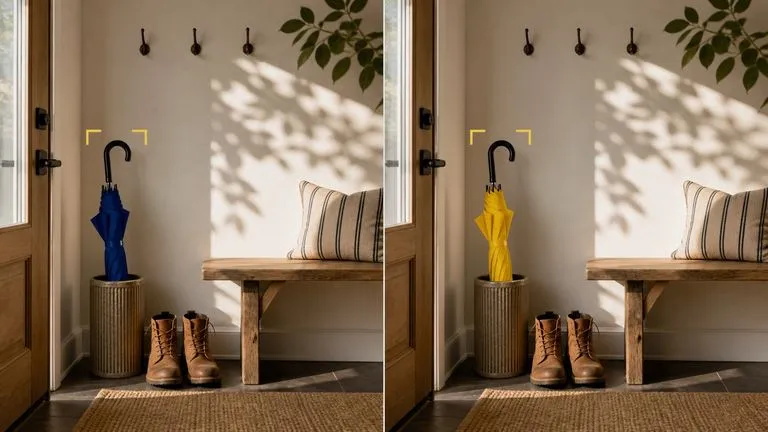
Describe the difference and the model works inside the picture you supplied. Areas you did not mention are meant to survive unchanged, which is what separates an edit from a regeneration.
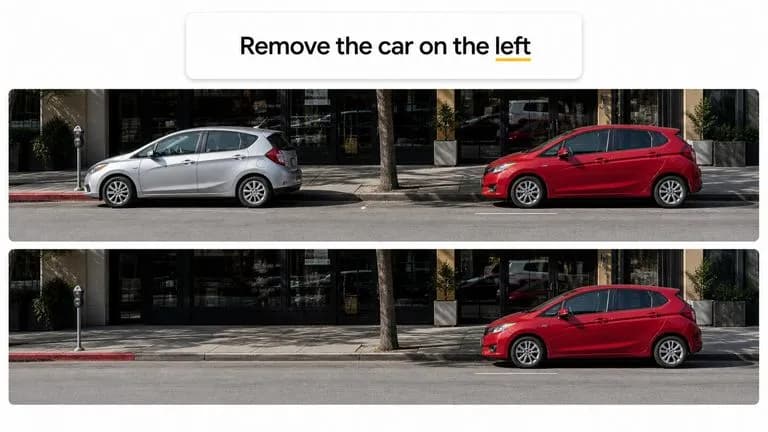
Targeting happens in language rather than through selection tools. "The car on the left" is a valid way to point at something.
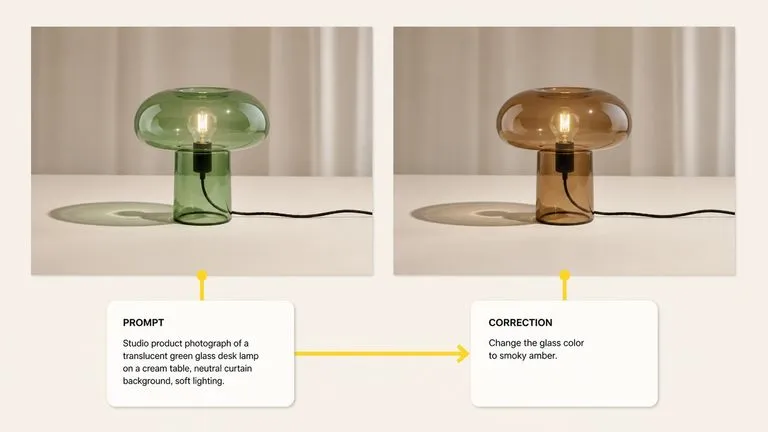
The same entry produces new images and modifies existing ones, so a workflow does not have to hand off between two tools halfway through.
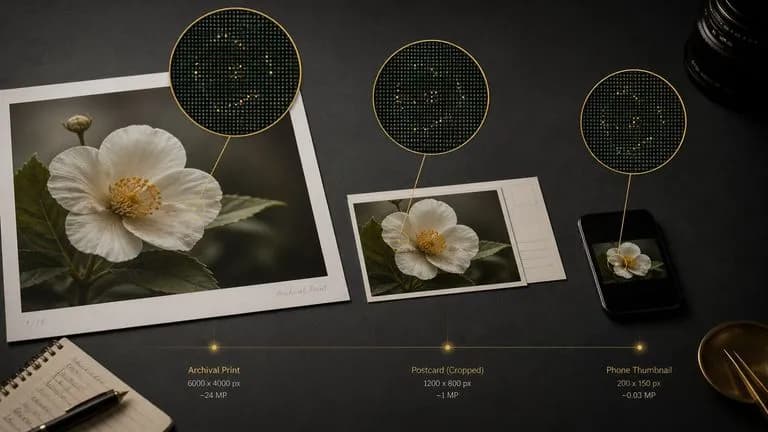
SynthID is embedded automatically and survives cropping, resizing, and compression, with nothing visible on the picture and nothing to switch on.
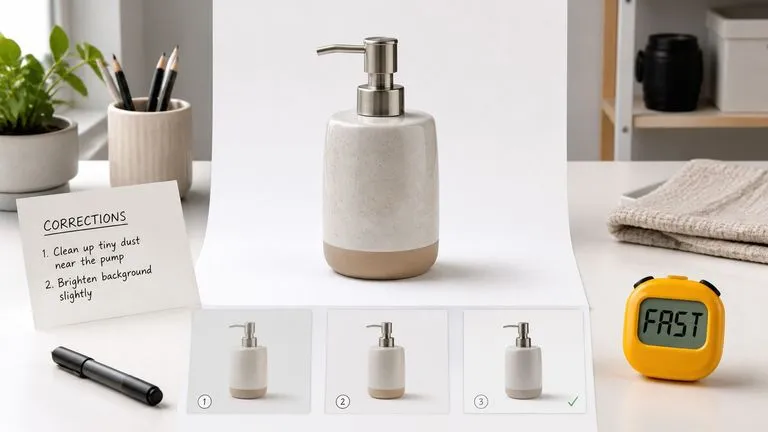
When an image does not need long text passages or campaign-wide identity control, this model does the work without the wait or the weight.
Corrective work generates a lot of near-identical files. Version four is better than version six, and nobody can tell them apart by filename. Virse keeps every pass visible on one canvas as you go. The original and each correction sit next to each other, so stepping back two versions is a glance rather than an archaeology exercise.
Lay the original and each edit together and judge the change directly instead of from memory.
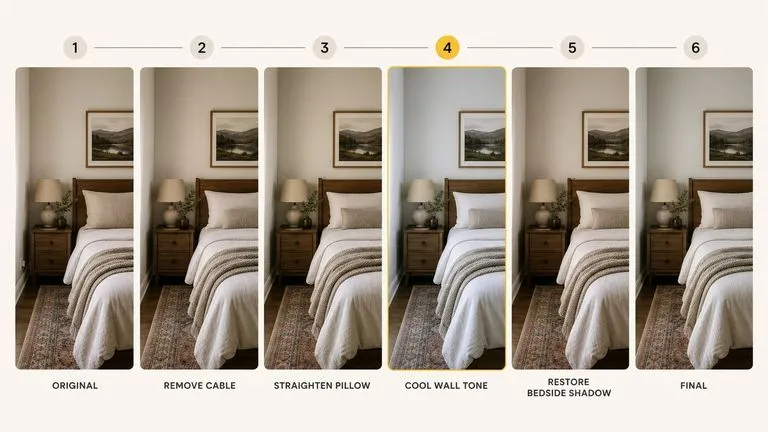
Earlier versions stay on the canvas, so an edit that went the wrong way costs one attempt rather than the whole thread.
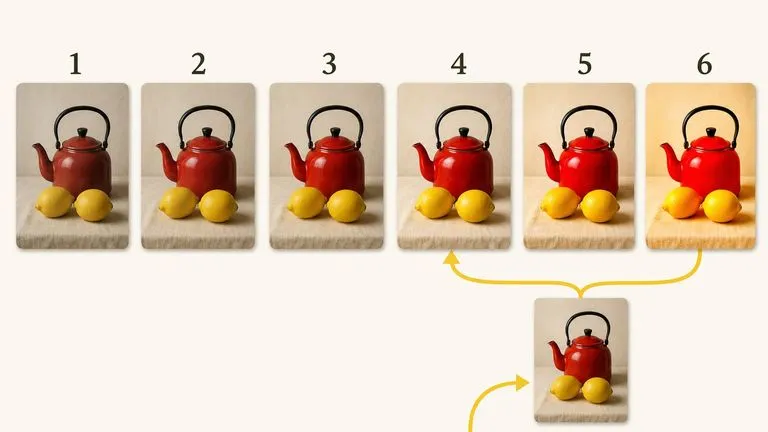
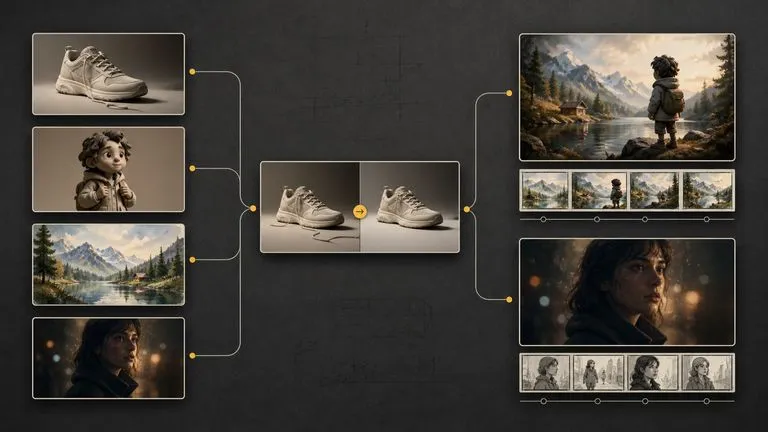
Move between Gemini 2.5 Flash Image and 30+ other image and video models without leaving the canvas or rewriting the brief.
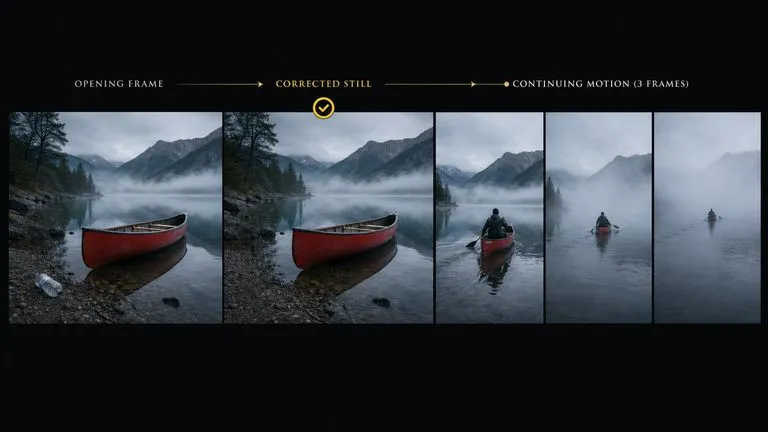
A cleaned-up still can go straight into Seedance 2.0, Kling 3.0, or Veo 3.1 as an opening shot.
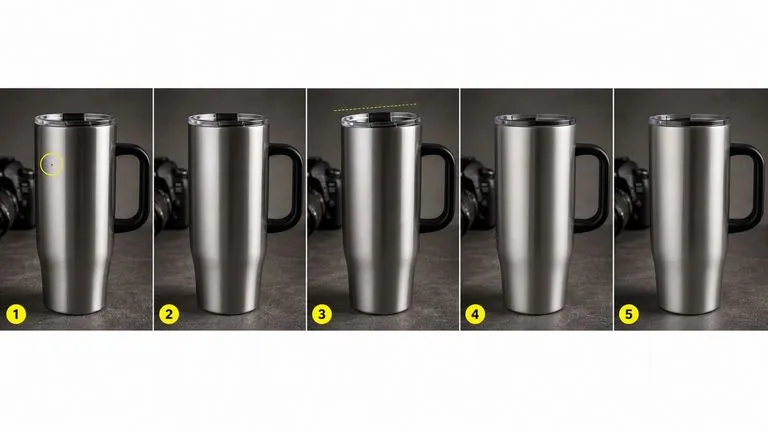
Run a sequence of small corrections without the wait that makes each one feel expensive.
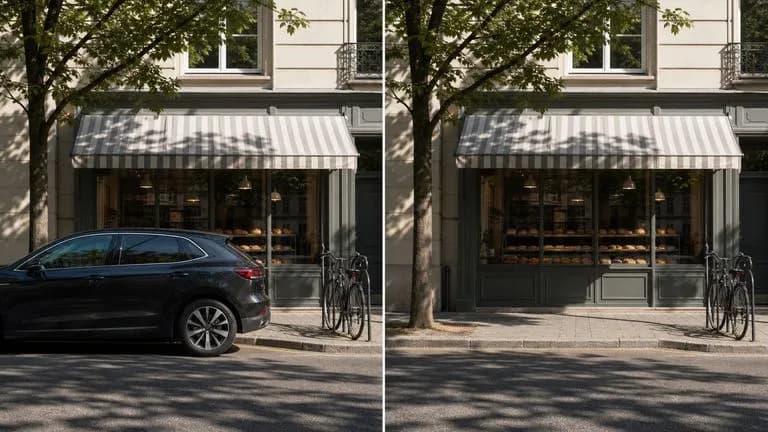
Take out the parked car, the stray cable, or the bystander, and fill the gap plausibly.
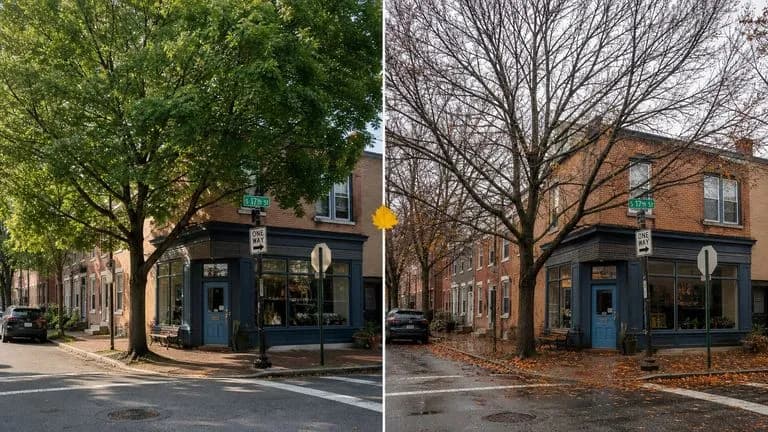
Turn summer into late autumn, or midday into early evening, in one instruction.
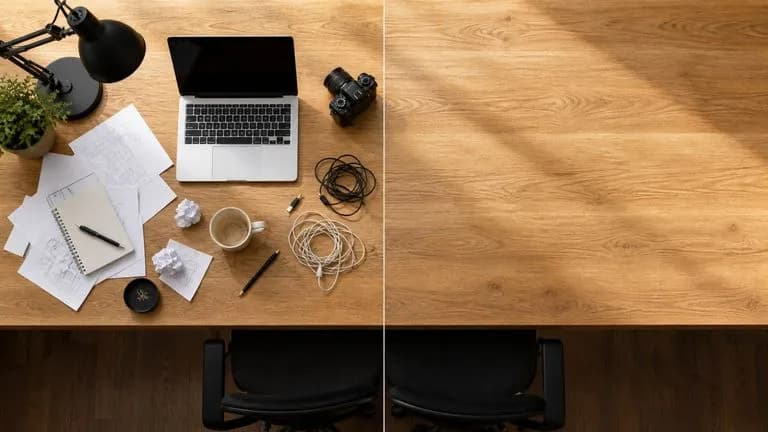
Remove blemishes, tidy a cluttered surface, or correct an awkward detail.
Generate straightforward visuals when the requirement is clarity rather than polish.
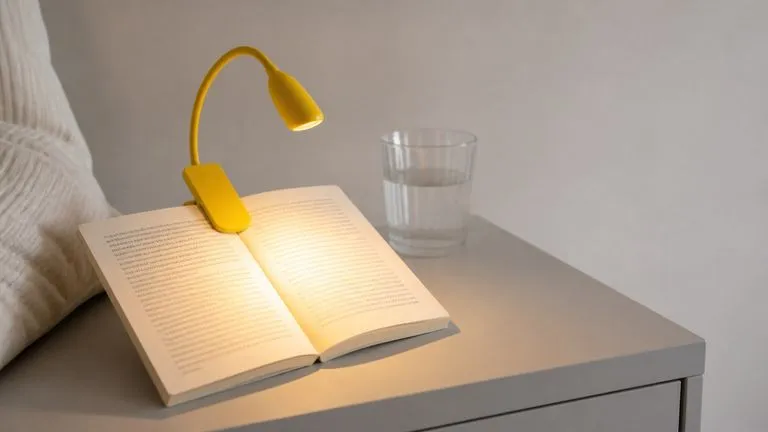
Apply the same fix across a set of related pictures in one working session.
Bring in the photograph or earlier generation you want to change.
Describe the single difference you want, and say what must stay as it is.
Check what survived, then issue the next instruction rather than rewriting the first.
Earlier passes remain on the canvas, so pick the one that worked rather than the one that came last.
A useful Gemini 2.5 Flash Image prompt usually includes two elements:
Instead of writing
An incredibly detailed, ultra-realistic professional photograph of a coffee cup, masterpiece quality, award winning.
Write
Take out the second cup at the right edge. Everything else stays: the remaining cup, its shadow, the table, and the crop.

Using the supplied photograph of the shopfront, change the season from summer to late autumn. Bare branches on the street tree, wet pavement, fallen leaves gathered along the kerb, and a lower, flatter light. Leave the building, the signage, the window display, and the camera position exactly as they are.

Clear the loose papers and the coffee cup from the right half of the desk. Continue the same oak surface across the cleared area, matching the grain direction and the existing shadow falloff. Leave the laptop, the lamp, and the chair exactly where they are.
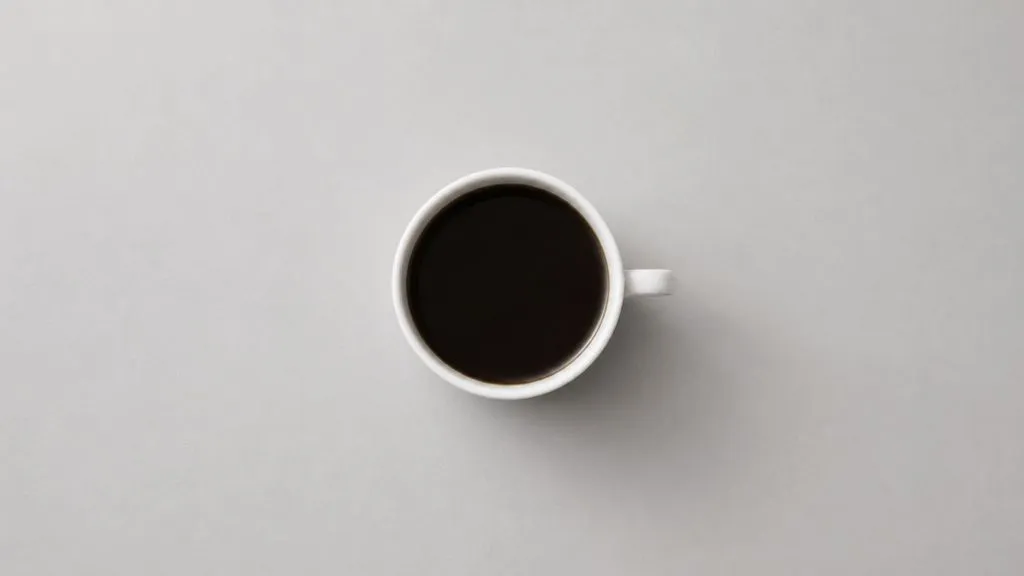
A white ceramic cup of black coffee on a pale grey table, seen from directly above. Soft even daylight, one faint shadow to the lower right. Nothing else in frame, generous space around the cup, square crop.
| Dimension | Gemini 2.5 Flash Image | Nano Banana Pro |
|---|---|---|
| Design target | Turnaround speed | Output ceiling |
| Best mode | Corrective editing | Finished asset generation |
| Text rendering | Short strings | Long passages and multilingual layouts |
| Identity control | Adequate for single subjects | Held across a full campaign |
| Iteration cost | Fast enough to correct by reflex | Slower, so worth planning the brief |
| Where it fits | Clean-ups, swaps, quick visuals | Key visuals, packaging, print |
Speed is the advantage. Two quick passes beat one compound instruction that half-lands.
Naming the untouched elements is what stops the model quietly re-rendering them.
Short instructions return faster and fail more legibly. If a sentence needs three clauses, it is probably two edits.
If the edit involves readable type in the image, this is the moment to switch to Nano Banana Pro.
Explore focused tools for creating, editing, and preparing design assets.
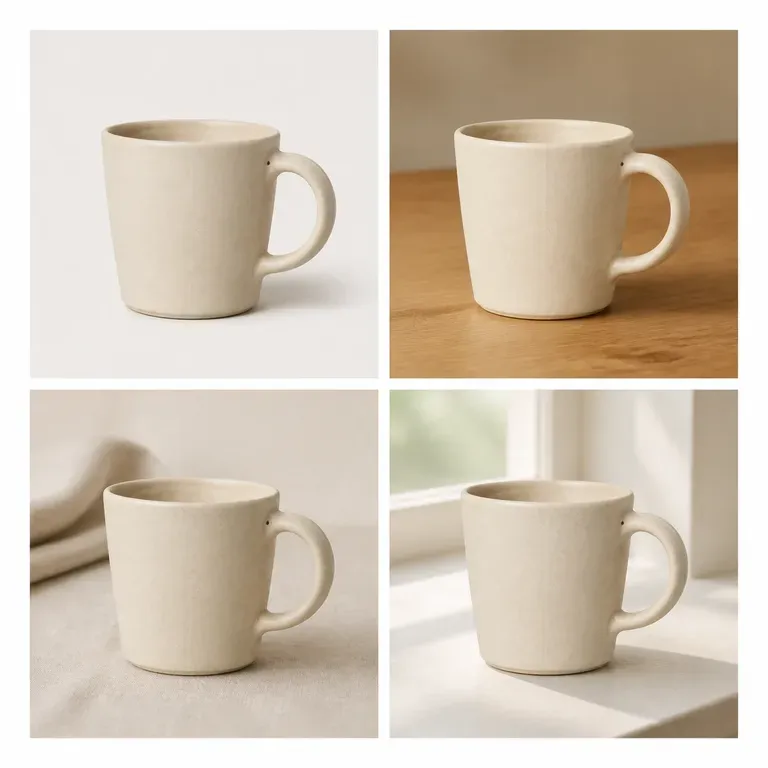
A variation that quietly changes the product isn't a variation, it's a different product. Upload one image, say whether it's the scene, the colour or the angle that should move, and get back a batch where everything else holds still. Free credits are enough to test whether the subject actually survives the batch.
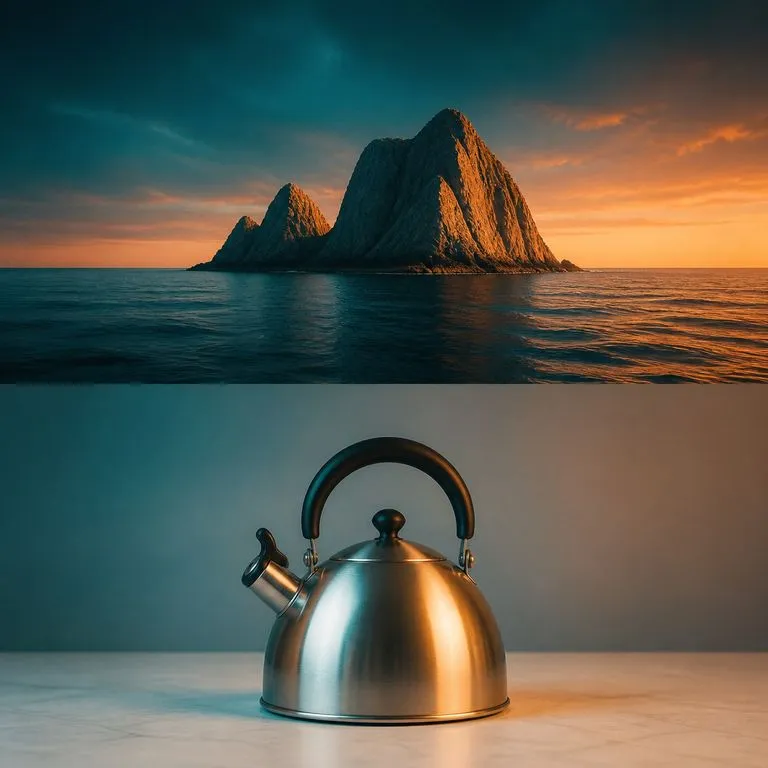
Give it your image and a tone reference. The reference's grade is transferred through Lab statistics matching, which is a computation rather than a re-generation, so the palette shifts while structure and content stay pixel-identical.
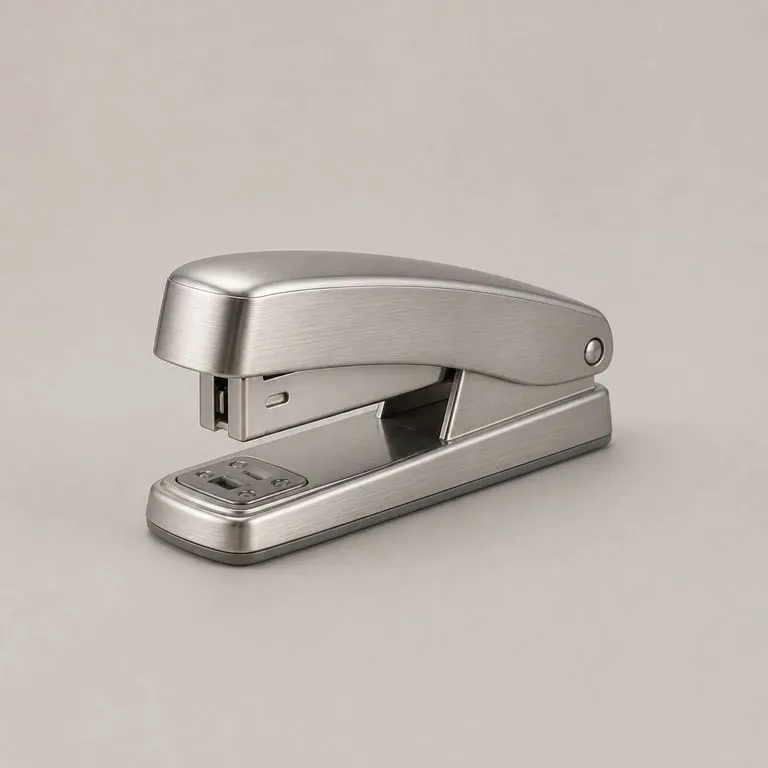
Upload your product shot and a material reference. It reads the structure underneath, works out which panel is which and where each surface turns, then wraps the new material along that structure with the lighting consistent and the form exactly where it was.
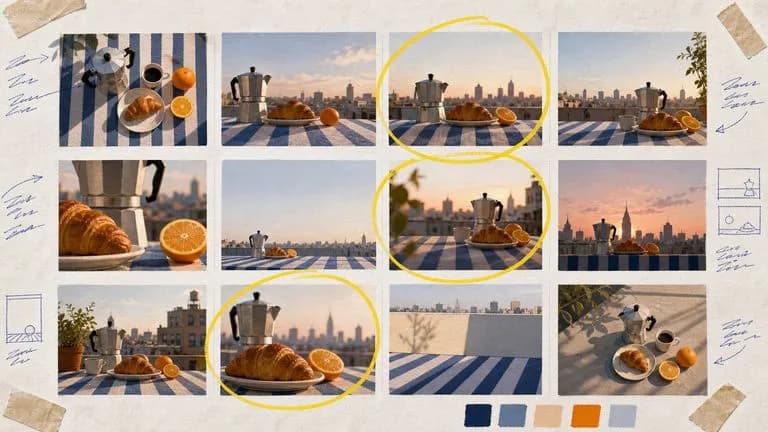
Google's Nano Banana 2 pairs flagship-level image quality with Flash-class speed, across four output sizes from rapid 0.5K prototypes to finished 4K.

Generate studio-grade 4K images with Nano Banana Pro, blending multiple references while holding characters, products, and typography consistent.

Black Forest Labs' editing models, FLUX Kontext Pro and Kontext Max, built to apply one described change while the rest of the frame survives untouched.
Keep the loop short enough that fixing an image feels like talking rather than like filing a request.