AI Flyer Generator

AI Flyer Generator

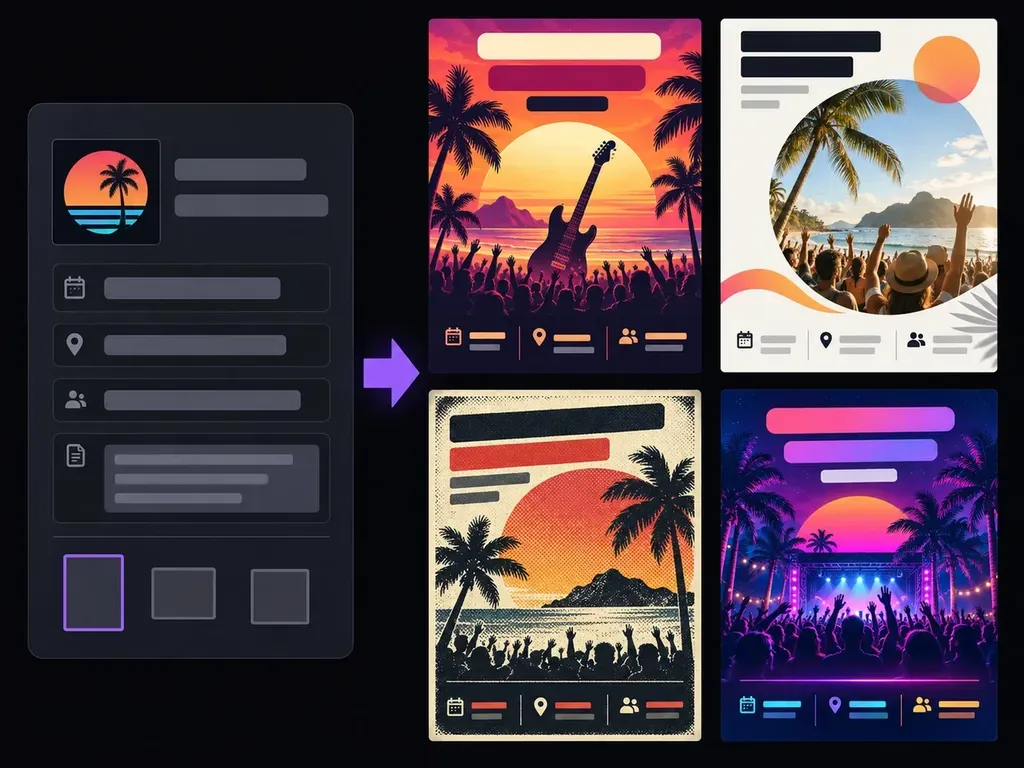
Start with the information people need: what is happening, when, where and what to do next. Add a visual direction and let Virse explore the flyer as a complete composition. Compare layouts, then proofread every important detail before preparing the design for sharing or print.

Input
Event details & copy · RequiredBrand logo · OptionalPhotos to place · OptionalStyle or color references · OptionalStyle preference & brand colors · OptionalFlyer size · OptionalNumber of layouts · Optional
Output
Fully laid-out flyer designs (count based on the selected number of layouts; 4 distinct layouts by default, each generated independently)

Brand logoOptional

Your image is uploaded on the canvas — this form carries the settings.

Photos to placeOptional

Style or color referencesOptional

Flyer sizeOptional
Number of layoutsOptional

How AI Flyer Generator Works

An AI flyer generator creates a complete design image from an event or promotion brief. Virse helps explore the visual layout and imagery. The result needs proofreading and production checks; it is not a template with individually editable layers.

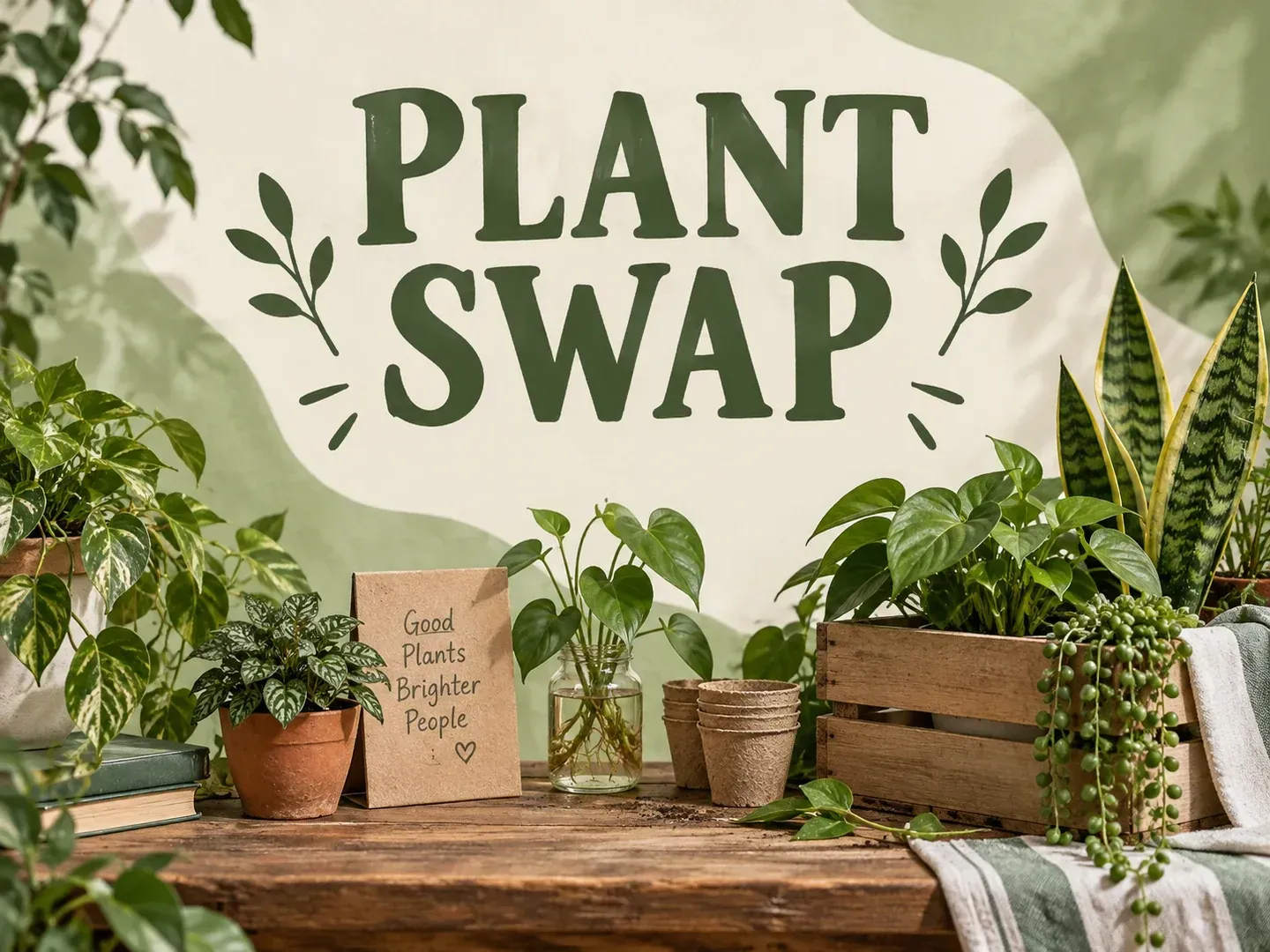
A botanical flyer design concept with the exact headline PLANT SWAP and a clear green and cream composition
Illustrative concept: a botanical flyer design concept with the exact headline PLANT SWAP and a clear green and cream composition

What You Can Explore in Virse

A flyer has a practical job. Establish the information hierarchy first, then use color and imagery to support the message.

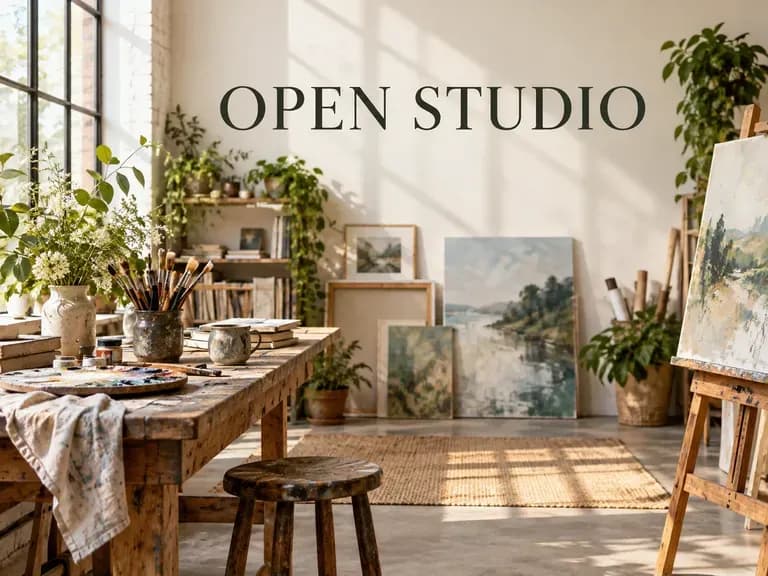
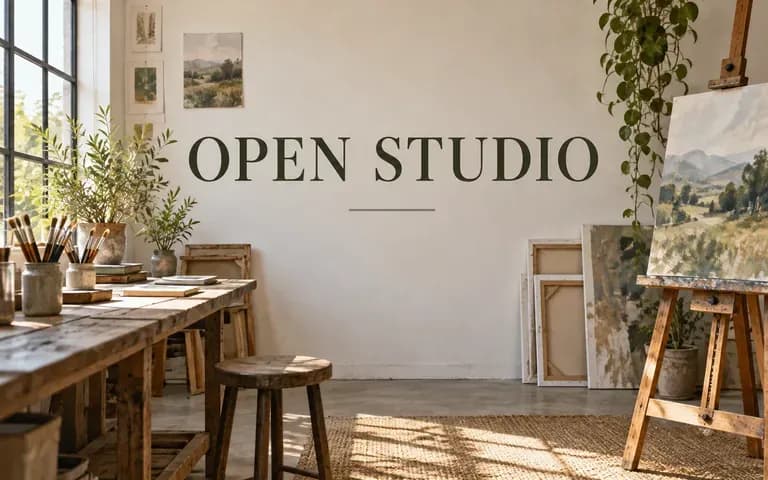
A simple event flyer concept with exact headline OPEN STUDIO

Give the Brief a Clear Hierarchy

Identify the main headline, essential details and next action. Keep the text short enough to review so the visual treatment does not hide the information.
A workshop promotion concept with a group making crafts and the headline MAKE TOGETHER

Explore Layout and Mood Together

Describe the audience and atmosphere, such as a quiet workshop or lively community event. Compare how the imagery and type support that tone.
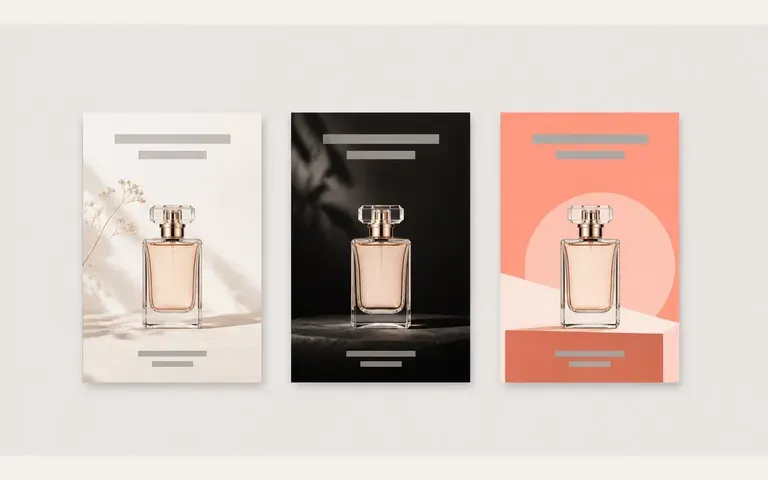
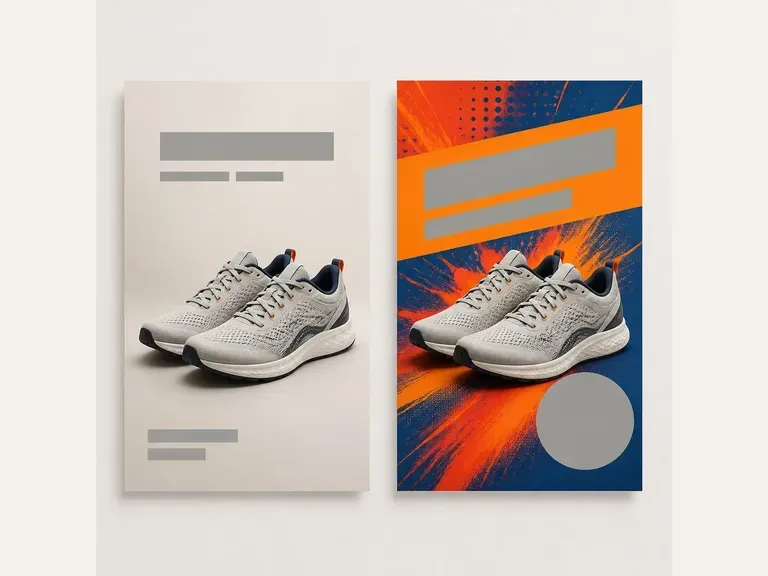
Three illustrative promotional compositions for a product

Compare Full Compositions

Keep candidate flyers beside the source brief on your canvas. Check both visual balance and the accuracy of every required piece of text.

How to Get Started

  1. Write the Essential Information

    List the headline, event or offer details and next action. Verify dates, location and contact information before generation.

  2. Describe the Visual Direction

    Name the audience, colors and mood. Add authorized images or a logo when they help establish the composition.

  3. Generate Flyer Concepts

    Continue in Virse and compare the layouts. Read the headline first, then inspect every line of smaller text.

  4. Proofread and Prepare

    Correct essential text in a suitable design workflow. Confirm the final dimensions and production requirements before sharing or printing.

Who Uses This Tool?

Flyer concepts can help people agree on a direction while the information and final artwork are still being refined.

A community event flyer concept with exact headline GARDEN DAY

Event Organizers

Explore a visual direction for a local gathering. Make sure the final design clearly answers what, when and where.
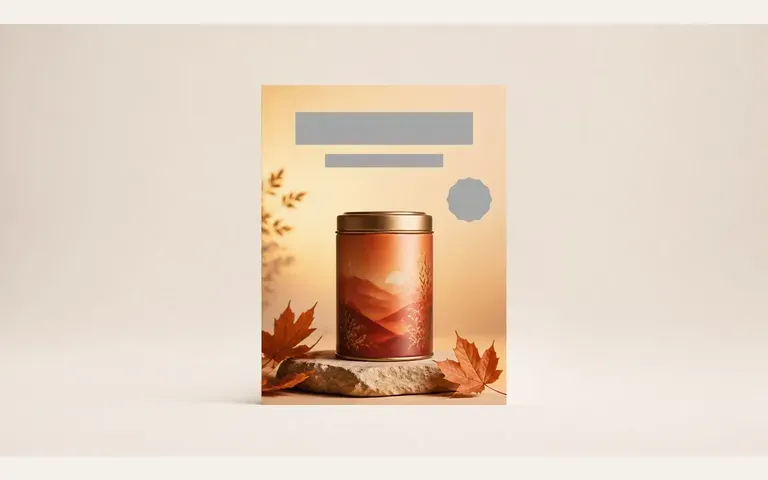
An illustrative autumn product promotion design

Small Businesses

Develop a concise promotional composition around a product or service. Check any offer terms independently of the image.

A friendly illustrated flyer concept with exact headline MEET AND MAKE

Community Groups

Create a welcoming announcement concept. Keep accessibility and legibility in view when finishing the actual flyer.
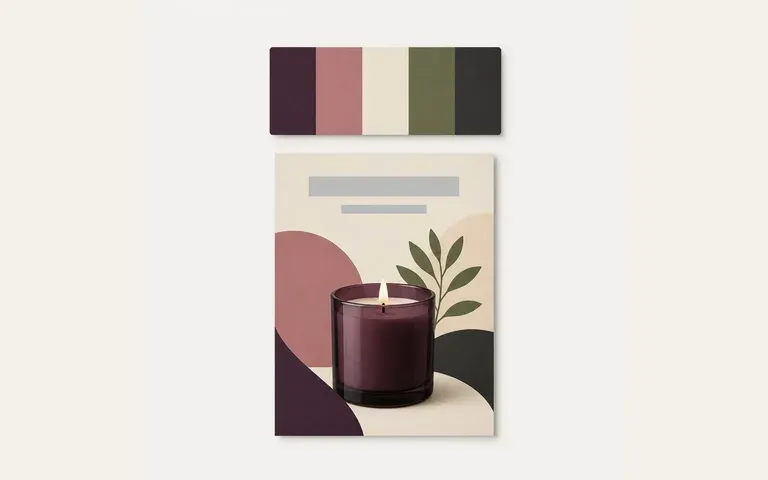
An illustrative promotional composition beside a color reference

Designers Preparing Options

Show a few different compositions for the same brief. Use the selected direction as the basis for final editable artwork.


Ideas to Try

A botanical flyer concept with exact headline PLANT SWAP
Community Events: A welcoming composition around one activity
A warm flyer concept with exact headline MAKE TOGETHER
Creative Workshops: A visual cue for making and learning
An illustrative product promotion with a calm low-contrast layout
Quiet Product Promotions: Illustrative concept: an illustrative product promotion with a calm low-contrast layout
A graphic flyer concept with exact headline OPEN STUDIO
Open Studios: A simple invitation to visit
Illustrative launch and sale layouts for a product
Launch and Sale Concepts: Illustrative concept: illustrative launch and sale layouts for a product
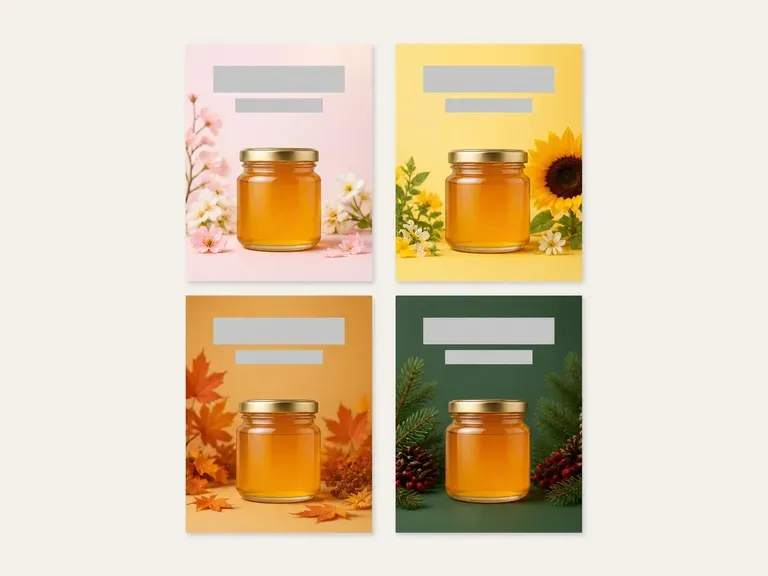
Four illustrative seasonal promotion concepts
Seasonal Directions: Illustrative concept: four illustrative seasonal promotion concepts

Frequently Asked Questions

What information should I provide?
Include the headline, essential details and next action. For an event, verify the date, time and location. For a promotion, keep the offer wording concise and accurate.
Can I use my own logo or photo?
Use an image you are authorized to include as a reference. Check the generated result carefully, since logos, lettering and product details can change.
Is the result an editable template?
The output is a complete design image. This page does not provide a layer-by-layer template editor for dragging text boxes or replacing individual elements.
Will dates and contact information be exact?
Proofread every result. Generated text can contain errors, so set essential dates, addresses, prices and phone numbers with exact editable type before use.
Does this print or ship flyers?
No. It creates a visual design concept. Printing, paper choices and delivery are handled outside this workflow.
Can I send the image straight to a printer?
Check the artwork first and confirm the printer's size, resolution, bleed and color requirements. A generated preview does not by itself establish print readiness.

Start with the Information That Matters

Write a concise flyer brief and choose the visual tone. Compare the concepts, then proofread and prepare the selected direction for its final use.