
Free
Start with Free Generations
Try your first email directions on Virse credits. New users can generate up to 10 images, enough to see whether a layout and offer story hold before a designer builds it for real.
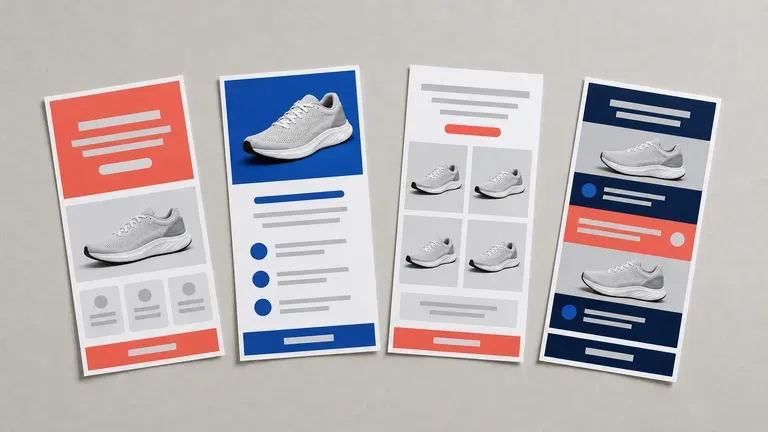
Supply your campaign goal and product photos to preview full marketing email layouts for promos, roundups or newsletters before touching an email builder, starting on free Virse credits.
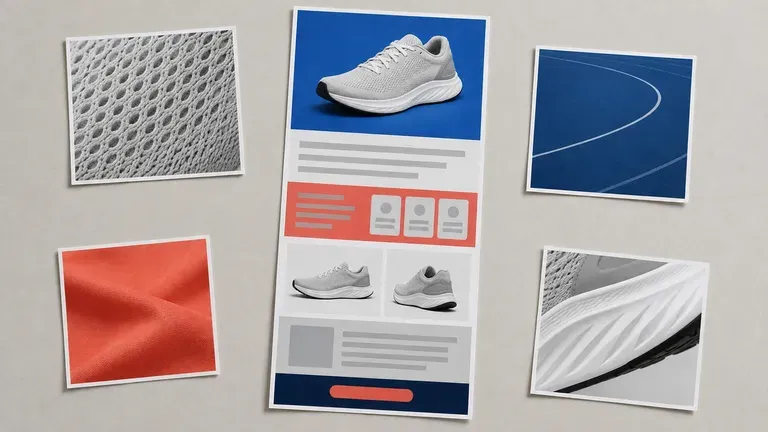
An AI marketing email design generator lays out the narrow, scroll-first format an inbox actually renders, not a generic web page squeezed into email width. Feed it the offer and your product photos, and it returns a layout built for how people actually skim a promotional email—built around three core workflow advantages:
· Inbox-proportioned vertical scroll: Designs for the narrow single-column viewport people actually read on mobile and desktop email.
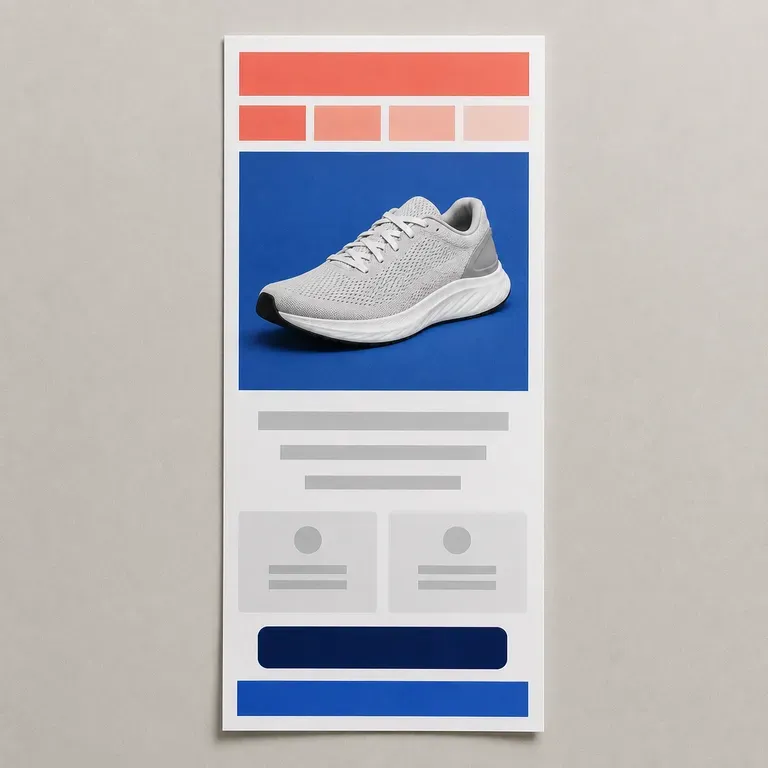
· Product-anchored sections: Combines hero banner, feature grid, social proof, and clear CTA buttons around your uploaded packshots.
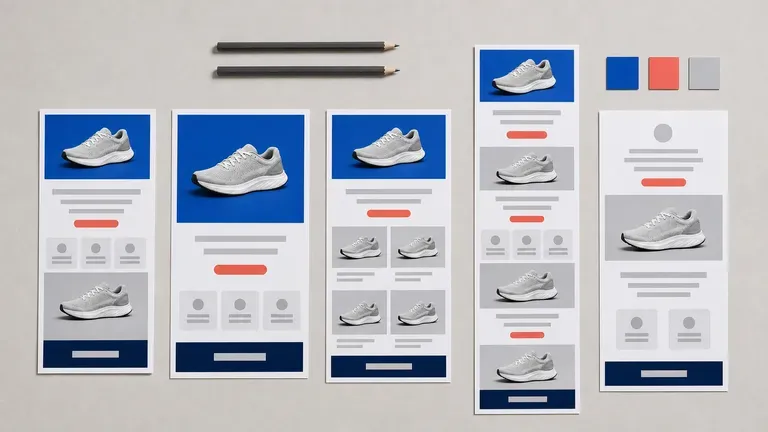
· Compare campaign directions: Review bold promo, editorial newsletter, and product-drop layouts side by side before coding HTML/Klaviyo.
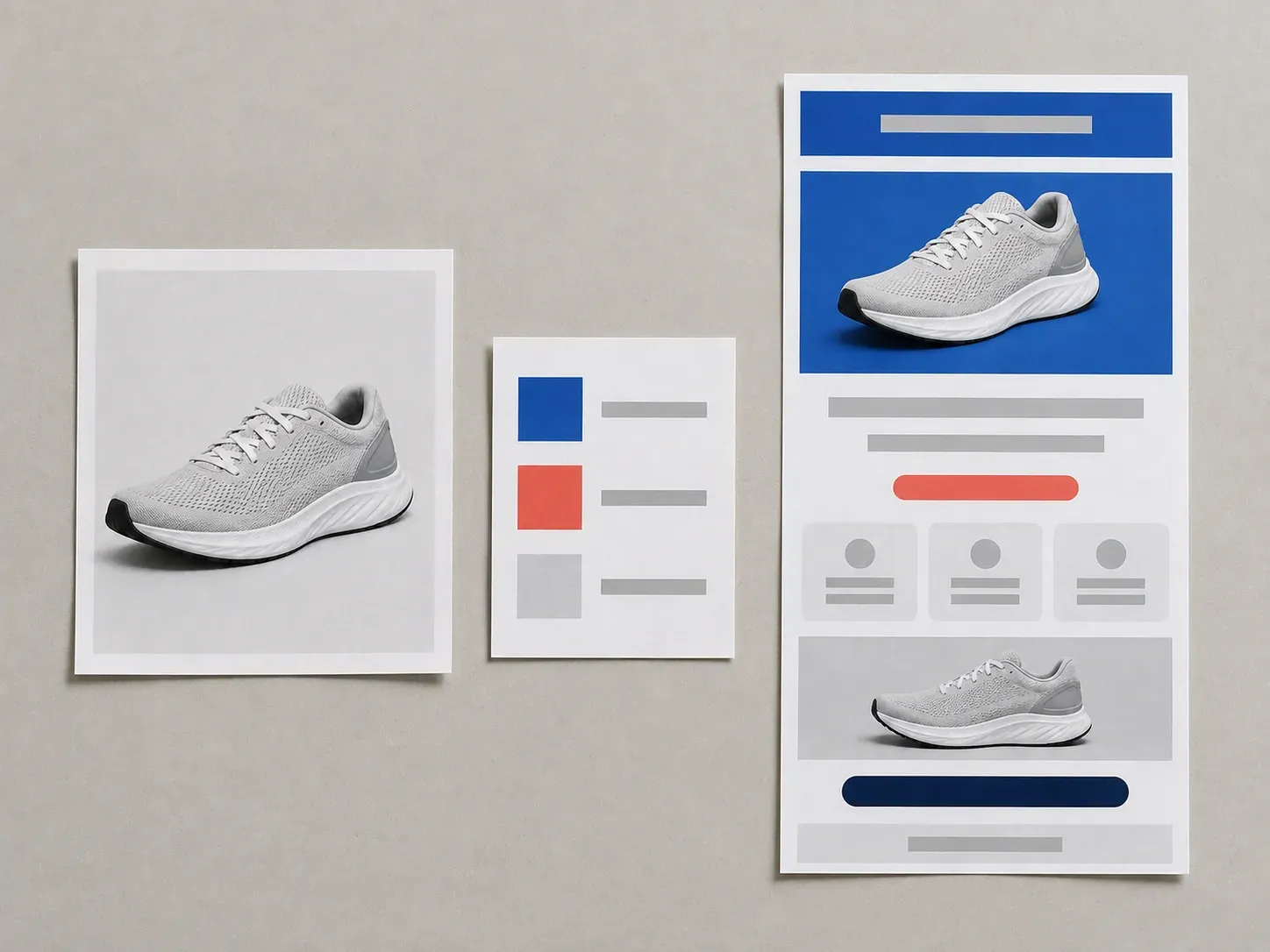
An EDM lives or dies in the first two seconds of a scroll. Seeing several directions at once is what makes the choice easier.
Try your first email directions on Virse credits. New users can generate up to 10 images, enough to see whether a layout and offer story hold before a designer builds it for real.
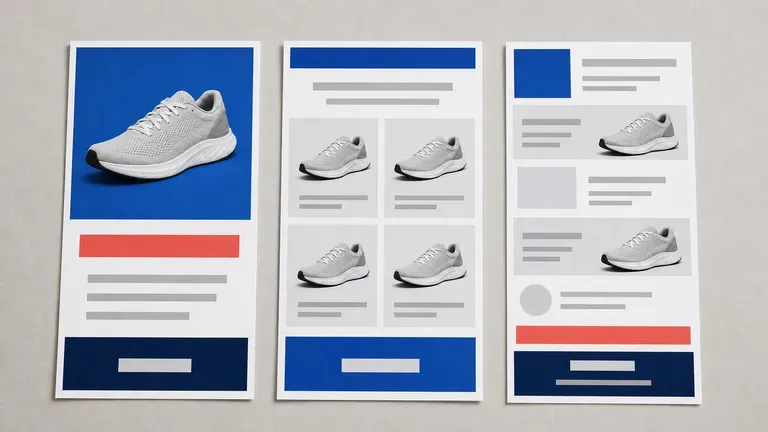
Virse brings 40+ AI models into one workspace with unlimited usage on paid plans, letting you compare multiple email layouts from one brief.
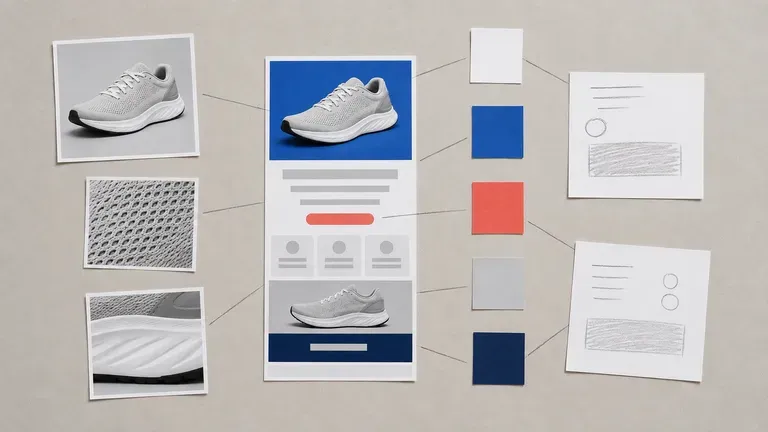
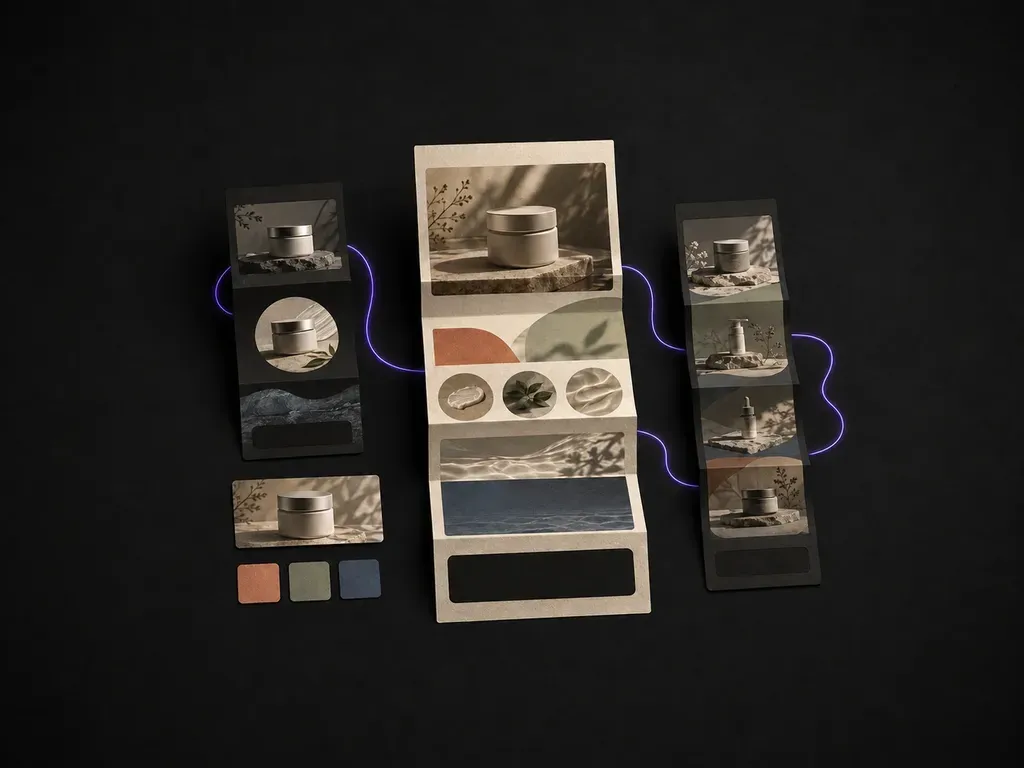
Product photos, brand assets, generated layouts and alternate directions stay on an infinite canvas with your offer and palette kept in context.
Compare rigid template block dragging against full-scroll marketing email visuals on the Virse canvas.
Rigid Email Builder Templates
Virse Marketing Email Designer
Upload product photos and brand assets, then describe the campaign goal, the offer and the tone you want, from urgent to editorial.
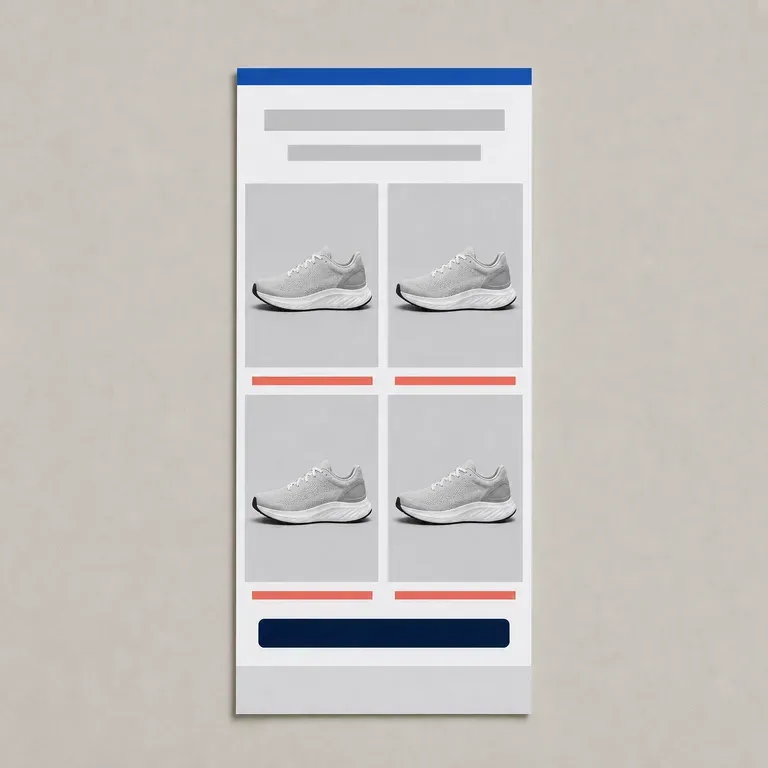
Pick a structure such as a single promo, a product roundup grid or a longer newsletter scroll.
Run an AI image model to lay out several full email visuals and compare the strongest options side by side on the canvas.
Pick the strongest layout and refine it with short notes to use as the visual reference for your email platform build.
Upload 1–3 product photos and specify your campaign goal, headline offer, brand palette, and section order:
· VIP new product drop EDM: Hero product reveal on dark slate, 3 icon benefit callouts, founder quote block, bold 'Shop Early Access' CTA button.
· Seasonal bundle flash sale: Warm terracotta header with '25% Off Weekend Set', 3-product grid with price comparisons, urgency countdown footer.
· Editorial weekly digest: Cream magazine layout, featured story hero, 2-column curated product picks, clean minimalist typography.
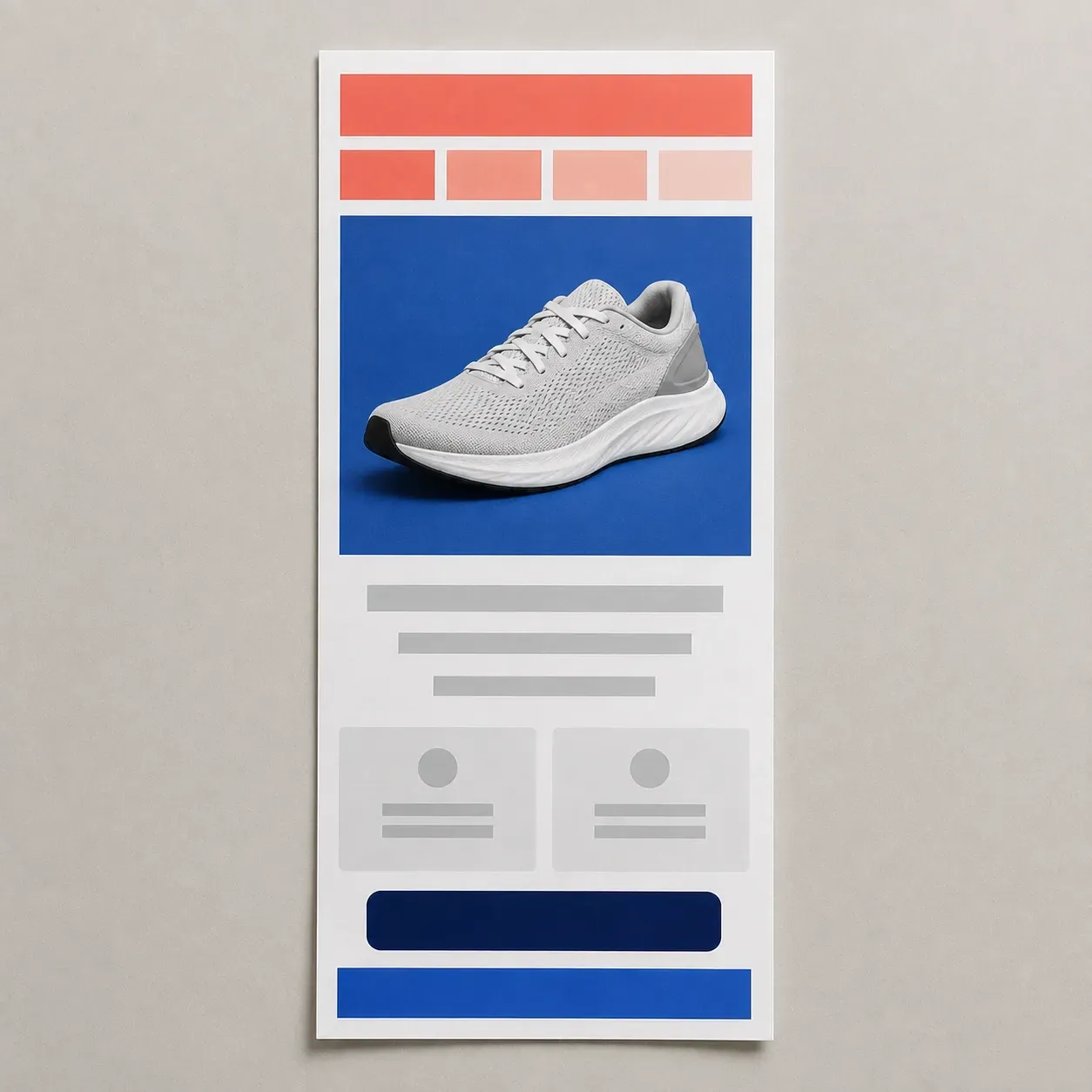
People sending a campaign, who need to see the layout before it goes to a list.
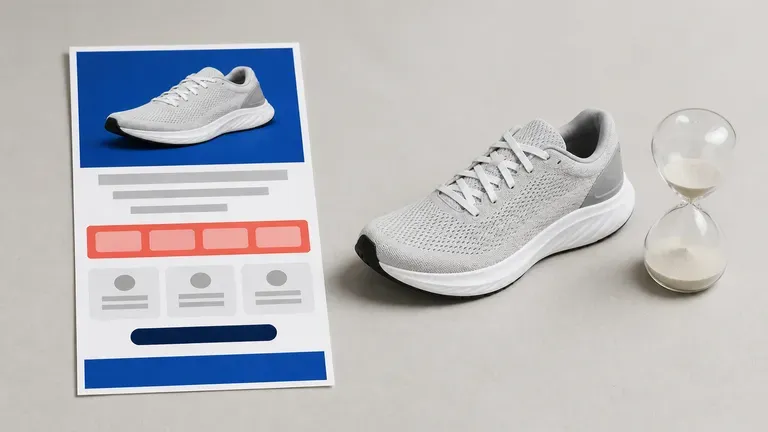
Test a sale announcement or product drop email before building it in a sending platform.
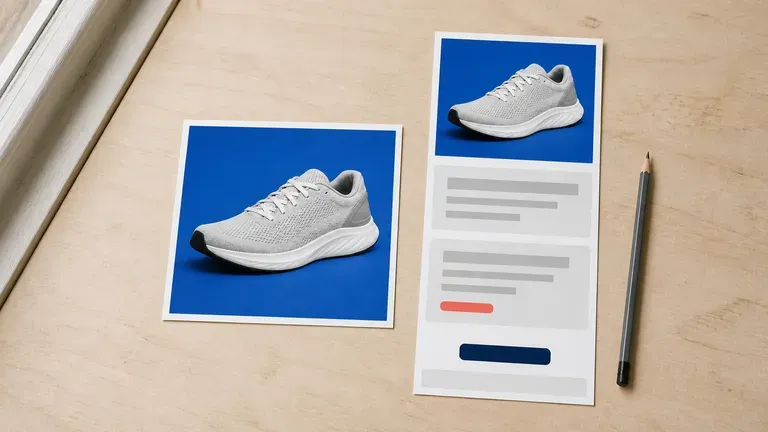
Turn a product photo and an offer into a full email visual without a designer on staff.
Generate several layout directions for a recurring newsletter or automated flow.
Bring a client a few campaign visuals for review before committing build time.
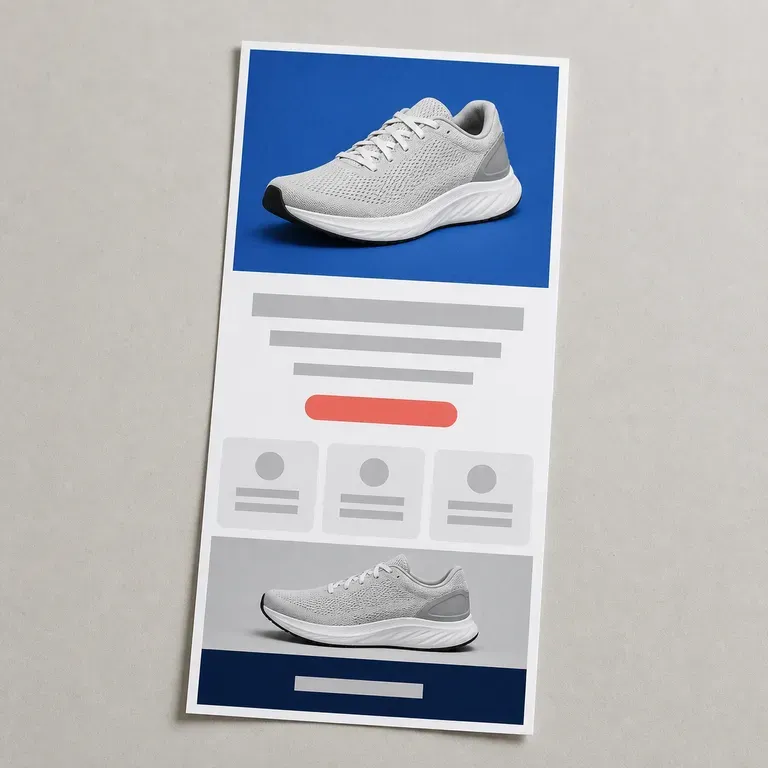
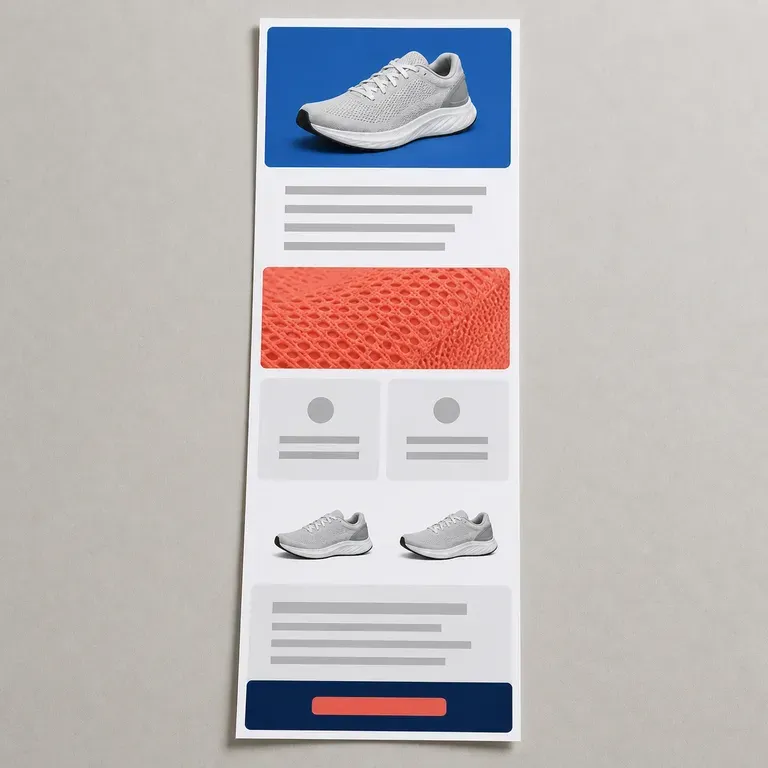
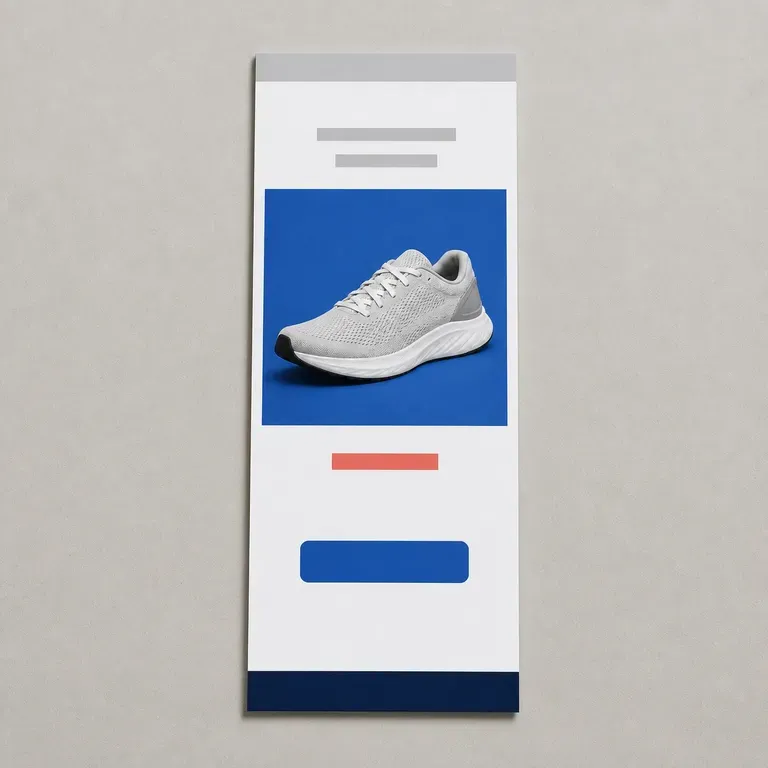
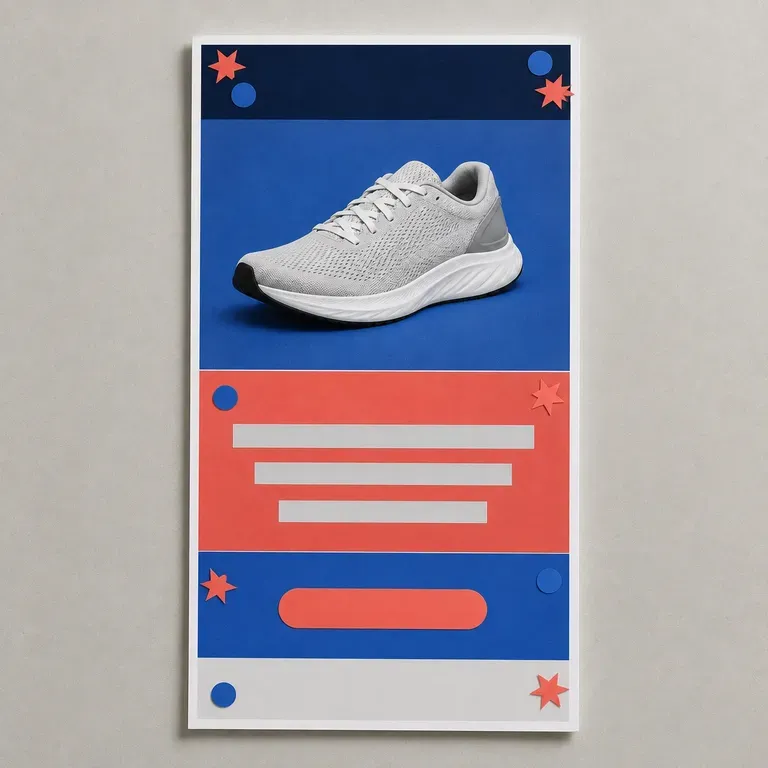
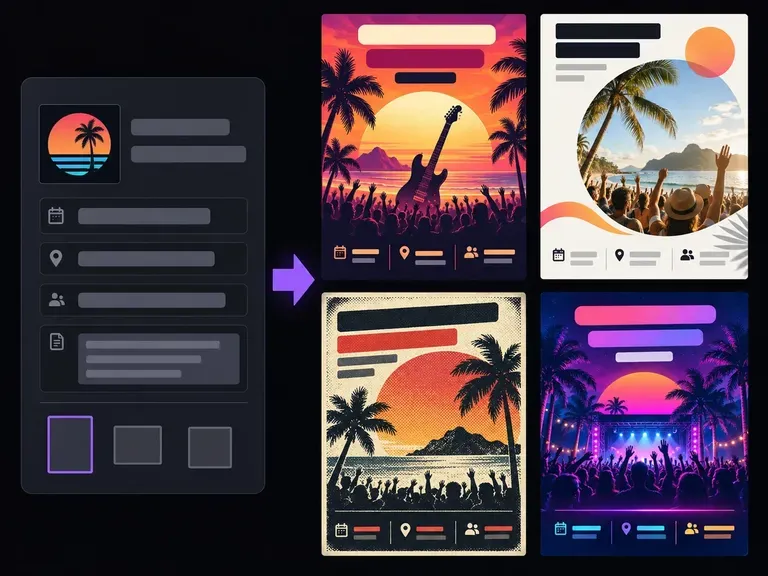
Start with the core facts people scan first: the headline, date, time, venue, and call to action. Add your visual tone and format notes, and this AI flyer generator builds complete flyer compositions so you can compare hierarchy, mood, and layout.
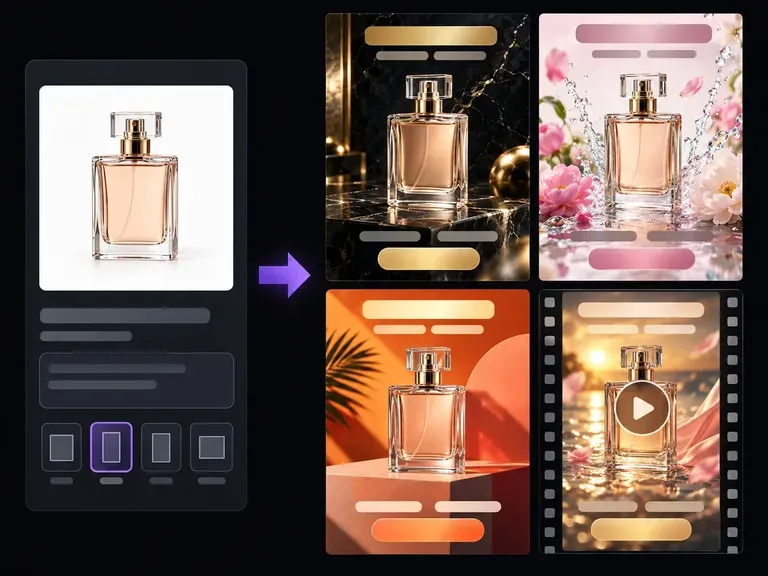
Upload a clear product photo and describe your target audience, setting, and campaign hook. Virse's AI ad generator stages your item across studio plinths, everyday lifestyle scenes, and seasonal backdrops with clean safe zones for Meta and Google Display ads.
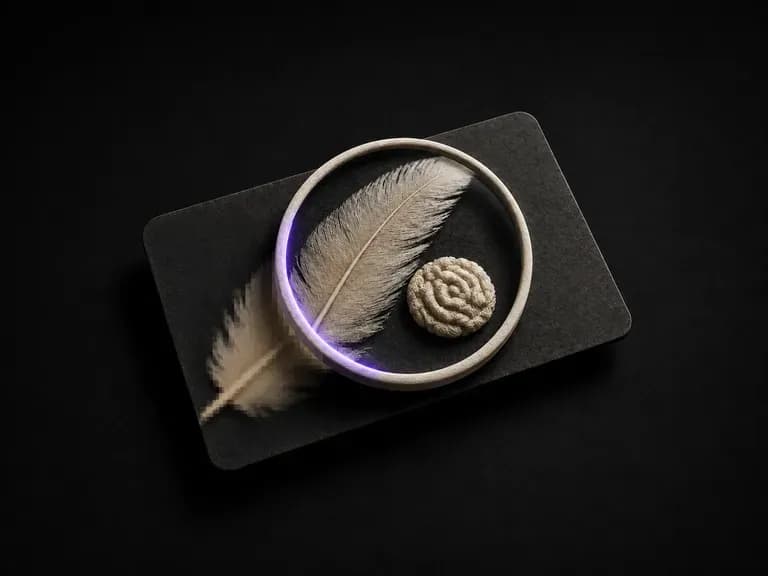
Upload a picture that is not good enough to use. It works out what actually went wrong, whether that is blur, noise, compression artefacts or simply not enough pixels, repairs that first, then renders at the resolution you pick.
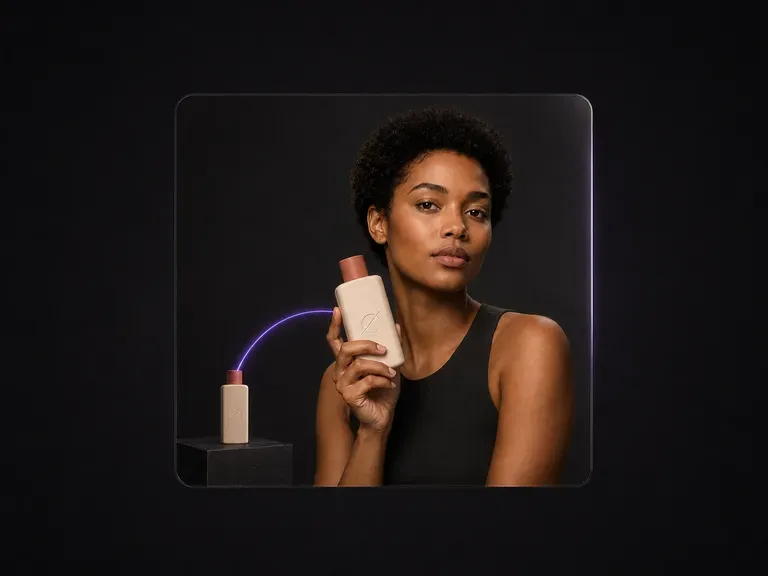
Upload a model photo and a product shot. You get one polished commercial image of the model holding the product, with a natural grip, correct scale and perspective, and unified light. The face and the product both stay exactly as photographed.
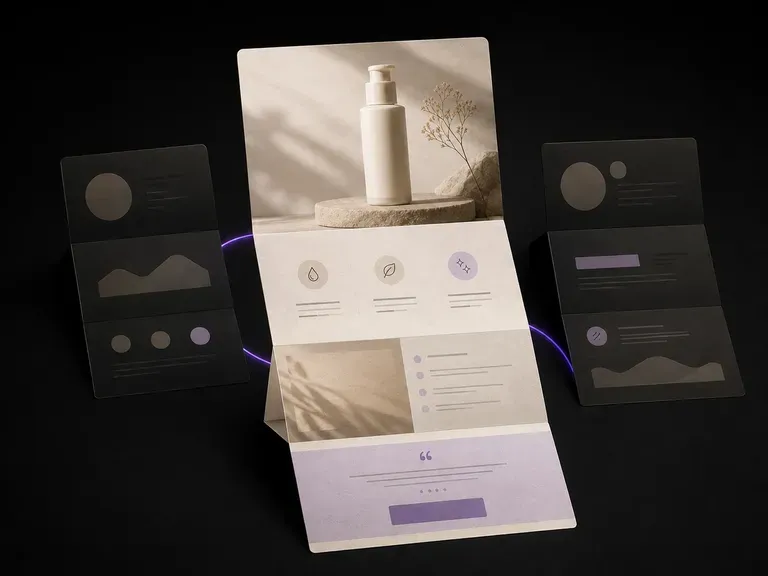
Upload your product photos and selling points to preview a full-page landing page layout with hero shot, benefit blocks and closing offer in one scroll before touching a page builder, starting on free credits.
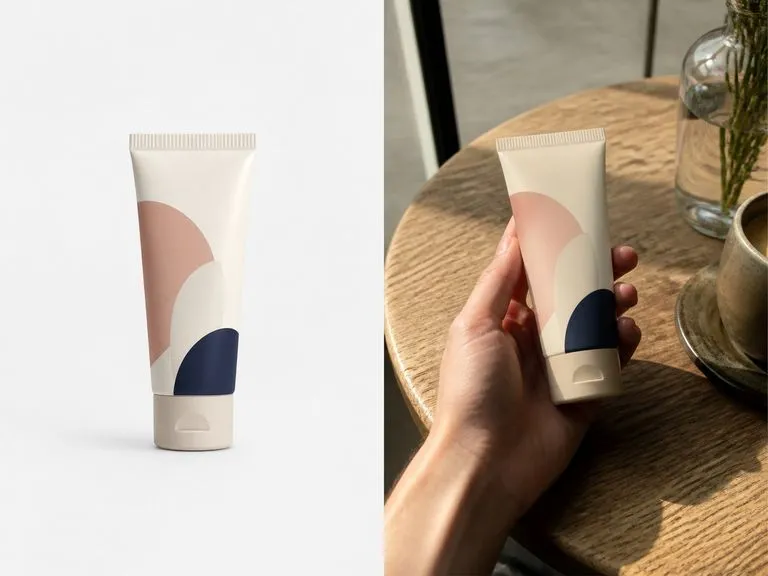
Upload a clean product photo, pick Xiaohongshu, Instagram, TikTok, or Generic, and add a scene note. This AI UGC photo generator builds a candid phone-shot image of someone holding or unboxing your item while keeping your packaging and label intact.
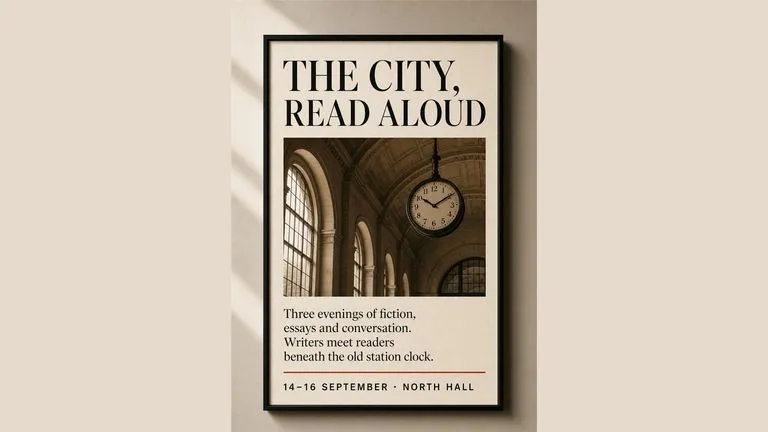
Generate studio-grade 4K images with Nano Banana Pro, blending multiple references while holding characters, products, and typography consistent.

OpenAI's ChatGPT Images 2.5 arrives in Virse as both API editions, GPT Image 2.5 Flare and GPT Image 2.5 Sunburst, with six quality grades and output up to 4K.
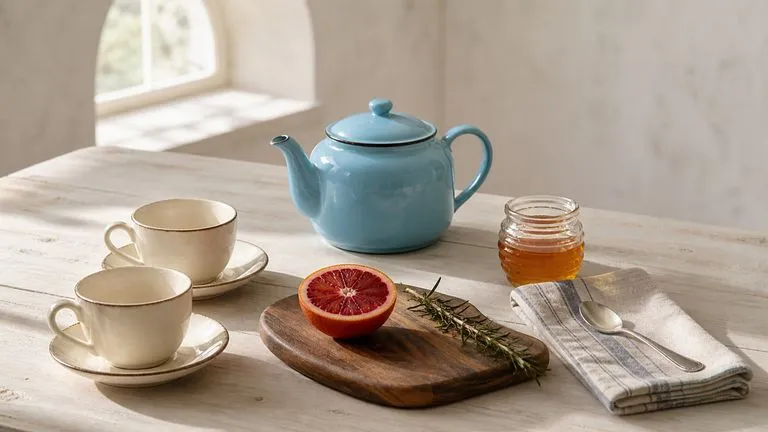
OpenAI's GPT Image 2.0 reads a hundred-word brief and attempts all of it, with independent quality and resolution controls from 1K to 4K.
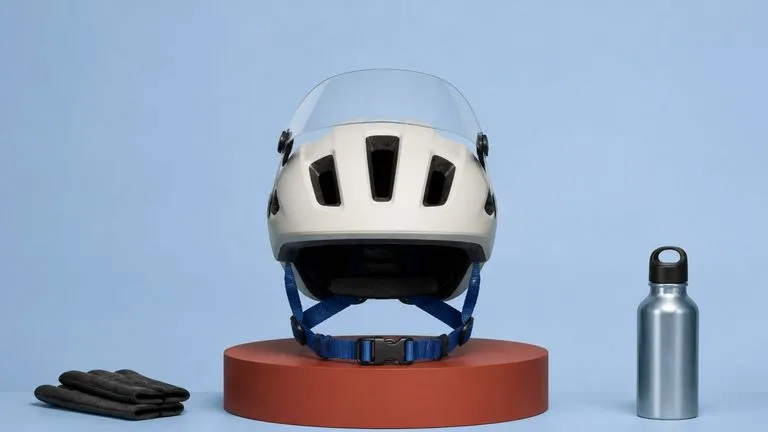
Black Forest Labs' production model reads briefs up to 32,000 tokens, so brand rules, colour values, and compositional constraints can all go in at once.
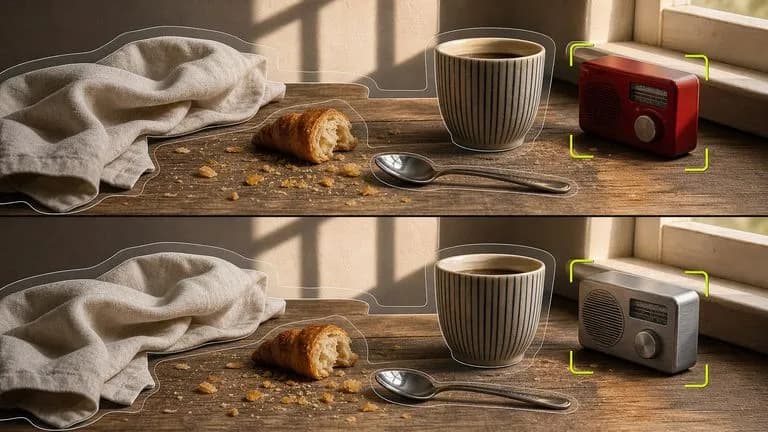
Black Forest Labs' editing models, FLUX Kontext Pro and Kontext Max, built to apply one described change while the rest of the frame survives untouched.

ByteDance's newest Seedream generation, available as Seedream 5.0 Pro and Seedream V5 Lite, both taking the same written brief.
Turn your campaign brief into a full email visual, compare layout directions side by side, and hand the strongest one to your build process.