
Multiple AI Models. One Creative Workspace.
Use the right model for every creative task.
Virse brings different AI models into one shared canvas, so designers can generate, compare, refine, and continue across models without breaking the workflow.
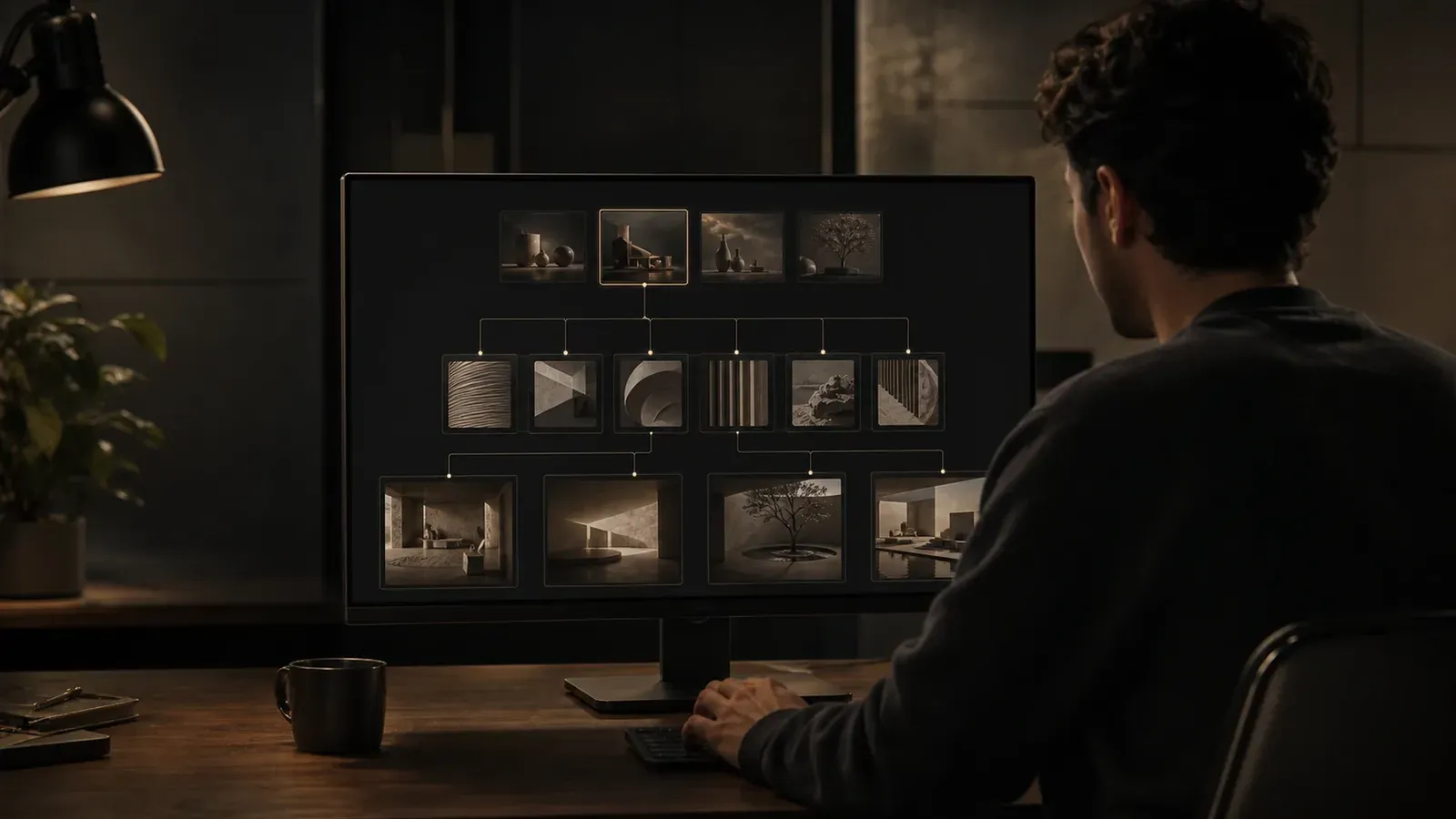
Different models are good at different things
Stop switching between AI tools
One model may be better for concept exploration. Another for product imagery, editing, typography, or video generation. Virse lets you work with multiple models inside the same project instead of moving assets between disconnected tools — more model choice, less workflow fragmentation.
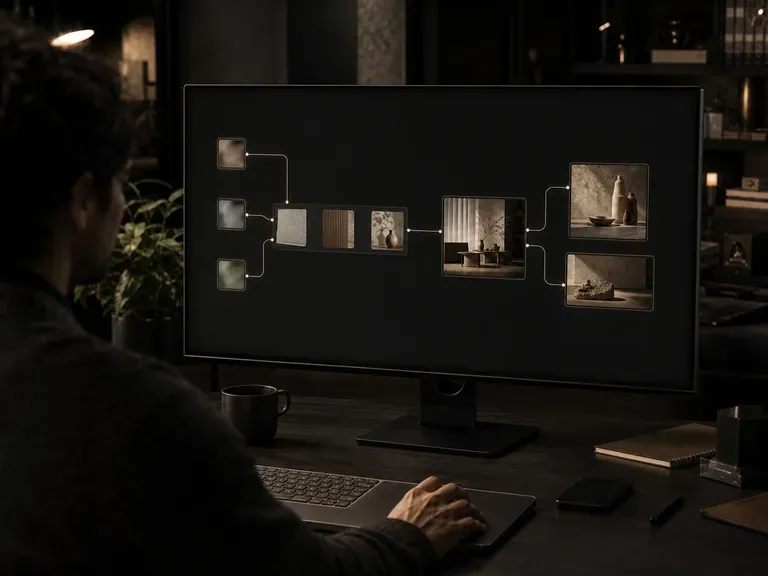
Compare models in the same context
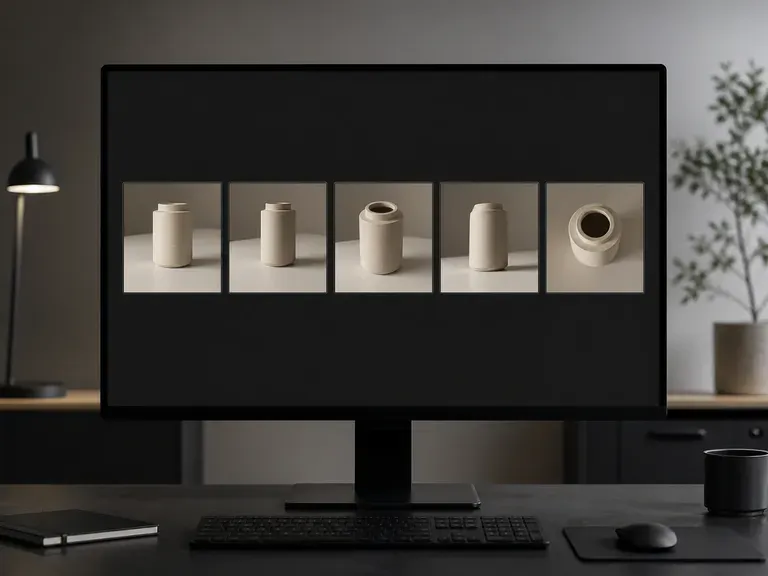
See how different models interpret the same references, direction, and creative brief. Place outputs side by side on the canvas, compare visual quality and style, then continue with the strongest direction.
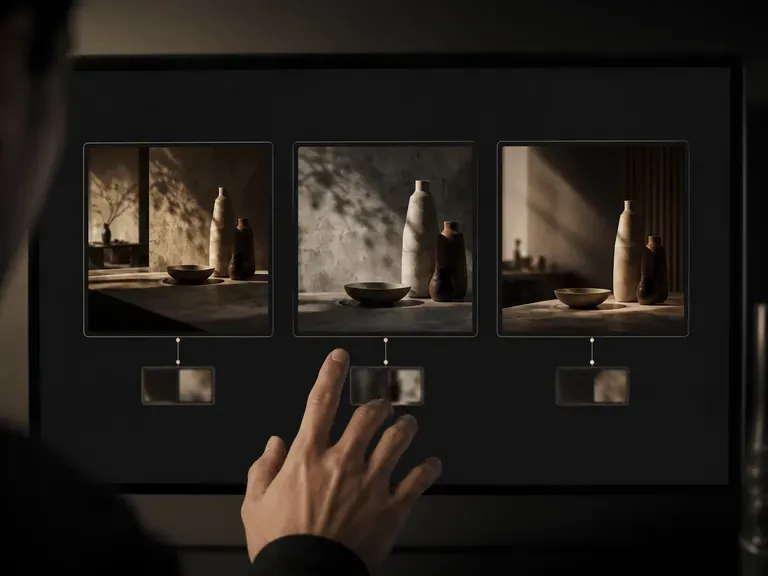
Combine different model strengths
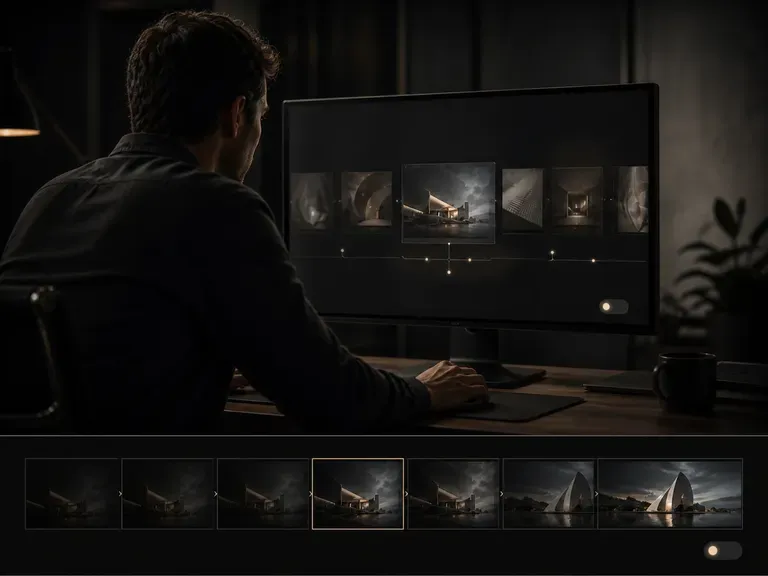
Creative workflows do not need to depend on one model from start to finish. Use one model to explore ideas, another to develop the visual direction, and another to produce final variations — build the workflow around the creative task, not around a single model.
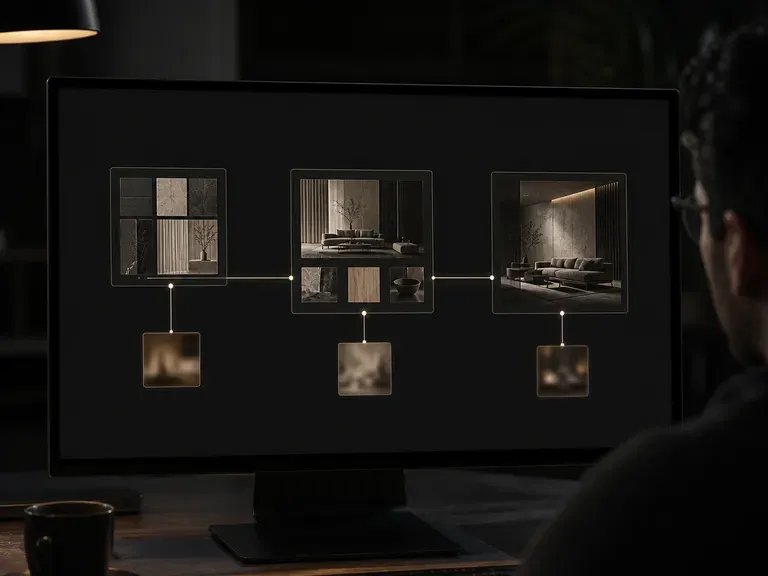
Your models share the same creative context
Models may change, but the project context stays connected. References, previous generations, selected directions, and visual relationships remain available throughout the workflow — one project, multiple models, continuous context.
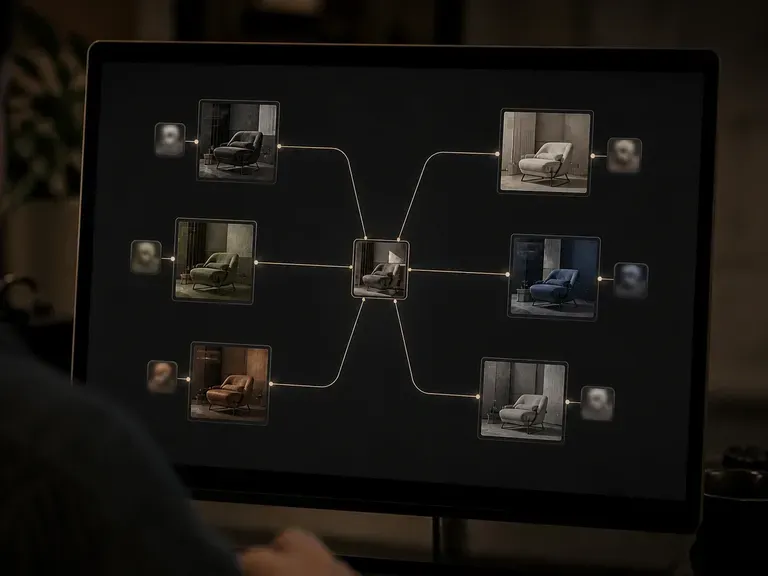
Choose the model that fits the task
Model selection becomes part of the creative process. Use different models for different stages of the same project — from early exploration to refined production: explore alternative visual directions, test different generation models, use specialized models for specific tasks, continue from outputs created by another model, and compare results side by side.
The workflow stays the same. The model can change.
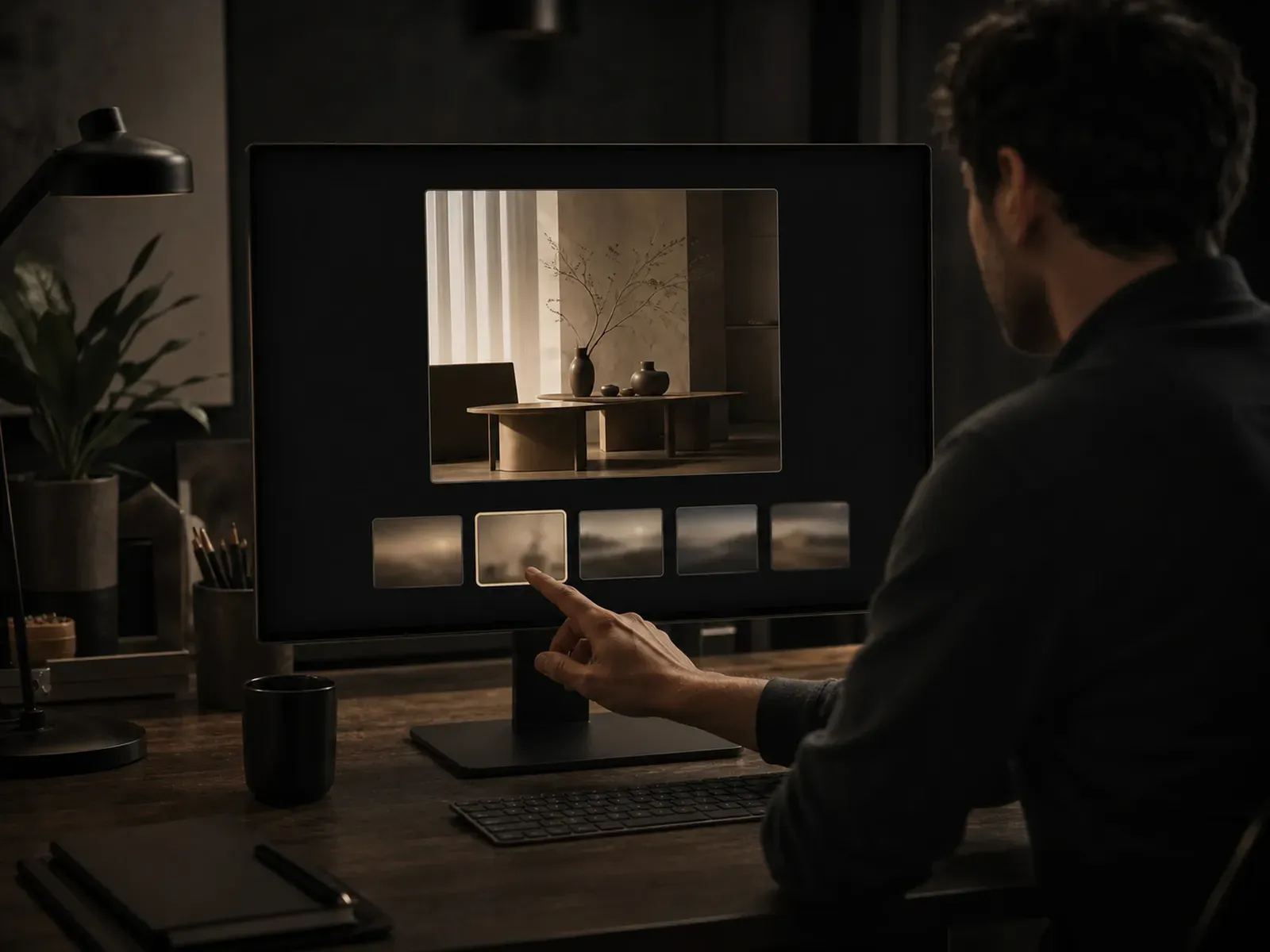
One canvas for the models you use
Image Generation
Explore concepts and visual directions across different models.
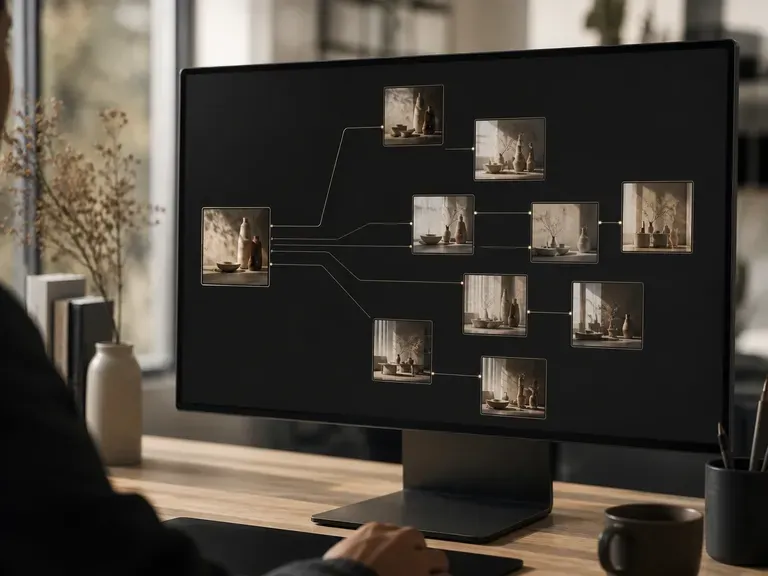
Image Editing
Refine, transform, and extend existing creative assets.
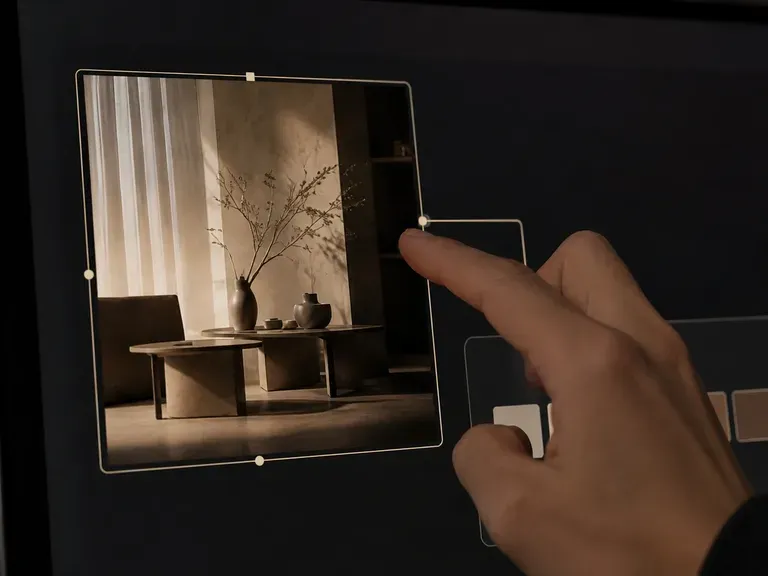
Product Visualization
Choose models based on the visual quality or rendering style you need.
Video Generation
Move from still concepts to motion without leaving the workspace.
Leading AI models, all in Virse
Image models in Virse include FLUX 1.1 Pro, FLUX 2 Pro, FLUX Kontext, GPT Image 2, Gemini 2.5 Flash Image, Ideogram 4.0, Nano Banana 2, Nano Banana Pro, Qwen Image 3.0 Pro, Reve v2, Seedream 4, Seedream 5.0, and Z-Image Turbo.
Video models include Gemini Omni Flash, Happy Horse, Kling 3.0, Minimax H3, Seedance 2.0, Seedance 2.5, and Veo 3.1.
Switch models without starting over
Traditional multi-model workflows often mean copying prompts, downloading files, and rebuilding context. In Virse, your references, assets, and previous outputs remain on the canvas as you move between models.
Traditional workflow
- Generate in one tool
- Export the file
- Import into another tool
- Rebuild the prompt from scratch
Virse
- Reference the canvas
- Choose the model
- Generate and compare
- Switch models without losing context
Frequently asked questions
What is a multi-model AI workspace?
Why use multiple AI models in one design workflow?
Can designers compare different AI models in Virse?
Can I switch AI models without starting the project over?
More models without more complexity
Virse turns a growing AI model ecosystem into one visual creative workflow. Choose the model. Keep the context. Continue designing.