
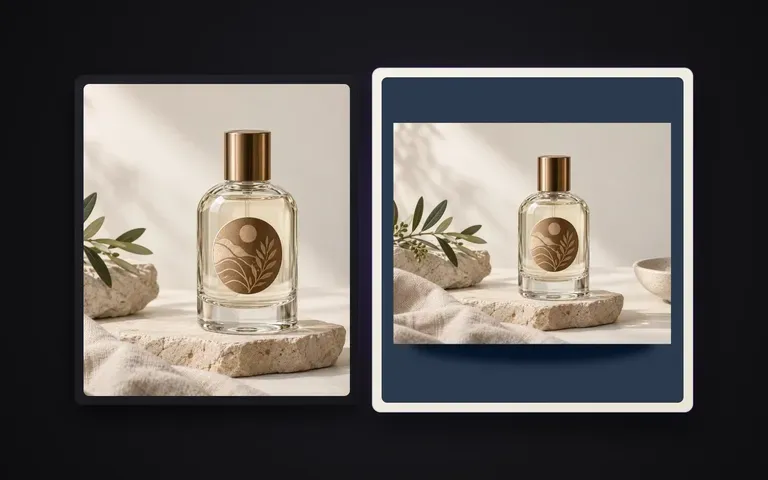
Hex & Reference
Specify colour three ways
Type a colour name like warm sage, enter an exact hex code like #E6DEC8, or upload a brand swatch image to set the backdrop.
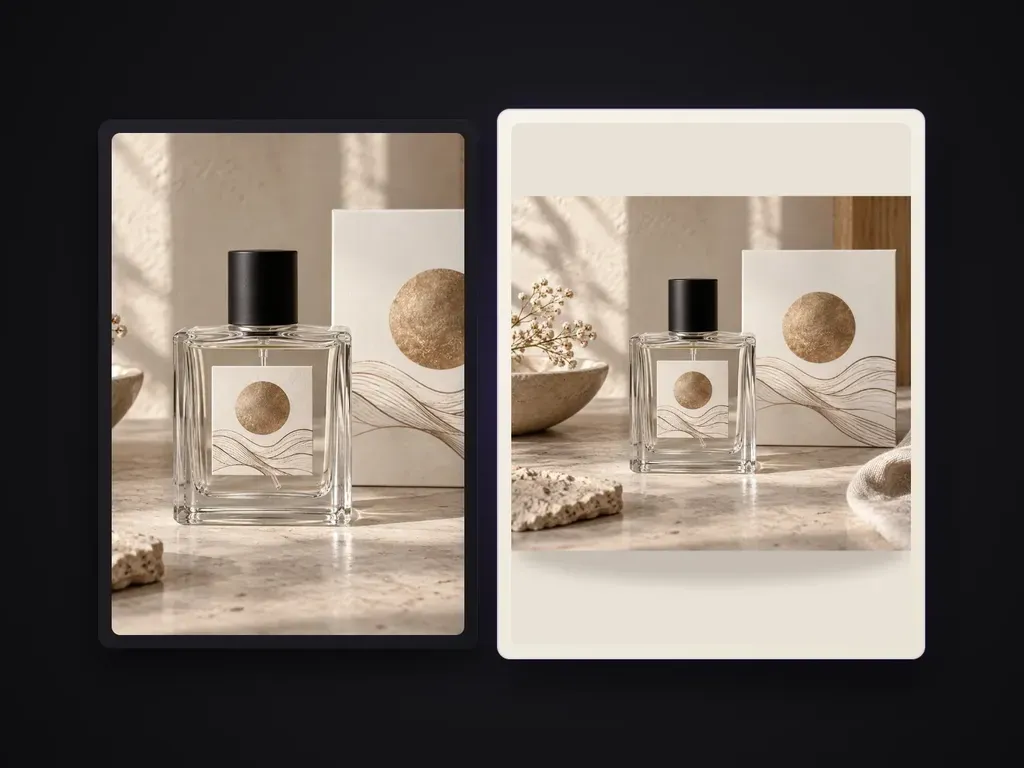
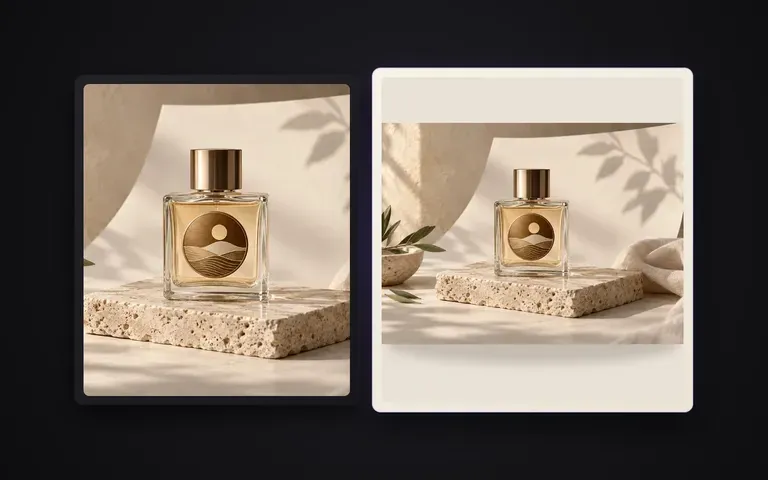
Replaces a product photo's background with a uniform solid color by name, hex code, or color reference image while keeping the product, edges and contact shadows intact.
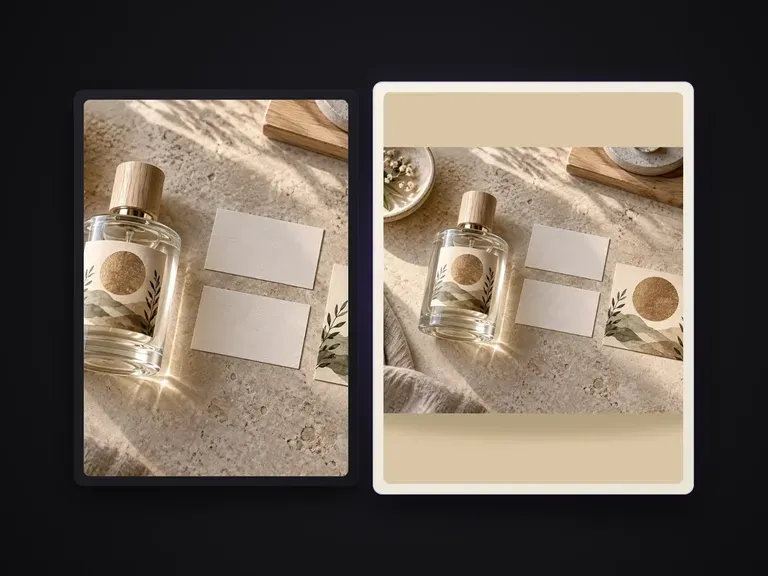
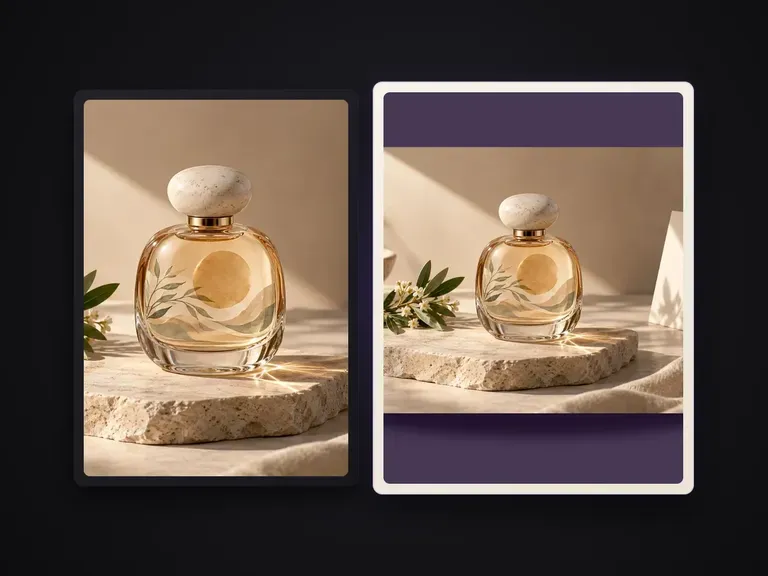
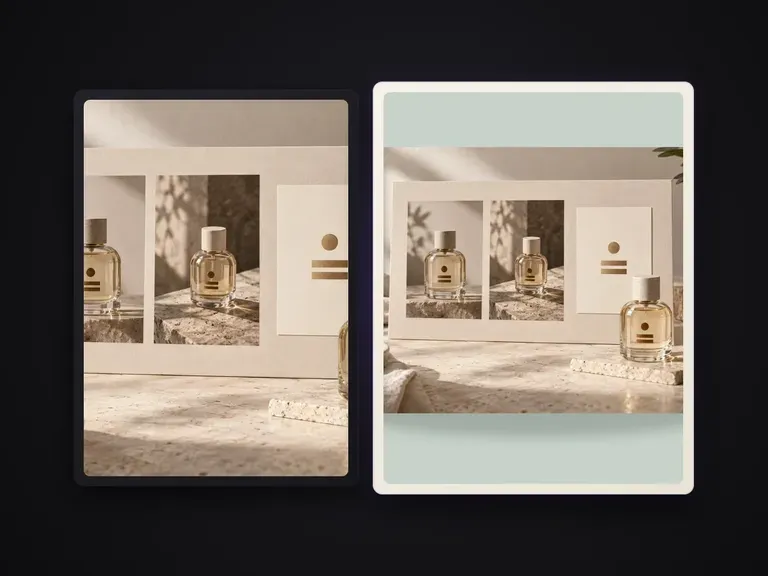
Shooting products on physical colouredseamless paper locks you into one backdrop shade per studio setup. Solid Color Product Shot replaces a product photo's background with any uniform solid colour—specified by colour name, exact hex code, or a colour reference image—while keeping the product untouched, edges crisp, and natural contact shadows grounded on the surface:
· Exact hex, name, or reference colour: Match brand guidelines by typing a hex code, naming a shade, or uploading a swatch.
· Natural grounding shadows: Preserves realistic contact and cast shadows so the product never looks pasted on.
· Zero product alteration: Label typography, surface texture, and translucent or metallic edges stay intact.
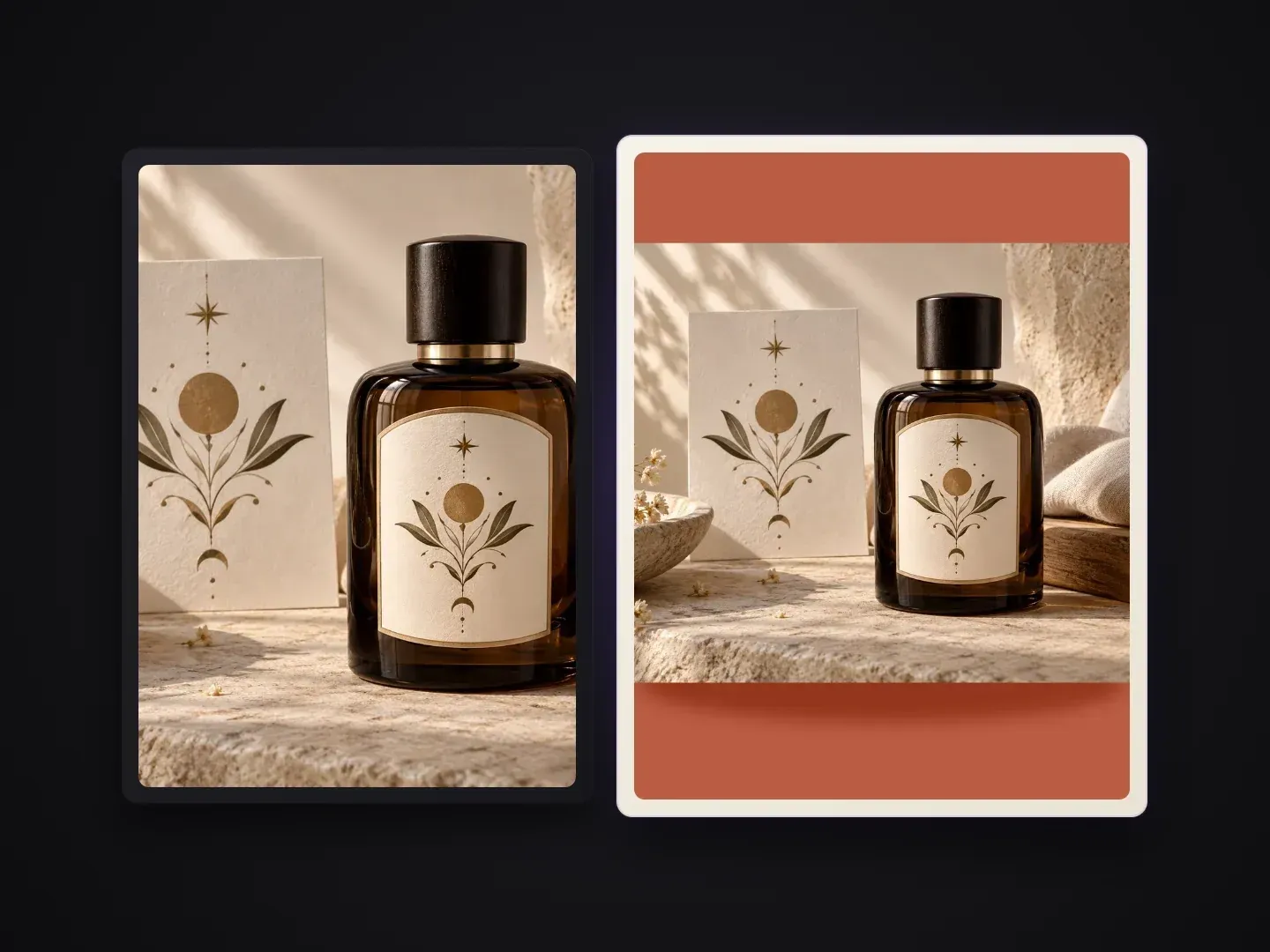
Built for brand-coloured e-commerce grids, seasonal campaigns, and tonal catalog cards.
Type a colour name like warm sage, enter an exact hex code like #E6DEC8, or upload a brand swatch image to set the backdrop.
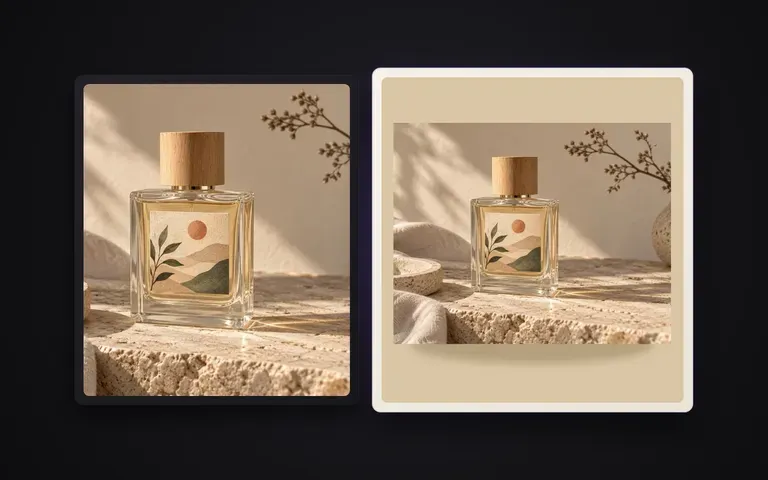
Unlike a flat PNG cutout dropped onto a coloured rectangle, the floor plane and soft contact shadow adapt naturally to the new backdrop.
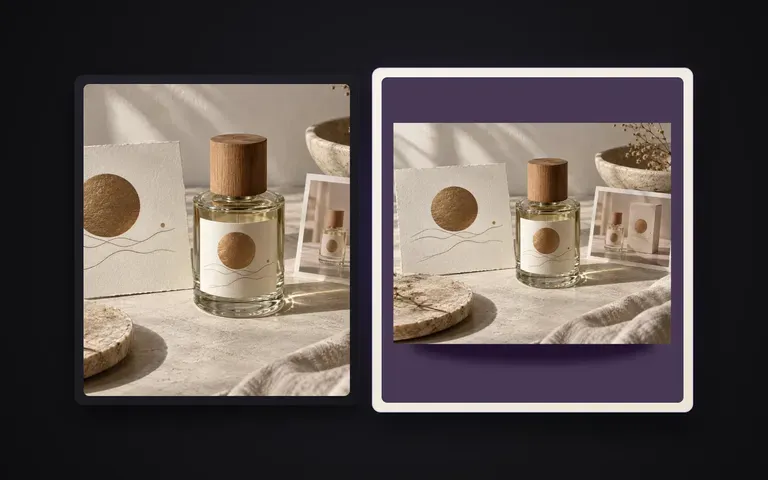
Handles glass bottles, fine pump nozzles, matte cosmetics, footwear, and curved hardware without halo fringes.
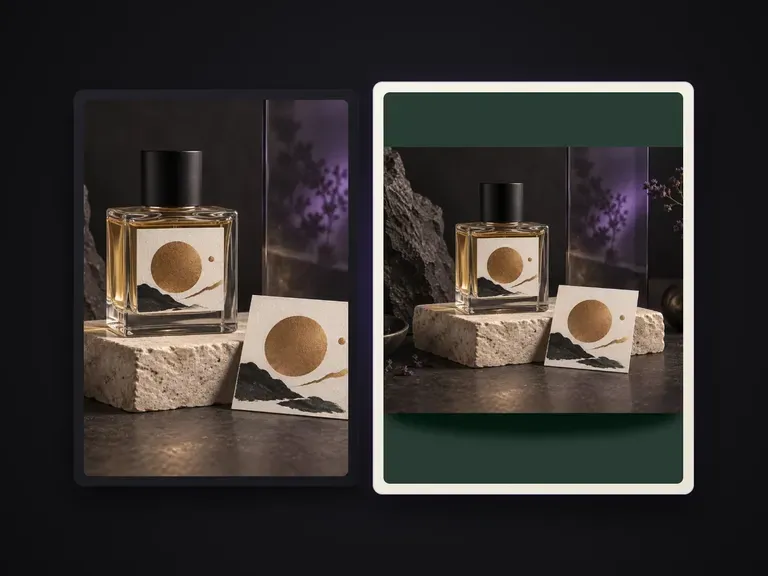
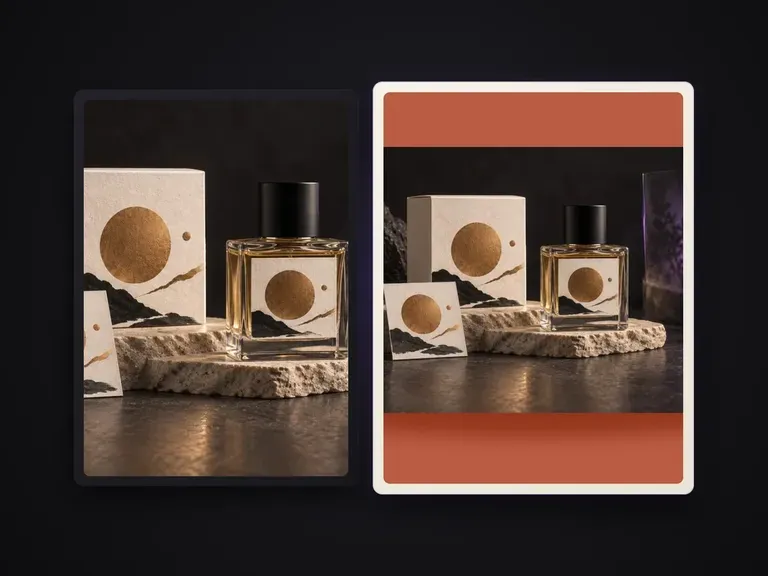
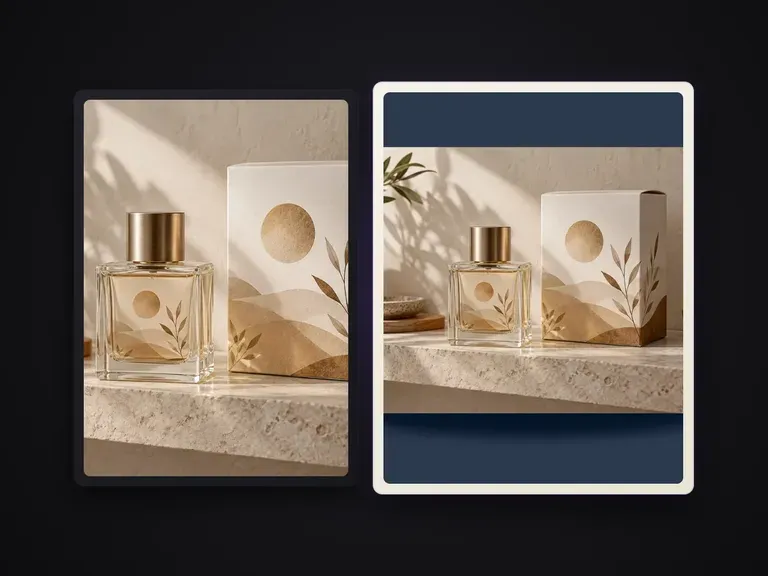
What changes when the solid backdrop and contact shadow are resolved together.
Manual Cutout + Solid Fill Layer
Virse Solid Color Product Shot
Start with a clear photo of your product—shot on a desk, in a lightbox, or against an existing background.
Enter a hex code (e.g. #D9E2DC), type a colour name (e.g. muted terracotta), or attach a colour reference image.
Keep the default soft studio contact shadow or specify a crisp directional shadow on a matte seamless plane.
Run the shot on your Virse canvas and apply the same hex code across your rest of the product line.
Supply your product photo along with a hex code or colour description so your entire collection shares a signature tonal backdrop:
· Pastel skincare collection grid: Uniform warm oat backdrop (#EFEAE2), soft diffused floor contact shadow, preserve frosted glass bottle edges.
· High-contrast sneaker drop card: Solid cobalt blue studio background (#1B3B8B), crisp grounding shadow under the rubber outsole, zero colour spill.
· Tonal beverage flavor lineup: Match background to uploaded peach swatch reference, clean seamless horizon, subtle natural base shadow.
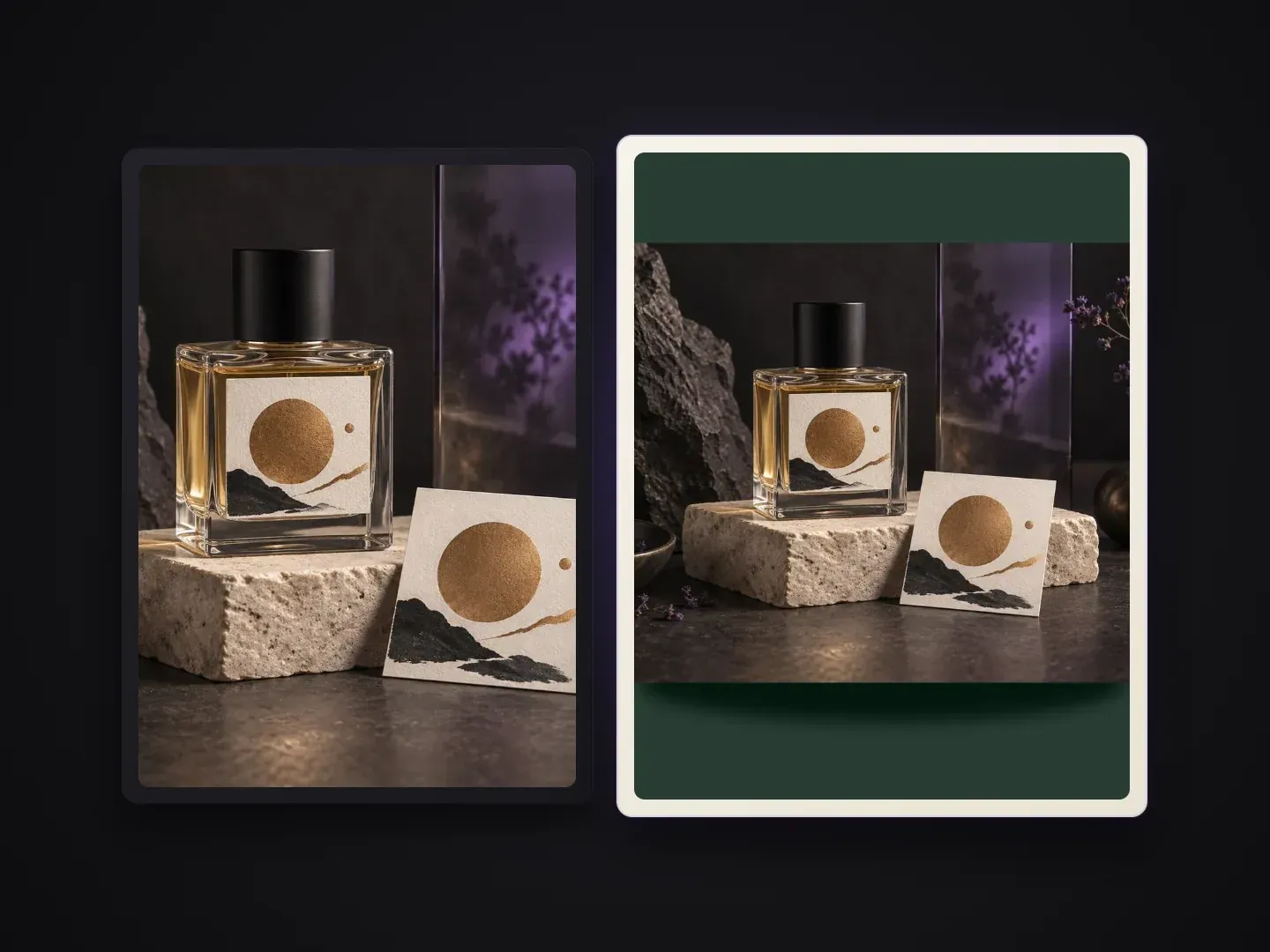
Brands and merchants building colour-coded product grids and social cards.
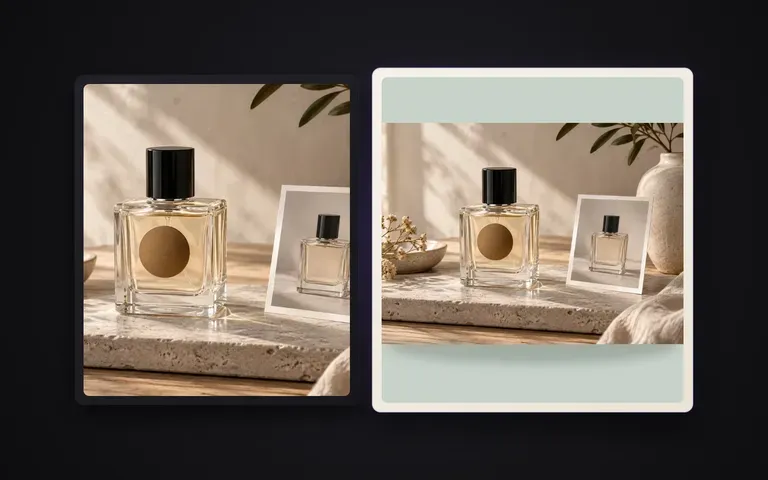
Replace plain white or mismatched supplier photos with signature brand-coloured collection grids for Shopify and lookbooks.
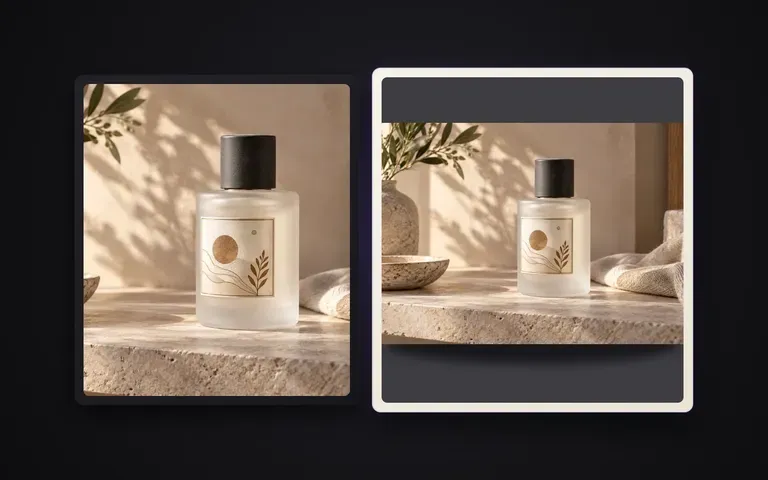
Generate flavour- or colour-coded product cards in pastel, bold primary, or seasonal hex palettes for paid social ads.
Standardize hundreds of SKU packshots onto uniform hex backdrops with consistent contact shadows in a fraction of the time.
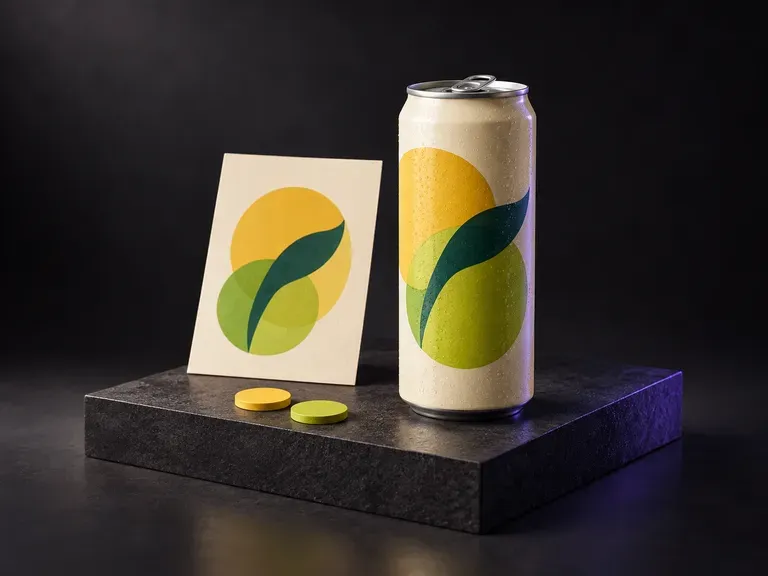
Upload a photo of your aluminum can with your finished label artwork, then describe the flavor palette, water droplets, and backdrop. This soda can mockup generator wraps your soft drink design onto a 12oz standard or sleek can.
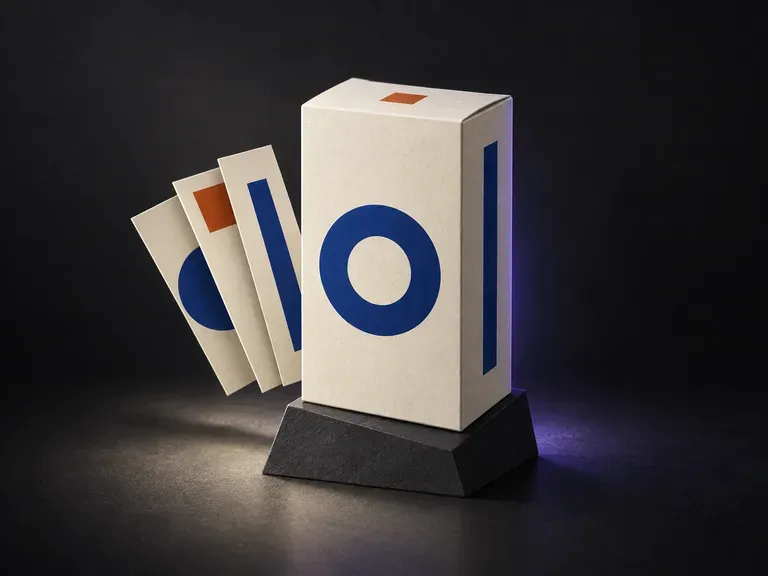
Upload a photo of your structural box sample with finished front, side, and top panel artwork, then note the paper stock and backdrop. This box packaging mockup generator maps your flat panels onto a 3D carton preview before print.
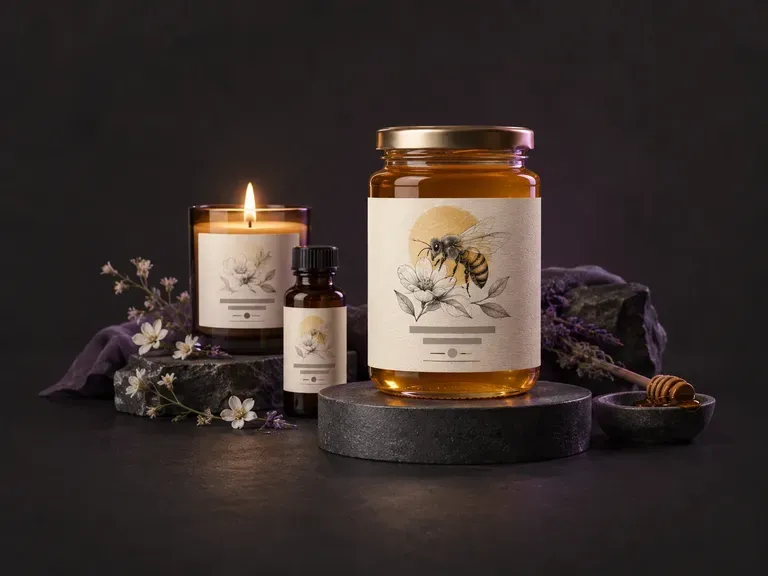
Draft flat front-panel and wrap-around product label artwork from your brand name, flavor or scent variant, and style. This AI label generator creates custom label graphics for jars, beverage bottles, cans, candles, and boxes on your Virse canvas.
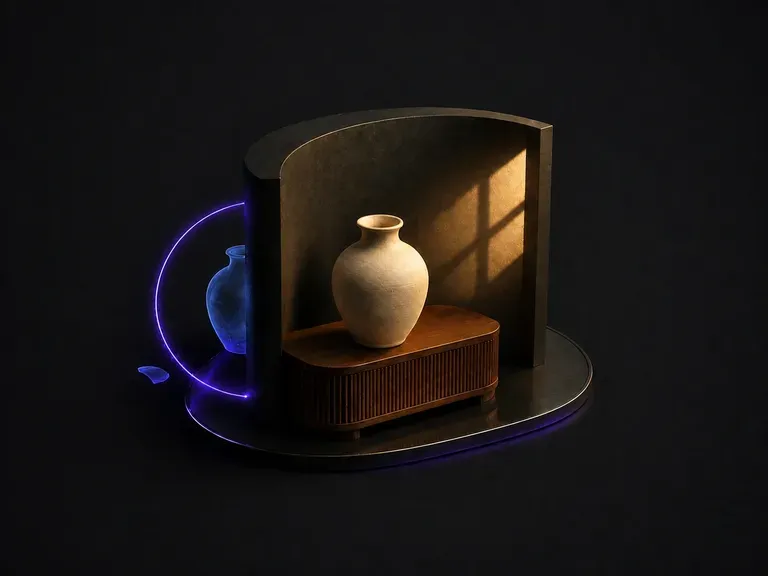
Upload a composite that looks pasted together. It works out why: light arriving from two directions, color temperature that does not match, shadows that are missing or pointing the wrong way. Then it unifies the frame under one dominant source.
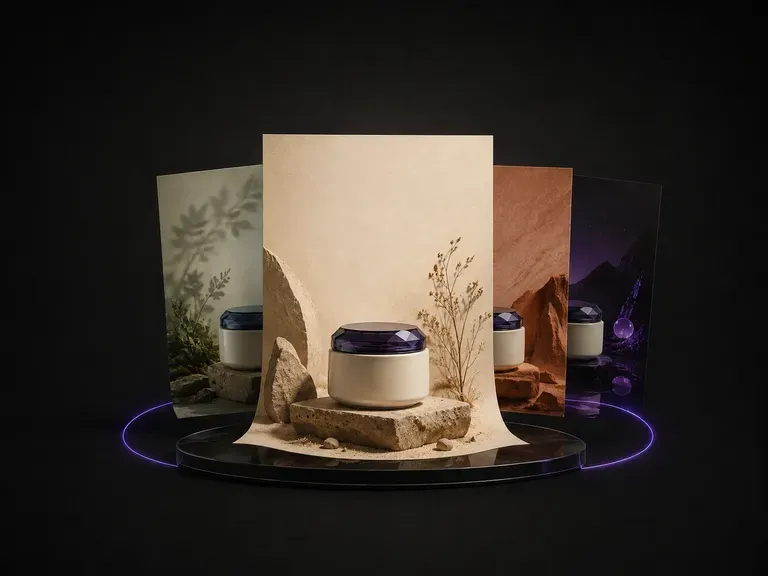
Upload one product photo. It reads the category, the colors and the temperament of what you sent, proposes a theme that suits it, then designs the poster around the product: background, layout and where the copy sits.
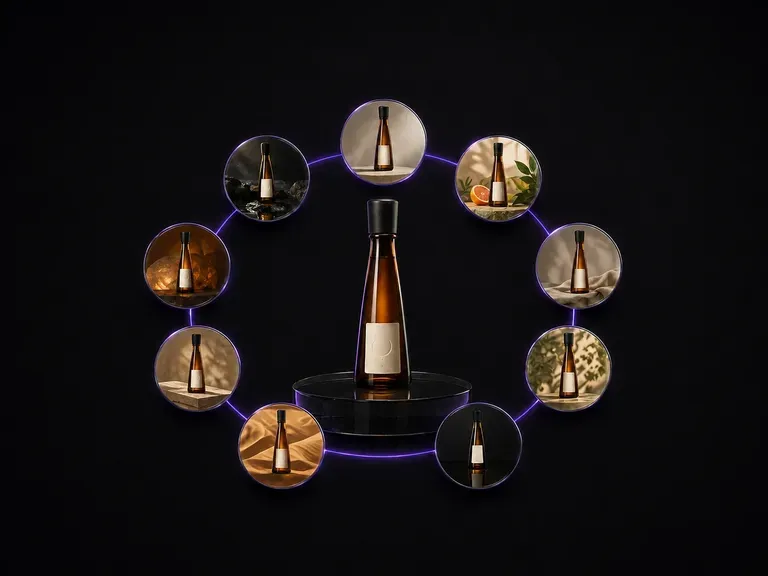
Upload one bottle photo. It comes back as nine distinct advertising scenes laid out in a three by three grid, with the bottle shape, the label artwork and the text on it exactly as they were.

ByteDance's newest Seedream generation, available as Seedream 5.0 Pro and Seedream V5 Lite, both taking the same written brief.
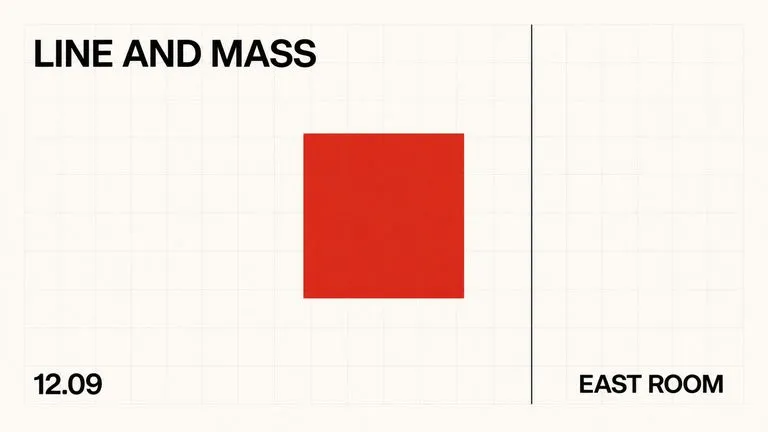
A text-to-image foundation model trained from scratch around layout, with bounding-box placement, hex colour conditioning, and native 2K output.

Create and edit stills with FLUX 3 Image at 1K, 2K or 4K. Switch to FLUX 3 Video for 5–20-second scenes at 720P or 1080P with native audio, on the same Virse canvas.

Generate and edit images with Nano Banana 2.1 in Virse. Choose 1K, 2K or 4K output and use up to 14 reference images to guide the subject, setting and materials.

Alibaba's Qwen Image 3.0 Pro renders type as language across a dozen scripts, holding legibility down to ten pixels in dense layouts.
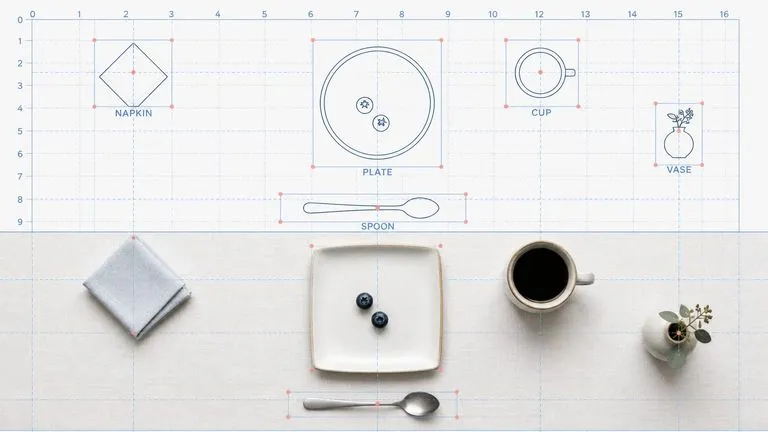
Reve AI's second-generation model builds an addressable layout of positioned elements before it renders, so a specified arrangement comes back arranged.
Continue in your Virse canvas to review the inputs and run this tool.