AI Template Generator

AI Template Generator

Choose a format, such as a social post or a poster, add your brand assets and copy, and this AI template generator returns a finished design built from them.

Entrée
Content & copy · ObligatoireTemplate type · FacultatifBrand logo · FacultatifBrand imagery · FacultatifLayout references · FacultatifBrand colors & type style · Facultatif
Sortie
1 finished design image composed with your brand assets at the selected template's aspect ratio
Brand logoFacultatif

L’image se téléverse sur le canevas ; ce formulaire transporte les réglages.

Brand imageryFacultatif

Layout referencesFacultatif

Template typeFacultatif

What is an AI template generator?

An AI template generator builds a ready-to-use marketing design from your brand assets and a few lines of copy. It is limited to graphic marketing designs, the kind you post online or print for an event.

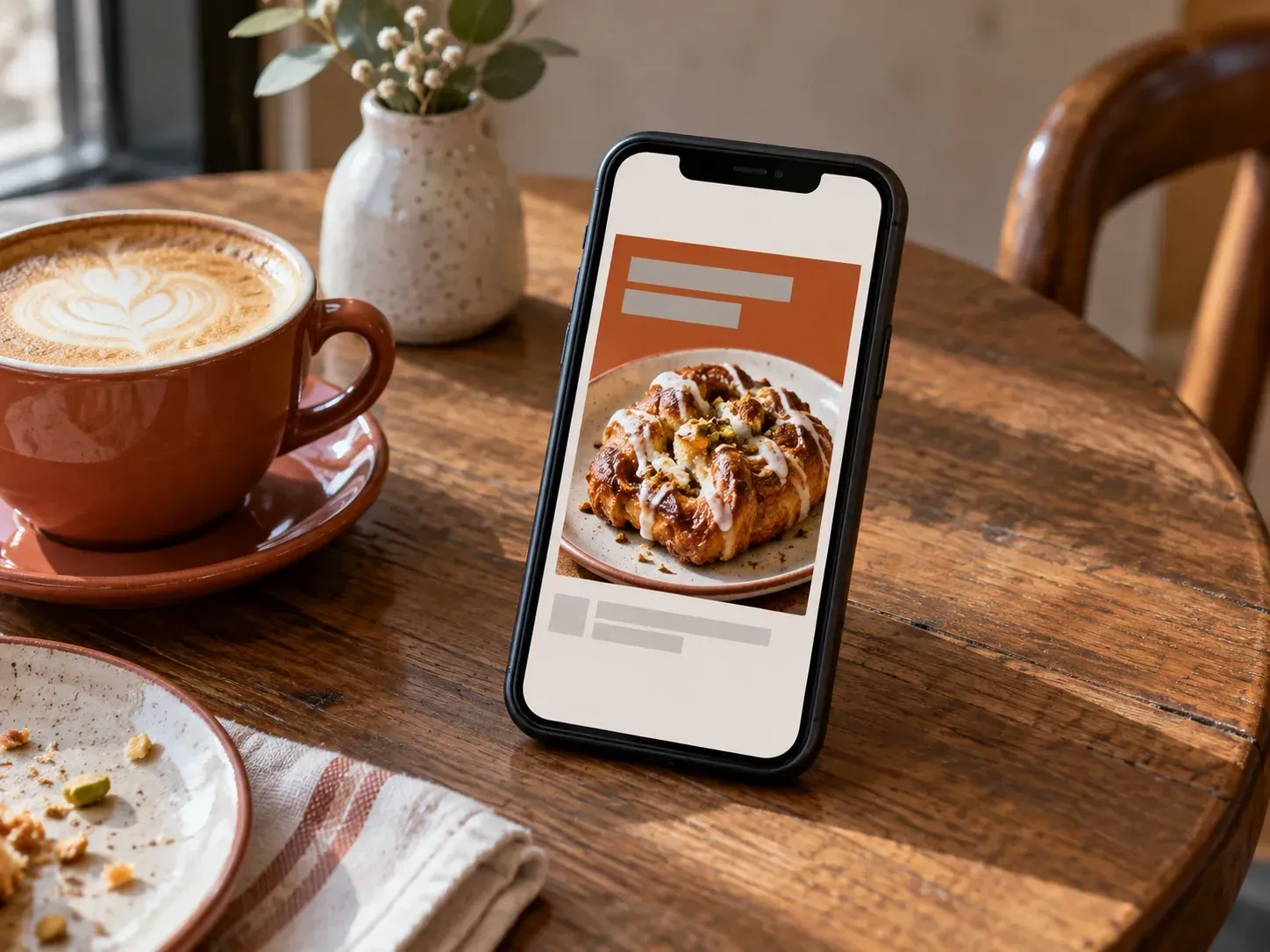
An Instagram launch post built from a café's brand assets

Why use Virse as a brand template editor?

Pick the format first, then hand over the brand material you already have.

A square Instagram post in the feed's proportions
Platform size

Sized for the platform

The design comes back in the proportions of the format you chose, so an event poster arrives in portrait, ready for the wall.
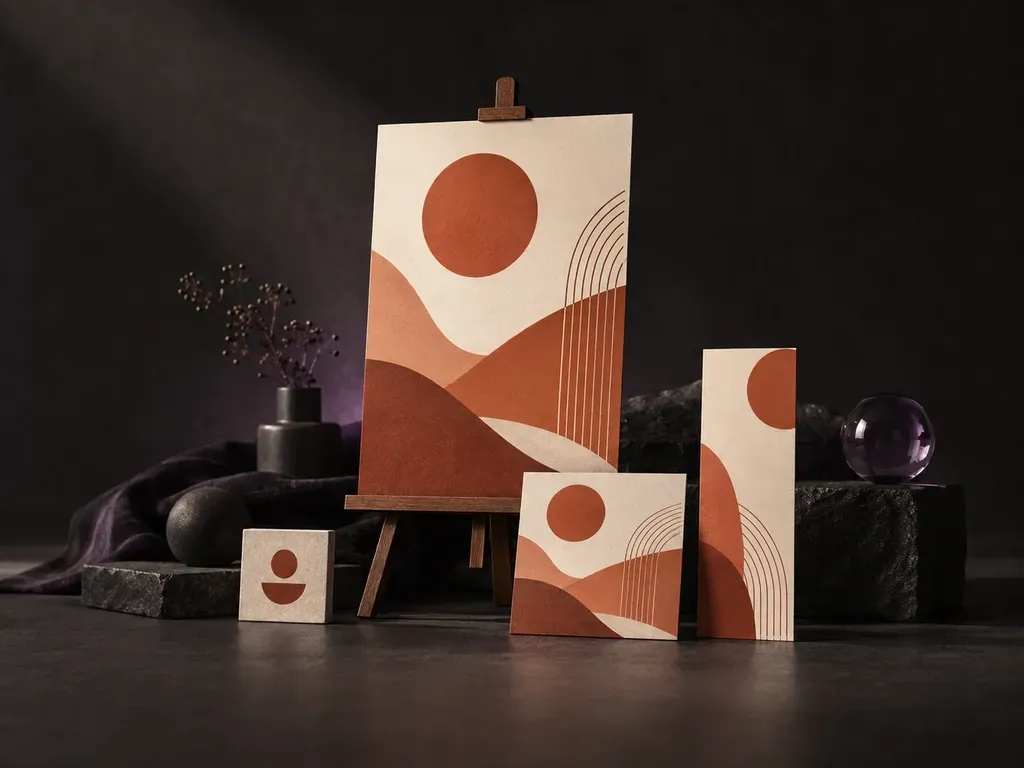
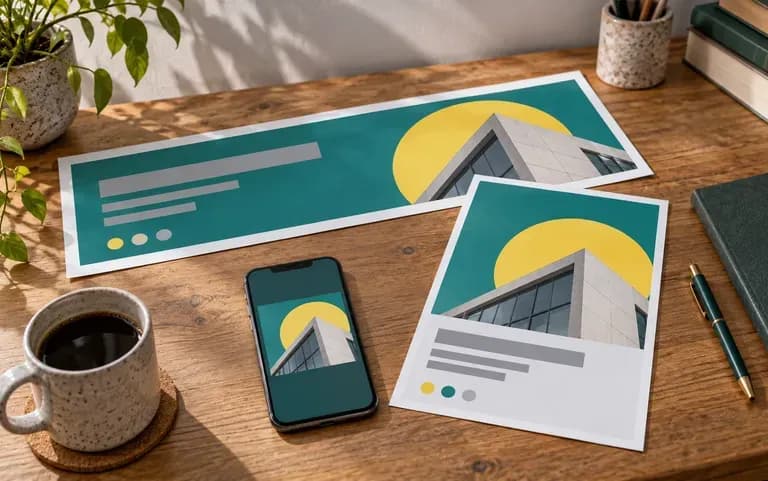
A post, a flyer and a banner sharing one brand kit
Formats

Several formats, one kit

Keep one set of brand assets and run the brief again with a different format when a campaign needs more than one piece.
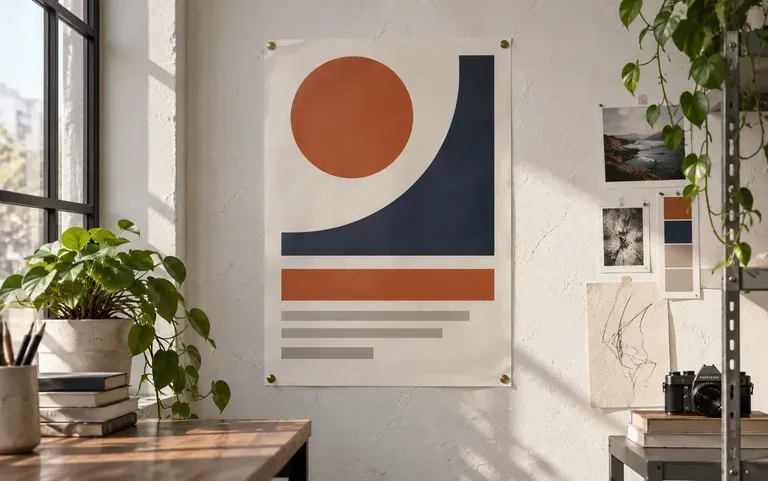
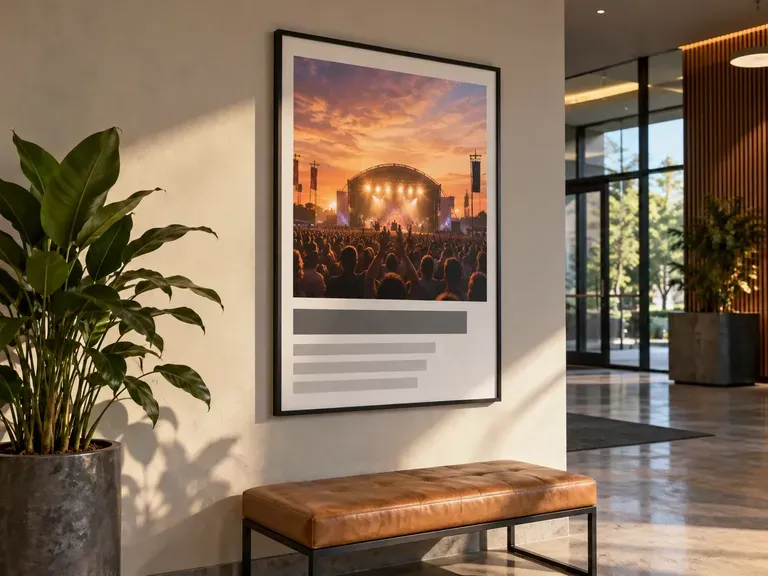
A logo, colors and a headline applied to a poster
Brand kit

Your brand, already applied

The brand material from your brief goes into the design itself. Check small marks and lettering closely, since AI can redraw a logo and approximate a font.

How to use the social media template editor

  1. Choose the format

    Start by choosing a social post, a poster, a flyer or a banner. That choice decides the proportions.

  2. Add brand assets

    Drop in the logo and images, then list your colors and fonts.

  3. Paste your copy

    Add the headline and the details that must appear, and keep the text short.

  4. Generate and proofread

    Read every word on the design before you post it; AI can change small text.

Who uses an AI template generator?

Teams that post often and have no designer on call.
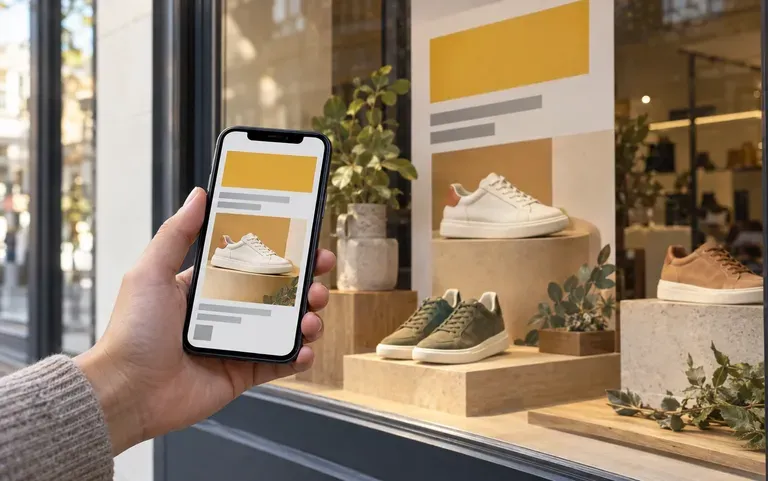
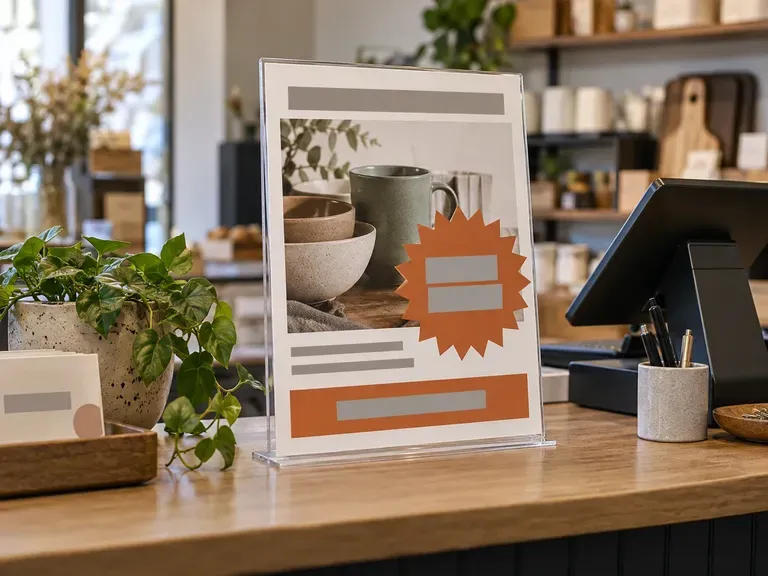
A small shop's weekly promotion post

Small business owners

Make this week's promotion post without starting from scratch.
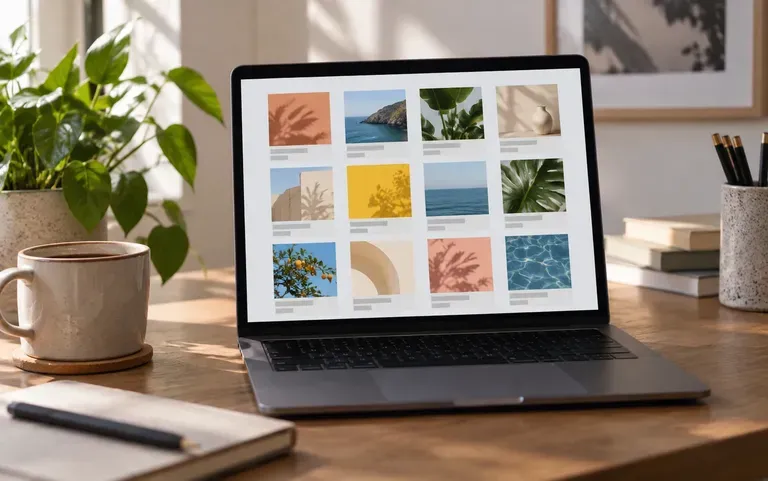
Posts prepared for a client's calendar

Social media managers

Prepare posts for a client's content calendar.
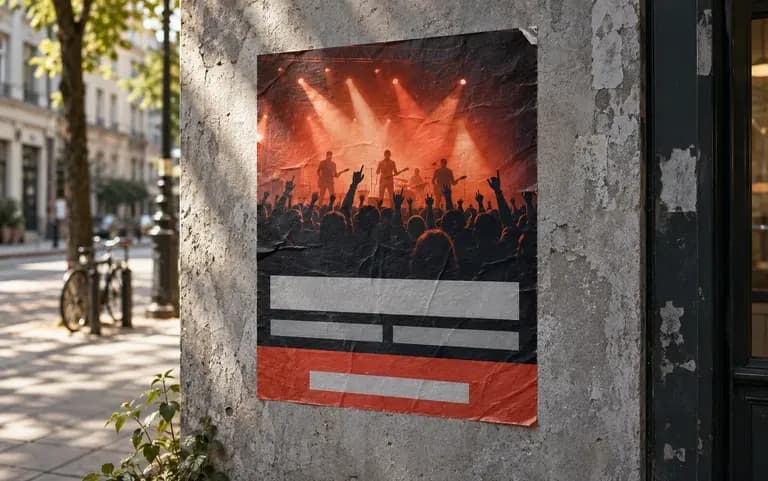
An event poster with the date and venue

Event organizers

Get an event poster ready without waiting for a designer.
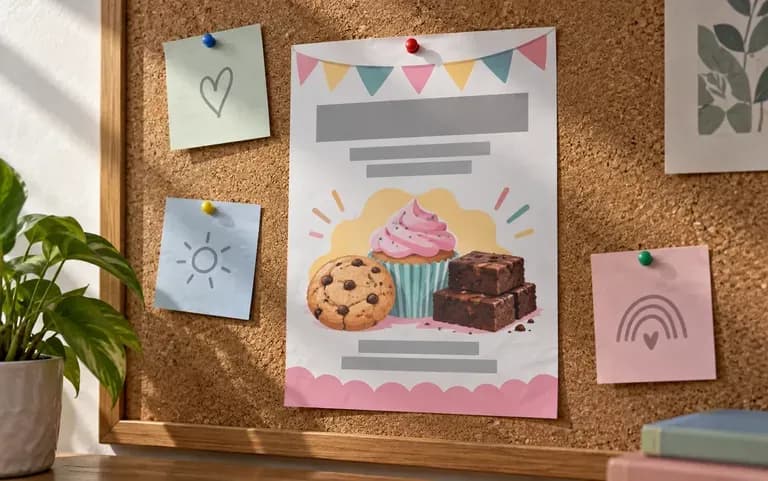
A fundraiser flyer for a school

Nonprofits and schools

Make flyers for a fundraiser or an open day.
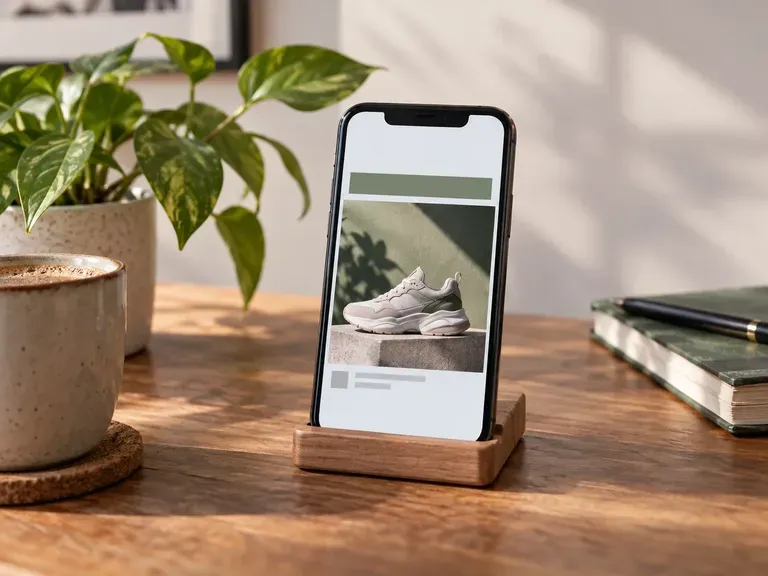
Poster template editor ideas and other formats

Instagram Launch Posts: a new product with a short headline
Event Posters: a bold image above the event details
Sale Flyers: a big discount and a short call to action
Homepage Banners: a slim strip announcing free shipping
Menu Boards: a café's weekly specials
Hiring Posts: a job announcement in brand colors
FAQ

Frequently asked questions

Can it make email, website or PowerPoint templates?
No. Only graphic marketing designs are in scope; email HTML, site themes, PowerPoint decks and code templates are not.
Which template types can I make?
Social media posts, posters, flyers and banners. You pick one format per run and can reuse the same brand assets for the next.
Is this a drag-and-drop template editor like Canva?
No. There is no template library to browse and no drag-and-drop editing. You fill in the form once and get a finished design back; to change it, adjust the brief and run it again.
Can I use my own fonts, colors and logo?
Yes. Your logo, images, colors and fonts can all go in. Fonts may come out as a close match rather than the exact face, and small logo marks can shift, so check against your brand guide.
Will the design be sized for Instagram or other platforms?
Yes. The format you choose sets the proportions, for example square for an Instagram post or wide for a web banner.
Is Virse's AI template editor free?
Yes. You get 200 compute when you join and 50 more each day your balance sits below 200. Free designs come out at 1K, and all image models are available.

Make your next post or poster with AI

Open the form with this week's offer and your logo ready.