Describe
Direct Form, Texture, and Palette in One Sentence
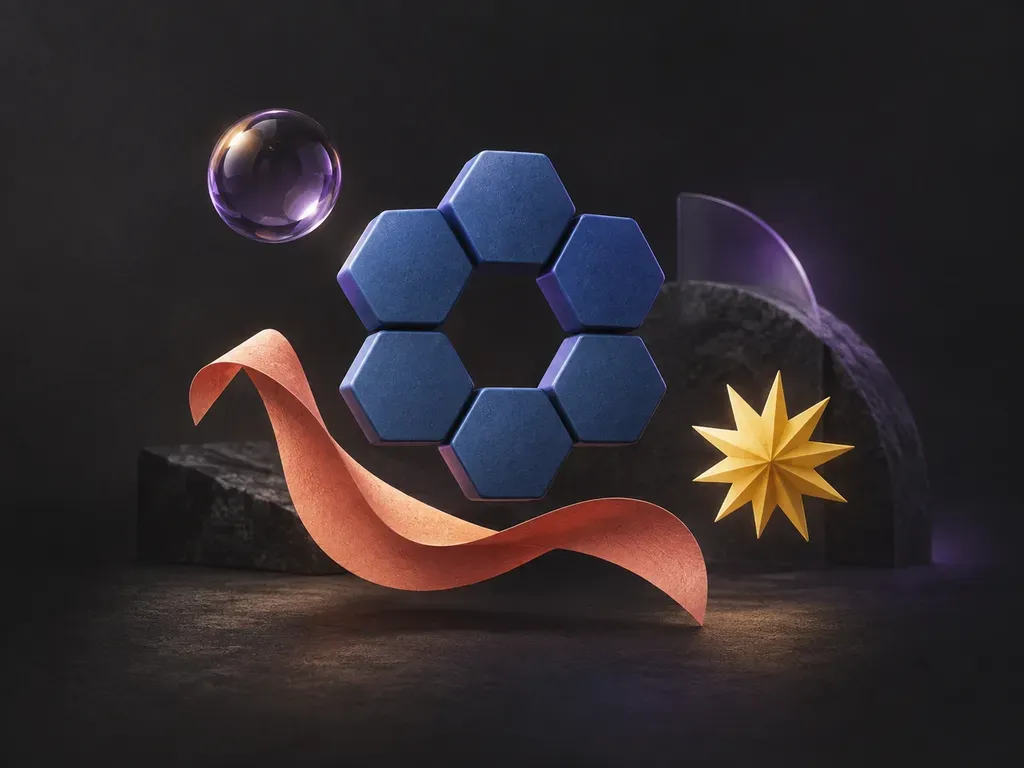
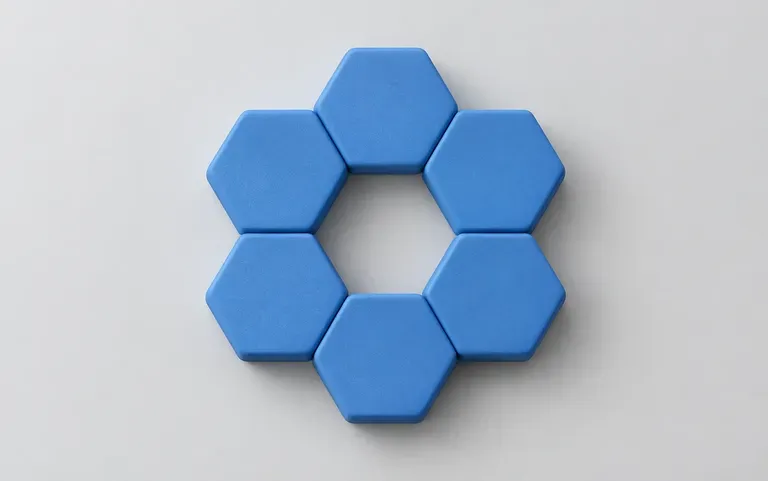
Name the geometry, surface finish, and one or two hex or color words, such as a ring of matte cobalt hexagons or a glossy coral sphere, and the model renders the complete shaded form.
Describe any abstract form, geometric cluster, or callout badge in one sentence to create a ready-to-place graphic. This AI shape generator renders glossy 3D orbs, glassmorphic blobs, Bauhaus polygons, paper-cut waves, and starburst seals on your Virse canvas.
An AI shape generator turns a short description of form, surface finish, and color into a custom graphic element without 3D modeling or manual vector shading. Running on the Virse Infinite Canvas, each prompt lets designers control three visual dimensions:
• Form and silhouette: Create organic blobs, interlocking rings, hexagon grids, Bauhaus blocks, sticker badges, or wavy dividers.
• Material and lighting shader: Render matte clay, frosted glassmorphism, iridescent pearl chrome, or layered paper with drop shadows.
• Clean compositing backdrop: Generate on solid white, matte black, or pastel backgrounds for fast isolation in page layouts.
Three workflow advantages that take you from a one-line description to layout-ready graphic accents without opening 3D software.
Name the geometry, surface finish, and one or two hex or color words, such as a ring of matte cobalt hexagons or a glossy coral sphere, and the model renders the complete shaded form.
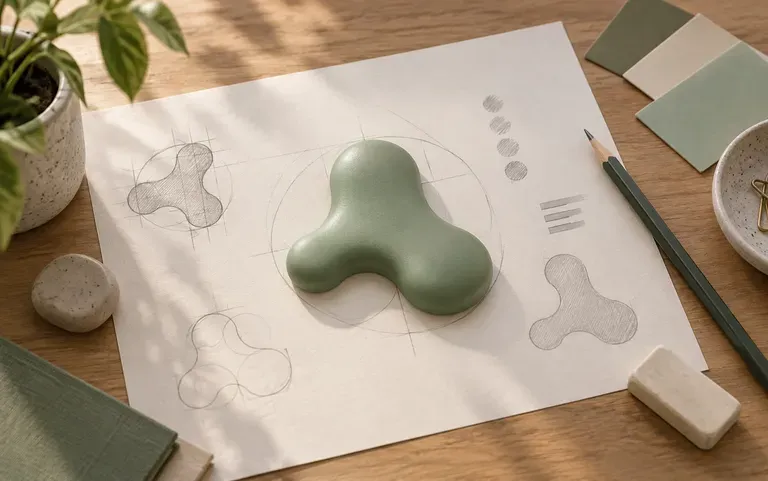
Generate standalone focal graphics for website hero sections, decorative corner accents for keynote decks, promo starburst seals for social posts, or early silhouette explorations for logo marks.
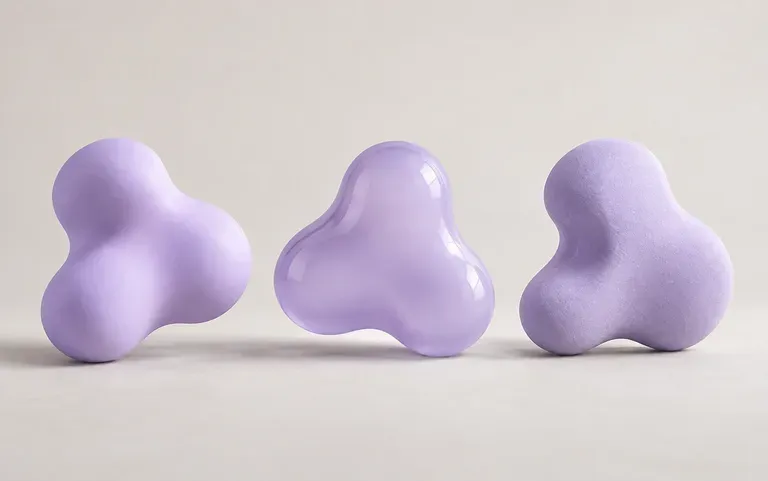
Run the exact same prompt two or three times on your Infinite Canvas to get fresh silhouette proportions and lighting angles, then compare every variation side by side.
How prompting shaded graphic forms on the Virse canvas compares with basic browser SVG sliders and manual 3D scene rendering.
Basic Slider Utilities & Manual 3D
Virse AI Shape Generator
State the exact silhouette you want, such as an asymmetrical blob, interlocking torus rings, honeycomb cluster, starburst, or wavy divider.
Add a surface treatment like matte ceramic, frosted glass, glossy enamel, or layered paper cut along with two specific colors.
Include "centered on a solid white background" or "isolated on dark slate" so outer edges stay crisp and easy to place in layouts.
Run the prompt again or swap a single texture word to compare multiple takes side by side before downloading your favorite raster graphic.
Pair a specific geometric noun with a tactile material, color palette, and isolated backdrop. Copy any of these three shape briefs:
• Glassmorphic UI accent: "Floating interlocking torus ring and organic sphere in translucent frosted glass with cyan and lavender edge refraction on dark navy."
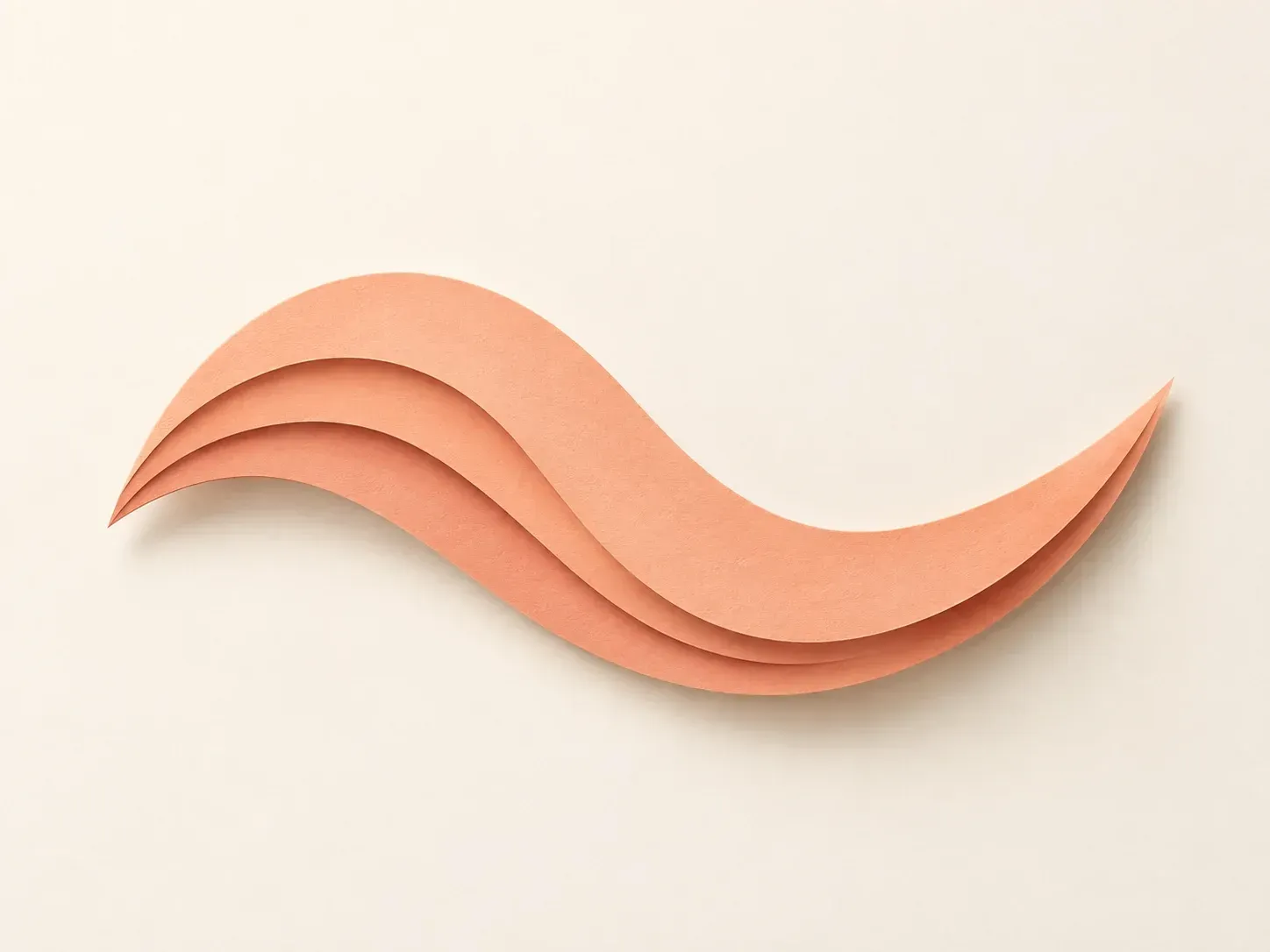
• Paper-cut section wave: "Top-down view of five stepped organic wave layers cut from matte terracotta, peach, and cream cardstock with crisp drop shadows."
• Bauhaus geometric cluster: "Mid-century Bauhaus composition of interlocking matte cobalt half-circles, mustard triangles, and charcoal bars with risograph grain on cream."
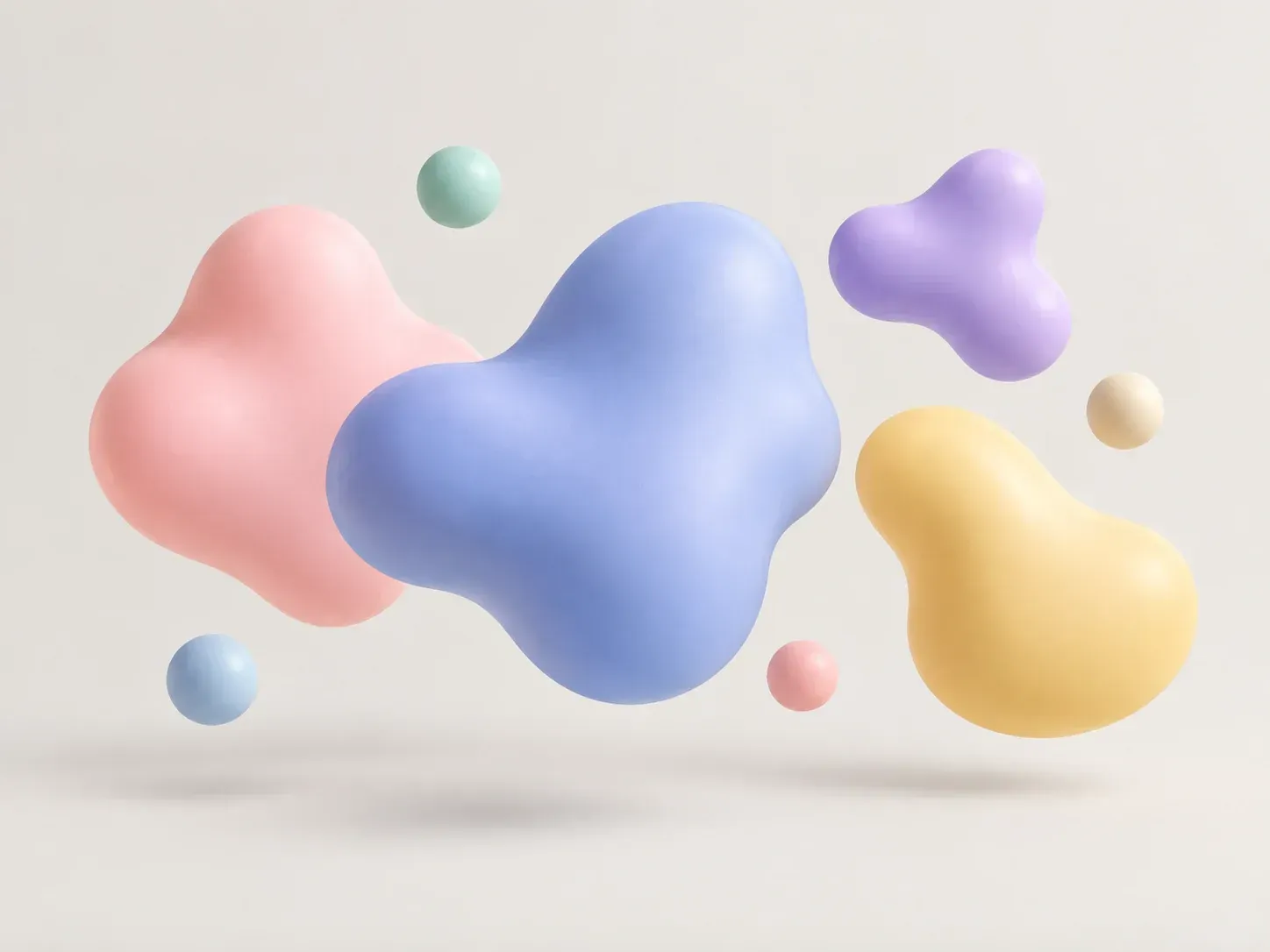
Four creative, web, and educational roles that generate custom graphic elements without drawing vector paths or modeling 3D meshes by hand.
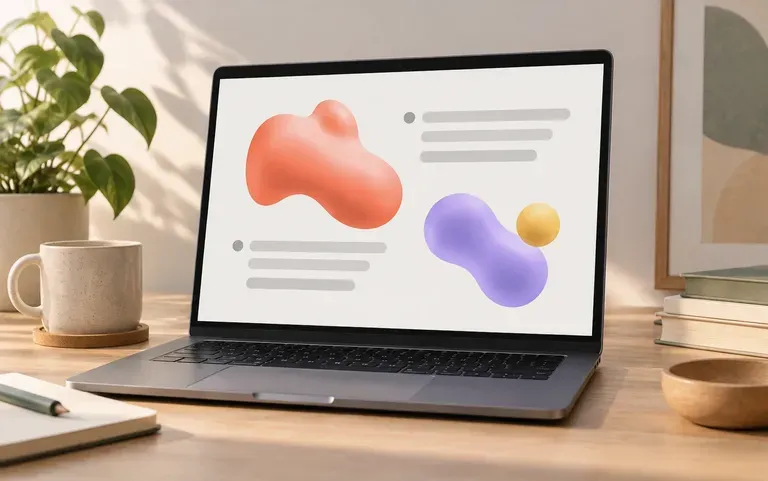
Break up text-heavy keynote and investor slides with custom 3D orbs, hexagon callout frames, and layered wave dividers matched to your deck palette.
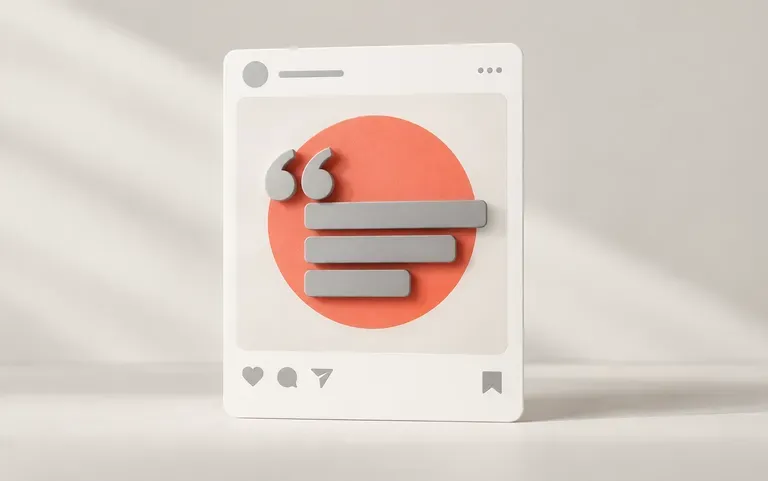
Place bold retro starburst badges, scalloped sticker frames, or soft pastel blobs behind product cutouts and pull quotes in feed graphics.
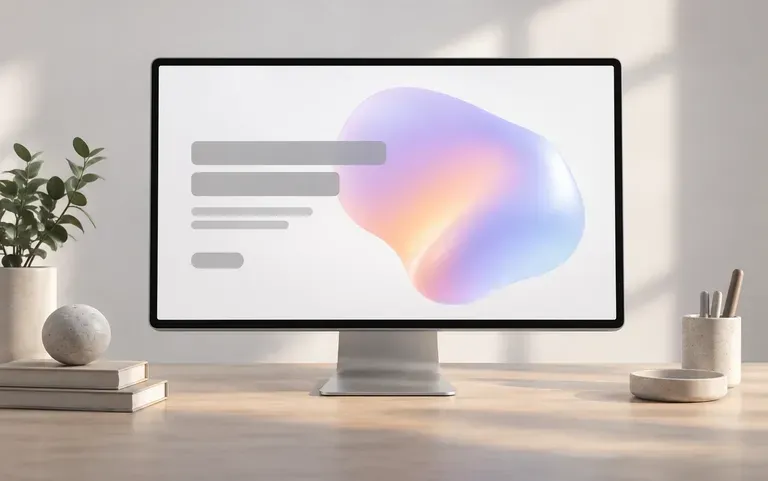
Prototype abstract 3D hero illustrations, glassmorphic floating cards, and decorative section backgrounds on the canvas before locking final site assets.
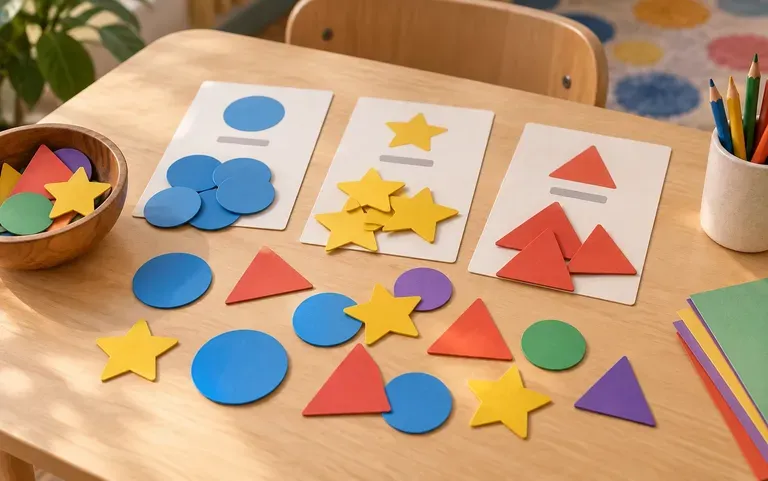
Produce bright, clearly differentiated geometric polygon cards, tangram-style visuals, and color-coded sorting shapes for worksheets and slide lessons.
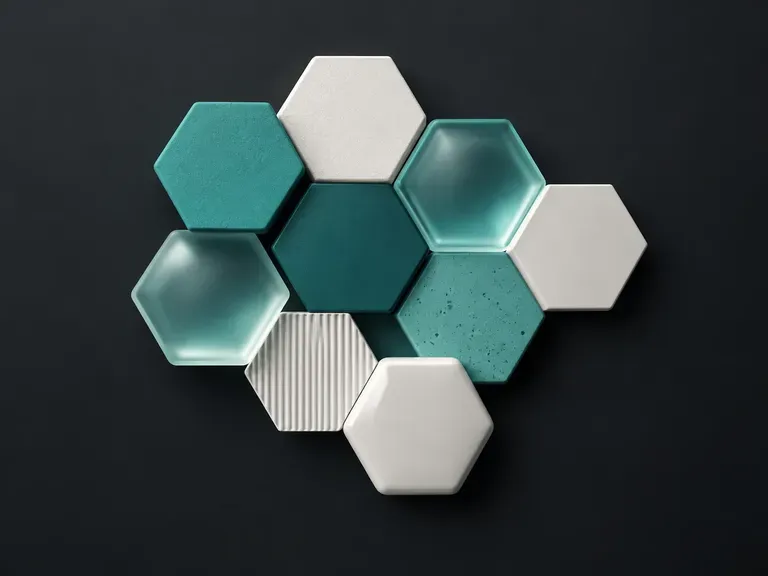
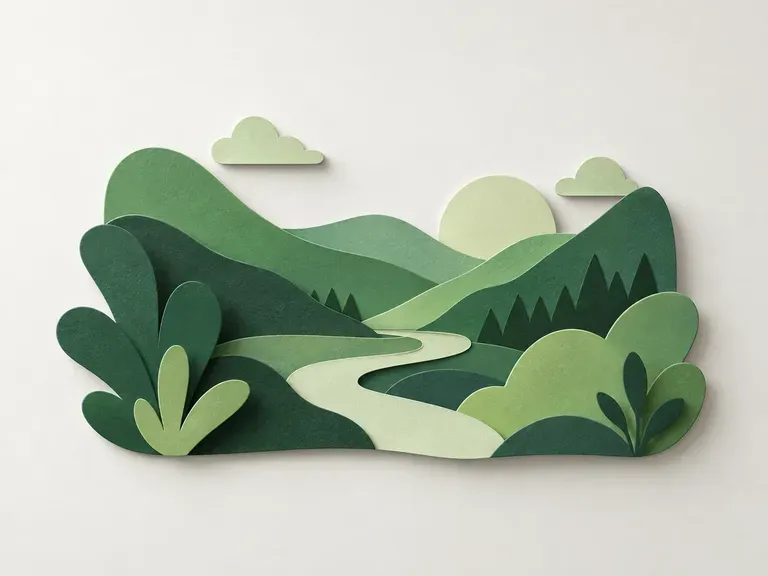
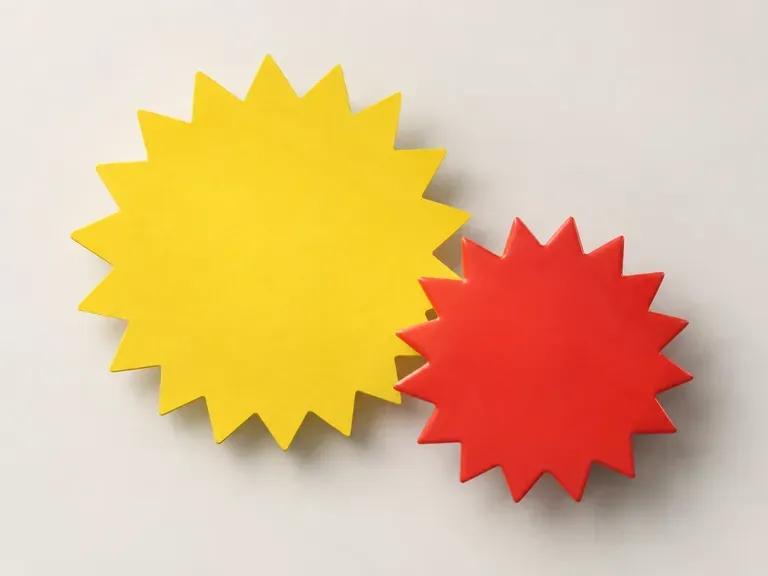
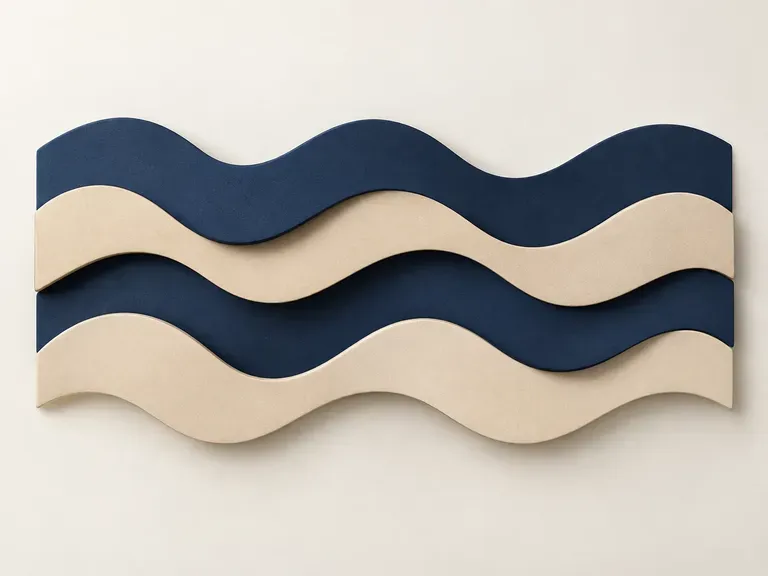
Six decorative and functional shape categories generated in Virse, covering fluid blobs, specular spheres, tech grids, paper relief, promo seals, and page dividers.
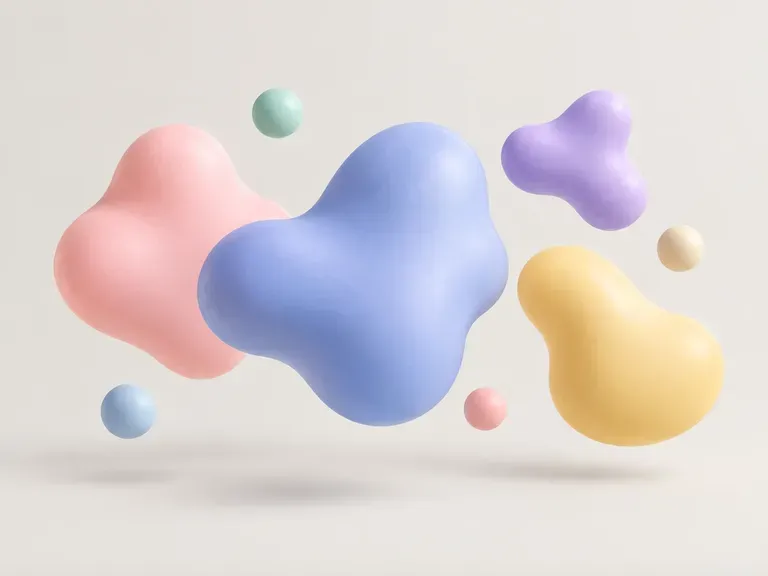
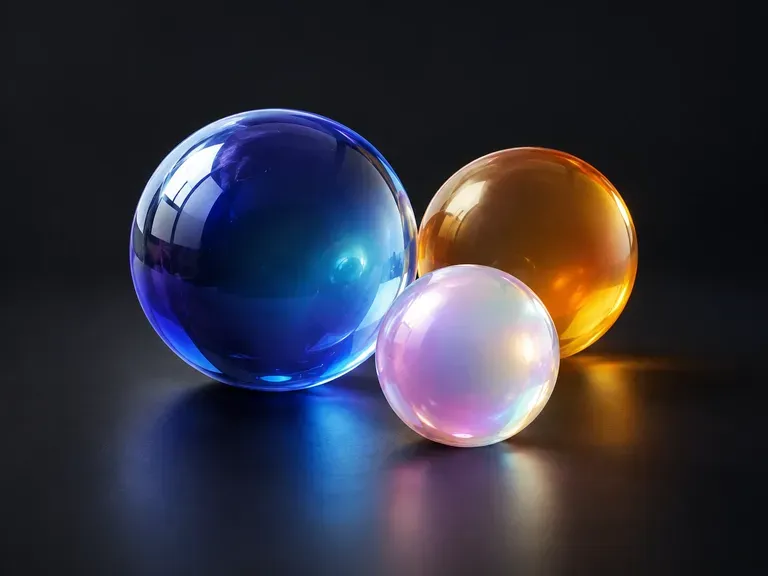
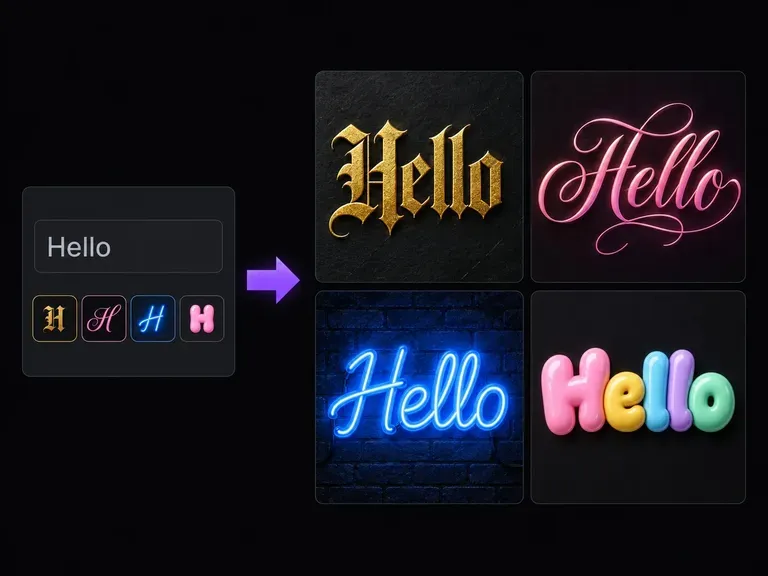
Pair your custom badge or 3D background shape with sculpted chrome, neon, or carved display lettering.
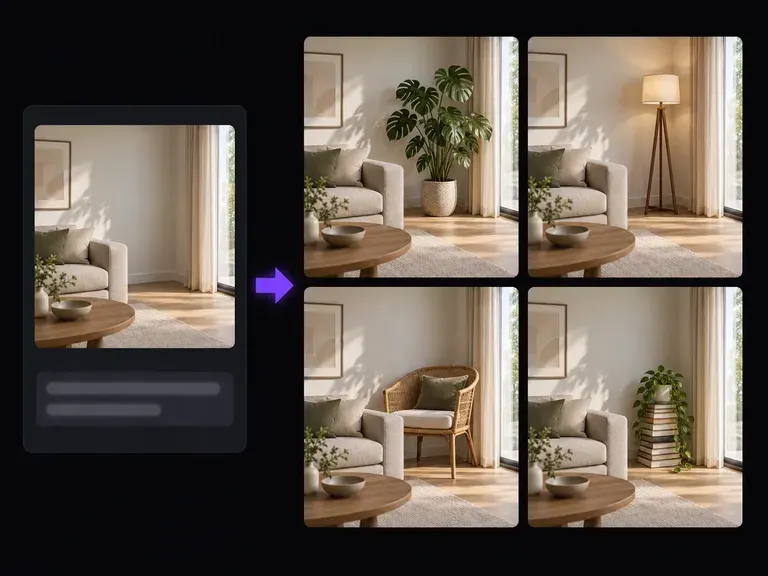
Clean up background edges, extend a wavy divider across a wider frame, or edit part of a generated shape.
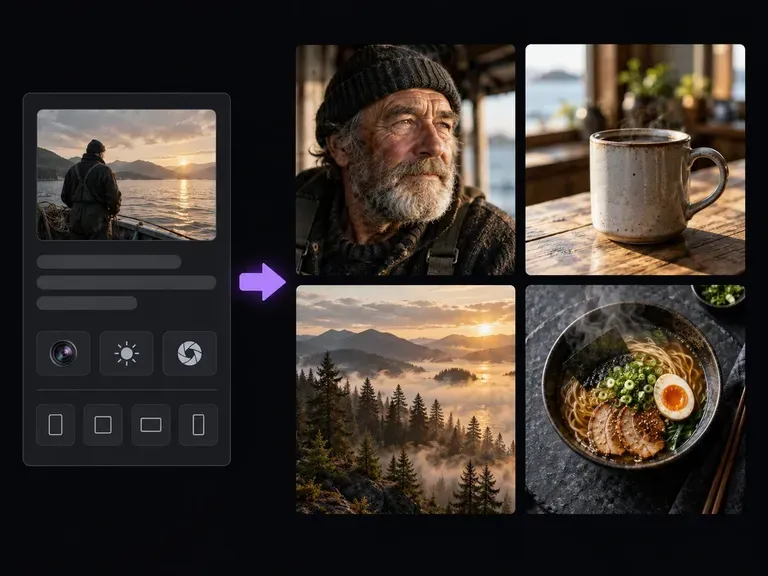
Generate full studio scenes, product photography, and textured backdrops to pair with graphic elements.
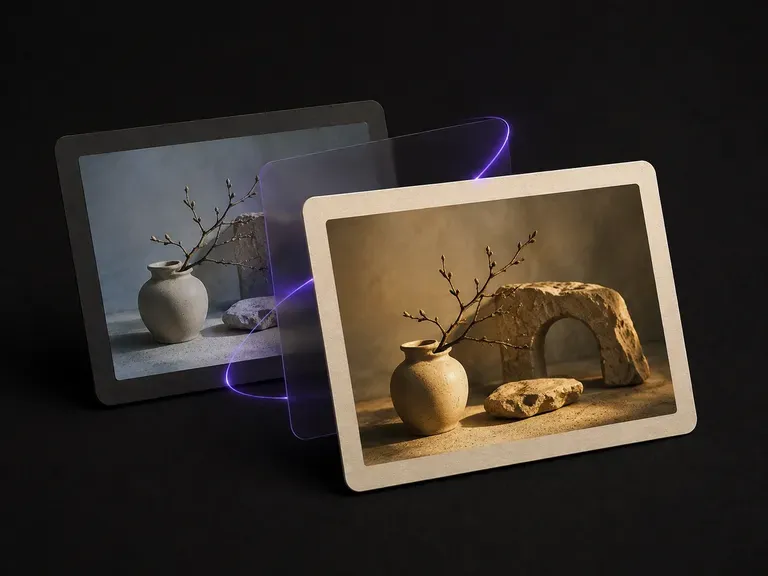
Match the tonal curve, warmth, and shadow tint of a reference film frame across your images.
Add controlled scanlines, chromatic splits, and datamosh textures while keeping subjects legible.
Explore expressive display lettering, 3D wordmarks, and illustrative title treatments.
Translate detailed creative briefs into balanced compositions with reliable spatial relationships.
Render high-contrast metallic reflections, fabric weaves, and shallow depth of field.

Guide subject posture, materials, and lighting using up to 14 reference images at 1K to 4K.
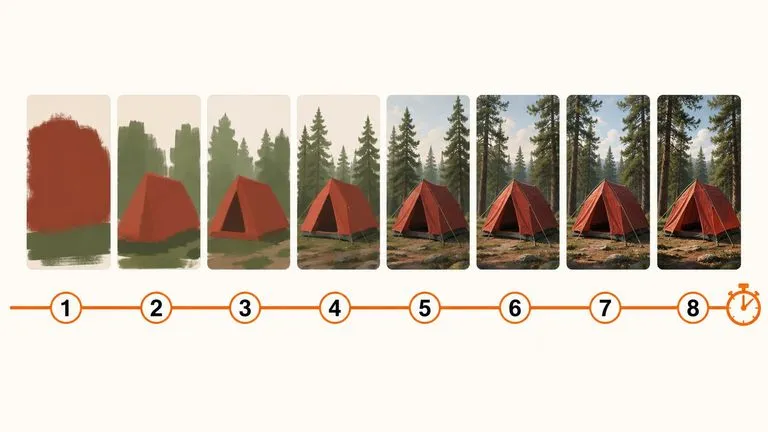
Draft rapid concept thumbnails and layout options before committing compute to final high-res renders.
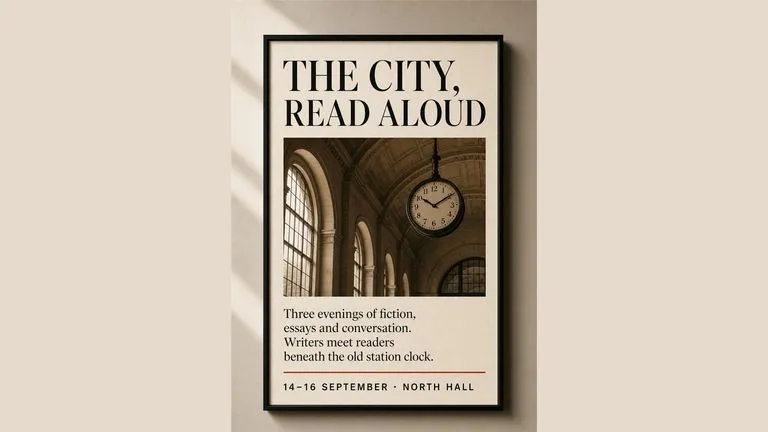
Render crisp labels, fine surface textures, and multi-reference compositions up to 4K resolution.

Follow complex multi-part written briefs that combine uploaded reference photos with strict layout rules.
Open the Virse Infinite Canvas with a one-sentence description to create blobs, glossy orbs, hexagon clusters, and starburst badges for your next layout.