
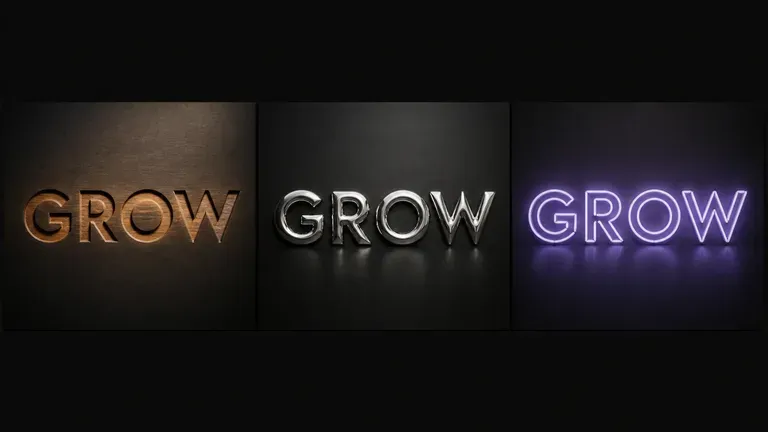
Free
Start with Free Generations
Try your first typography effect on Virse credits. New users can generate up to 10 images, enough to see whether a material treatment holds up before using it in a real project.
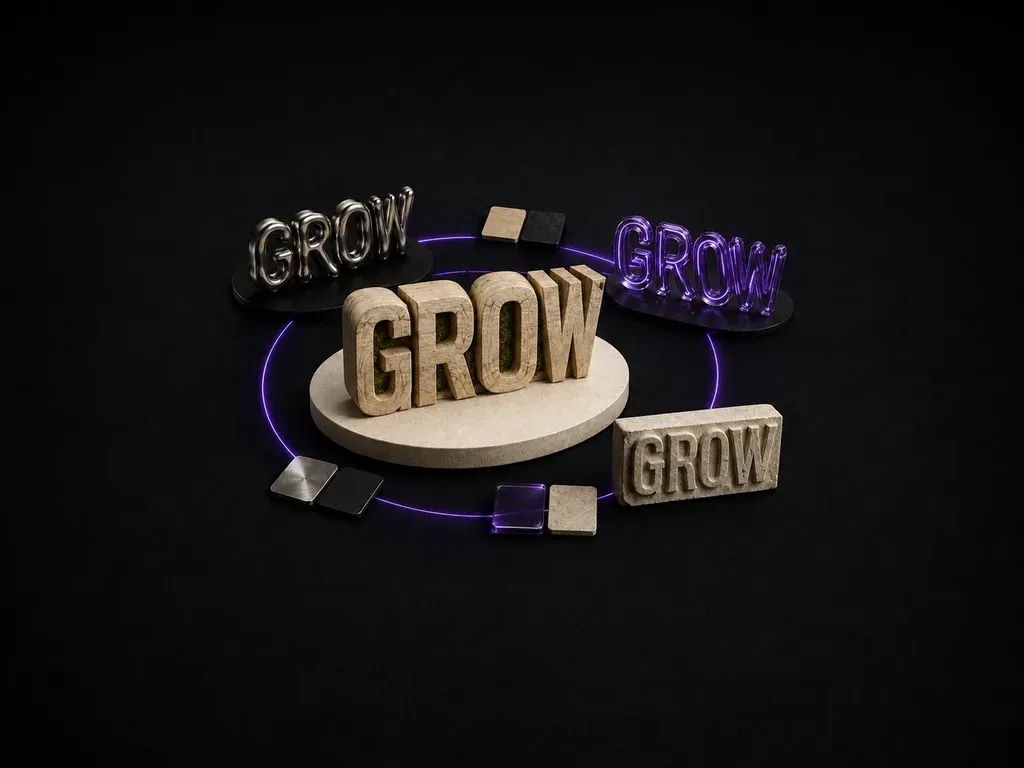
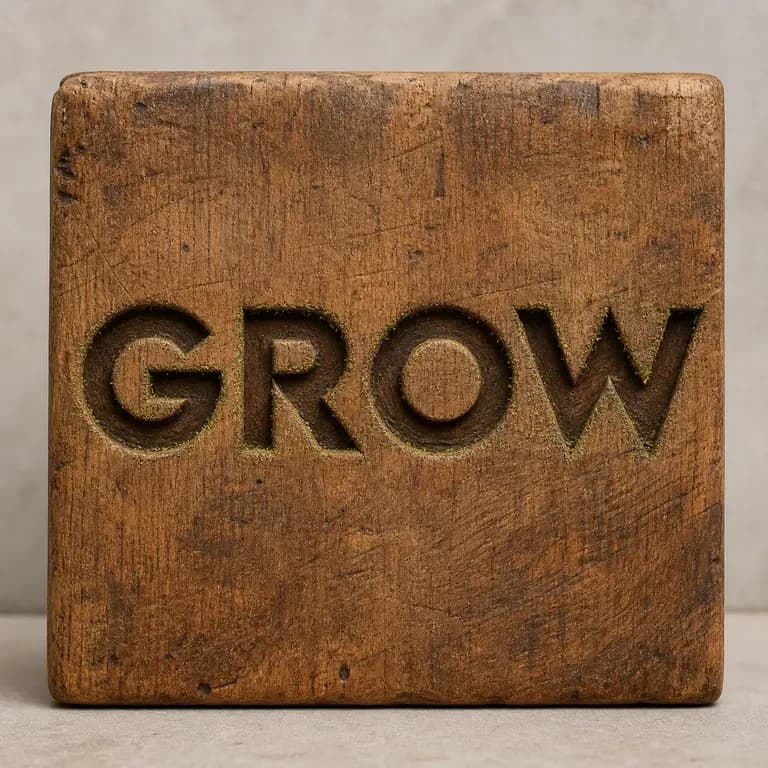
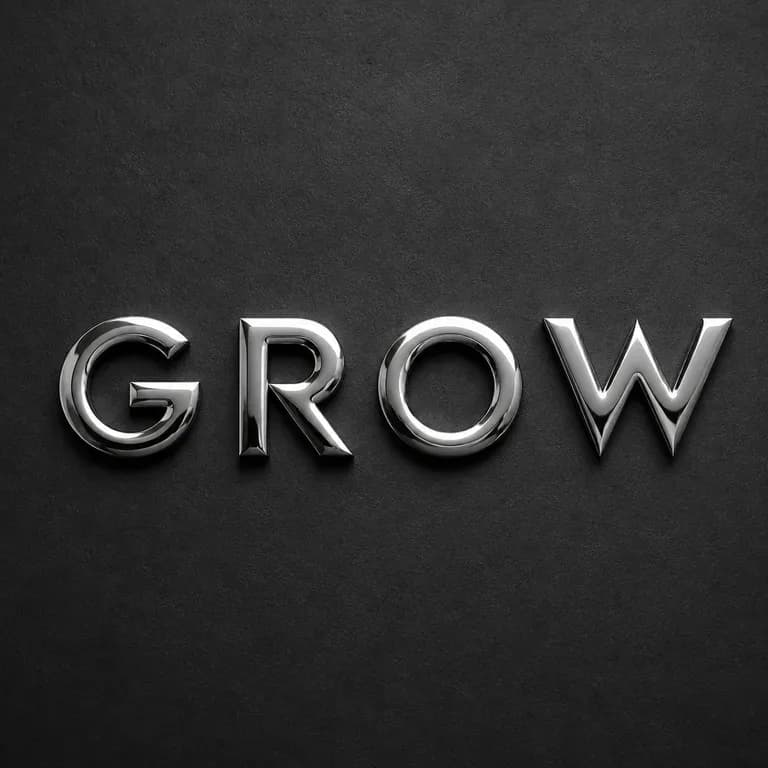
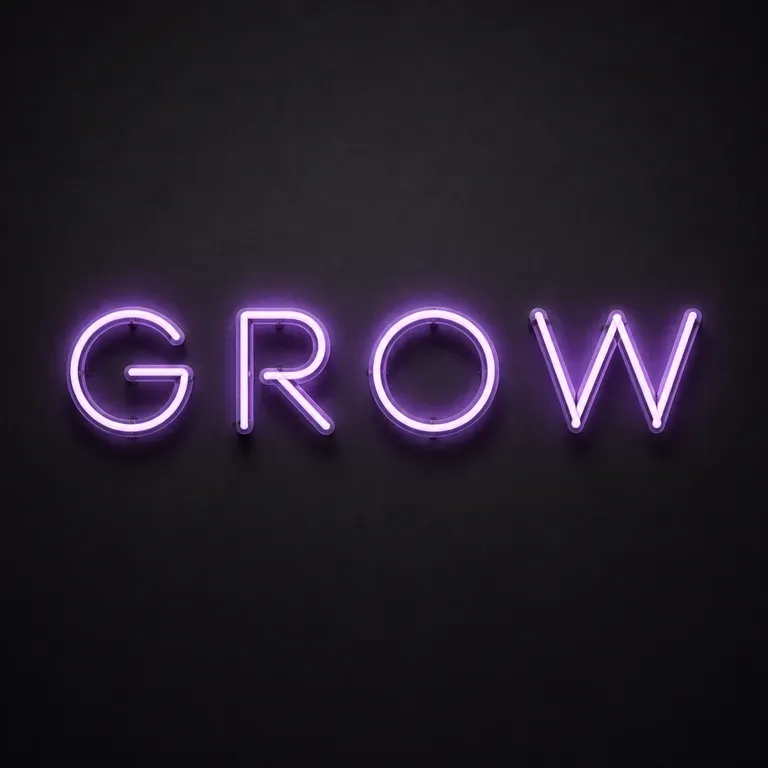
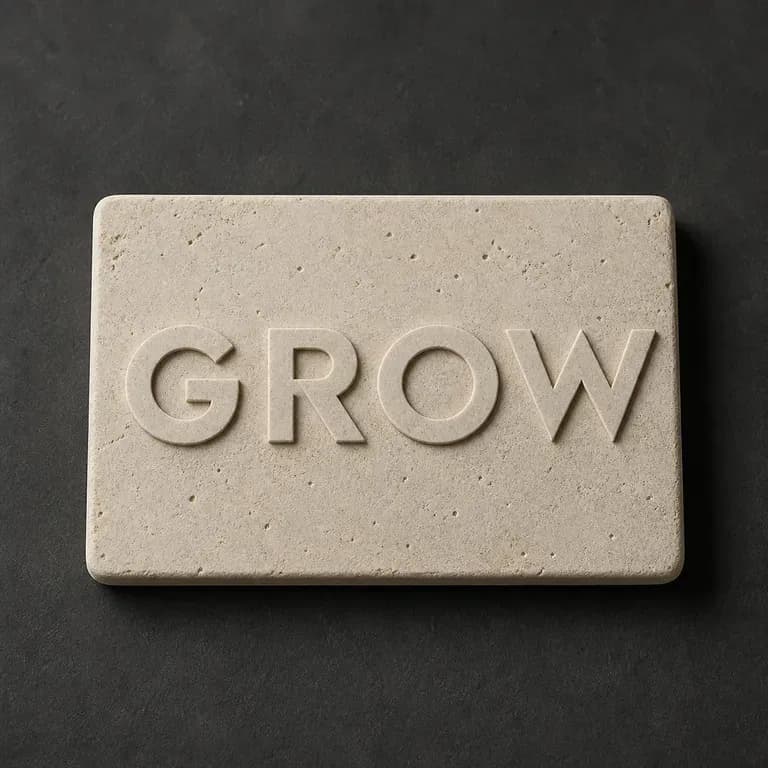
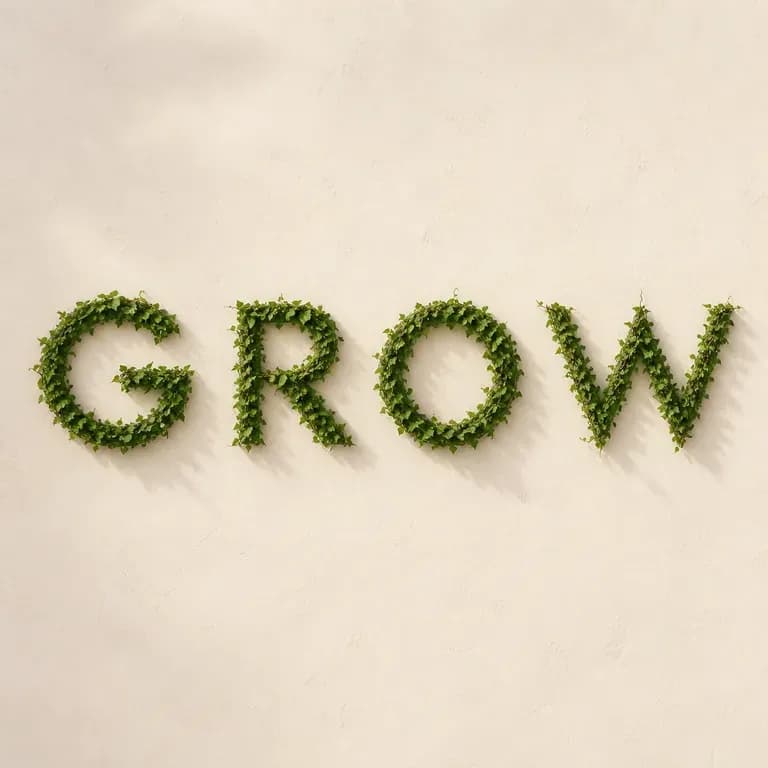
Wood-carved letters catch light differently than liquid metal. Enter a word or short phrase, name the material, and generate a 3D typography effect that keeps your lettering intact, starting on free credits.
An AI typography generator turns a short line of text into an artistic effect while keeping the wording unchanged. In Virse you type the text, describe the material and style, and generate a few treatments to compare on one canvas before picking one—built around three core workflow advantages:
· Exact wording preserved: Renders the exact word or short title you type without scrambling letter order.
· Tactile 3D & material shaders: Transforms flat letters into liquid chrome, carved walnut, inflated foil, neon glass, or floral arrangements.
· Poster & thumbnail ready: Delivers high-impact display lettering for album covers, social headers, and event titles.
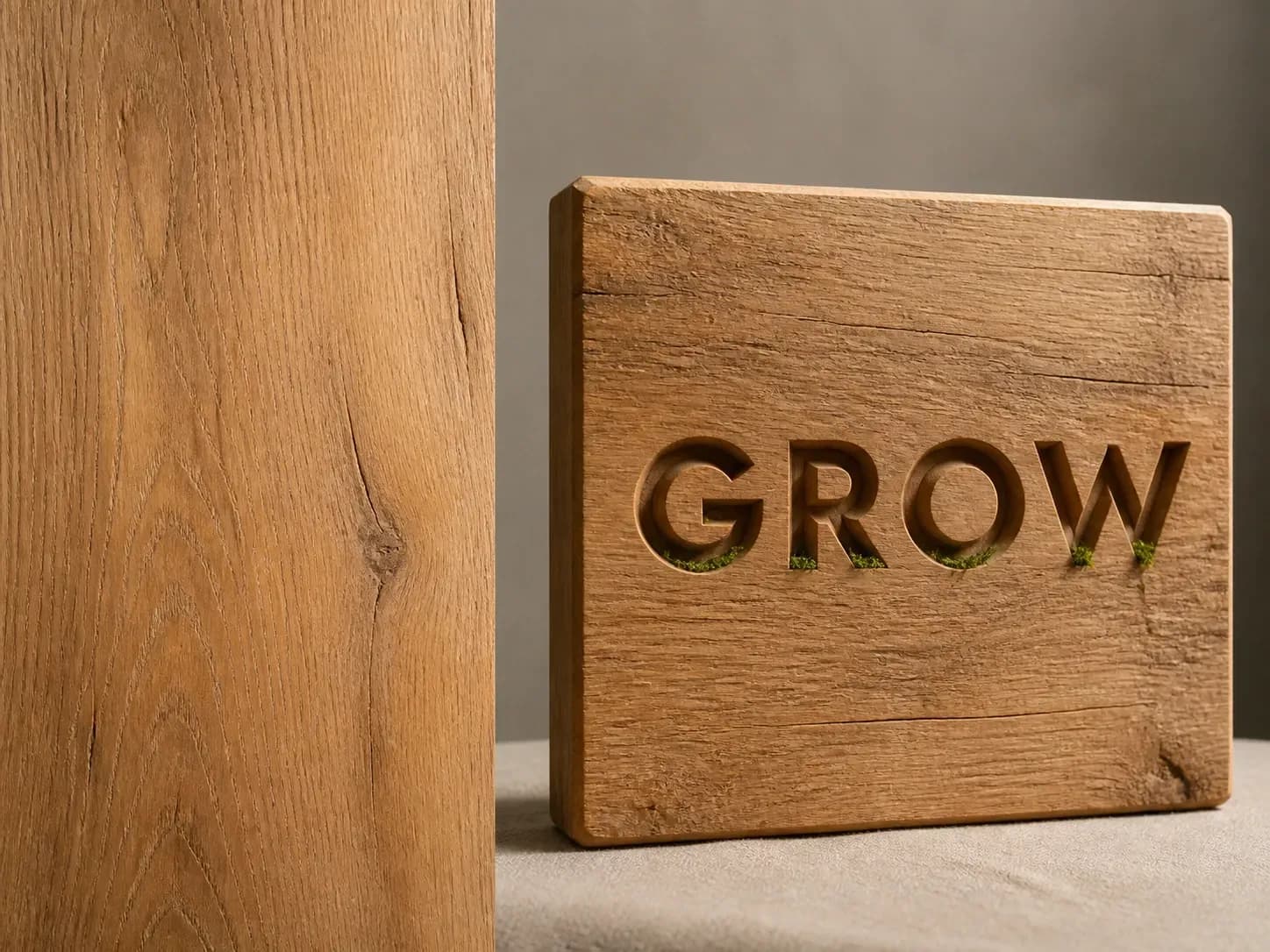
Text effects are easy to get wrong at the letter level. Getting the wording locked and the material right is what makes one usable.
Try your first typography effect on Virse credits. New users can generate up to 10 images, enough to see whether a material treatment holds up before using it in a real project.
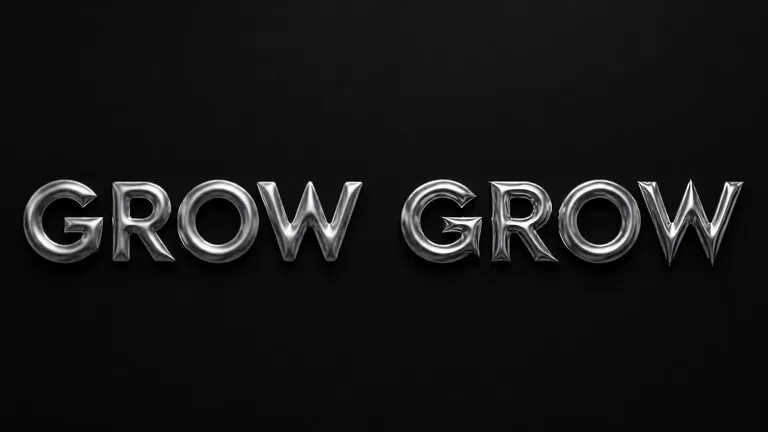
Virse brings 40+ AI models into one environment, and paid plans include unlimited model usage. You can see how different models render the same material without rebuilding your brief for each one.
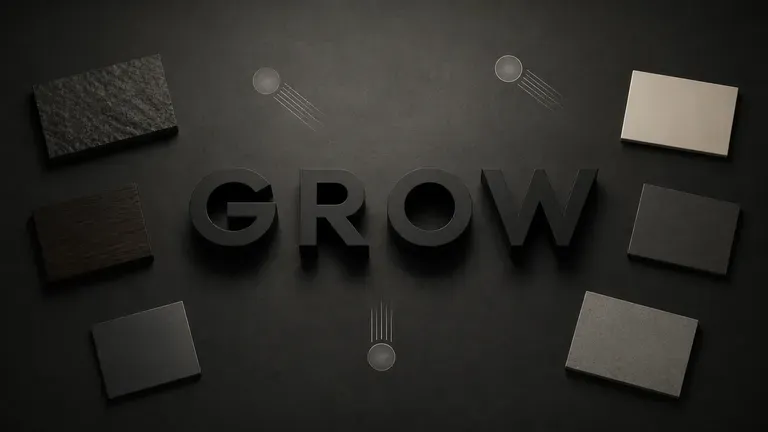
References, generated treatments and alternative materials stay together on an infinite canvas. Virse keeps your wording and style notes in context, so the next round builds on what already worked.
Compare manual 3D shader and lighting setups against fast material typography on the Virse canvas.
Manual 3D Text Extrusion & Layer Styles
Virse Typography Effect Generator
Enter a single word or short phrase. Shorter text renders much more cleanly across detailed surface materials.
Write out the material, such as carved wood or liquid metal, and the mood, from warm and natural to cold and industrial.
Run an available AI image model and let it apply the material to your text while keeping the wording unchanged.
Pick the strongest treatment and keep adjusting the material and lighting with updated notes.
Keep your text to 1–3 impactful words and describe the physical material, edge profile, and backdrop lighting:
· Molten liquid chrome title: Word 'PULSE' in inflated mirror-polished liquid mercury chrome, neon cyan-violet studio reflections, dark carbon background.
· Craft carved walnut lettering: Word 'HARVEST' chisel-carved out of warm oiled walnut wood block, crisp bevel shadows, cream linen tabletop.
· Tactile botanical puff type: Word 'BLOOM' formed from dense moss, wildflowers, and dewdrops, soft morning sunlight on muted sage seamless.
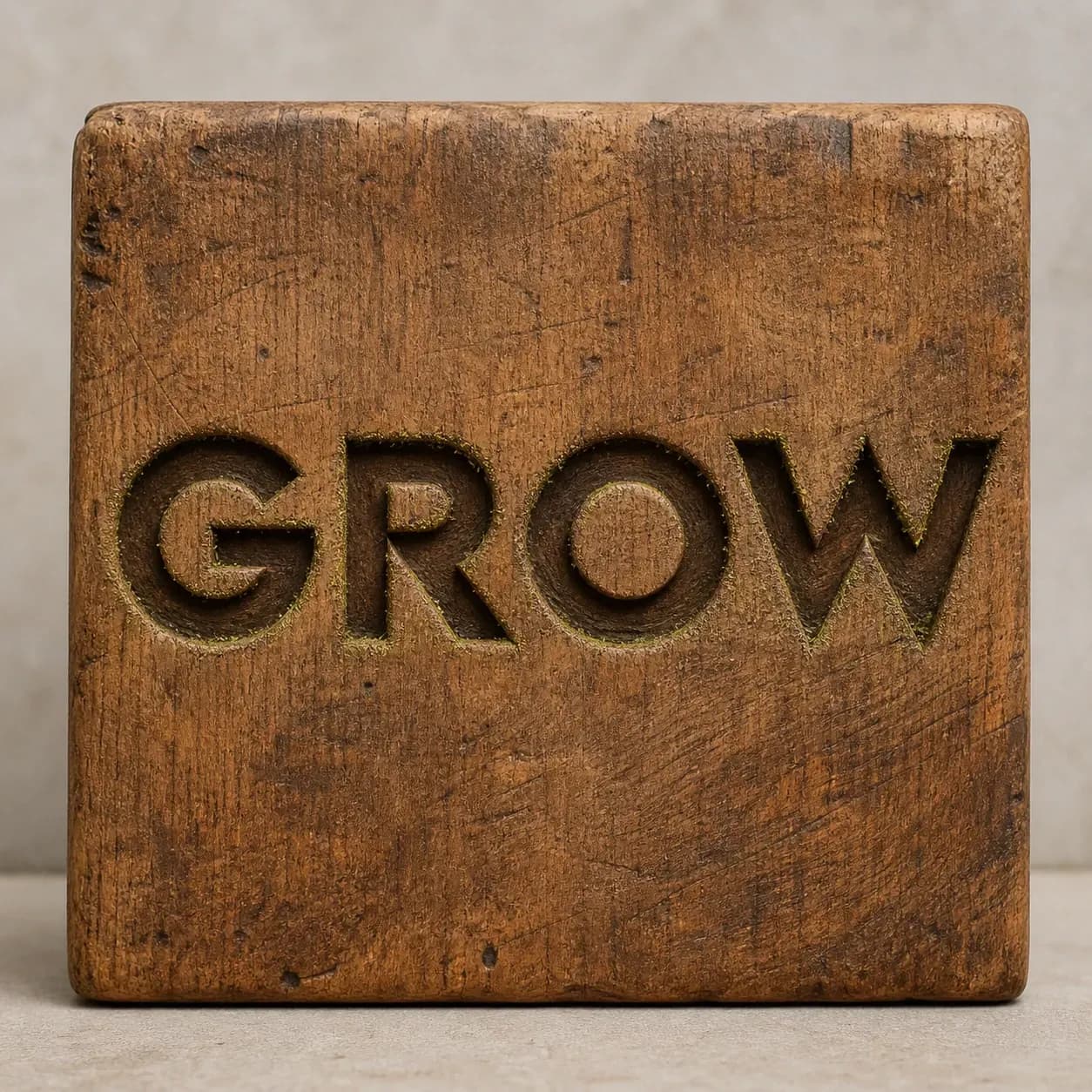
People who need a word to look like something, not just say something.
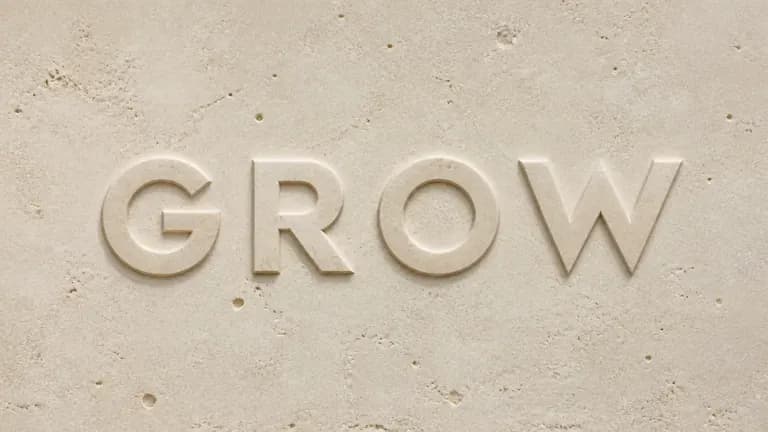
Explore material-led typography for a poster, title treatment or brand moment.
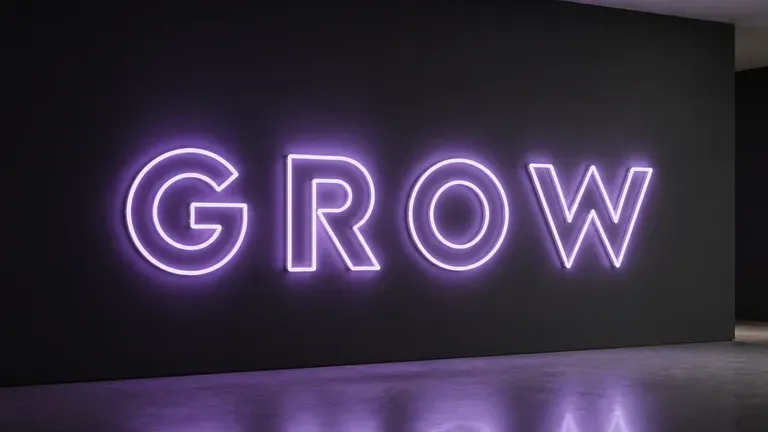
Generate an eye-catching text treatment for a post, cover or thumbnail.
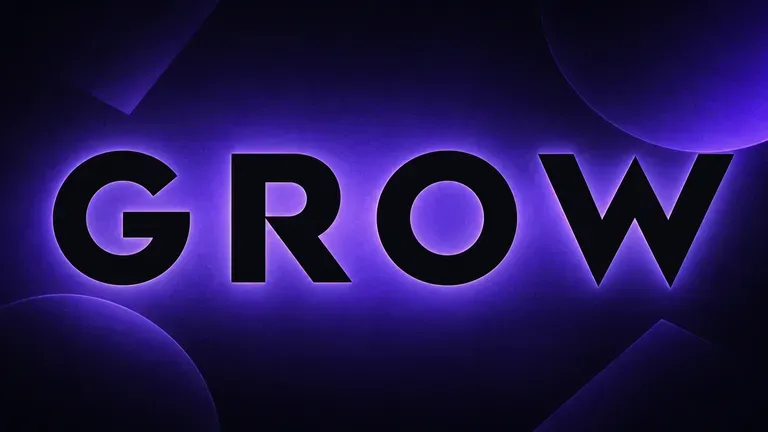
Design a statement headline treatment for an event poster or announcement.
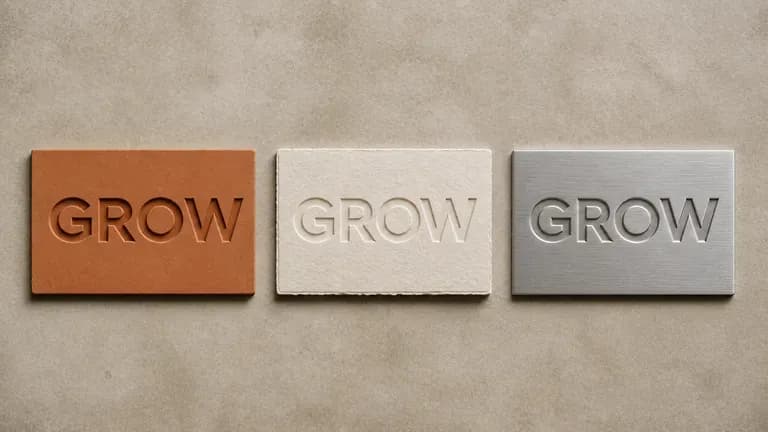
Practise applying materials and styles to type as a design exercise.
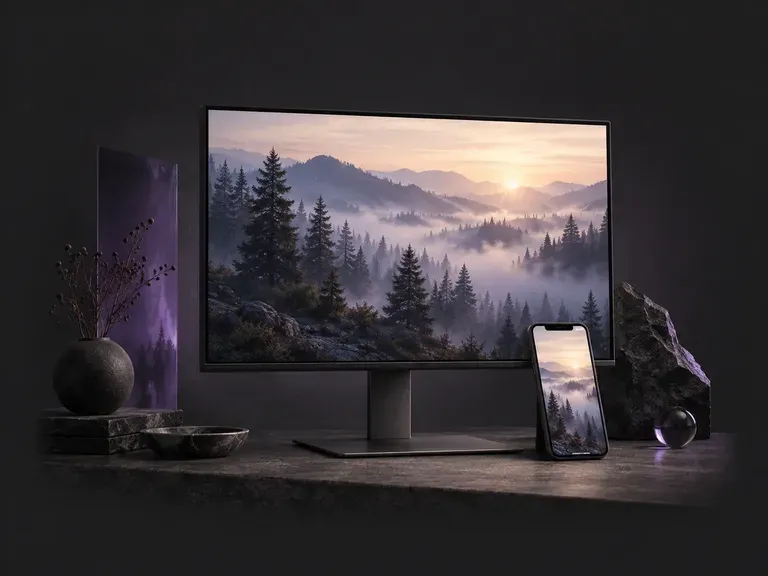
Choose a 9:16 phone or 16:9 desktop format, then describe the scene, style, and palette you want. This AI wallpaper generator creates custom screen backgrounds across minimalist gradients, misty landscapes, anime skylines, and 3D geometry with clock headroom.
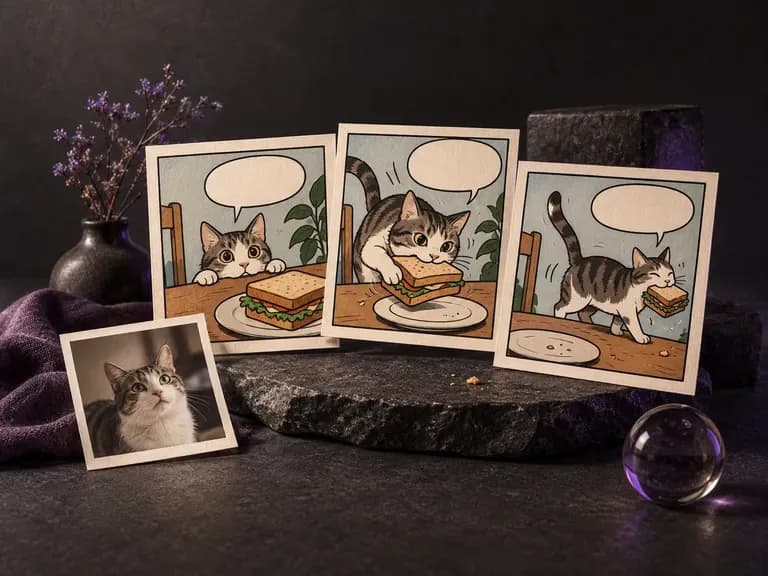
Whether you are pitching a three-panel gag, illustrating a handout, or redrawing a favorite photo in ink and halftone dots, this AI comic generator turns written beats or uploaded pictures into single comic frames and short sequential strips on the Virse canvas.
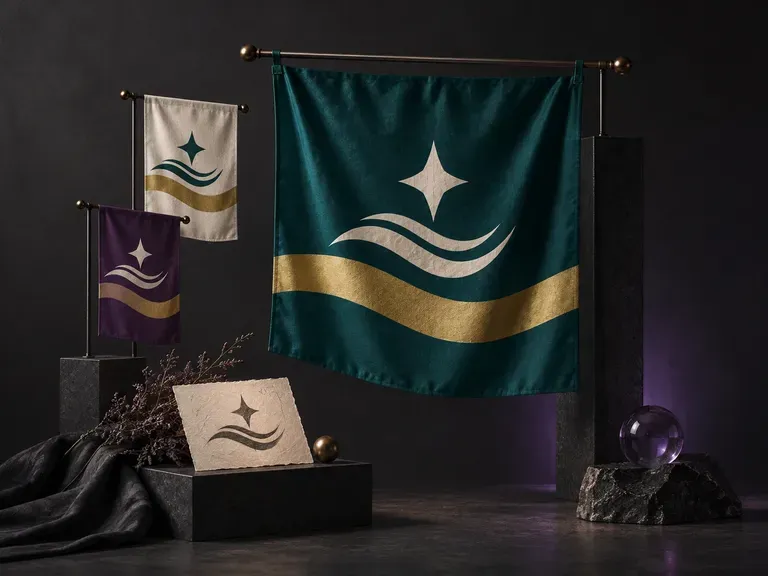
A strong flag reads clearly across a stadium or on a worldbuilding map. Describe your field colors, geometric division, and central motif, or upload an emblem, and this AI flag generator creates a front-facing flag design and flagpole preview on your Virse canvas.
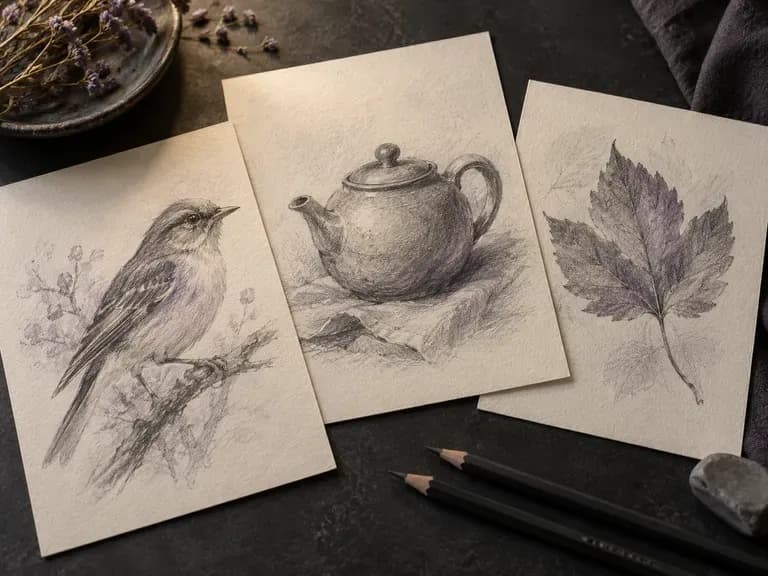
Render graphite pencil studies, architectural pen-and-ink linework, charcoal drawings, fashion croquis, and industrial wireframes with our AI sketch generator. Start from text or upload a photo to control contour weight, cross-hatching, and paper texture.
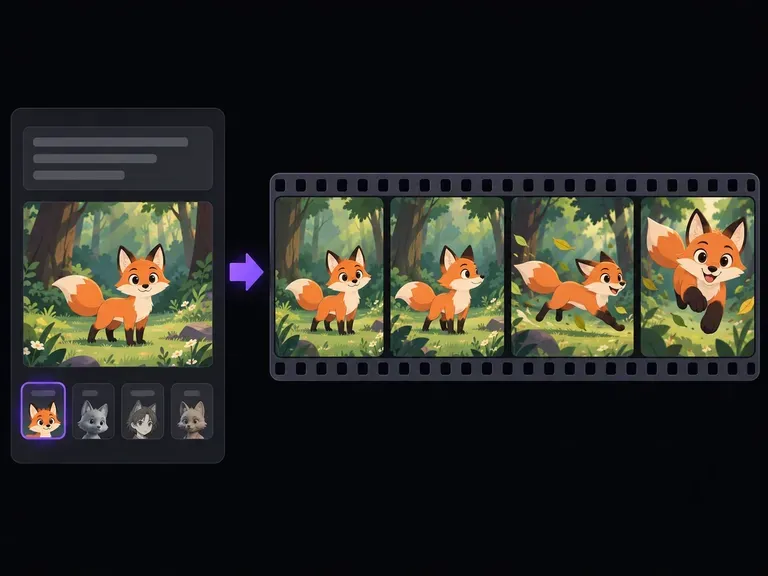
Turn text prompts or character illustrations into short animated video clips online. Choose 2D cartoon, anime cel-shading, 3D CGI, claymation, or sketch styles, set one clear motion beat, and export MP4 clips in seconds.
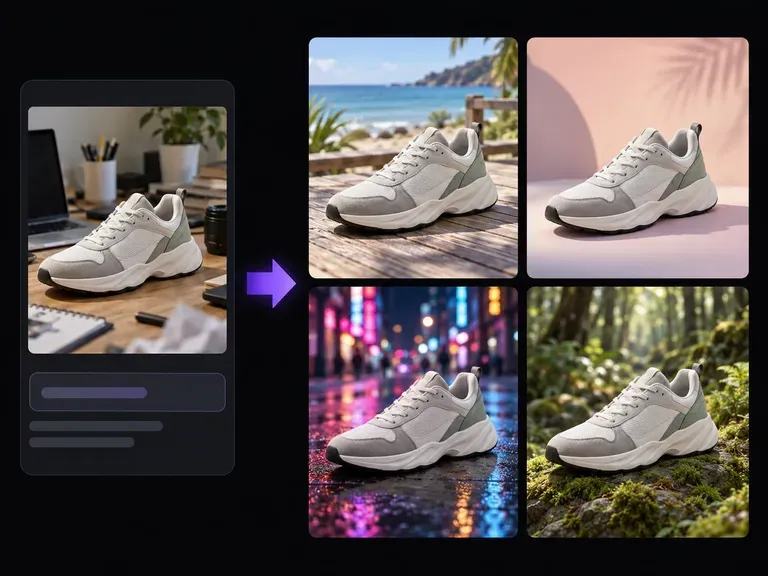
Upload a product photo or portrait and describe the new setting: a studio plinth, a sunlit room, or an outdoor patio. This AI background changer builds a custom scene around your subject to test surface materials, lighting direction, and mood on one canvas.
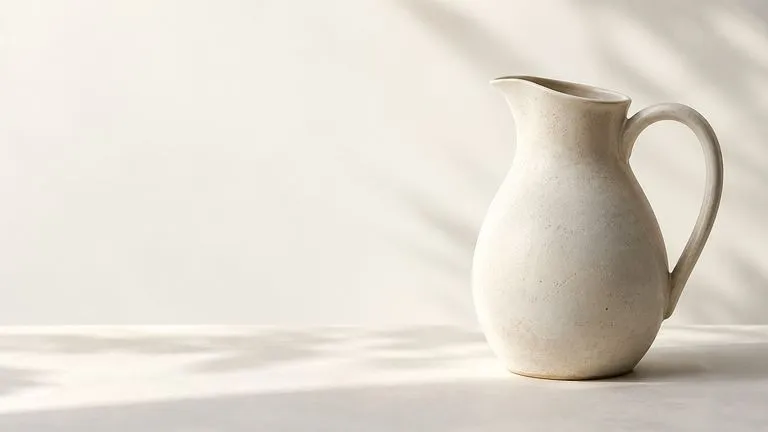
Create and edit stills with FLUX 3 Image at 1K, 2K or 4K. Switch to FLUX 3 Video for 5–20-second scenes at 720P or 1080P with native audio, on the same Virse canvas.

Generate and edit images with Nano Banana 2.1 in Virse. Choose 1K, 2K or 4K output and use up to 14 reference images to guide the subject, setting and materials.
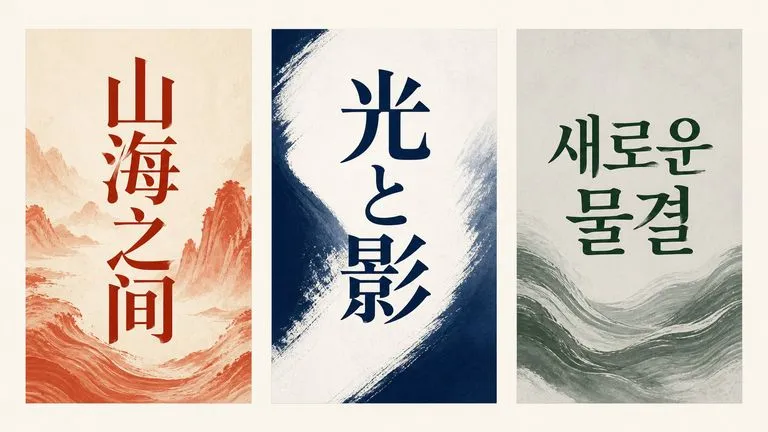
Alibaba's Qwen Image 3.0 Pro renders type as language across a dozen scripts, holding legibility down to ten pixels in dense layouts.
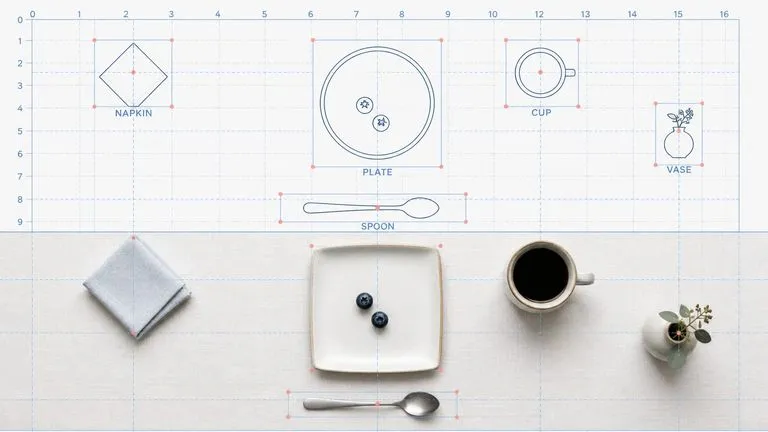
Reve AI's second-generation model builds an addressable layout of positioned elements before it renders, so a specified arrangement comes back arranged.
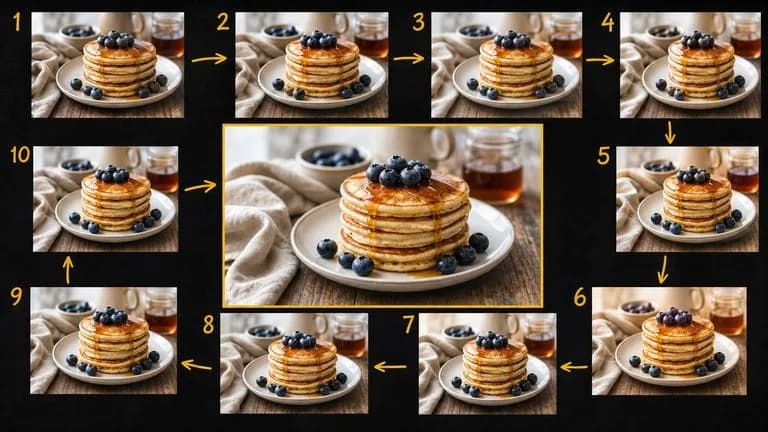
Google's Gemini 2.5 Flash Image — the original Nano Banana — generates and edits pictures at conversation speed, so a correction takes a sentence instead of a session.
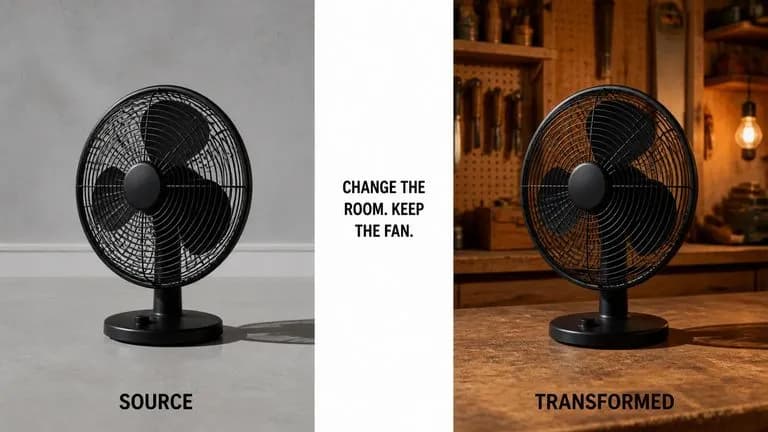
ByteDance's Seedream 4.0 and Seedream 4.5 generate from written descriptions and from images you supply, turning one source picture into as many directions as a project needs.
Type your text, describe the material and style, and generate a treatment that keeps your wording intact.