Realistic AI Image Generator

Realistic AI Image Generator

Plan the image as you would plan a shot. Name the subject, explain the setting and describe the light falling across it. Virse creates a photo-style image from that brief so you can compare visual directions for a product scene, food image, fictional portrait or interior concept.

Input
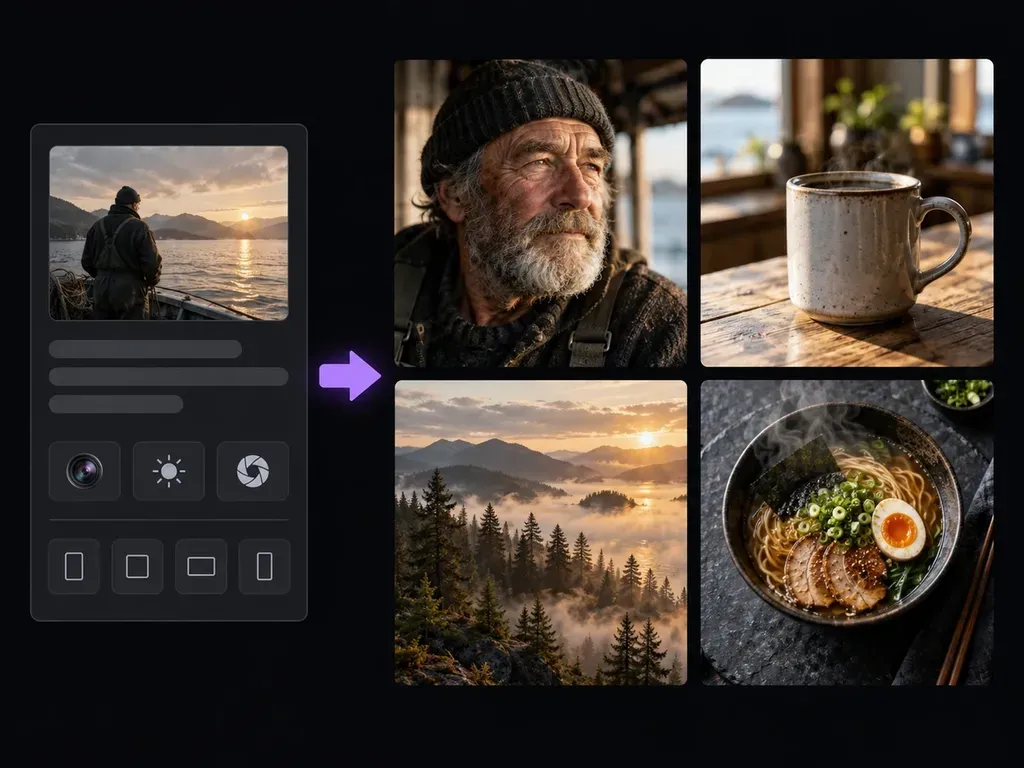
Image brief · RequiredLook reference · OptionalSubject & lens · OptionalCamera look · OptionalOutput ratio · OptionalNumber of variants · Optional
Output
Photorealistic images, 2 independently composed variants by default, rendered at the selected aspect ratio (3:2 / 4:5 / 1:1 / 16:9 / 9:16), each generated separately
Look referenceOptional

Your image is uploaded on the canvas — this form carries the settings.

Subject & lensOptional
Camera lookOptional
Output ratioOptional
Number of variantsOptional

How Realistic AI Image Generator Works

A realistic AI image generator creates synthetic images with photographic qualities. Describe a subject, setting and light in Virse to explore a visual concept. A convincing appearance does not make the result a photograph of a real event.

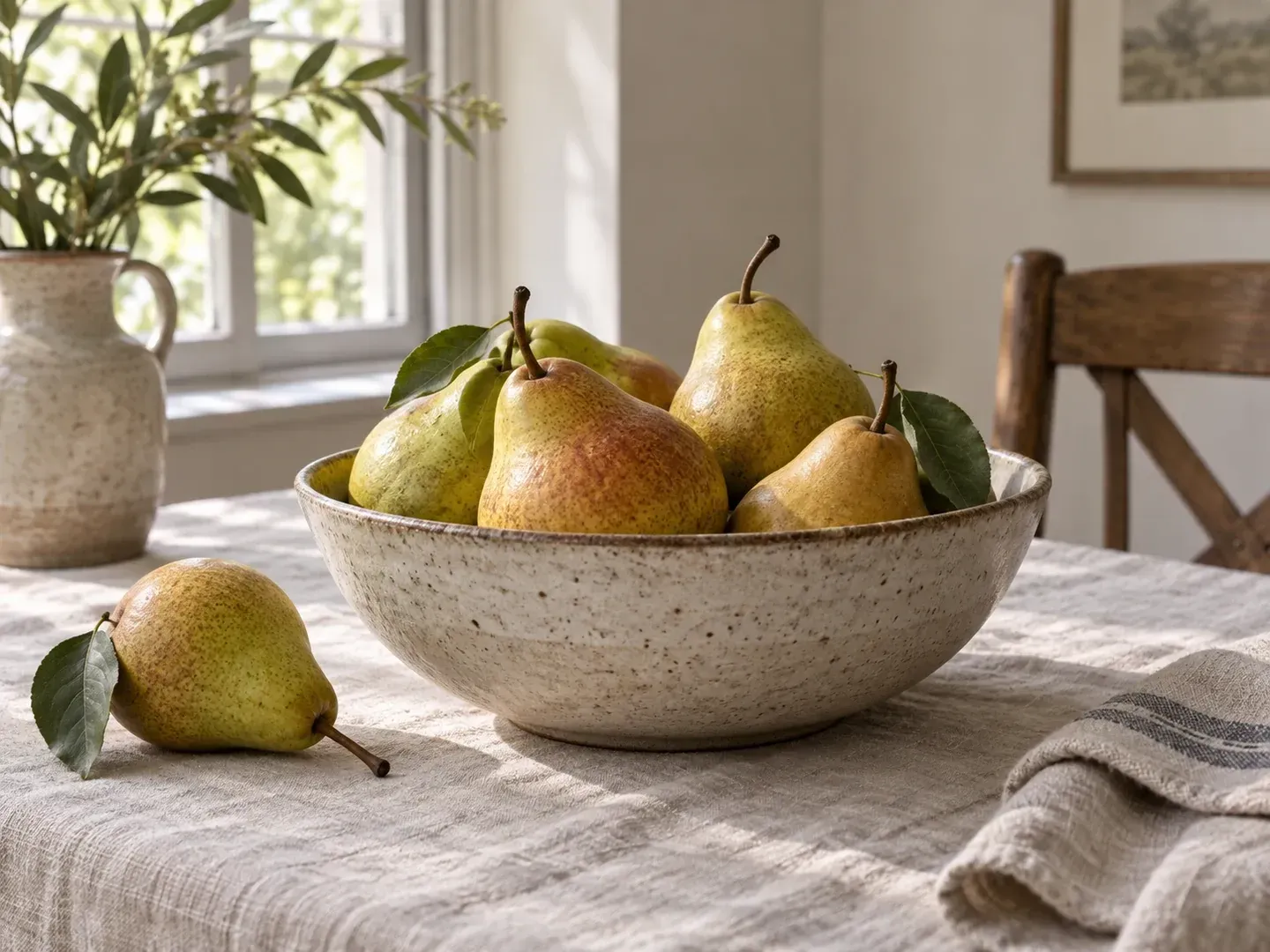
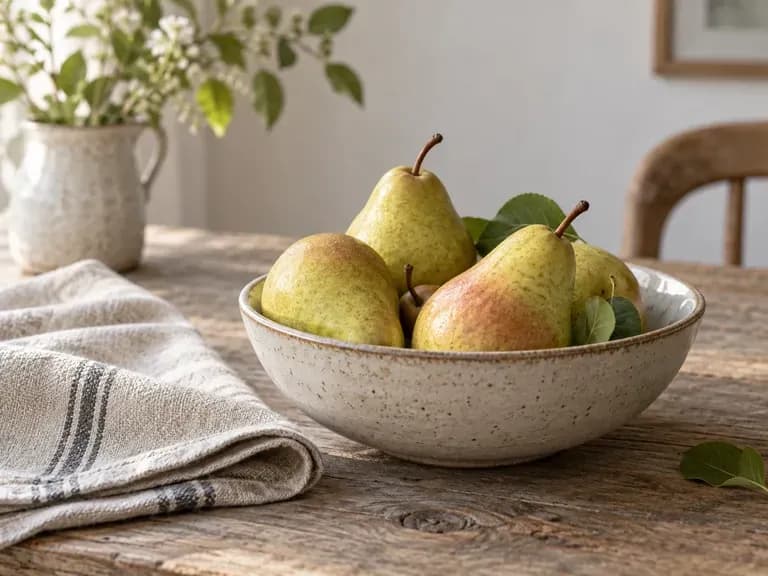
A ceramic bowl of pears on a linen-covered table in soft natural window light
Illustrative concept: a ceramic bowl of pears on a linen-covered table in soft natural window light

What You Can Explore in Virse

Realism comes from details that agree with one another: light, shadows, materials and the way objects occupy space.

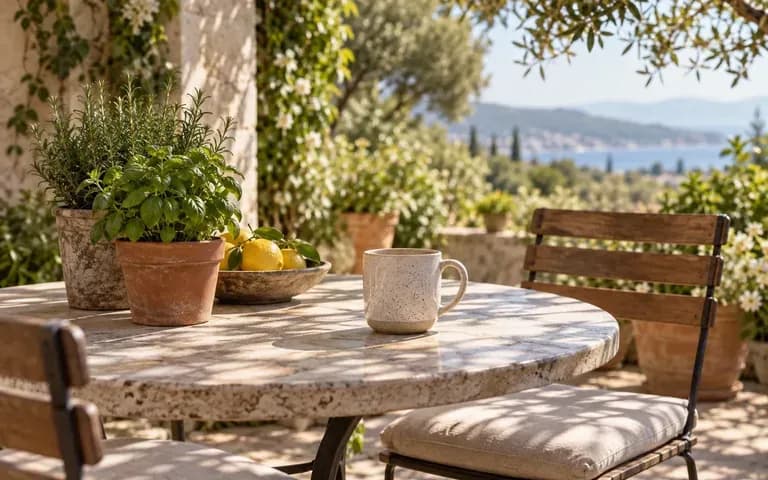
A ceramic mug on a sunlit patio table

Write a Specific Shot Brief

Describe the subject and viewpoint before adding style words. A bowl seen close-up beside a window gives clearer direction than a request for an impressive image.
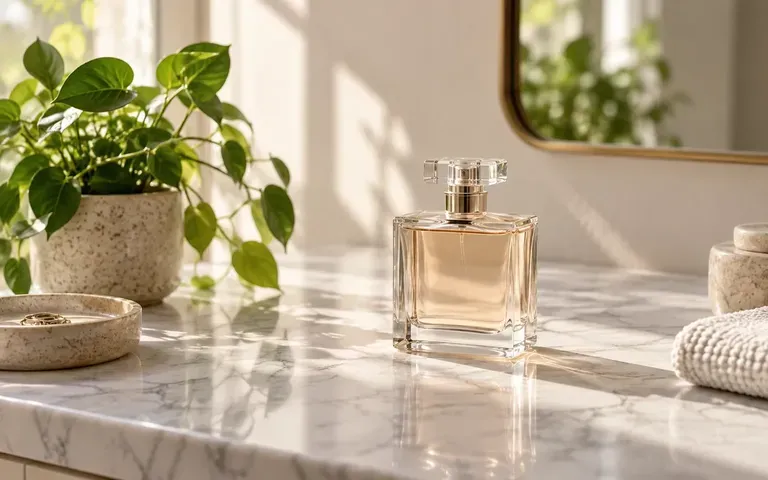
A perfume bottle on a marble counter

Explore Light and Material

Explain whether the scene has soft daylight, a warm lamp or controlled studio light. Name the surfaces whose texture matters to the visual direction.
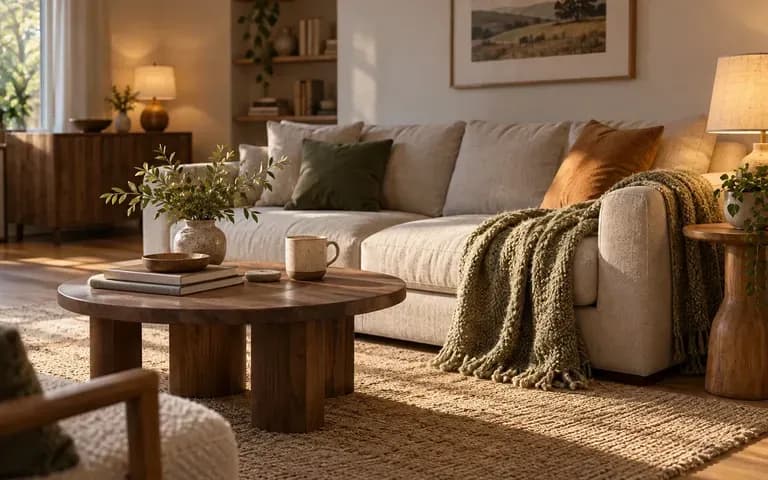
A cozy interior with warm lamps and a sofa

Compare Compositions in Context

Keep references and generated options together on the canvas. Inspect fine details before deciding whether a concept is suitable for the project.

How to Get Started

  1. Name the Subject and Setting

    Describe what is in the image and where it belongs. Use original or authorized references when needed.

  2. Plan the Light and View

    Explain the camera position, light source and important materials. Keep the direction internally consistent.

  3. Generate Image Concepts

    Continue in Virse and compare the overall composition. Check whether the light, shadows and proportions make sense together.

  4. Inspect the Details

    Look closely at hands, teeth, labels, reflections and repeated objects. Use the image as synthetic artwork rather than evidence of a real person or event.

Who Uses This Tool?

Photo-style concepts are useful when you need to explore an imagined scene rather than document something that happened.
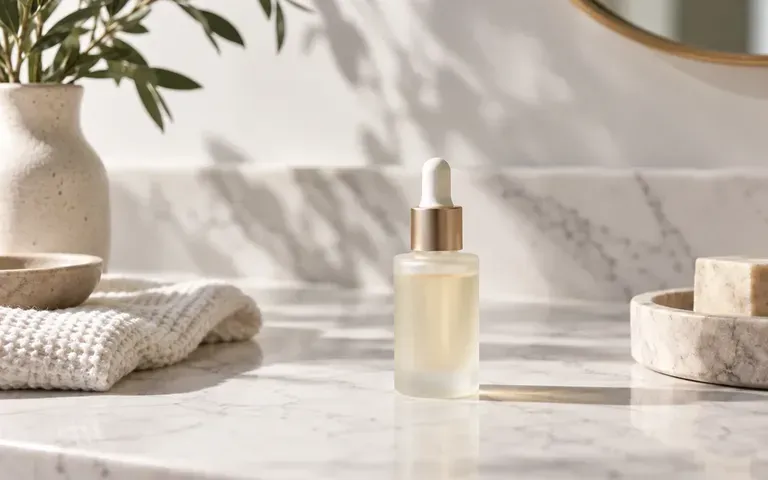
A product still life on a marble surface

Creative Directors

Compare lighting and composition ideas before planning production. Use the images to explain a direction, not as proof of a completed shoot.
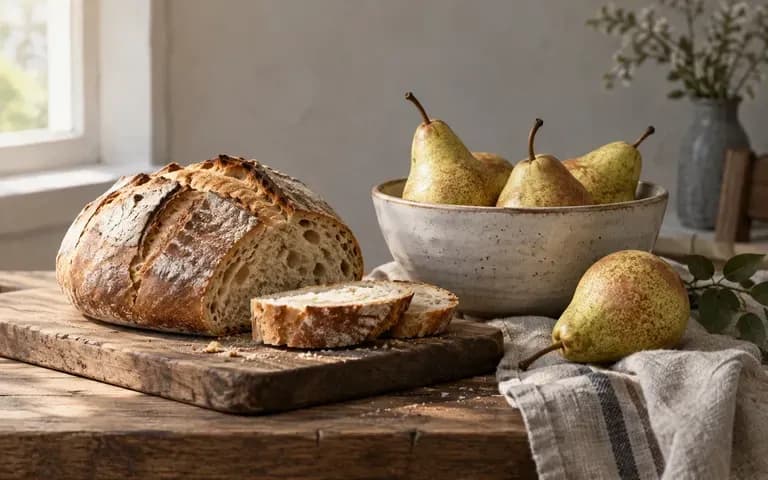
A natural-light still life of bread pears and a ceramic bowl

Food Content Designers

Explore a tabletop scene and visual mood. Check ingredients, utensils and food details before using the image.
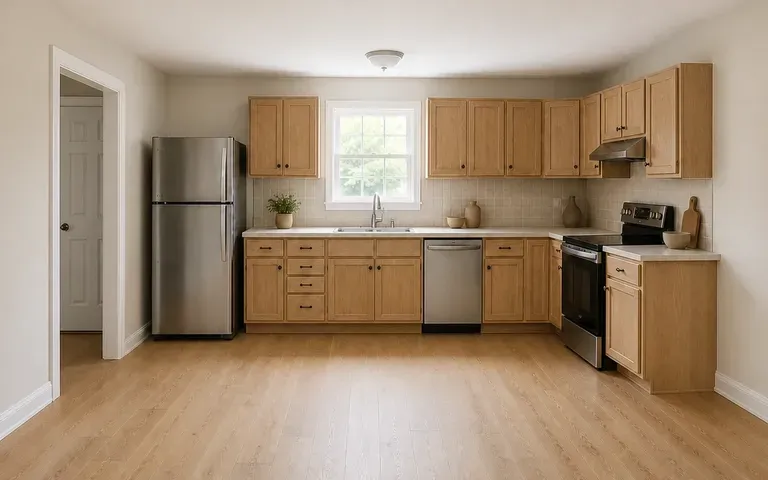
A kitchen concept with warm natural materials

Interior Concept Teams

Discuss materials, light and atmosphere in an imagined room. Verify actual dimensions and feasibility separately.

An illustrative adult headshot against a softly blurred office

Story Creators

Develop a photographic-looking reference for a fictional scene. Keep generated people and locations clearly within that fictional context.
Ideas to Try

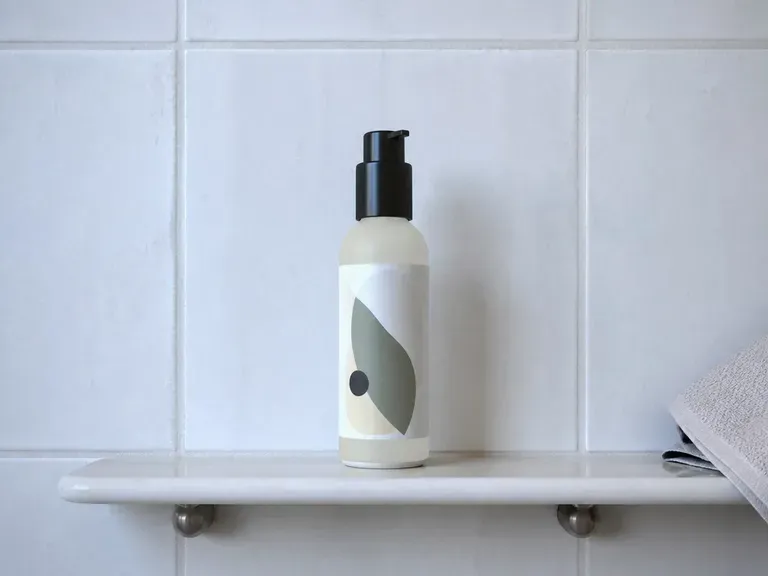
A skincare bottle on a bathroom shelf in morning light
Shelf Still Lifes: Illustrative concept: a skincare bottle on a bathroom shelf in morning light
A ceramic bowl of fresh pears beside folded linen
Food Scenes: Natural light on a tabletop
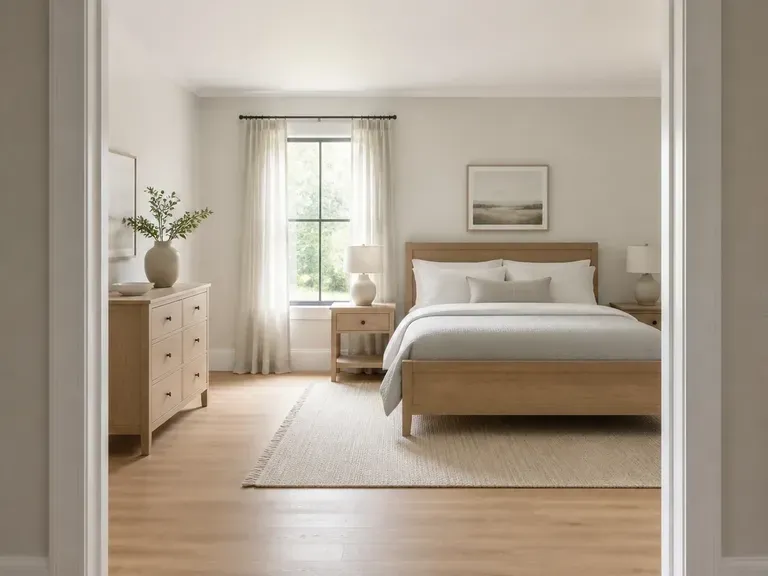
An illustrative room concept with an airy palette and daylight
Bright Interiors: Illustrative concept: an illustrative room concept with an airy palette and daylight
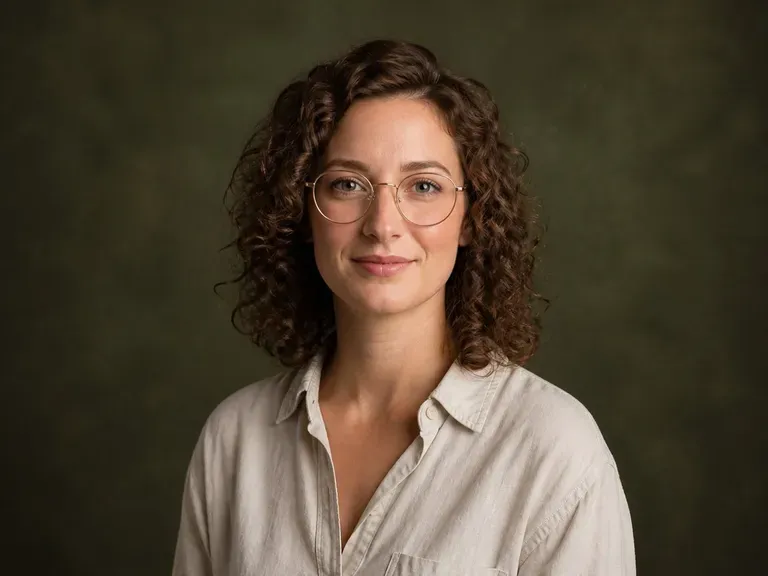
An illustrative adult portrait with textured backdrop and directional light
Relaxed Portraits: Illustrative concept: an illustrative adult portrait with textured backdrop and directional light
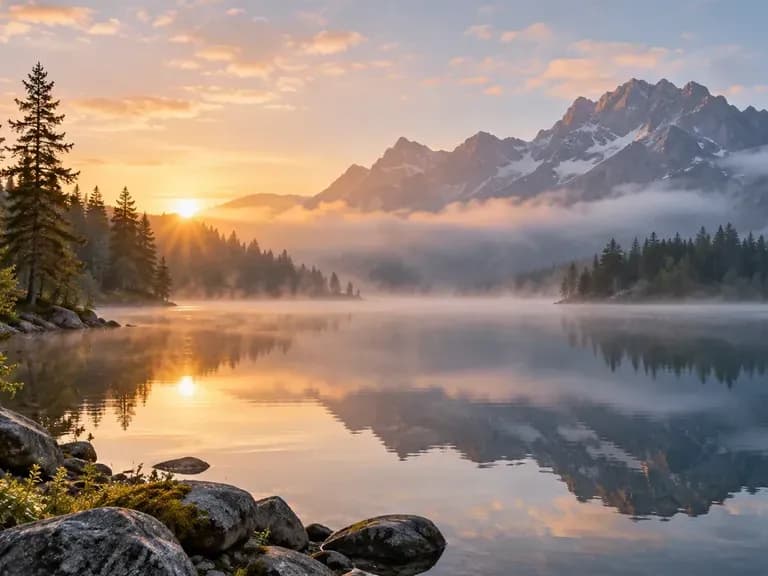
A misty mountain lake
Mountain Lakes: Illustrative concept: a misty mountain lake
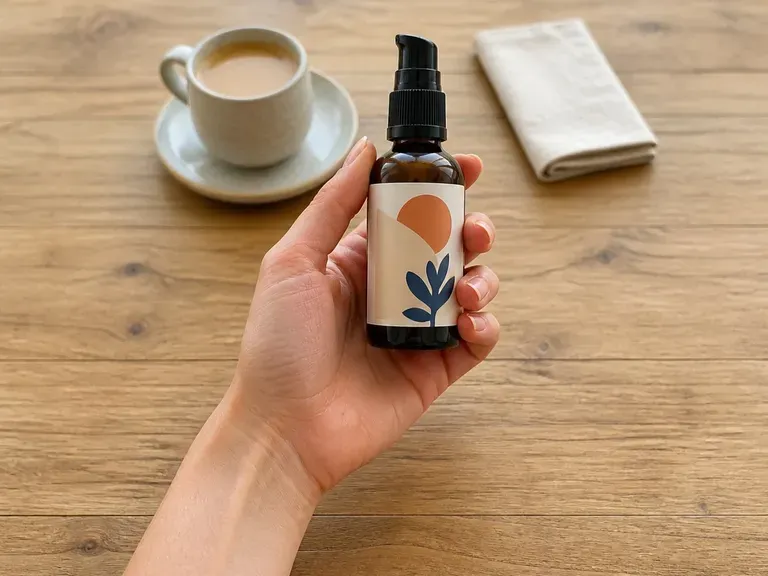
A product held above a cafe table in daylight
Cafe Product Scenes: Illustrative concept: a product held above a cafe table in daylight

Frequently Asked Questions

Are these real photographs?
No. They are AI-generated images with a photographic appearance. Do not present them as records of actual events, places or someone's real experience.
What should I include in a realistic image prompt?
Describe the subject, setting, viewpoint, light and important materials. Concrete visual details are more useful than a string of quality adjectives.
Can I generate product image concepts?
Yes. Use a clear brief and any authorized reference, then inspect the product's shape, markings and proportions. Do not assume a generated concept accurately represents a specific item.
Can I create an image of a specific real person?
This page is intended for original subjects and authorized references. Avoid unauthorized impersonation or images that imply a real person did something they did not do.
Which details need the closest review?
Check hands, teeth, text, reflections and repeated patterns. Also look for shadows or perspectives that disagree with the rest of the scene.
Can the image replace documentary photography?
Use real photography when the purpose is to document a person, location or event accurately. Generated imagery is better treated as a visual concept or fictional illustration.

Describe the Shot You Have in Mind

Choose the subject, setting and light. Compare the photo-style concepts in Virse, then inspect the small details before selecting an image.