Describe
A sentence is enough
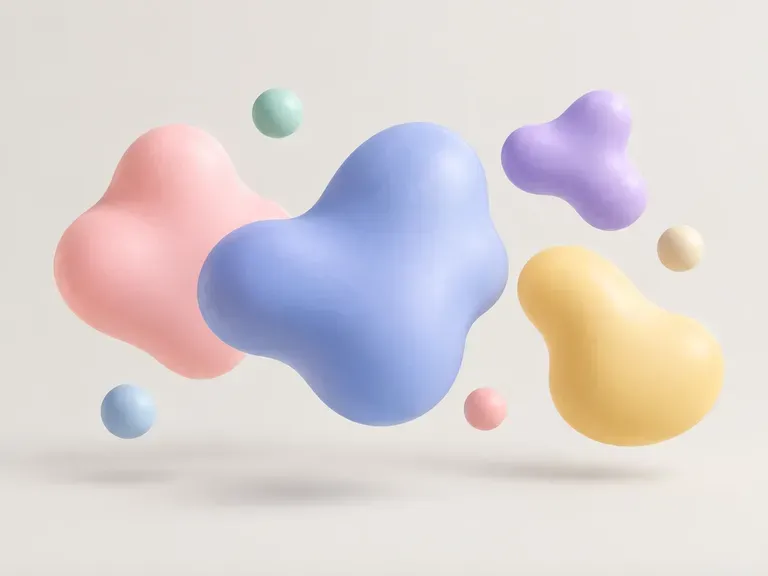
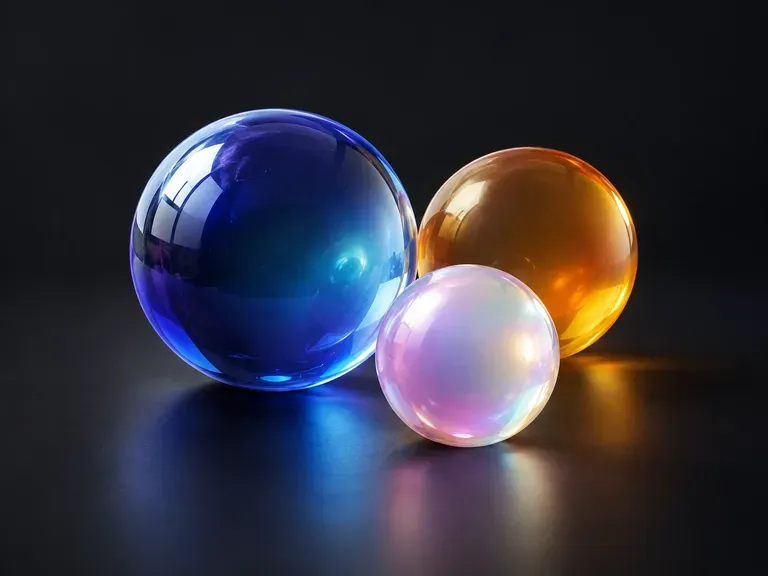
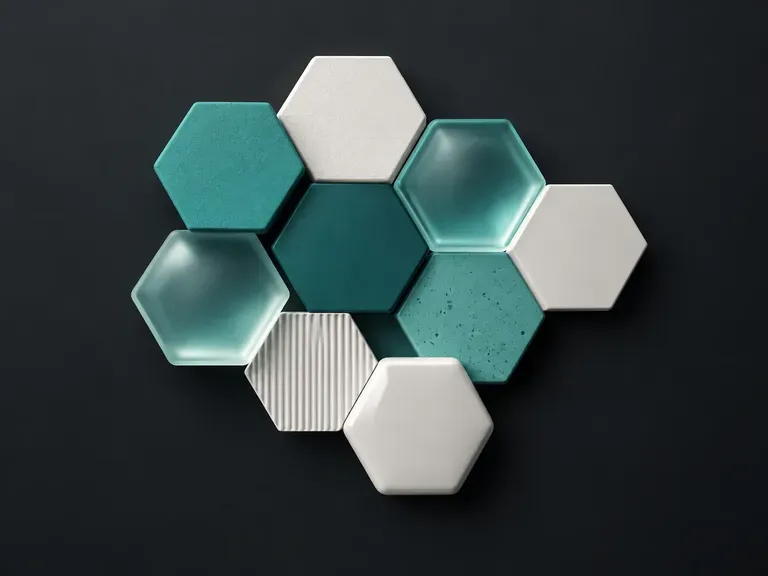
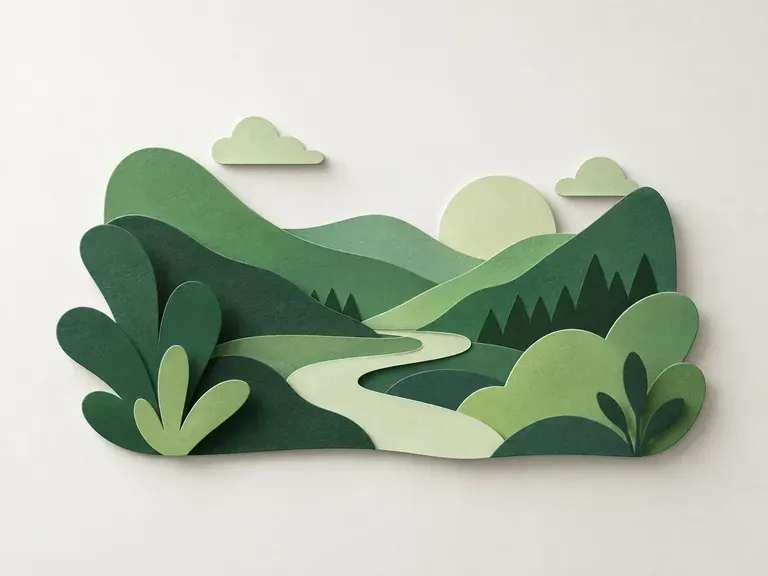
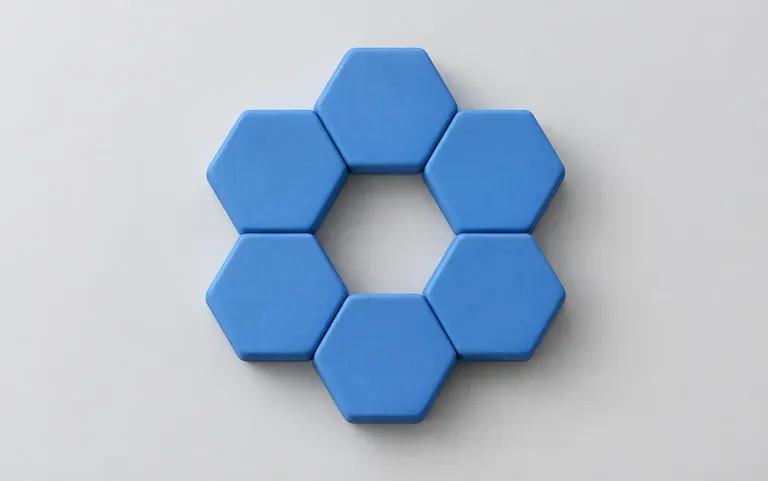
Say what the shape is, how it feels and which colors it uses, for example a ring of matte blue hexagons.
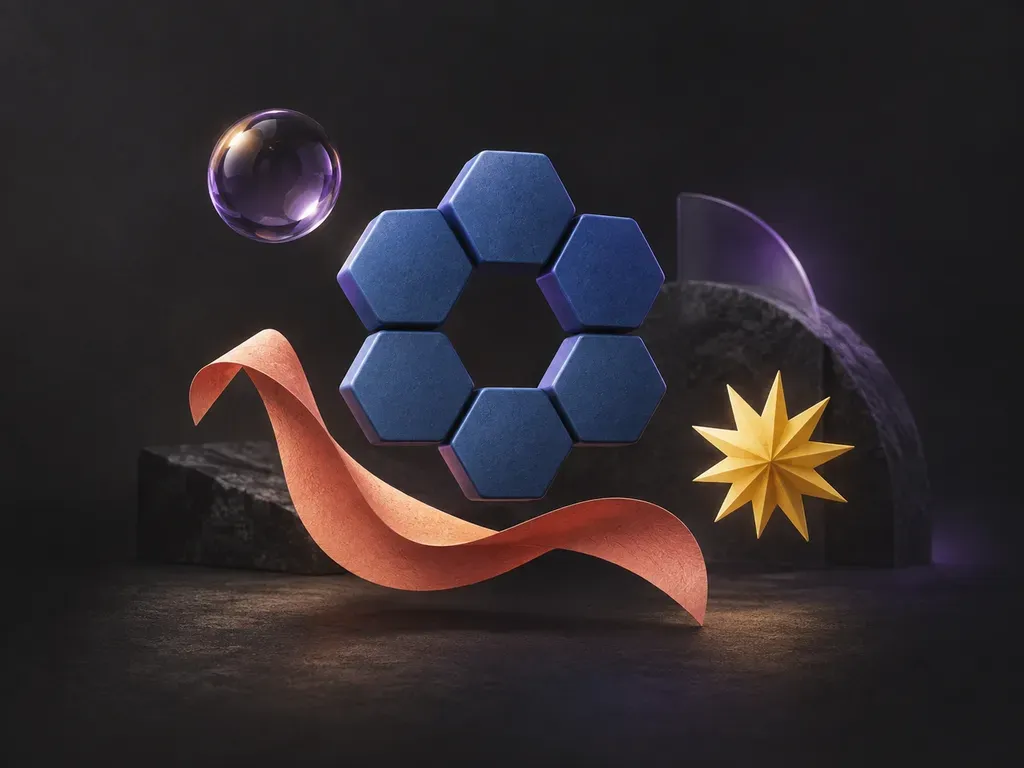
Write what the shape should look like and the AI shape generator turns it into an image.
An AI shape generator makes a graphic element from a text description instead of from sliders and random seeds. The result is a raster image with a fixed size, not a scalable SVG file, so it suits screens more than large prints.
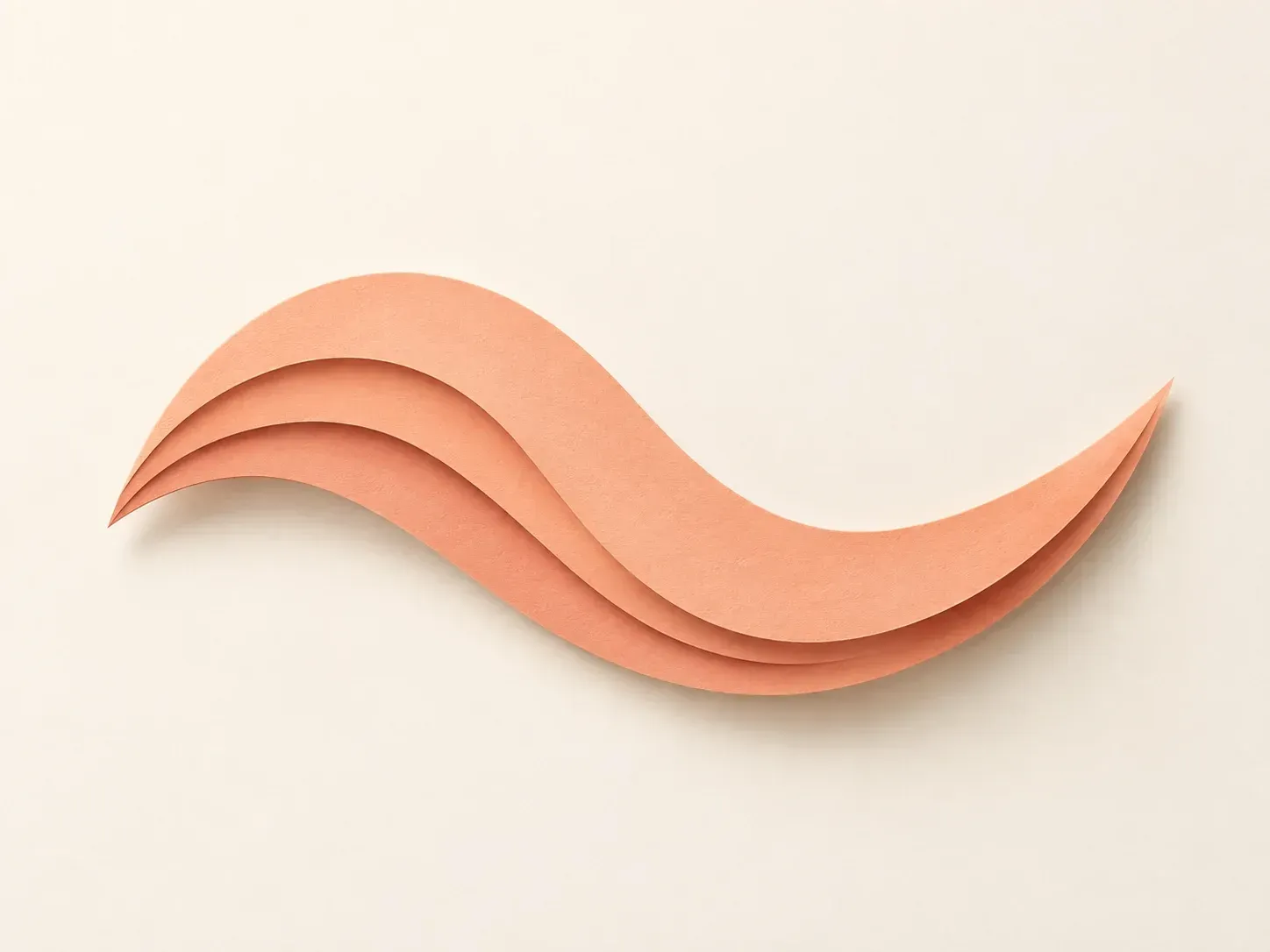
You bring the idea; the cards below cover what happens to it.
Say what the shape is, how it feels and which colors it uses, for example a ring of matte blue hexagons.
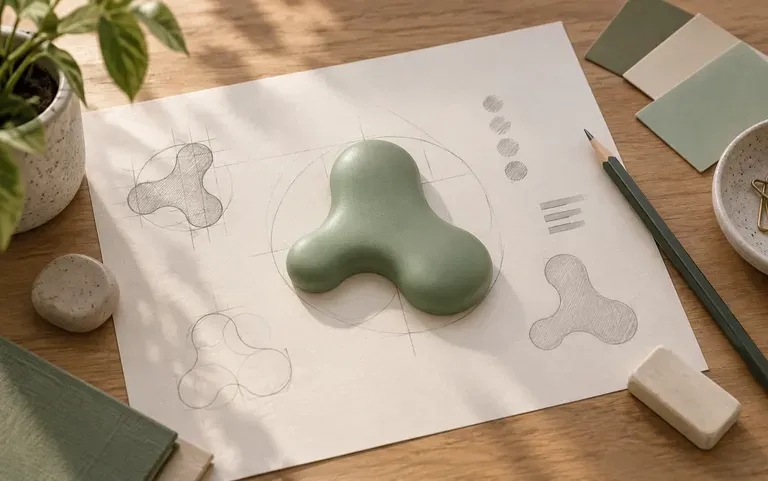
Use the shape as a background accent, a slide decoration or a starting point for a logo sketch.
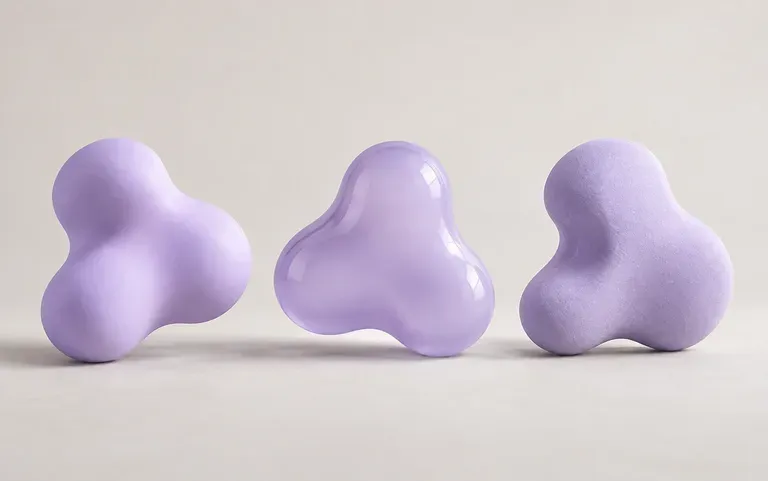
Run the same description again and you get a different take on the shape.
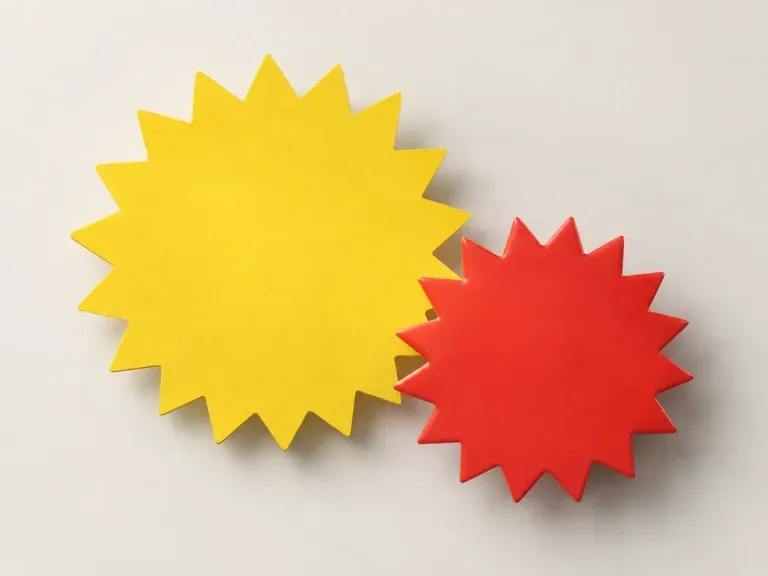
Blob, star, hexagon or something you invent.
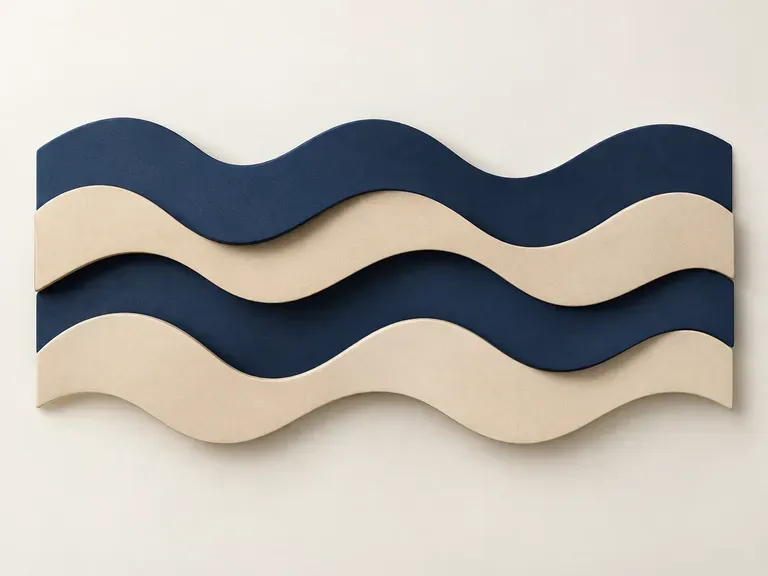
Matte, glossy or gradient, plus one or two colors.
One run returns your shape.
Swap a color or a texture word, then compare the two shapes.
People who need a graphic element and would rather not draw it.

Add a few shapes to break up text-heavy slides.
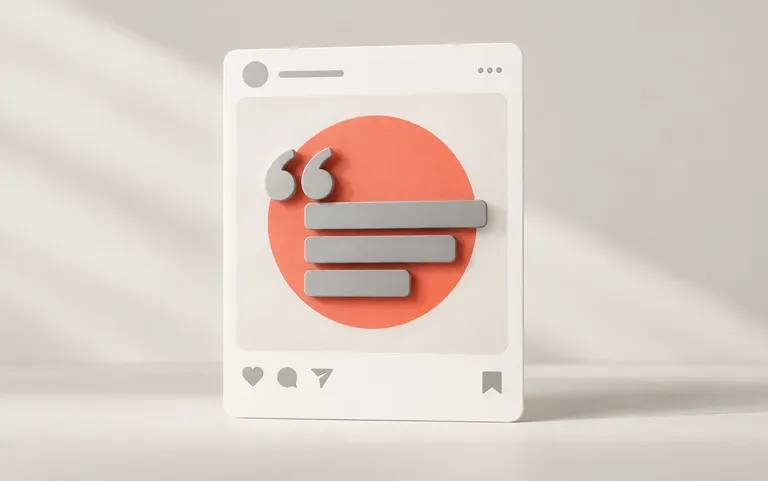
Put a bold shape behind a quote or a product photo.
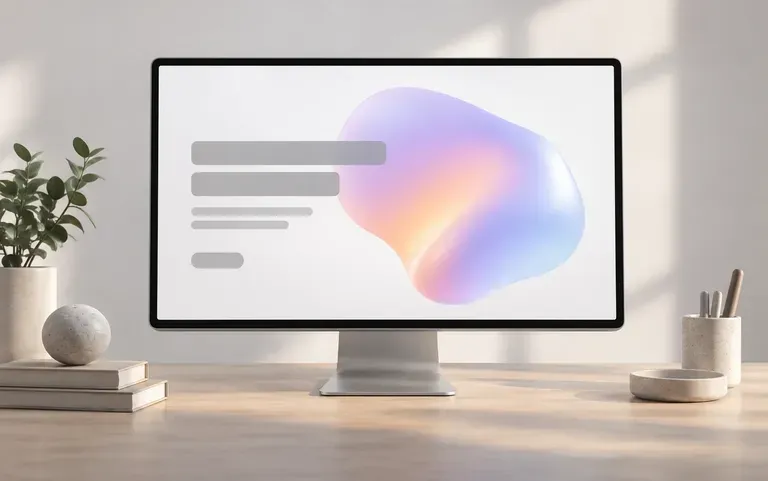
Try out hero section accents before building the final artwork.
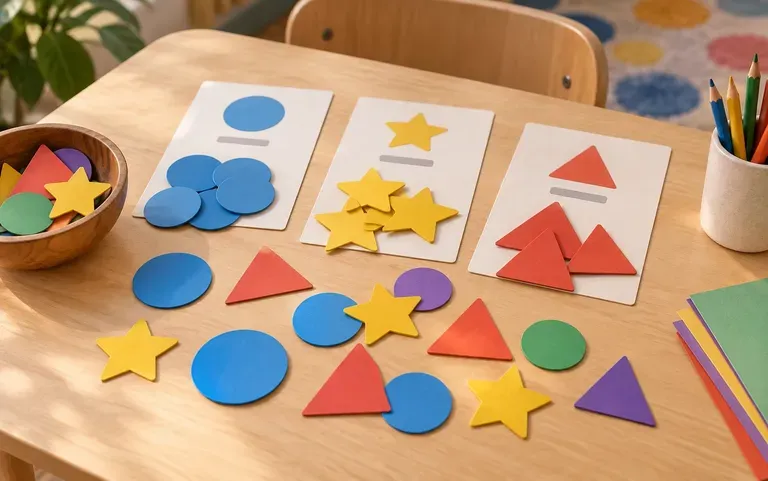
Make colorful shape cards for a classroom sorting game.