AI Shape Generator

AI Shape Generator

Write what the shape should look like and the AI shape generator turns it into an image.

Entrada
Shape brief · ObrigatórioStyle & color reference · OpcionalSketch or outline reference · OpcionalShape family · OpcionalColor preference · OpcionalBackground treatment · OpcionalNumber of designs · Opcional
Saída
Centered shape assets with clean edges on a plain background (count based on selection): one shape per image, generated independently

Style & color referenceOpcional

A imagem é carregada na tela; este formulário leva as definições.

Sketch or outline referenceOpcional

Shape familyOpcional

Background treatmentOpcional
Number of designsOpcional

What is an AI shape generator?

An AI shape generator makes a graphic element from a text description instead of from sliders and random seeds. The result is a raster image with a fixed size, not a scalable SVG file, so it suits screens more than large prints.

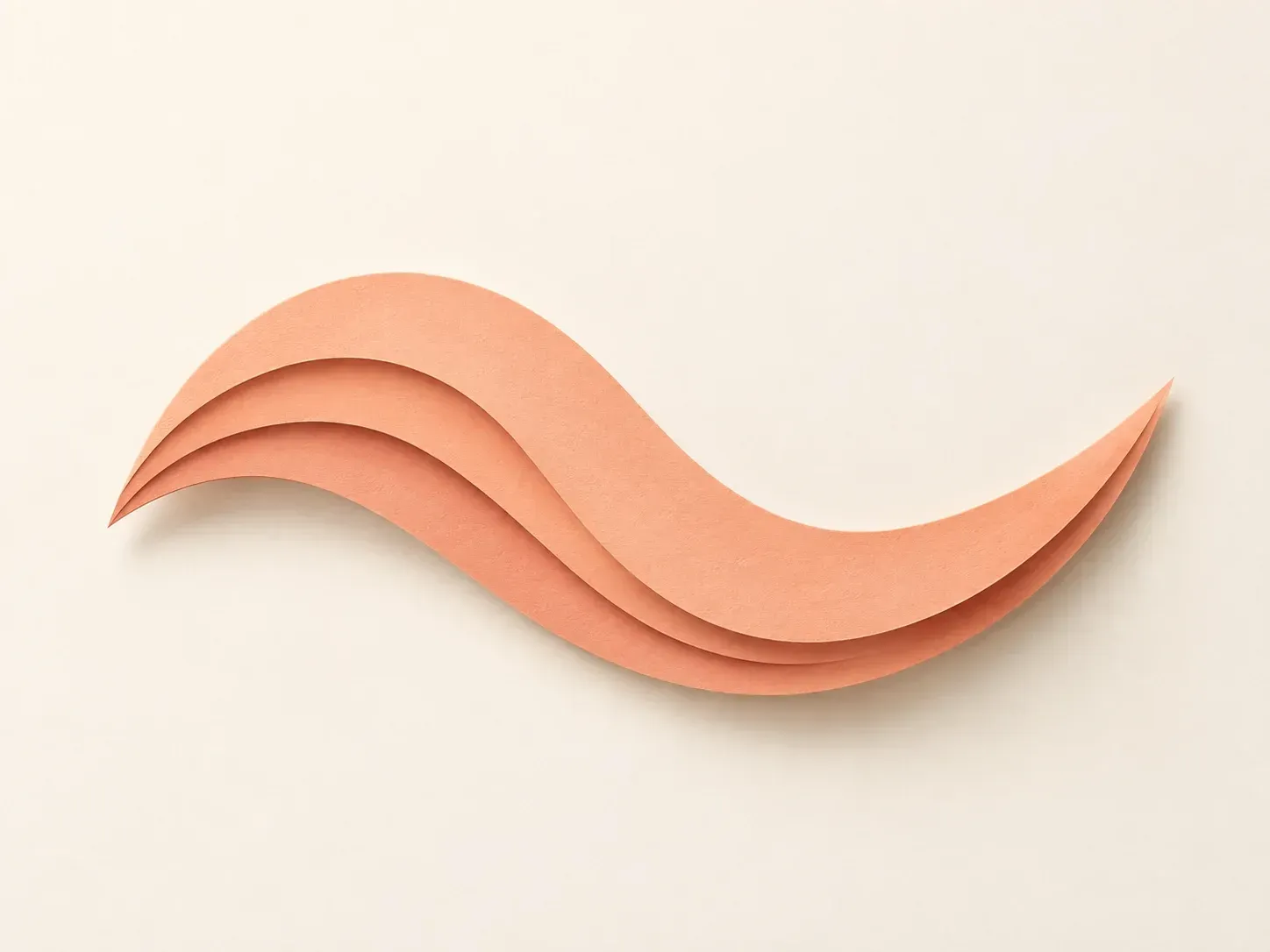
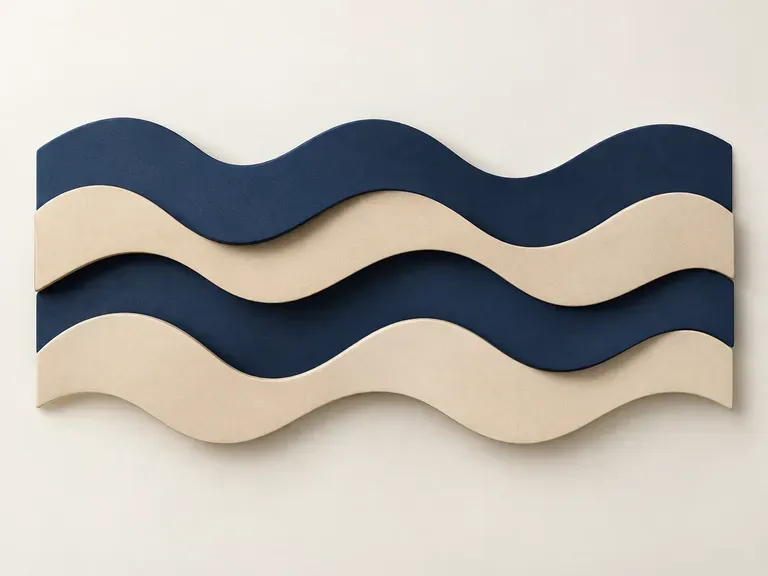
A peach paper-cut wave made from a text description

Why use Virse as a geometric shape generator?

You bring the idea; the cards below cover what happens to it.

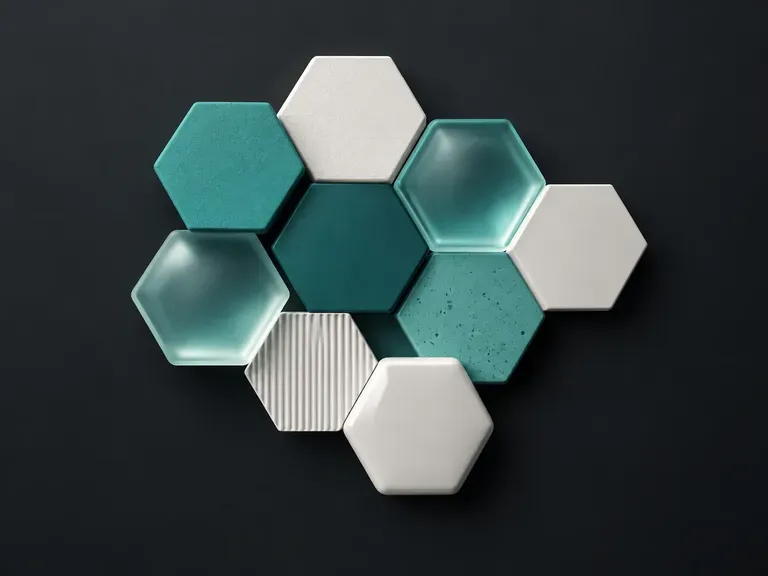
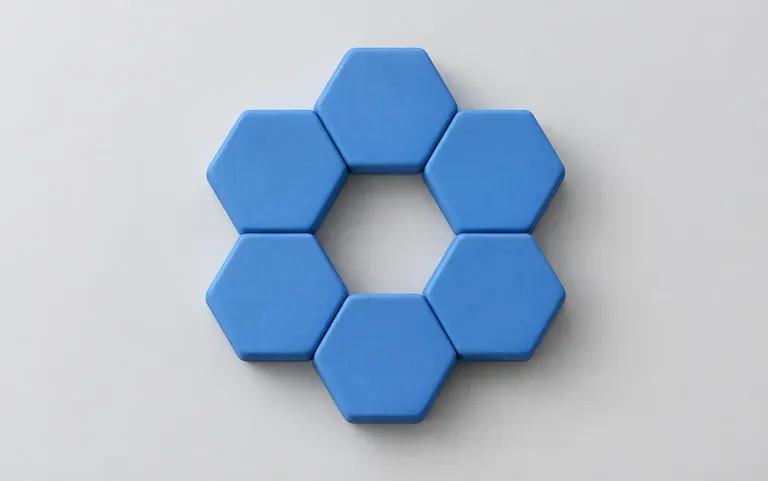
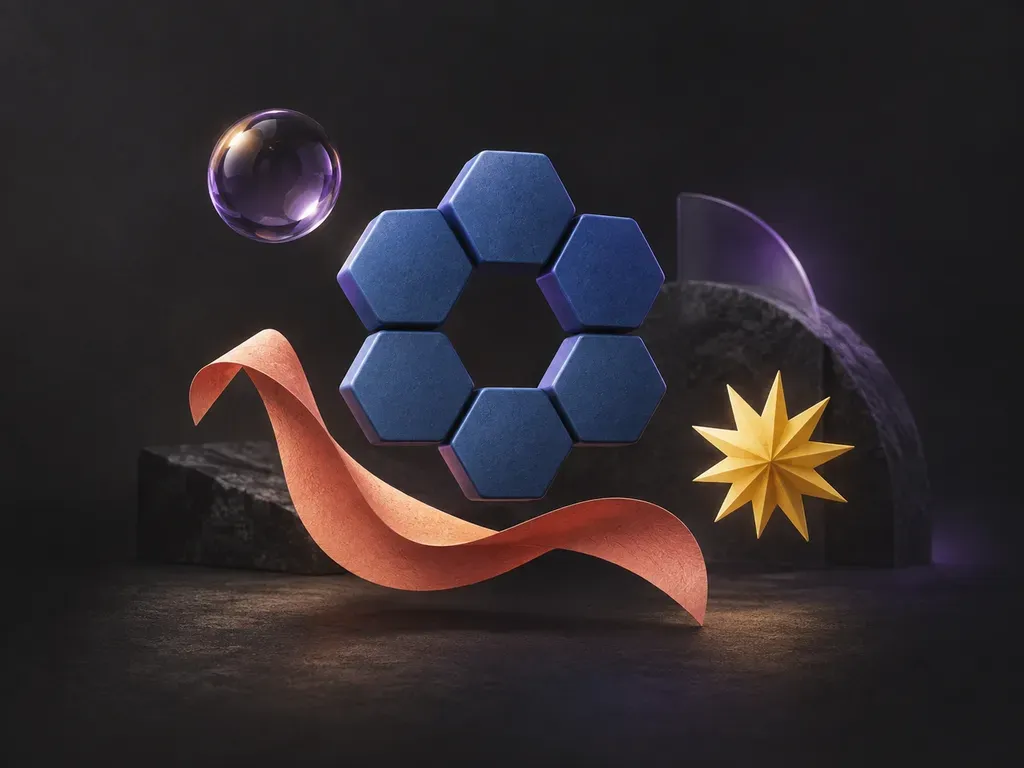
A ring of matte blue hexagons drawn from one sentence
Describe

A sentence is enough

Say what the shape is, how it feels and which colors it uses, for example a ring of matte blue hexagons.
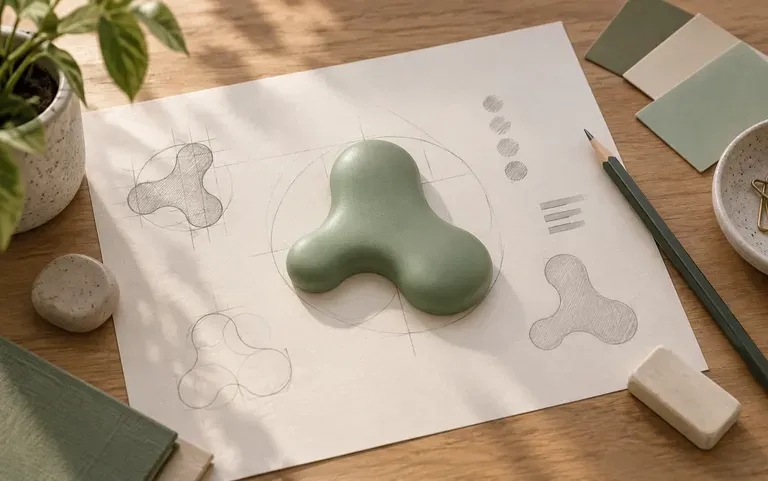
A shape used as the starting point for a logo sketch
Design use

Ready for a layout

Use the shape as a background accent, a slide decoration or a starting point for a logo sketch.
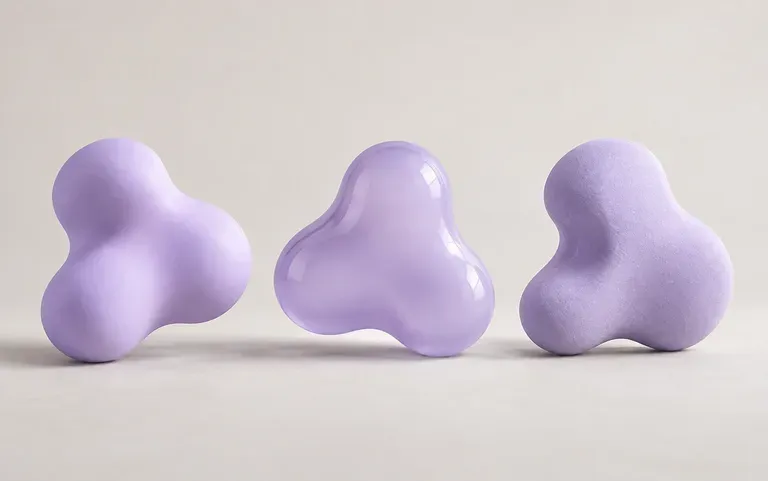
Three takes on one shape description
Variations

Another take, same words

Run the same description again and you get a different take on the shape.

How to make a shape from a description

  1. Name the shape

    Blob, star, hexagon or something you invent.

  2. Add texture and color

    Matte, glossy or gradient, plus one or two colors.

  3. Generate

    One run returns your shape.

  4. Try again

    Swap a color or a texture word, then compare the two shapes.

Who uses an AI shape generator?

People who need a graphic element and would rather not draw it.

Shapes breaking up a text-heavy slide

Presentation makers

Add a few shapes to break up text-heavy slides.
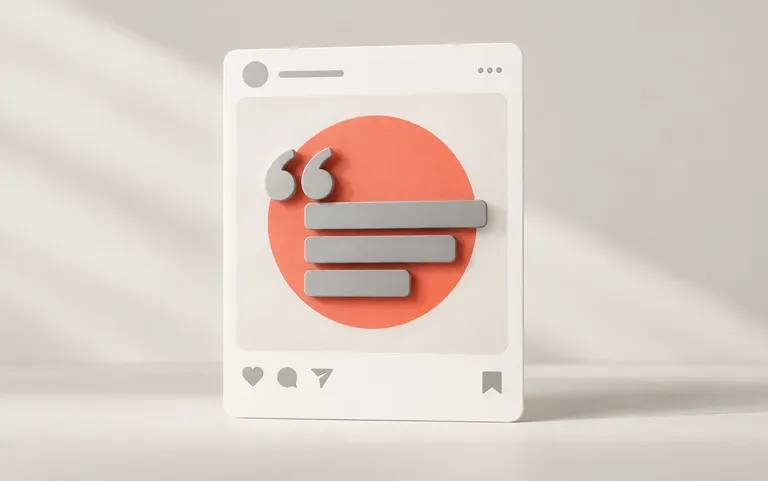
A bold shape behind a quote post

Social media designers

Put a bold shape behind a quote or a product photo.
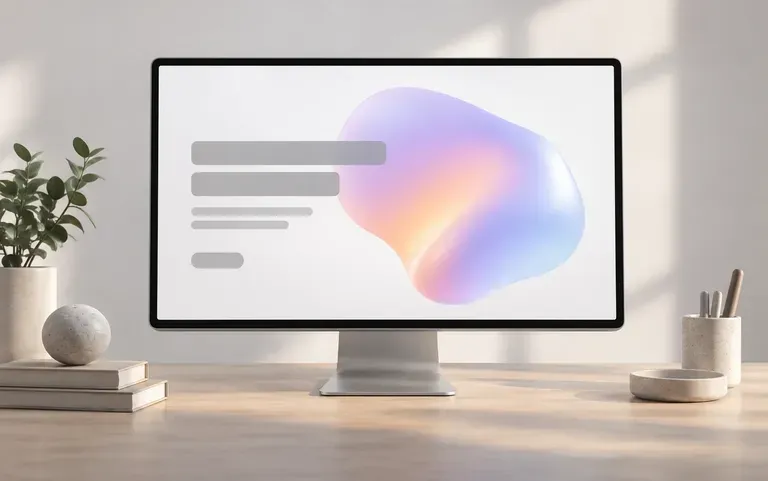
A shape accent tested on a web hero section

Web designers

Try out hero section accents before building the final artwork.
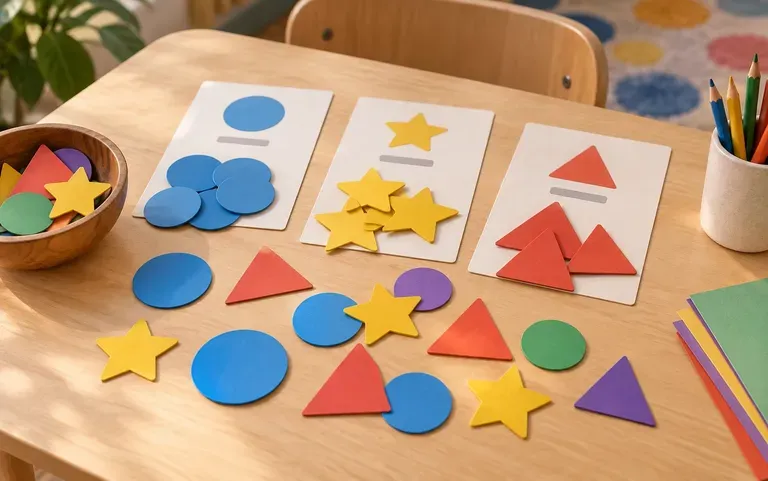
Colorful shape cards for a sorting game

Teachers

Make colorful shape cards for a classroom sorting game.
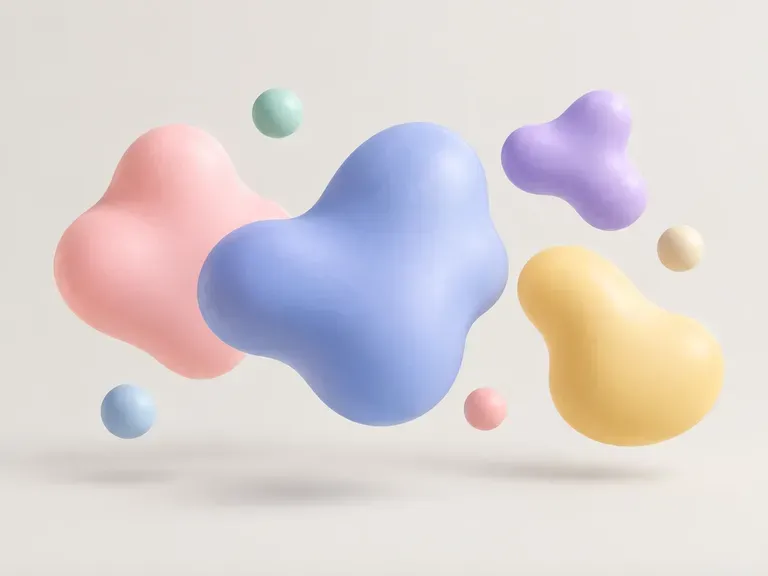
Shape ideas to generate

Organic Blobs: soft outlines for backgrounds
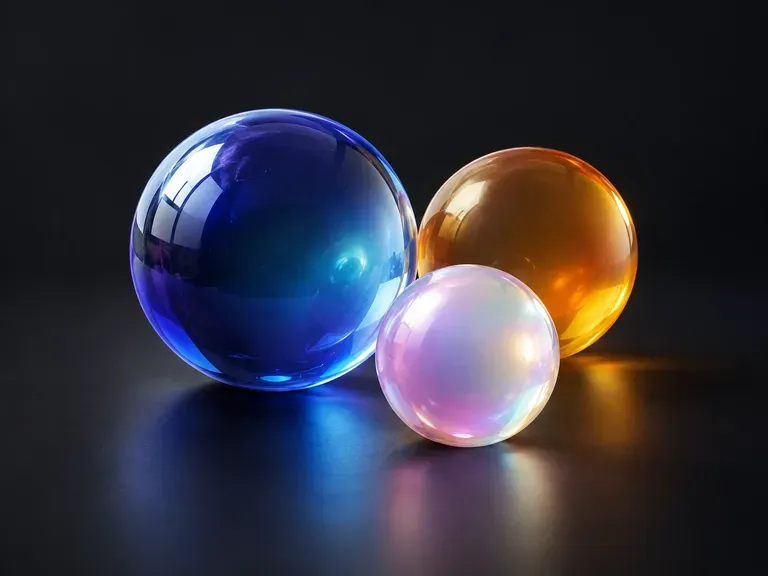
Glossy Orbs: shiny spheres with highlights
Hexagon Clusters: honeycomb shapes for tech slides
Paper Cut Shapes: layered forms with soft shadows
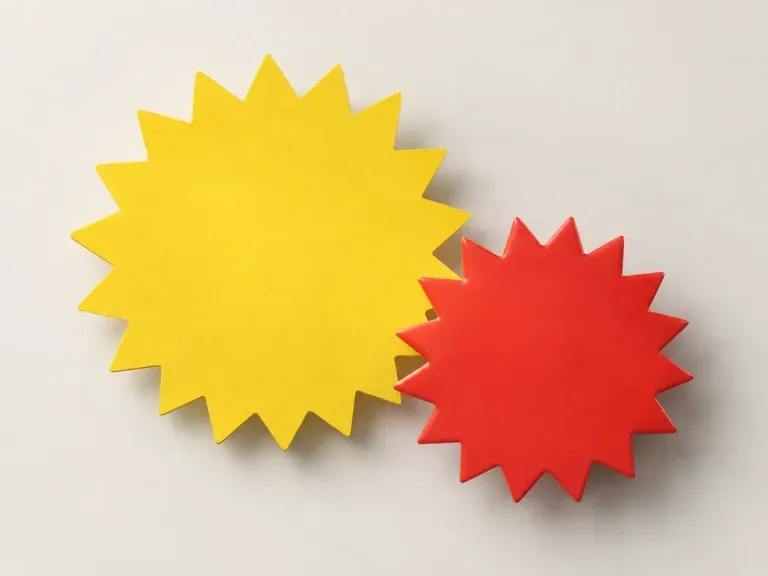
Starbursts: sale badges and callouts
Wavy Dividers: curves to split page sections
FAQ

Frequently asked questions

Can I download the shape as an SVG?
No. Shapes come out as raster images, not SVG files. For a vector version, trace the image in a vector program.
Will the shape stay sharp when I scale it up?
Only up to a point. The image has a fixed pixel size and softens when enlarged far beyond it, and Free plan images are 1K, so plan for smaller uses.
Is Virse's AI shape generator free?
Yes. Sign up and you have 200 compute; below 200, the Free plan tops you up with 50 a day. Free shapes are 1K images from any image model.
Can I describe any shape I want?
Yes, within reason. Simple, clearly described forms come out closest; very detailed or exact technical outlines may not match precisely.
Can it make geometric patterns?
Yes. Describe the shapes and how they repeat, such as rows of triangles or a grid of overlapping circles.
Can it work as a random shape generator?
Not in the slider sense. Each run follows your description, and the result shifts from one run to the next, so running it again gives you another option.

Make a shape with AI

Start with one sentence about the shape you need.