
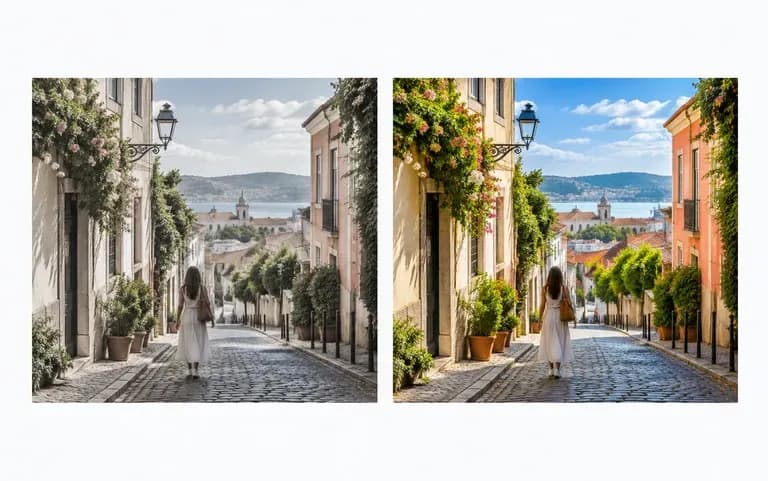
Saturation only
Only color strength
The adjustment targets color strength only. It does not swap the background or generate new content in the picture.
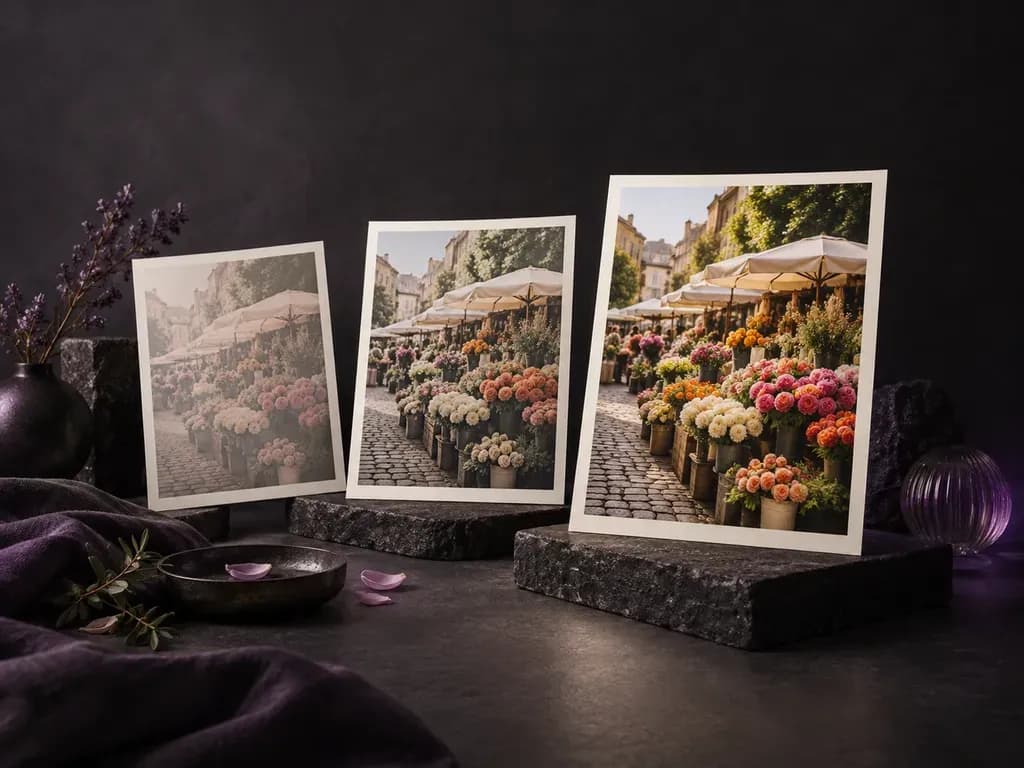
Take a photo you already have, adjust image saturation with AI, and keep whichever version looks right.
Saturation is how strong a color looks: high saturation is vivid, and low saturation drifts toward gray. This tool changes it in photos you already have, and it needs a Virse sign-in, unlike many free slider sites.
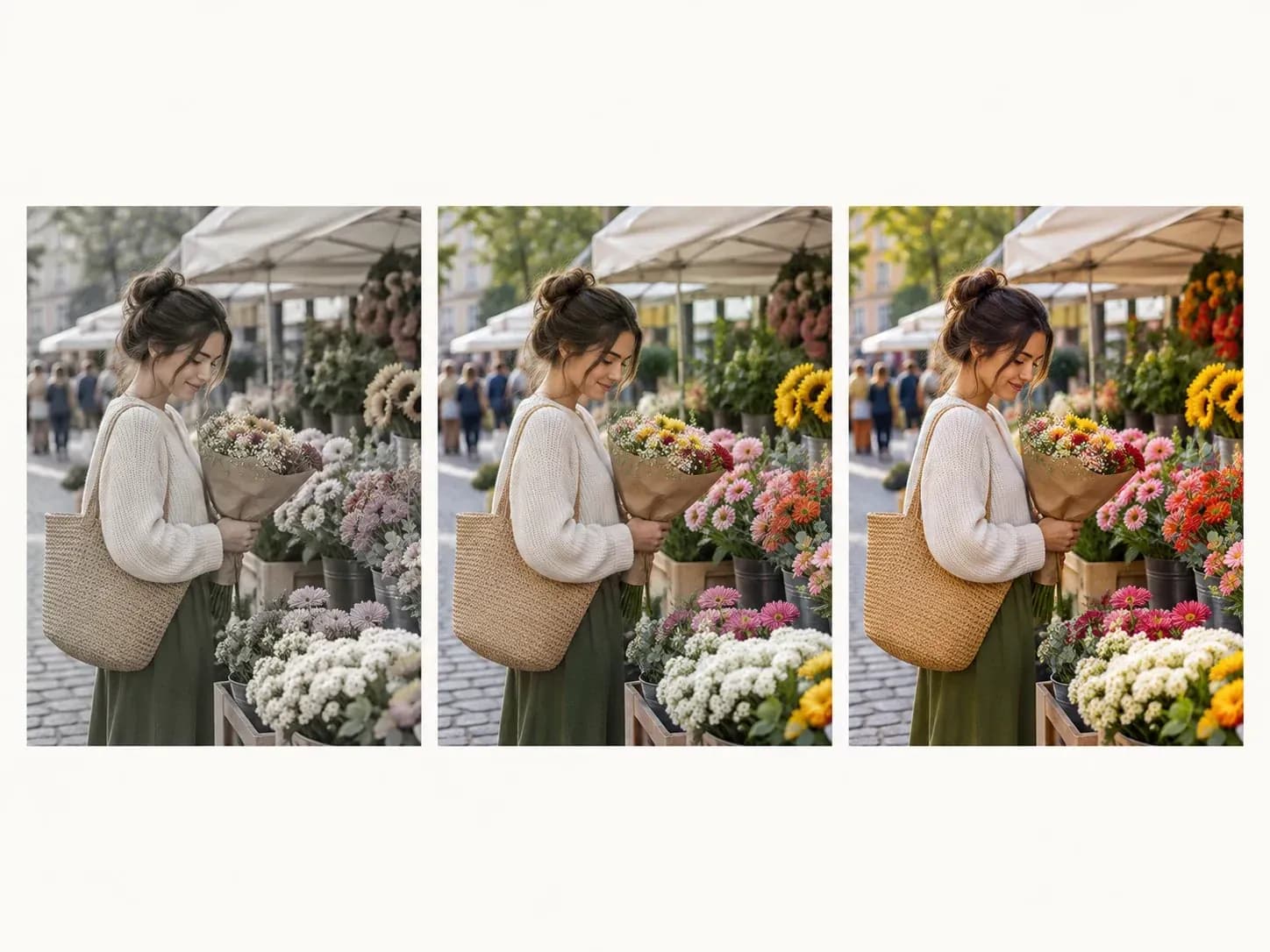
Here is what the edit touches, which way it can go and how you check it.
The adjustment targets color strength only. It does not swap the background or generate new content in the picture.
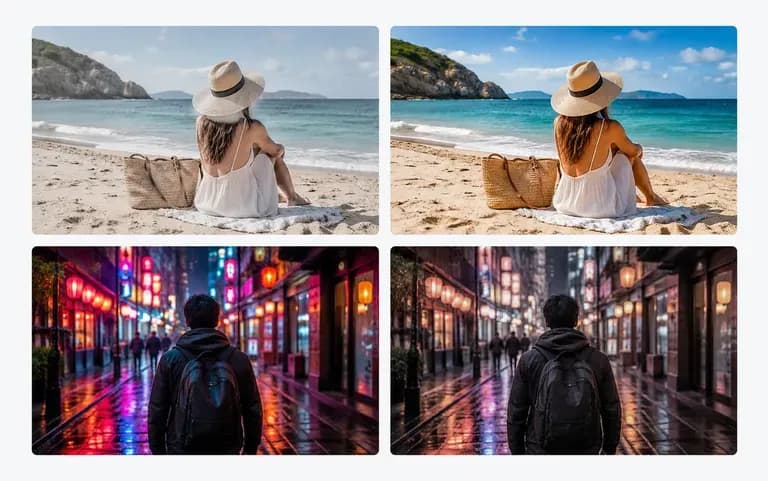
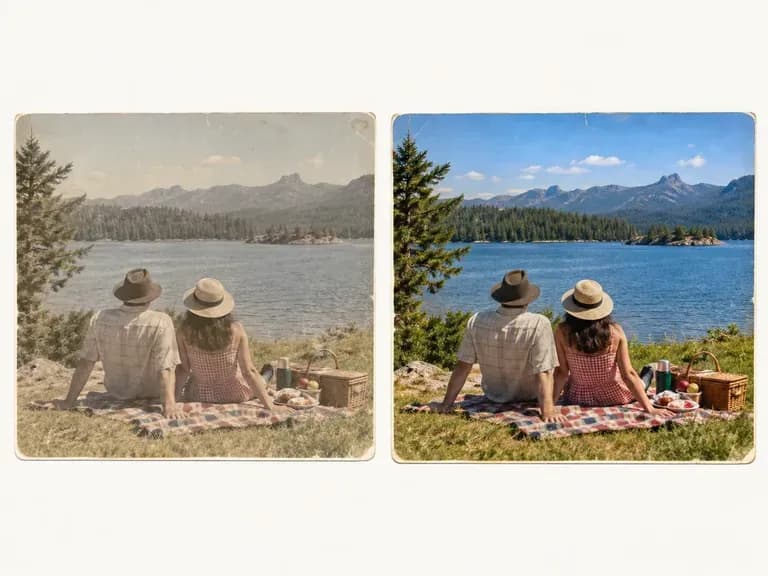
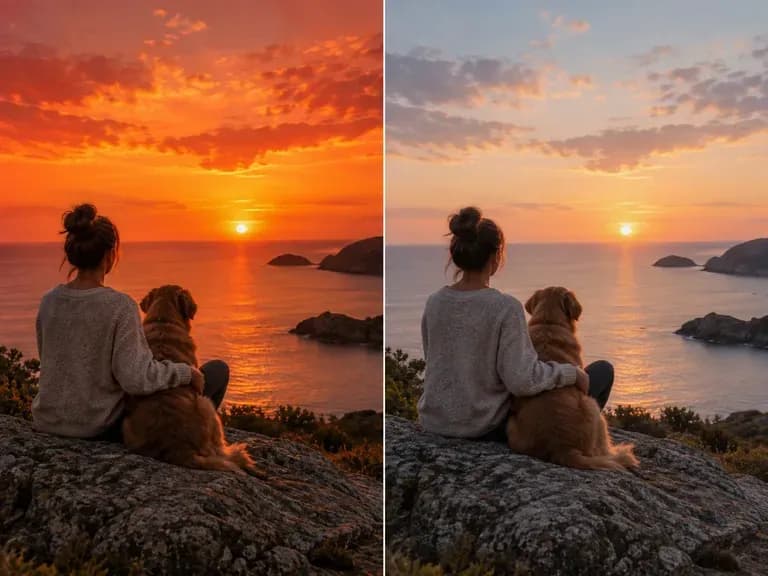
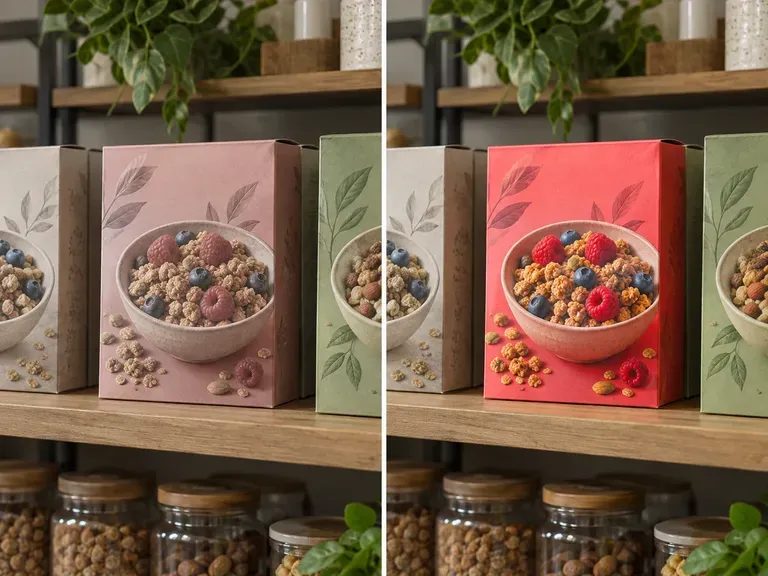
Push faded colors further, or pull loud ones back toward muted.
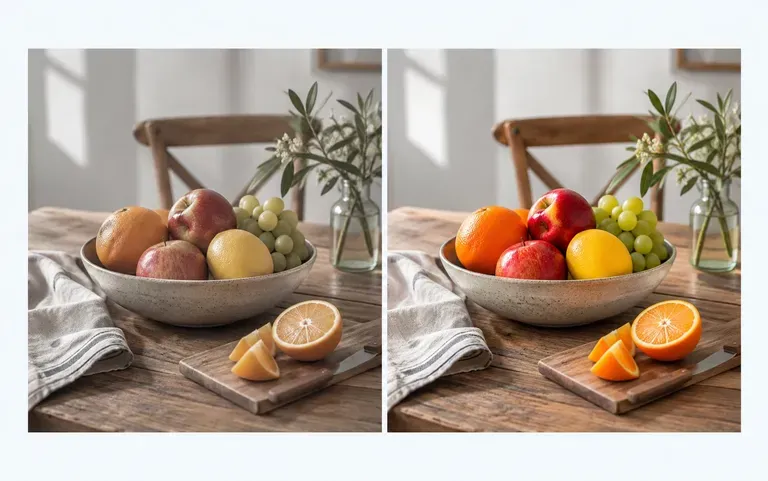
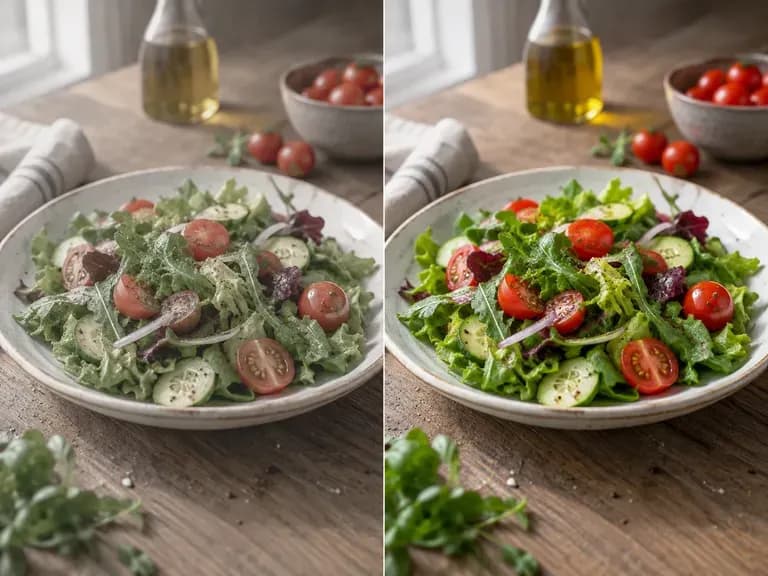
The adjusted version sits next to the original, so you can judge the change before downloading.
Choose a picture whose colors feel too flat or too loud.
Add the picture to the upload box; a few at once are fine too.
Press Adjust saturation and a new version is made from your photo.
Look at both versions, then download the one you want.
People with photos that are almost right.
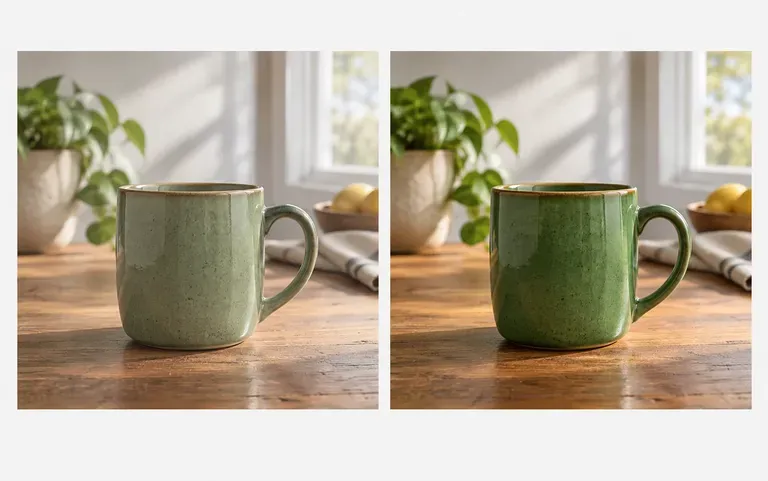
Liven up a dull product photo before it goes into a listing.
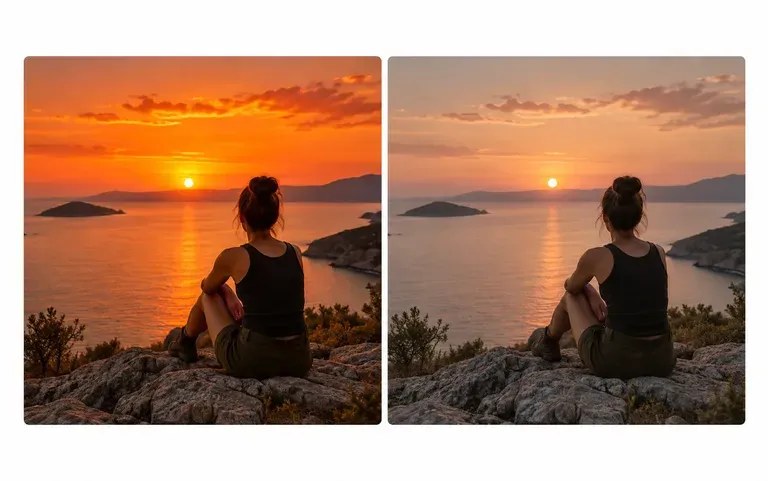
Tone down oversaturated sunset photos for a calmer post.
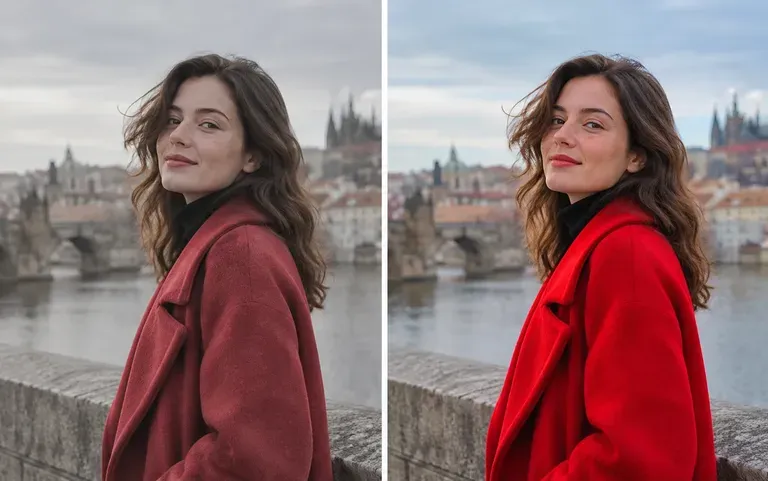
Test a muted look on one shot before editing the full set.
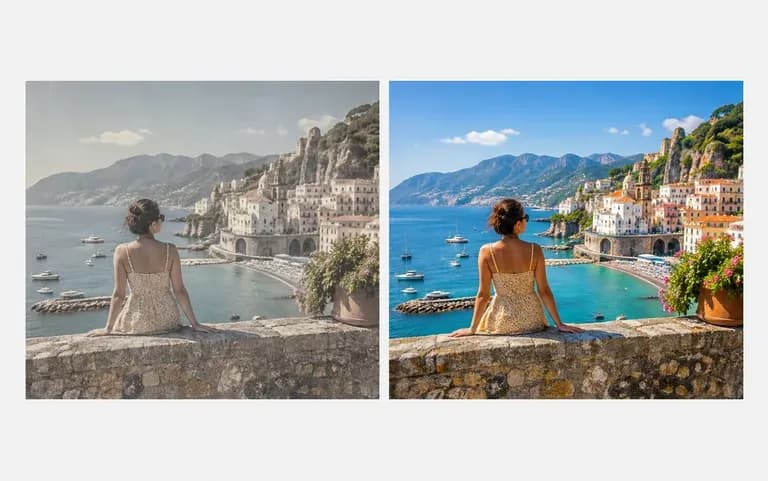
Bring a faded holiday photo back to life.
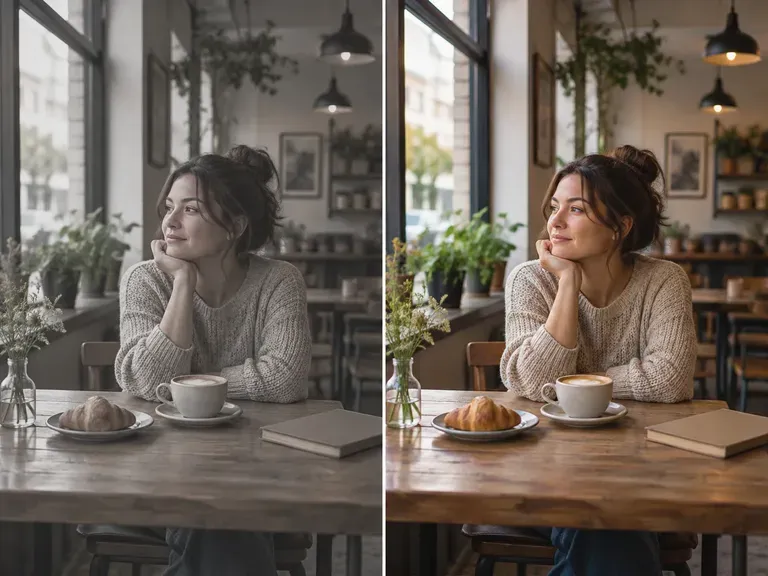
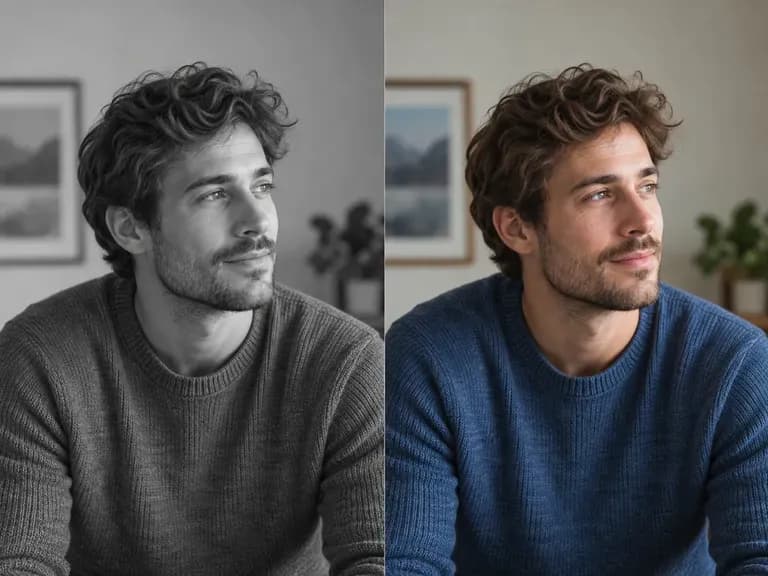
Try it first on the shot that has bothered you longest.