
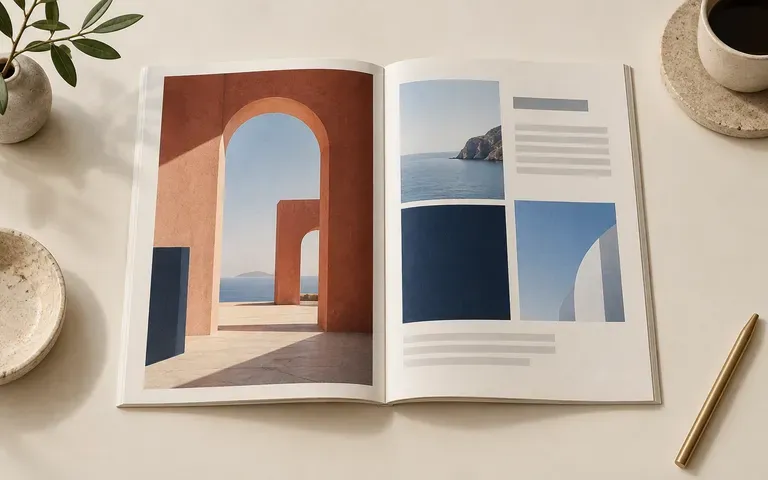
Open spreads
Present the Cover and Inside Spreads Together
Supply your finished front cover and the exact left and right pages for an open booklet mockup so clients see interior grid pacing alongside the outer cover.
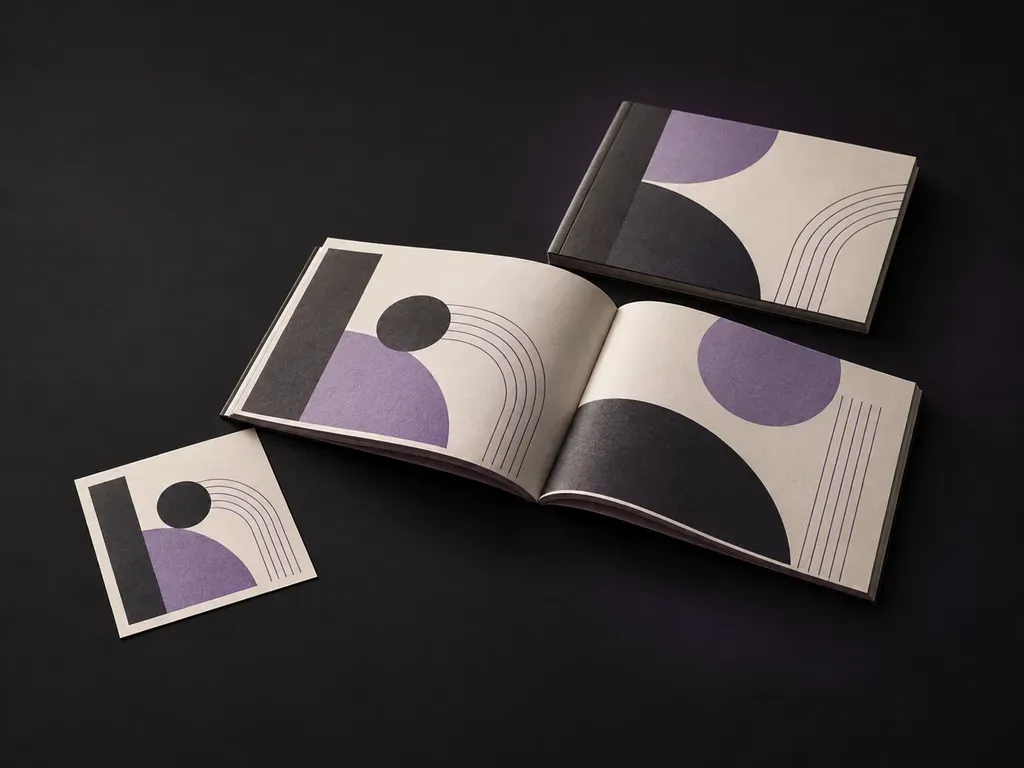
Upload your booklet cover and interior spread artwork with format references, then note the paper stock and lighting. This booklet mockup generator renders your pages as a bound publication so you can review layout flow before print.
A booklet mockup (including a booklet cover mockup or open booklet mockup) presents your finished cover and interior spreads as a bound paper publication:
• Cover-to-spread continuity: Check how the front cover design relates to an open left-and-right interior spread in the same review.
• Format and binding geometry: Verify whether the piece reads as a portrait A4 booklet mockup, a square booklet mockup, or a horizontal catalog with visible spine folds.
• Paper stock appearance: Preview how photography, type, and ink density interact with uncoated matte, textured cotton, or satin paper under desk light.
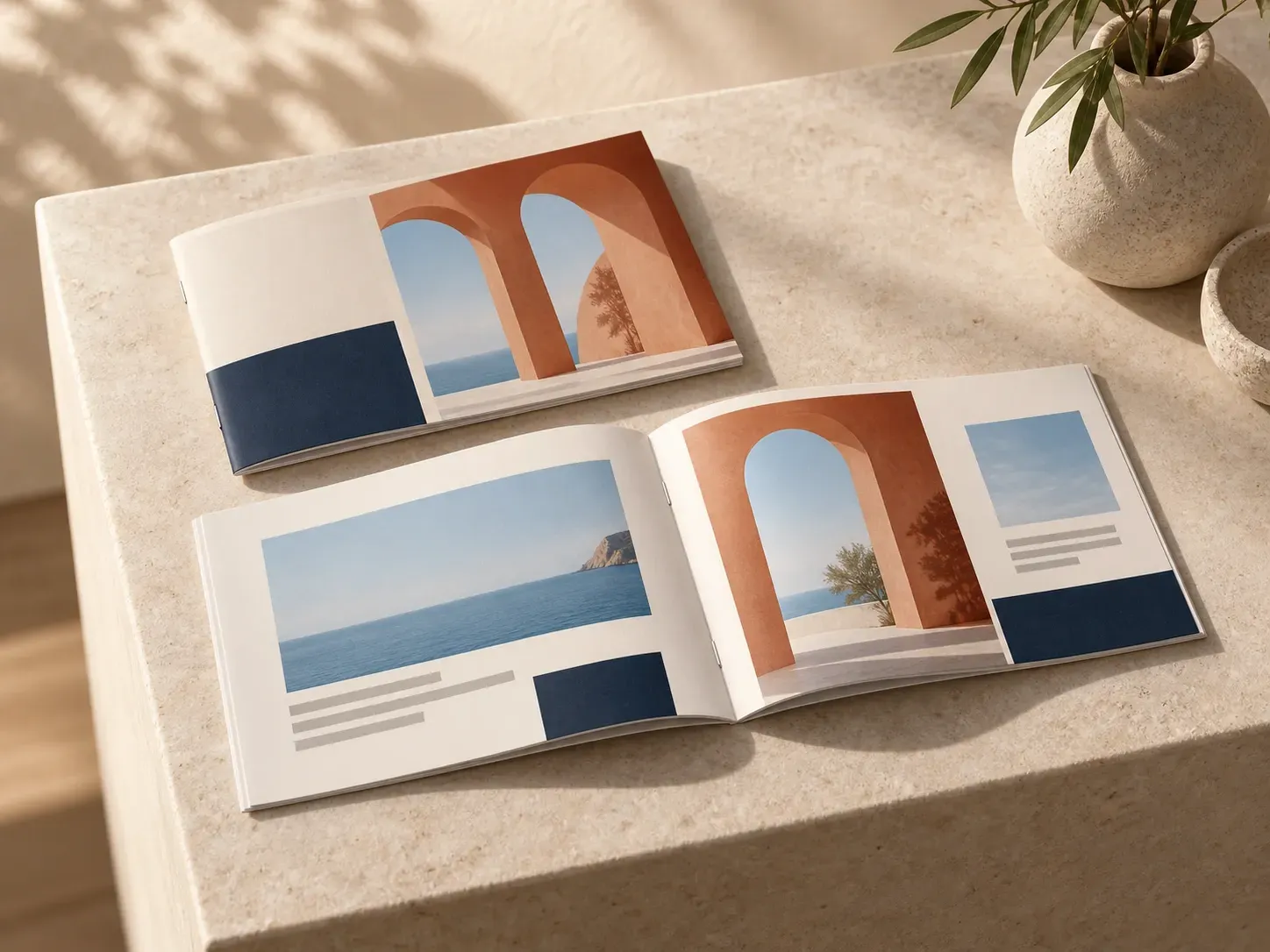
Three publication checks a reference-guided booklet mockup handles without manual smart-object warping.
Supply your finished front cover and the exact left and right pages for an open booklet mockup so clients see interior grid pacing alongside the outer cover.
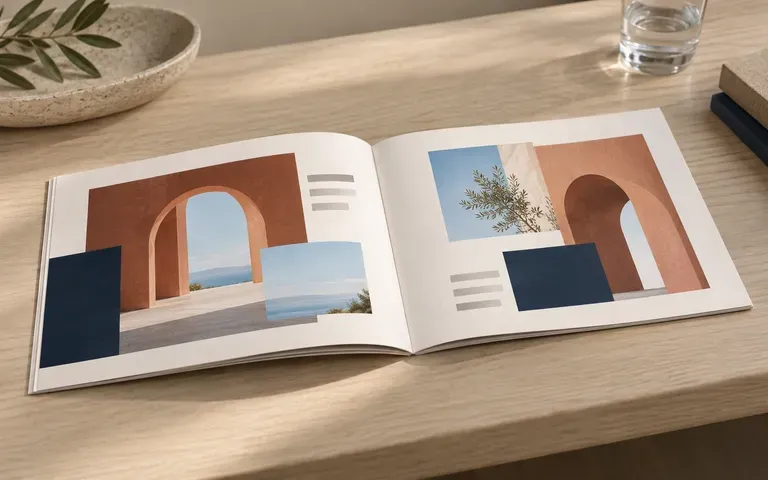
Upload a shape and binding reference to build a portrait A4 booklet mockup, square booklet mockup, or wide horizontal lookbook that reflects your actual trim proportions.
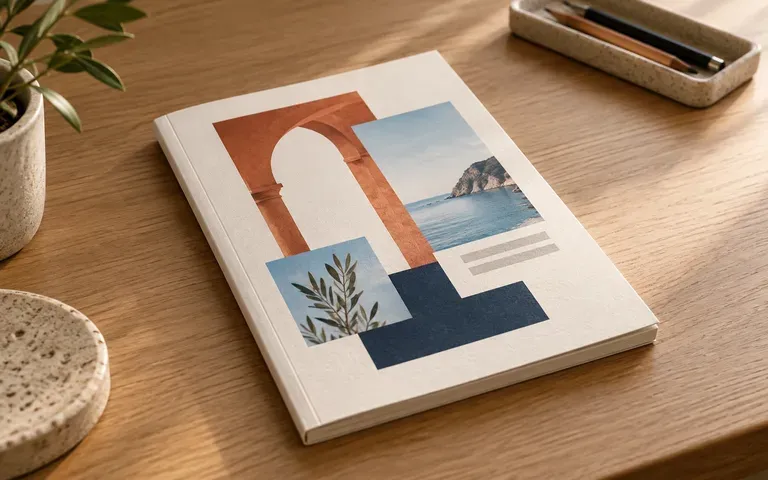
Describe uncoated stock, visible page edges, and natural desk lighting in your brief so print buyers and stakeholders can evaluate the tactile feel of the publication.
How generating a booklet preview from your own page layouts and format references compares with editing a static booklet mockup PSD file.
Static Booklet Mockup PSD
Virse Booklet Mockup Generator
Export your front cover and interior spread pages as clear image files, noting which file belongs on each page.
Upload a reference image showing your booklet proportions and spine style, then describe the paper texture and desk surface in the notes field.
Run the generator to combine your supplied cover, open spread artwork, and format reference into a static presentation image.
Compare the generated cover, left-to-right page order, gutter fold, and body text against your original layout files before sharing with clients.
Specific briefs keep the focus on your page design and paper stock. Copy any of these three booklet mockup prompts:
• Portrait A4 cover and spread: "Portrait A4 brand booklet using the uploaded front cover and open interior spread, saddle-stitched spine, matte paper on a warm oak desk."
• Square open catalog spread: "Square booklet mockup open flat at the supplied two-page catalog spread, left text column and right full-bleed photo on stone."
• Exhibition booklet cover: "Closed compact exhibition booklet cover mockup in textured cream cotton paper, stacked beside an open spread on a studio table."
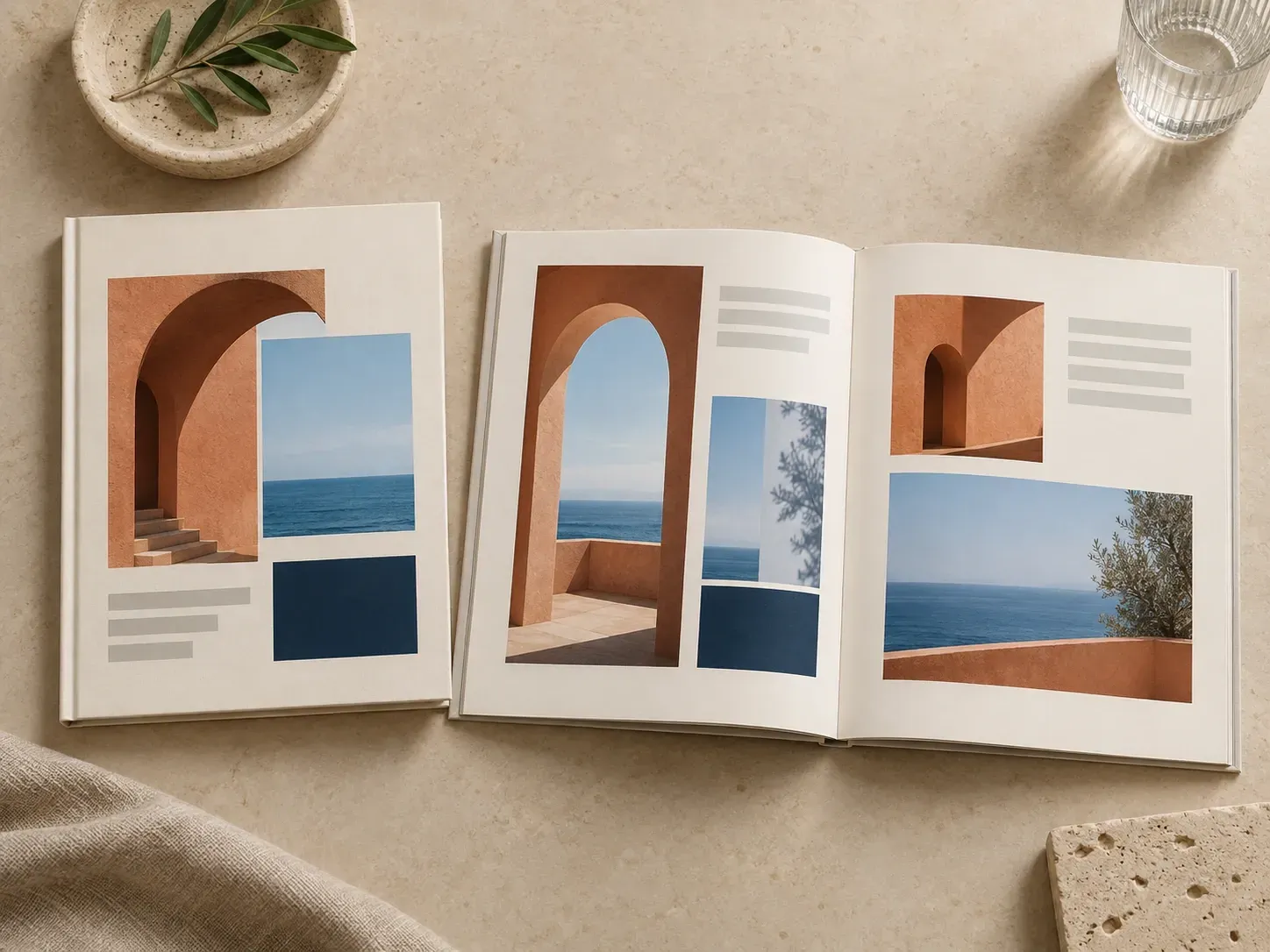
Four publishing and design teams that use a booklet mockup to present completed page layouts before print production.
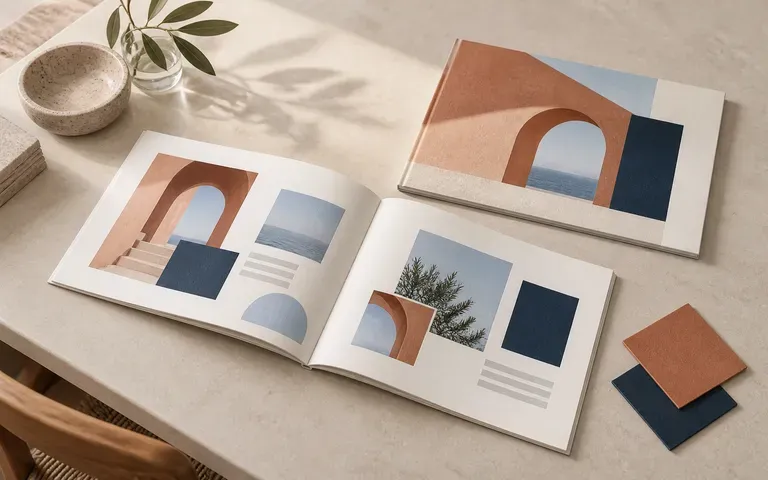
Present a brand guidelines book as a tangible publication showing both the outer cover mark and an interior typography or color spread.
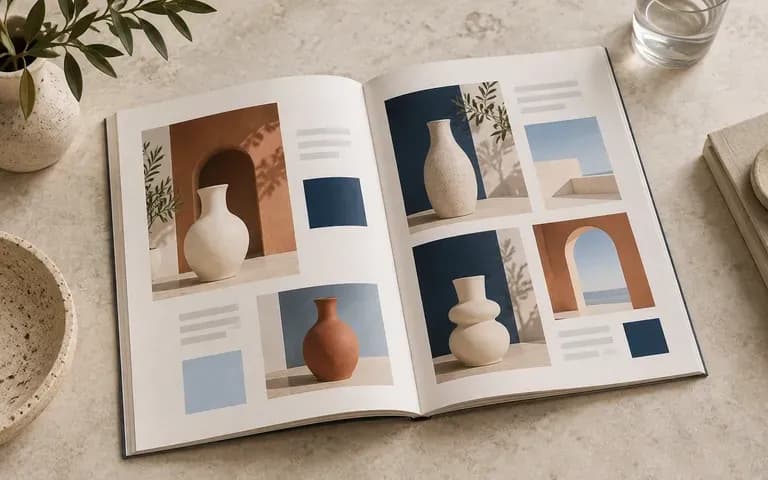
Show merchandisers and buyers how product photography, spec tables, and page margins read across an open two-page catalog spread.
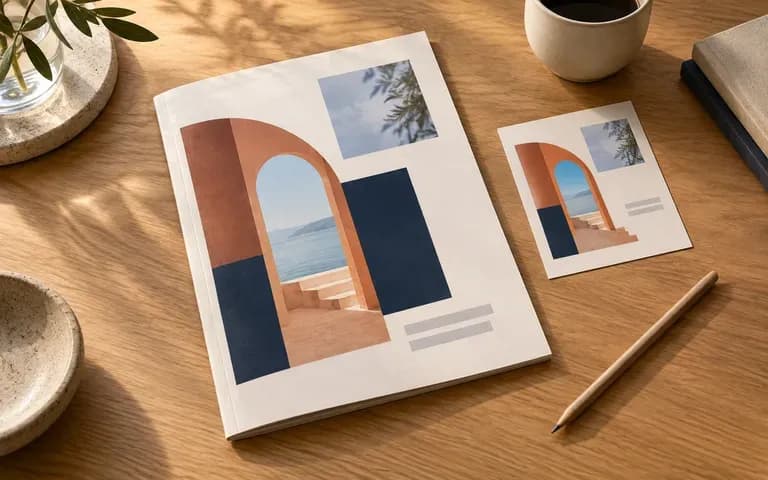
Preview annual reports, company profiles, and event programs in a clean desktop setting for internal sign-off before requesting print quotes.
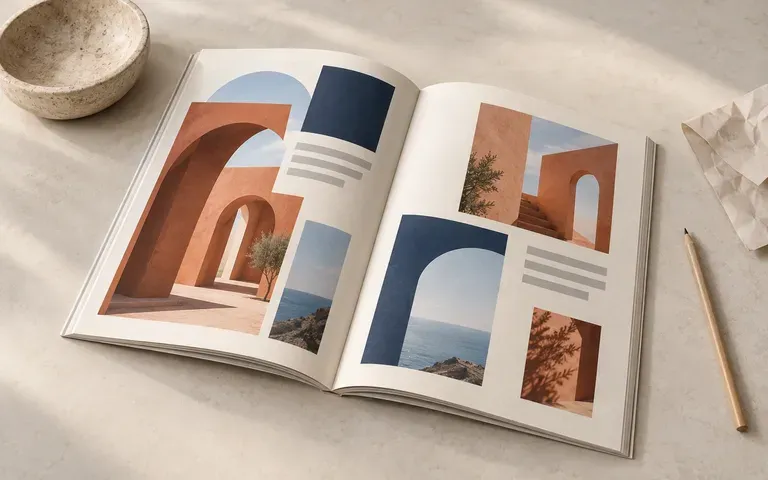
Document zines, exhibition guides, and publication coursework in portfolio case studies with realistic paper edges and spread views without studio photography.
Six booklet mockup outputs demonstrating brand books, product catalogs, and wide-format publication proposals.
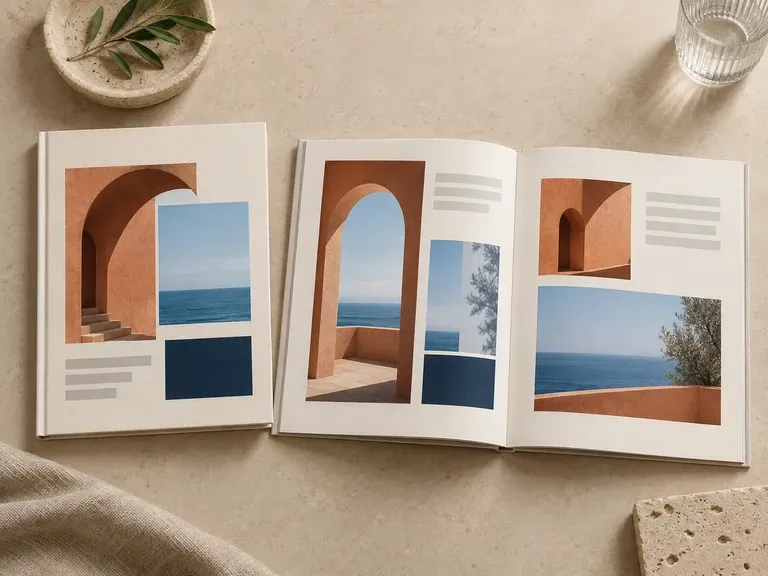
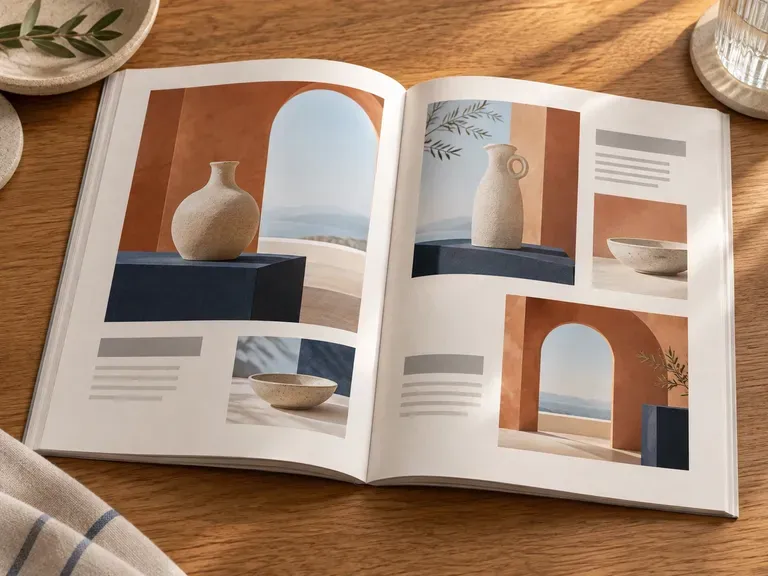
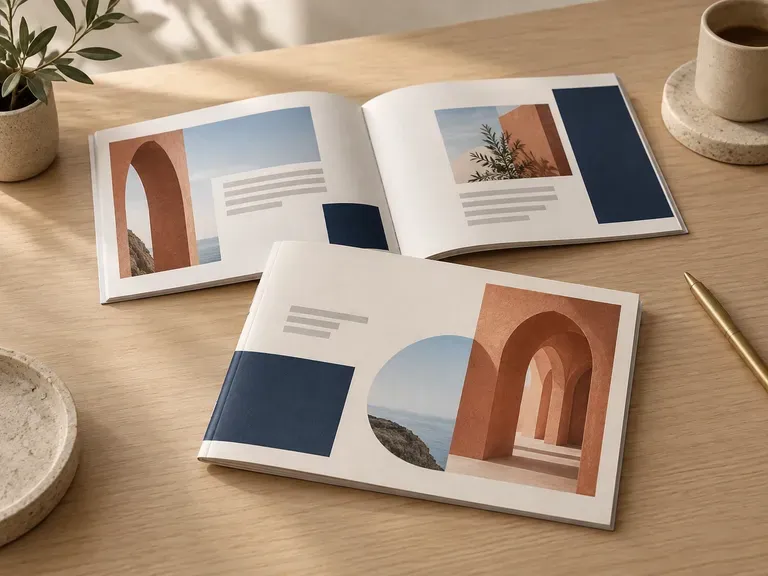
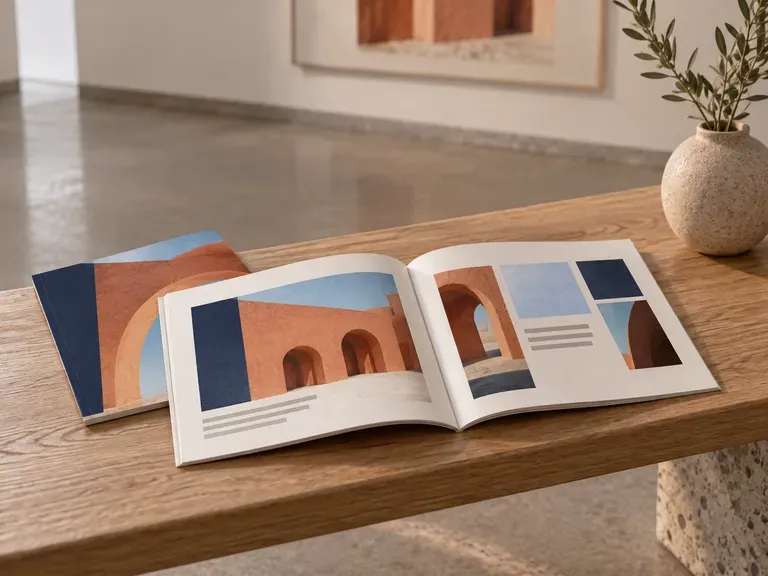
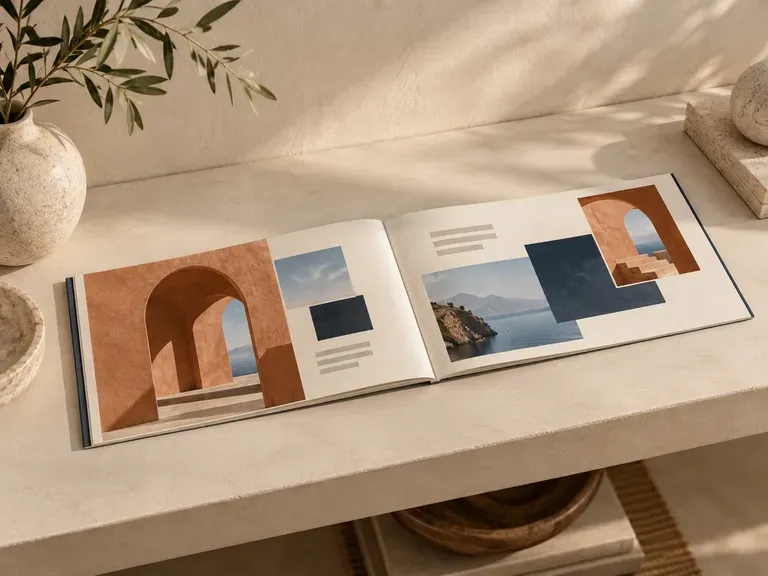
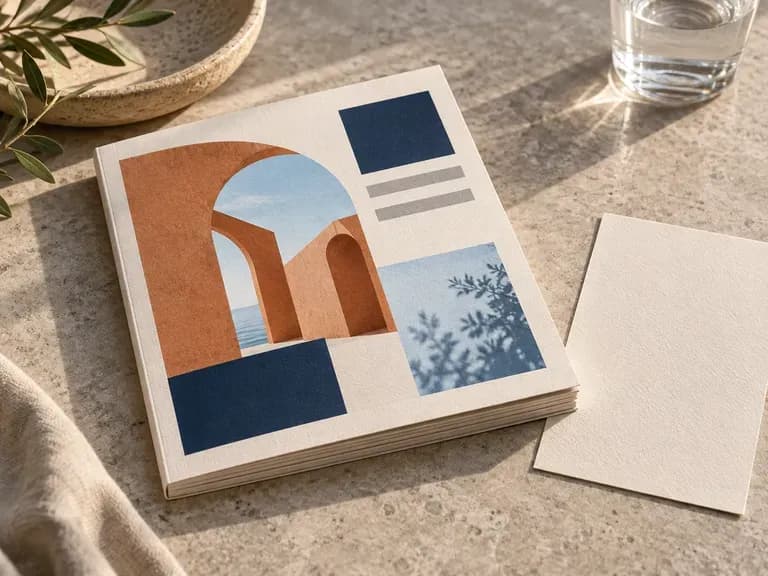
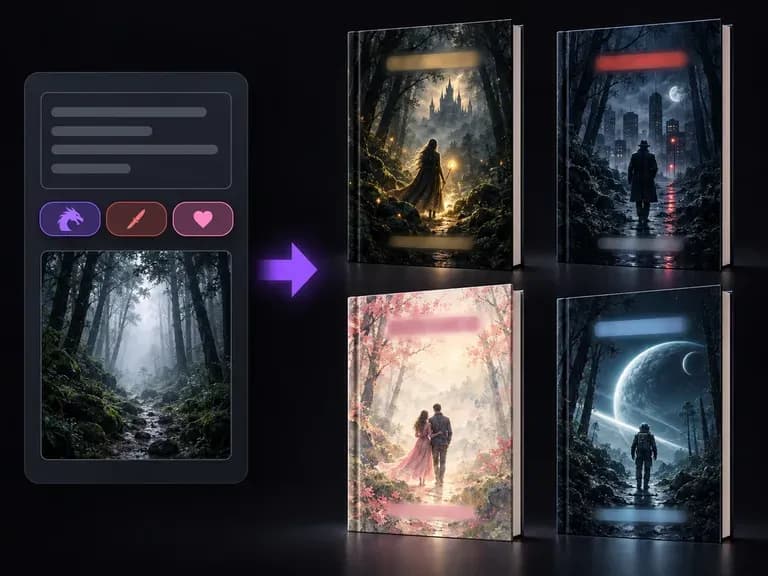
Explore front-cover visual concepts for books and publications before finalizing your layout.
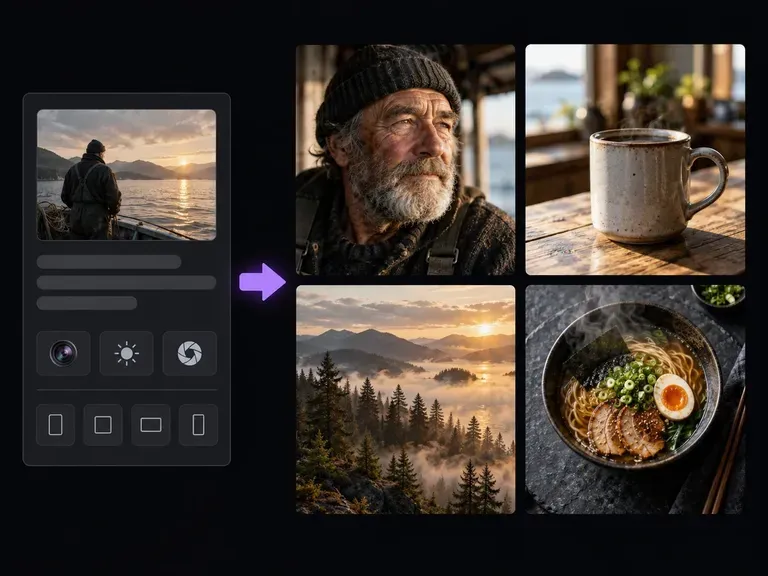
Generate photographic scenes, material studies, and editorial imagery from written descriptions.
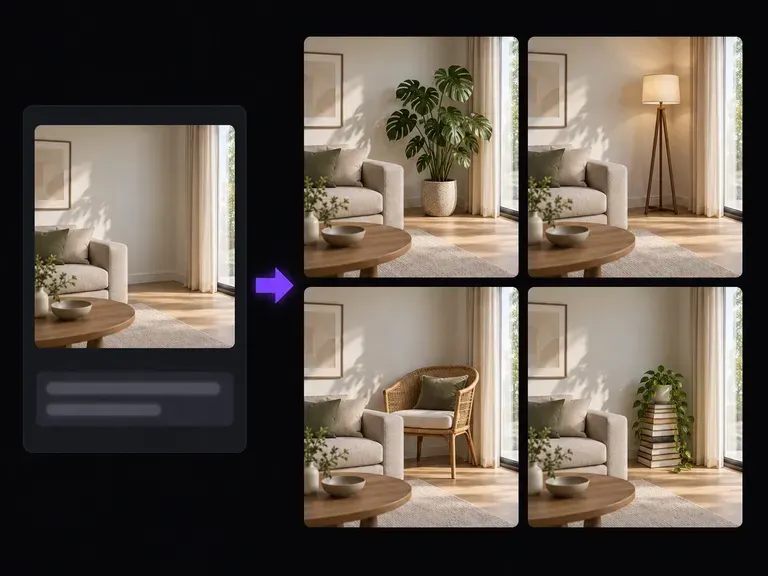
Add, replace, or refine tabletop props and background surfaces around your publication previews.
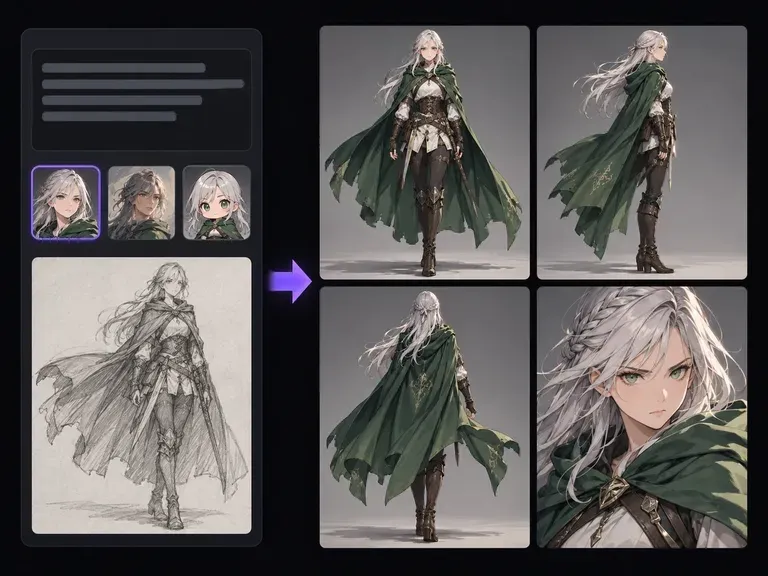
Develop turnaround sheets, facial expressions, and wardrobe details for original characters.
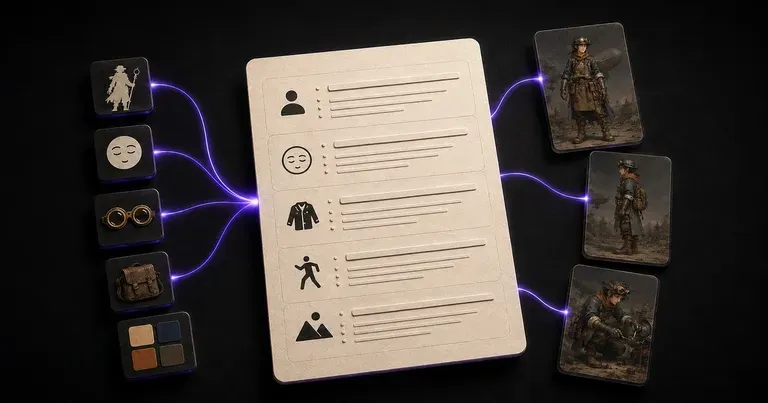
Structure detailed silhouette, costume, and lighting prompts for consistent character concepts.
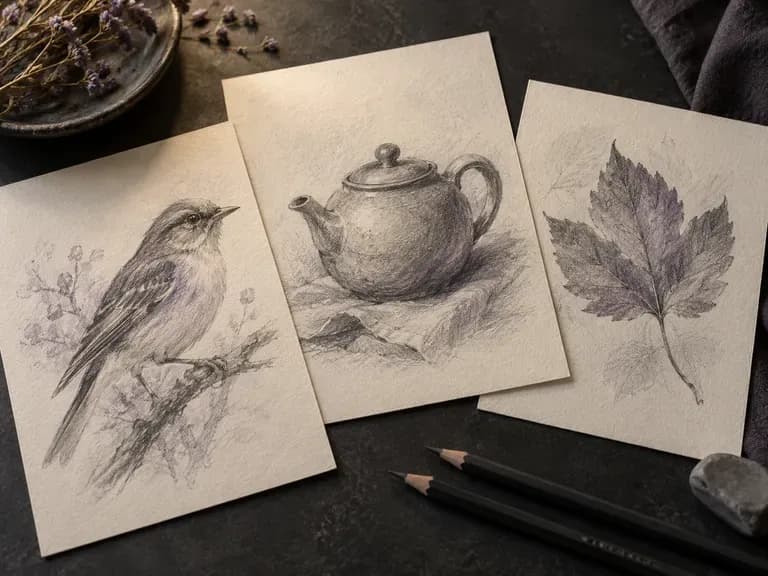
Turn rough ideas or photos into graphite, ink, or marker concept sketches.

Translate detailed creative briefs into balanced compositions with reliable spatial relationships.

Render high-contrast metallic reflections, fabric weaves, and shallow depth of field.

Guide subject posture, materials, and lighting using up to 14 reference images at 1K to 4K.
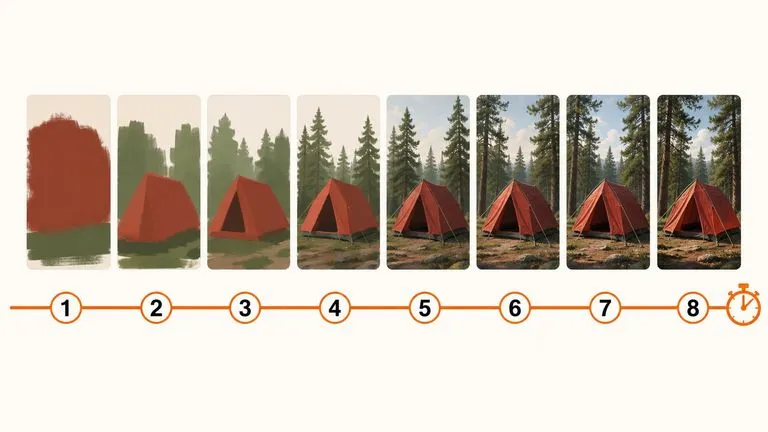
Draft rapid concept thumbnails and layout options before committing compute to final high-res renders.

Render crisp labels, fine surface textures, and multi-reference compositions up to 4K resolution.

Follow complex multi-part written briefs that combine uploaded reference photos with strict layout rules.
Bring your completed front cover, inside spread pages, and binding reference into Virse to preview your publication before going to press.