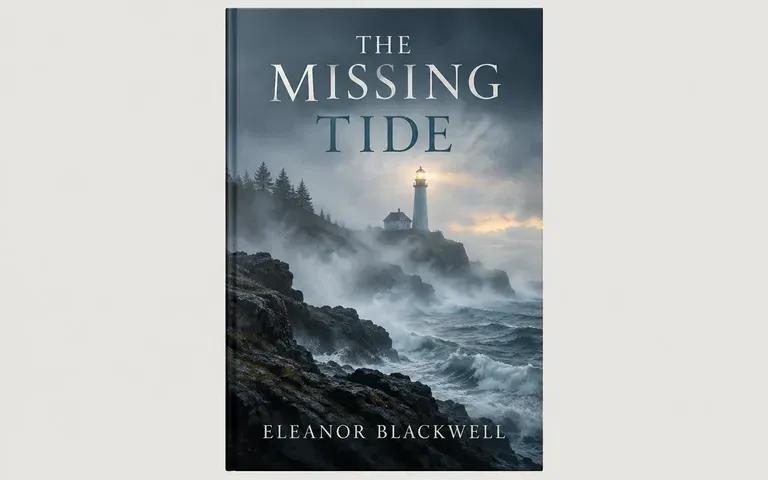
AI Book Cover Generator

AI Book Cover Generator

A cover needs to suggest the kind of story inside before a reader opens it. Give Virse the title, author name, genre and a short description of the mood. Compare front-cover concepts for imagery and composition, then refine the exact typography and publishing files in your finishing workflow.

Input
Title and other cover text · RequiredAuthor byline · OptionalStory & mood brief · OptionalStyle reference · OptionalArtwork assets · OptionalGenre · OptionalCover format · OptionalNumber of designs · Optional
Output
Book cover images (portrait by default, optional audiobook square), count based on selection: ebook 2:3 / wider portrait 3:4 / audiobook square 1:1

Style referenceOptional

Your image is uploaded on the canvas — this form carries the settings.

Artwork assetsOptional

GenreOptional
Cover formatOptional
Number of designsOptional

How AI Book Cover Generator Works

An AI book cover generator creates a front-cover image from a publishing brief. Virse helps explore genre cues, imagery and title placement. The concept still needs exact typography and format checks before it becomes a finished publication asset.

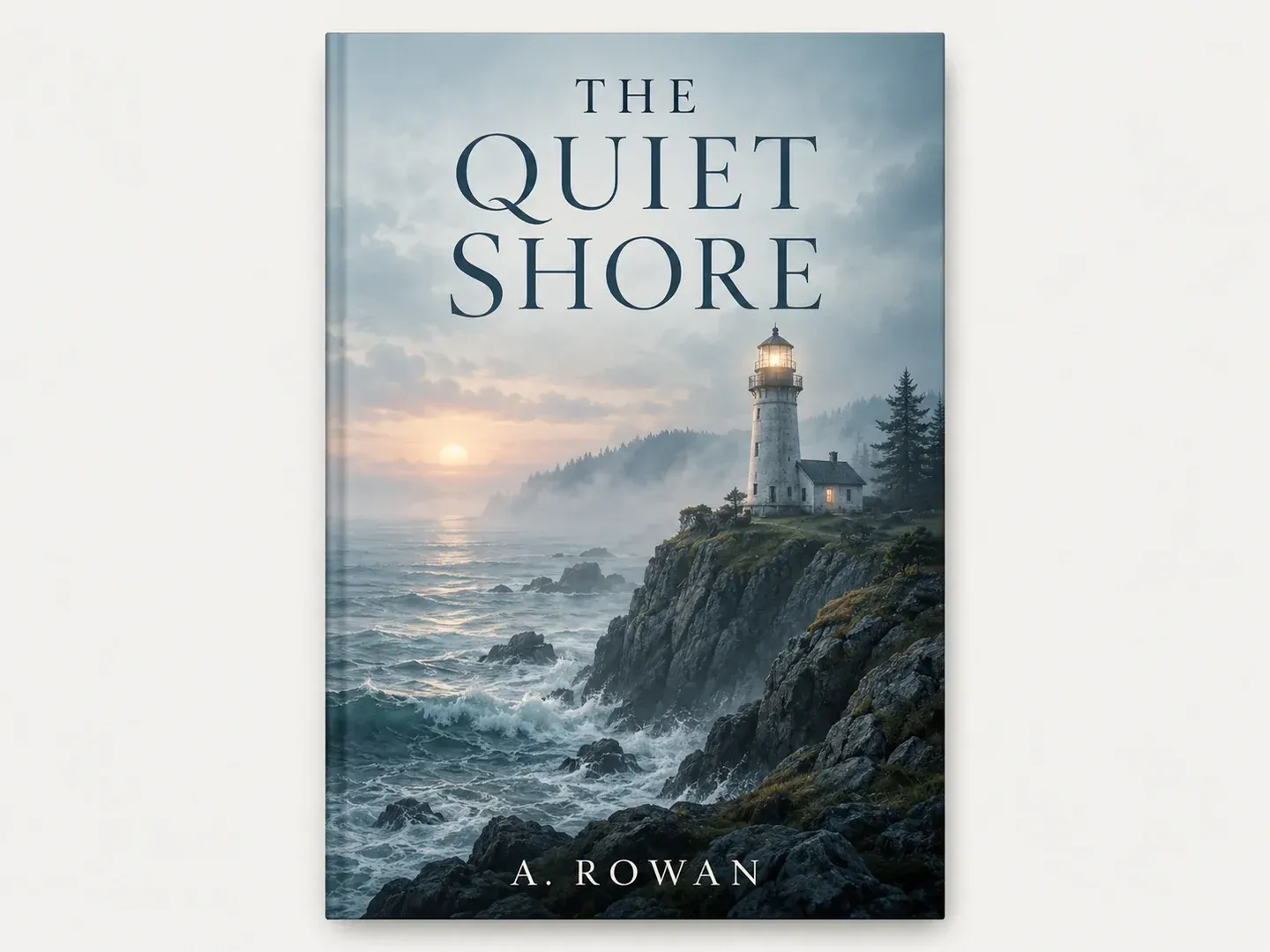
An original front book cover concept with the exact title THE QUIET SHORE and author A. ROWAN, misty lighthouse imagery
Illustrative concept: an original front book cover concept with the exact title THE QUIET SHORE and author A. ROWAN, misty lighthouse imagery

What You Can Explore in Virse

Start with the promise the cover should make to the reader. Choose a clear mood and a small number of visual elements that support it.

An original mystery front cover concept with a distant lighthouse in mist

Translate Genre and Mood into Imagery

Describe the story's atmosphere without summarizing every plot point. A strong central image can be easier to read than a collage of unrelated scenes.
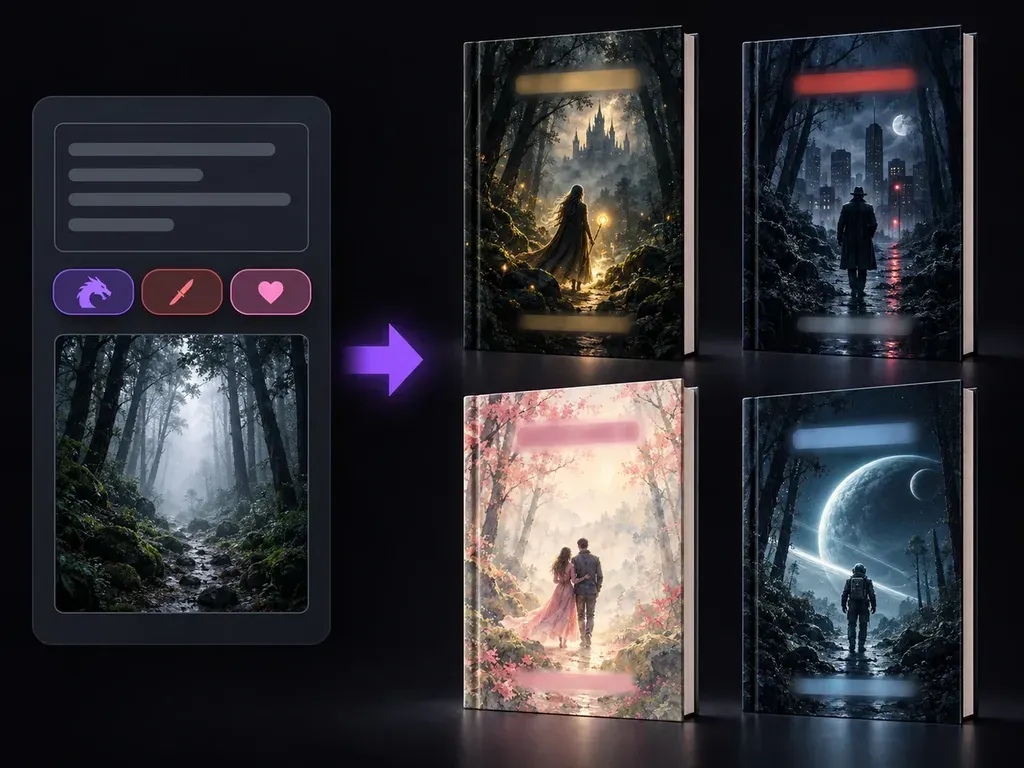
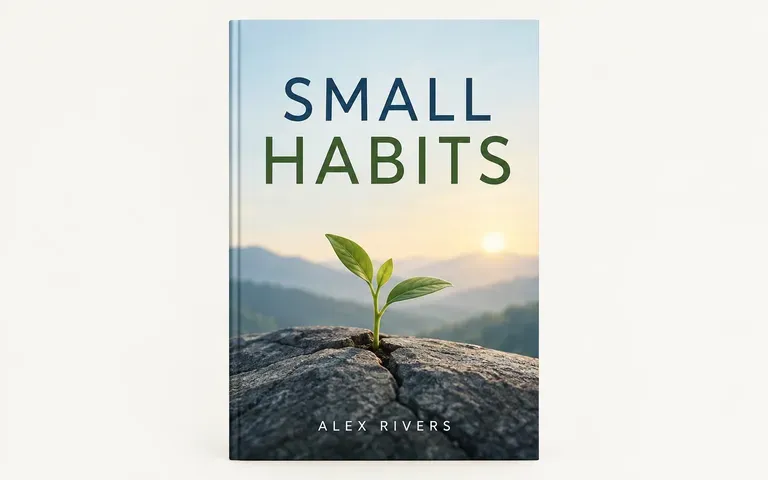
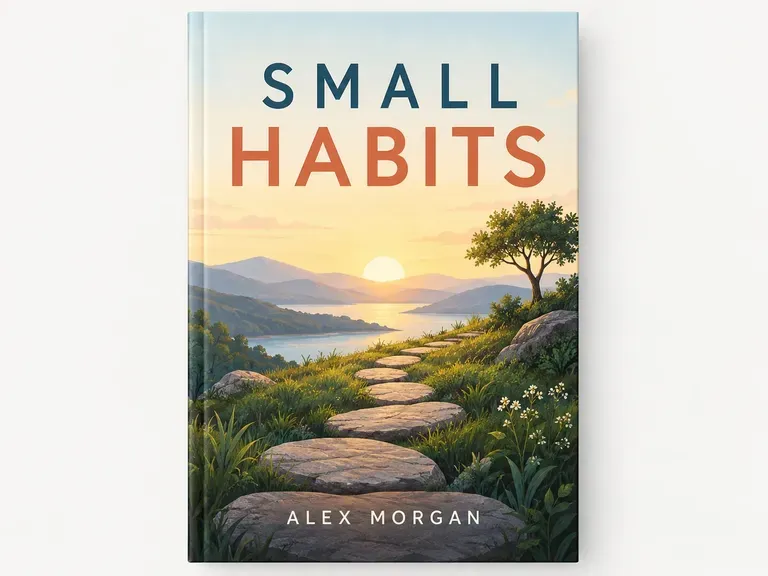
An original nonfiction front cover concept with exact title SMALL HABITS

Explore the Cover's Hierarchy

Explain how prominent the title should feel relative to the image and author name. Inspect generated words carefully before treating the composition as final.

An original illustrated fantasy front cover concept with a single tree and quiet sky

Compare at a Smaller Size

Keep cover concepts together on your canvas and review their broad shapes. A direction that works large may become unclear in a small listing image.

How to Get Started

  1. Write the Book Brief

    Provide the title, author, genre and a concise mood or story description. Verify the exact wording before generation.

  2. Describe the Visual Direction

    Name the central image, palette and overall treatment. Use an original or authorized reference if it clarifies the style.

  3. Generate Front-Cover Concepts

    Continue in Virse and compare the imagery and hierarchy. Check the title and author name letter by letter.

  4. Prepare the Publishing Artwork

    Set exact typography and create the required files in your publishing workflow. Confirm dimensions and any print requirements before release.

Who Uses This Tool?

Front-cover concepts help authors and designers agree on a visual direction before the final publishing artwork is prepared.

An original literary front cover concept with coastal imagery

Independent Authors

Explore how the book's genre and mood could appear on the cover. Use the concepts to discuss a direction rather than skipping final design checks.

An original restrained nonfiction cover concept

Cover Designers

Develop several visual approaches from the same brief. Refine the chosen image and typography in the final artwork.

An original illustrated fantasy front cover concept with a single tree and quiet sky

Small Publishers

Compare cover directions within a catalog. Check that the selected design fits the book and remains distinct from other titles.
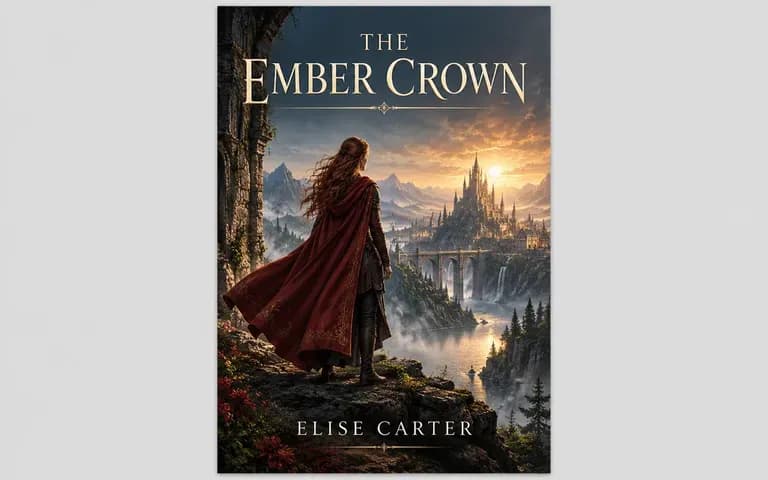
An original atmospheric fantasy cover concept

Story Creators Preparing a Pitch

Give a project a provisional visual identity. Make clear that the cover is a concept while the title and publication plan develop.
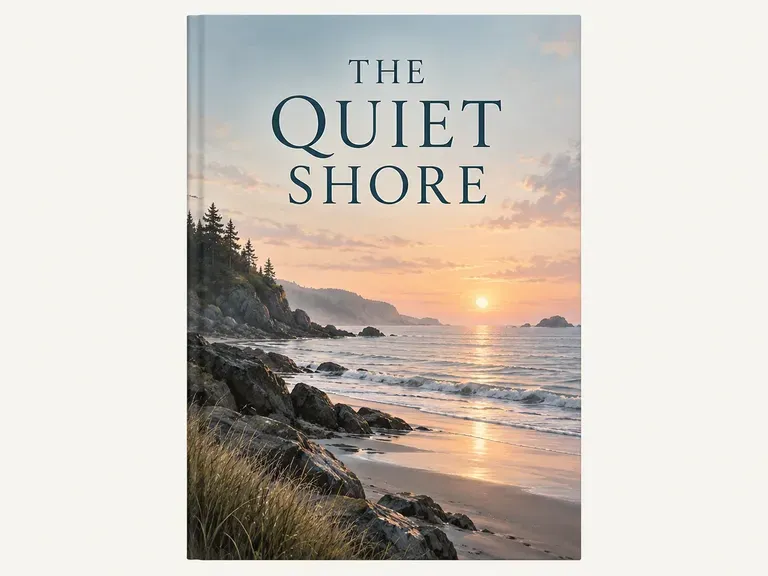

Ideas to Try

An original cover concept titled THE QUIET SHORE
Literary Atmosphere: A restrained image with a clear mood
An original cover concept titled THE LAST WINDOW
Mystery Directions: A visual question rather than a full plot summary
An original cover concept titled SMALL HABITS
Nonfiction Concepts: A focused symbol and title hierarchy
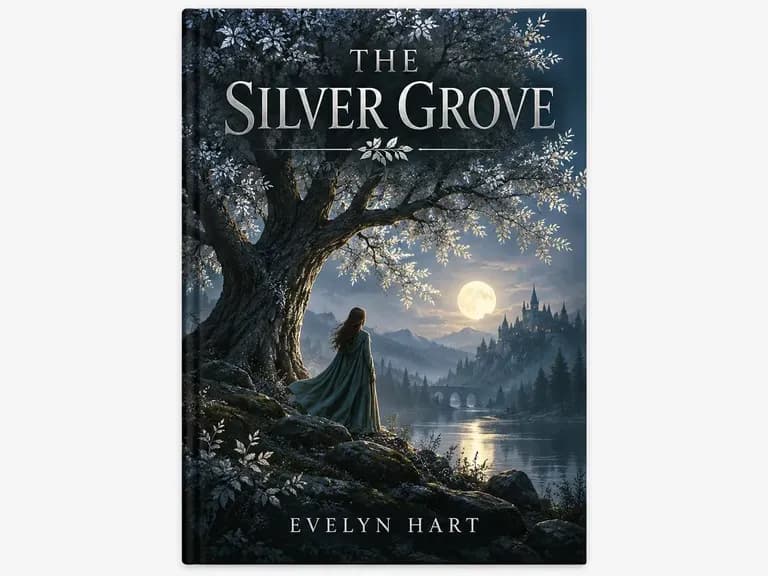
An original cover concept titled THE SILVER GROVE
Fantasy Artwork: An original world suggested through one image
An original cover concept titled A PLACE FOR CLOUDS
Illustrated Stories: Character and tone through original artwork
An original cover concept titled STILL WATER
Minimal Covers: A small number of deliberate elements

Frequently Asked Questions

What information should I include?
Provide the exact title and author name, the genre and a short description of the mood. Add a central visual idea if you already have one.
Does this generate a front cover or a full print wrap?
This page focuses on the front cover. It does not create a measured wrap-around file with the spine and back cover for a specific printer.
Will the title and author name always be correct?
Proofread every result. Generated lettering can be inaccurate. Set essential wording with exact typography before preparing the publishing files.
Can I edit the title as a separate text layer?
The generated concept is an image. Use a design or publishing tool when you need separate editable text and precise control over type placement.
Is the image automatically ready for a publishing platform?
No. Check the platform's current dimensions and file requirements, then prepare and validate the final artwork in your publishing workflow.
Can I use an existing cover as a reference?
Use an original or authorized reference to communicate a broad direction. Develop a distinct design rather than copying another book's artwork or recognizable composition.

Find the Cover's Central Idea

Share the title, genre and mood. Compare the front-cover concepts, then finish the chosen direction with exact typography and the required publication files.