
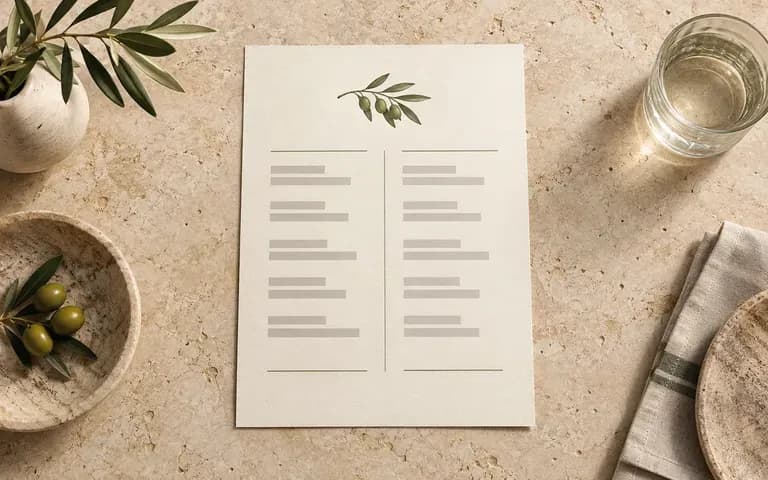
Finished artwork
Start from Your Approved Dish and Price Layout
Upload your completed menu file with courses, descriptions, and pricing already set so the generator frames your actual typography inside the dining scene.
Upload your finished menu layout and an optional venue photo, then note the paper stock, fold style, and table setting. This menu mockup generator stages A4 dinner cards, bi-fold spreads, and counter displays in a dining scene.
A menu mockup (or restaurant menu mockup) places your completed menu layout onto a physical paper sheet, folded spread, or counter stand in a dining scene:
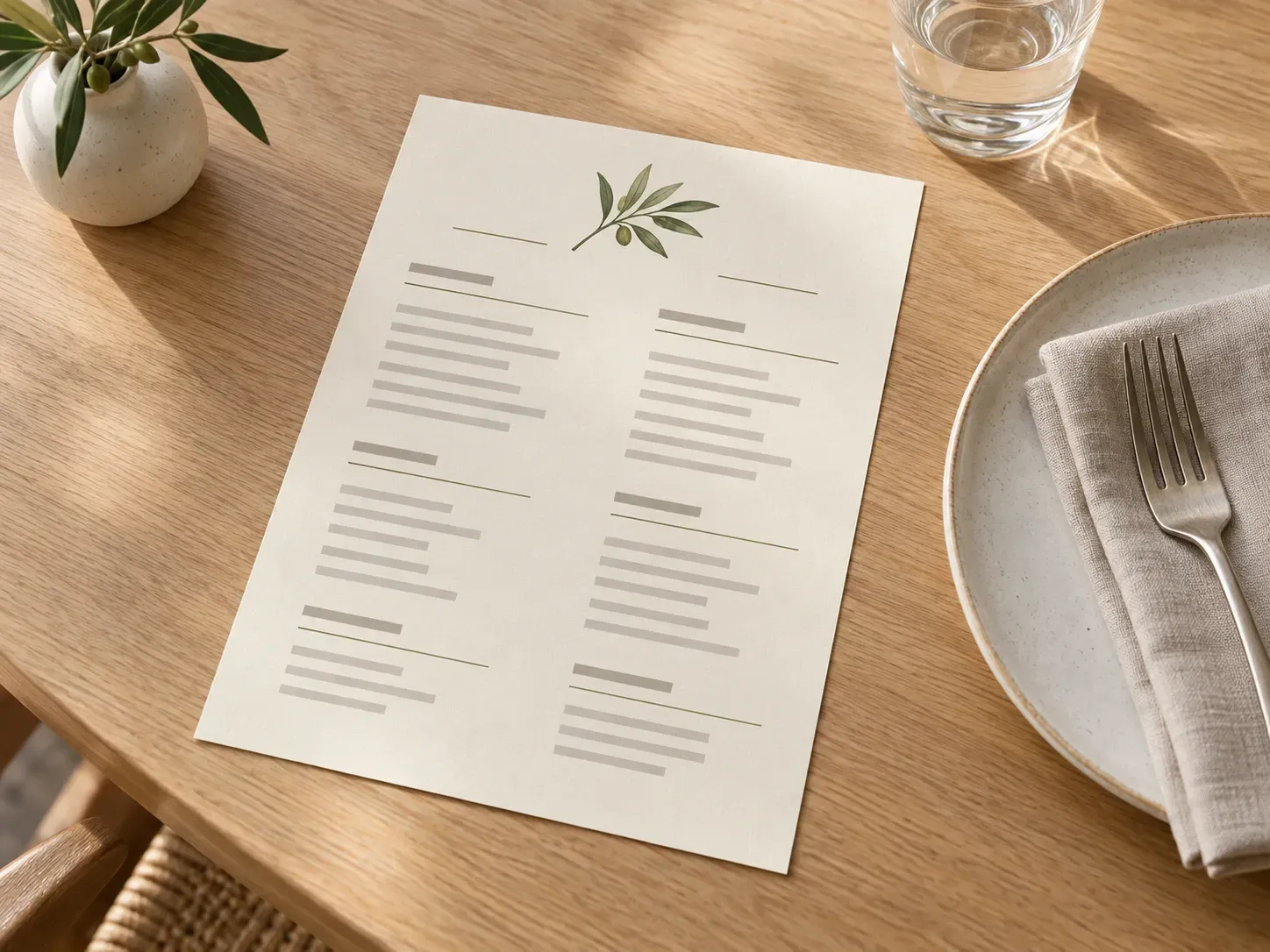
• Format and fold balance: Check how an A4 single sheet, wood clipboard card, or bi fold menu mockup sits at table scale and keeps adjacent panels balanced.
• Paper and lighting contrast: Verify how dish descriptions, wine columns, and dividers read on uncoated cotton rag, kraft card, or matte stock in candlelit or cafe light.
• Venue atmosphere fit: Stage your layout beside stoneware plates, linen napkins, espresso bars, or dark wood cocktail counters.
Three presentation controls that help hospitality teams review print layouts in context rather than on a white PDF screen.
Upload your completed menu file with courses, descriptions, and pricing already set so the generator frames your actual typography inside the dining scene.
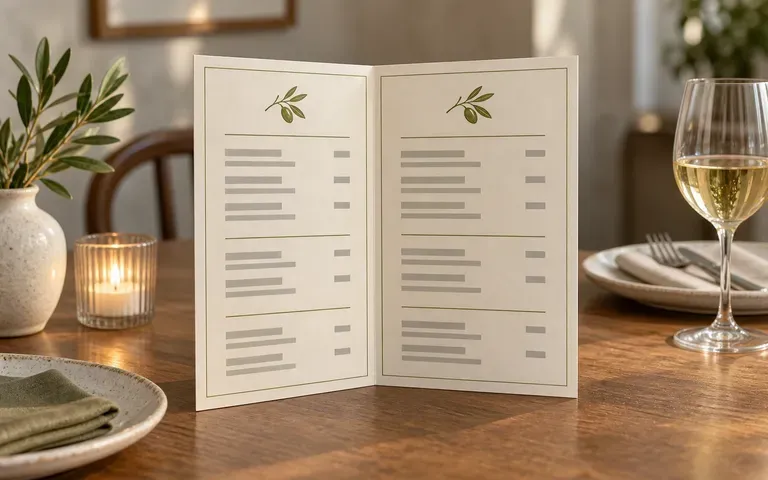
Request a flat single card, an open bi fold menu mockup with two supplied interior panels, a leather-bound menu cover, or a wooden clipboard presentation.
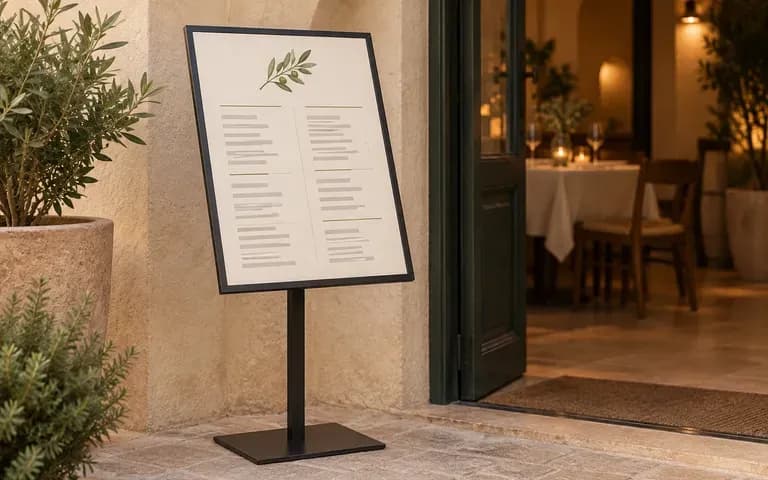
Supply a photo of your own restaurant table or describe a linen place setting, espresso counter stand, or dim cocktail bar top to match the venue identity.
How staging your layout from a custom dining brief compares with editing a fixed downloadable menu mockup PSD file.
Static Menu Mockup PSD
Virse Restaurant Menu Mockup Generator
Add your finished single-page layout, or upload both left and right panel files when previewing an open folded spread.
State whether the piece is a flat A4 or A5 card, an open two-panel fold, a clipboard sheet, or an upright counter stand.
Upload a photo of your restaurant table or describe the tabletop wood, linen, tableware, and ambient lighting before running the job.
Compare dish headers, column spacing, fold creases, and price alignment against your source PDF before sharing the preview with clients.
Specific paper and lighting notes keep the tabletop scene grounded. Copy any of these three menu mockup briefs:
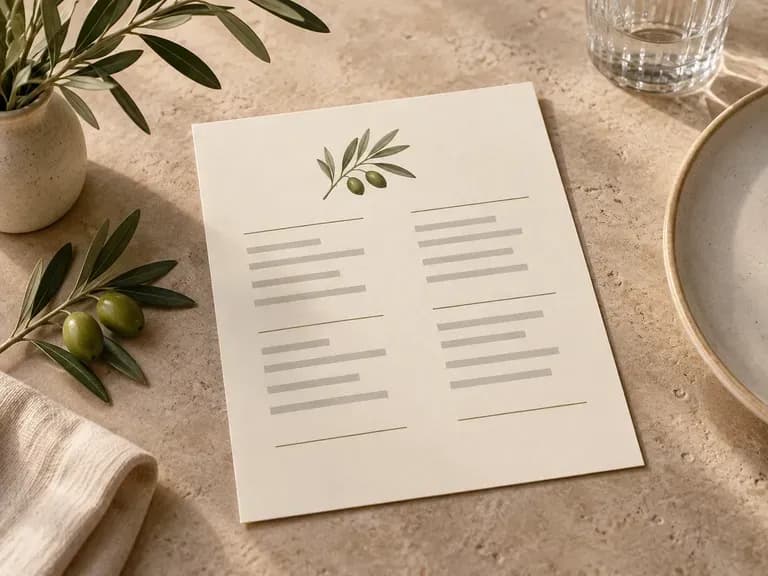
• Fine dining place setting: "A4 dinner menu from the uploaded artwork on cream cotton paper, beside a charcoal ceramic plate, linen napkin, and stemware on walnut."
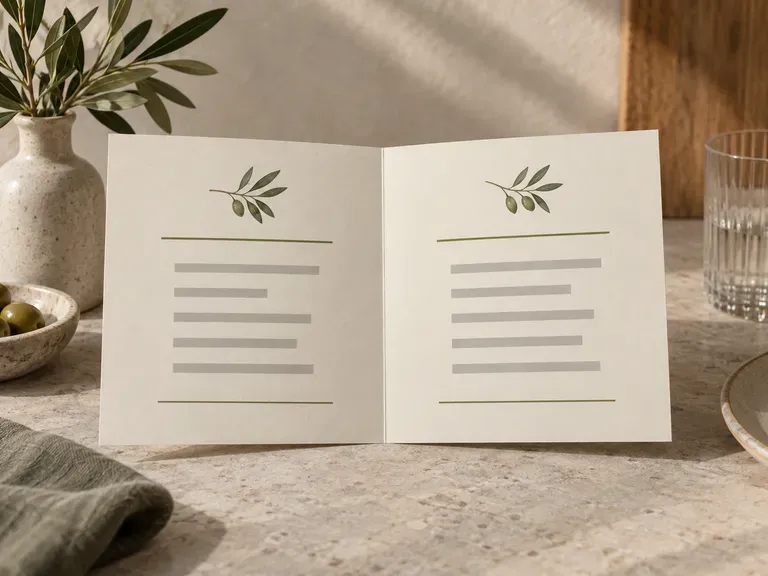
• Open bistro spread: "Open bi fold menu mockup angled on a marble cafe table, Uploaded Panel A on the left page and Panel B on the right."
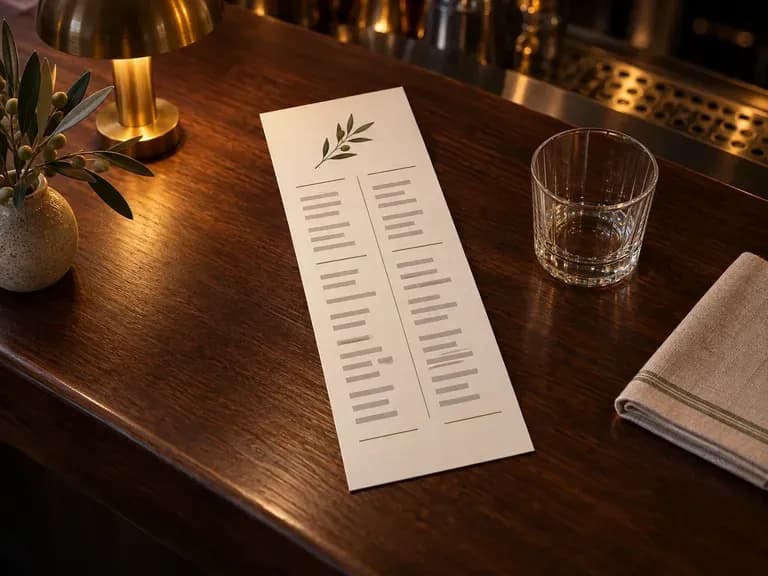
• Countertop bar display: "Upright A5 cocktail card from the uploaded layout in a brass stand on a travertine bar top with glassware bokeh."
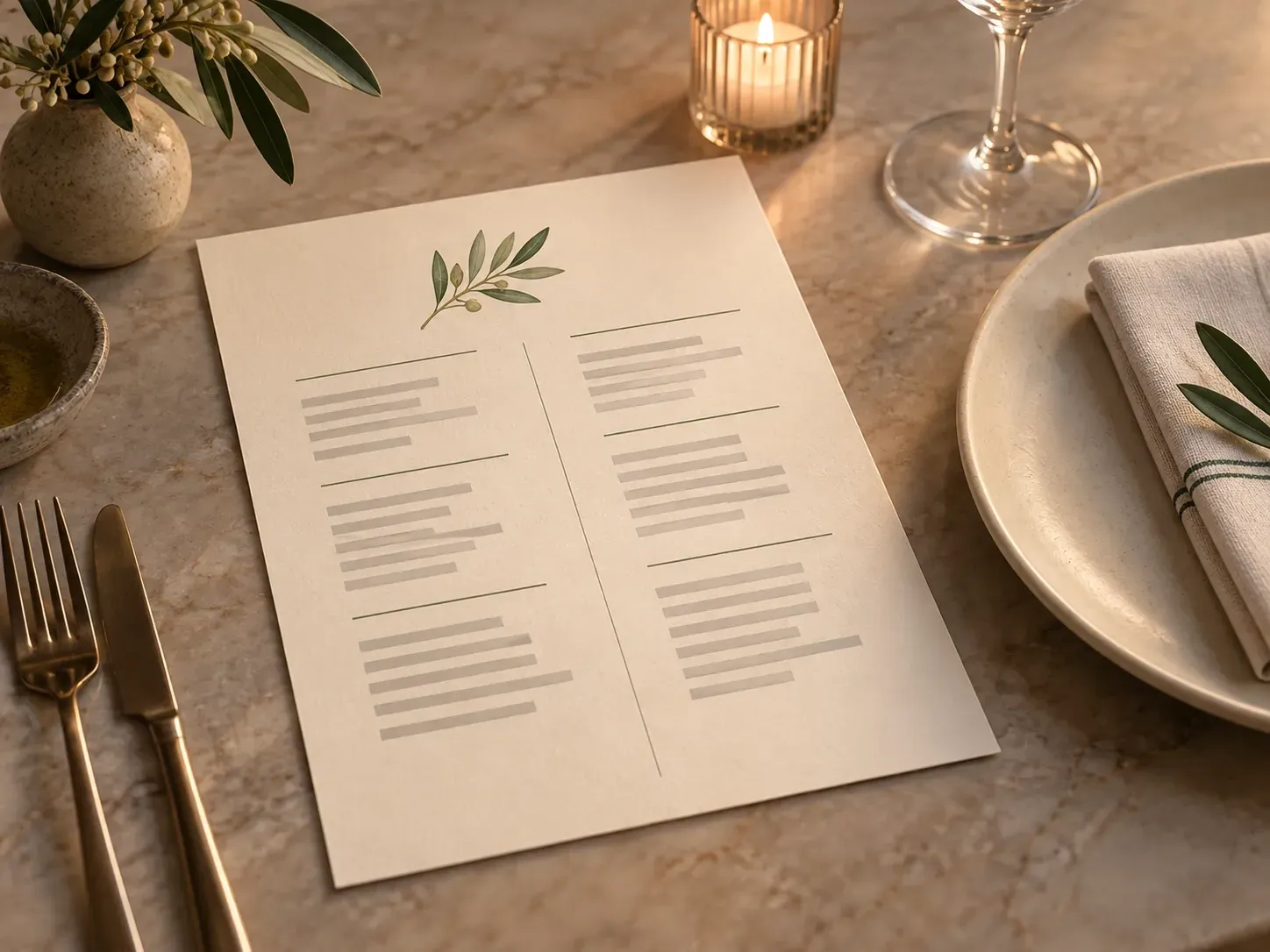
Four hospitality and design roles that evaluate menu layouts in a realistic dining scene before committing to print runs.
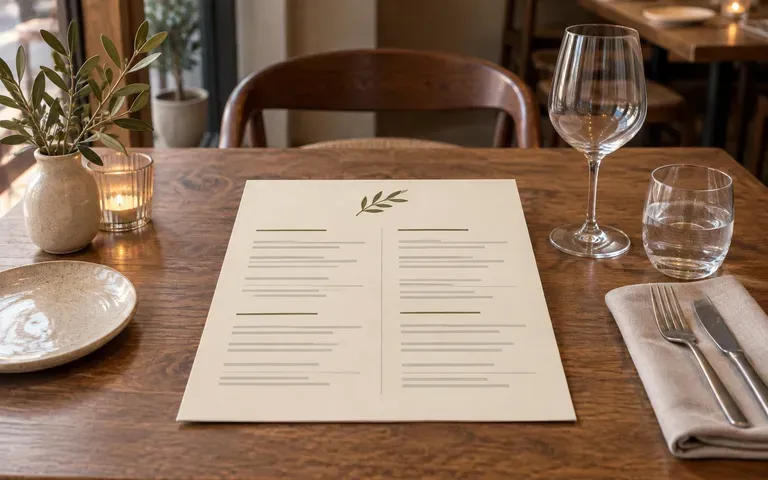
Check how a seasonal dinner refresh or tasting card reads beside the dining room's actual plates, cutlery, and table surfaces.
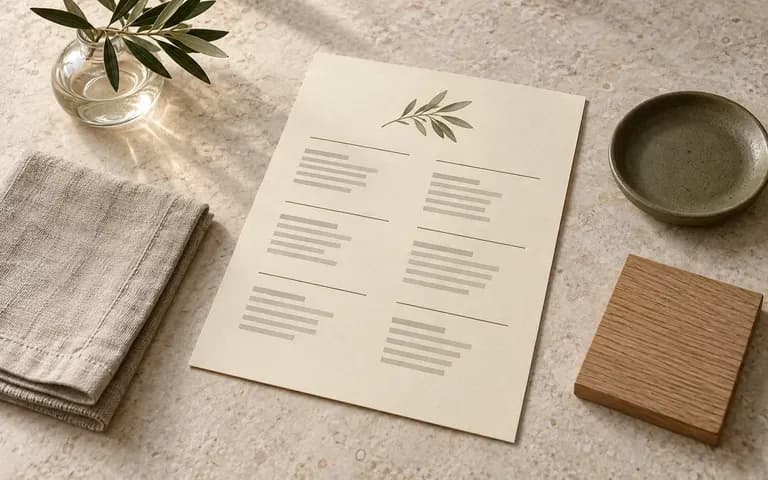
Present print menus alongside the wood tones, stone counters, and lighting fixtures that shaped the broader hospitality concept.
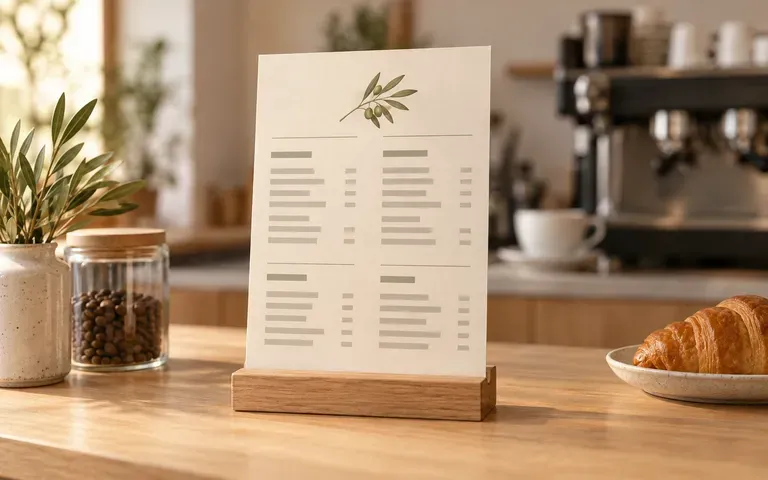
Test a cafe menu mockup or seasonal drink list inside an upright counter display stand before printing laminated counter cards.
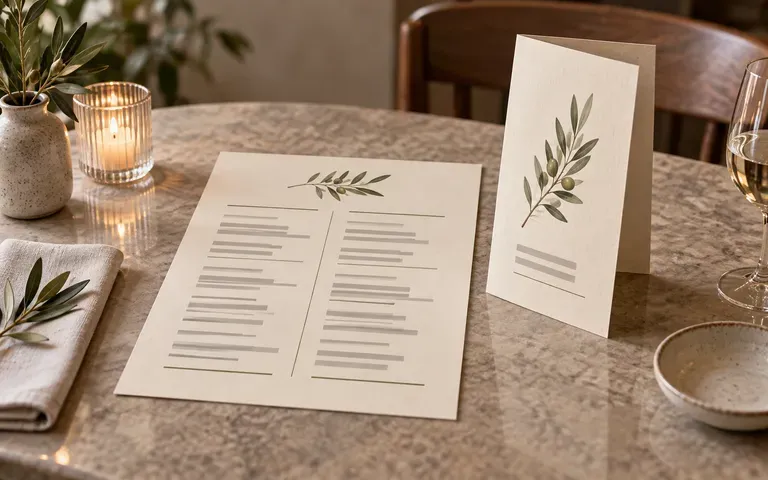
Include a realistic bar menu mockup, wine list, and dinner card inside hospitality pitch decks and portfolio case studies.
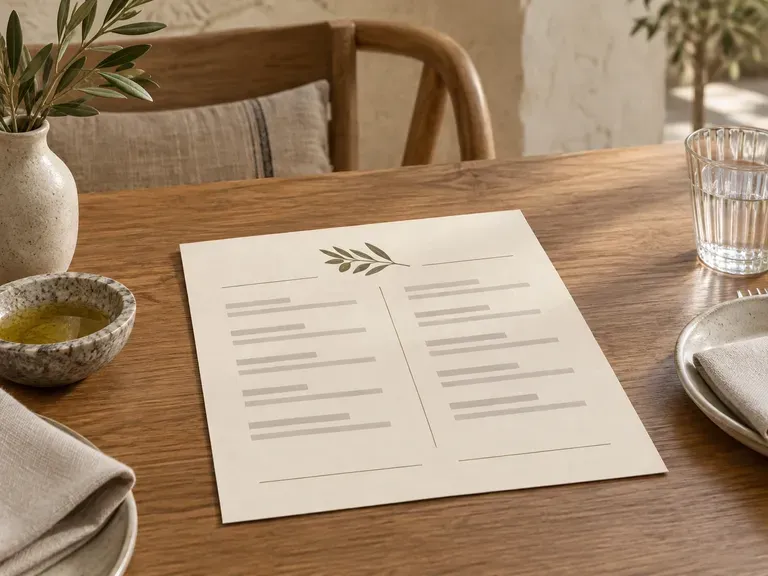
Six hospitality presentation previews covering table place settings, counter stands, open folded spreads, and cocktail lists.
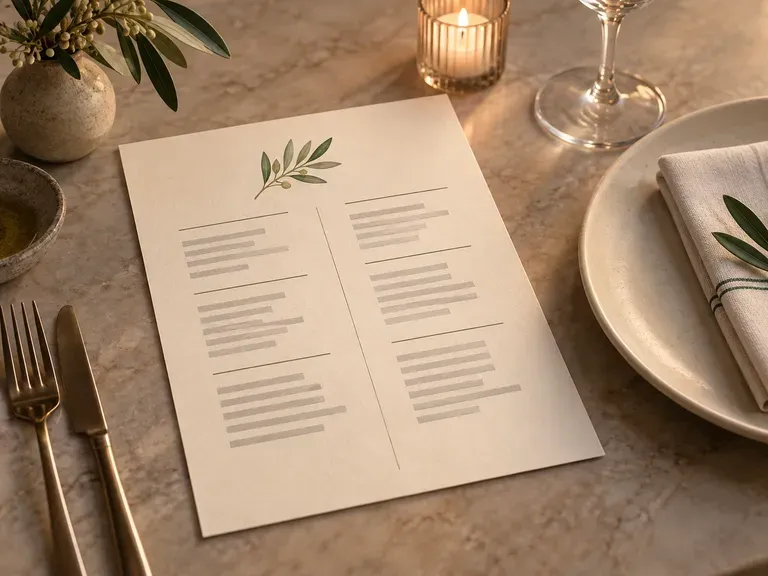
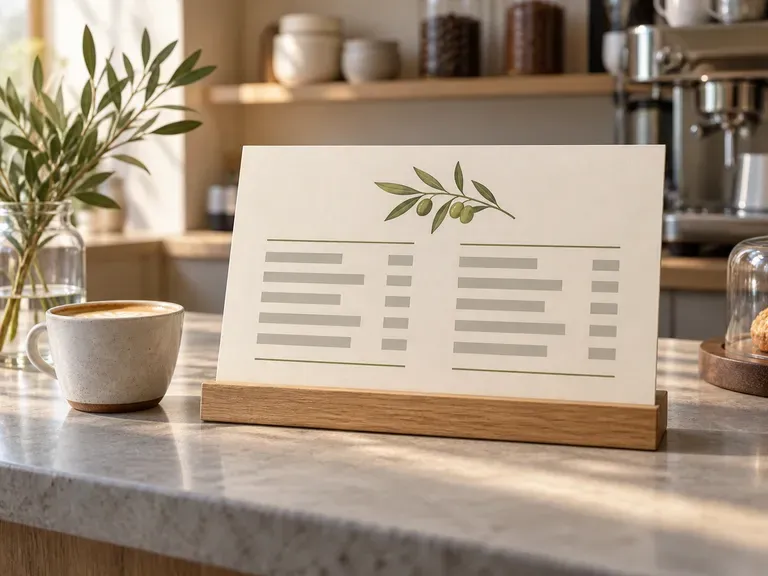
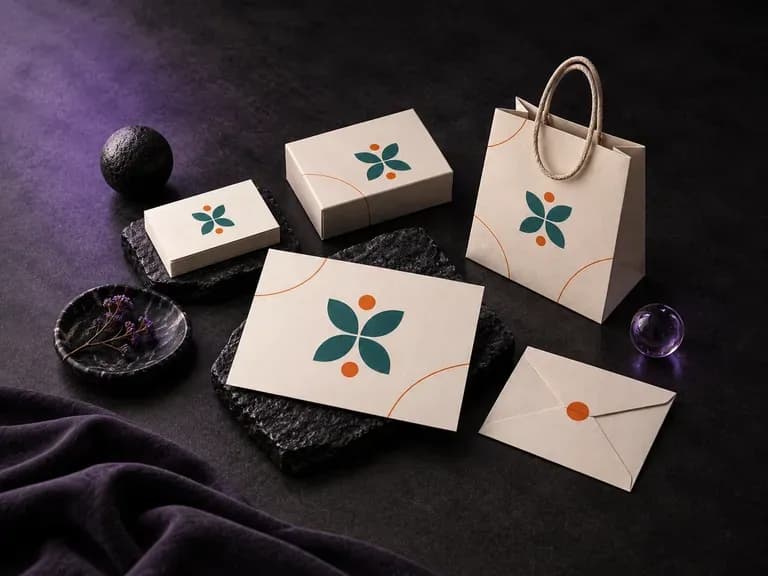
Present your restaurant logo across stationery, business cards, coasters, and table signage.
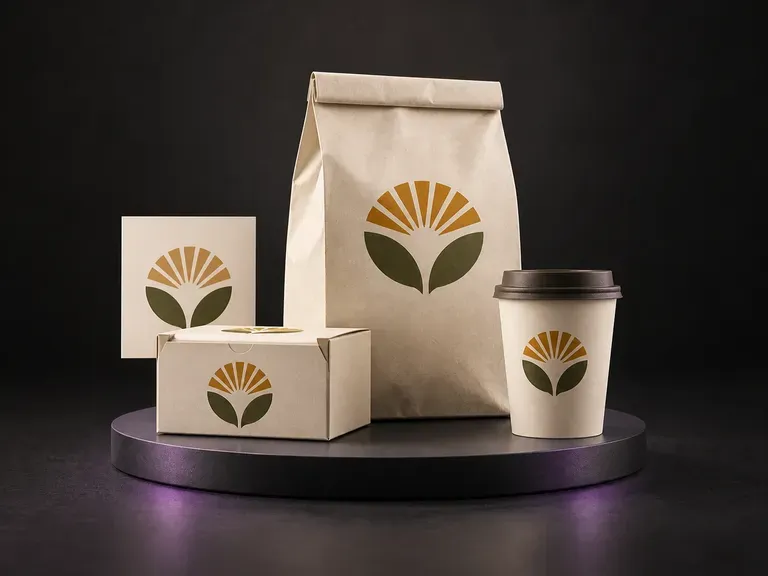
Preview takeout boxes, coffee cups, and paper carry bags alongside your dine-in menu identity.
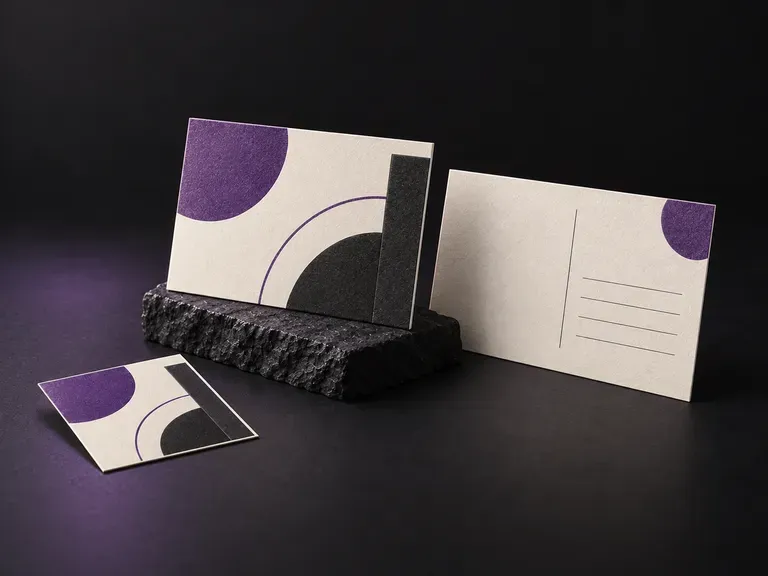
Stage promotional bounce-back cards, gift certificates, and table reservation notes on matching surfaces.
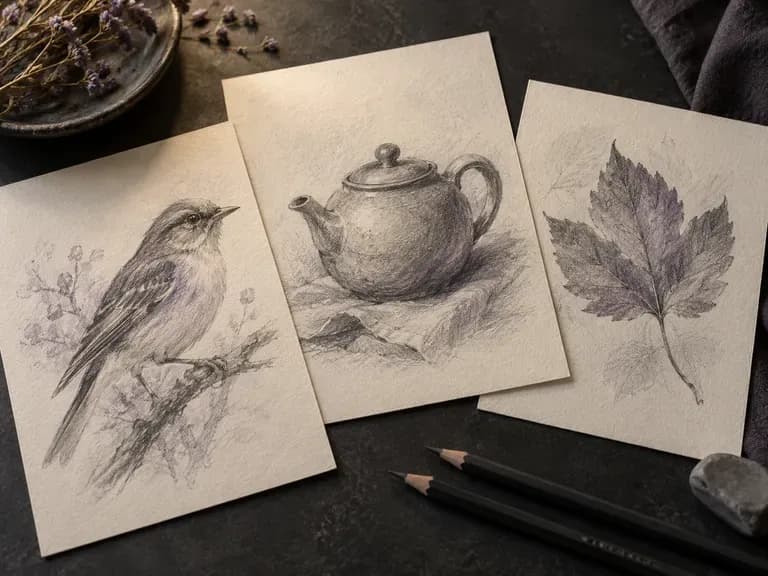
Turn rough ideas or photos into graphite, ink, or marker concept sketches.
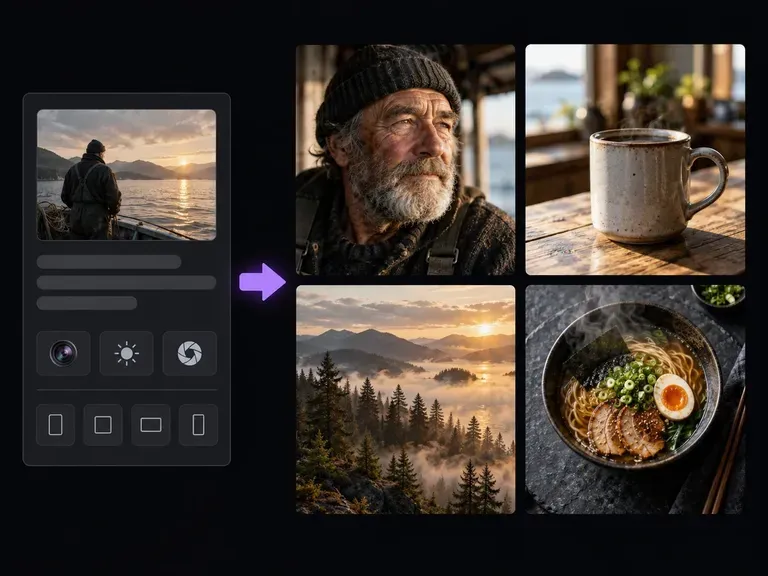
Render lifelike studio portraits, product stills, and architectural scenes with natural light.
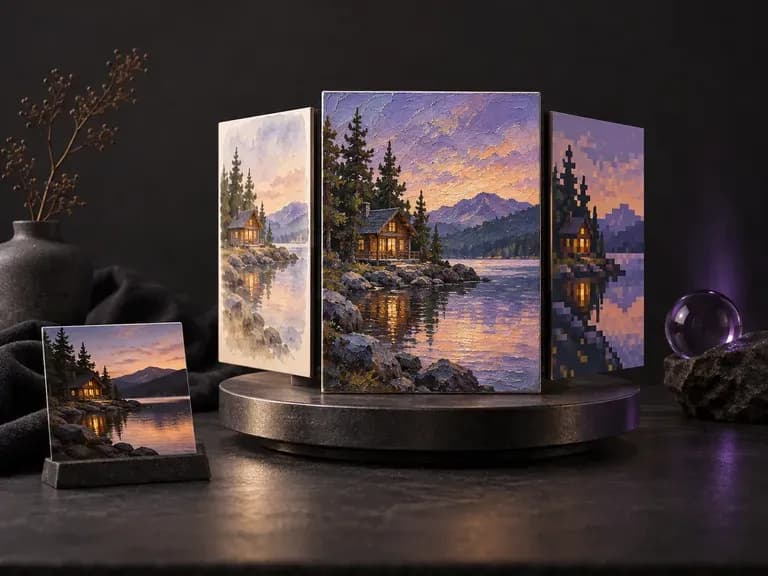
Test how one subject reads across watercolor, editorial photo, 3D clay, or risograph print styles.

Render crisp labels, fine surface textures, and multi-reference compositions up to 4K resolution.

Follow complex multi-part written briefs that combine uploaded reference photos with strict layout rules.

Produce realistic studio lighting, contact shadows, and natural material grain for commercial shots.

Swap backgrounds, lighting setups, or colorways while keeping your core subject geometry locked.

Explore four distinct framing and styling variations side by side on the canvas in a single run.
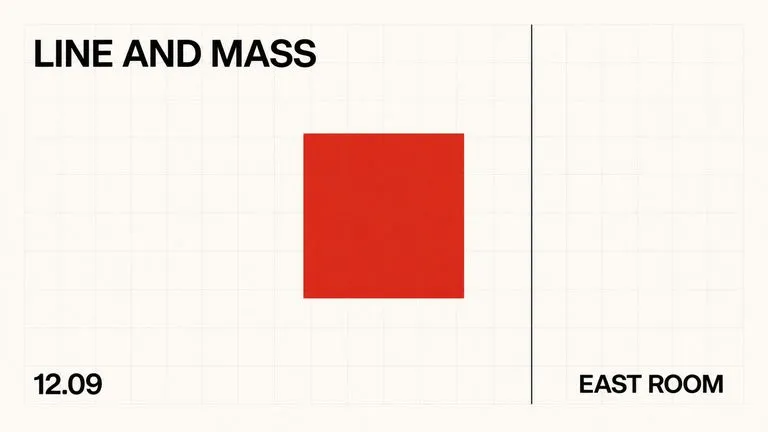
Keep display headlines, packaging wordmarks, and monogram badges sharp inside generated visuals.
Upload your approved layout and describe the paper and dining setting to review your menu on a Virse canvas.