Adjust Image Saturation with AI

Adjust Image Saturation with AI

Take a photo you already have, adjust image saturation with AI, and keep whichever version looks right.

Entrada
Source photos · ObrigatórioSaturation level · OpcionalAdjustment scope · OpcionalSaturation reference · OpcionalOutput form · OpcionalExtra requirements · Opcional
Saída
One saturation-adjusted result per source photo (three when the ladder option is chosen), delivered paired with its original and placed beside it on canvas when the source is on canvas, as a before/after comparison

Source photosObrigatório

A imagem é carregada na tela; este formulário leva as definições.

Saturation referenceOpcional
Saturation levelOpcional
Adjustment scopeOpcional
Output formOpcional

What is image saturation?

Saturation is how strong a color looks: high saturation is vivid, and low saturation drifts toward gray. This tool changes it in photos you already have, and it needs a Virse sign-in, unlike many free slider sites.

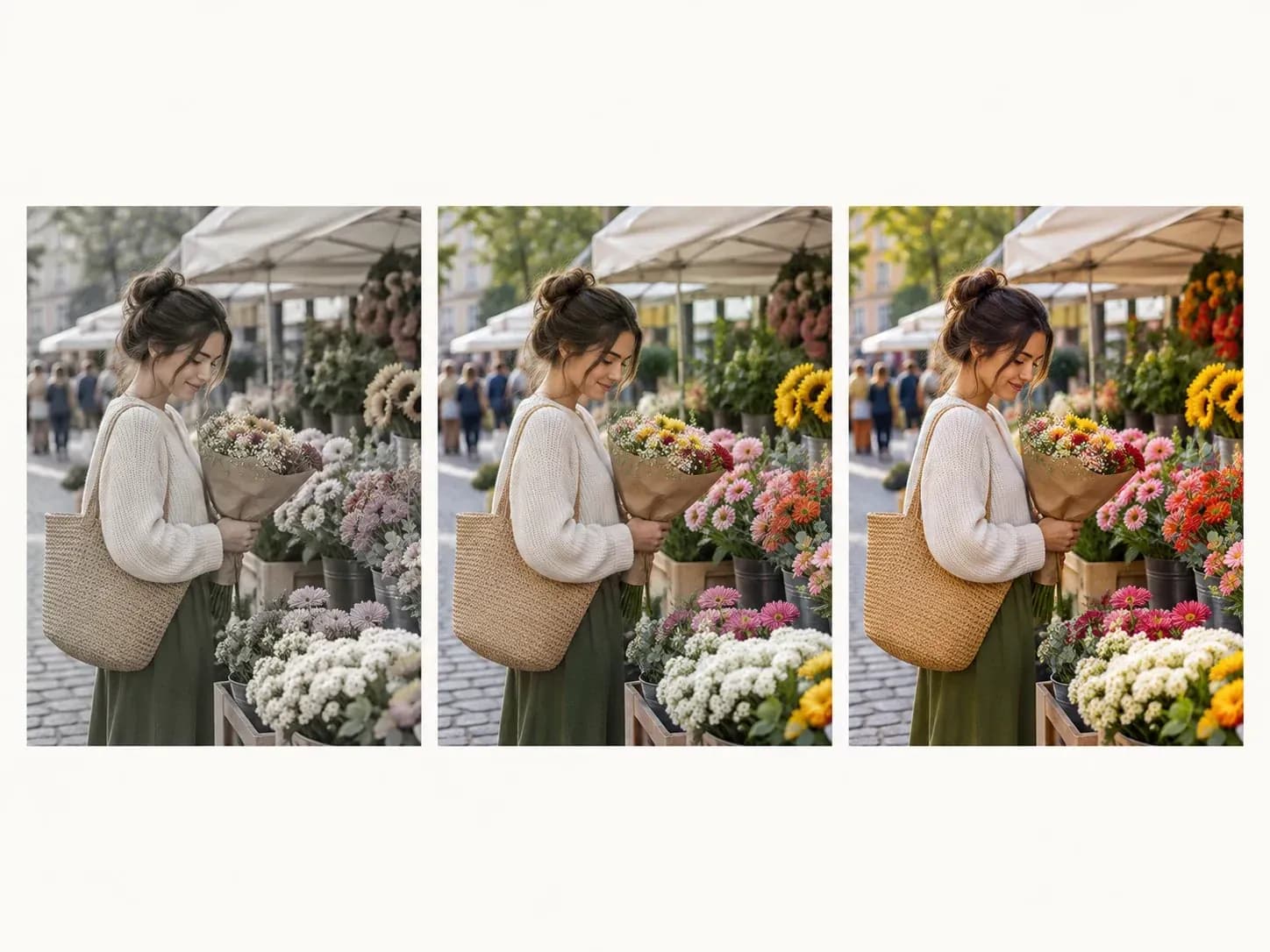
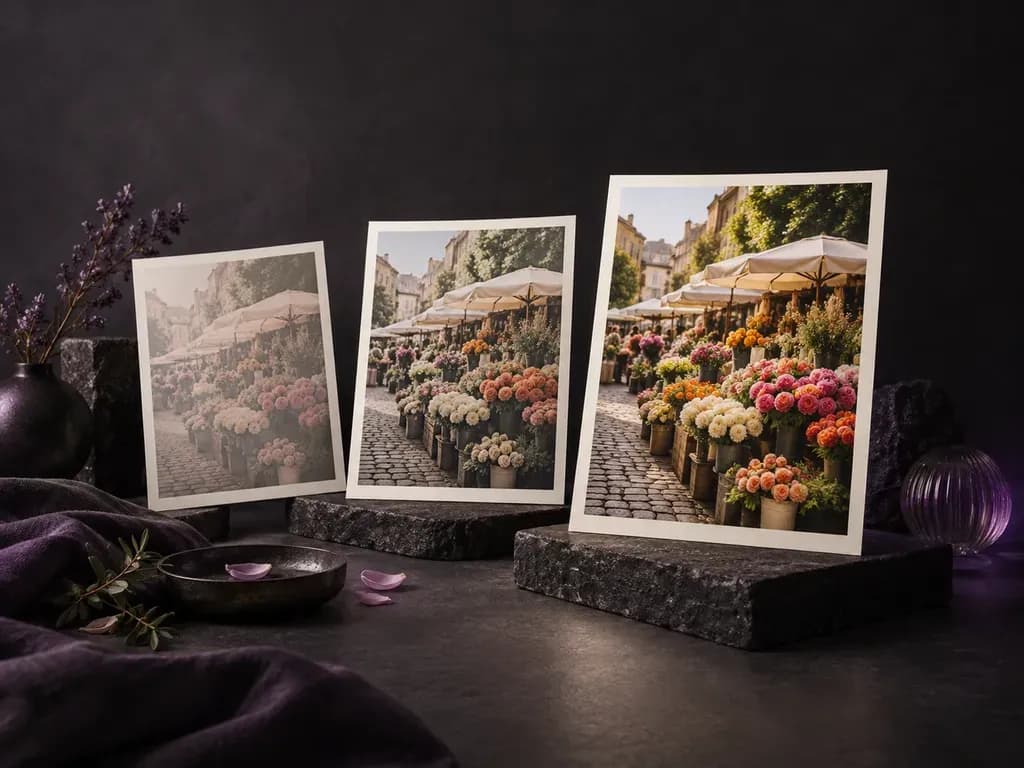
One photo at low, normal and high saturation

Why use Virse as a photo saturation tool?

Here is what the edit touches, which way it can go and how you check it.

A photo with only its color strength changed
Saturation only

Only color strength

The adjustment targets color strength only. It does not swap the background or generate new content in the picture.
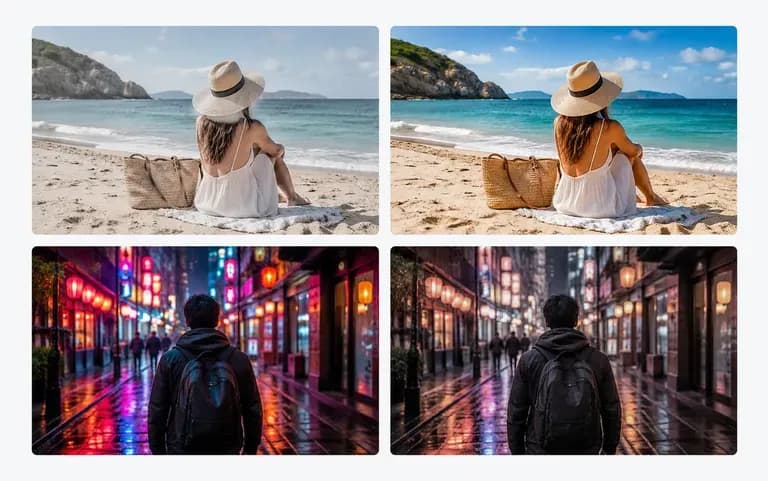
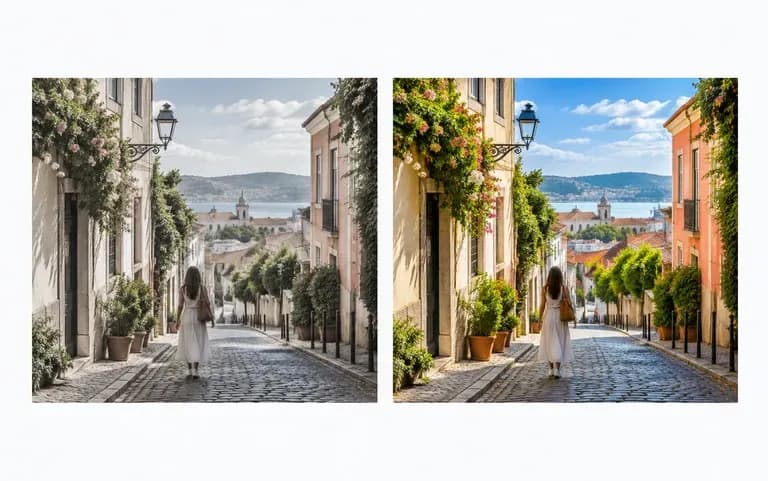
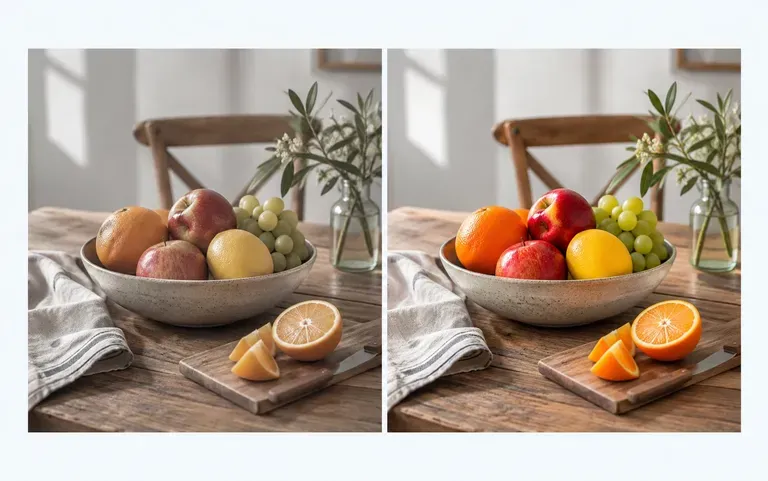
A faded photo boosted and a loud one muted
Both ways

Up or down

Push faded colors further, or pull loud ones back toward muted.
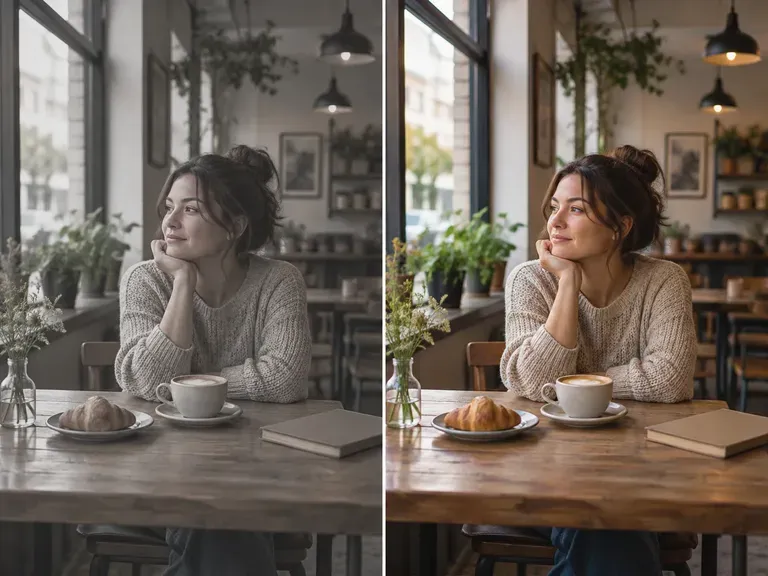
The original and the adjusted photo side by side
Compare

Before and after

The adjusted version sits next to the original, so you can judge the change before downloading.

How to desaturate image online, or add color

  1. Spot the problem colors

    Choose a picture whose colors feel too flat or too loud.

  2. Load your photo

    Add the picture to the upload box; a few at once are fine too.

  3. Run the adjustment

    Press Adjust saturation and a new version is made from your photo.

  4. Save your pick

    Look at both versions, then download the one you want.

Who adjusts image saturation?

People with photos that are almost right.
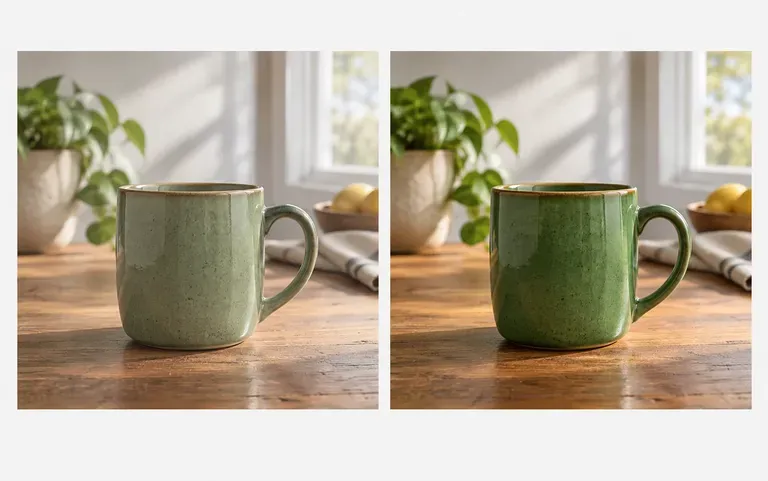
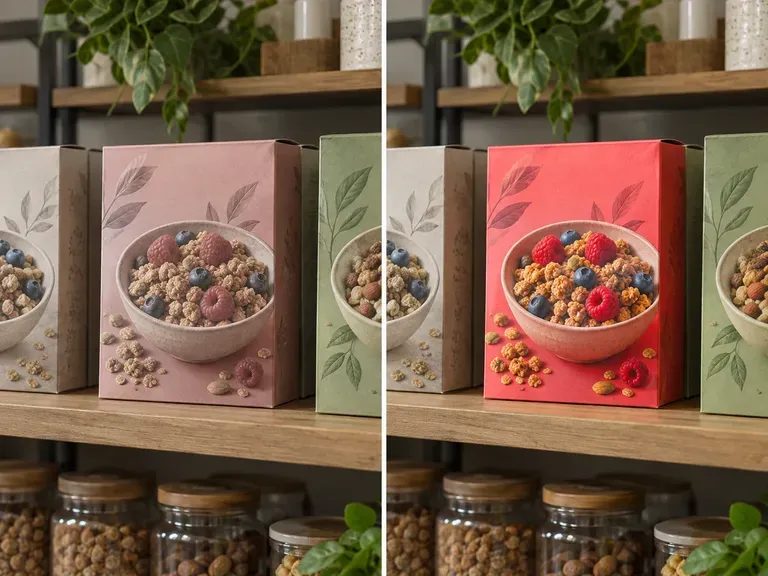
A product photo with livelier color

Shop owners

Liven up a dull product photo before it goes into a listing.
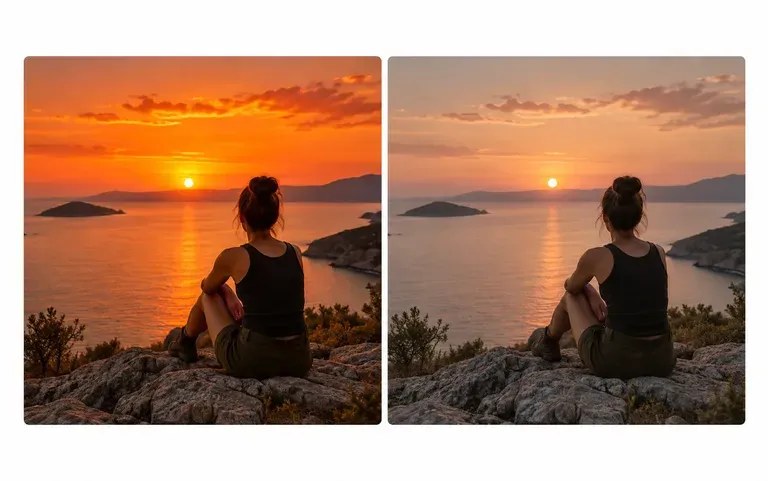
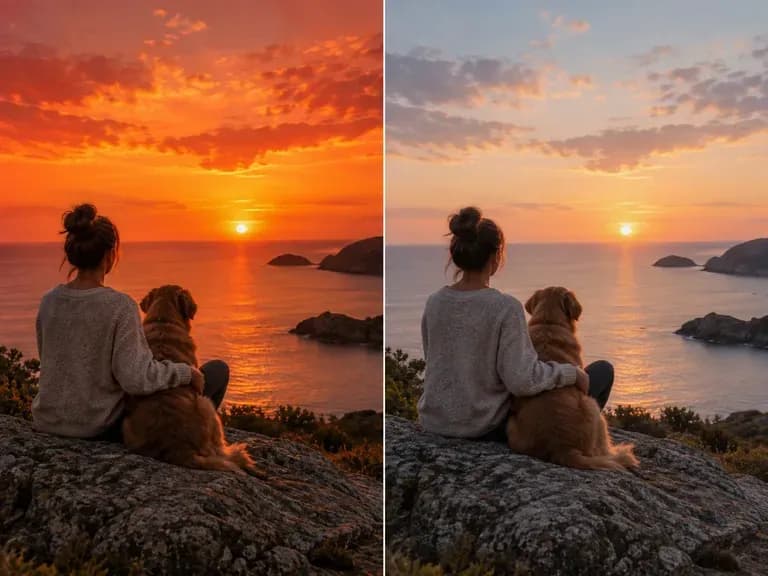
A sunset photo toned down for a blog

Bloggers

Tone down oversaturated sunset photos for a calmer post.
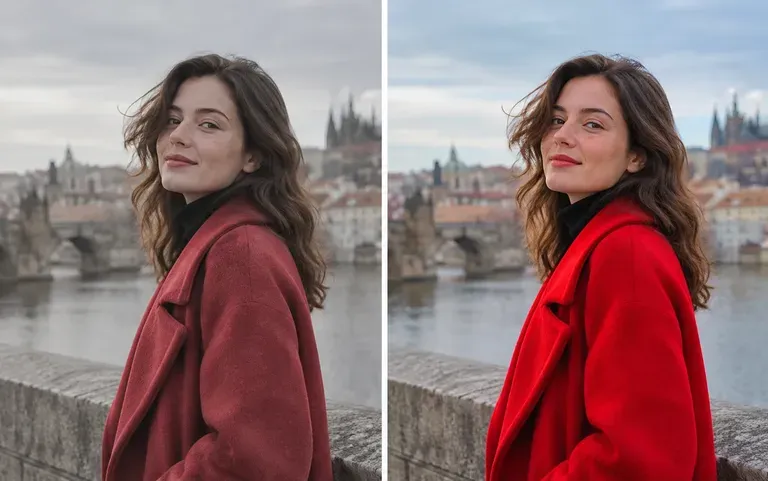
A muted test edit of a portrait

Photographers

Test a muted look on one shot before editing the full set.
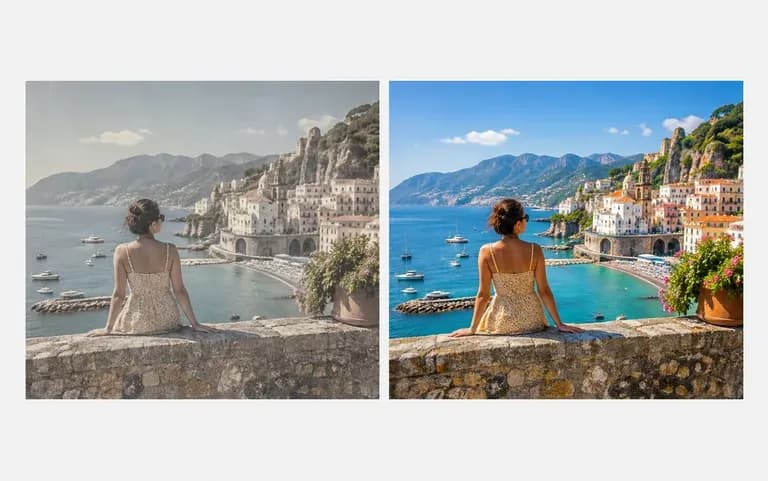
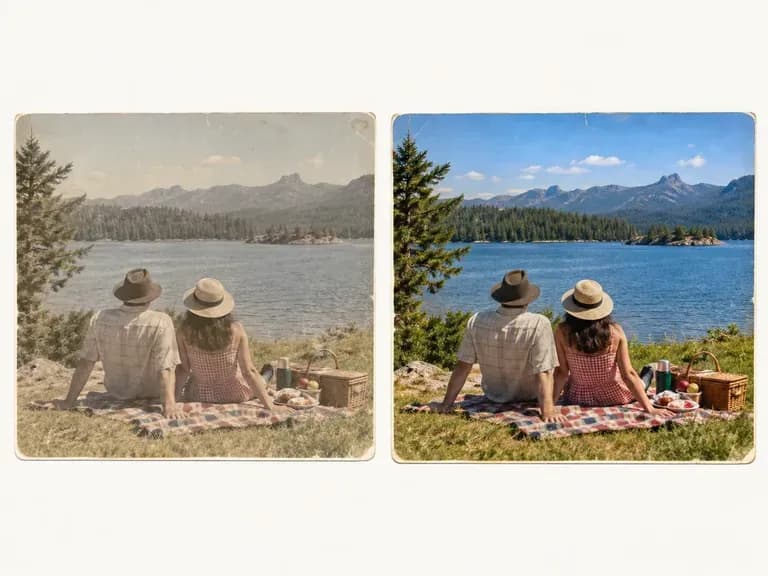
A faded holiday photo with its color restored

Social media users

Bring a faded holiday photo back to life.
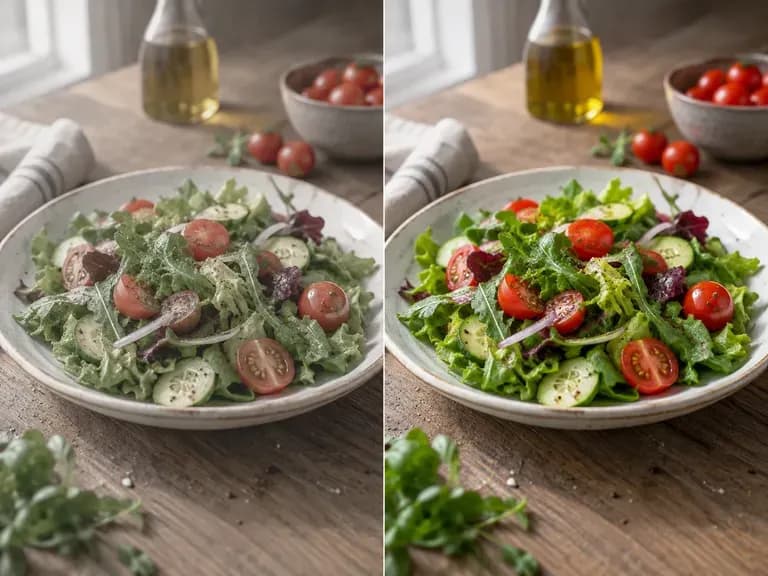
Saturation edit ideas

Vivid Food Shots: richer reds and greens on the plate
Muted Film Looks: quieter tones for a calm feed
Near-Monochrome Portraits: color drained almost to gray
Snapshot Revivals: life back in faded prints
Sunset Fixes: orange skies brought back to earth
Product Color Pop: packaging that stands out on a shelf
FAQ

Frequently asked questions

Will it change brightness or contrast too?
It is not meant to. Only saturation is requested, but strong changes can make a photo read lighter or darker, so compare the shadows with the original.
Can I see the before and after?
Yes. Each result comes with a before and after view. Check skin tones and white areas first, since an overdone change shows there soonest.
Can it turn a photo black and white?
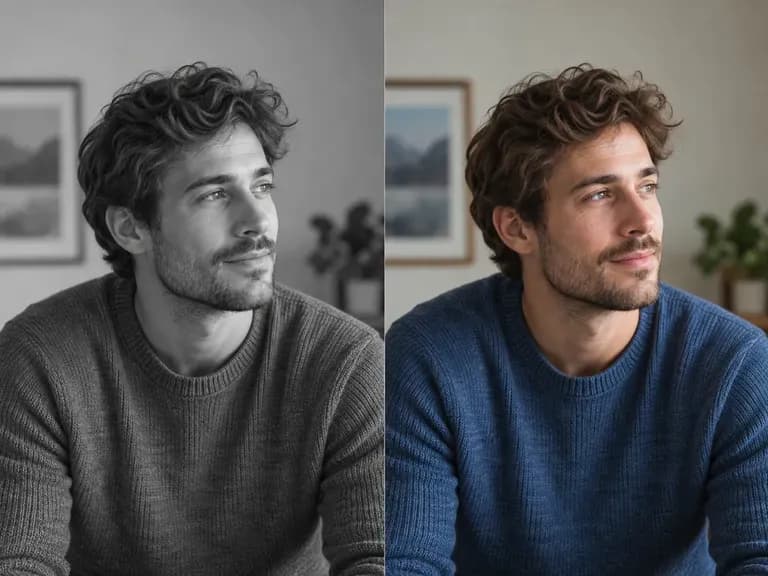
Close to it. Taking saturation right down leaves an almost gray image, but it is not a dedicated black and white filter with film-style contrast.
Can I make colors less saturated, not just more?
Yes. Pulling saturation down suits neon signs, bright clothing or skies that look too loud on screen.
Can I adjust more than one photo?
Yes. You can upload more than one photo. Check each result on its own, since the same change can look different on different pictures.
Is Virse's saturation editor free?
Yes. Your first 200 compute come with sign-up, and the Free plan adds 50 a day while you hold fewer than 200. Free edits are saved at 1K, with every image model available.

Adjust your photo's saturation

Try it first on the shot that has bothered you longest.