
Free
Start with Free Generations
Try your first batch of variations on Virse credits. New users can generate up to 10 images, enough to see whether the subject stays consistent before relying on this for a real project.
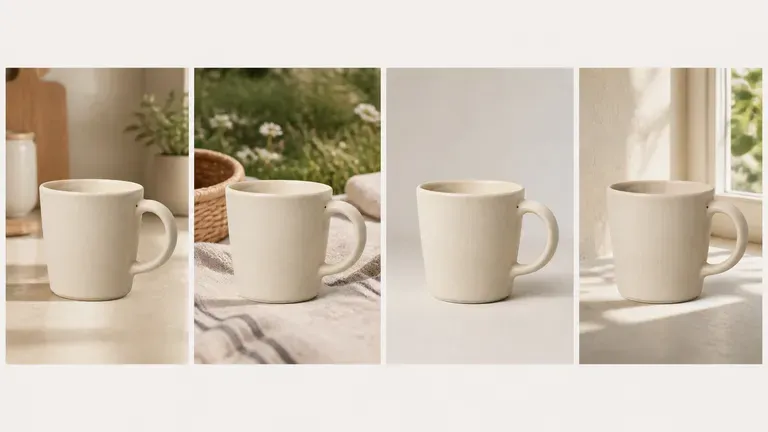
Upload one source image, specify whether the scene, colour or camera angle should change, and generate a batch of variations where your core subject stays locked. Free credits cover your first batch.
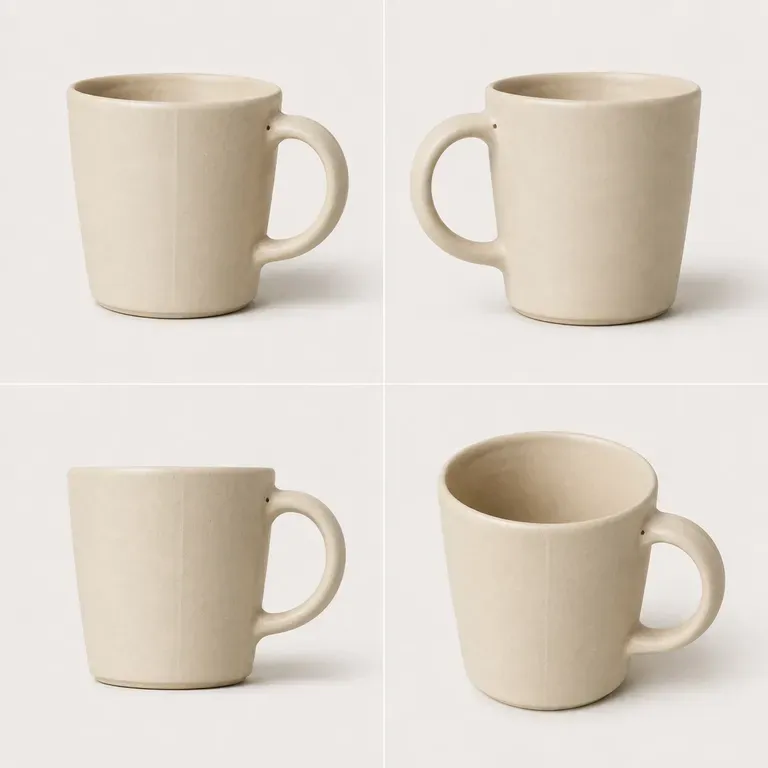
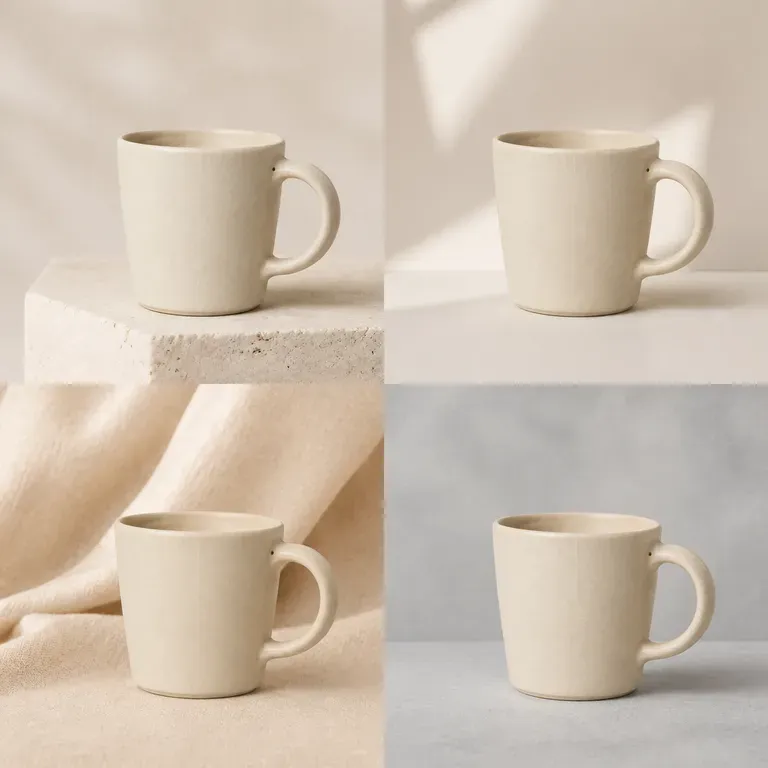
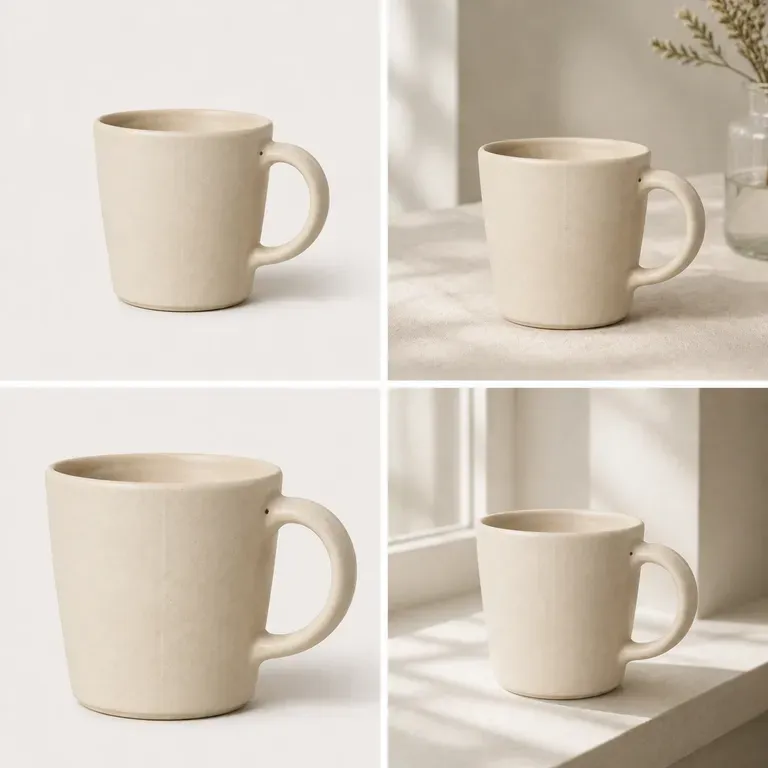
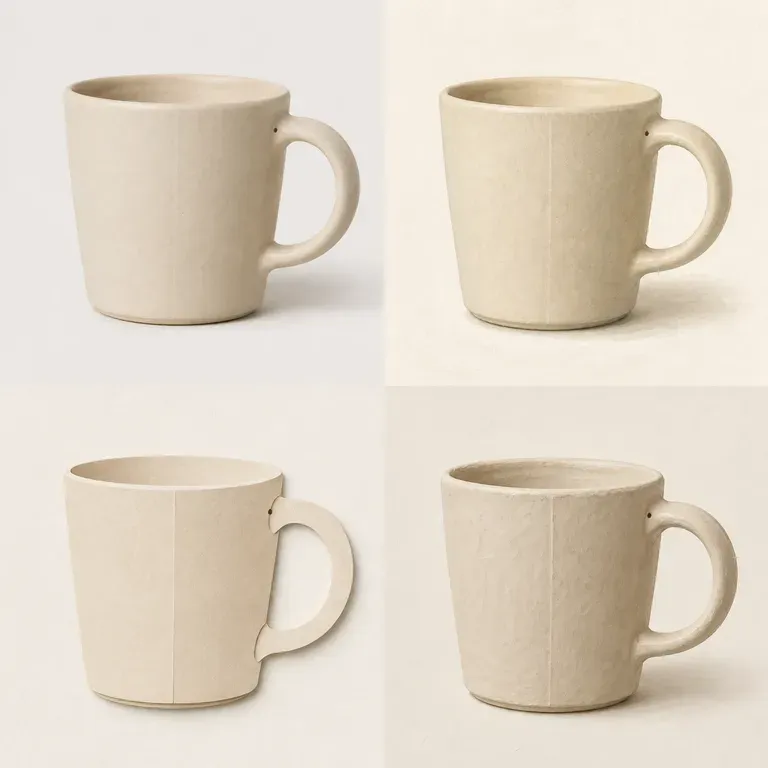
An AI image variation generator takes one image and produces several variations while keeping the core subject recognisable. In Virse you describe what should change, generate a batch of variations and compare them on one canvas before choosing which ones to keep—built around three core workflow advantages:
· Core subject stays locked: Preserves your product, character, or focal composition while varying the chosen attribute.
· Controlled variation axes: Specify whether to vary background setting, lighting time-of-day, colour palette, or camera angle.
· Batch canvas comparison: Review four to six controlled variations side by side to pick the strongest creative.
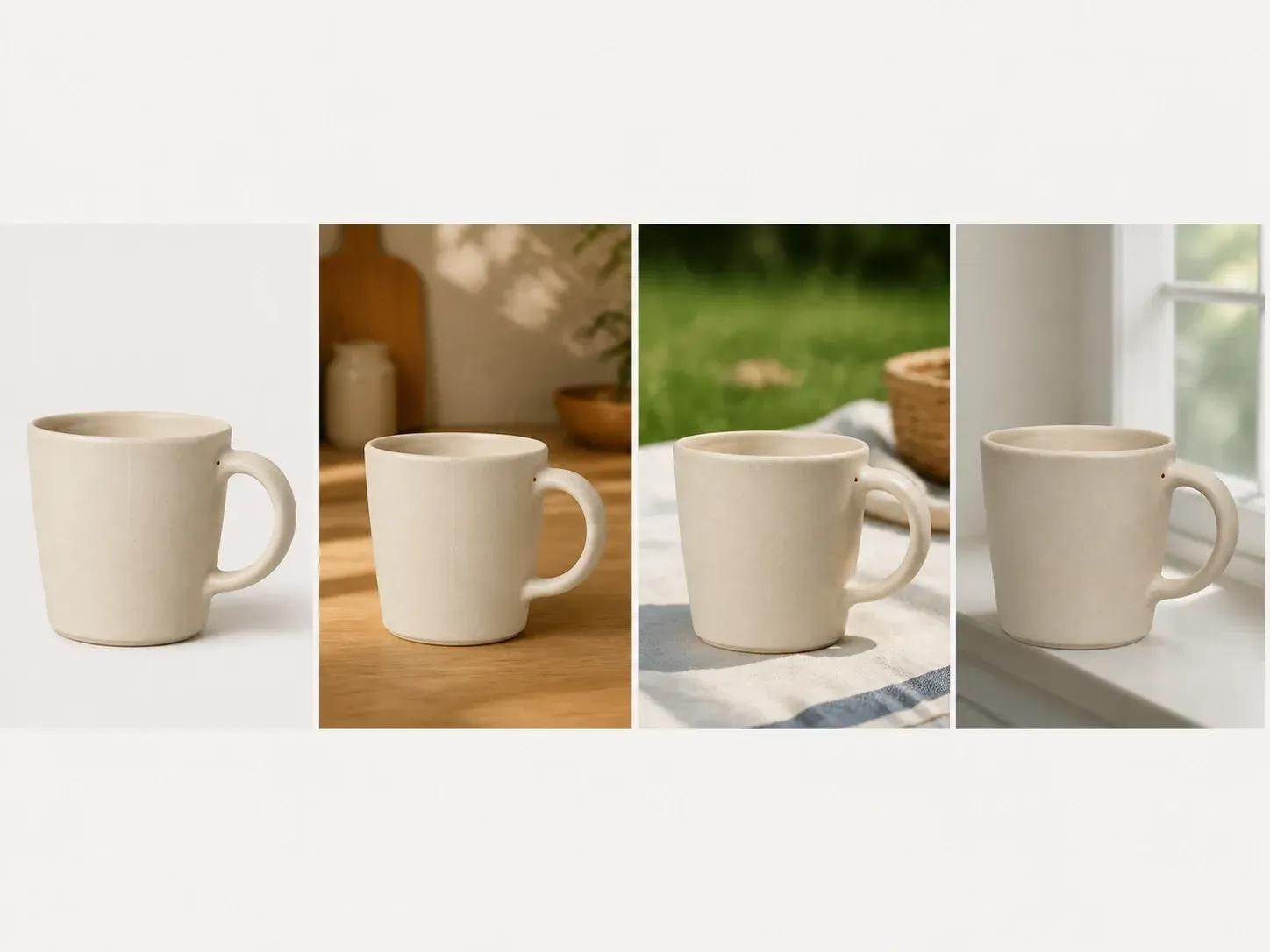
A variation only helps if the subject still reads as the same thing. Keeping that intact is what makes a batch actually usable.
Try your first batch of variations on Virse credits. New users can generate up to 10 images, enough to see whether the subject stays consistent before relying on this for a real project.
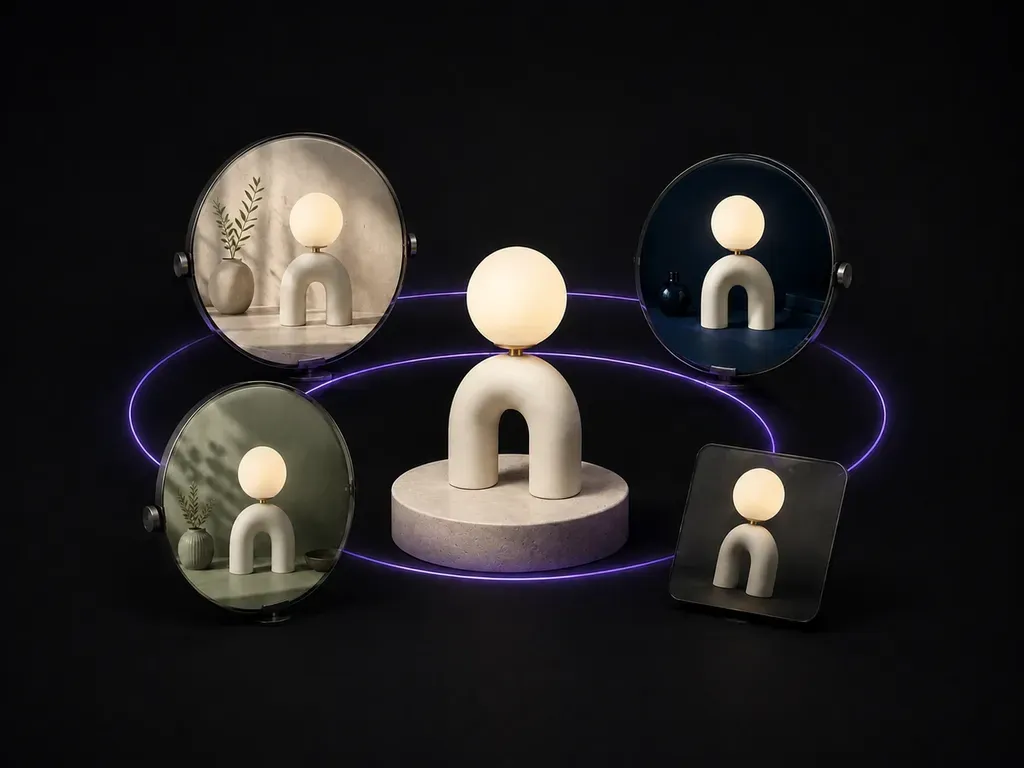
Virse brings 40+ AI models into one environment, and paid plans include unlimited model usage. You can see how different models vary the same image without rebuilding your brief for each one.
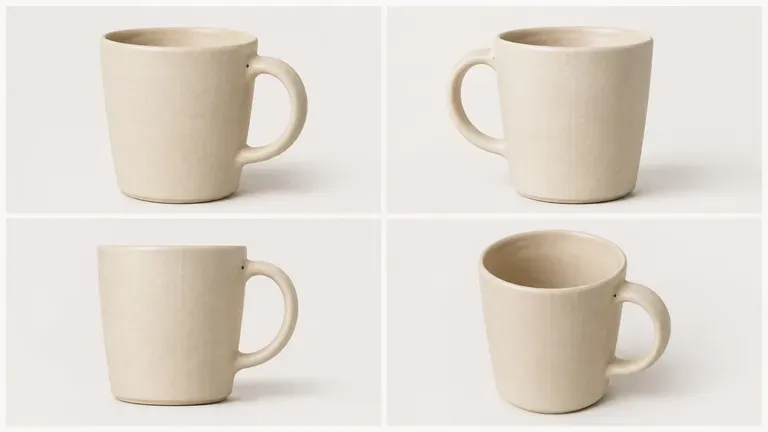
The source image, generated variations and notes stay together on an infinite canvas. Virse keeps the original in context, so you can tell at a glance which variations are keeping the subject intact.
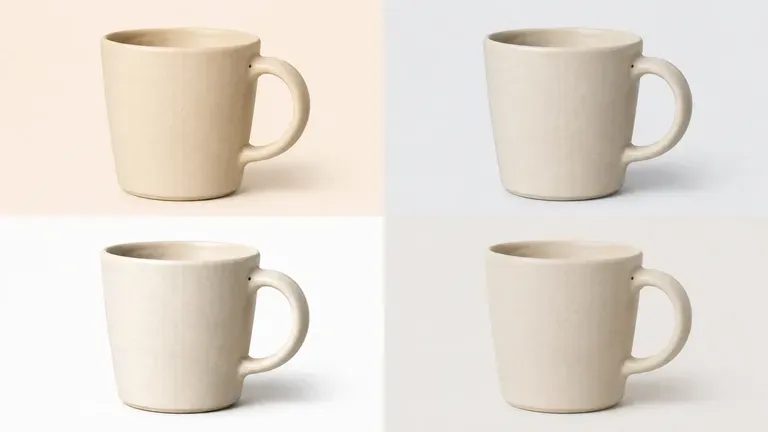
Compare random text-prompt re-rolls against source-anchored variations on the Virse canvas.
Re-Running Text Prompts From Scratch
Virse Image Variation Generator
Add the image you want variations of, the one whose subject needs to stay recognisable throughout.
Write out whether the scene, the colour direction or the camera angle should vary, and what should stay fixed.
Run an available AI image model and let it produce several variations that keep the core subject intact.
Bring the strongest variations together on the canvas and drop the ones that drifted too far from the subject.
Upload your source image and state clearly what must remain locked versus what should vary across the batch:
· Seasonal ad background test: Keep central skincare bottle locked; vary background across spring botanical, summer poolside, autumn stone, and winter frost.
· Lighting & time-of-day study: Preserve architectural exterior geometry; generate morning mist, crisp noon sun, golden hour, and blue-hour lit variations.
· Camera angle & framing batch: Keep character outfit and face consistent; generate close-up portrait, medium three-quarter, and low-angle hero views.
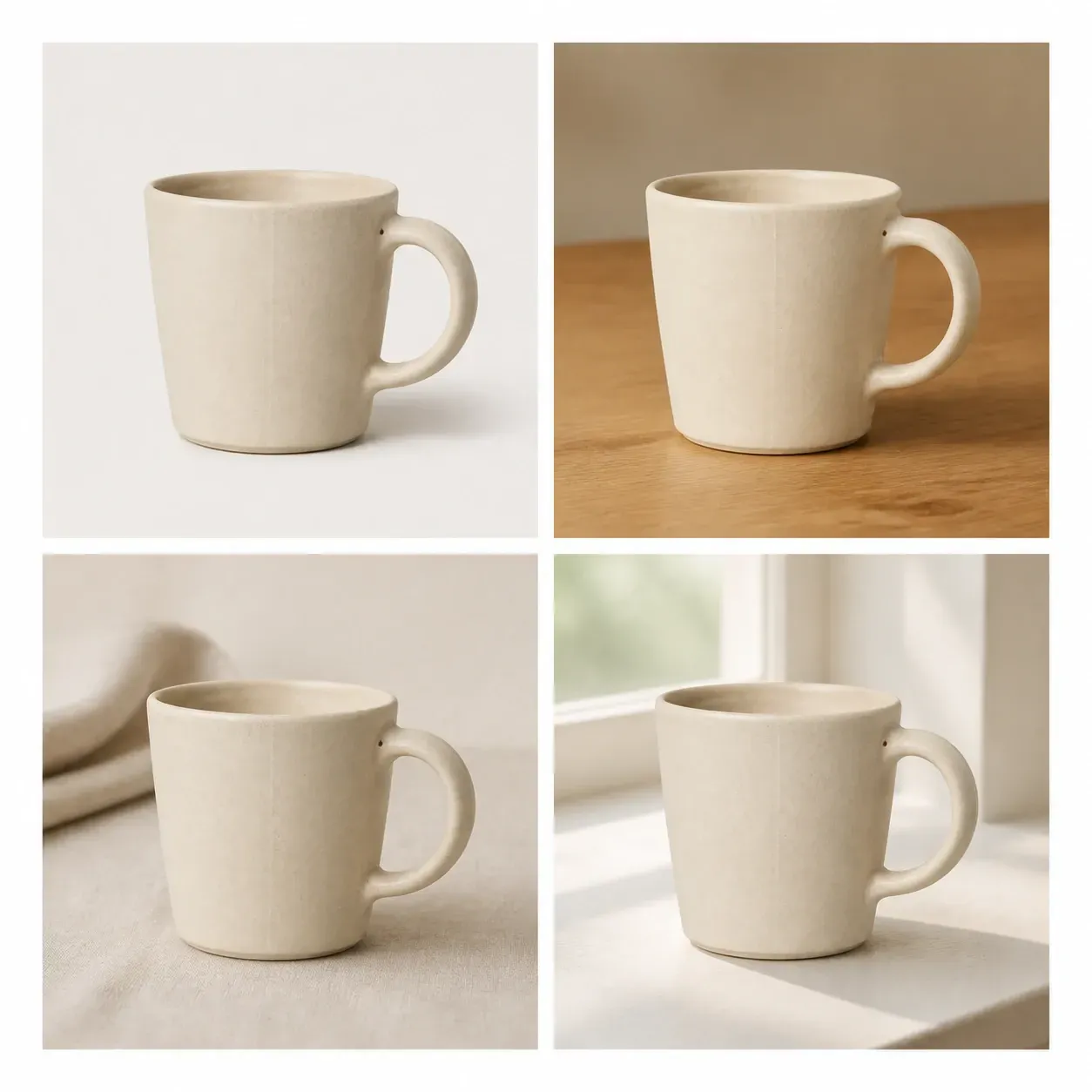
People who need more than one version of the same thing, not a different thing.
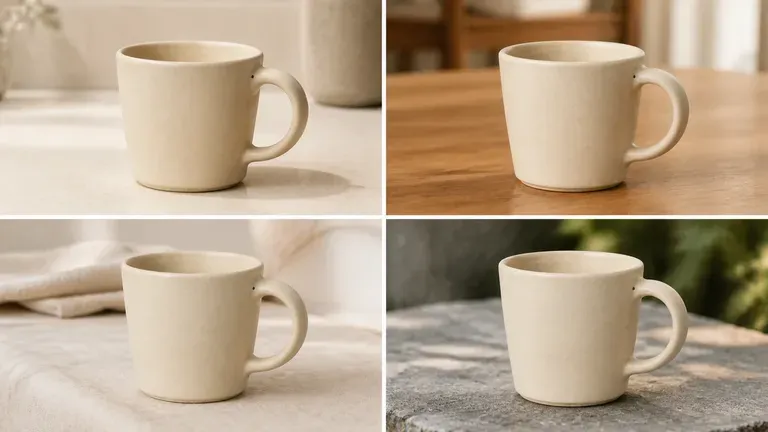
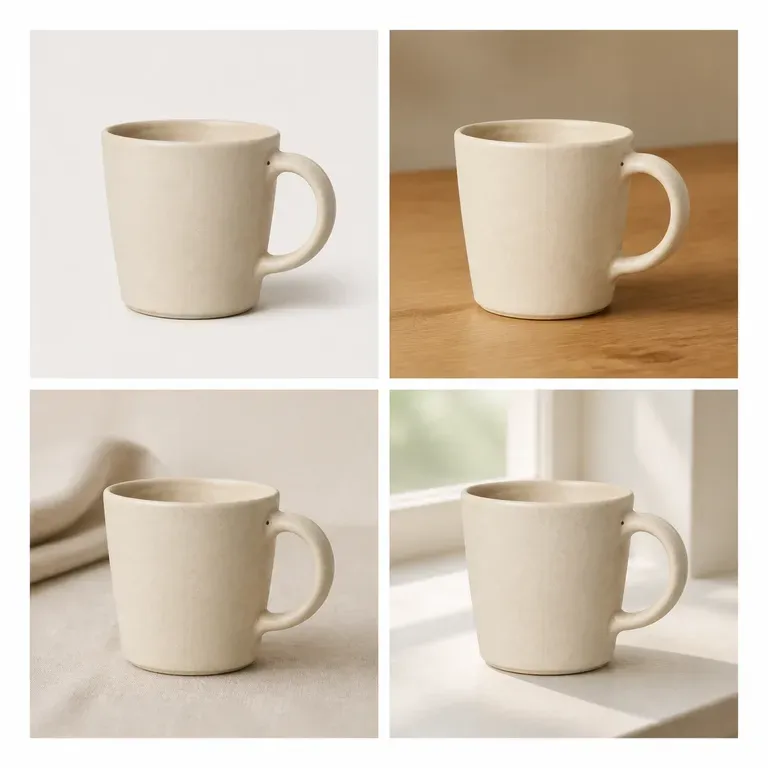
Generate scene and angle variations of a product photo for a listing or catalogue.
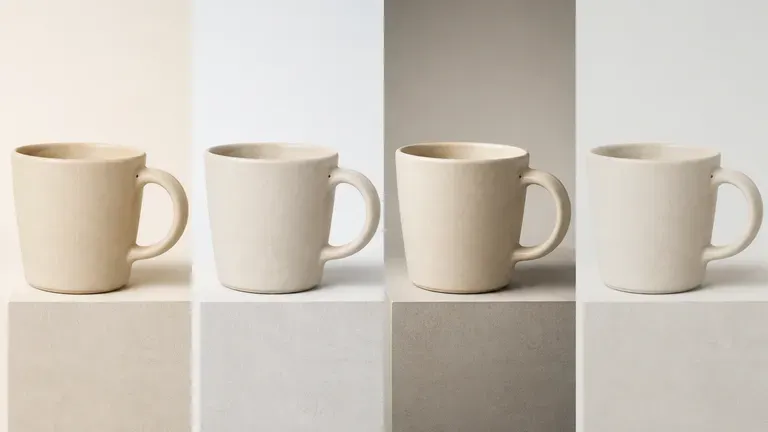
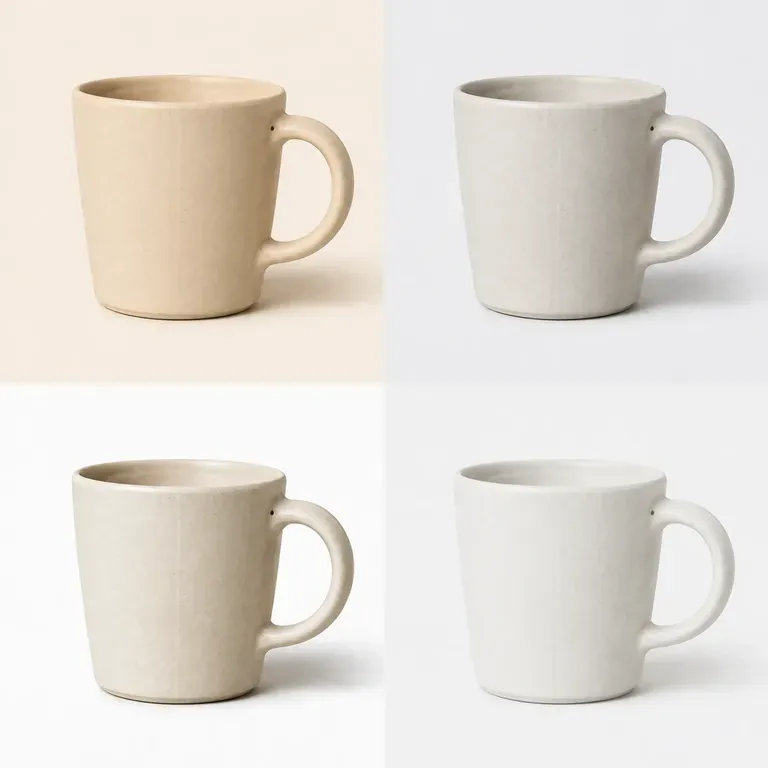
Produce colour and background variations of a hero asset for A/B testing across campaigns.
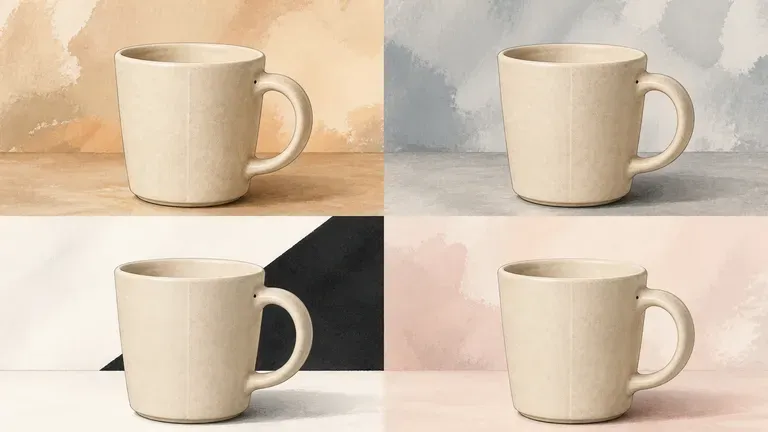
Explore how one illustration or design reads across different colour directions.
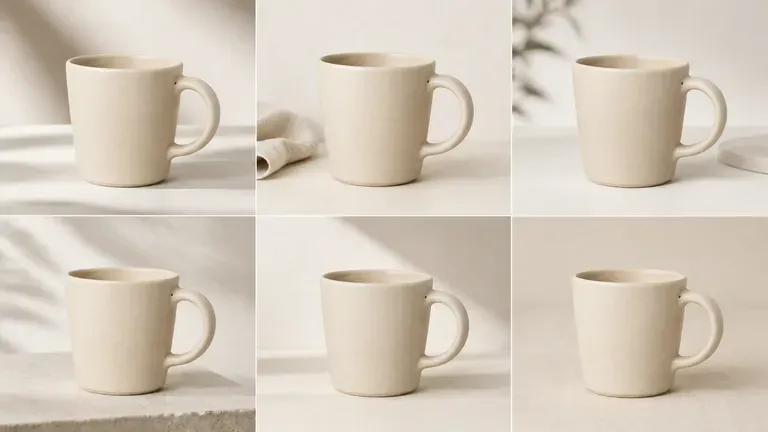
Generate a set of related images from one photo for a consistent-feeling post or gallery.
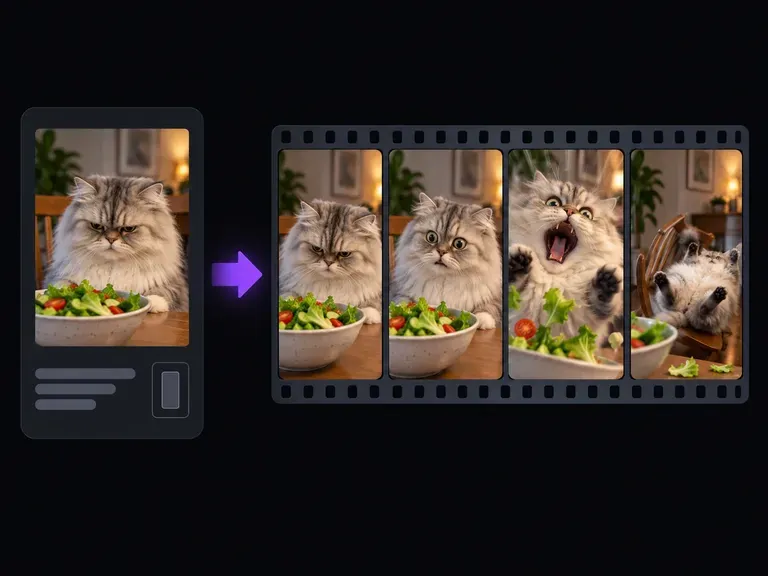
Turn pet snapshots, character images, or one-line punchlines into expressive reaction clips with our meme video generator. Upload a photo or describe the gag from scratch to generate crash zooms, deadpan office stares, and loopable slapstick clips.
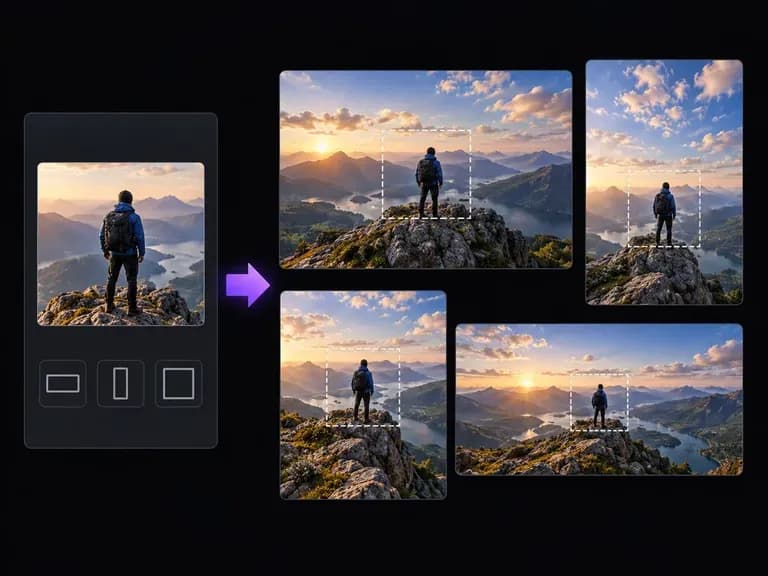
Upload a tightly cropped photo or illustration and describe what continues outside its borders. Virse's AI image expander generates matching skies, studio walls, tabletops, or architectural surroundings while preserving depth of field and lighting.
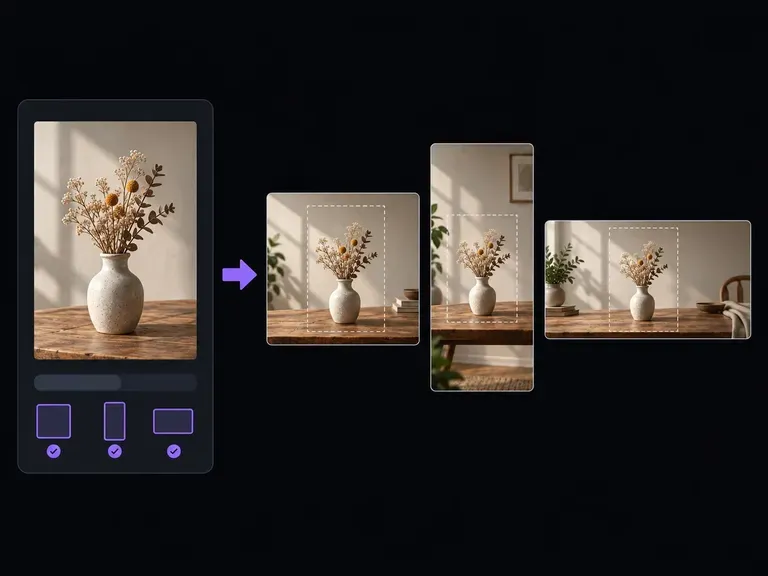
Upload a still photo, select your target width-to-height ratio, and describe how the background continues. Virse's aspect ratio changer expands the scene so you can change image aspect ratio between square, vertical, and widescreen formats cleanly.
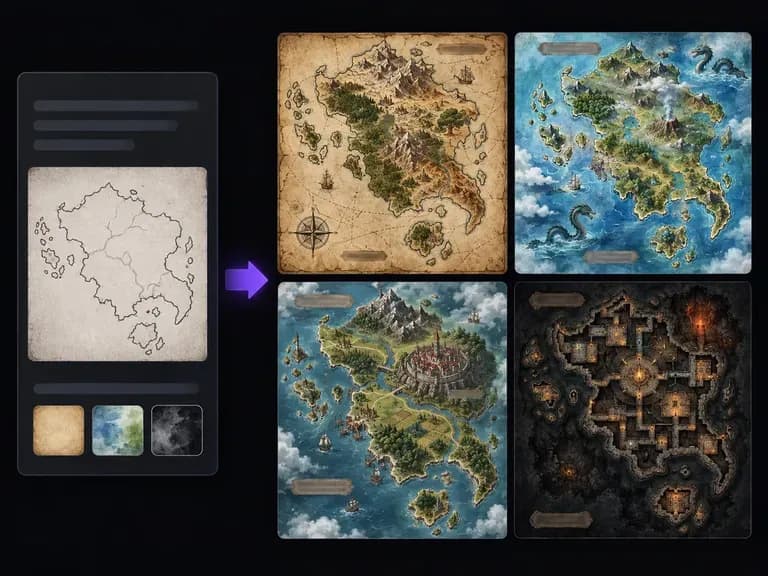
Turn a written geography brief or a rough coastline sketch into an illustrated cartographic image. This fantasy map generator creates aged parchment, hand-drawn ink, and painted topographical maps of continents, island kingdoms, mountain passes, and harbor cities.
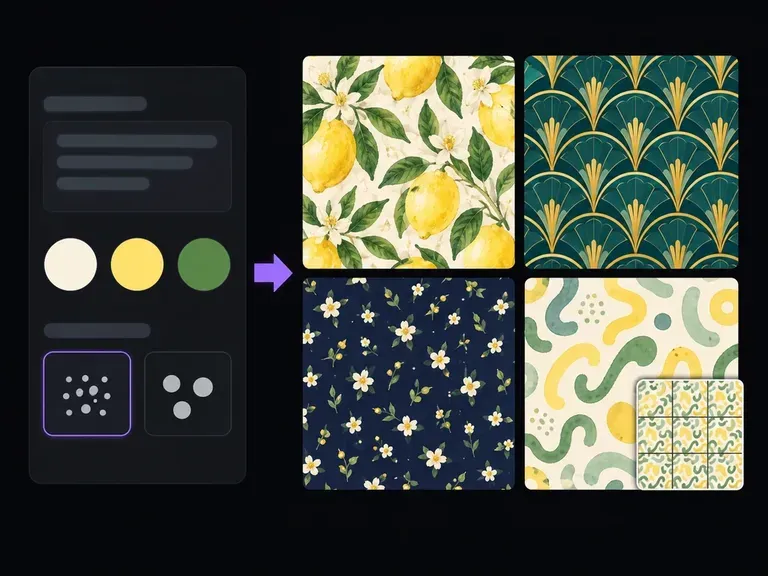
Describe the motifs to repeat, their relative scale, and your ground color, or upload a style reference. This AI pattern generator creates square repeat tiles across botanical, geometric, terrazzo, and toile styles with a 3x3 repeat preview on canvas.
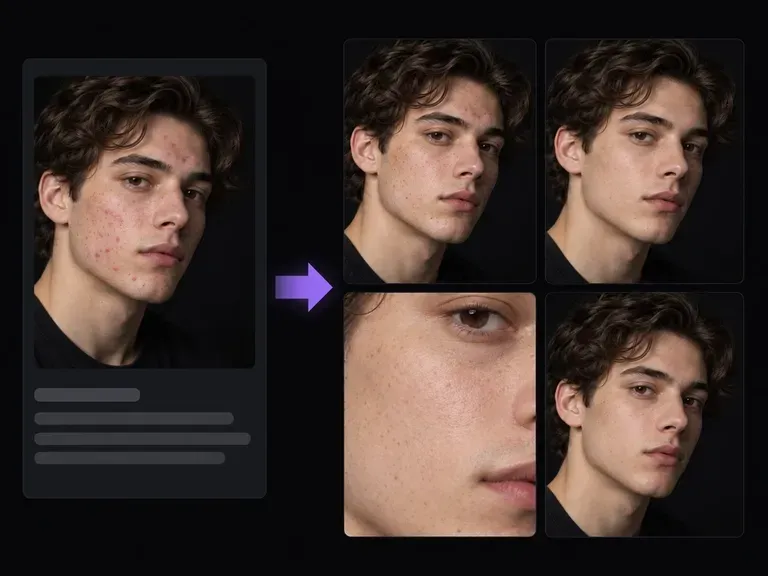
Upload a portrait or headshot and describe which temporary marks to clear and which permanent features to preserve. This AI blemish remover softens acne, spots, stray flyaways, and skin glare while keeping natural pore micro-texture and freckles intact.
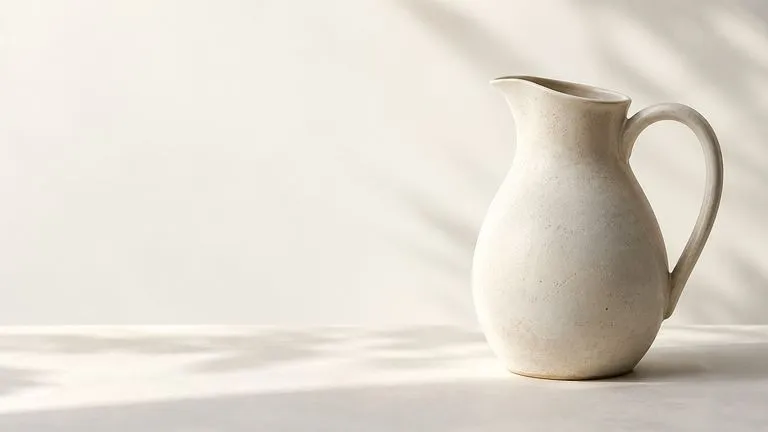
Create and edit stills with FLUX 3 Image at 1K, 2K or 4K. Switch to FLUX 3 Video for 5–20-second scenes at 720P or 1080P with native audio, on the same Virse canvas.
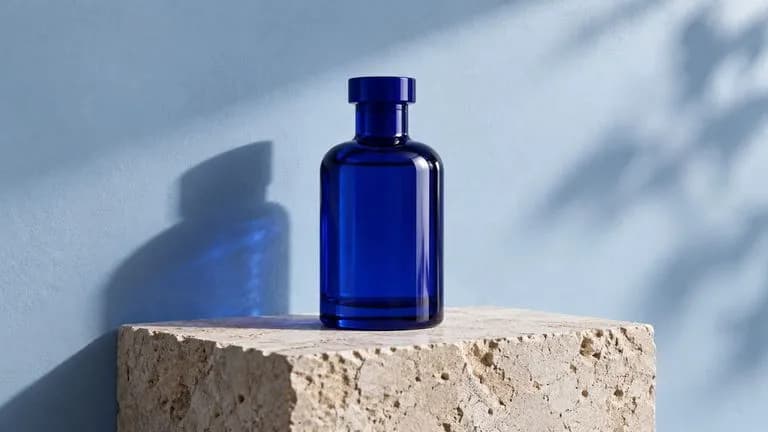
Generate and edit images with Nano Banana 2.1 in Virse. Choose 1K, 2K or 4K output and use up to 14 reference images to guide the subject, setting and materials.
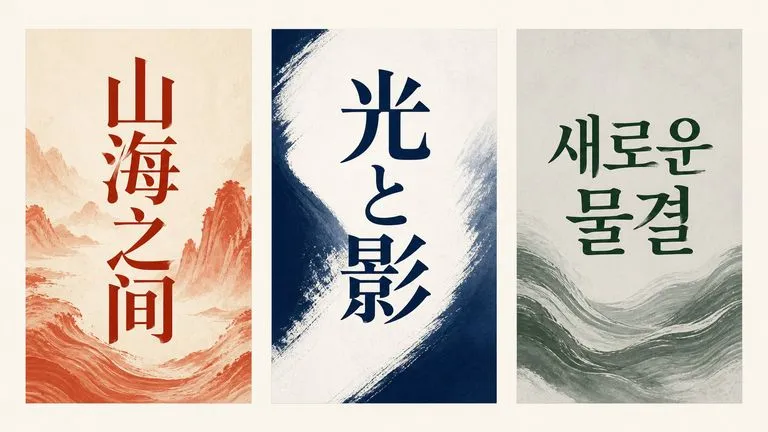
Alibaba's Qwen Image 3.0 Pro renders type as language across a dozen scripts, holding legibility down to ten pixels in dense layouts.
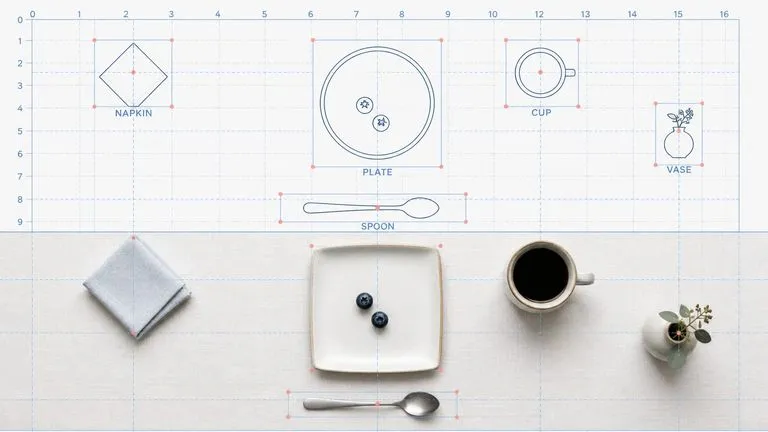
Reve AI's second-generation model builds an addressable layout of positioned elements before it renders, so a specified arrangement comes back arranged.
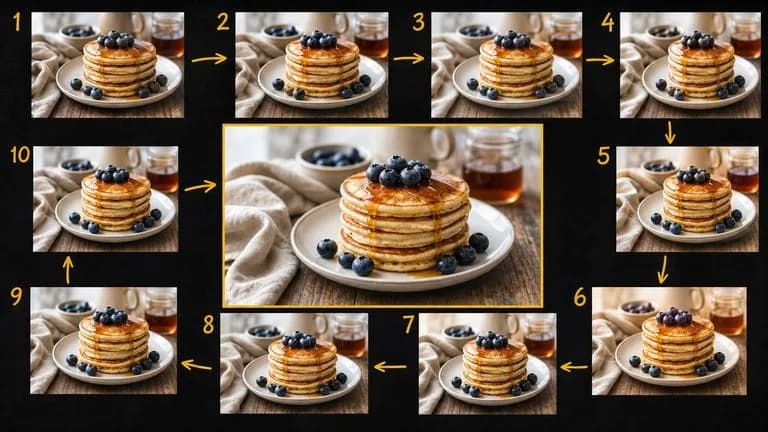
Google's Gemini 2.5 Flash Image — the original Nano Banana — generates and edits pictures at conversation speed, so a correction takes a sentence instead of a session.
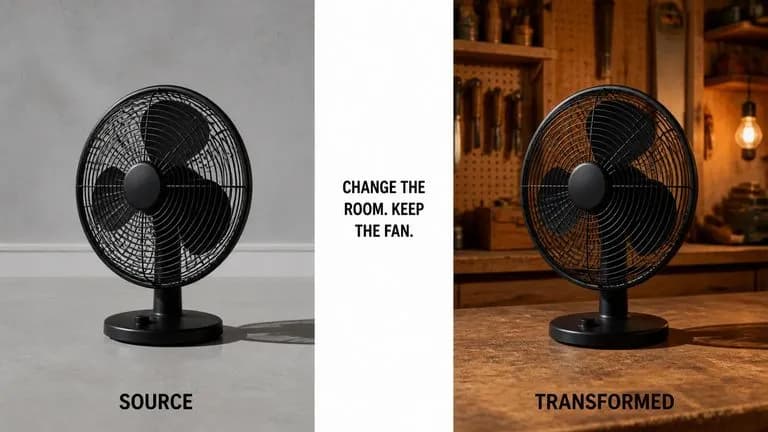
ByteDance's Seedream 4.0 and Seedream 4.5 generate from written descriptions and from images you supply, turning one source picture into as many directions as a project needs.
Upload your source image, describe what should change, and generate a batch of variations that keep the subject intact.