
Free
Start with Free Generations
Try your first brief or design review on free Virse credits, with up to 10 outputs to test the structure before a project kickoff.
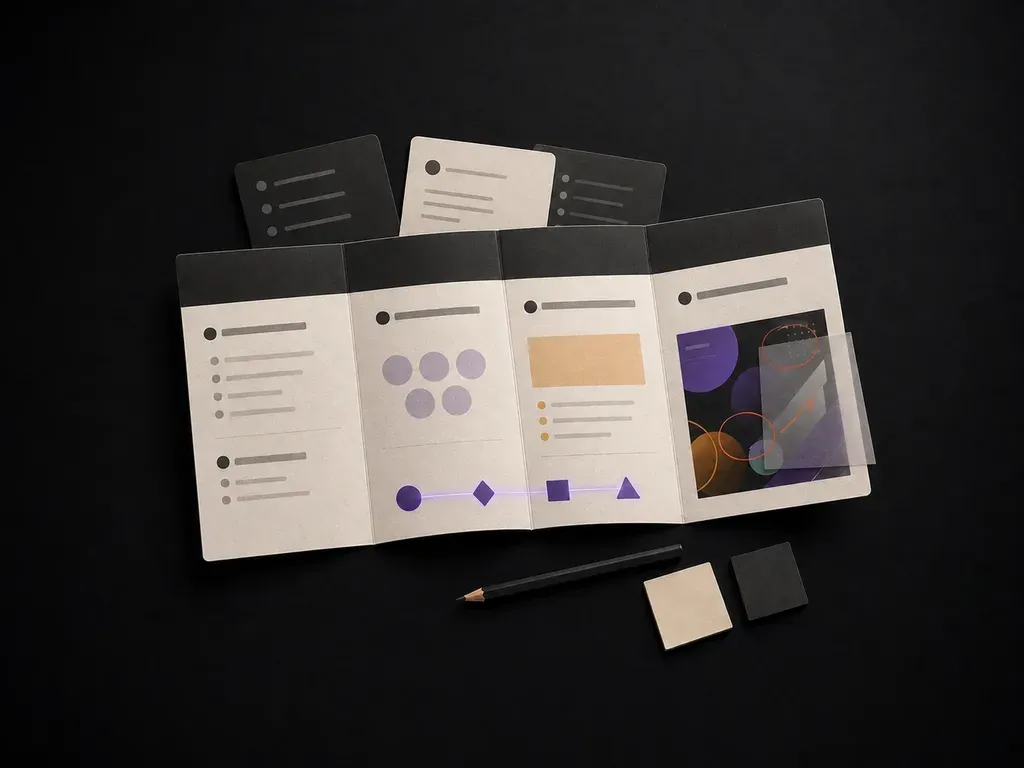
Describe a project to get a structured brief covering background, goals, audience and deliverables, or upload an in-progress design for strategy feedback on a Virse canvas, starting on free credits.
A design brief generator turns project details into a structured document covering background, goals, audience and deliverables. In Virse, the same tool also works the other way: upload a design already in progress and it returns findings, suggestions and a strategy for the next revision—built around three core workflow advantages:
· Two-way brief & critique tool: Drafts a complete creative brief from scratch OR audits an uploaded design draft against your goals.
· Covers every production pillar: Structures objective, target audience, tone, mandatory deliverables, dimensions, and visual guardrails.
· Actionable revision strategy: When given a work-in-progress image, pinpoints hierarchy, contrast, and alignment fixes for the next pass.
A brief is only useful if someone actually reads it before starting work. Getting a clean first draft fast is what makes that likely.
Try your first brief or design review on free Virse credits, with up to 10 outputs to test the structure before a project kickoff.
Virse brings 40+ AI models into one workspace with unlimited usage on paid plans, making it fast to compare two draft briefs side by side.
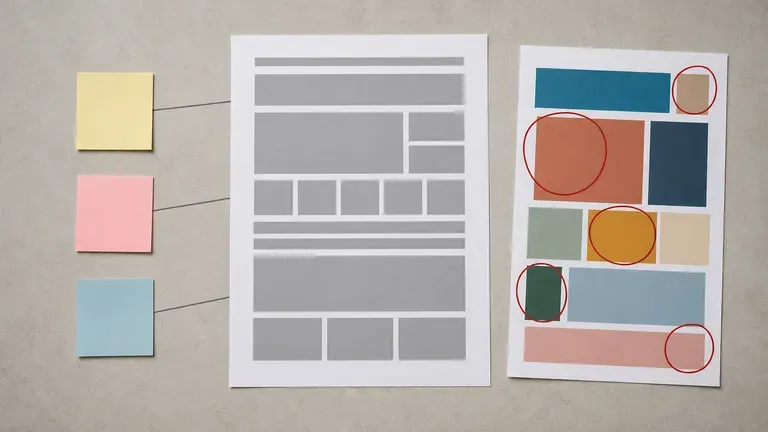
Project notes, uploaded designs, generated briefs and reviews stay together on an infinite canvas so later revisions build on the same context.
Compare vague Slack requests against structured creative briefs and visual critiques on the Virse canvas.
Vague Chat Requests & Subjective Feedback
Virse Design Brief Generator
Write the project background, goal, audience and deliverables, or upload an existing design for review instead.
New brief mode builds a structured document from your notes; review mode evaluates an uploaded design against your goal.
Run the tool to get a structured brief or a set of findings, suggestions and next-step design strategy.
Add detail where the draft is thin and keep it on the canvas as the shared reference for the project team.
Describe your upcoming project to generate a complete brief, or upload a draft image and ask for targeted critique:
· New packaging launch brief: Project: 3-SKU ceremonial matcha tin line for Gen-Z retail. Need: positioning, colour guardrails, dieline deliverables, shelf differentiation.
· Landing page hero critique: Upload: current SaaS hero draft. Goal: audit visual hierarchy, CTA button contrast, headline readability, and trust signal placement.
· Paid social campaign brief: Project: Q4 Black Friday 9:16 & 4:5 ad set for wireless headphones. Need: hook angles, mandatory badge specs, visual do's/don'ts.
People who need a project to start from a clear document, not a hallway conversation.
Turn a rough project idea into a brief a design team or agency can actually work from.
Get a structured starting point before quoting or scoping a new project.
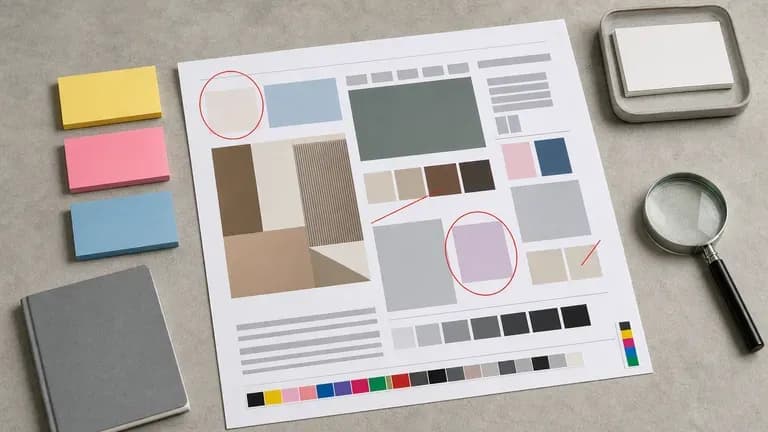
Run an existing design through review mode to get a second opinion before a client presentation.
Write a brief for a first logo, packaging or website project without design experience of your own.
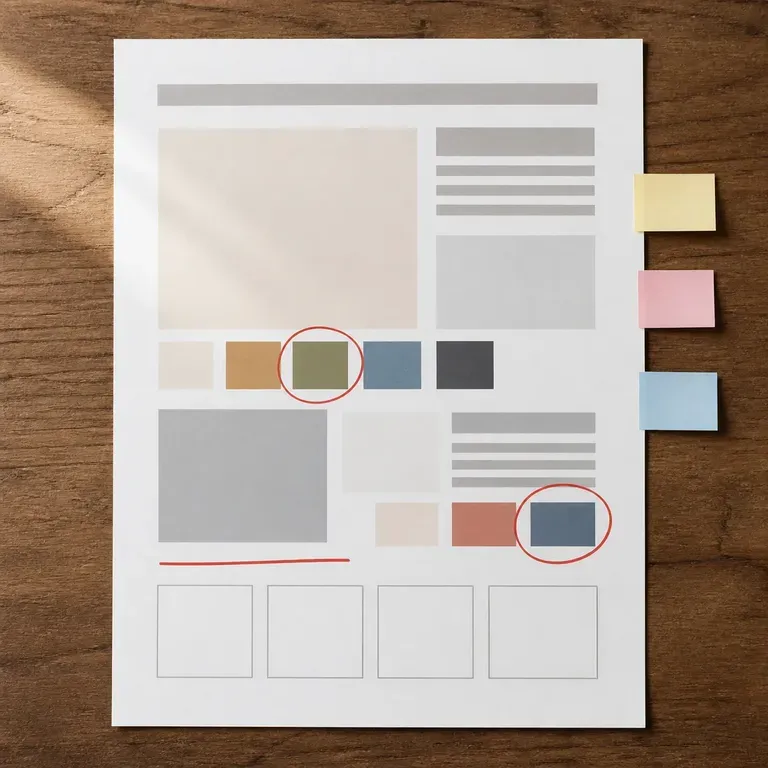
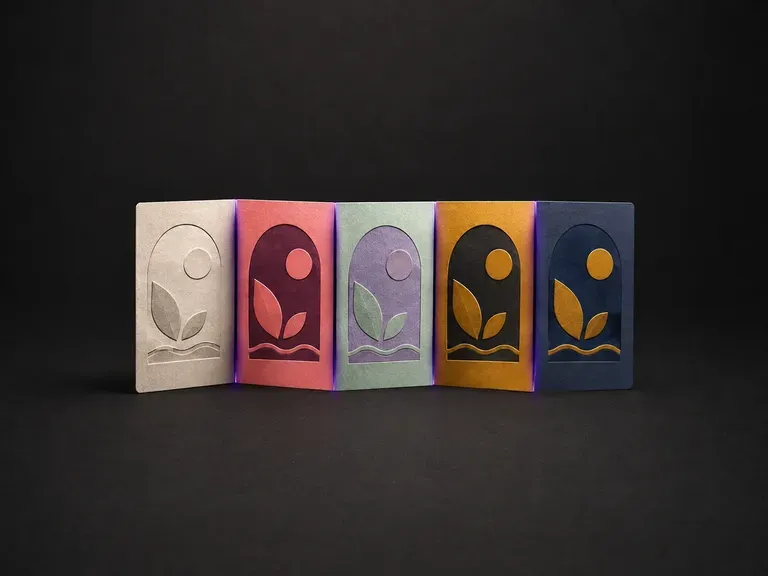
Upload one illustration. The drawing is held exactly as it is and re-graded into variants that are actually distinguishable from each other, rather than three versions of the same tone.
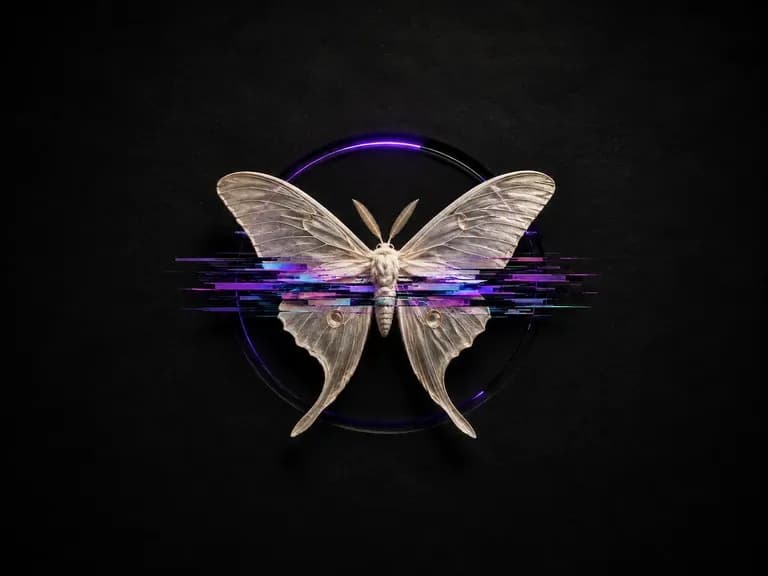
Upload any image and pick an intensity. It comes back as glitch art with RGB splits, scanlines and signal tears. Even at the heaviest setting the subject stays recognisable at a glance, because a result nobody can read is just noise.
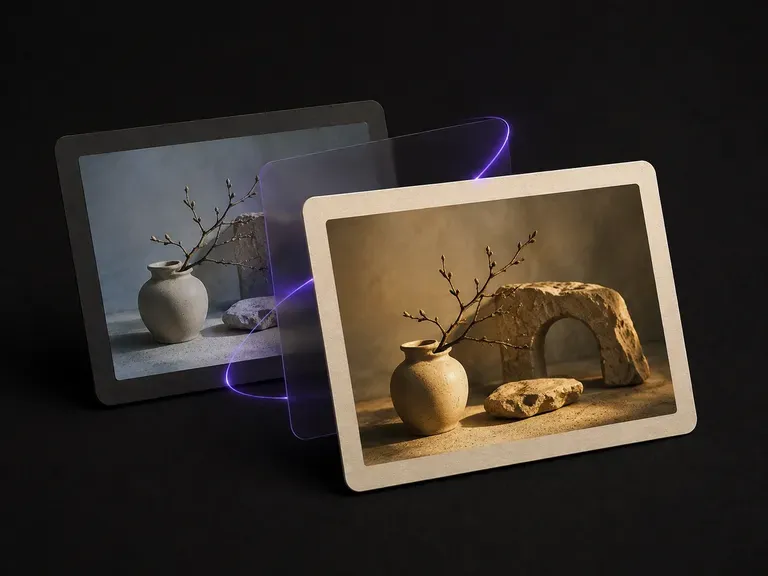
Give it your image and a tone reference. The reference's color grade is transferred through Lab statistics matching, a color computation rather than a generative repaint, so the palette shifts while structure, edges and details stay pixel-identical.
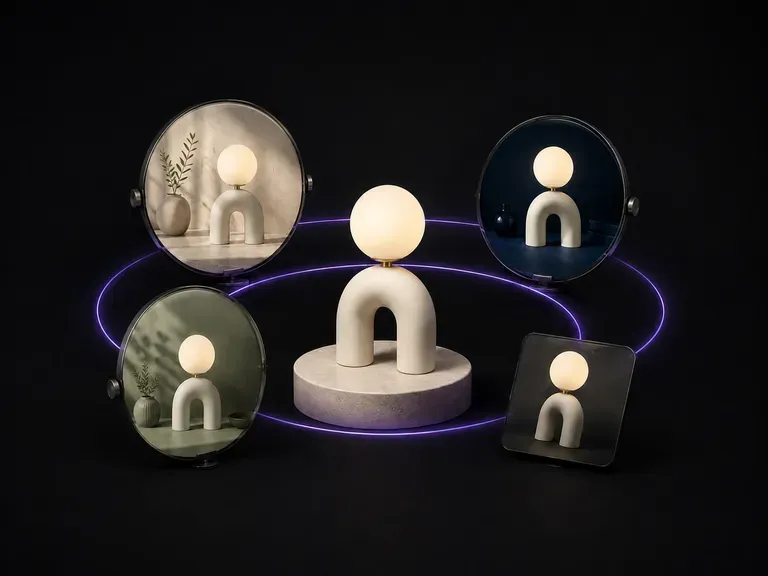
Upload one source image, specify whether the scene, colour or camera angle should change, and generate a batch of variations where your core subject stays locked. Free credits cover your first batch.
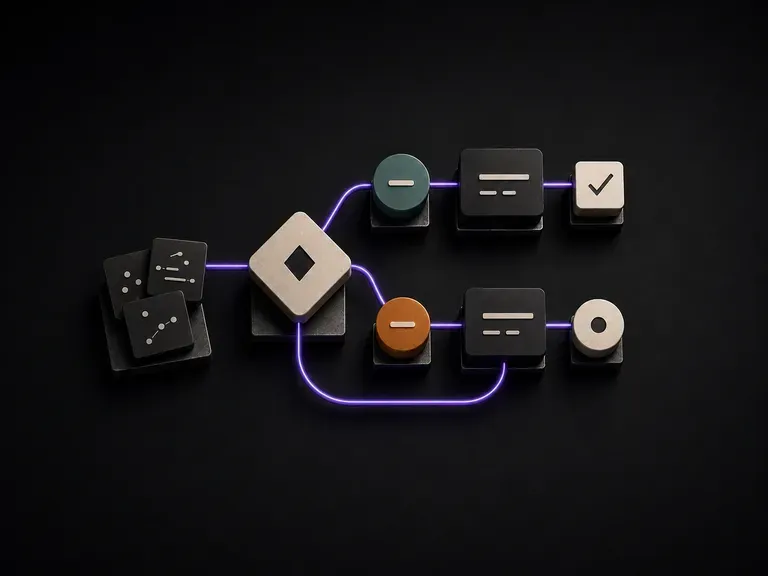
Describe your process steps, roles and branch points to generate a clear flowchart diagram your team can follow without you in the room. Free Virse credits cover your first layout.
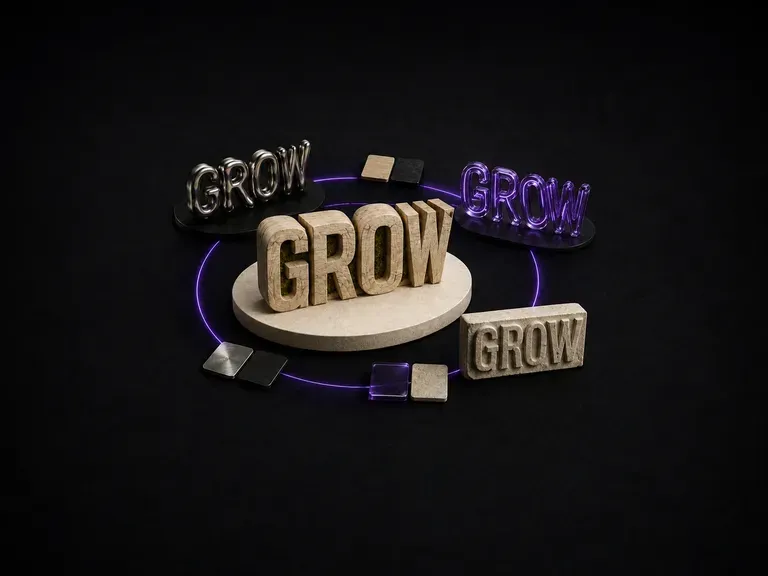
Wood-carved letters catch light differently than liquid metal. Enter a word or short phrase, name the material, and generate a 3D typography effect that keeps your lettering intact, starting on free credits.
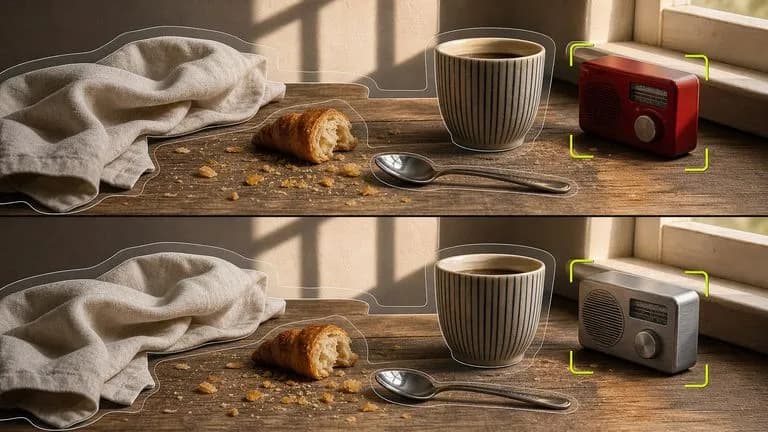
Black Forest Labs' editing models, FLUX Kontext Pro and Kontext Max, built to apply one described change while the rest of the frame survives untouched.

ByteDance's newest Seedream generation, available as Seedream 5.0 Pro and Seedream V5 Lite, both taking the same written brief.
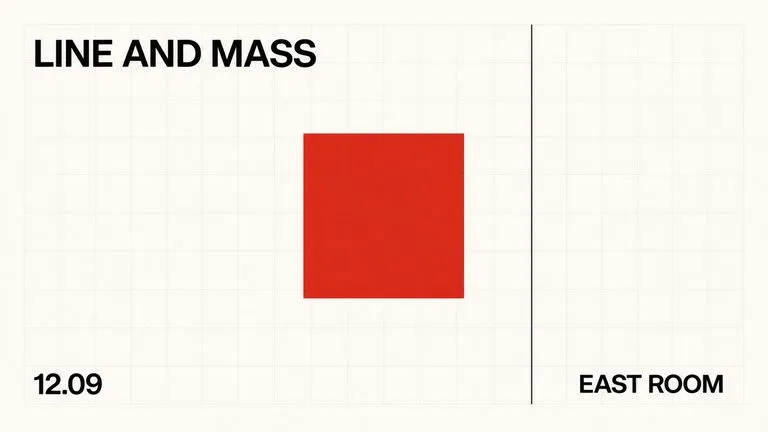
A text-to-image foundation model trained from scratch around layout, with bounding-box placement, hex colour conditioning, and native 2K output.
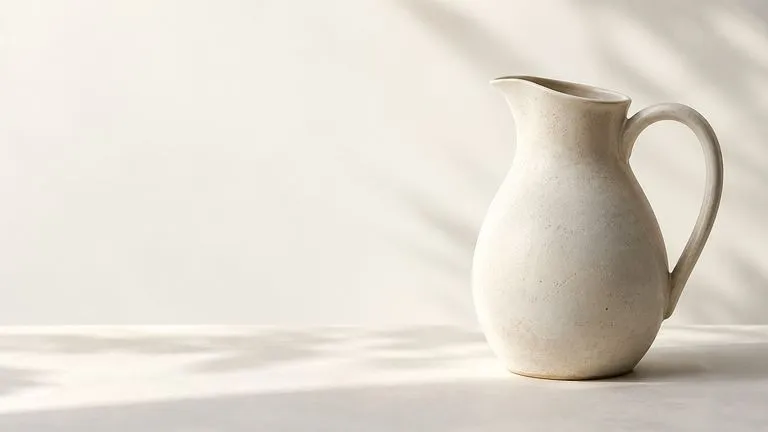
Create and edit stills with FLUX 3 Image at 1K, 2K or 4K. Switch to FLUX 3 Video for 5–20-second scenes at 720P or 1080P with native audio, on the same Virse canvas.
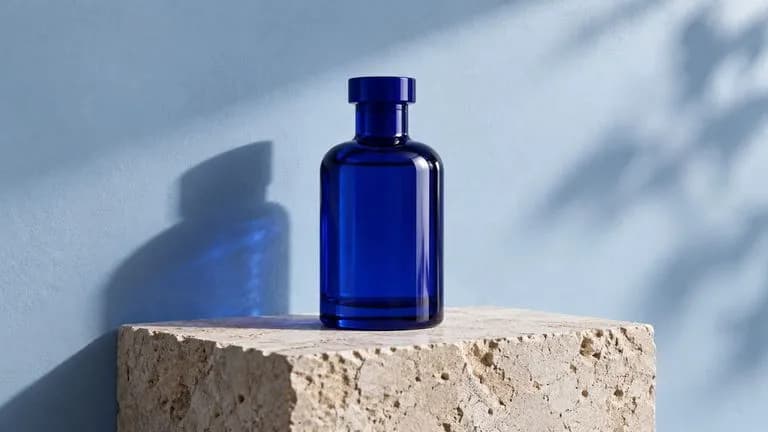
Generate and edit images with Nano Banana 2.1 in Virse. Choose 1K, 2K or 4K output and use up to 14 reference images to guide the subject, setting and materials.
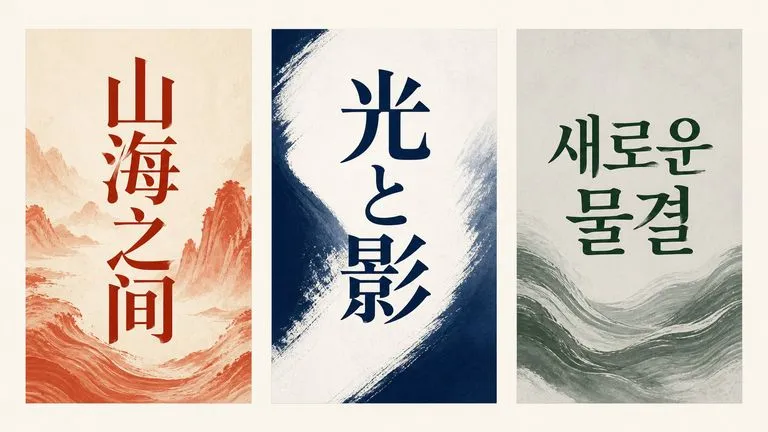
Alibaba's Qwen Image 3.0 Pro renders type as language across a dozen scripts, holding legibility down to ten pixels in dense layouts.
Describe a project or upload a design in progress, and get a structured brief or a set of review findings back, ready to hand off.