無料
無料生成から始める
Virseのクレジットで、最初のバリエーション一括生成を試せます。新規ユーザーは最大10枚の画像を生成できるため、実際のプロジェクトで使う前に、被写体が一貫して保たれるかを確認するのに十分です。

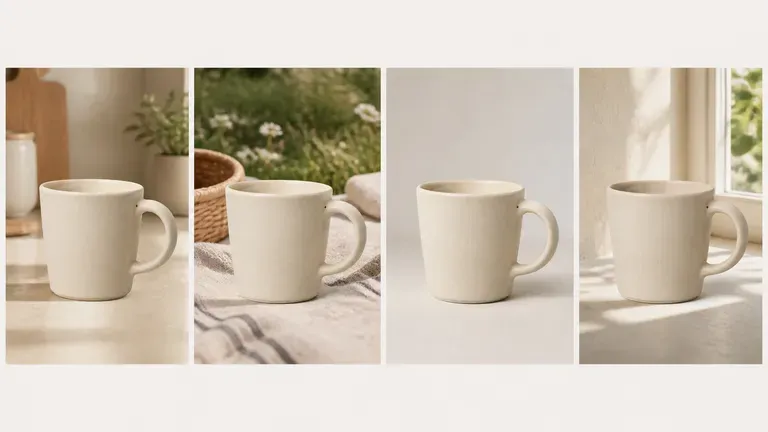
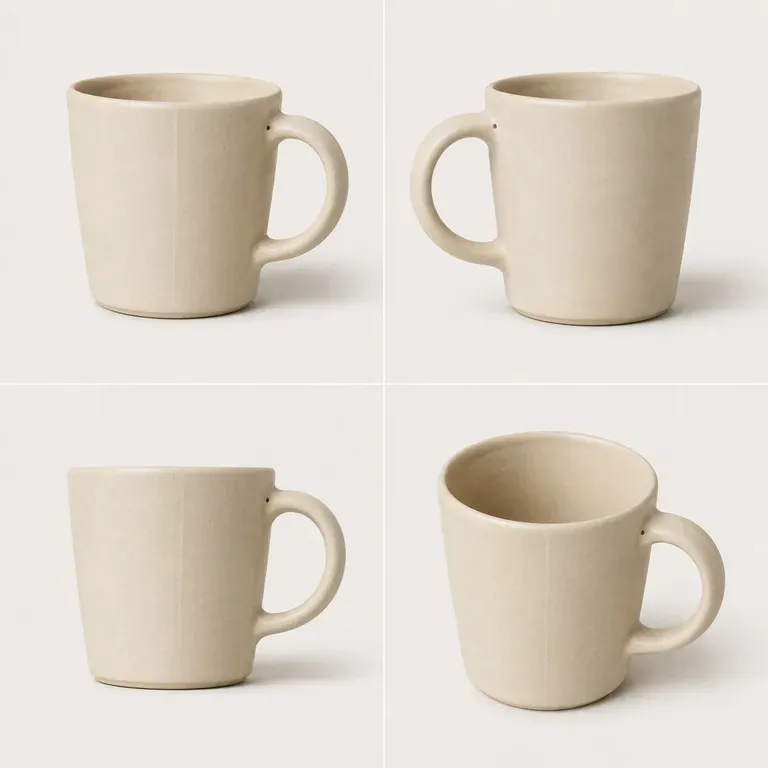
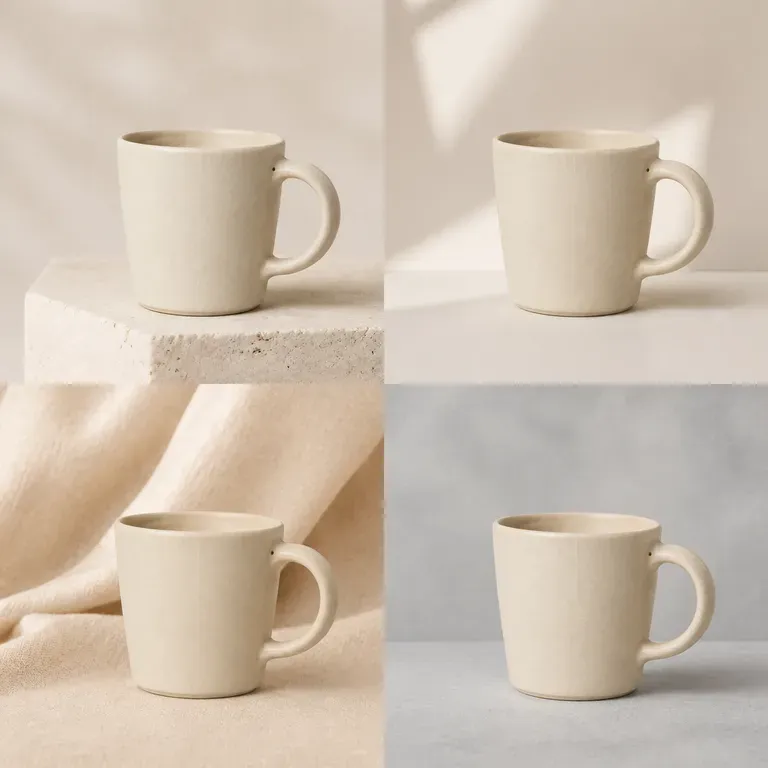
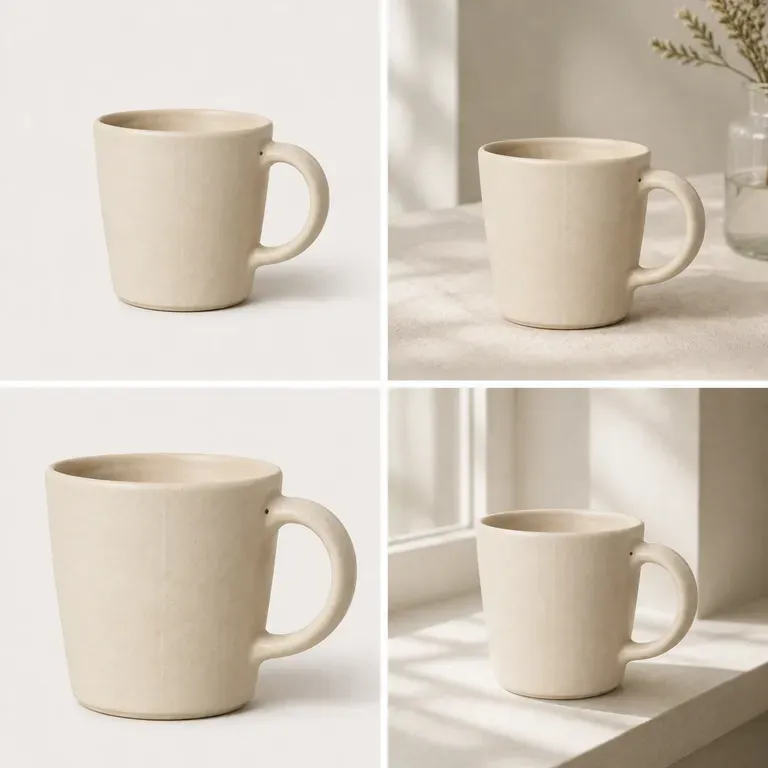
プロダクトをさりげなく変えてしまうバリエーションは、バリエーションではなく別のプロダクトです。画像を1枚アップロードし、変えるべきなのがシーン、色、またはアングルのどれかを指定すれば、それ以外はすべてそのまま保たれた一括生成結果が返ってきます。無料クレジットで、被写体が実際に一括生成を通して維持されるかを十分にテストできます。
AI画像バリエーション生成ツールは、1枚の画像をもとに、中心となる被写体を認識できる状態に保ちながら複数のバリエーションを生成します。Virseでは、変更したい内容を記述し、バリエーションをまとめて生成して、残すものを選ぶ前に1つのキャンバス上で比較できます。
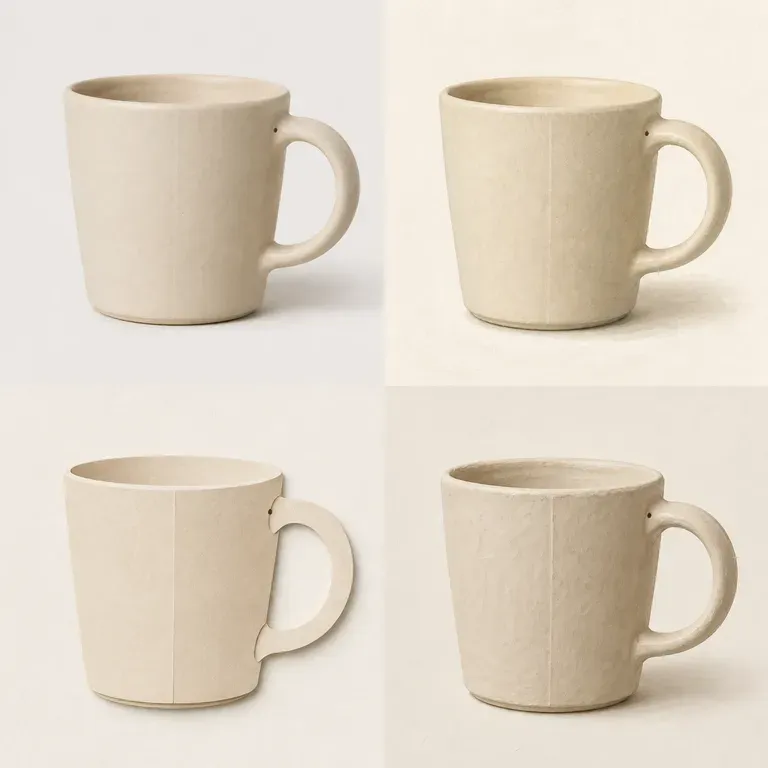
バリエーションが役立つのは、被写体が同じものとして認識できる場合だけです。それを維持することが、一括生成を本当に使えるものにします。
Virseのクレジットで、最初のバリエーション一括生成を試せます。新規ユーザーは最大10枚の画像を生成できるため、実際のプロジェクトで使う前に、被写体が一貫して保たれるかを確認するのに十分です。
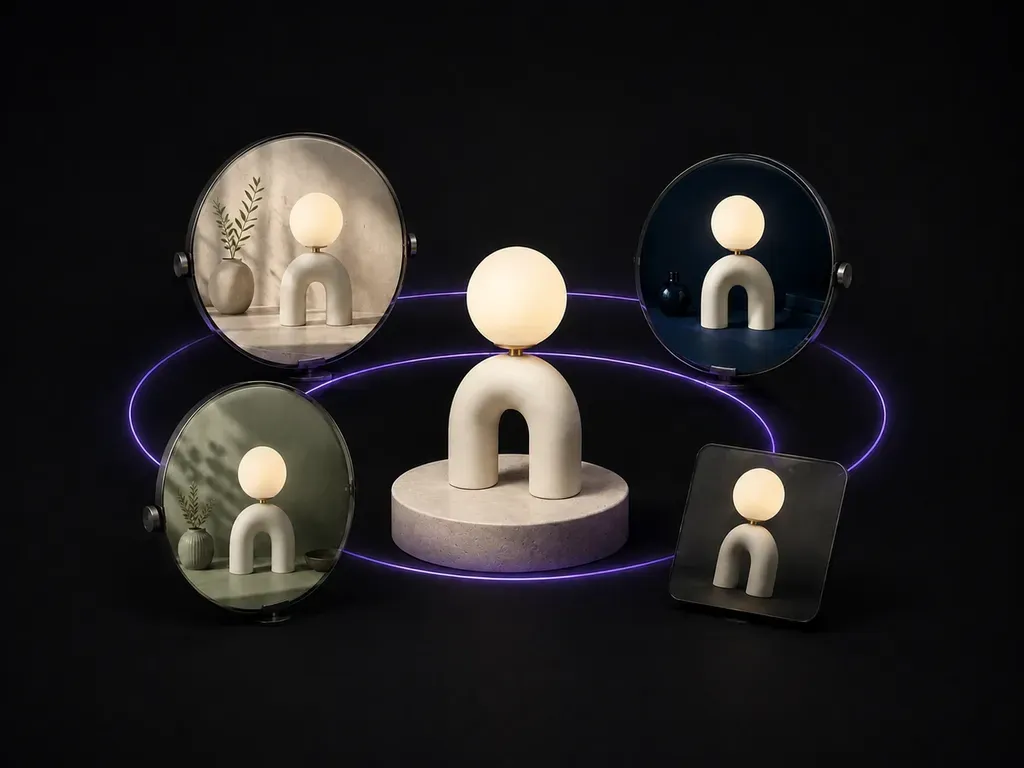
Virseは40+のAIモデルを1つの環境に集約し、有料プランではモデルの利用が無制限です。モデルごとに指示内容を作り直すことなく、異なるモデルが同じ画像をどのように変化させるかを確認できます。
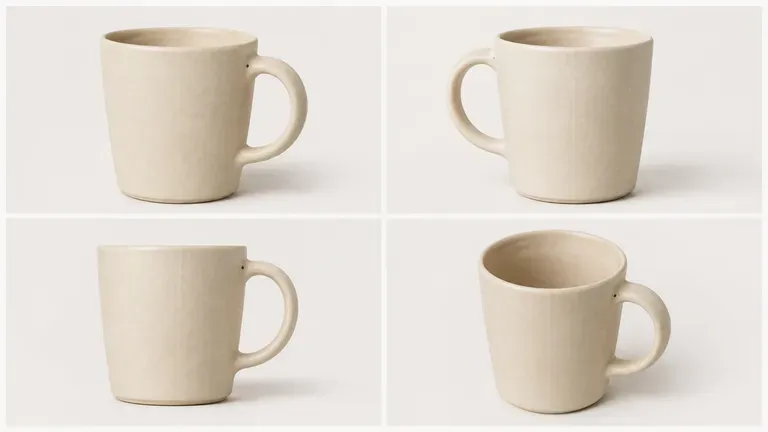
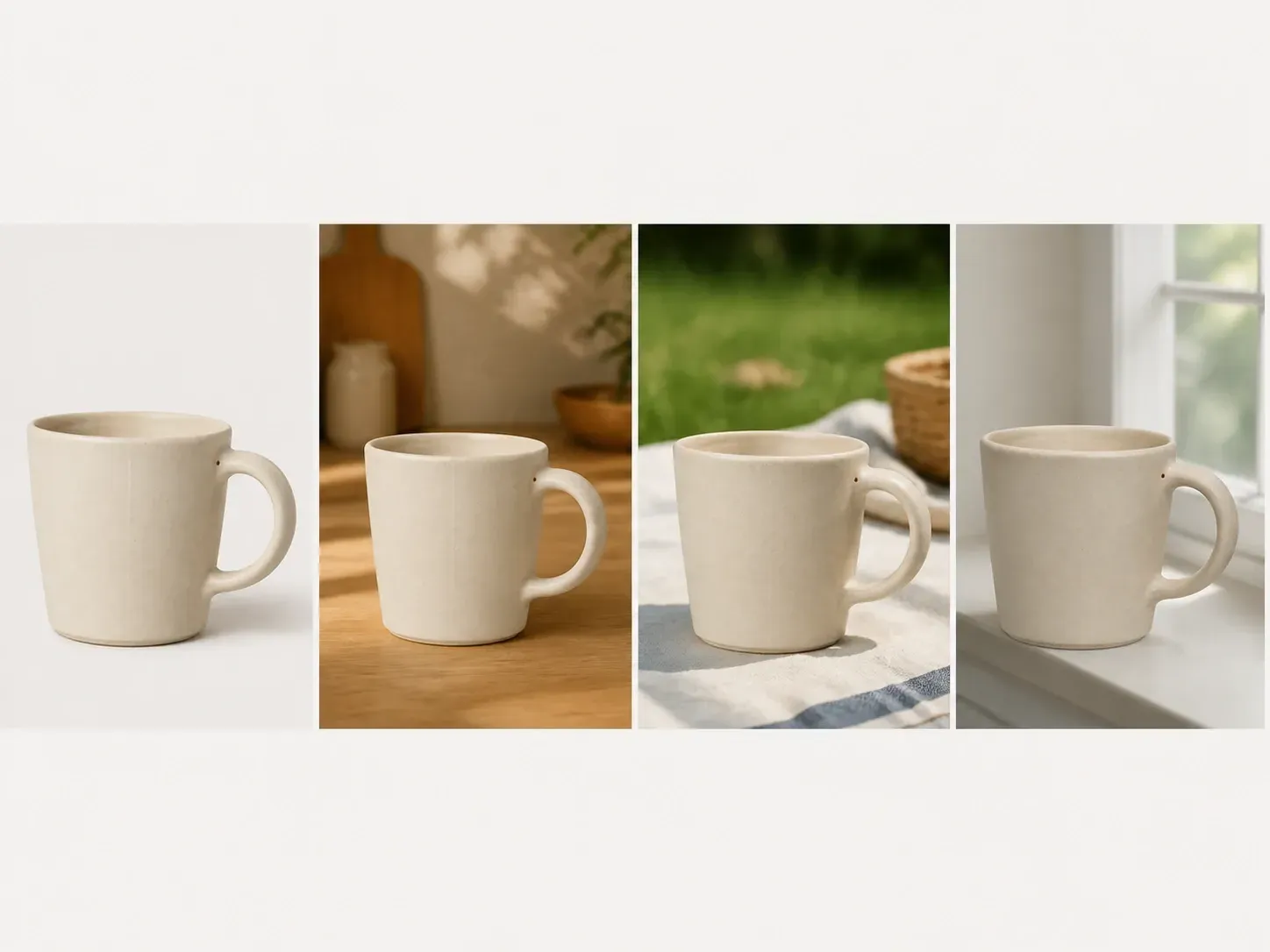
元画像、生成されたバリエーション、メモを無限キャンバス上にまとめて保持できます。Virseではオリジナルが文脈の中に残るため、どのバリエーションが被写体を保っているかをひと目で判断できます。
ランダムなテキストプロンプトの再ロールと、ソースに基づくバリエーションをVirseキャンバス上で比較します。
テキストプロンプトをゼロから再実行
Virse 画像バリエーションジェネレーター
バリエーションを作りたい画像、つまり全体を通して被写体が認識できる状態で残る必要がある画像を追加します。
シーン、カラーディレクション、またはカメラアングルのどれを変化させるべきか、何を固定すべきかを書き出します。
利用可能なAI画像モデルを実行し、核となる被写体を保ったまま複数のバリエーションを生成させます。
最も優れたバリエーションをキャンバス上にまとめ、被写体から大きく外れてしまったものは除外します。
ソース画像をアップロードし、バッチ全体で何を固定し、何を変化させるべきかを明確に記述してください:
· 季節別広告背景テスト: 中央のスキンケアボトルは固定し、背景を春のボタニカル、夏のプールサイド、秋の石材、冬の霜へと変化させます。
· ライティング&時間帯の検証: 建築外観のジオメトリを保持し、朝の霧、くっきりした真昼の太陽、ゴールデンアワー、ブルーアワーのライティングバリエーションを生成します。
· カメラアングル&フレーミングのバッチ: キャラクターの衣装と顔を一貫させ、クローズアップのポートレート、ミディアムのスリークォーター、ローアングルのヒーロービューを生成します。
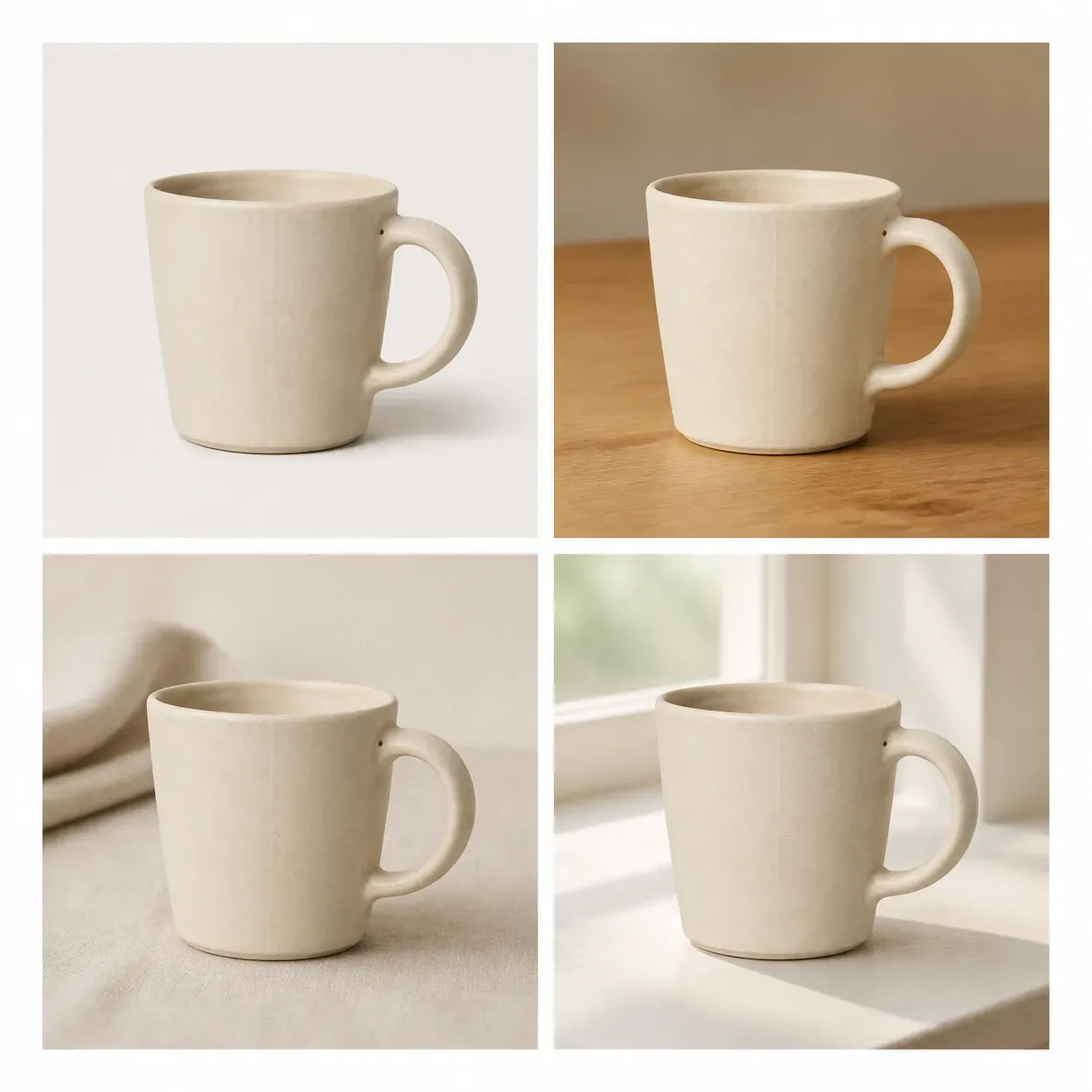
別のものではなく、同じものの複数バージョンが必要な人向けです。
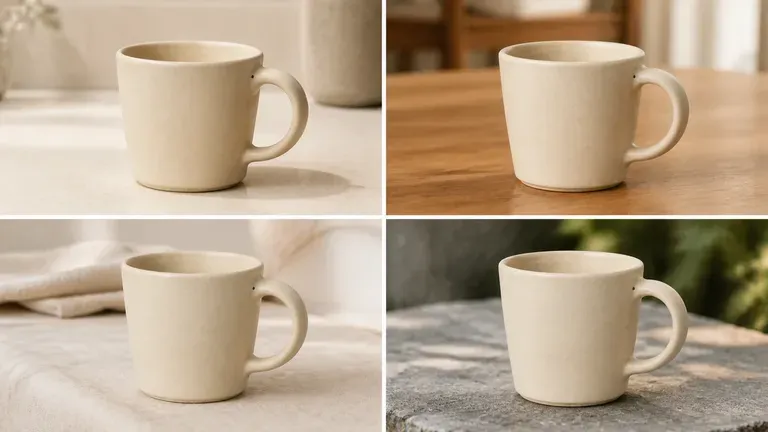
商品リストやカタログ用に、商品写真のシーンやアングルのバリエーションを生成します。
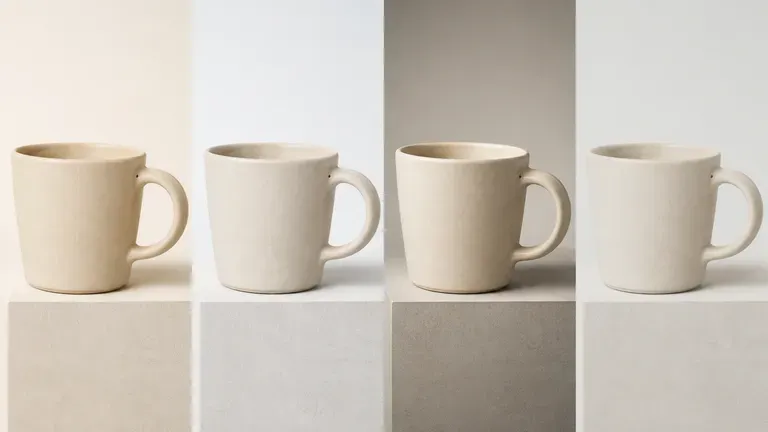
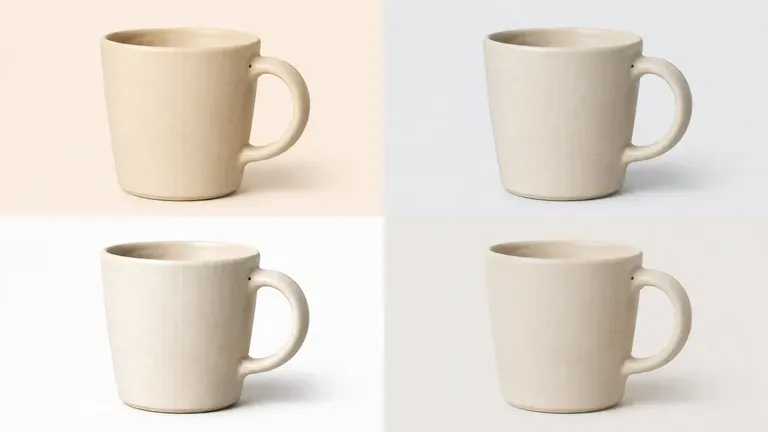
キャンペーン横断のA/Bテスト向けに、ヒーローアセットの色や背景のバリエーションを作成します。
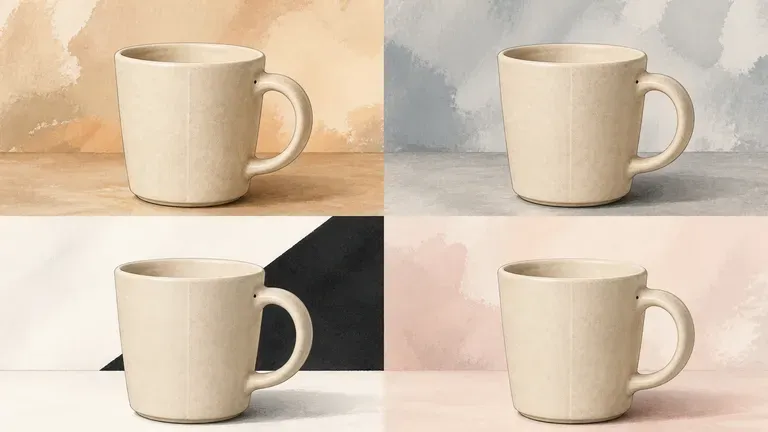
1つのイラストやデザインが、さまざまなカラーディレクションでどのように見えるかを探ってみましょう。
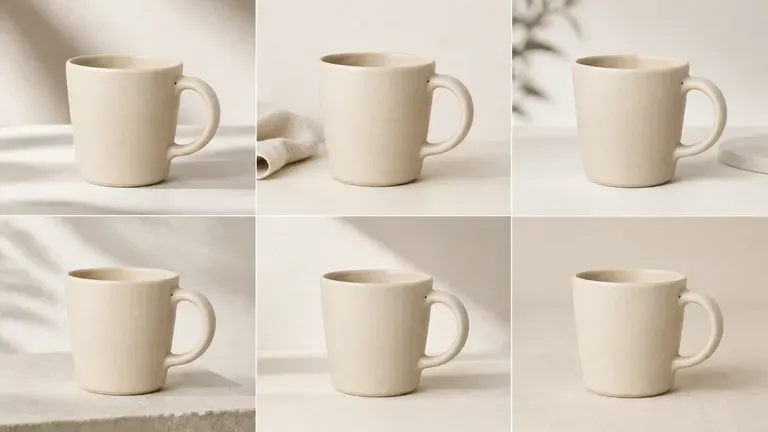
1枚の写真から関連する画像のセットを生成し、統一感のある投稿やギャラリーを作成できます。
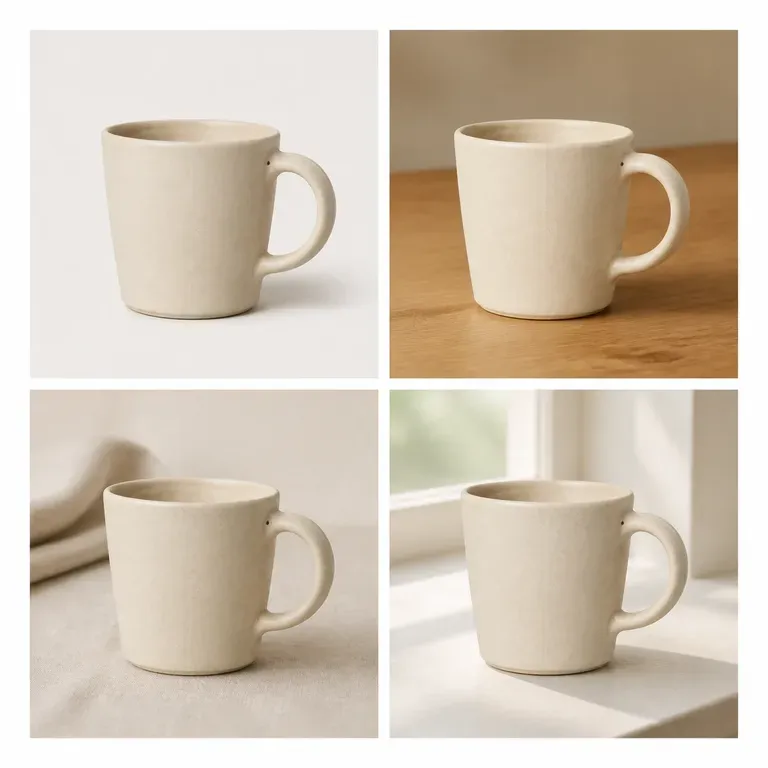
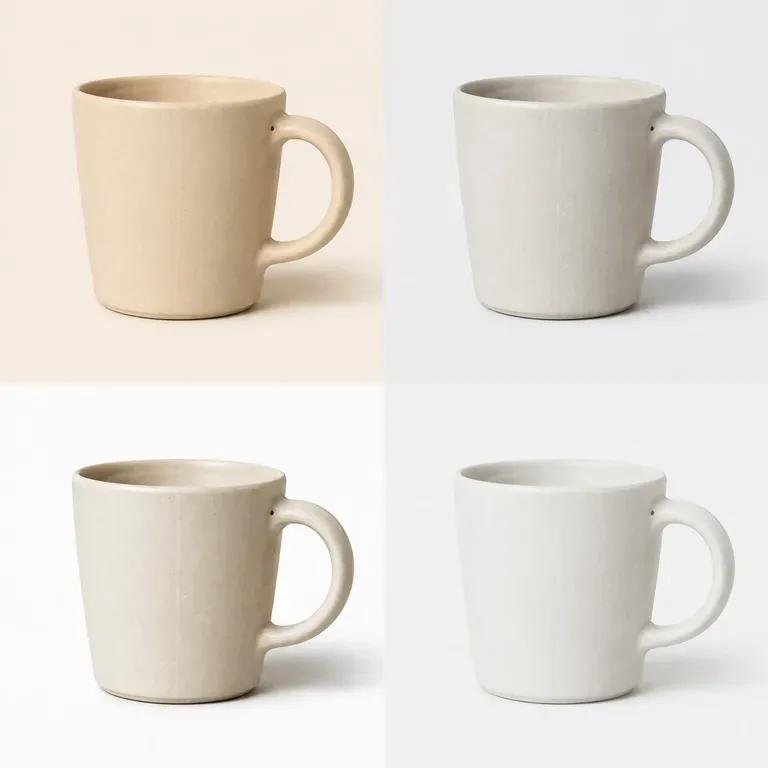
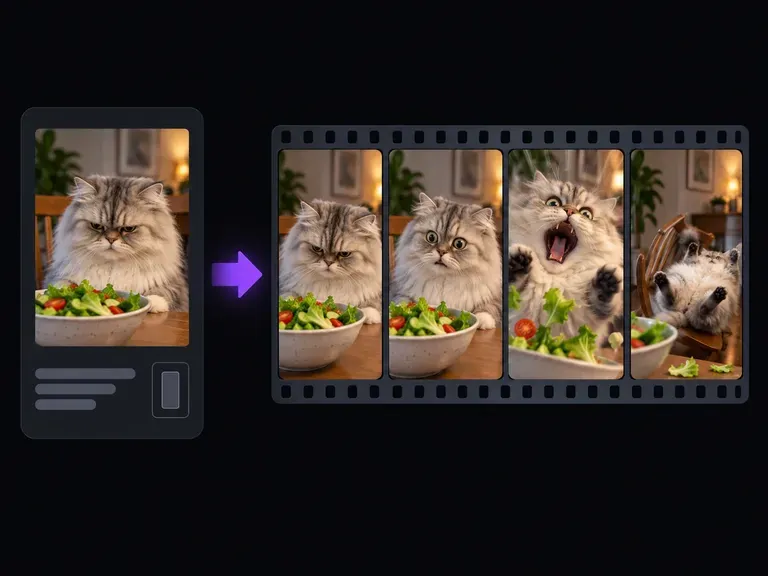
Turn pet snapshots, character images, or one-line punchlines into expressive reaction clips with our meme video generator. Upload a photo or describe the gag from scratch to generate crash zooms, deadpan office stares, and loopable slapstick clips.
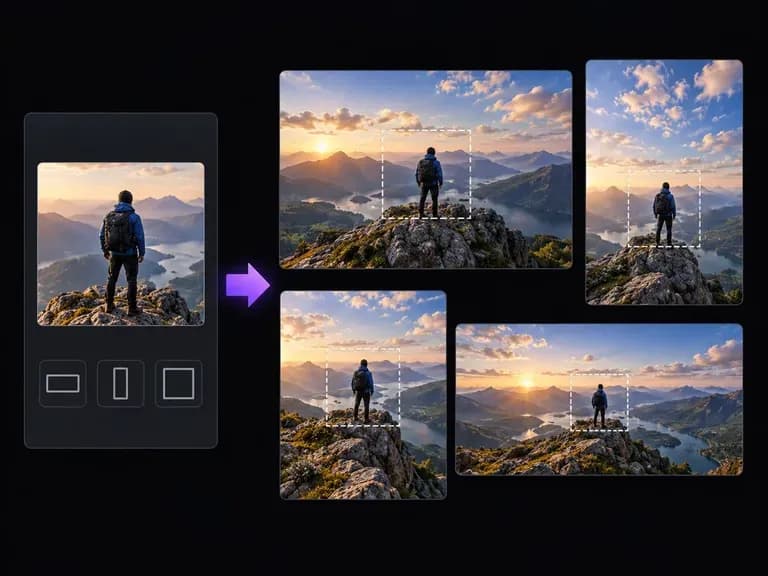
Upload a tightly cropped photo or illustration and describe what continues outside its borders. Virse's AI image expander generates matching skies, studio walls, tabletops, or architectural surroundings while preserving depth of field and lighting.
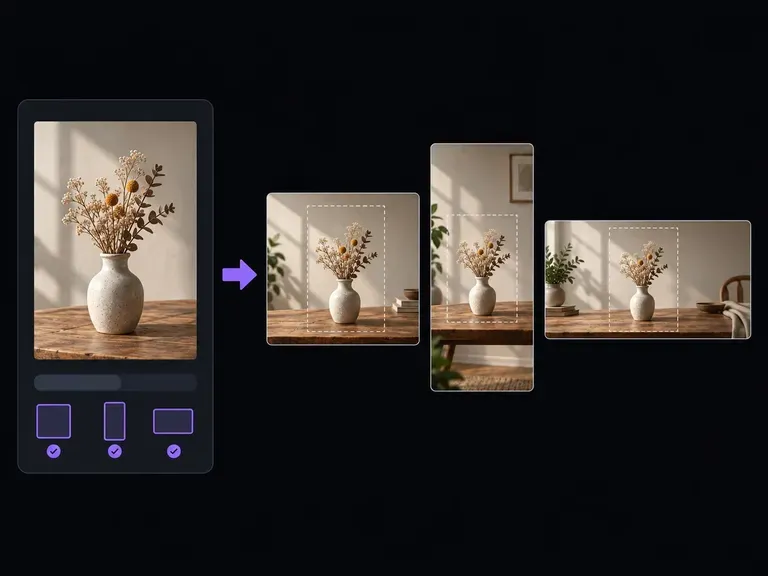
Upload a still photo, select your target width-to-height ratio, and describe how the background continues. Virse's aspect ratio changer expands the scene so you can change image aspect ratio between square, vertical, and widescreen formats cleanly.
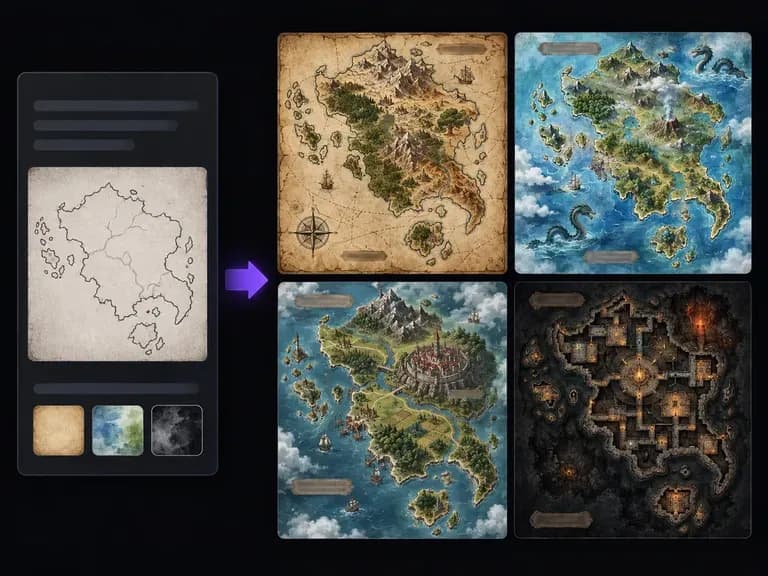
Turn a written geography brief or a rough coastline sketch into an illustrated cartographic image. This fantasy map generator creates aged parchment, hand-drawn ink, and painted topographical maps of continents, island kingdoms, mountain passes, and harbor cities.
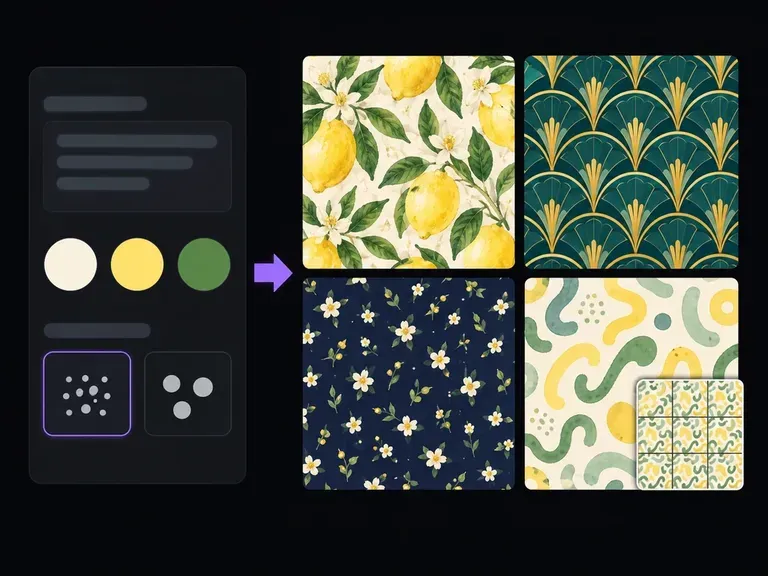
Describe the motifs to repeat, their relative scale, and your ground color, or upload a style reference. This AI pattern generator creates square repeat tiles across botanical, geometric, terrazzo, and toile styles with a 3x3 repeat preview on canvas.
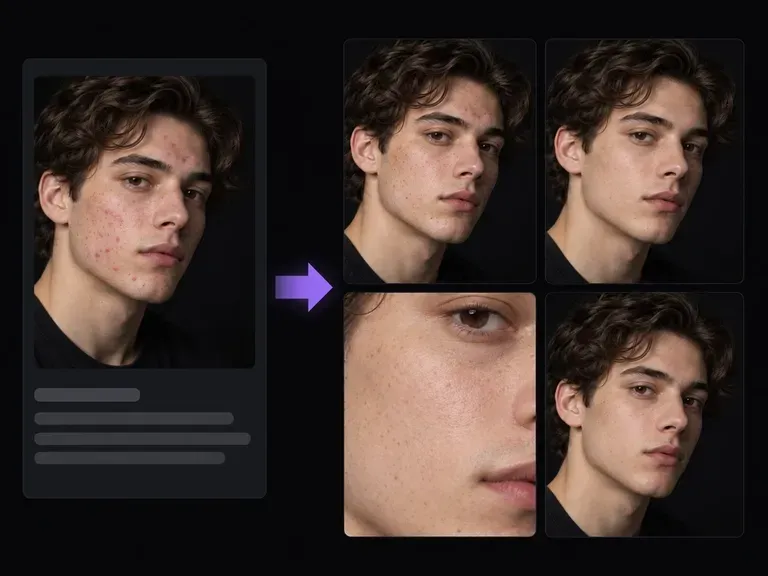
ポートレートやヘッドショットをアップロードし、消したい一時的な跡と残したい恒久的な特徴を説明してください。このAIシミ除去ツールは、自然な毛穴の微細な質感、そばかす、顔の輪郭を認識できる状態に保ちながら、ニキビ、シミ、乱れた後れ毛、強い肌のテカリをやわらげます。

FLUX 3 Imageで1K、2K、または4Kの静止画を作成・編集できます。同じVirseキャンバス上でFLUX 3 Videoに切り替え、ネイティブ音声付きの720Pまたは1080P、5~20秒のシーンを制作できます。

VirseでNano Banana 2.1を使って画像を生成・編集できます。1K、2K、4Kの出力を選択し、最大14枚の参照画像を使って、被写体、設定、素材をガイドできます。

AlibabaのQwen Image 3.0 Proは12の文字体系で文字を言語として描画し、情報量の多いレイアウトでも10ピクセルまで読みやすさを保ちます。
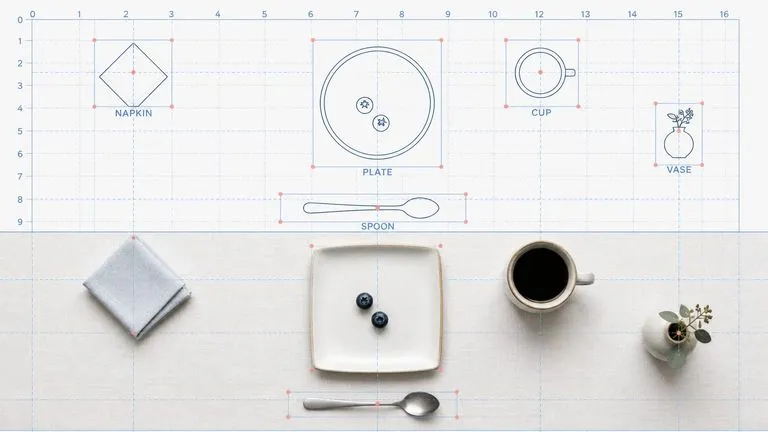
Reve AIの第2世代モデルは、描画前に位置を指定できる要素のレイアウトを構築し、指定した配置をそのとおりに表現します。
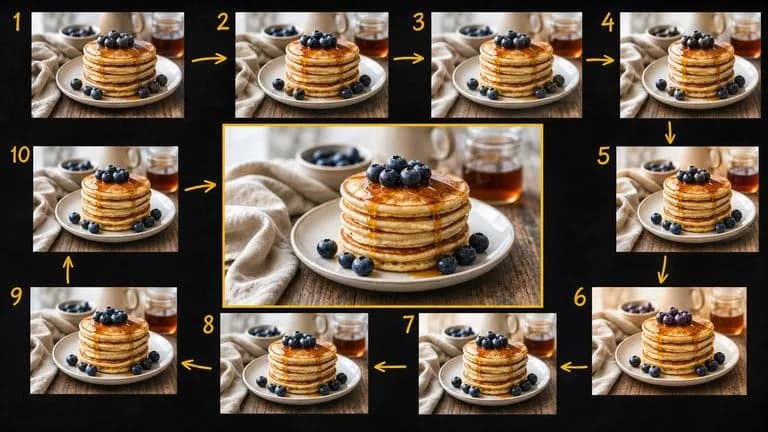
Google の Gemini 2.5 Flash Image — 元祖 Nano Banana — は、会話のスピードで画像を生成・編集できるため、修正はセッションではなく一文で済みます。

ByteDanceのSeedream 4.0とSeedream 4.5は、文章による説明やユーザーが提供する画像から生成を行い、1枚の元画像をプロジェクトに必要なだけ多様な方向へ展開します。