Product
Your product, new setting
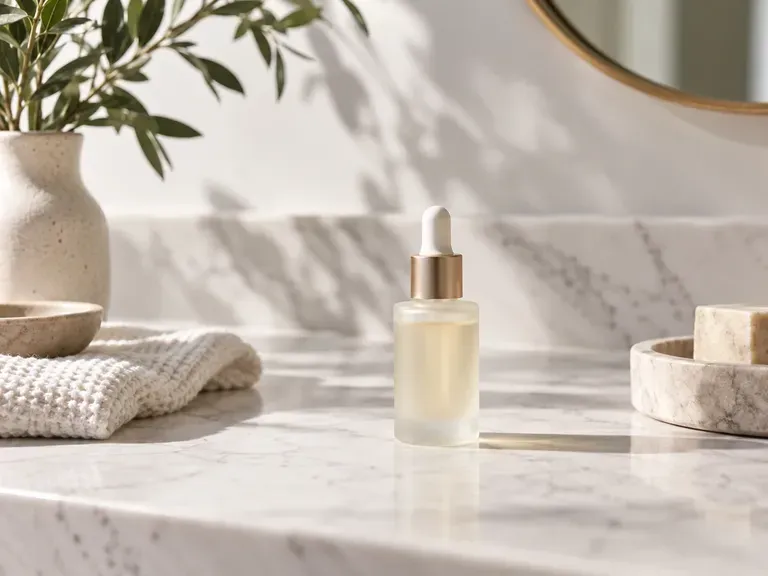
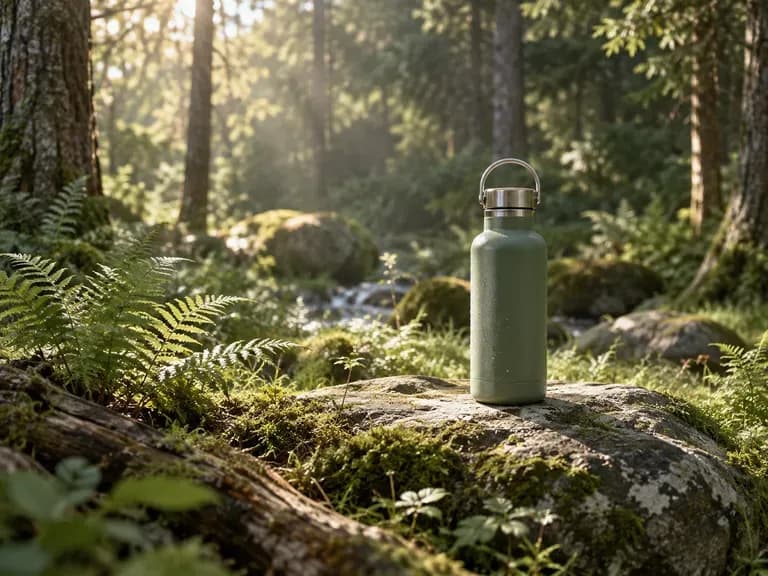
Upload a product or character, describe where it should be, and get it placed in that scene.
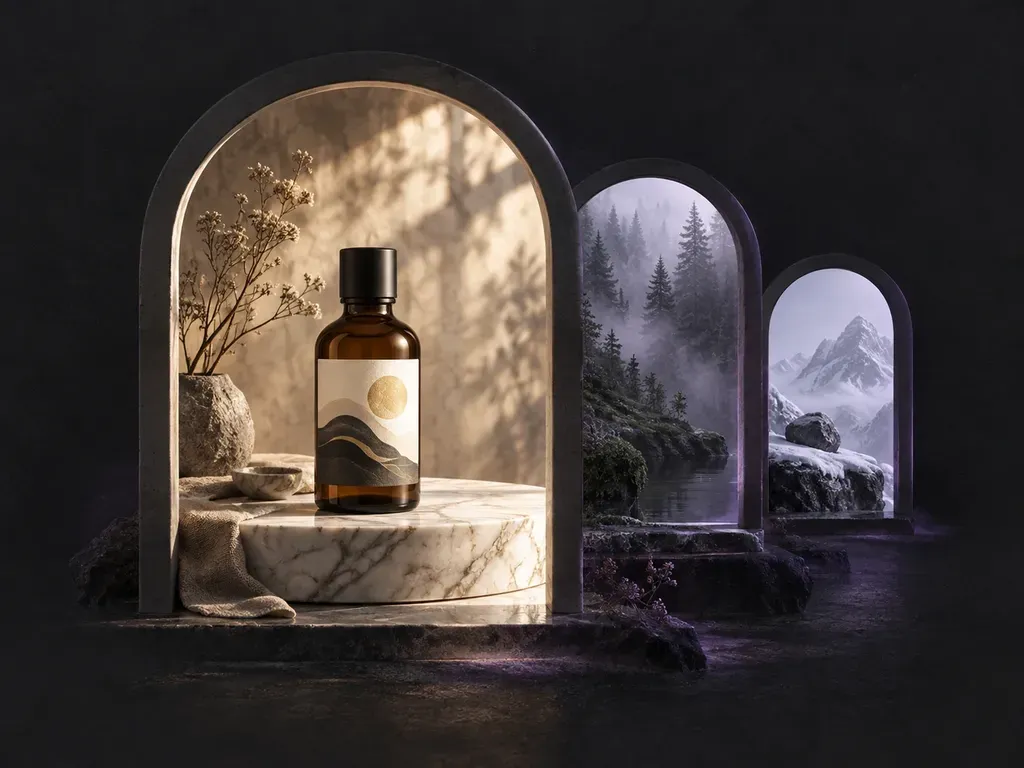
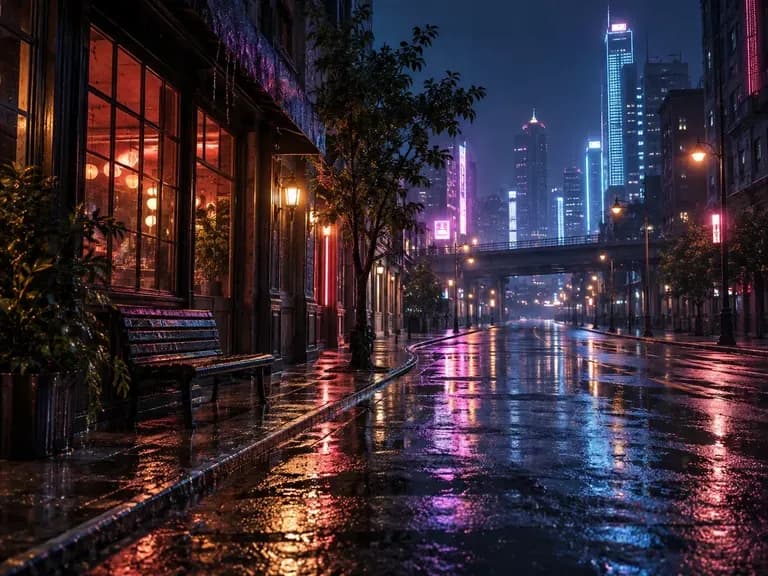
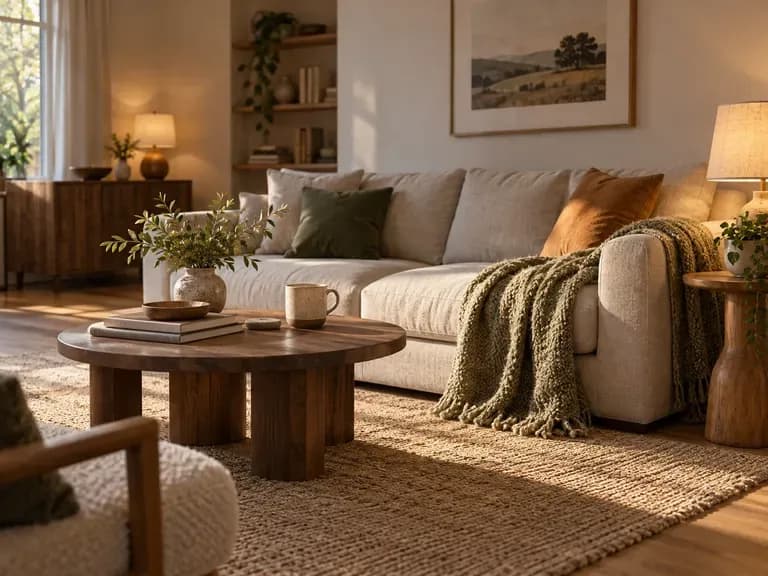
A rooftop at dusk, a foggy pier or a desert road at noon: the AI background generator builds the setting you write, on its own or around your product.
An AI background generator creates a new setting rather than editing an old one. It does not paste a poster into a real photo, and it does not fix the lighting in a picture you already have; other Virse tools handle those jobs.
Two ways in: a product that needs a setting, or just an idea.
Upload a product or character, describe where it should be, and get it placed in that scene.
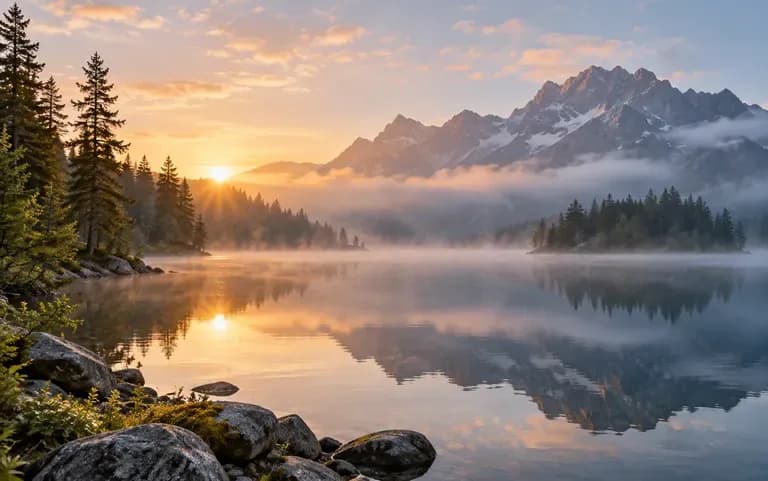
No image needed: describe the place, the light and the style, and a new scene is created.
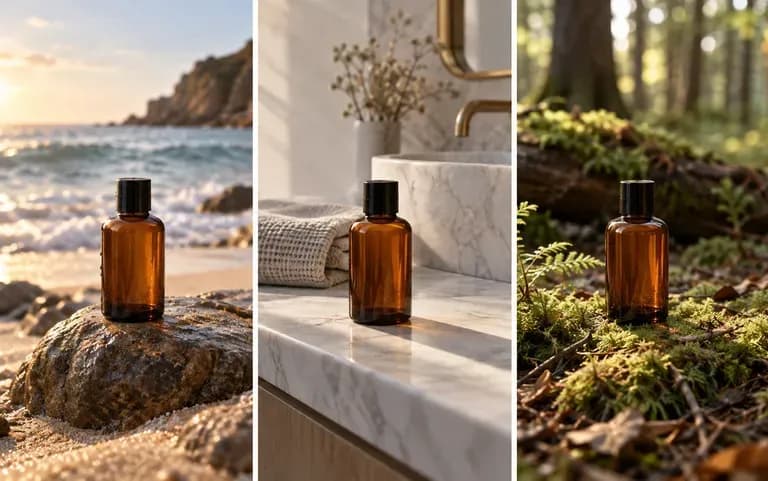
Each background lands on your Virse canvas, so you can compare several settings for the same product.
Upload a product or character, or start from text only.
Say where it is, what time of day it is and what style it should have.
The scene is generated in one run.
Try another description and keep the scene that fits.
For settings that would be hard, slow or costly to photograph.
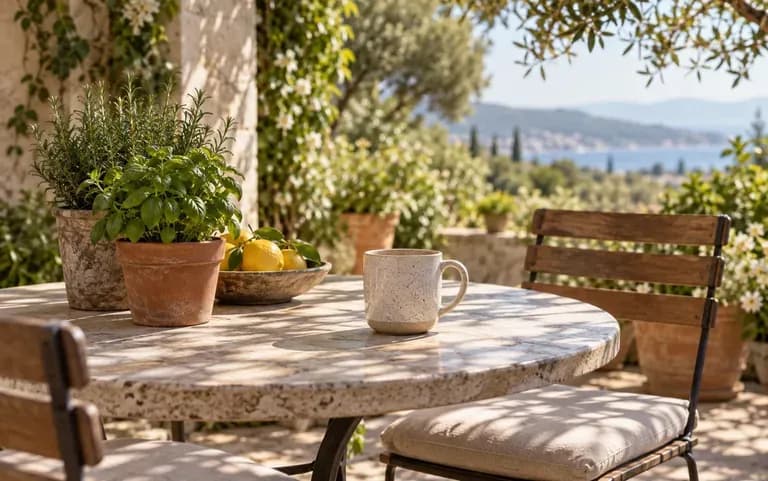
Show a product on a sunlit patio table without booking a location.
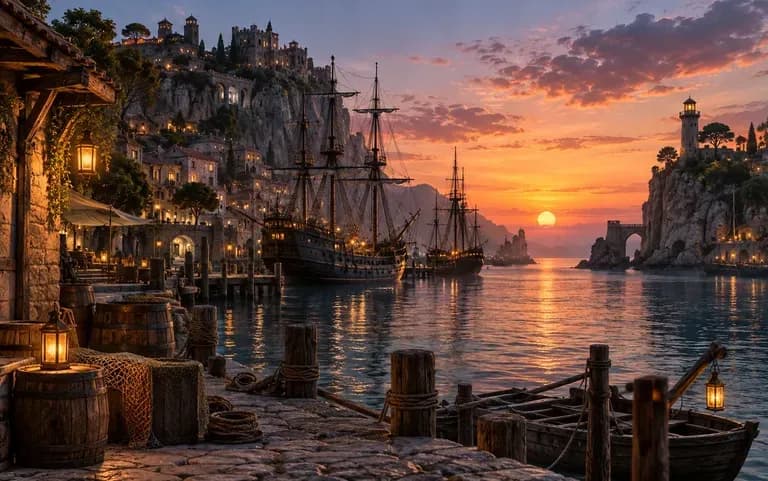
Picture a location for a story or a level before it is drawn.
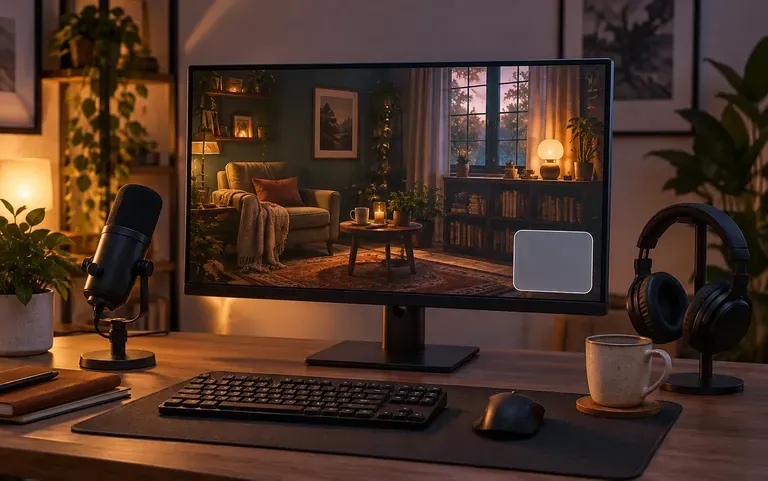
Make a still backdrop for a thumbnail or a stream overlay.
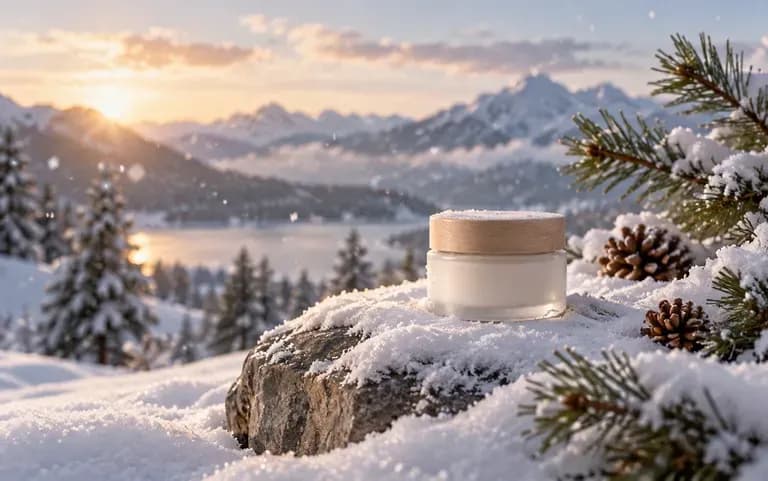
Test a seasonal setting for a campaign image.