Subject staging
Stage Products or Characters in Context
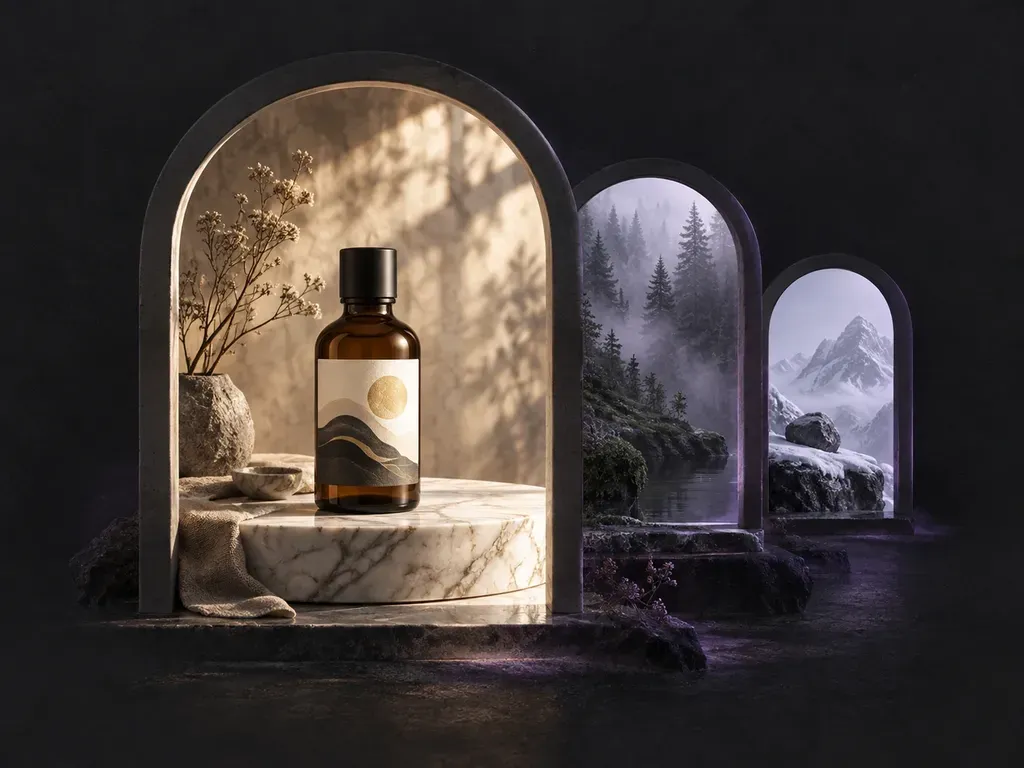
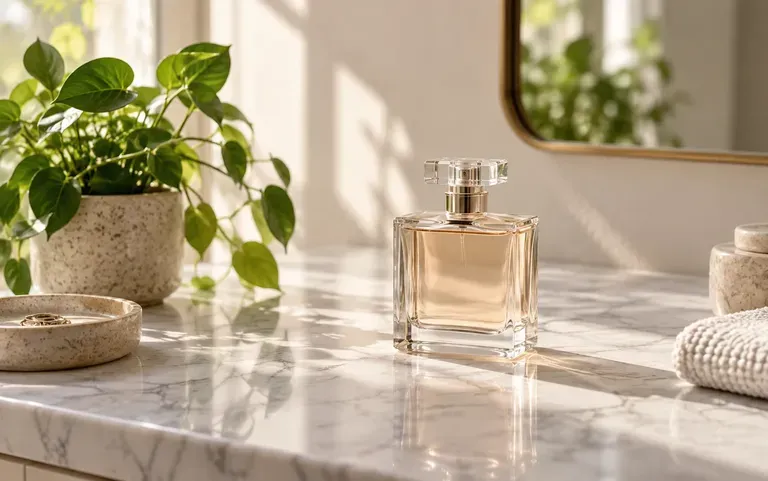
Use the workflow as an AI product background generator by uploading a bottle, package, or character cutout and describing the exact surface, props, and light around it.
Describe an interior set, outdoor location, or studio cyclorama to build a complete environment, or upload a product to stage inside it. This AI scene generator and AI background generator controls foreground, midground, and background depth with custom lighting.
An AI scene generator (also used as an AI background generator or AI image scene generator) builds a complete environment from your brief as a standalone shot or staged around your upload. Virse constructs each setting around three spatial layers:
• Three-plane depth control: Separate foreground surfaces like stone podiums from midground architecture and soft background horizons.
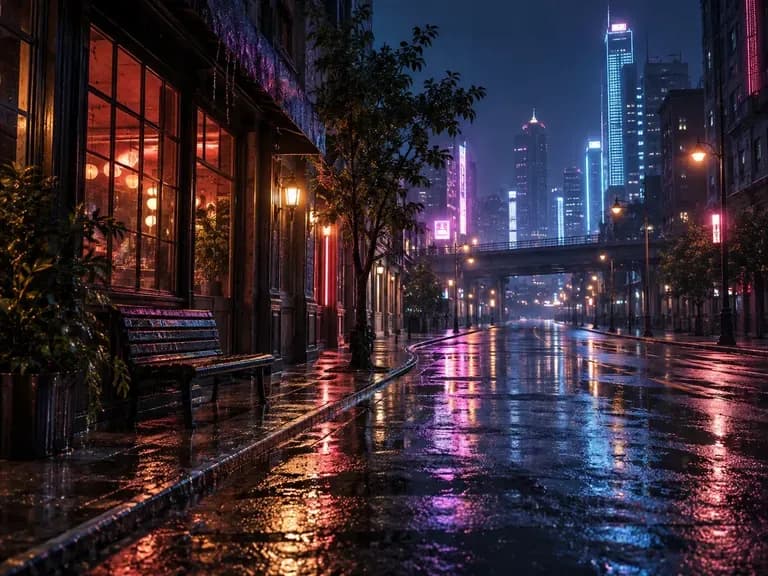
• Atmospheric illumination: Direct golden hour sunbeams, volumetric forest mist, wet neon reflections, or studio cyclorama lighting.
• Standalone or staged output: Generate pure environmental concept art for storyboards, or upload a product bottle to stage in place.
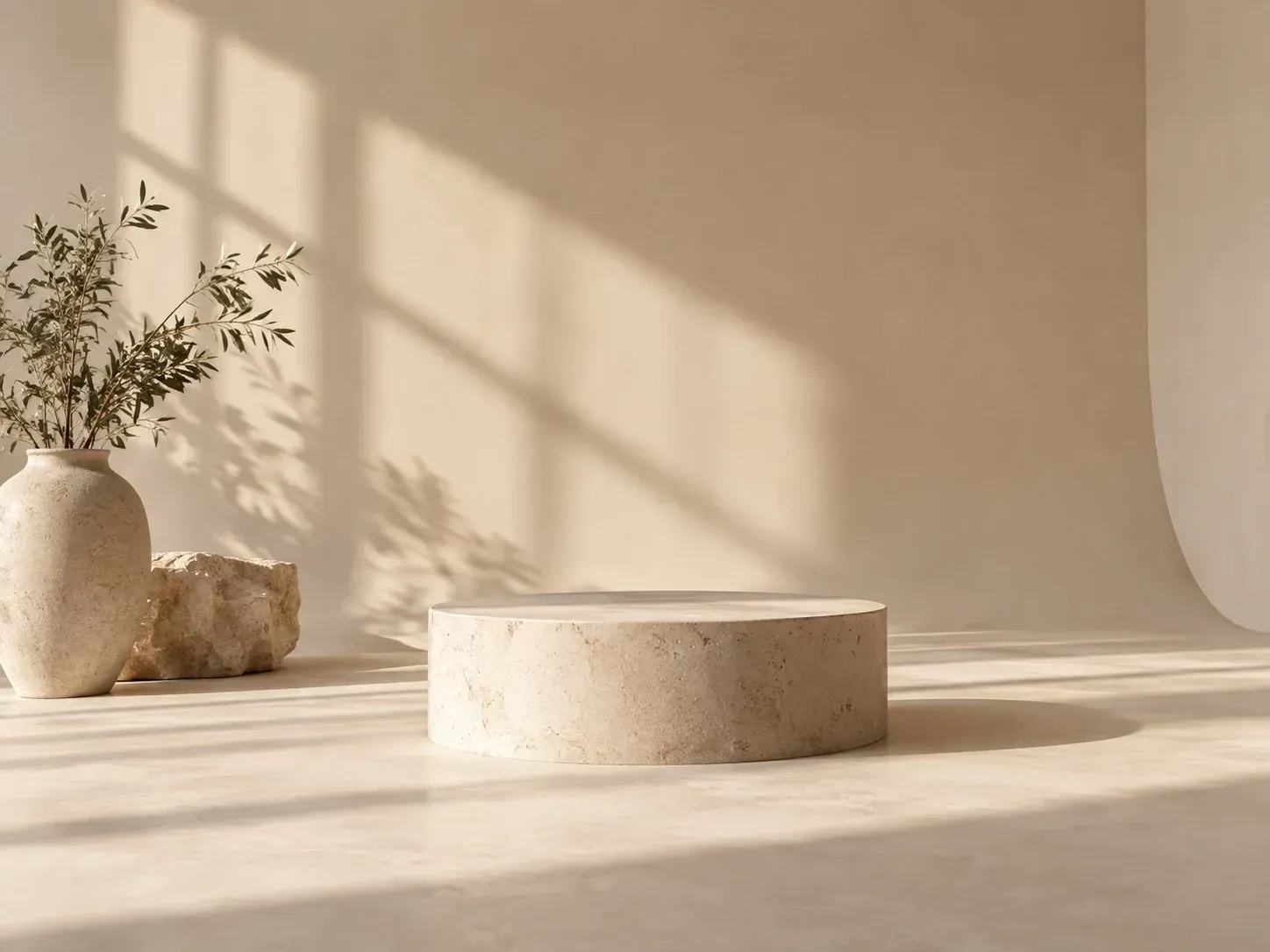
Three ways controlled depth layers and canvas comparison improve both product staging and worldbuilding.
Use the workflow as an AI product background generator by uploading a bottle, package, or character cutout and describing the exact surface, props, and light around it.
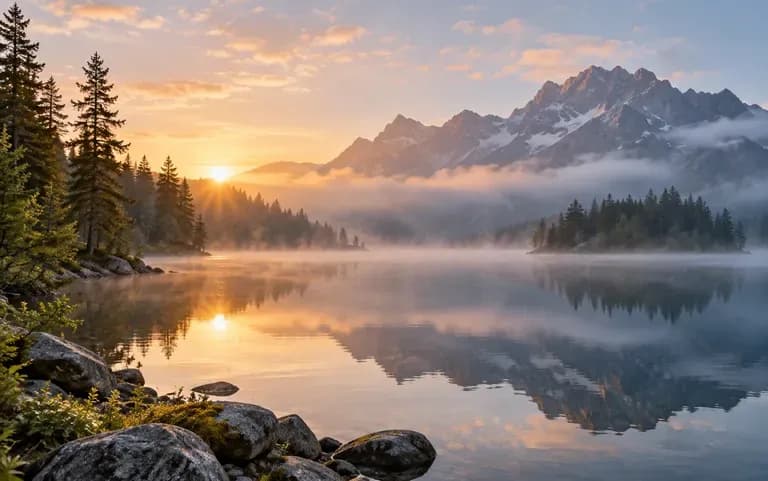
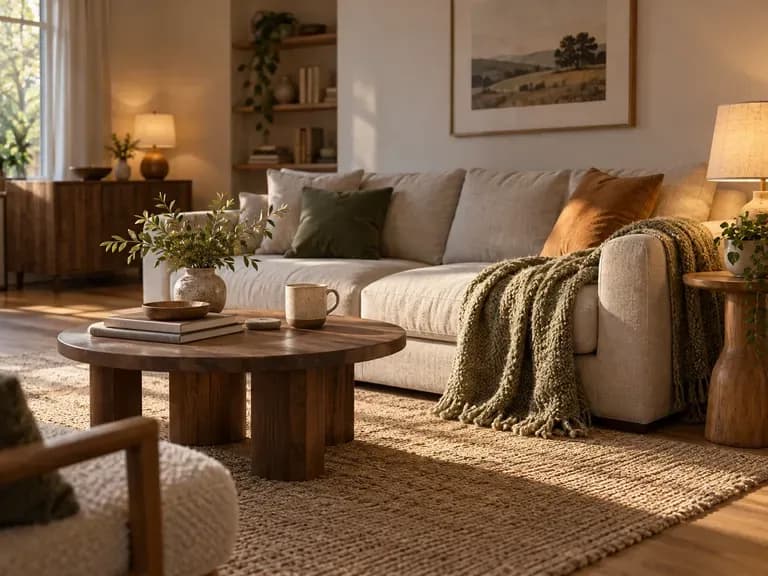
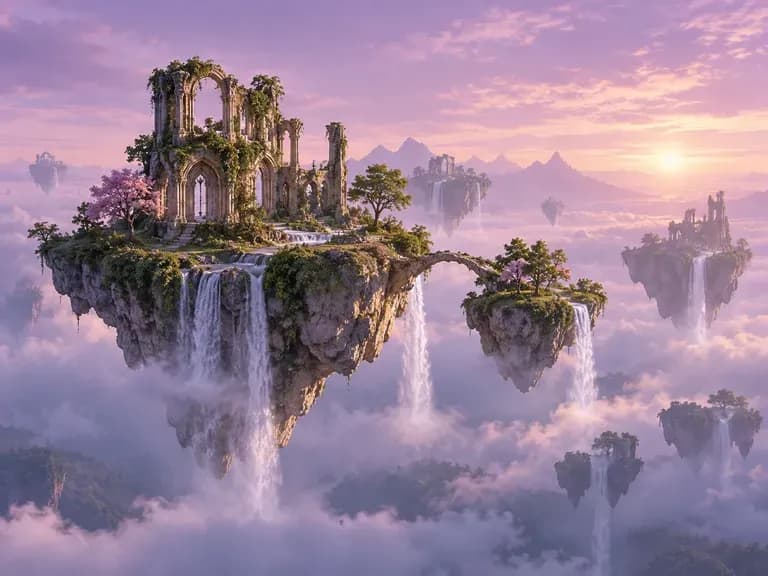
Skip the upload entirely to generate standalone interior rooms, architectural courtyards, or fantasy landscapes with distinct foreground, midground, and background planes.
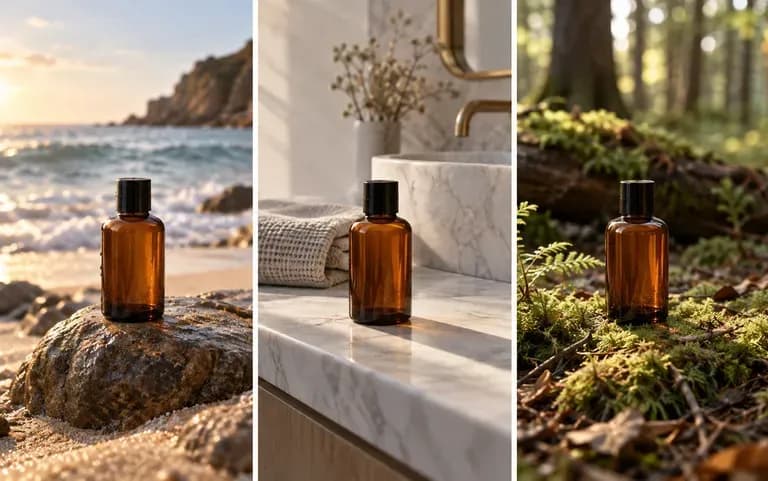
Every generated setting lands on your shared Virse canvas, letting you test morning daylight, golden hour dusk, and studio cyclorama lighting for the same brief.
How generating a custom multi-plane environment compares with dropping cutouts onto flat stock background photos.
Flat Stock Background Photos
Virse AI Scene & Background Generator
Leave the upload slot blank for standalone concept art, or attach a clean product or character photo that needs a new backdrop.
Write a brief naming the foreground surface, midground setting, background atmosphere, camera height, and time of day.
Run the AI background generator in Virse to compose your setting with coordinated perspective, textures, and directional light.
Compare candidate scenes side by side on the canvas, checking horizon alignment and ensuring uploaded product labels stay crisp.
Naming the foreground surface, background depth, and light source builds convincing scenes. Copy any of these three scene prompts:
• Marble vanity podium: "Foreground honed Carrara marble counter with water ripples, midground frosted glass partition, soft eucalyptus background, warm morning light."
• Cyberpunk establishing shot: "Low-angle Tokyo alleyway at night, wet foreground cobblestones reflecting magenta and cyan neon, steam in midground, misty towers behind."
• Studio cyclorama set: "Minimalist concrete and warm plaster cyclorama, low travertine block in foreground, diagonal afternoon sunbeam casting shadows on back wall."
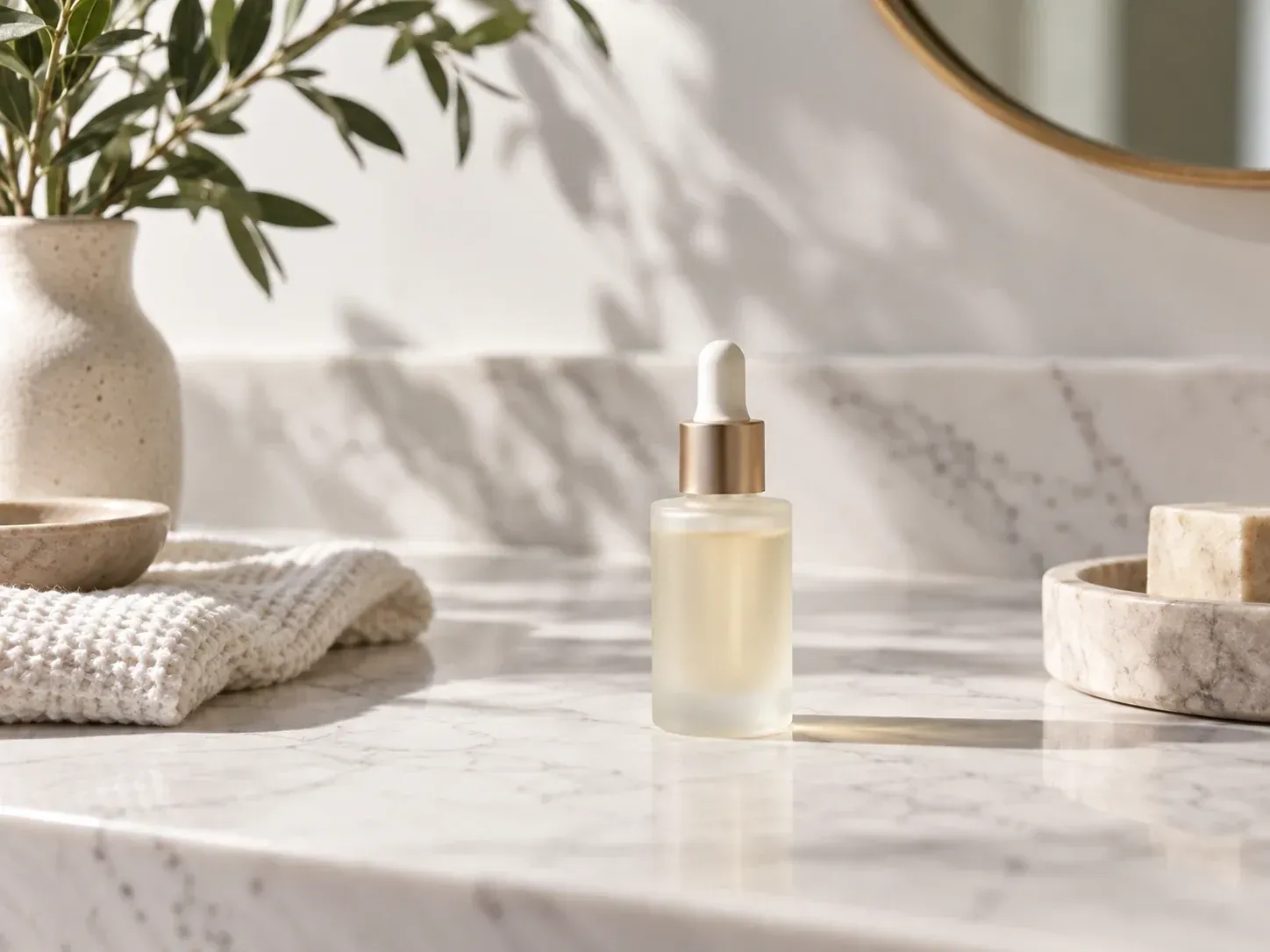
Four creative and commercial workflows that use generated environments to replace costly location shoots and blank sets.
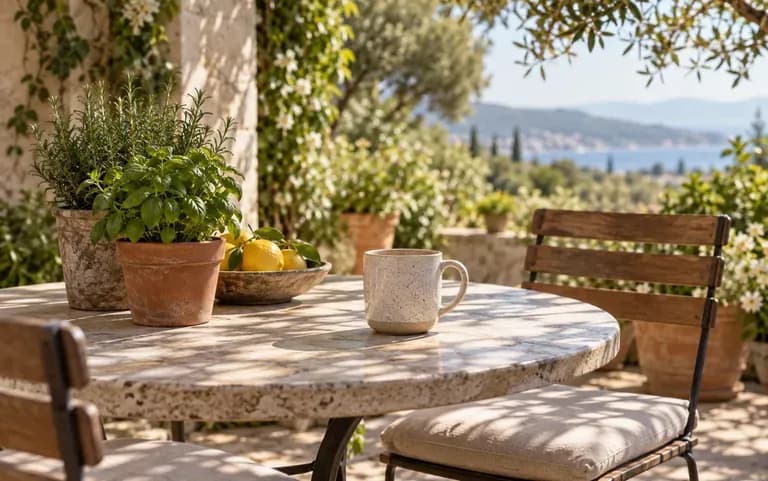
Place skincare bottles, drinkware, or home goods onto sunlit patio tables, marble counters, or studio plinths without renting a location house.
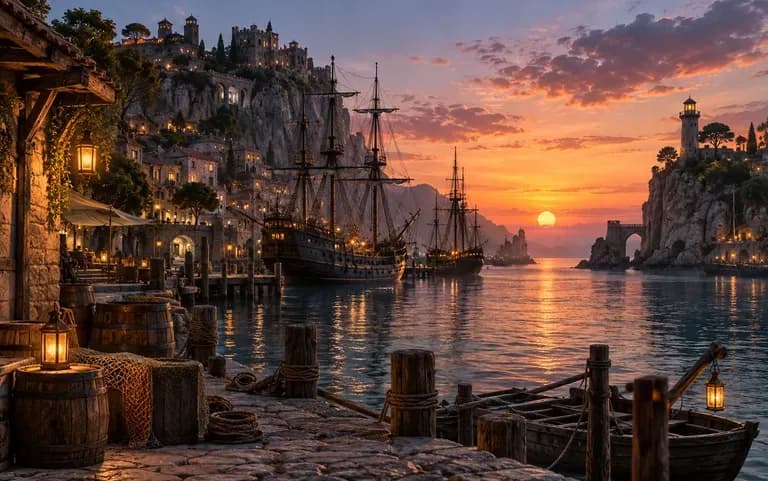
Build environmental concept art, level moodboards, and camera framing with clear foreground-to-background depth before starting 3D modeling.
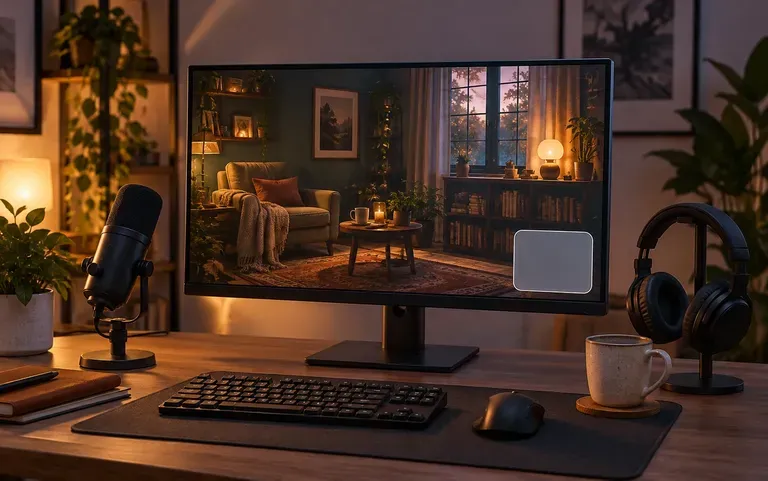
Generate custom 16:9 room interiors, neon cityscapes, or studio sets for virtual backgrounds, stream overlays, and YouTube thumbnails.
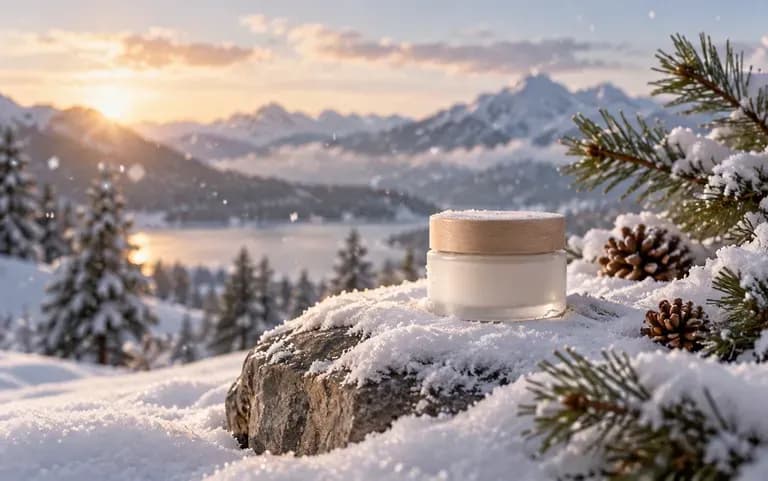
Test autumn, winter holiday, and summer coastal settings around the same core product photo on one canvas before committing to a campaign theme.
Six generated settings illustrating tabletop product surfaces, natural landscapes, cozy interiors, and speculative worldbuilding.
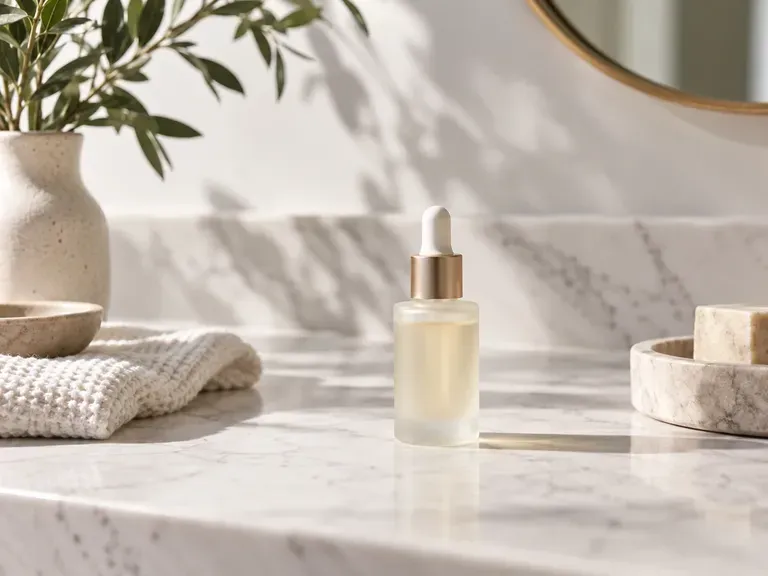
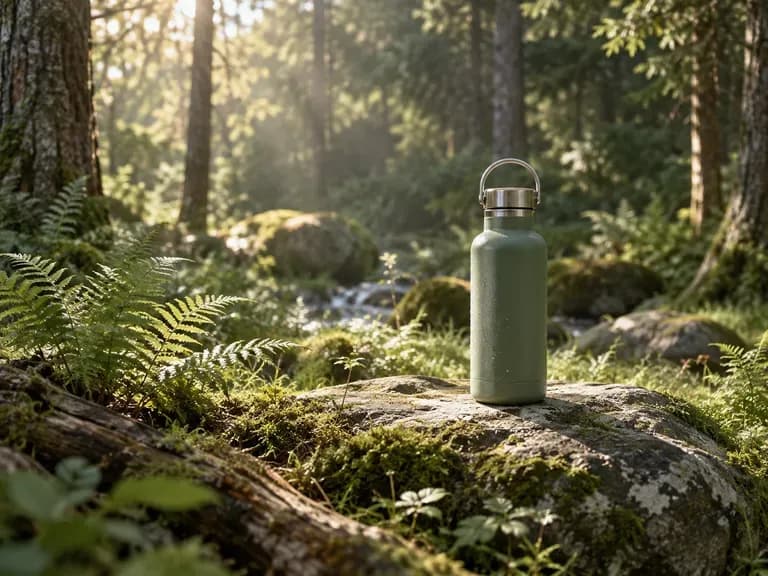

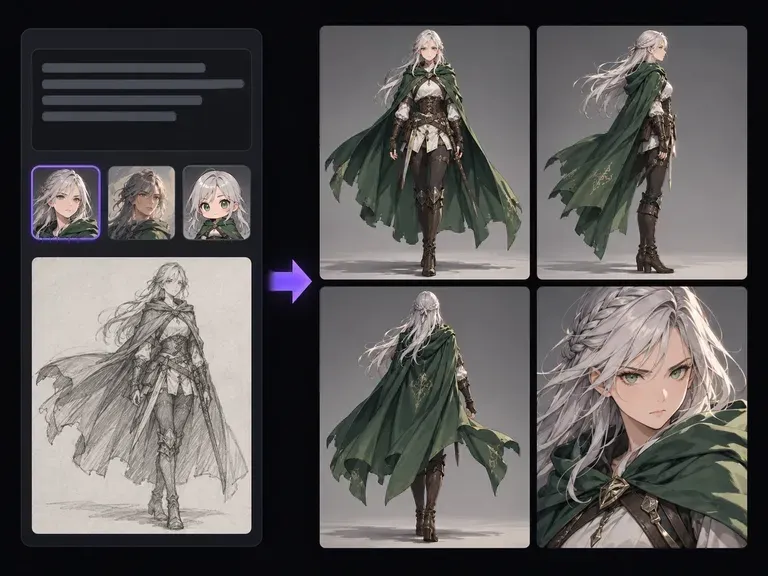
Design original characters from a written description to pair with your environmental concept scenes.
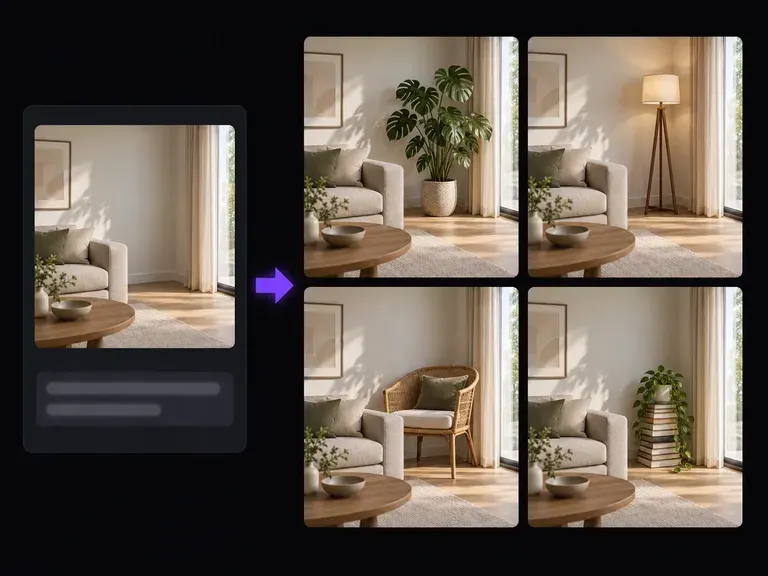
Add, replace, or extend props and architectural details inside a localized region of an existing photo.
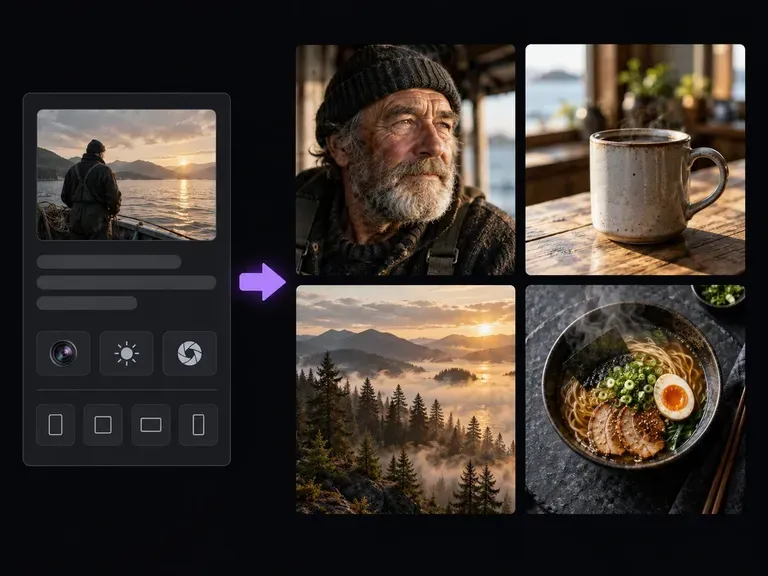
Create full photographic scenes when you want subject, wardrobe, and backdrop generated together.
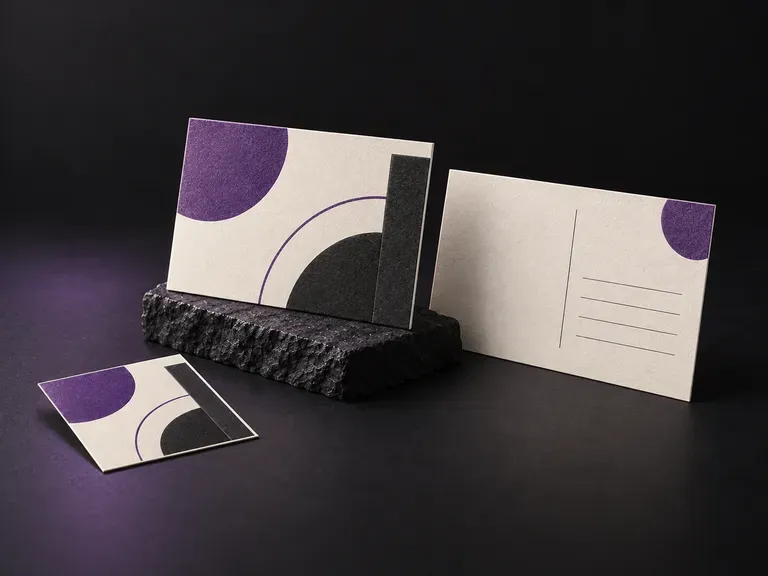
Check front artwork and back message layouts on flat or stacked 4x6 and A6 mailers.
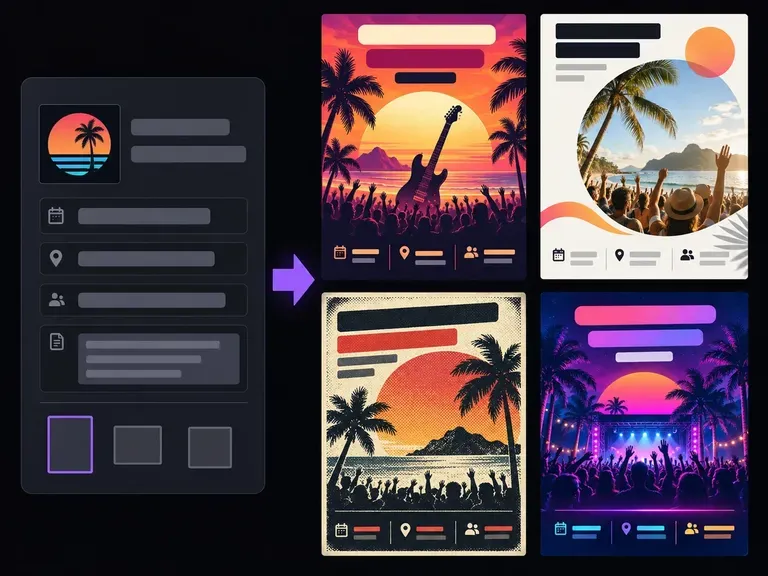
Lay out promotional handbills and event leaflets with strong headline and date hierarchy.
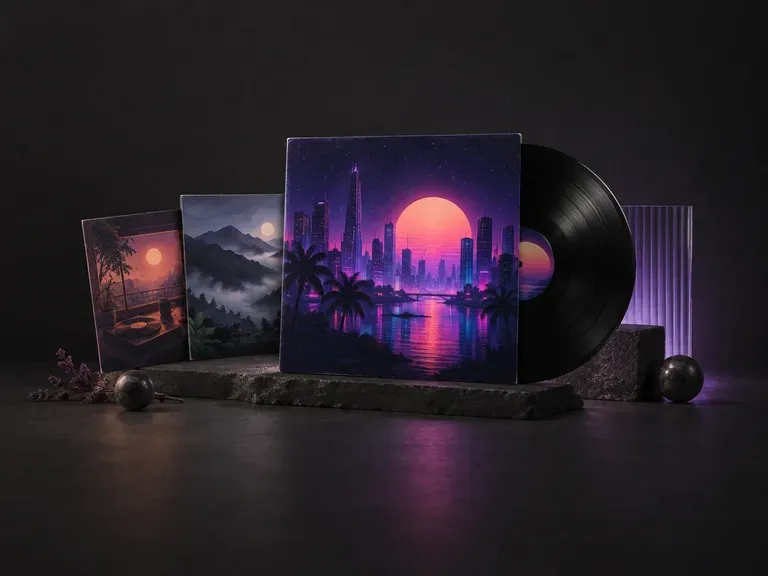
Create square 1:1 cover artwork built to hold up on vinyl sleeves and tiny streaming thumbnails.
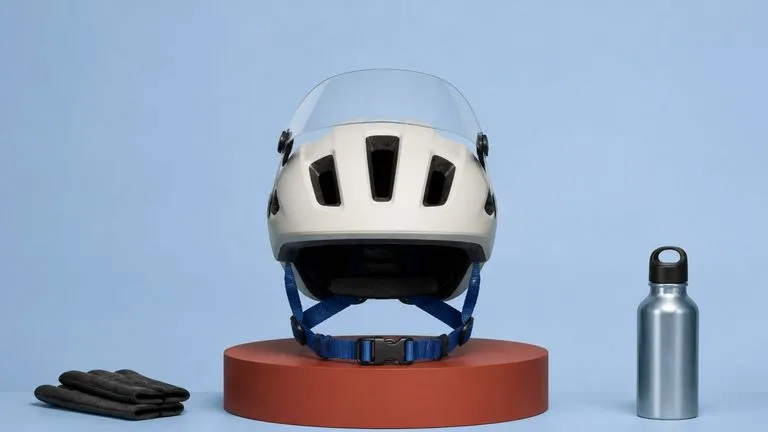
Produce realistic studio lighting, crisp contact shadows, and natural material grain for product shots.
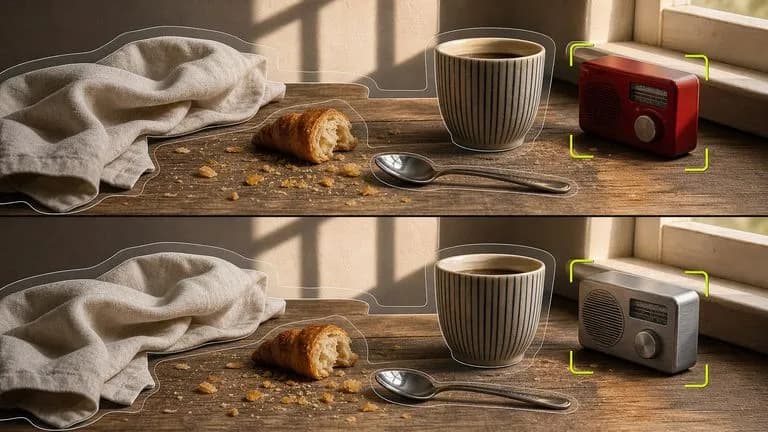
Swap backgrounds, lighting setups, or colorways while keeping your core subject geometry locked.

Explore four distinct framing and styling variations side by side on the canvas in a single run.
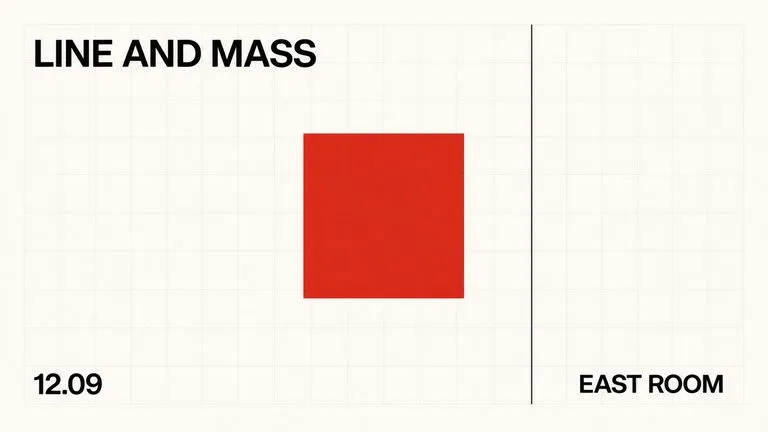
Keep display headlines, packaging wordmarks, and monogram badges sharp inside generated visuals.
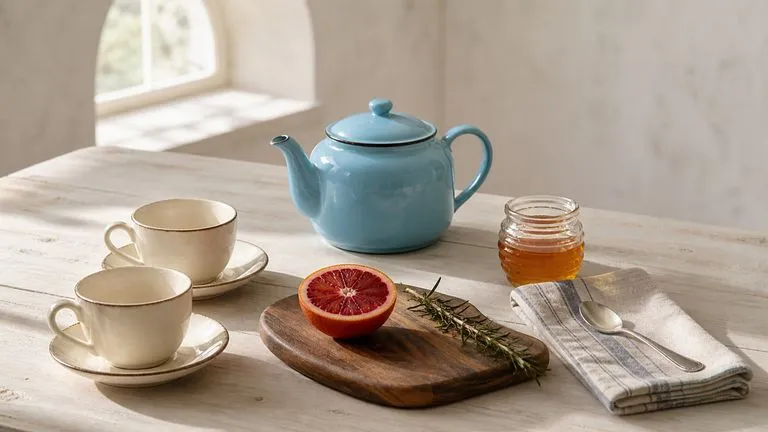
Translate detailed creative briefs into balanced compositions with reliable spatial relationships.
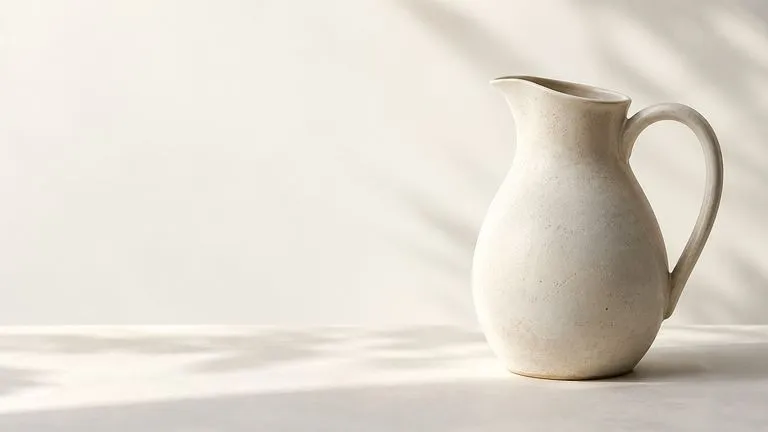
Render high-contrast metallic reflections, fabric weaves, and shallow depth of field.
Start from a written location brief or place your uploaded product into a fresh setting on the Virse canvas.