AI Background Generator

AI Background Generator

A rooftop at dusk, a foggy pier or a desert road at noon: the AI background generator builds the setting you write, on its own or around your product.

Masukan
Scene brief · WajibSubject assets · OpsionalStyle & mood reference · OpsionalScene type · OpsionalMood & lighting · OpsionalOutput aspect ratio · OpsionalNumber of images · Opsional
Keluaran
Freshly generated scene / background images (count based on selection); with subject assets uploaded, the subject is composited into the new scene

Subject assetsOpsional

Gambar diunggah di kanvas; formulir ini membawa pengaturannya.

Style & mood referenceOpsional

Scene typeOpsional
Mood & lightingOpsional
Output aspect ratioOpsional
Number of imagesOpsional

What is an AI background generator?

An AI background generator creates a new setting rather than editing an old one. It does not paste a poster into a real photo, and it does not fix the lighting in a picture you already have; other Virse tools handle those jobs.

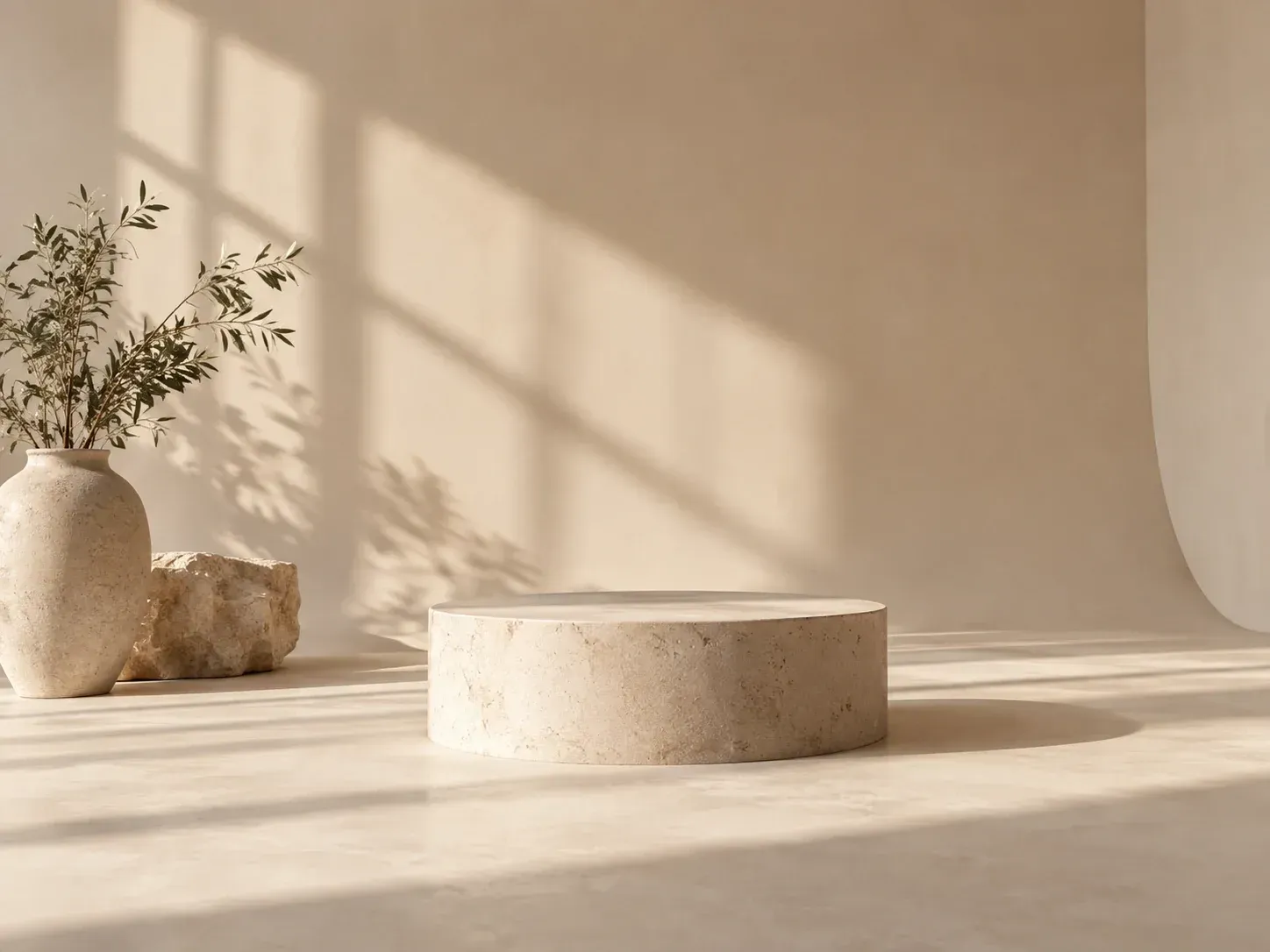
A new studio backdrop created from a description

Why use Virse for text to scene images?

Two ways in: a product that needs a setting, or just an idea.

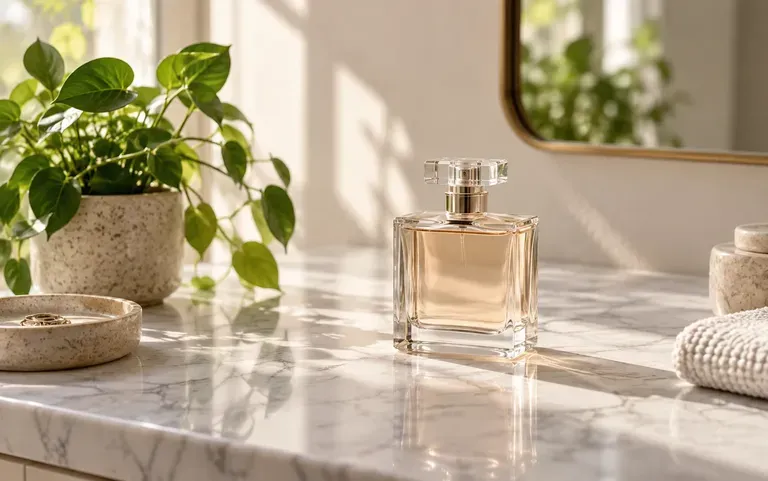
A perfume bottle placed on a marble counter
Product

Your product, new setting

Upload a product or character, describe where it should be, and get it placed in that scene.
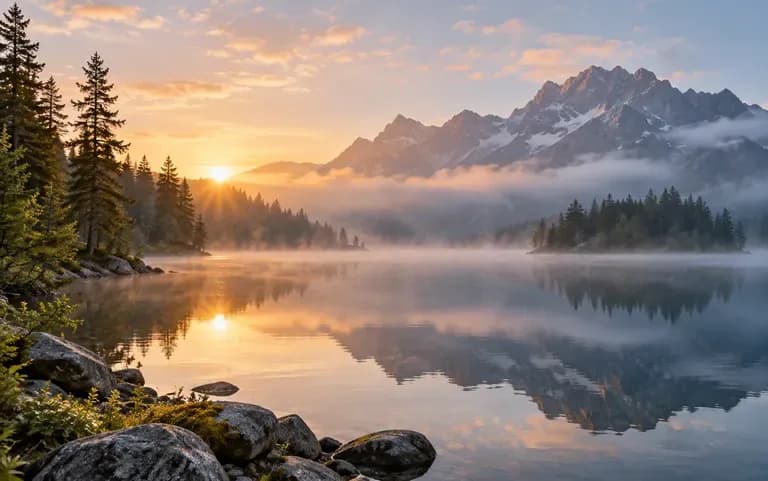
A misty mountain lake made from a description
Text to scene

From words alone

No image needed: describe the place, the light and the style, and a new scene is created.
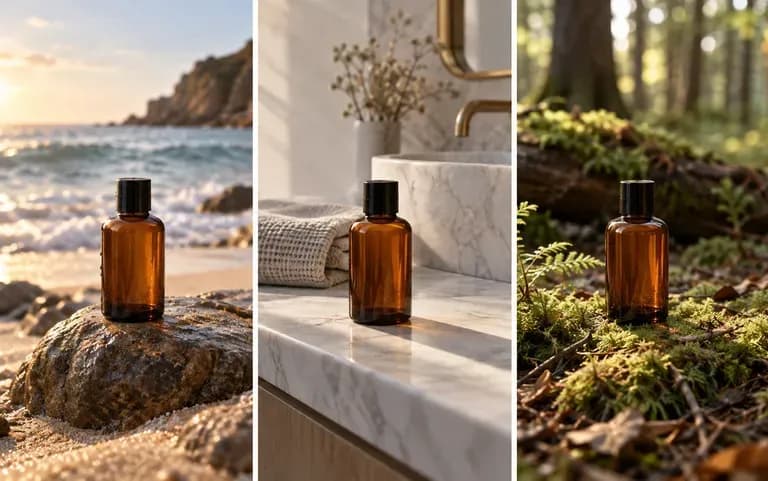
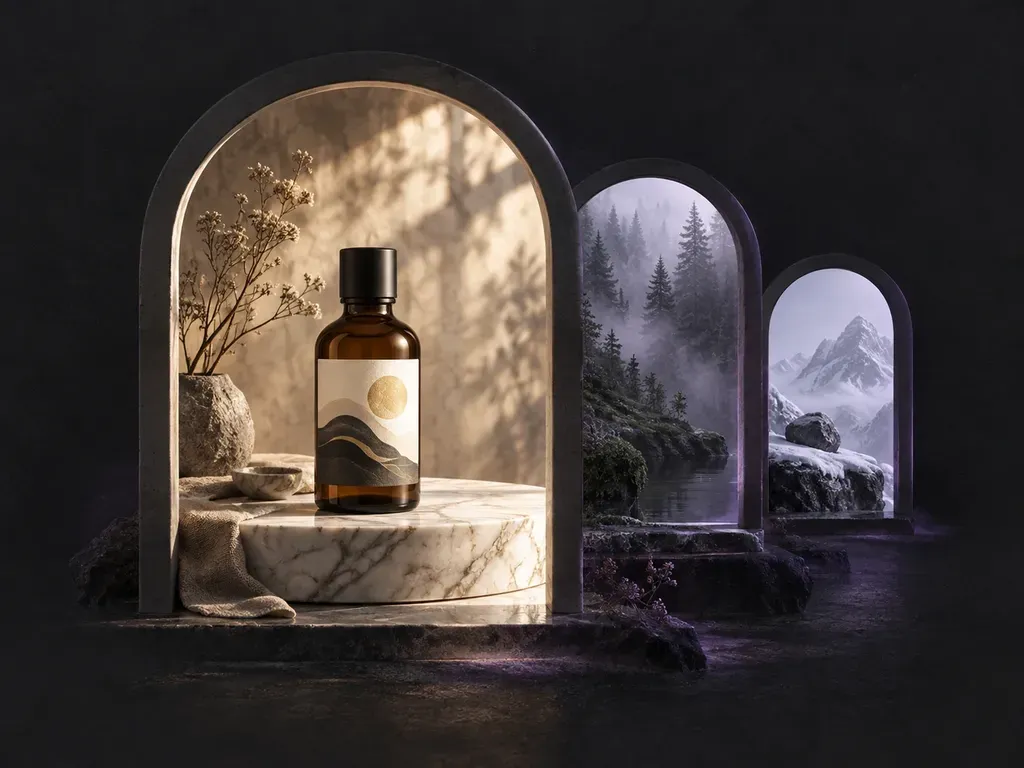
One bottle in three settings
Canvas

Settings side by side

Each background lands on your Virse canvas, so you can compare several settings for the same product.

How to use the AI scene creator

  1. Decide the start

    Upload a product or character, or start from text only.

  2. Describe the place

    Say where it is, what time of day it is and what style it should have.

  3. Create the scene

    The scene is generated in one run.

  4. Compare settings

    Try another description and keep the scene that fits.

Who uses a product background generator?

For settings that would be hard, slow or costly to photograph.
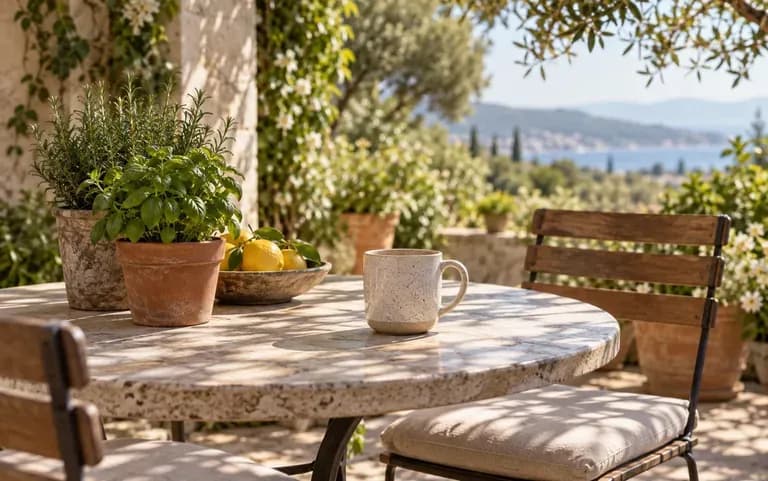
A mug on a sunlit patio table

Online sellers

Show a product on a sunlit patio table without booking a location.
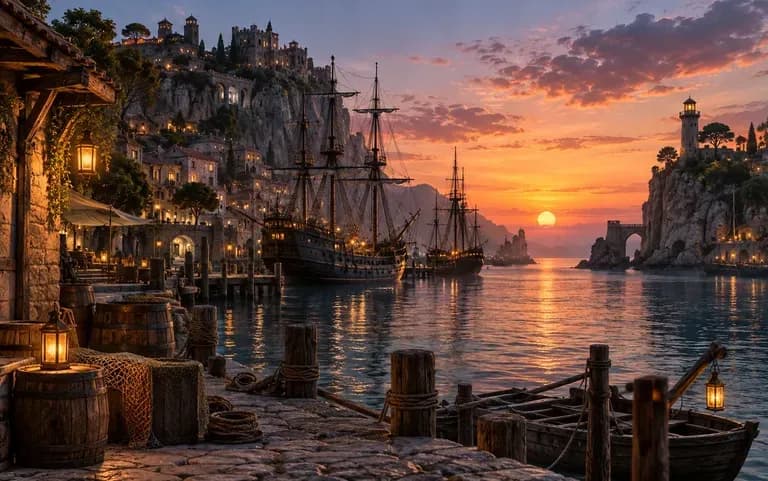
A fantasy harbor pictured for a story

Game and story creators

Picture a location for a story or a level before it is drawn.
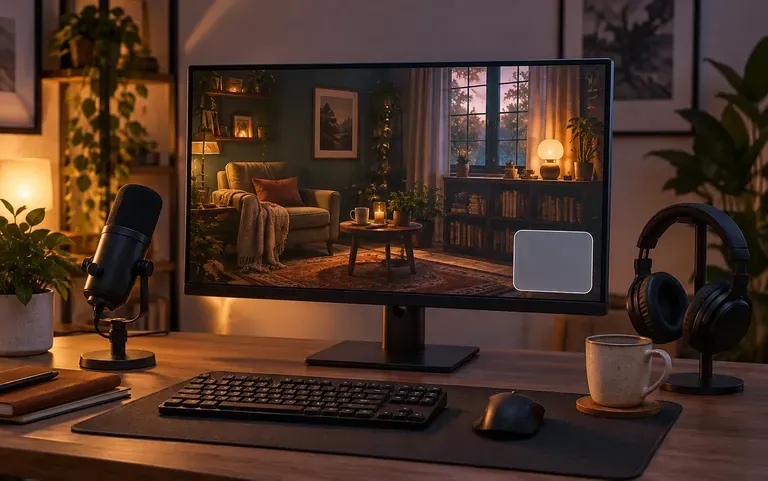
A still backdrop behind a stream overlay

Video creators

Make a still backdrop for a thumbnail or a stream overlay.
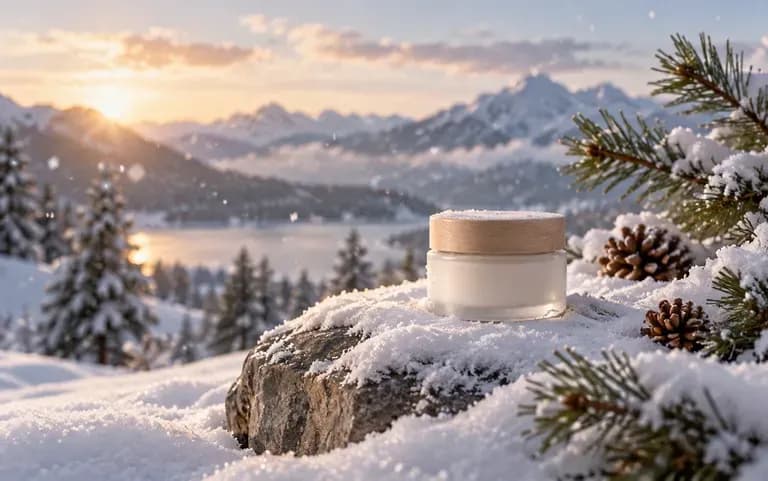
A product in a snowy winter setting

Marketers

Test a seasonal setting for a campaign image.
Scene ideas to generate

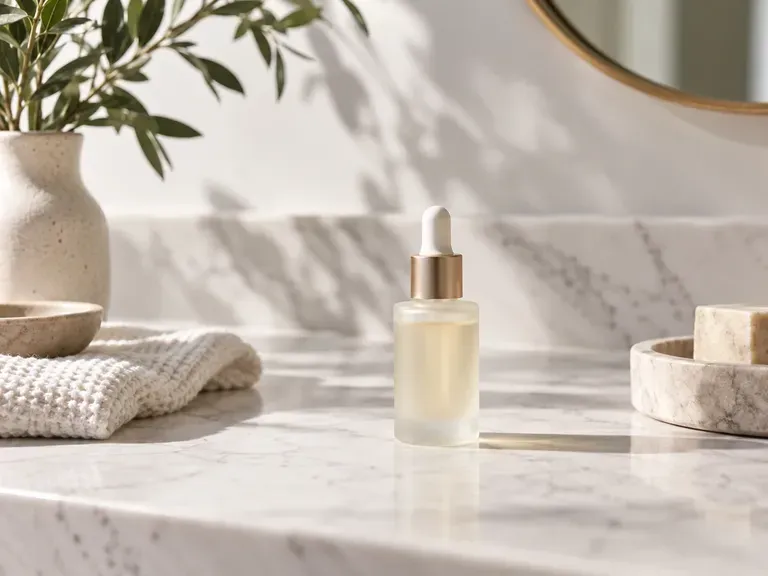
Marble Counters: a clean surface for beauty products
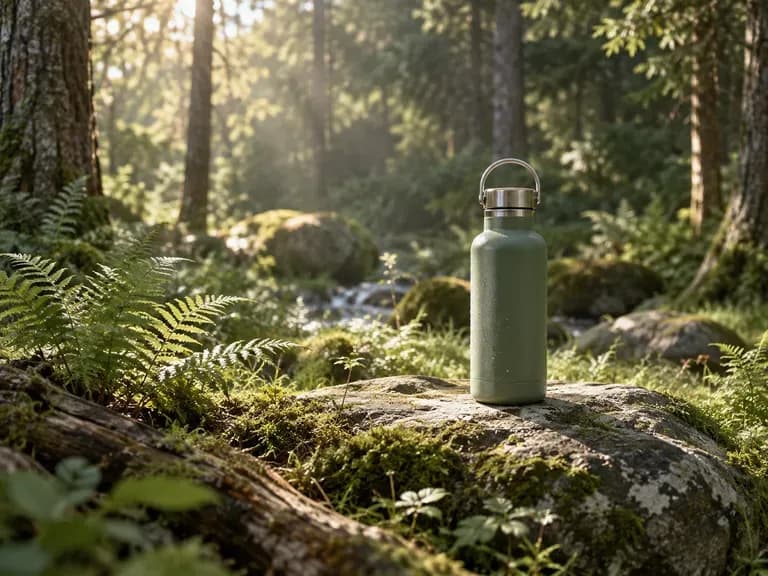
Forest Clearings: soft daylight through trees
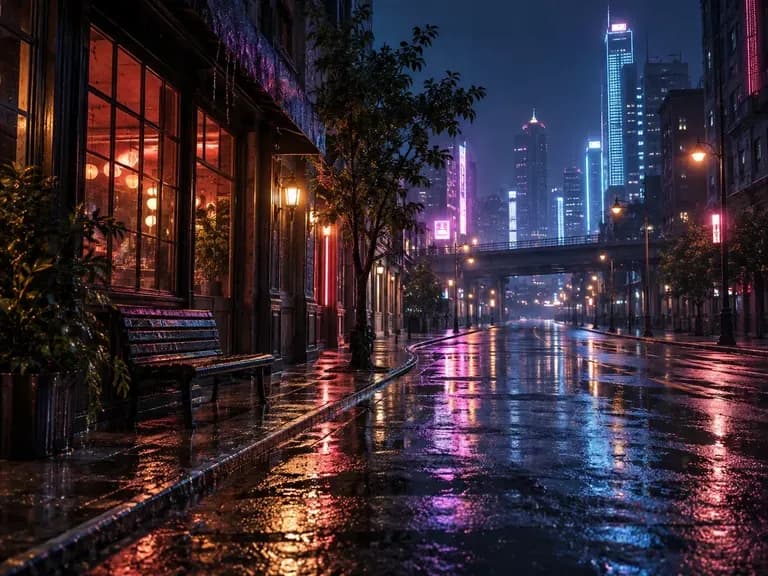
Neon Streets: rain and reflections at night
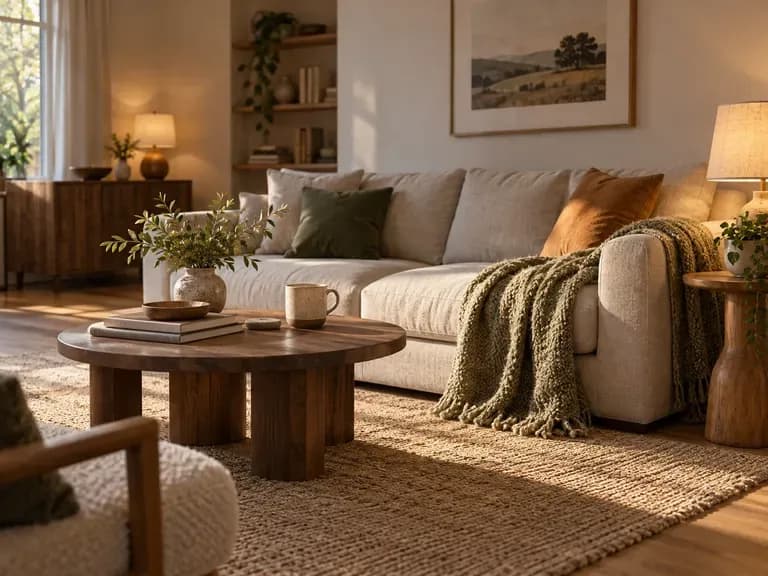
Cozy Interiors: warm lamps and a sofa
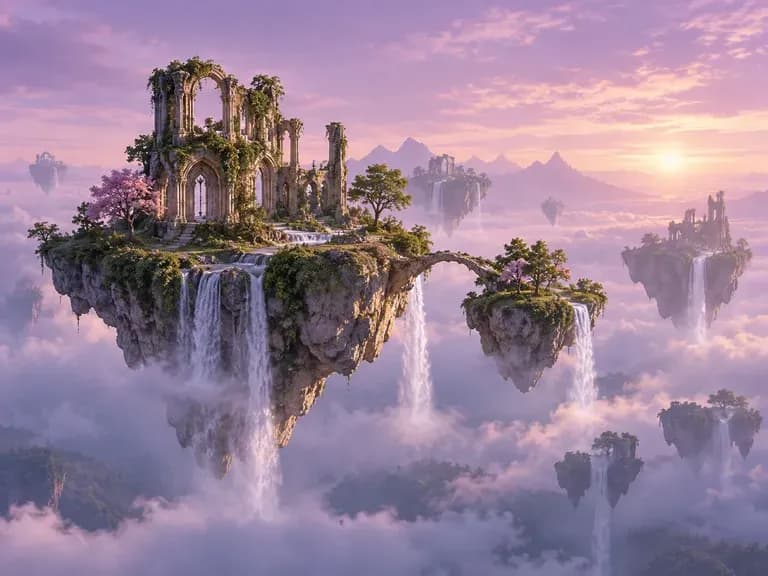
Fantasy Worlds: floating islands and odd skies
Holiday Tables: seasonal props around a product
FAQ

Frequently asked questions

Can it fix the lighting in a photo I already have?
No. It creates new scenes. For a composite whose lighting looks off, use a tool made for lighting fixes.
Can it place my poster into a real photo?
No. Showing a poster on a real wall is a mockup job. This tool generates the setting itself.
Can I put my product into a new scene?
Yes. Upload the product photo and write the scene you want around it. Check labels and small details in the result, since AI can alter them.
Can it make a background from text only?
Yes. Leave the upload empty and write the scene. Details such as time of day, weather and camera height give the model more to work with.
Is Virse's AI background generator free?
Yes. There are 200 compute waiting at sign-up, and 50 more arrive daily while the balance is below 200. Free scenes come out at 1K, with all image models open.
Can I use the scenes for product listings?
Check each marketplace's rules first. Some require a plain white main image, so a generated scene may fit only the secondary photos in a listing.

Create a new scene with AI

Name a place, then watch it take shape.