
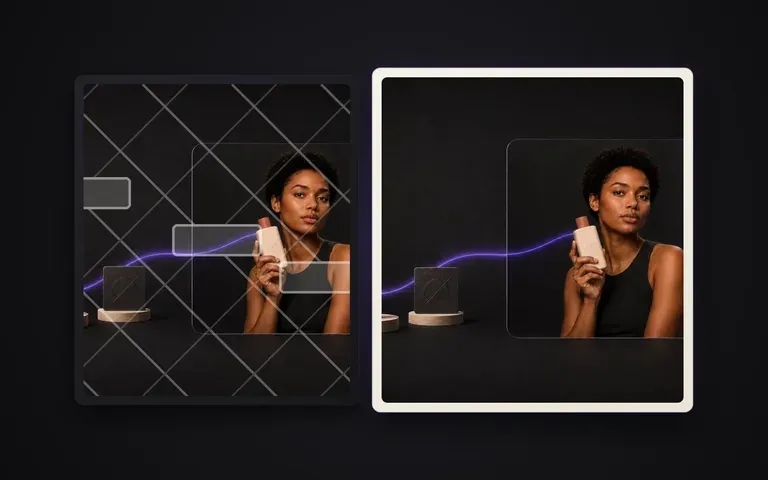
Full Inventory
Finds both opaque and ghosted marks
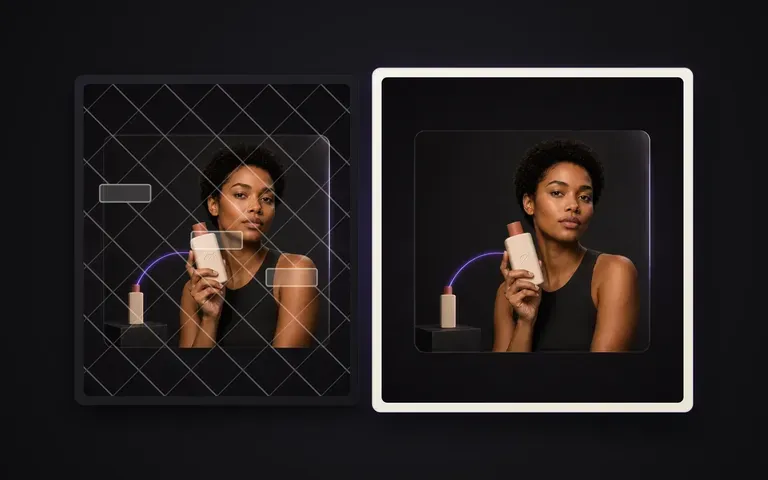
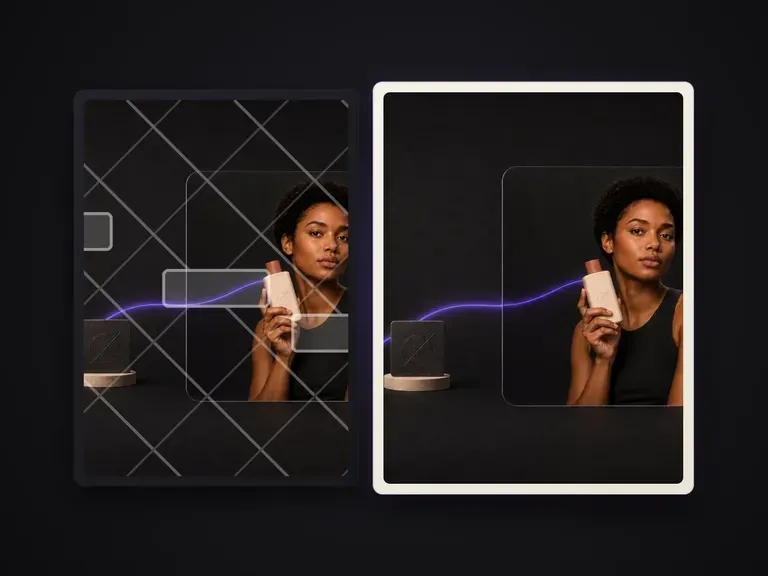
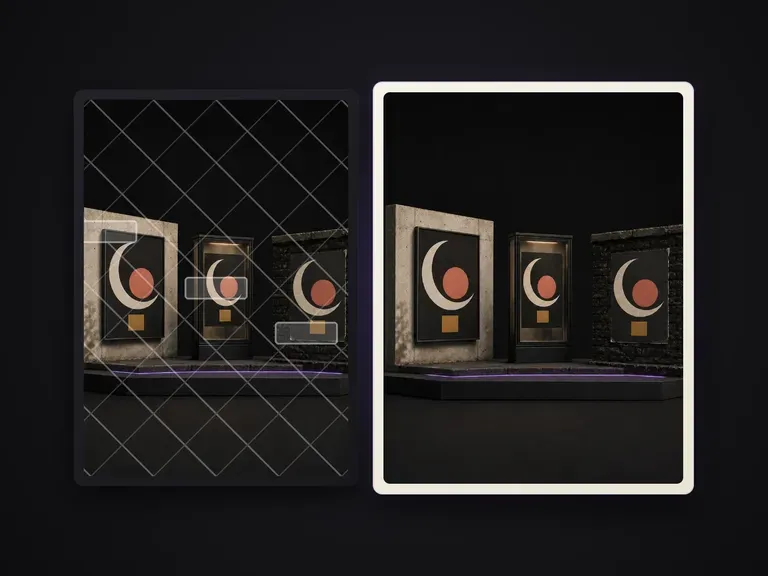
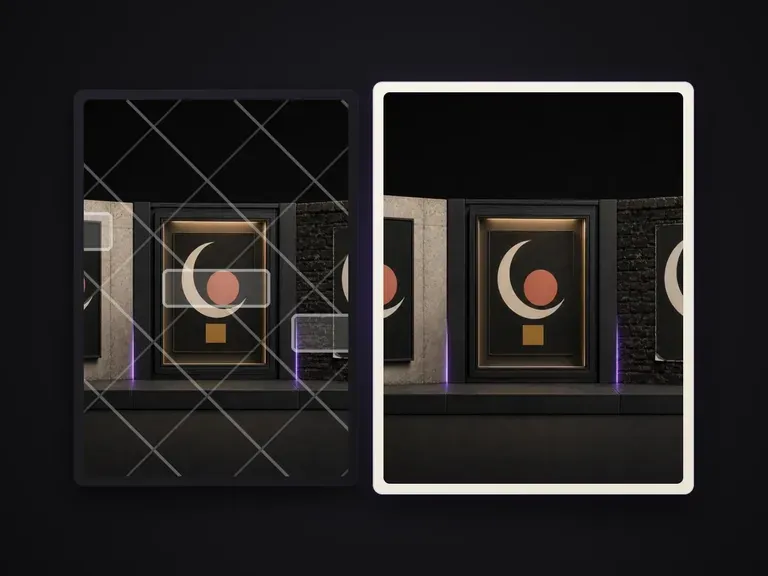
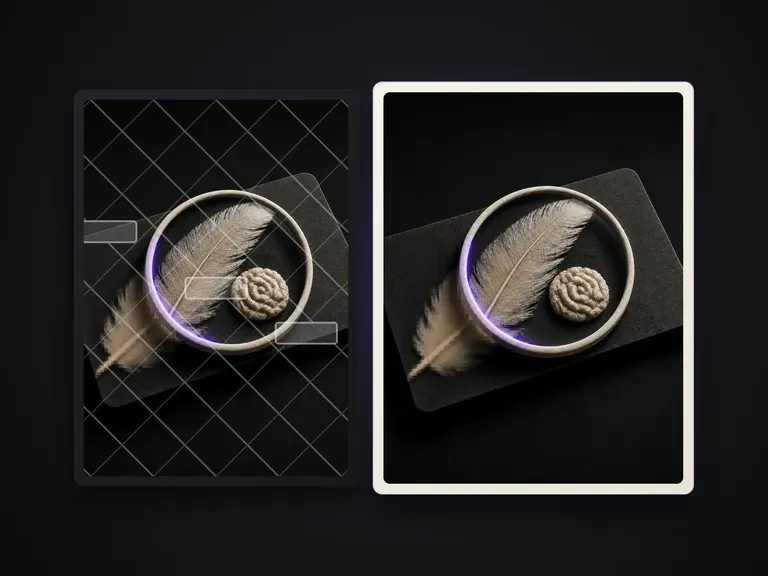
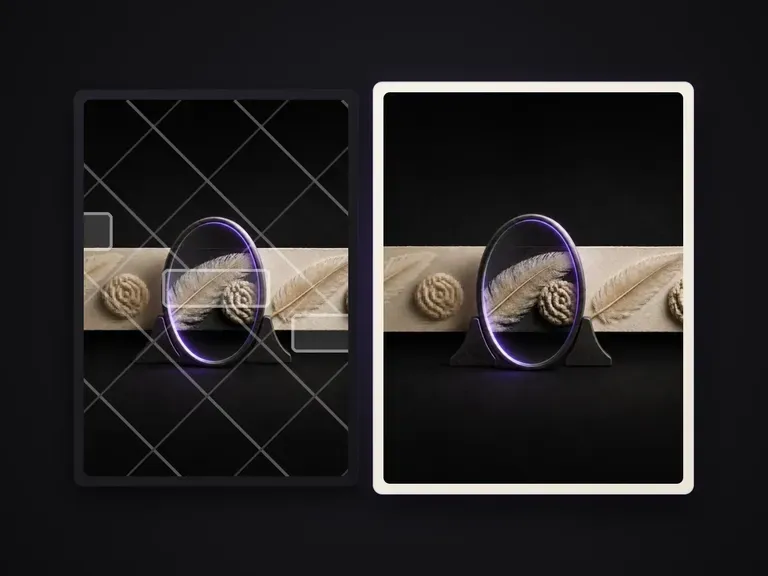
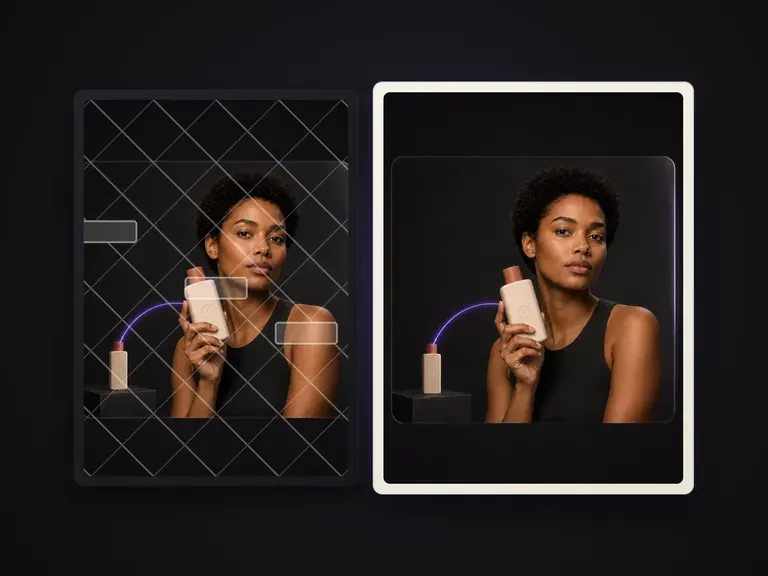
Handles solid corner logos, date stamps, foreground callout stickers, and low-opacity diagonal watermark grids in one pass.
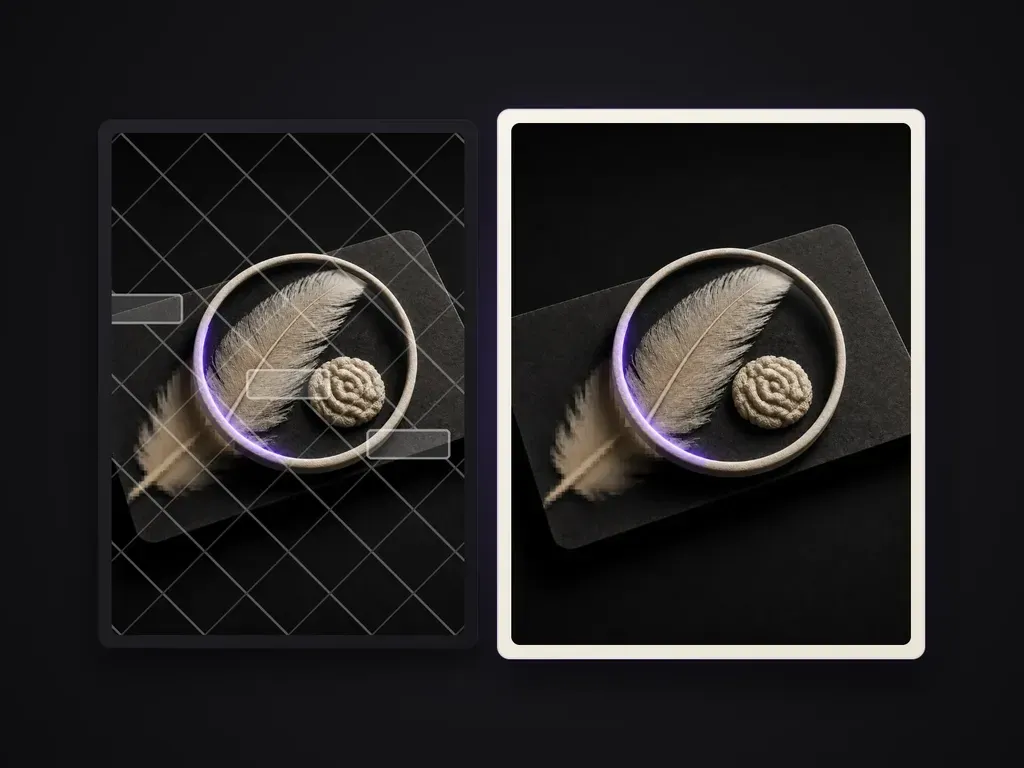
Inventories overlaid text and foreground patches on an image, cleans them item by item, and repairs the occluded background into a clean plate while keeping everything else unchanged.
Images exported from preview drafts, stock comps, or archival scans often carry semi-transparent text stamps, tiled diagonal logos, date overlays, or foreground sticker patches. Watermark Remover inventories every overlaid mark on your image, strips them item by item, and reconstructs the occluded background texture into a seamless clean plate while leaving every non-overlaid pixel untouched:
· Automatic overlay inventory: Detects semi-transparent text, tiled repeating marks, timestamps, and corner badges.
· Context-aware background repair: Rebuilds skin, fabric weave, sky gradients, and architectural lines underneath the mark.
· Unmarked regions preserved: Leaves all clean areas of your photograph sharp and unaltered.
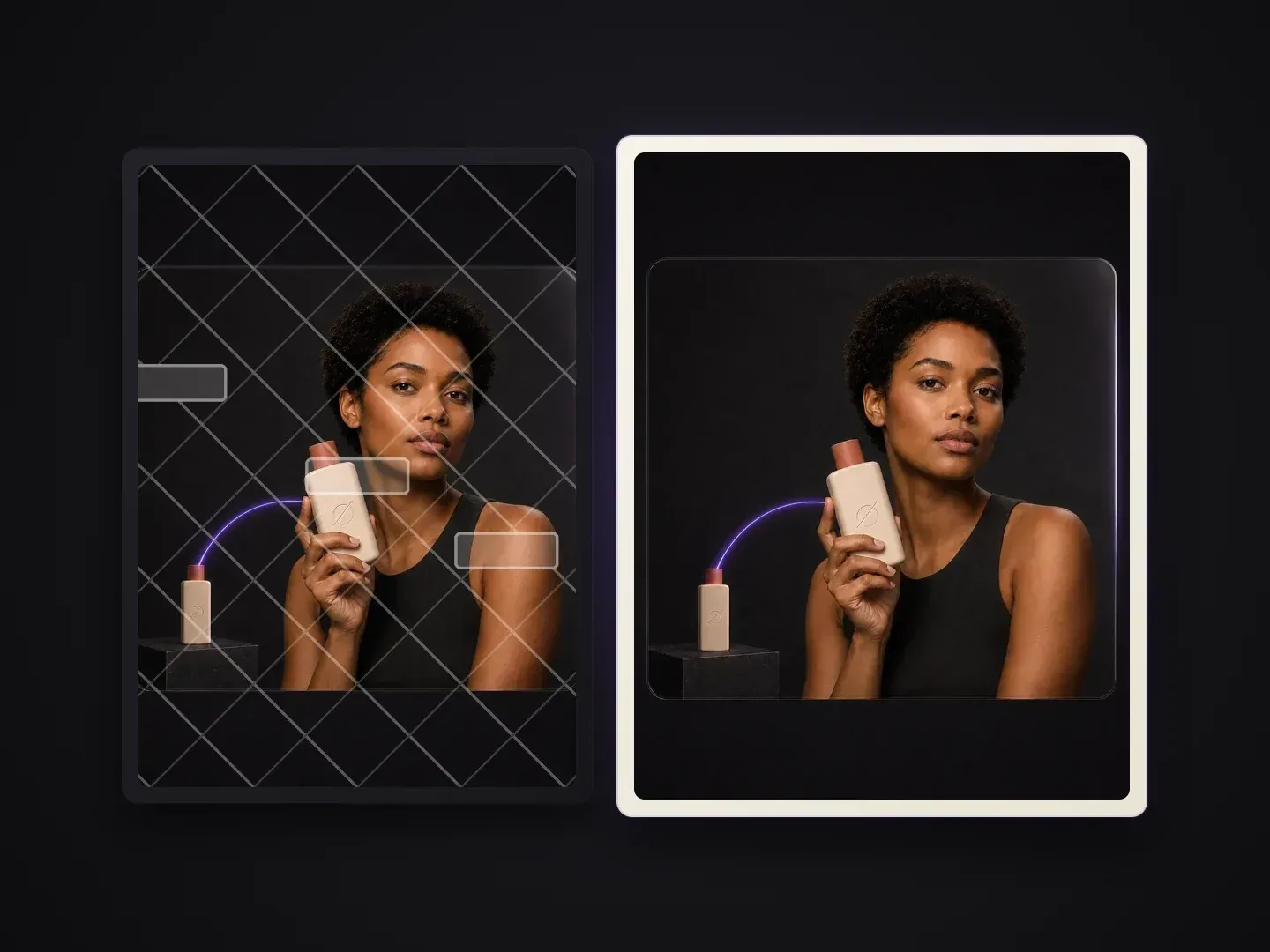
Removing the text is only half the job—the texture underneath has to look like the mark was never there.
Handles solid corner logos, date stamps, foreground callout stickers, and low-opacity diagonal watermark grids in one pass.
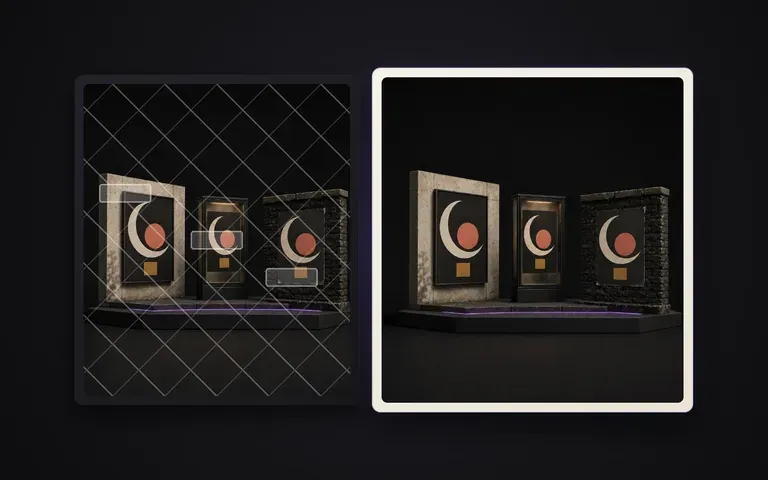
Synthesizes matching fabric grain, wood planks, foliage, or studio gradients across the repaired zone instead of leaving a blurry smudge.
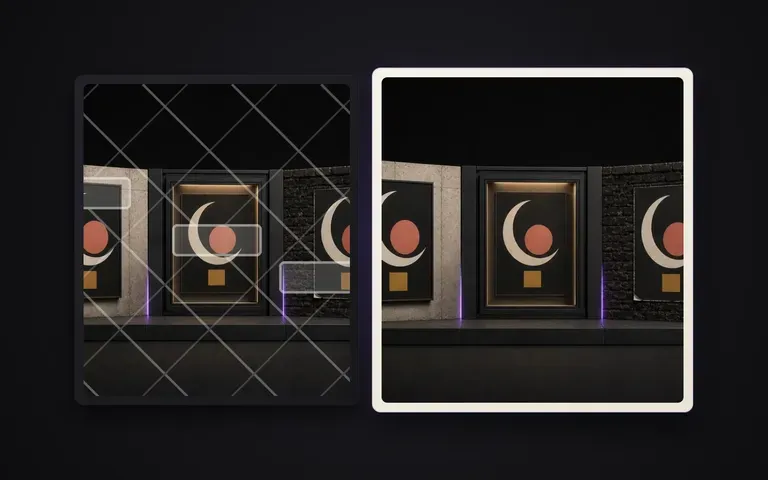
Only repairs the pixels occluded by the overlay, keeping product edges, faces, and composition intact.
What changes when overlaid text and badges are inventoried and repaired automatically.
Manual Clone Stamp & Blur Tools
Virse Watermark Remover
Drop in the photograph or design comp that contains overlaid text, stamps, logos, or foreground patches.
Leave it automatic to clean all overlays, or specify which corner badge, timestamp, or text layer to remove.
The tool inventories the overlaid elements, strips them out, and reconstructs the occluded background texture.
Compare the repaired clean plate on your Virse canvas and export or pass it into another Virse tool.
Only remove watermarks from images you own or are licensed to edit. When cleaning your own drafts, scans, or comps, add a short note if you want to keep certain graphic elements while stripping others:
· Archival product photo cleanup: Remove orange bottom-right camera date stamp and top proof banner; preserve product label typography.
· Repeating diagonal draft comp: Clean semi-transparent diagonal PROOF text grid across the studio portrait while keeping skin texture sharp.
· UI or social template plate: Strip foreground promo price sticker and corner badge to recover the clean lifestyle background plate.
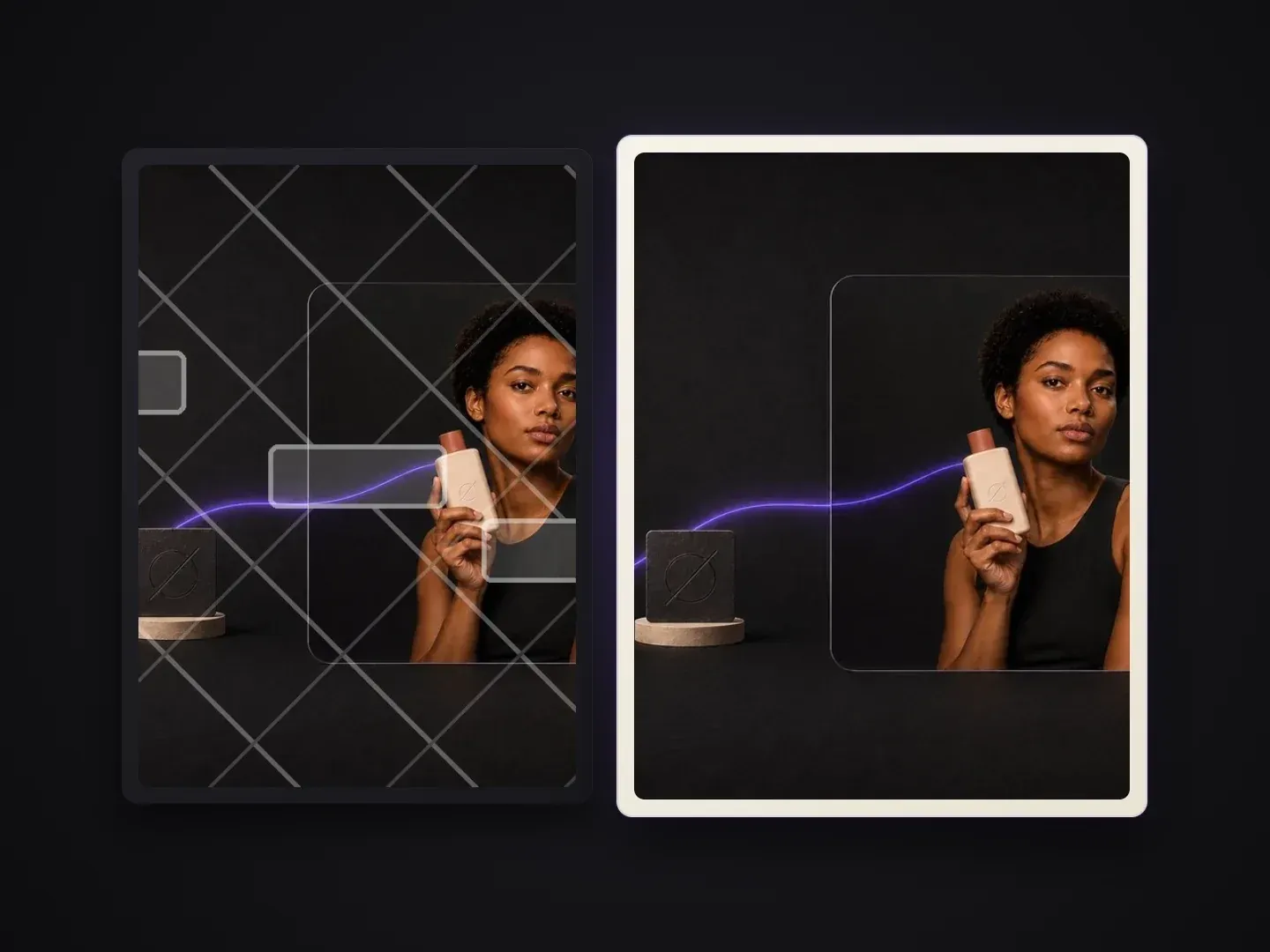
Teams recovering clean plates from their own drafts, archives, and licensed assets.
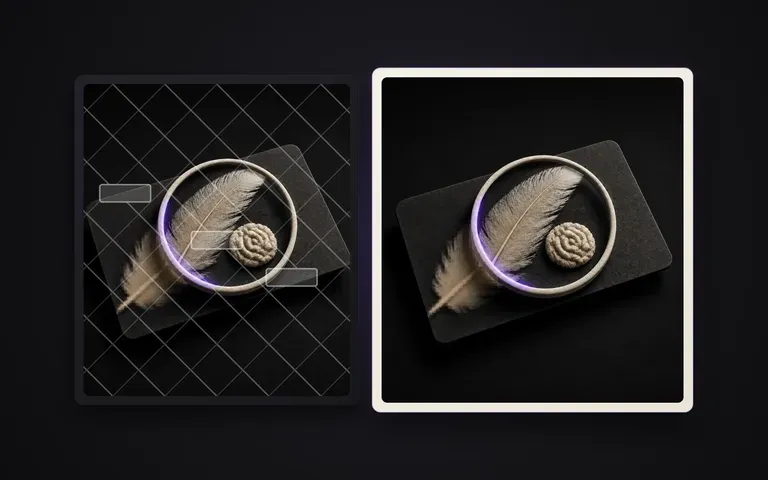
Clean legacy timestamps, promotional stickers, and old badge overlays off owned product photography to reuse clean packshots.
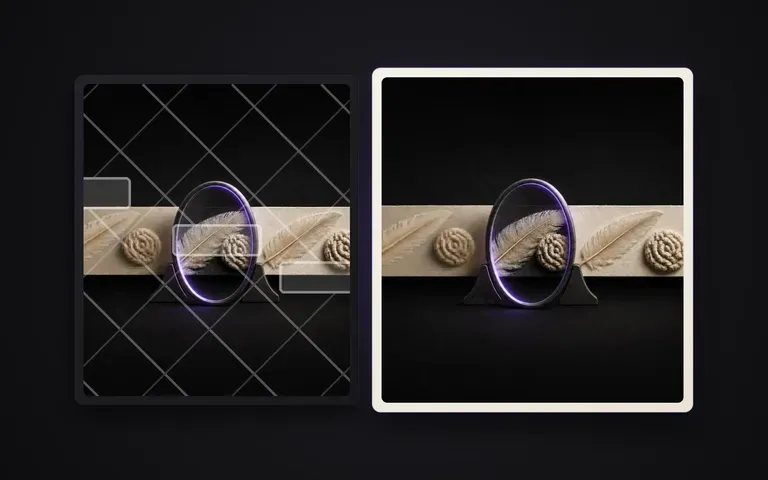
Strip draft annotations, frame numbers, and proof stamps from approved internal comps and storyboards.
Remove burned-in camera date stamps and scan labels from historical or personal photo archives without smudging grain.
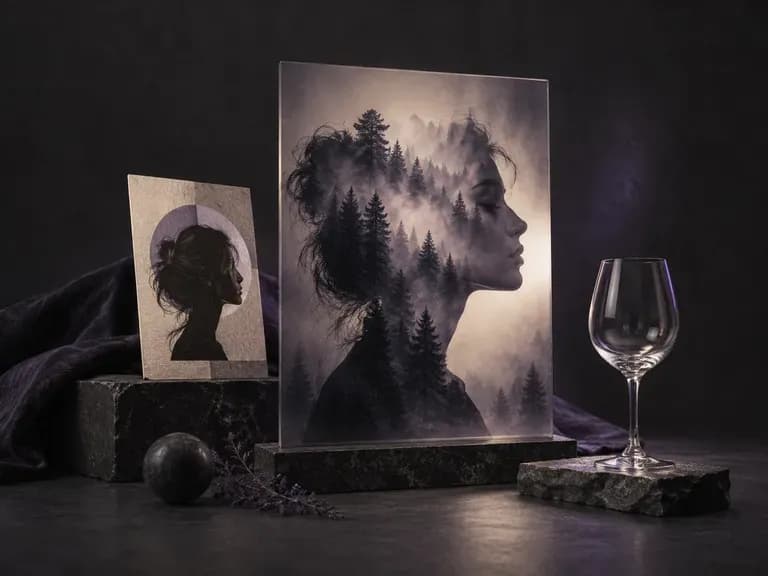
Upload a primary subject photo and a second texture or scene image, mark the target area, and describe how they should combine. Virse's image masking tool and AI photo blender merges both uploads into a double exposure, silhouette mask, or soft gradient composite.
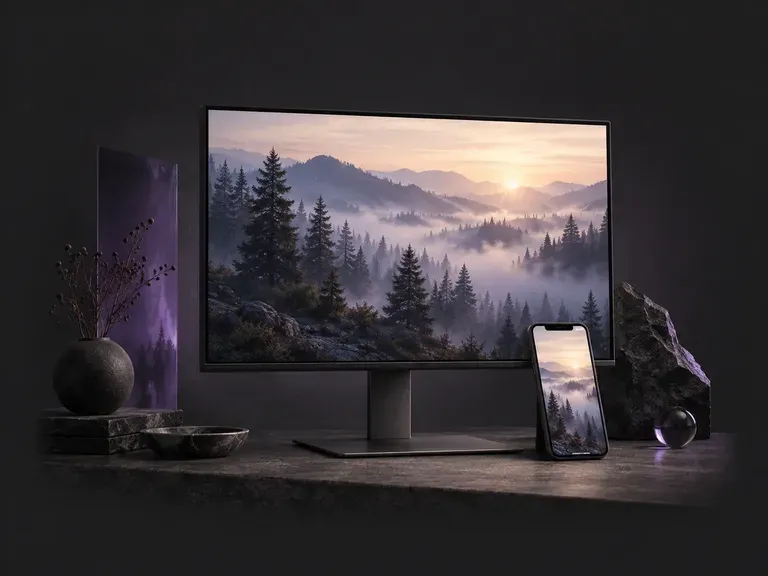
Choose a 9:16 phone or 16:9 desktop format, then describe the scene, style, and palette you want. This AI wallpaper generator creates custom screen backgrounds across minimalist gradients, misty landscapes, anime skylines, and 3D geometry with clock headroom.
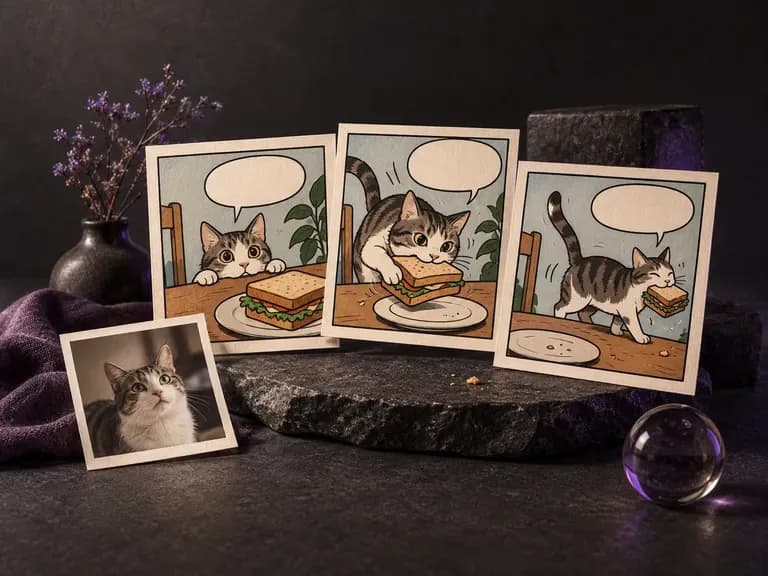
Whether you are pitching a three-panel gag, illustrating a handout, or redrawing a favorite photo in ink and halftone dots, this AI comic generator turns written beats or uploaded pictures into single comic frames and short sequential strips on the Virse canvas.
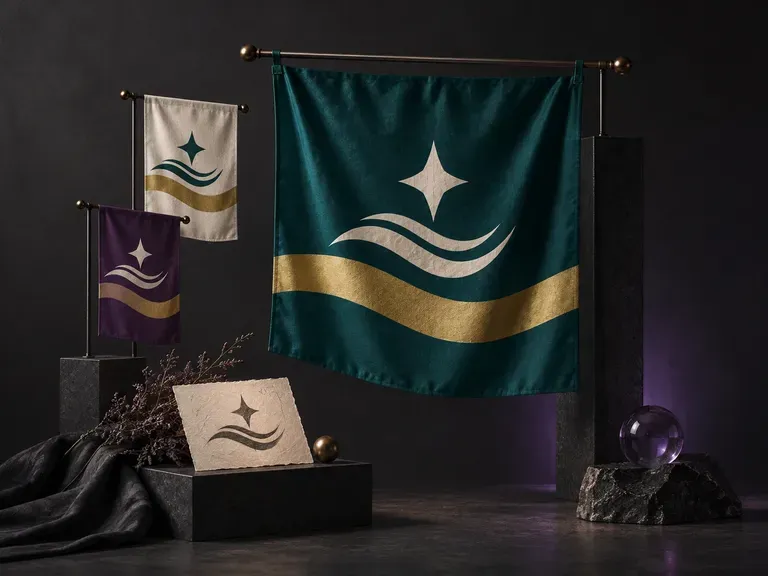
A strong flag reads clearly across a stadium or on a worldbuilding map. Describe your field colors, geometric division, and central motif, or upload an emblem, and this AI flag generator creates a front-facing flag design and flagpole preview on your Virse canvas.
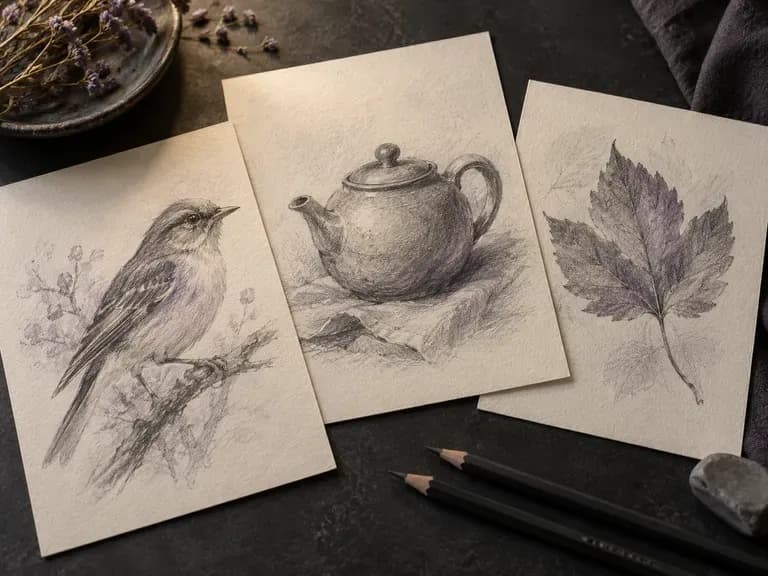
Render graphite pencil studies, architectural pen-and-ink linework, charcoal drawings, fashion croquis, and industrial wireframes with our AI sketch generator. Start from text or upload a photo to control contour weight, cross-hatching, and paper texture.
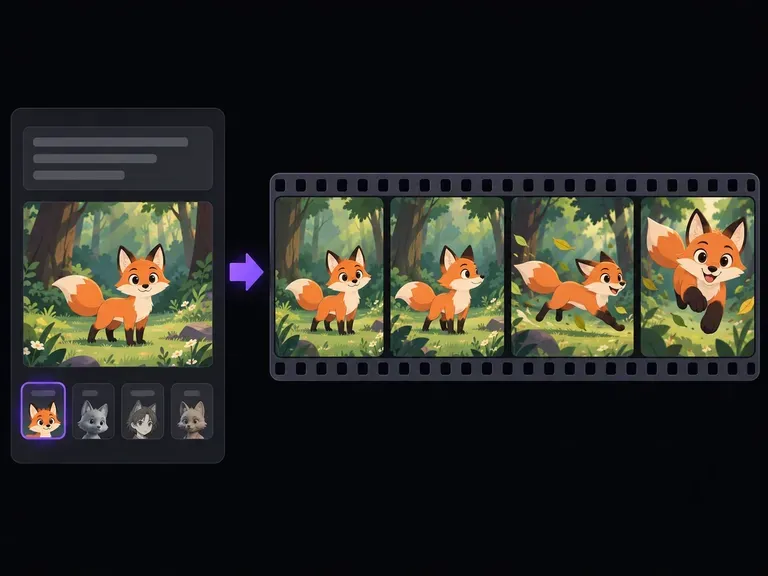
Turn text prompts or character illustrations into short animated video clips online. Choose 2D cartoon, anime cel-shading, 3D CGI, claymation, or sketch styles, set one clear motion beat, and export MP4 clips in seconds.
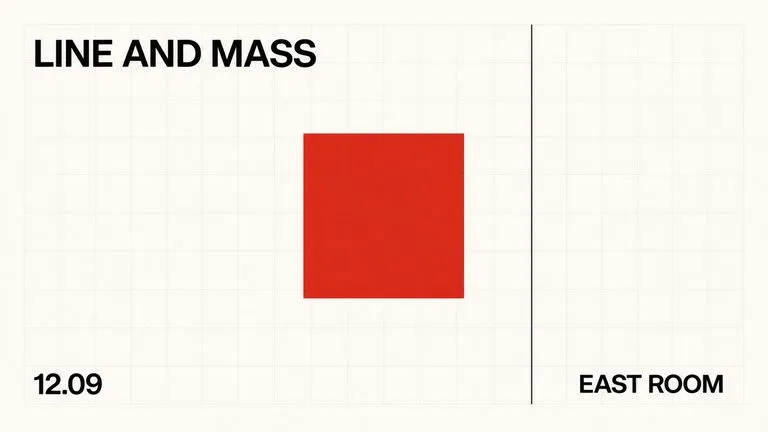
A text-to-image foundation model trained from scratch around layout, with bounding-box placement, hex colour conditioning, and native 2K output.
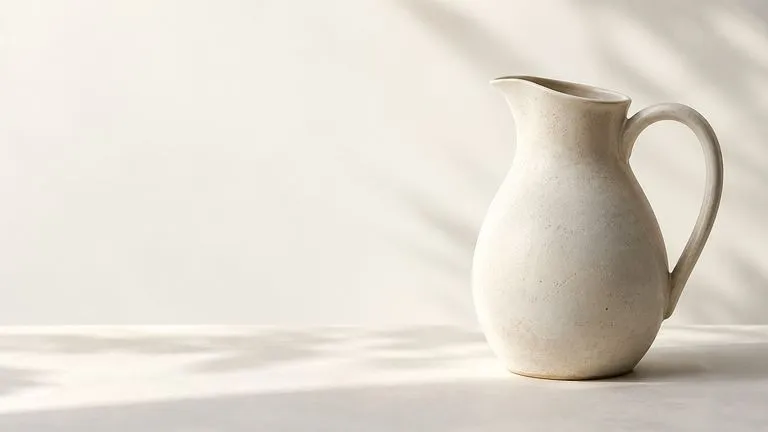
Create and edit stills with FLUX 3 Image at 1K, 2K or 4K. Switch to FLUX 3 Video for 5–20-second scenes at 720P or 1080P with native audio, on the same Virse canvas.

Generate and edit images with Nano Banana 2.1 in Virse. Choose 1K, 2K or 4K output and use up to 14 reference images to guide the subject, setting and materials.
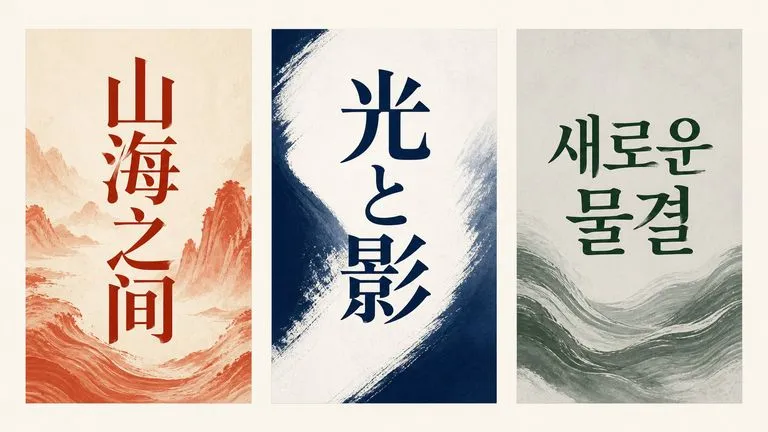
Alibaba's Qwen Image 3.0 Pro renders type as language across a dozen scripts, holding legibility down to ten pixels in dense layouts.
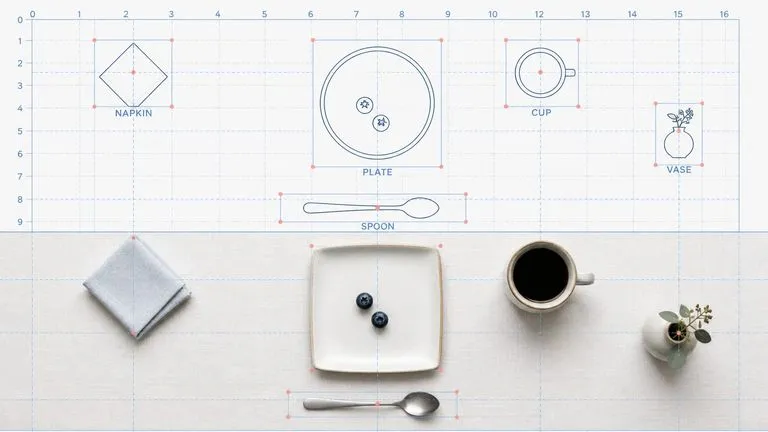
Reve AI's second-generation model builds an addressable layout of positioned elements before it renders, so a specified arrangement comes back arranged.
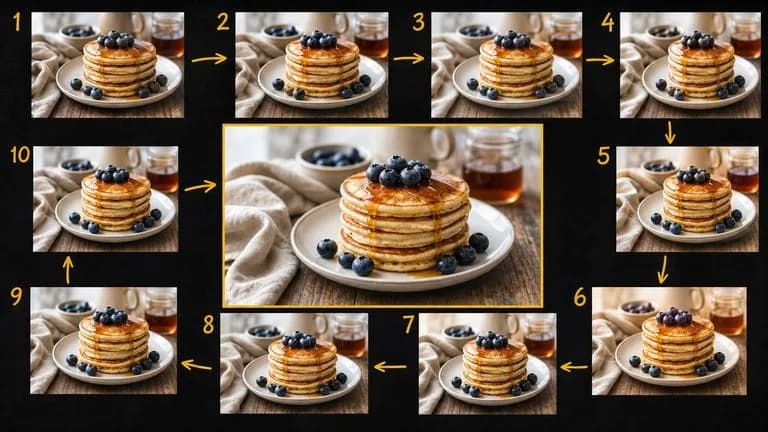
Google's Gemini 2.5 Flash Image — the original Nano Banana — generates and edits pictures at conversation speed, so a correction takes a sentence instead of a session.
Continue in your Virse canvas to review the inputs and run this tool.