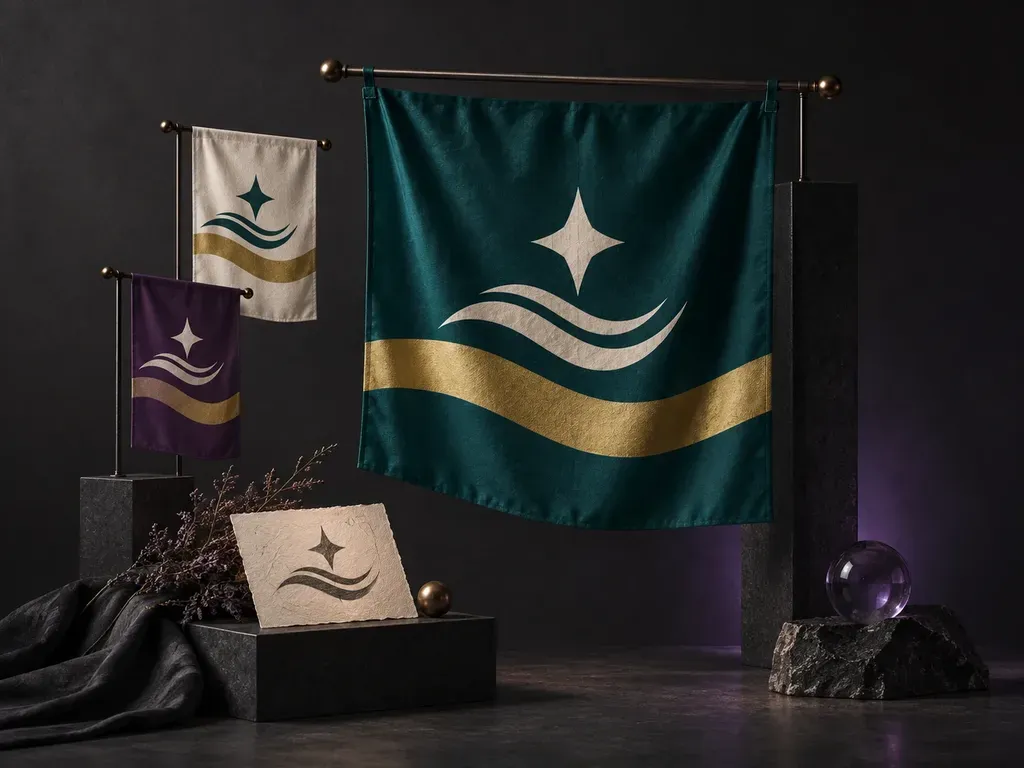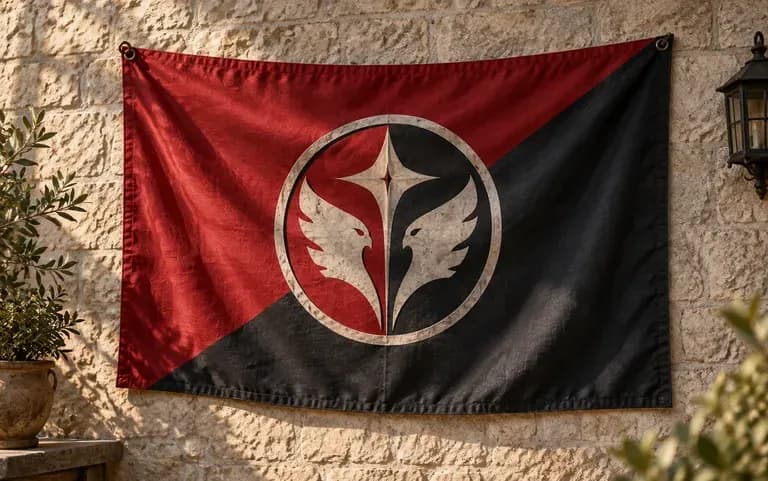
Emblem input
Start from Your Emblem
Upload an existing team crest, guild mark, or society logo and describe the colored field around it so the banner builds directly on your group's established symbol.
A strong flag reads clearly across a stadium or on a worldbuilding map. Describe your field colors, geometric division, and central motif, or upload an emblem, and this AI flag generator creates a front-facing flag design and flagpole preview on your Virse canvas.
An AI flag generator (or flag generator AI and AI flag designer) turns field colors, divisions, and motifs into a custom flag concept using core vexillology rules:
• Simplicity and silhouette: Use bold geometric divisions like tribands, Nordic crosses, cantons, saltires, or chevrons that read clearly at map-icon scale.
• High-contrast color palettes: Pair dark navy, forest green, or crimson fields with gold, white, or cream bands so your emblem pops.
• One central charge, no tiny text: Feature a single star, compass rose, heraldic beast, or uploaded club crest without small lettering that blurs.
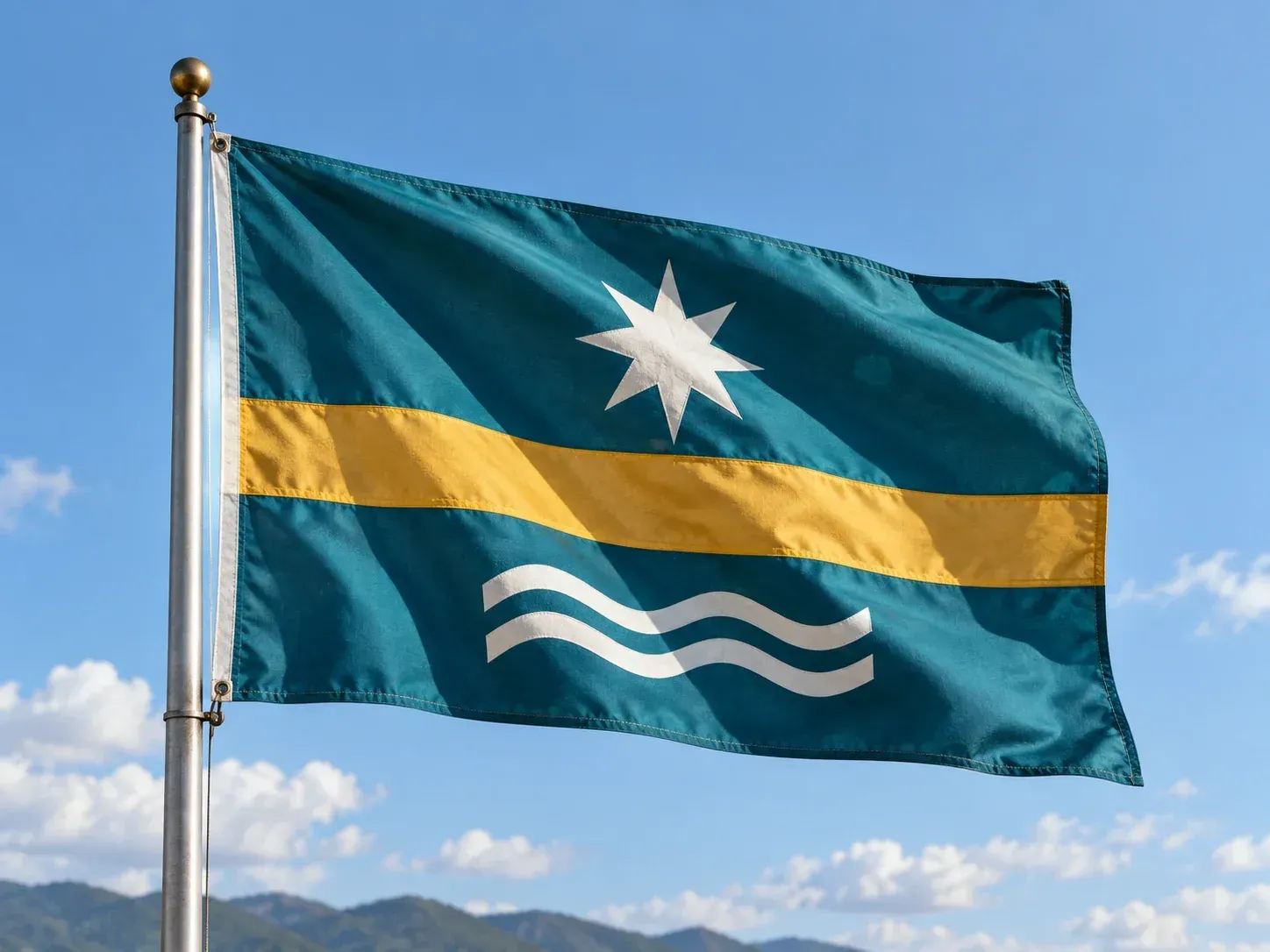
Three practical checks that are much easier to settle on a digital canvas than on printed fabric.
Upload an existing team crest, guild mark, or society logo and describe the colored field around it so the banner builds directly on your group's established symbol.
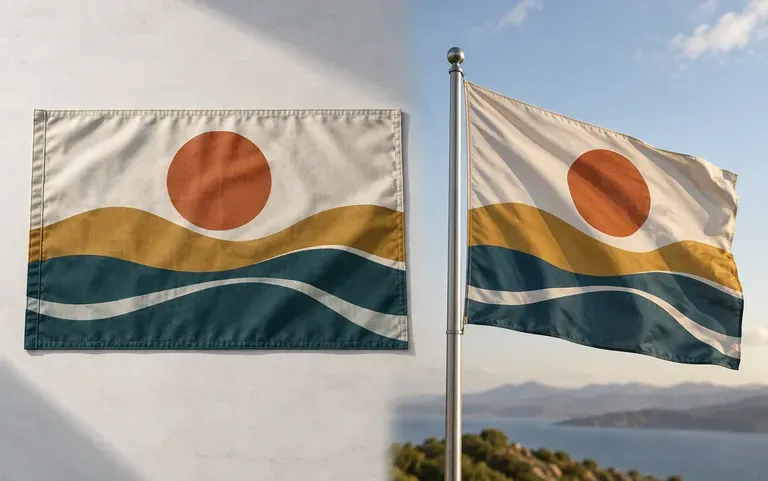
Preview your flag hanging from a flagpole alongside the flat front-facing layout to catch overly busy patterns before committing to a design.
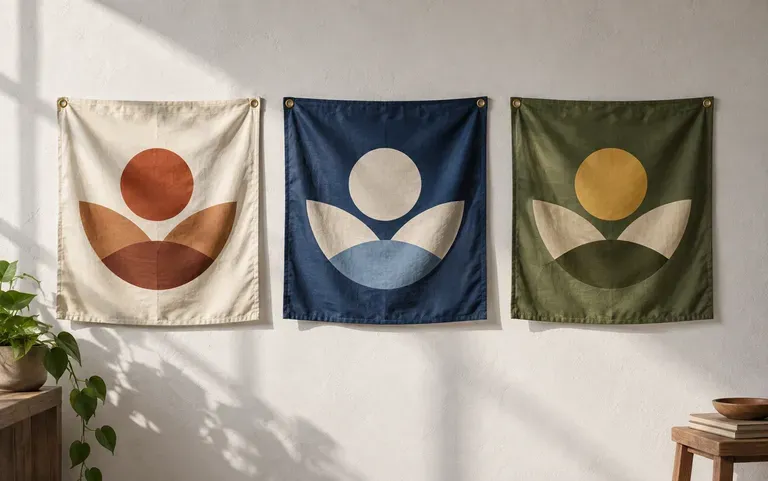
Keep multiple color schemes and stripe divisions side by side on your Virse canvas so members, players, or readers can vote on the strongest banner.
How prompting custom flag geometry and emblem integration compares with rigid grid editors.
Rigid Clip-Art Flag Builders
Virse AI Flag Generator
Pick two or three high-contrast colors, name the main background field, and choose a geometric division like a triband, saltire, or chevron.
Specify one recognizable charge, such as a star, anchor, pine tree, or mythical bird, placed either in the center or upper hoist canton.
If your sports club, scout troop, or esports clan has an emblem, upload it in the flag AI generator form to build around it.
Generate the concept on your Virse canvas, test an alternate color scheme in a second pass, and inspect both the flat and flagpole views.
Vexillology geometry terms produce crisp banners. Copy any of these three prompts to test an AI country flag generator or club banner:
• Fictional nation flag: "Horizontal triband flag with wide navy top and bottom bands, narrow cream center stripe, gold astrolabe emblem, flat front layout, no text."
• Nordic cross flag: "Forest green rectangular flag with an off-center ivory Nordic cross and a copper oak-leaf emblem in the upper hoist canton, clean geometry."
• Esports & club banner: "Diagonal bicolor flag split in charcoal black and crimson, centered white geometric wolf head inside a shield border, flat and pole view."
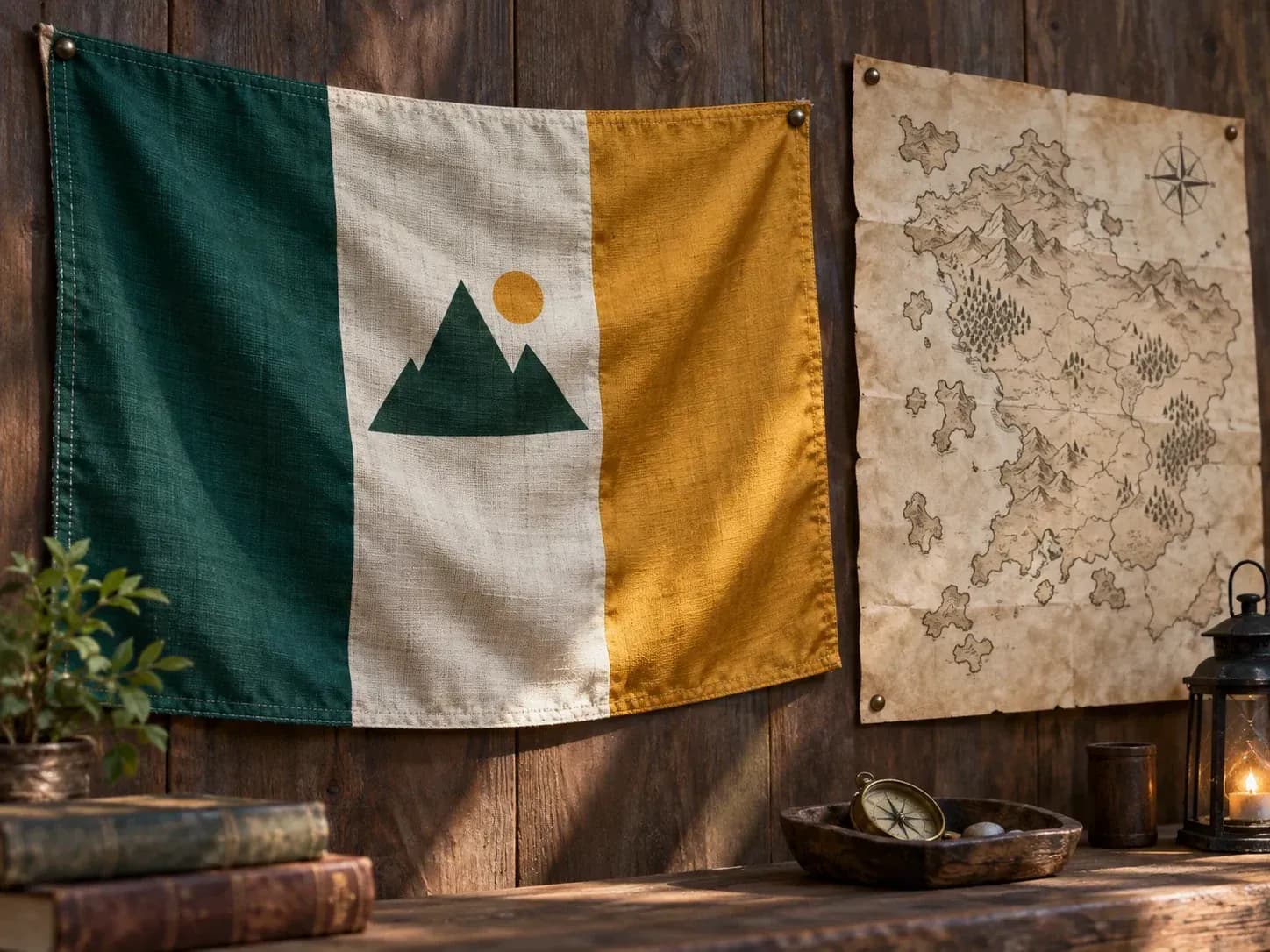
Four communities that create custom flags for fiction, competition, and outdoor gatherings.
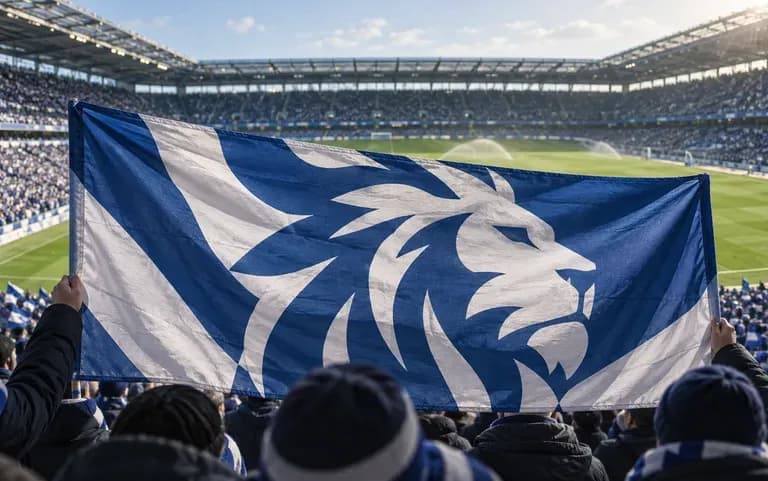
Design match-day supporter flags and stadium banners in official club colors that stay recognizable across the stands.
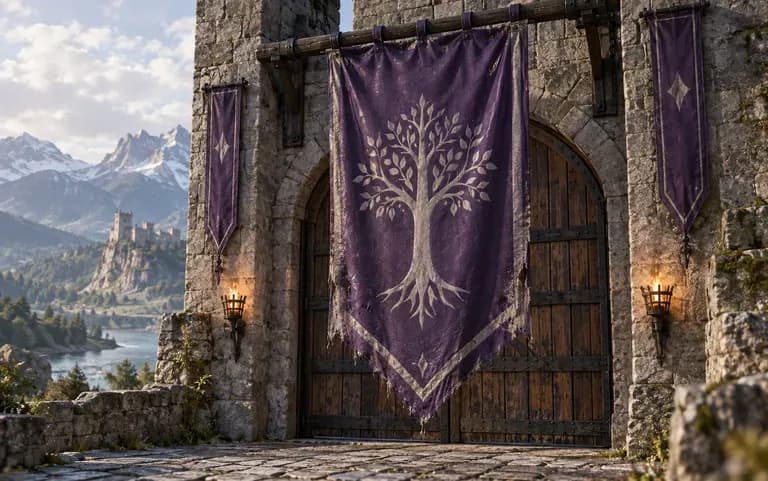
Use the tool as an AI country flag generator to give fictional nations, RPG kingdoms, and sci-fi factions distinct heraldry for world maps.
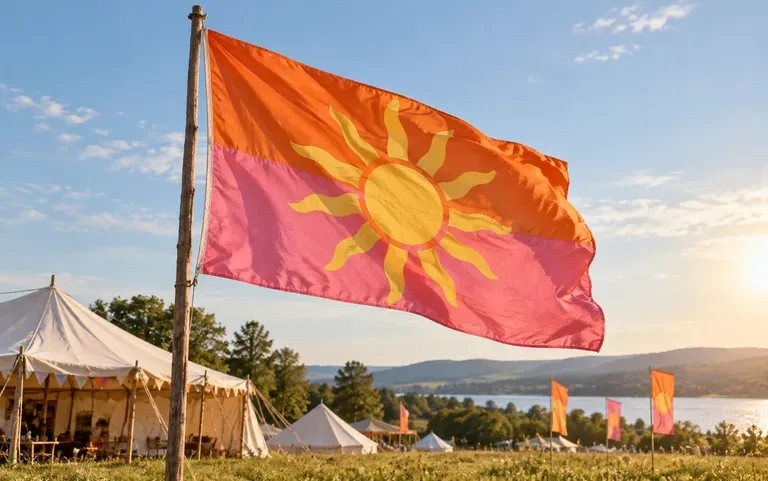
Create high-visibility festival flags, race-day markers, and school house banners with bold colorblocking and simple crowd-friendly icons.
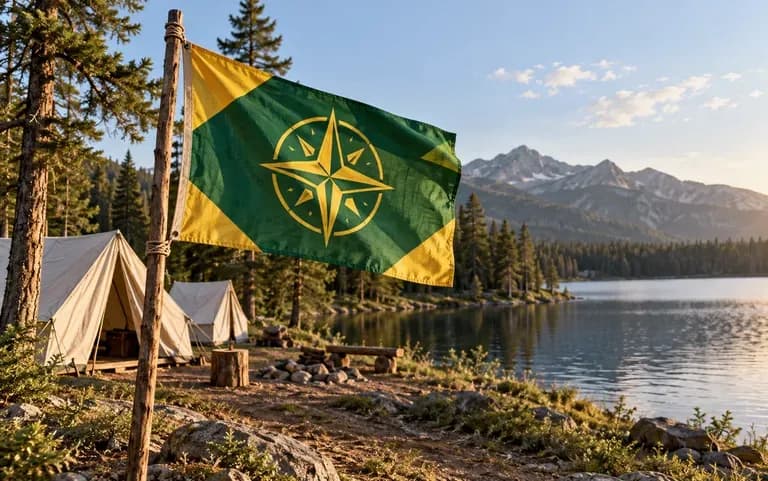
Develop a custom troop, camp, or academic society flag that incorporates the group's badge for meetings and outdoor jamborees.
Six flag design concepts covering fictional nations, online guild banners, esports mascots, outdoor festivals, garden motifs, and racing patterns.
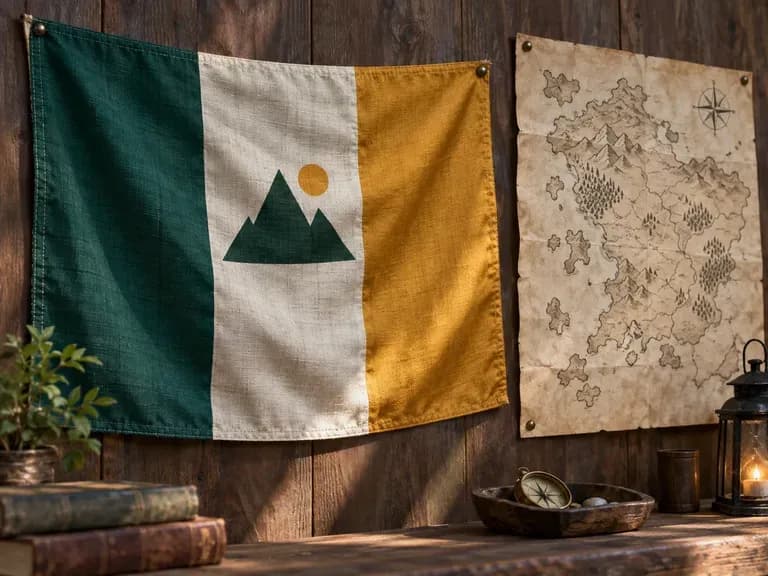
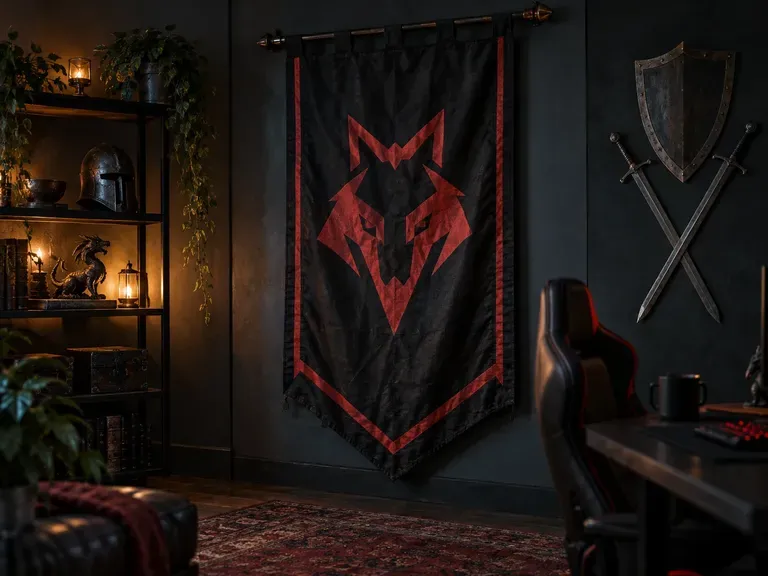
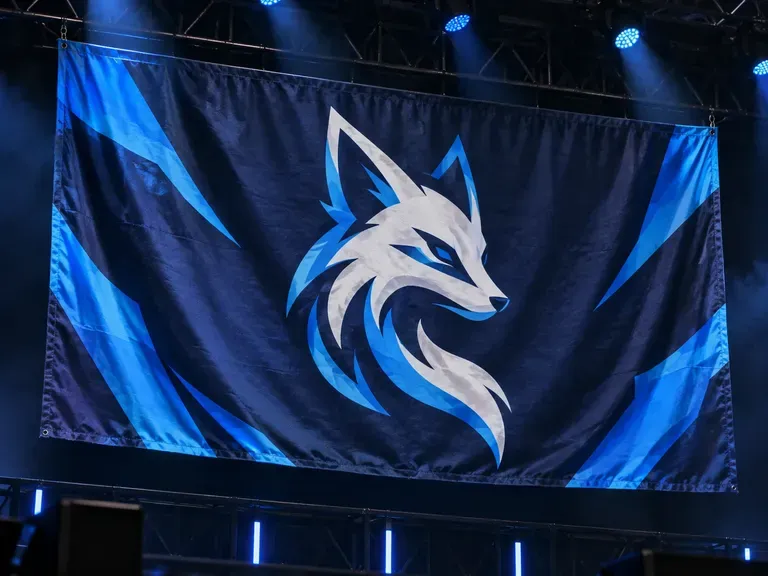
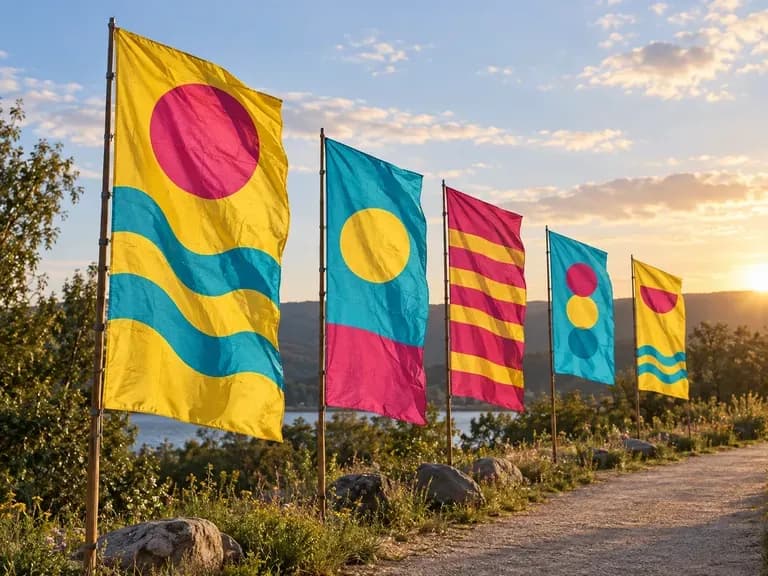
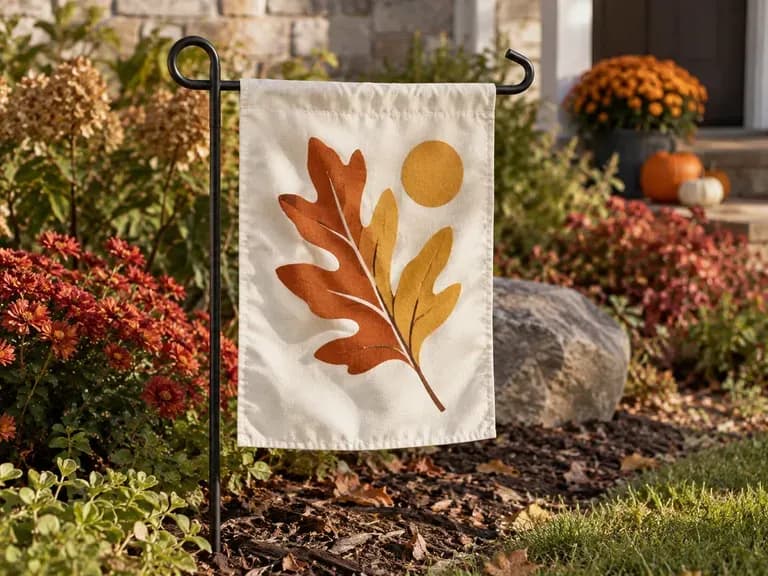
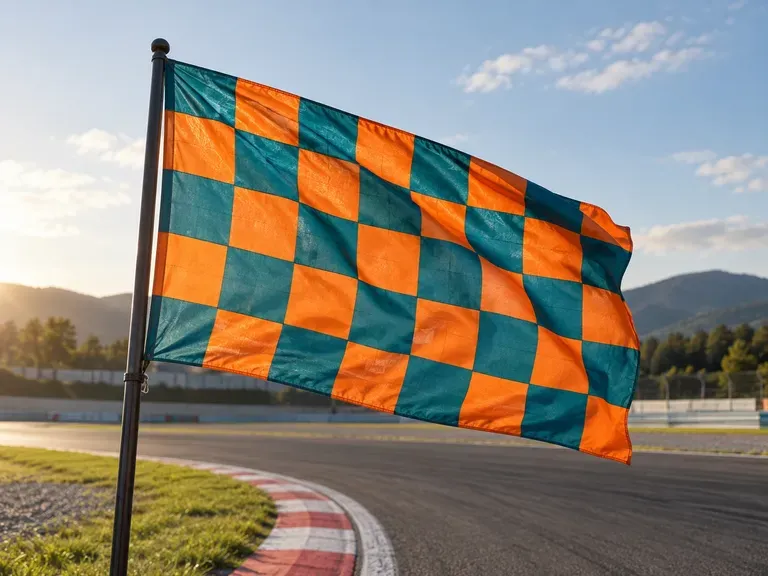
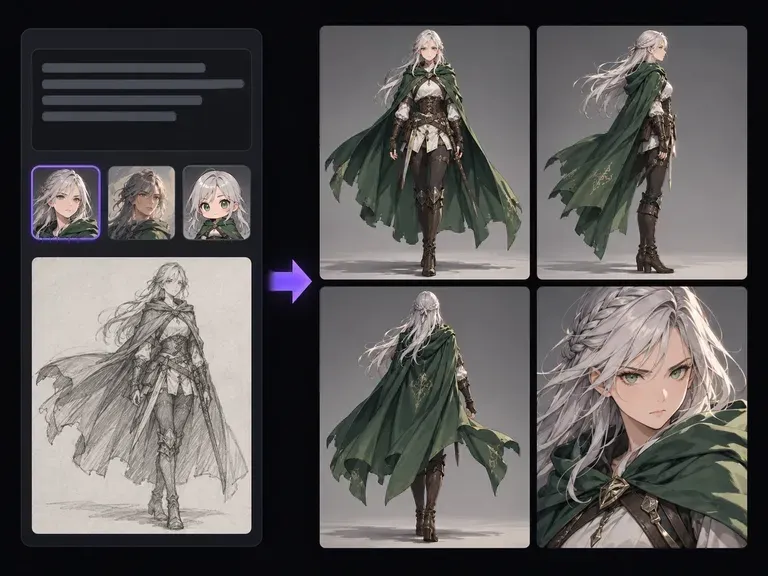
Design the heroes, faction leaders, and NPCs that inhabit your fictional nations and game worlds.
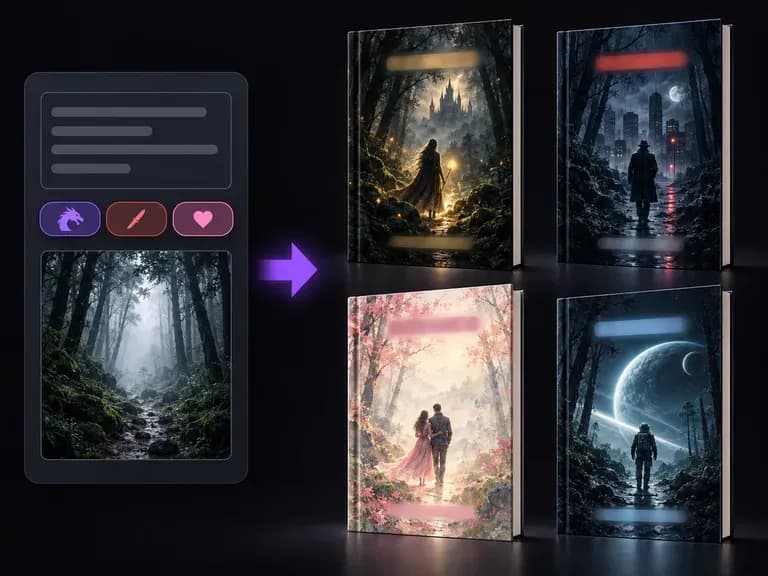
Turn your fantasy novel, sci-fi lore book, or campaign guide into a front-cover concept.
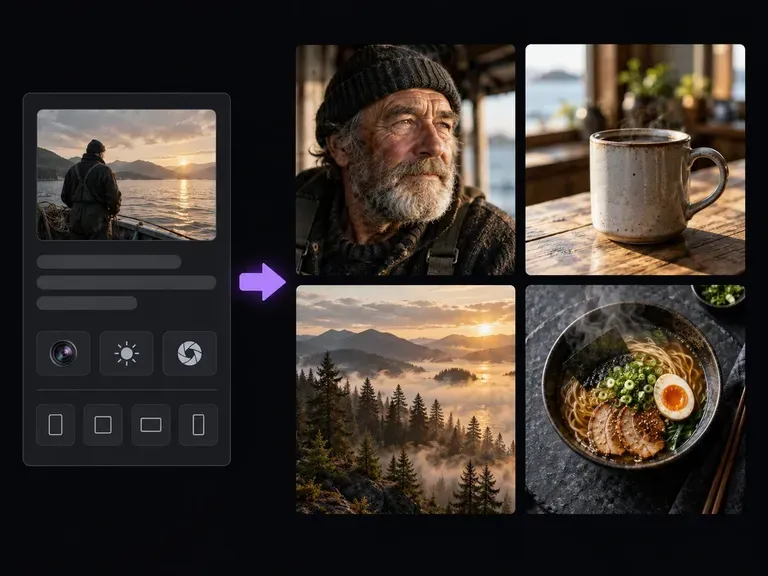
Generate environmental concept art, architecture, and worldbuilding scenes from a written brief.
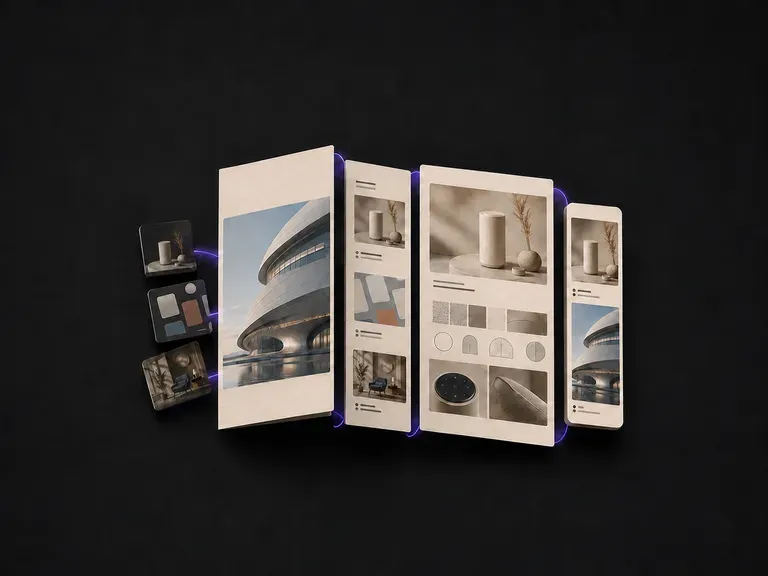
Structure case-study layouts and presentation boards to showcase finished creative projects.
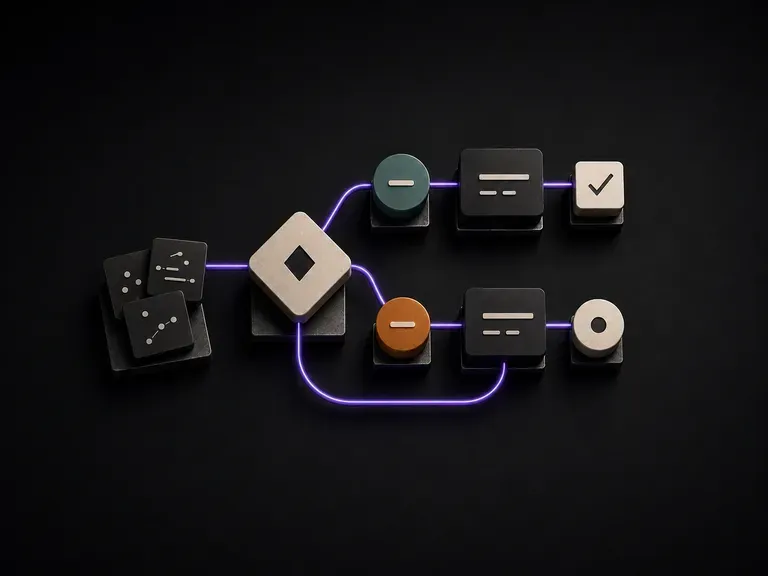
Map user journeys, approval loops, and system logic into clean visual node diagrams.
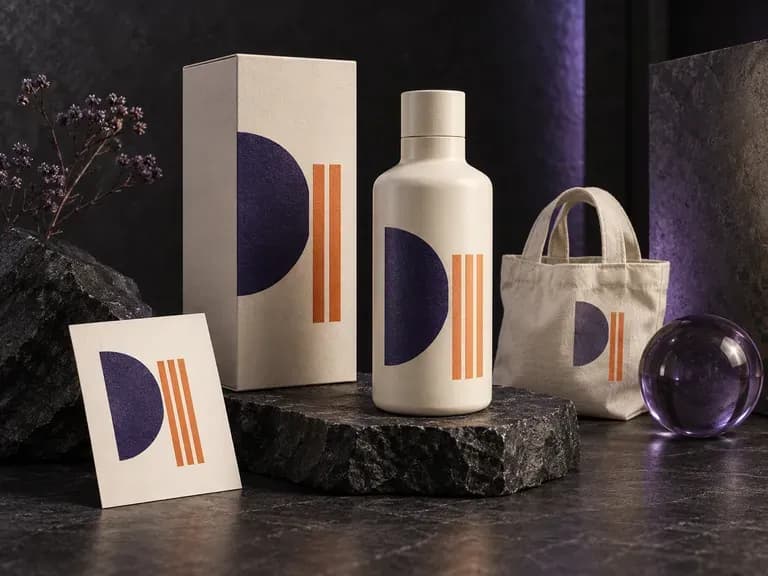
Place flat artwork onto apparel, packaging, print, and device scenes directly in the browser.
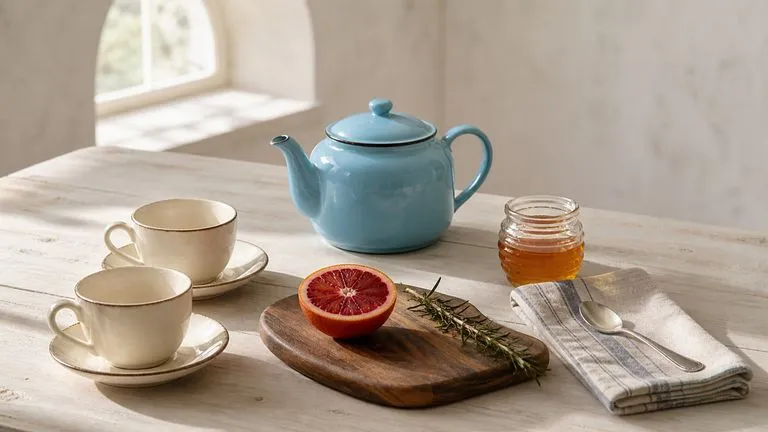
Translate detailed creative briefs into balanced compositions with reliable spatial relationships.
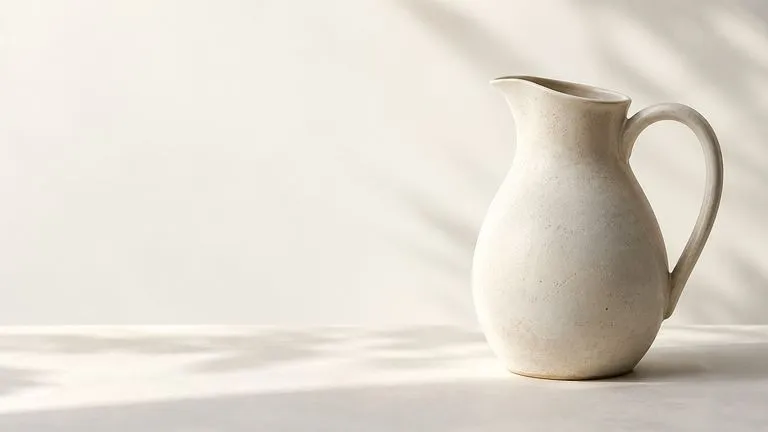
Render high-contrast metallic reflections, fabric weaves, and shallow depth of field.

Guide subject posture, materials, and lighting using up to 14 reference images at 1K to 4K.
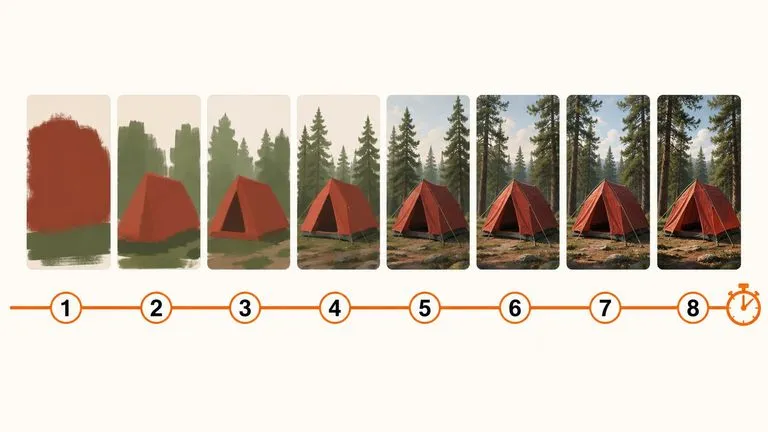
Draft rapid concept thumbnails and layout options before committing compute to final high-res renders.
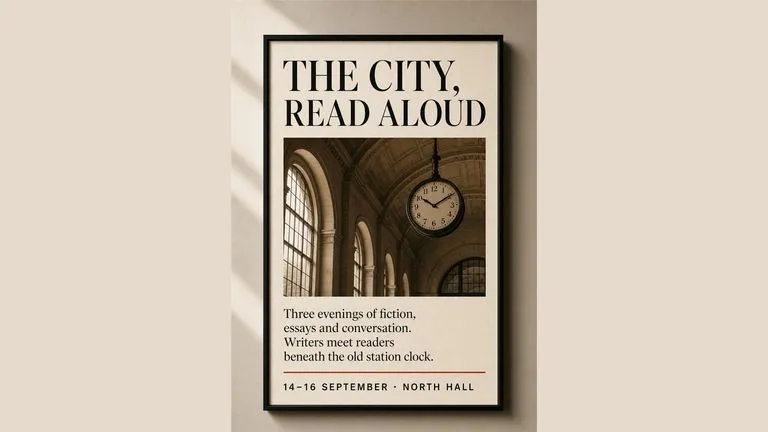
Render crisp labels, fine surface textures, and multi-reference compositions up to 4K resolution.

Follow complex multi-part written briefs that combine uploaded reference photos with strict layout rules.
Describe your field colors, stripe geometry, and central symbol to compare flat and flagpole concepts on the Virse canvas.