Device ratio
Shaped for 9:16 Phone or 16:9 Desktop
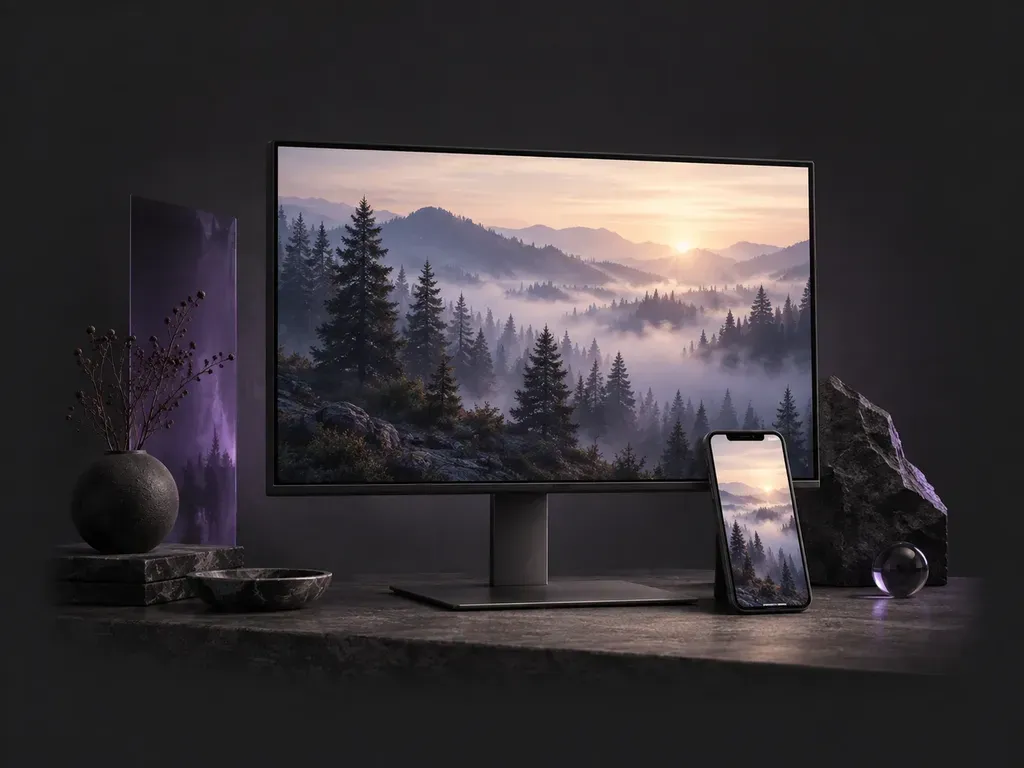
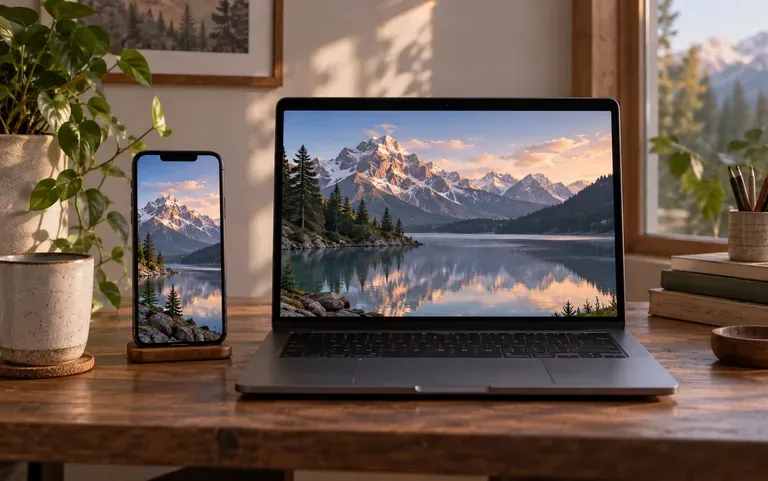
Pick phone or desktop orientation up front so your AI generated wallpaper arrives in tall 9:16 lock-screen proportions or wide 16:9 monitor framing without awkward center-cropping.
Choose a 9:16 phone or 16:9 desktop format, then describe the scene, style, and palette you want. This AI wallpaper generator creates custom screen backgrounds across minimalist gradients, misty landscapes, anime skylines, and 3D geometry with clock headroom.
An AI wallpaper generator (also called a wallpaper generator AI or wallpaper AI generator) paints a custom background image from your prompt in the exact ratio of your phone or monitor. Virse builds device backgrounds around three screen-ergonomic rules:
• Device-matched proportions: Select tall framing for iPhone and Android lock screens or wide 16:9 for desktop monitors.
• Clock and icon safe zones: Keep negative space in the upper third for mobile clocks or on the left for desktop icons.
• Comfortable luminance: Specify low-glare dark mode palettes, pastel gradients, anime sunsets, or deep-space blacks.
Three ways prompt-driven screen sizing and canvas iteration beat scrolling through recycled wallpaper apps.
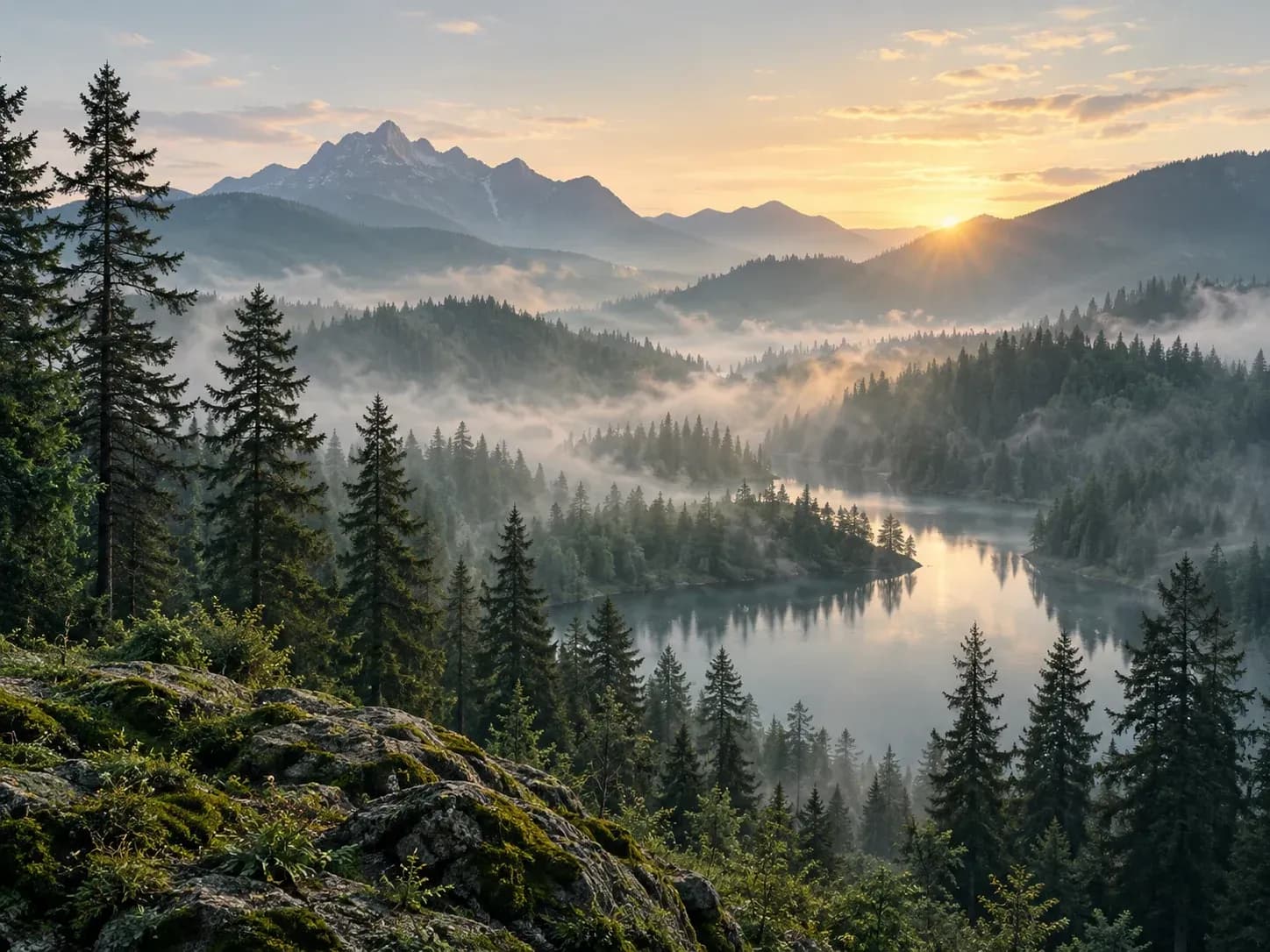
Pick phone or desktop orientation up front so your AI generated wallpaper arrives in tall 9:16 lock-screen proportions or wide 16:9 monitor framing without awkward center-cropping.
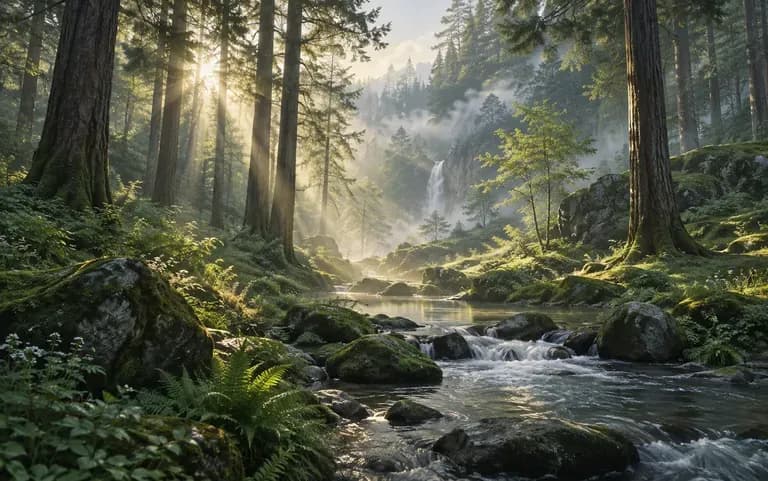
Ask for open sky, soft mist, or smooth color gradients in the top third of a vertical frame so smartphone clock numerals and weather widgets never clash with busy horizon lines.
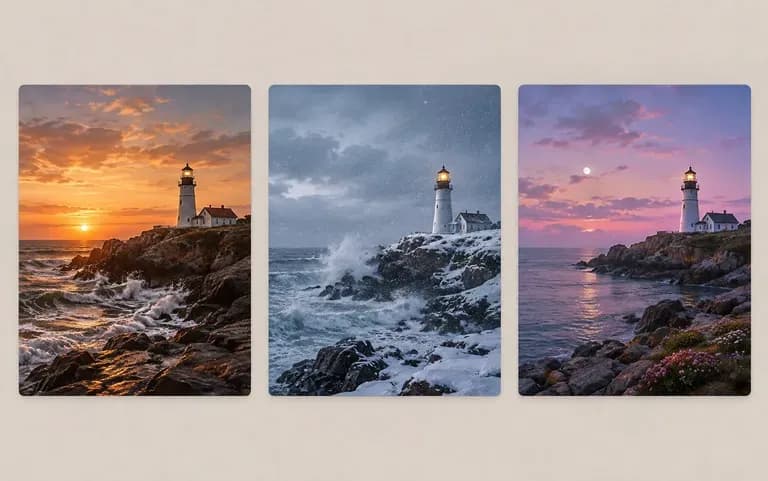
Re-run the same description on your Virse canvas to compare three or four lighting and composition takes side by side before picking the version that fits your home screen.
How describing your own screen background compares with downloading recycled files from public wallpaper directories.
Public Stock Wallpaper Directories
Virse AI Wallpaper Generator
Start by picking the target screen ratio so the composition matches either a vertical smartphone display or a wide computer screen.
Describe your scene and note where to keep calm negative space, such as open sky in the top third for a mobile clock widget.
Name the visual style (minimalist blur, anime skyline, cyberpunk rain, or 3D shapes) along with your preferred light or dark palette.
Run the free AI wallpaper generator workflow in Virse, compare variations at full size on the canvas, and download your favorite image.
Including device orientation and widget safe-zone placement keeps your screen readable. Copy any of these three wallpaper briefs:
• Phone lock screen: "Tall 9:16 phone wallpaper: lone torii gate in a mountain lake at twilight, deep indigo upper-third sky for clock legibility, water reflections."
• Dark-mode desktop: "Wide 16:9 desktop wallpaper: matte charcoal and emerald topographic contour waves, rim light on right, calm dark left third for folder icons."
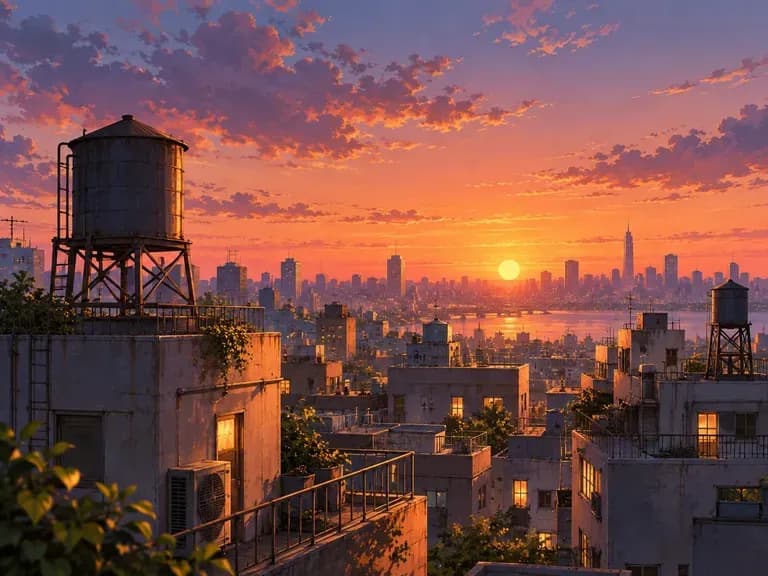
• Anime sunset skyline: "Painterly anime city skyline at golden hour from a rooftop, warm amber clouds and distant power lines, lo-fi grading with clean top headroom."
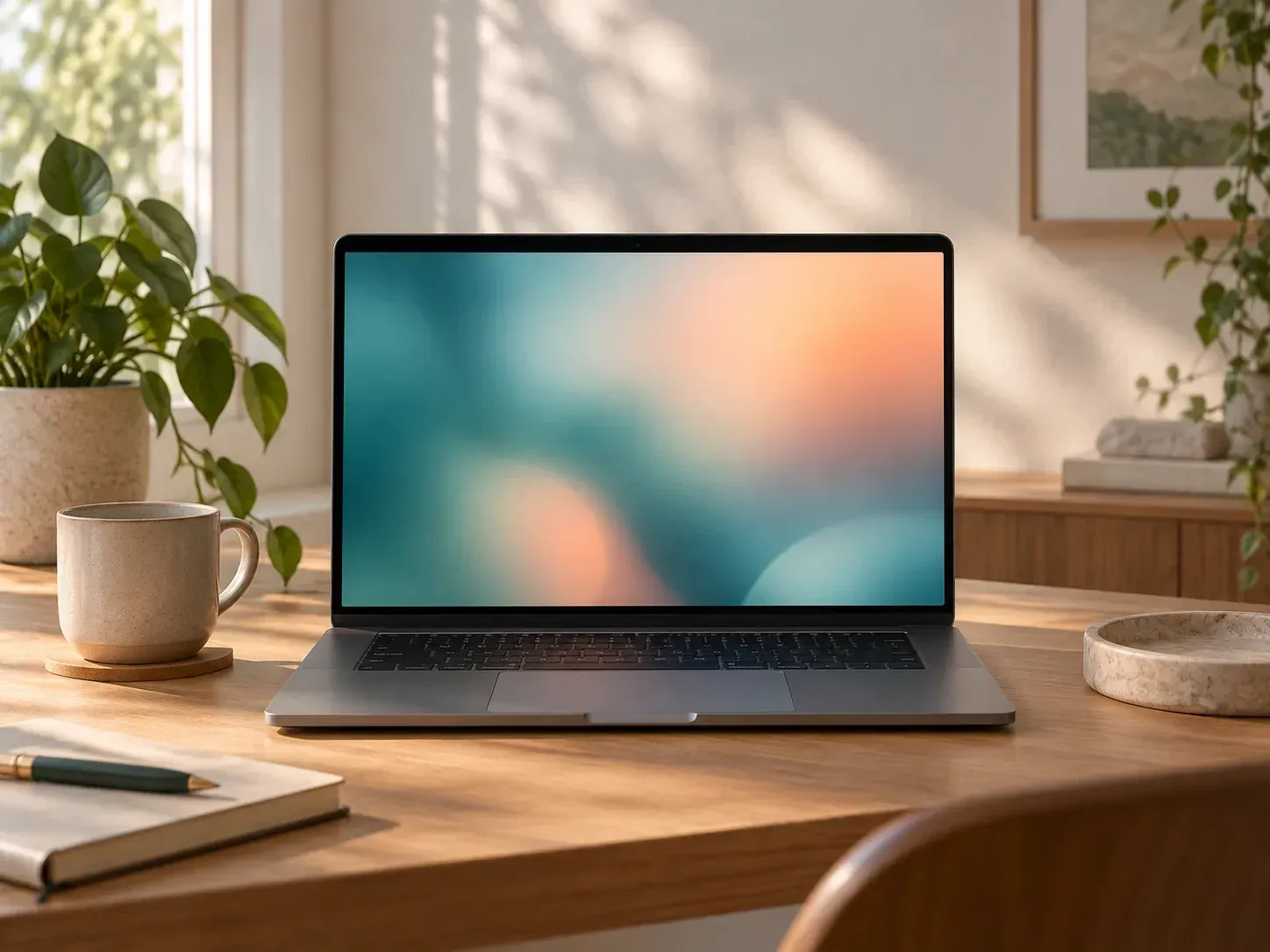
Four everyday screen setups where a custom-prompted background replaces noisy default OS wallpapers.
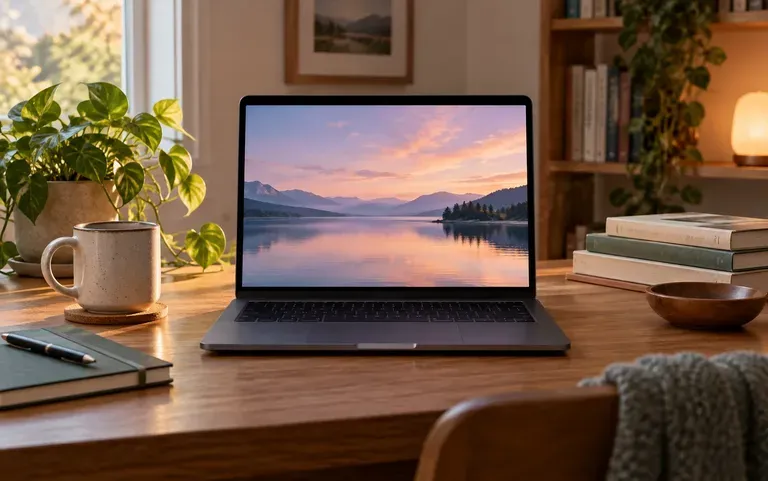
Create a calm, low-distraction gradient or misty botanical background that keeps lecture folders and PDF icons easy to spot during exam season.
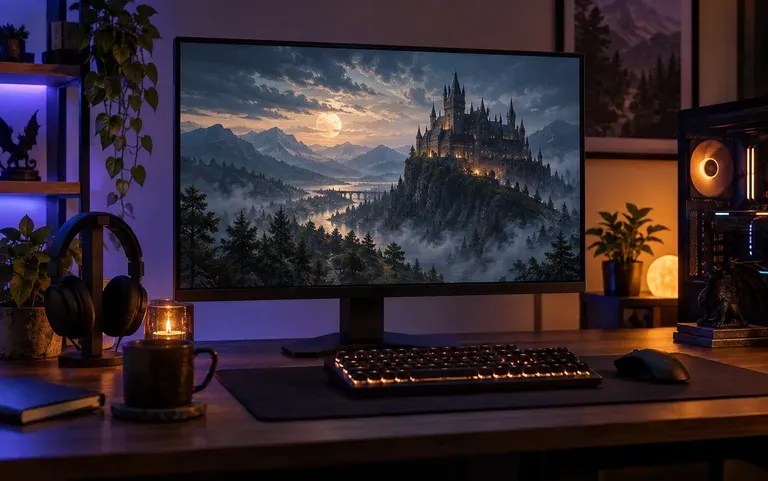
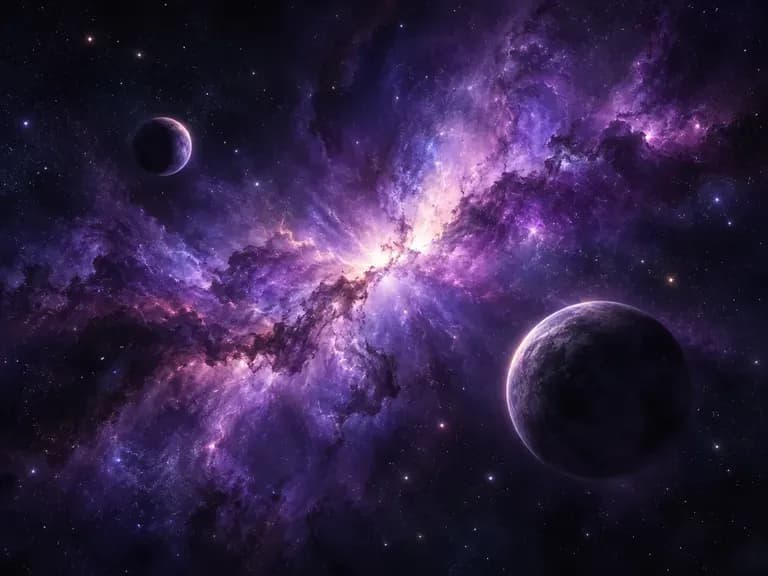
Match your desktop monitor background to the cyberpunk, dark fantasy, sci-fi nebula, or retro pixel mood of the game you are currently playing.
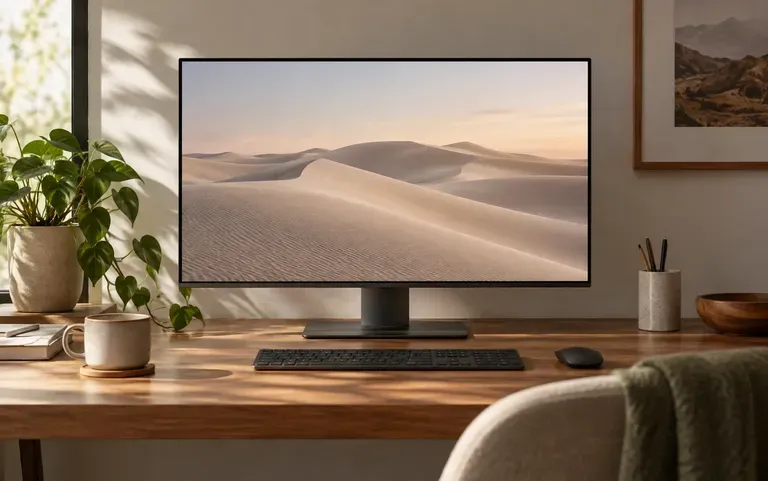
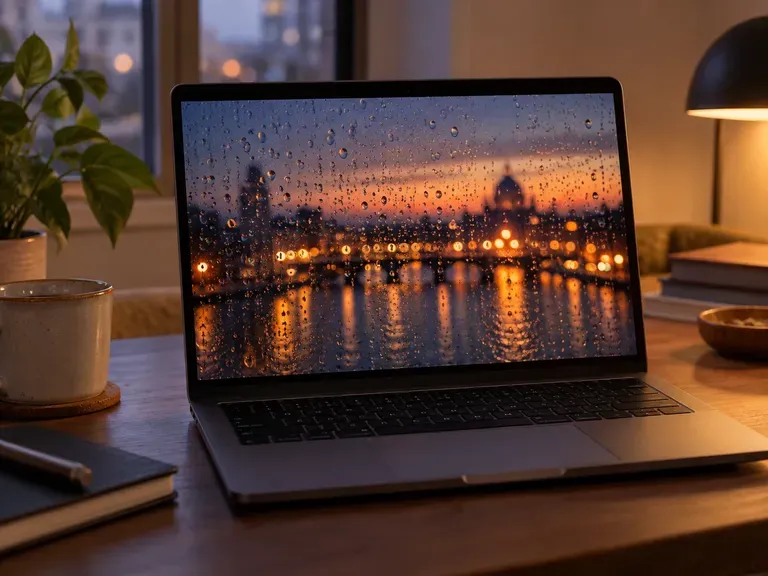
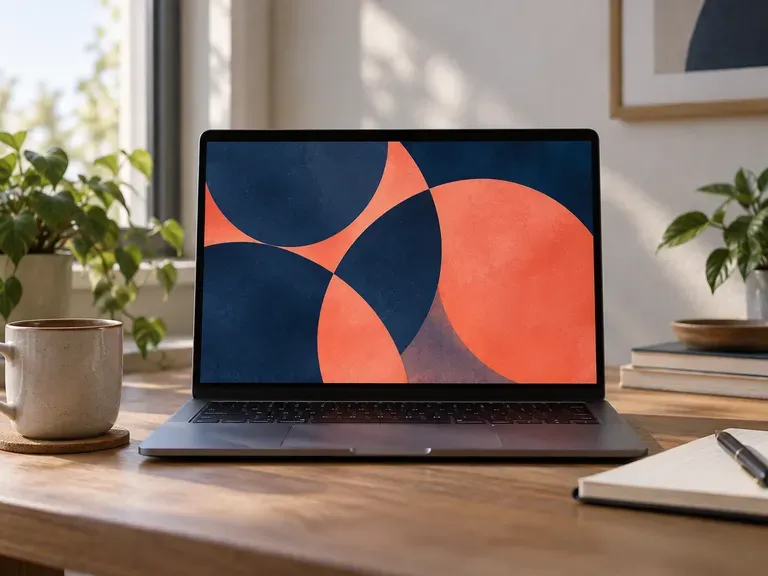
Swap busy default OS photography for a quiet dark-mode architectural, rainy-window, or matte geometric desktop background that looks clean on screen shares.
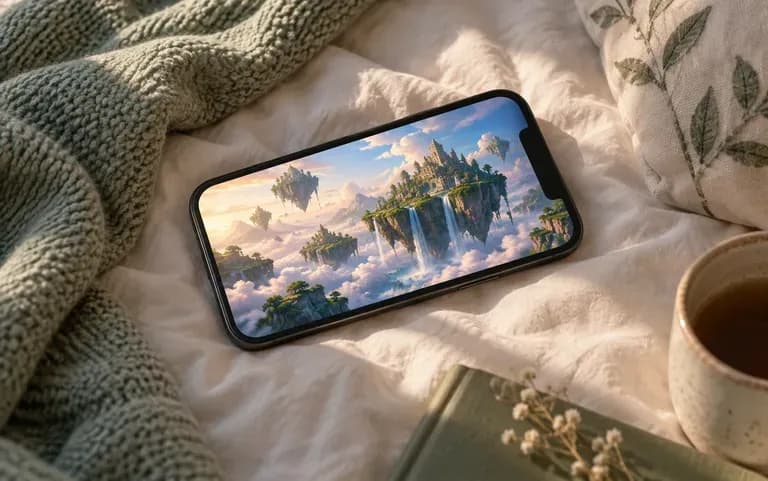
Design a matching pair of 9:16 phone backgrounds: a scenic focal illustration for the lock screen and a softer blurred palette for home icons.
Six personal screen background styles spanning minimalist gradients, natural outdoors, deep space, anime, and geometric patterns.
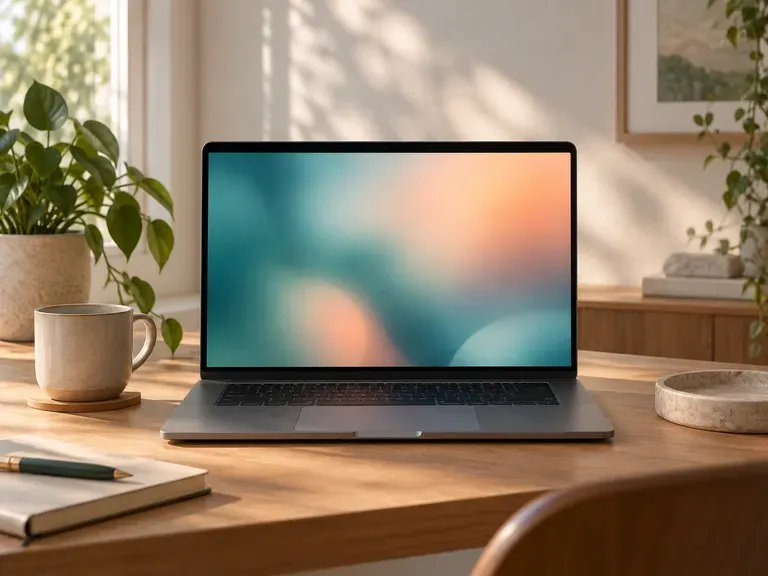
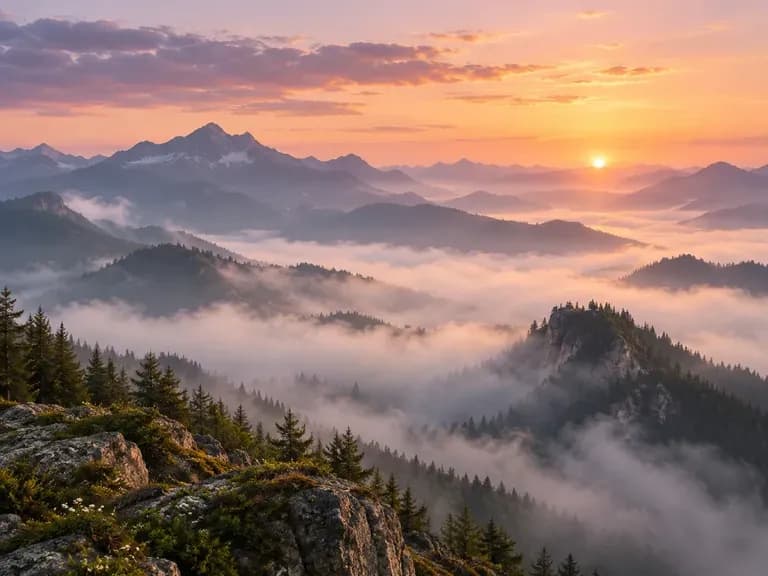
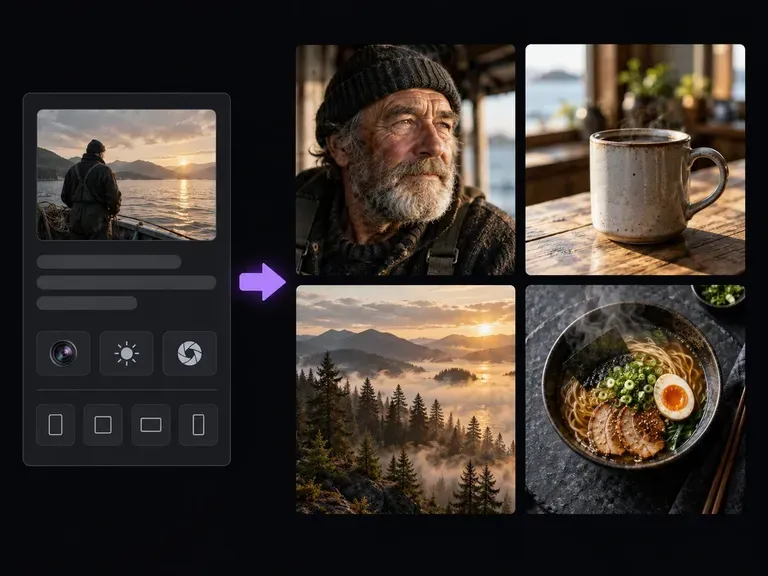
Create detailed photographic scenes by specifying camera lenses, lighting, and surface materials.
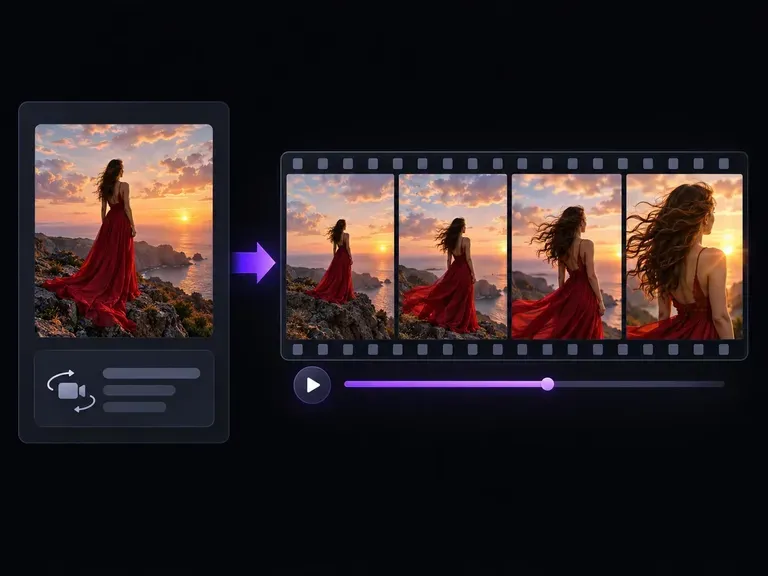
Turn a static mountain vista or skyline image into a short ambient motion clip with a text brief.
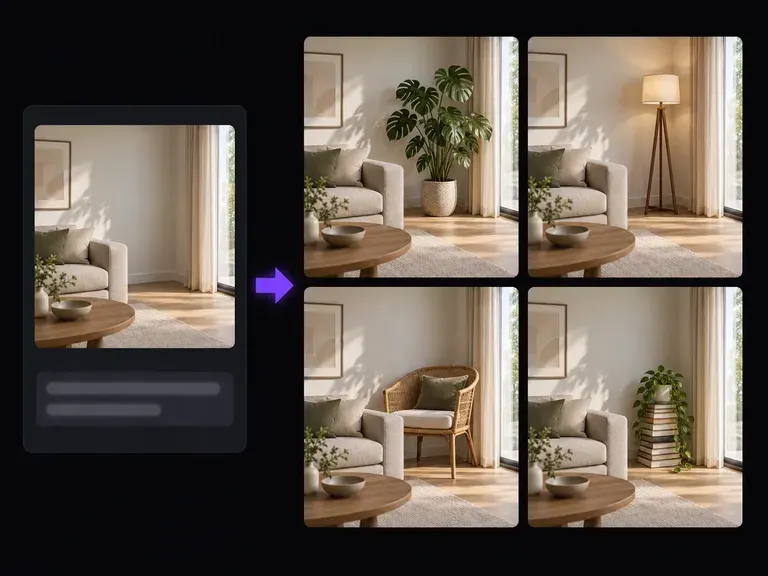
Extend the top or side borders of an existing image to fit a taller phone screen or wider monitor ratio.
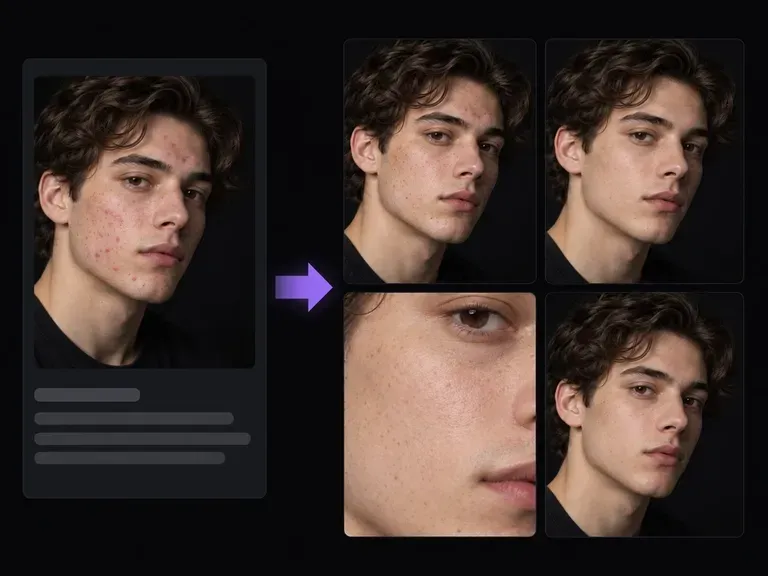
Clean up stray dust, skin spots, and fabric lint while preserving natural pore and weave detail.
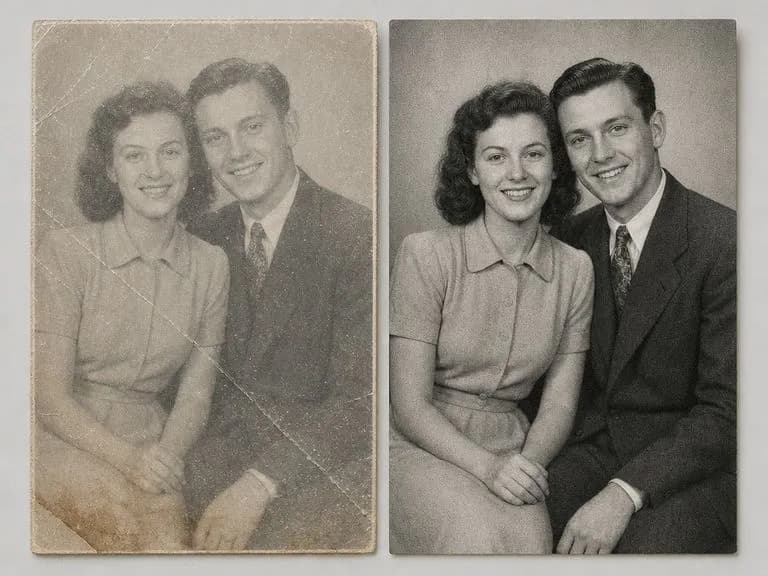
Repair creases, faded sepia contrast, and surface scratches on scanned family and archive prints.
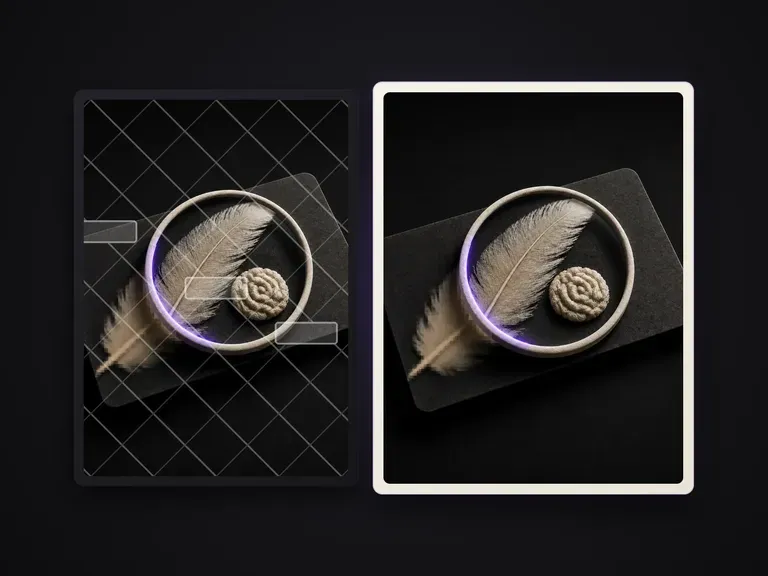
Clean up proof overlays and timestamp stamps from images you own or have rights to edit.

Guide subject posture, materials, and lighting using up to 14 reference images at 1K to 4K.
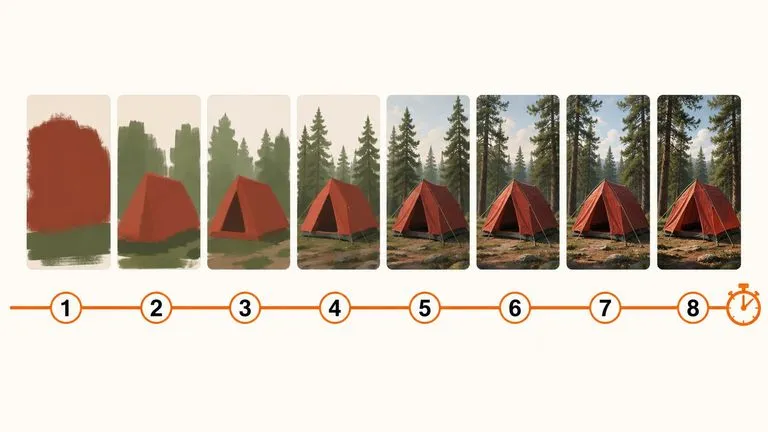
Draft rapid concept thumbnails and layout options before committing compute to final high-res renders.
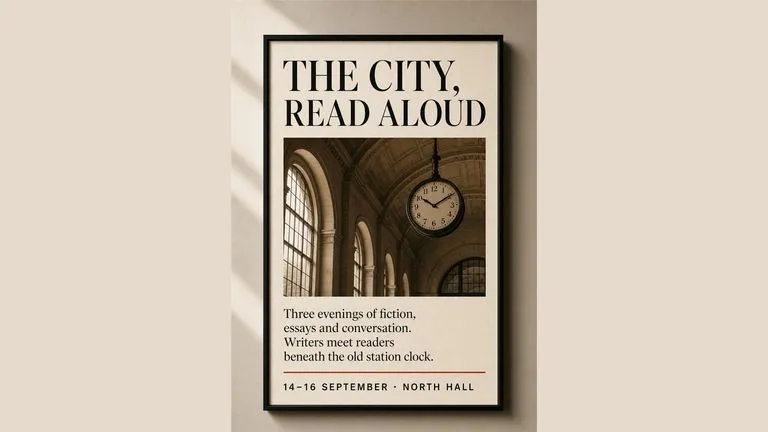
Render crisp labels, fine surface textures, and multi-reference compositions up to 4K resolution.

Follow complex multi-part written briefs that combine uploaded reference photos with strict layout rules.
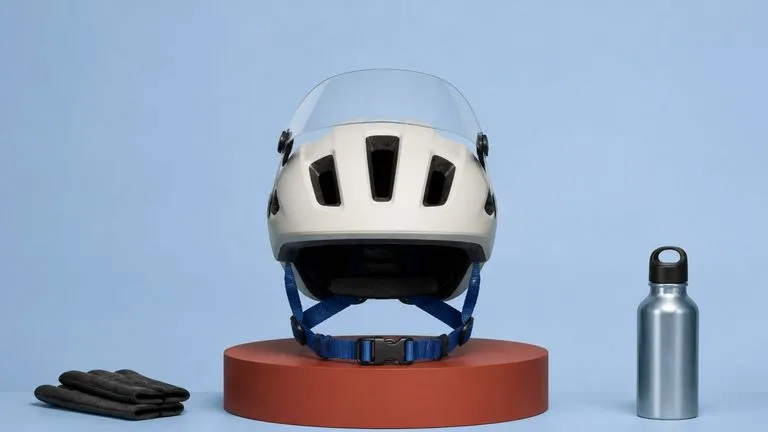
Produce realistic studio lighting, crisp contact shadows, and natural material grain for product shots.
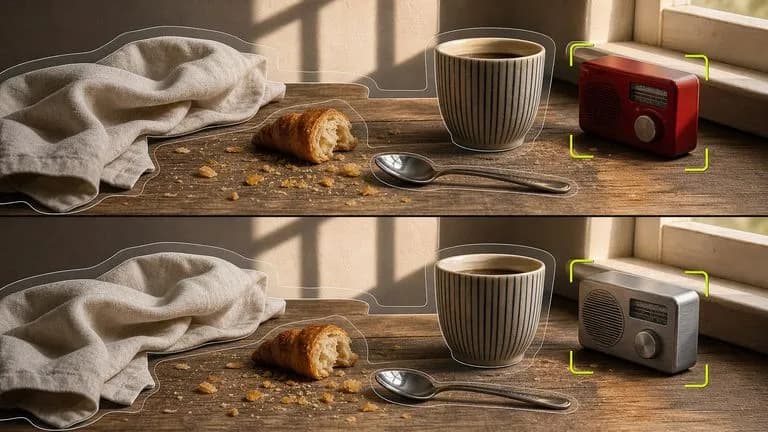
Swap backgrounds, lighting setups, or colorways while keeping your core subject geometry locked.
Choose phone or desktop proportions, describe your mood and safe zones, and compare custom backgrounds on the Virse canvas.