Format
One Image or a Short Strip
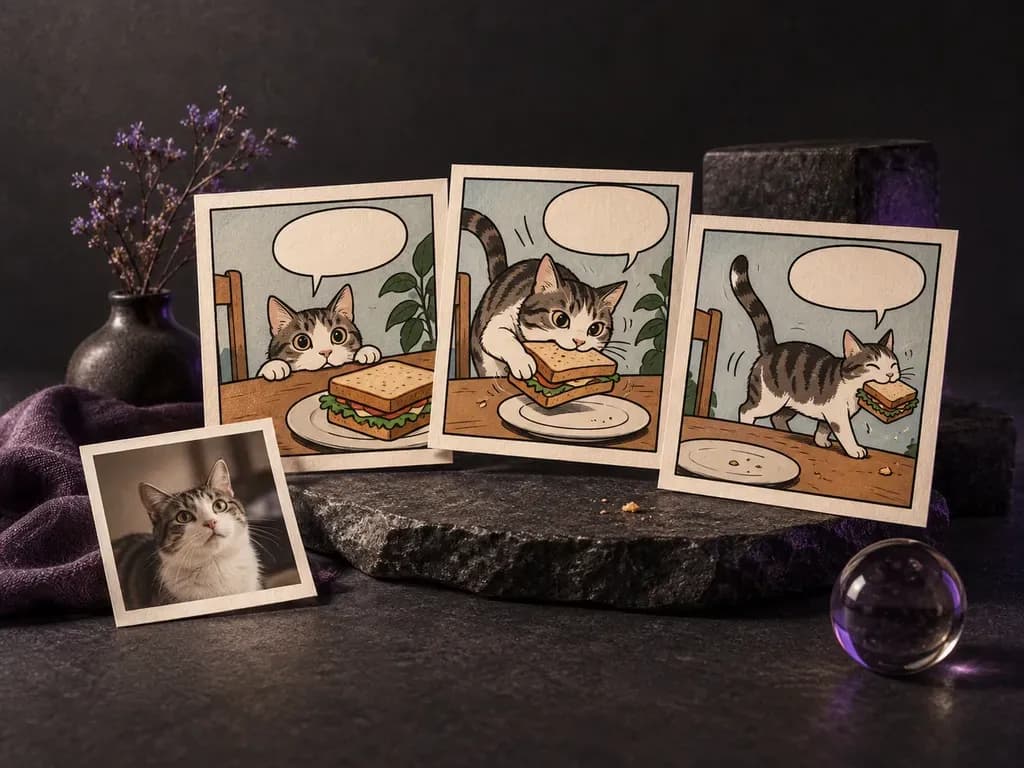
Request a single dramatic splash panel or a three-to-four panel comic strip depending on whether you want a standalone illustration or a quick narrative beat.
Whether you are pitching a three-panel gag, illustrating a handout, or redrawing a favorite photo in ink and halftone dots, this AI comic generator turns written beats or uploaded pictures into single comic frames and short sequential strips on the Virse canvas.
An AI comic generator (also searched as an AI comic strip generator or AI comic book generator) redraws an uploaded photo in sequential-art style or turns a short script into framed panels. Virse helps creators direct three core comic elements on one canvas:
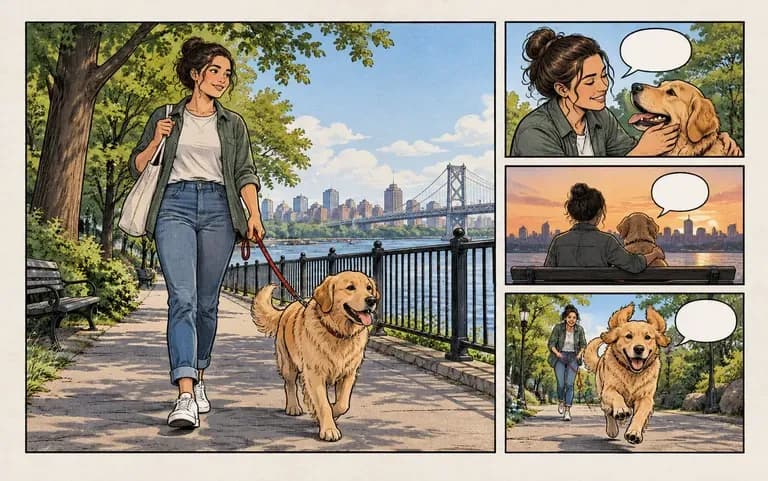
• Panel pacing and layout: Choose a single splash frame, a horizontal three-panel gag strip, or a vertical webtoon stack.
• Sequential art traditions: Test American superhero ink with Ben-Day halftones, monochrome manga screentones, or indie watercolor.
• Character and bubble cues: Keep recurring hairstyles and outfit colors recognizable while leaving top headroom for speech balloons.
Three flexible routes for turning everyday moments and scripts into panel art.
Request a single dramatic splash panel or a three-to-four panel comic strip depending on whether you want a standalone illustration or a quick narrative beat.
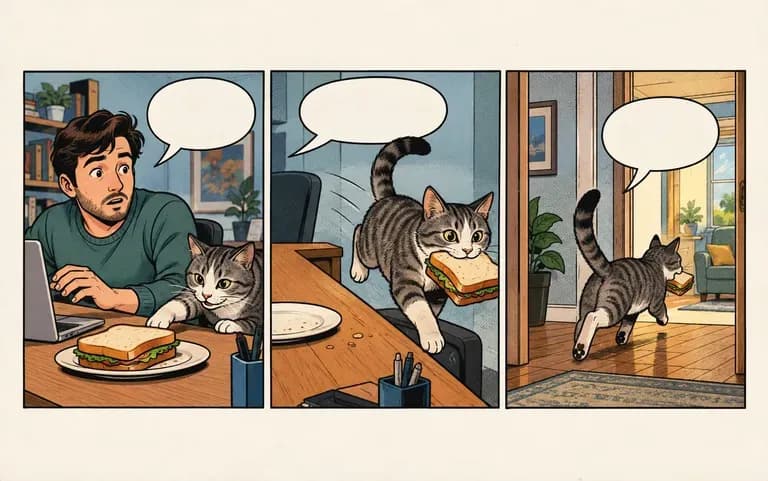
Describe the setting, character outfit details, and action beat by beat to turn a written joke or storyboard note into a multi-panel sequence.
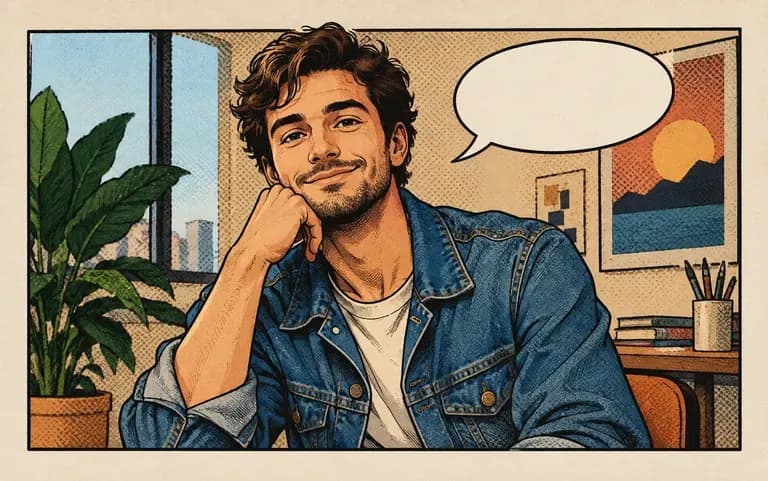
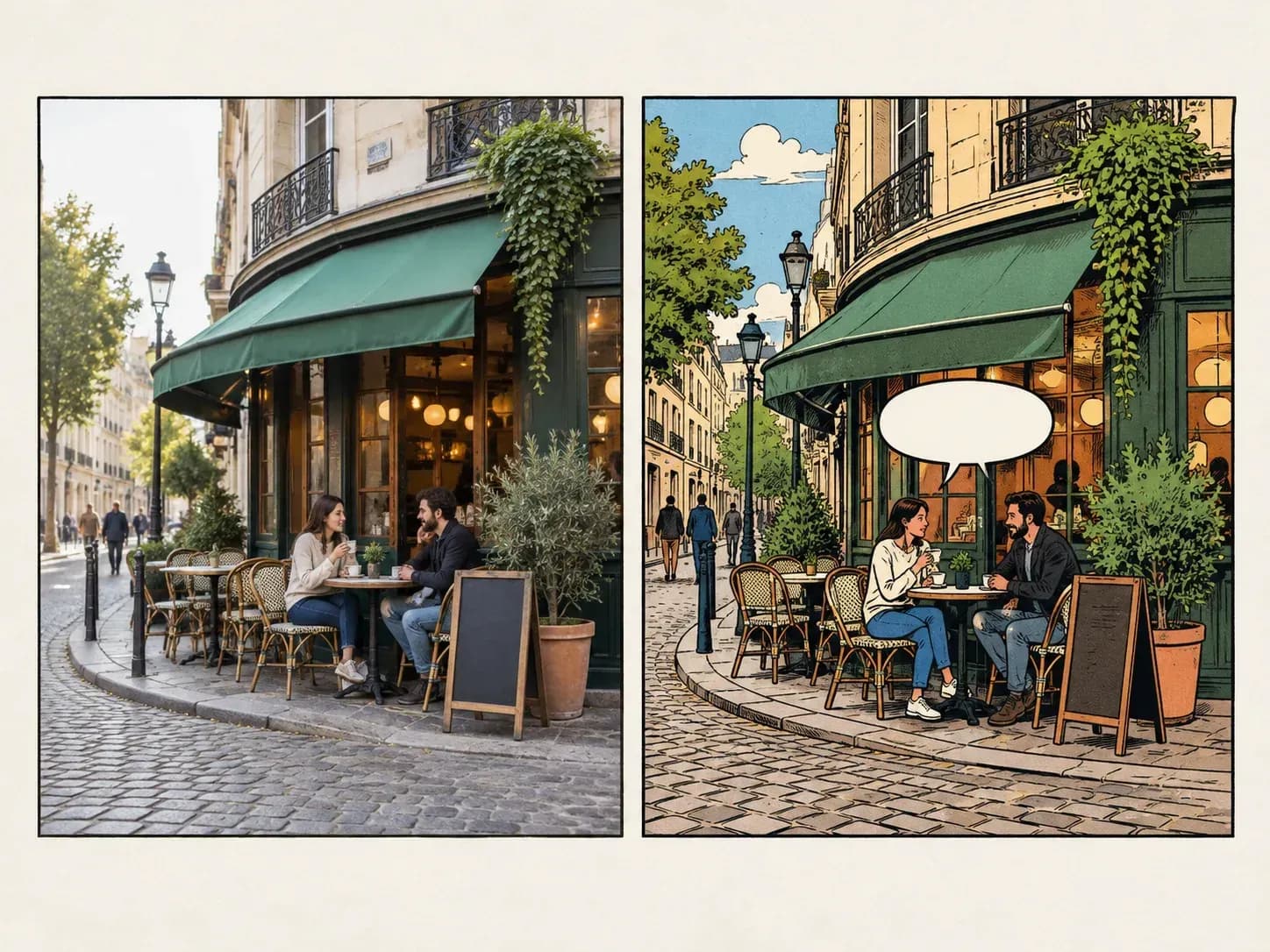
Upload a portrait, pet snapshot, or travel photo and redraw the scene with bold brush inking, halftone shading, or manga screentone textures.
How exploring short strips and photo-to-comic styles in Virse compares with drawing or filtering frames manually.
Basic Photo Filters and Manual Layout
Virse AI Comic Generator
Upload a clear reference photo to redraw, or write a short three-beat script naming character outfits, setting, and panel actions.
State whether you want one splash frame, a horizontal three-panel strip, or a vertical webtoon stack with headroom for speech balloons.
Name your visual tradition in the AI comic generator brief, such as Silver Age halftone ink, manga screentone, or indie watercolor.
Compare generated strips on your canvas and inspect rendered text closely; add or replace final dialogue lettering in an editor if needed.
Clear panel-by-panel action beats and costume cues keep strips coherent. Copy any of these three AI comic generator prompts:
• Three-panel halftone strip: "Horizontal three-panel superhero strip in brush ink and Ben-Day dots, woman in yellow coat: opening umbrella, lifted by wind, landing on roof."
• Monochrome manga action: "Two-panel manga page in black ink with screentones and speed lines: chef flipping a skillet first and serving steaming ramen next."
• Indie graphic novel redraw: "Redraw the uploaded cafe photo as an indie graphic novel panel with fountain-pen lines, teal and ochre watercolor, and white border."
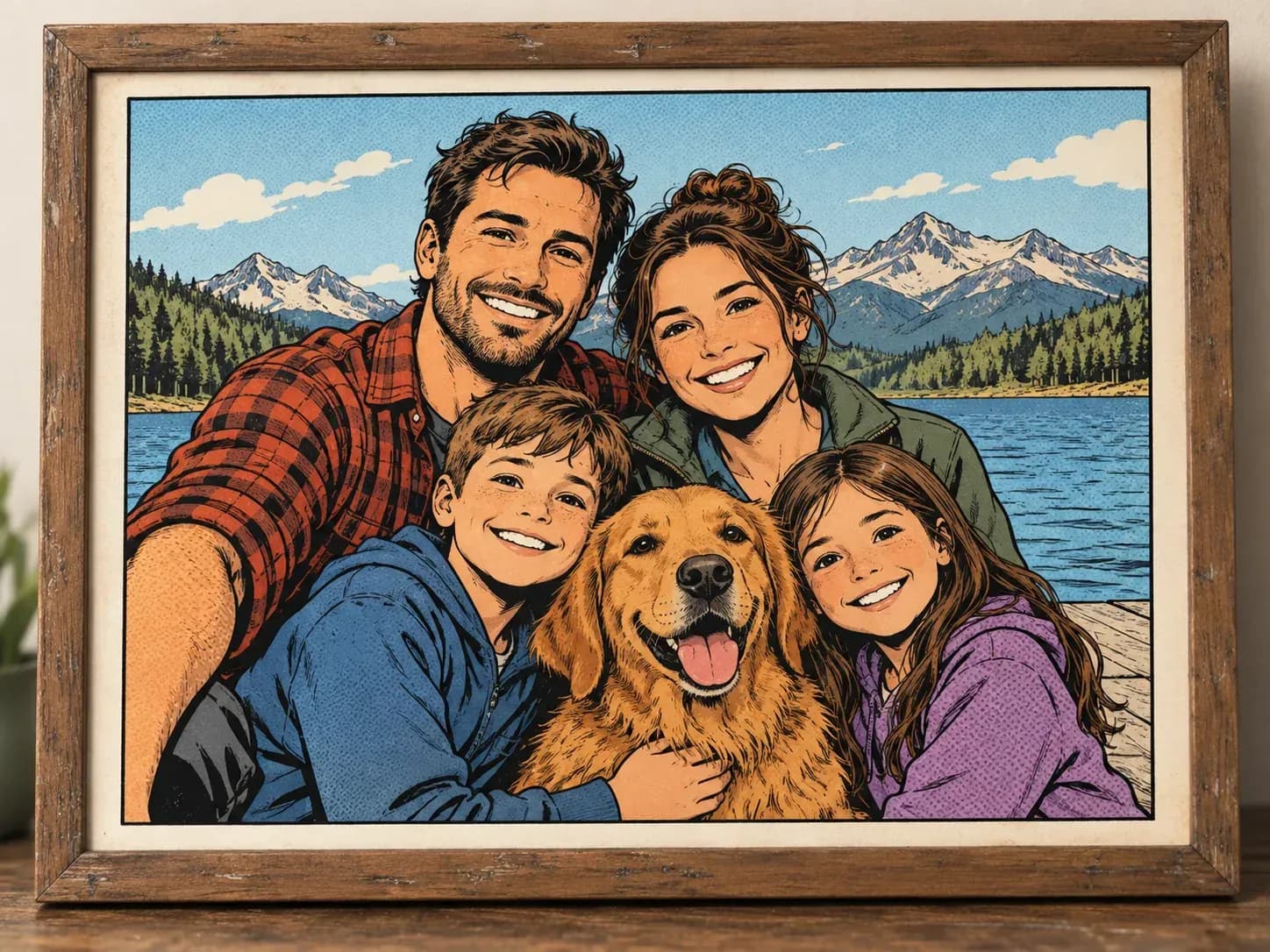
Four groups that use single panels and short strips to tell visual stories fast.
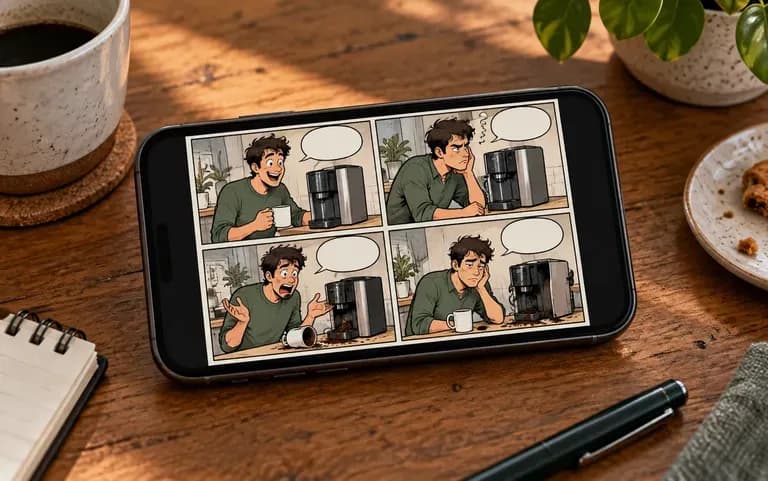
Turn weekly observations, tech humor, or creator updates into a three-panel comic strip that stands out in a scrolling feed.
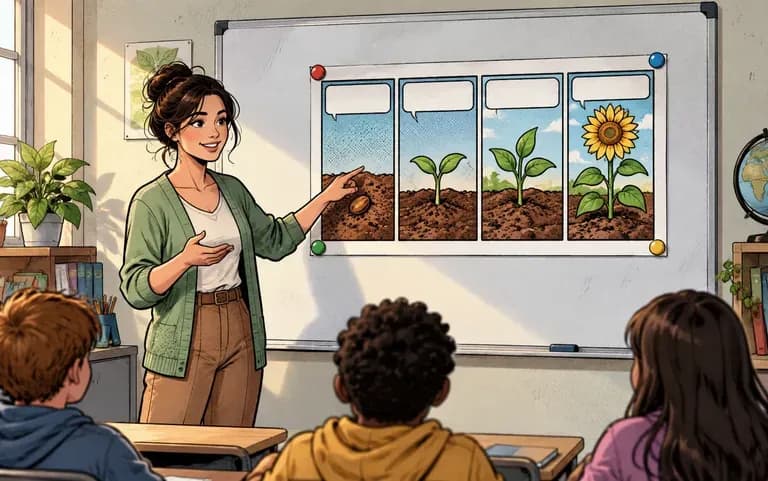
Illustrate historical events, science concepts, language dialogues, or book reports as accessible classroom comic strips and study handouts.
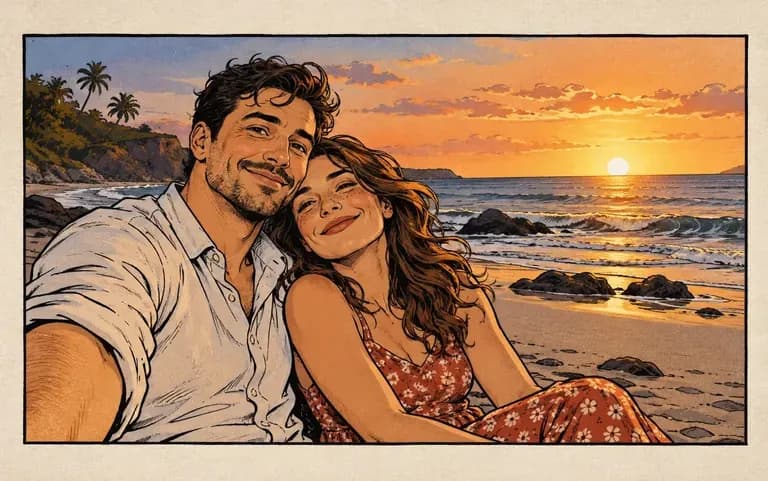
Redraw a favorite travel snapshot, pet antic, or anniversary memory as a framed comic panel for custom cards and gifts.
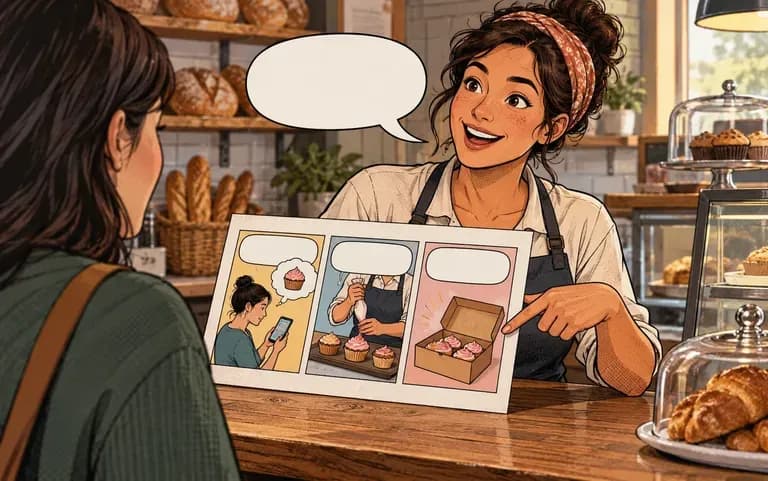
Break down a three-step service explainer or customer before-and-after scenario into a friendly storyboard strip for newsletters and social posts.
Six sequential-art examples covering photo-to-comic portraits, slice-of-life strips, anniversary frames, classroom lessons, travel diaries, and superhero action.
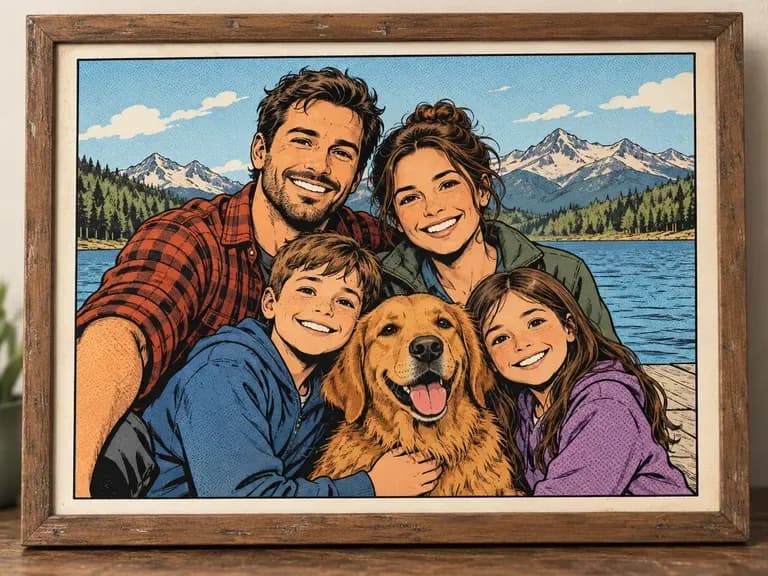
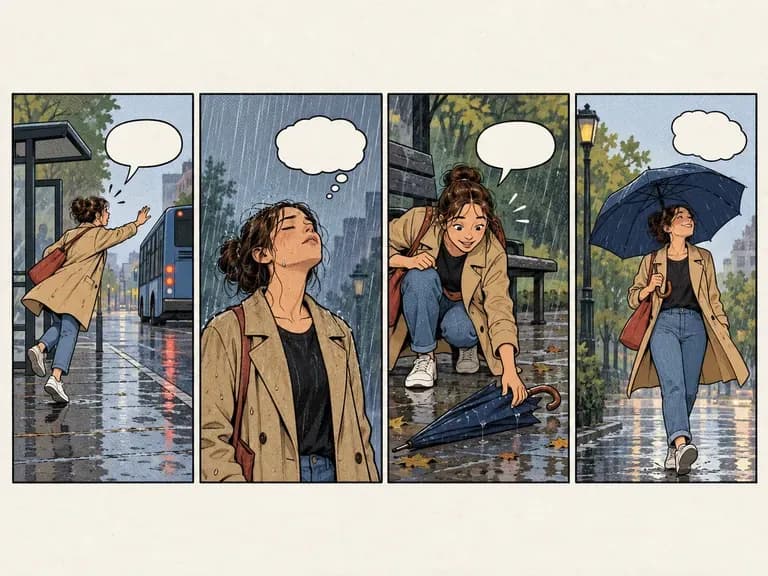
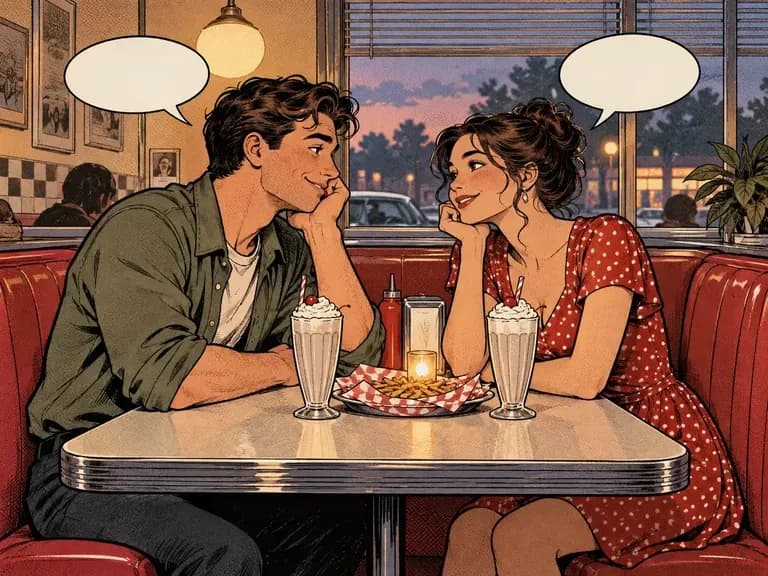
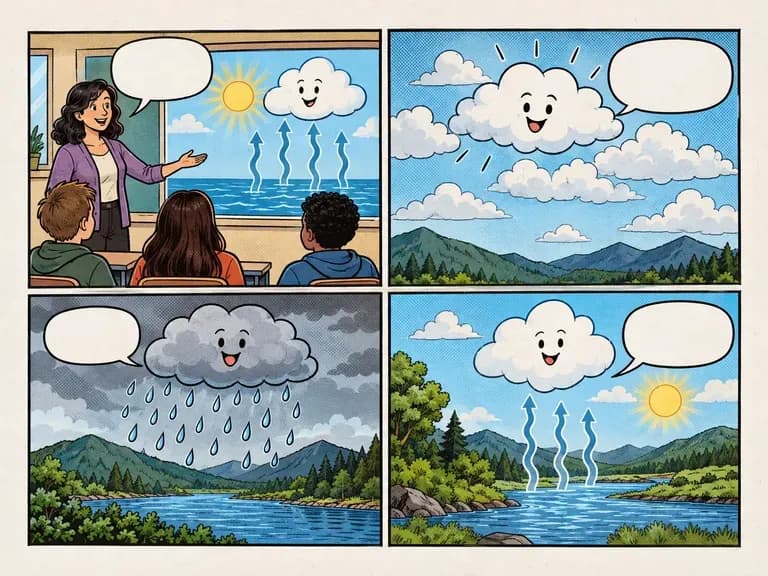
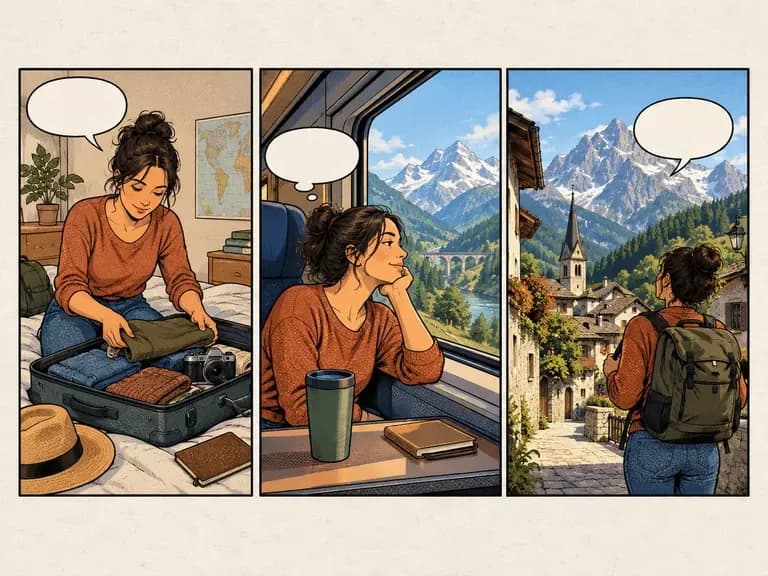
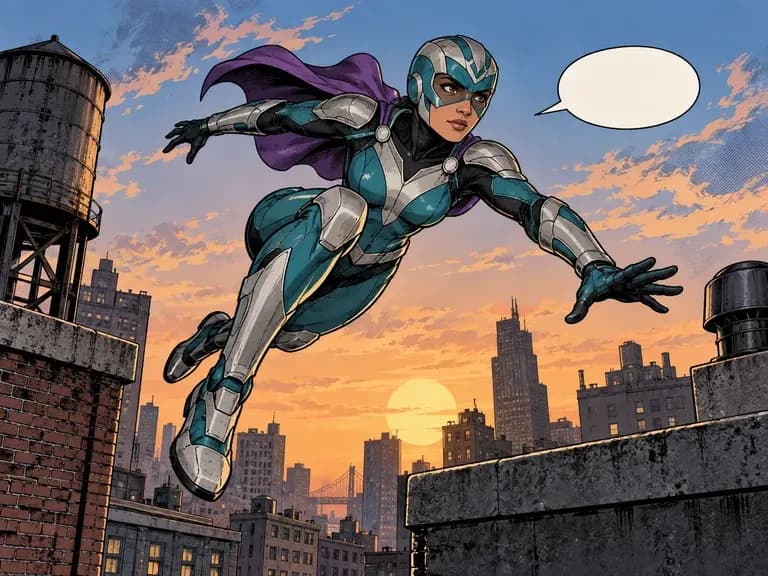
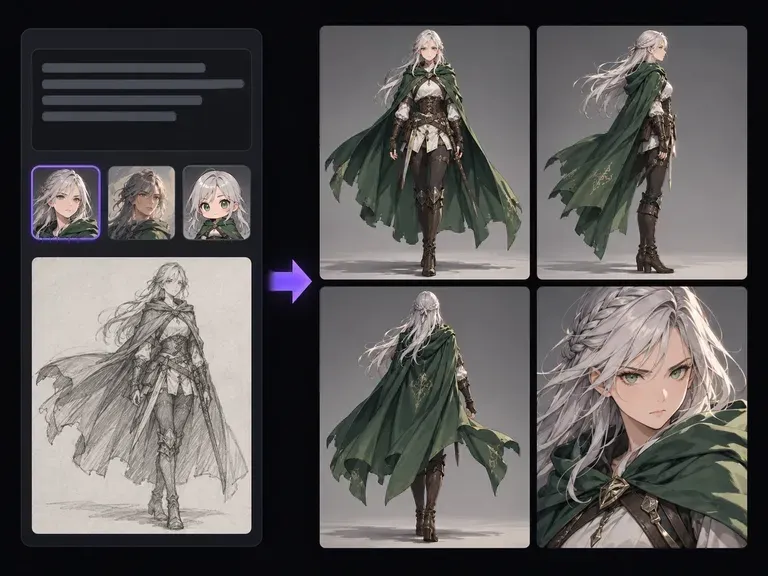
Build a consistent character reference sheet and visual style before placing your hero into a strip.
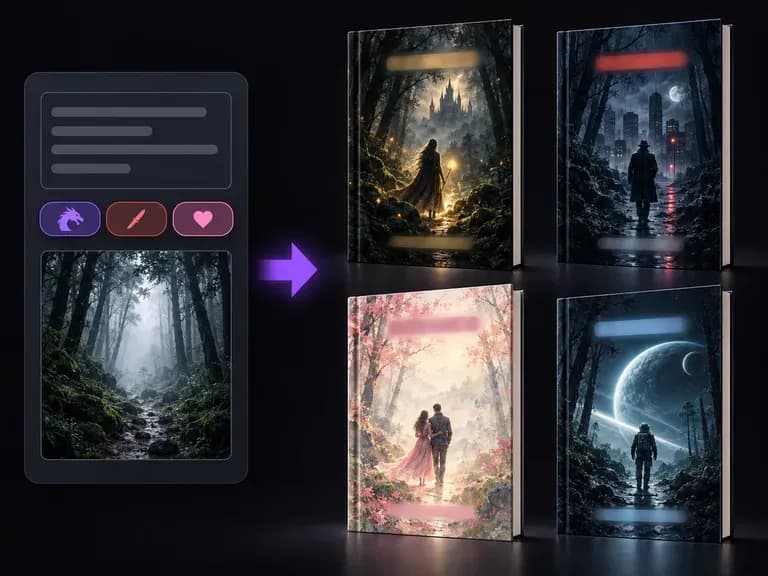
Explore front-cover illustrations and title compositions for graphic novels, zines, and books.
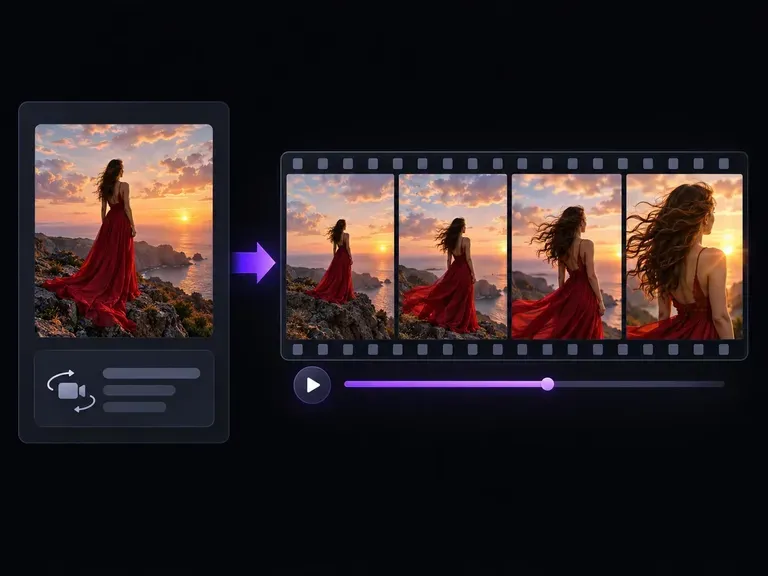
Animate a generated comic frame or still photo by describing camera movement and scene motion.
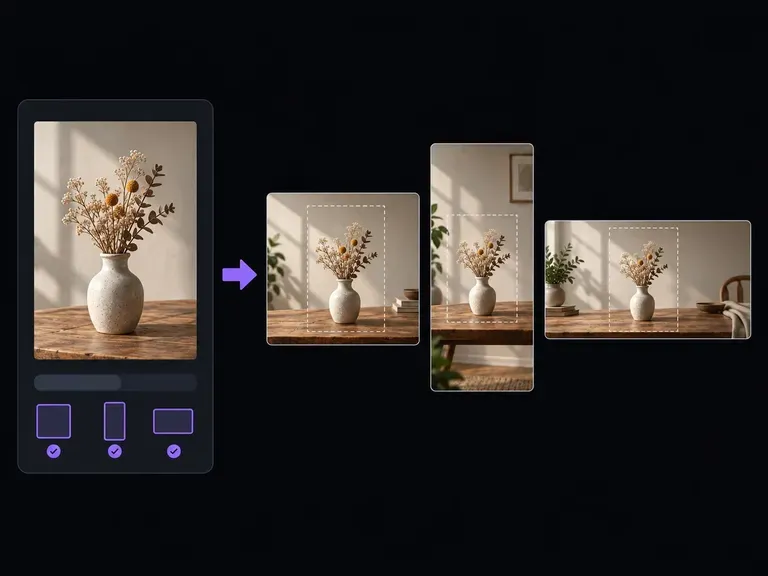
Reframe one hero visual across 1:1, 4:5, 9:16, and 16:9 formats by extending the background.
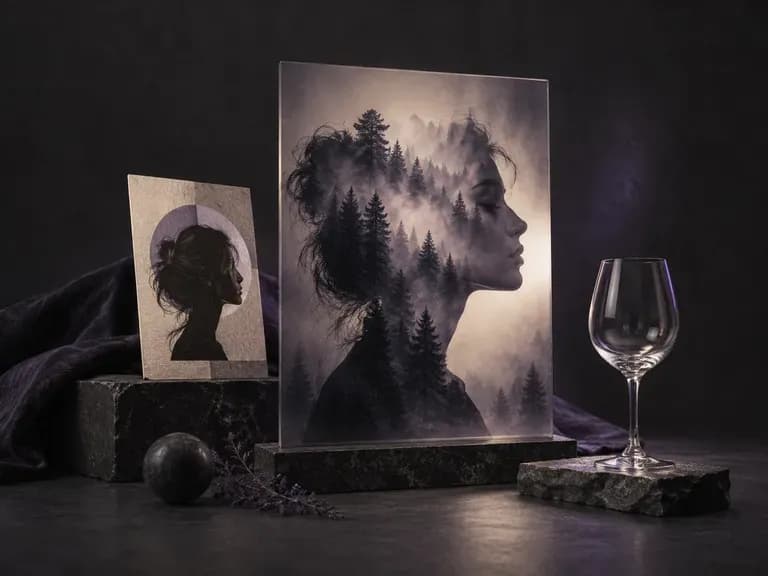
Isolate hair, glass edges, and complex silhouettes for clean multi-layer compositing.
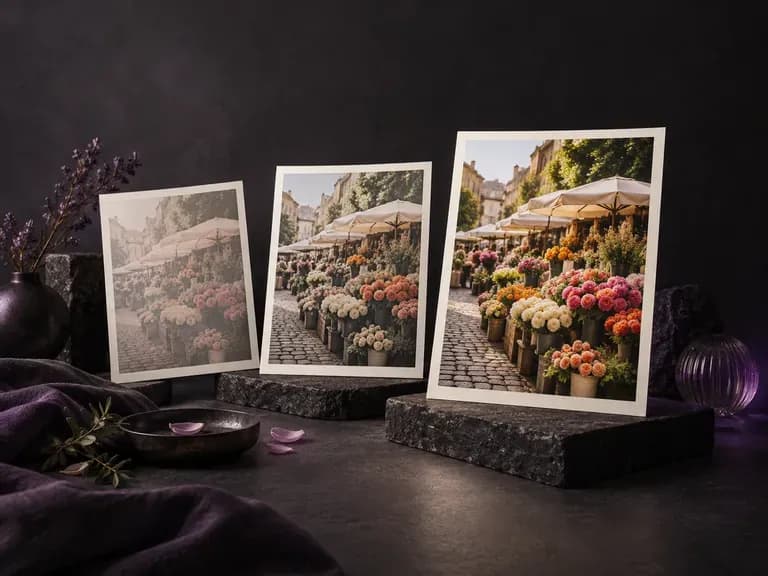
Fine-tune vibrancy, muted pastels, and skin-tone warmth without clipping highlights.
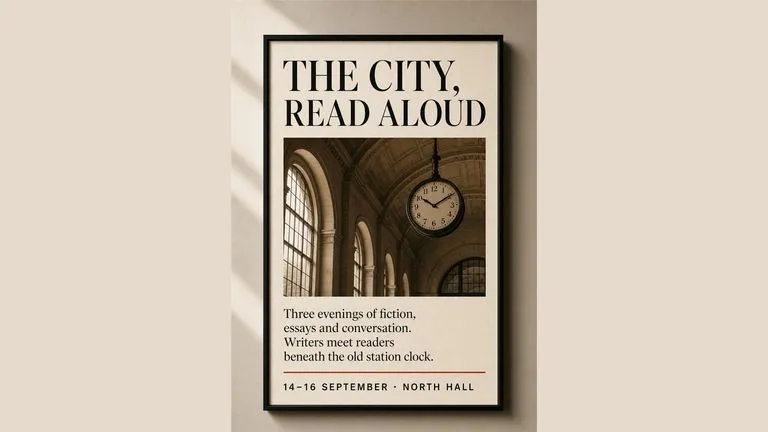
Render crisp labels, fine surface textures, and multi-reference compositions up to 4K resolution.

Follow complex multi-part written briefs that combine uploaded reference photos with strict layout rules.
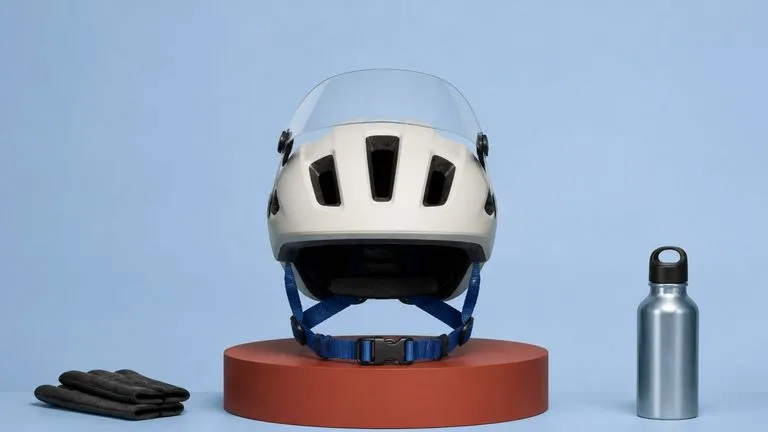
Produce realistic studio lighting, crisp contact shadows, and natural material grain for product shots.
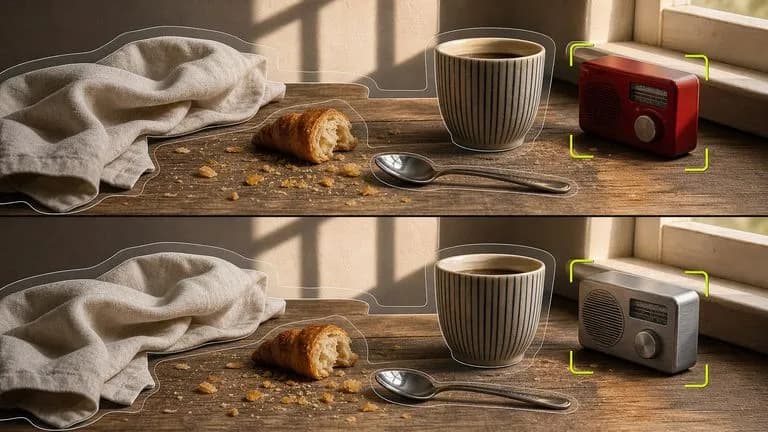
Swap backgrounds, lighting setups, or colorways while keeping your core subject geometry locked.

Explore four distinct framing and styling variations side by side on the canvas in a single run.
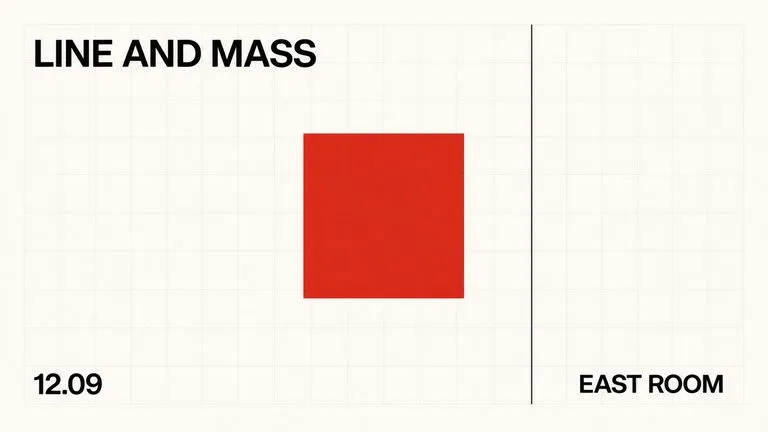
Keep display headlines, packaging wordmarks, and monogram badges sharp inside generated visuals.
Upload a reference photo or write a three-panel scene brief to compare comic art styles on the Virse canvas.