
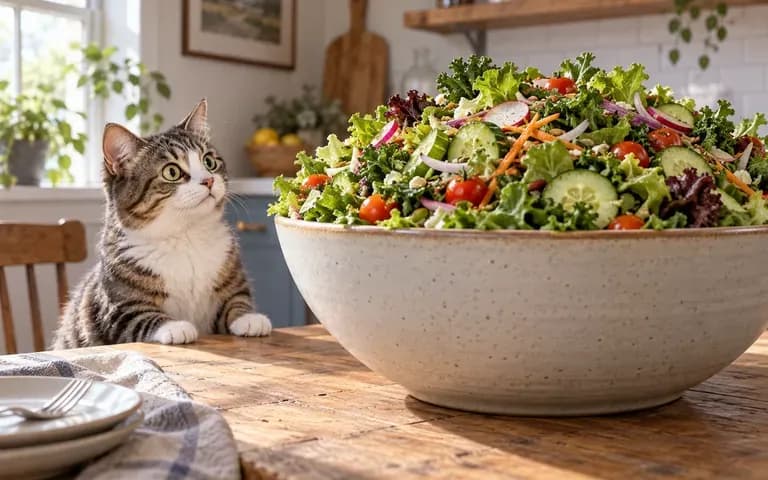
Motion control
Direct Subject Action and Camera Movement
Specify what the subject does and how the lens behaves, whether a static medium shot, a slow push-in toward a character's face, or a gentle lateral pan across a tabletop environment.
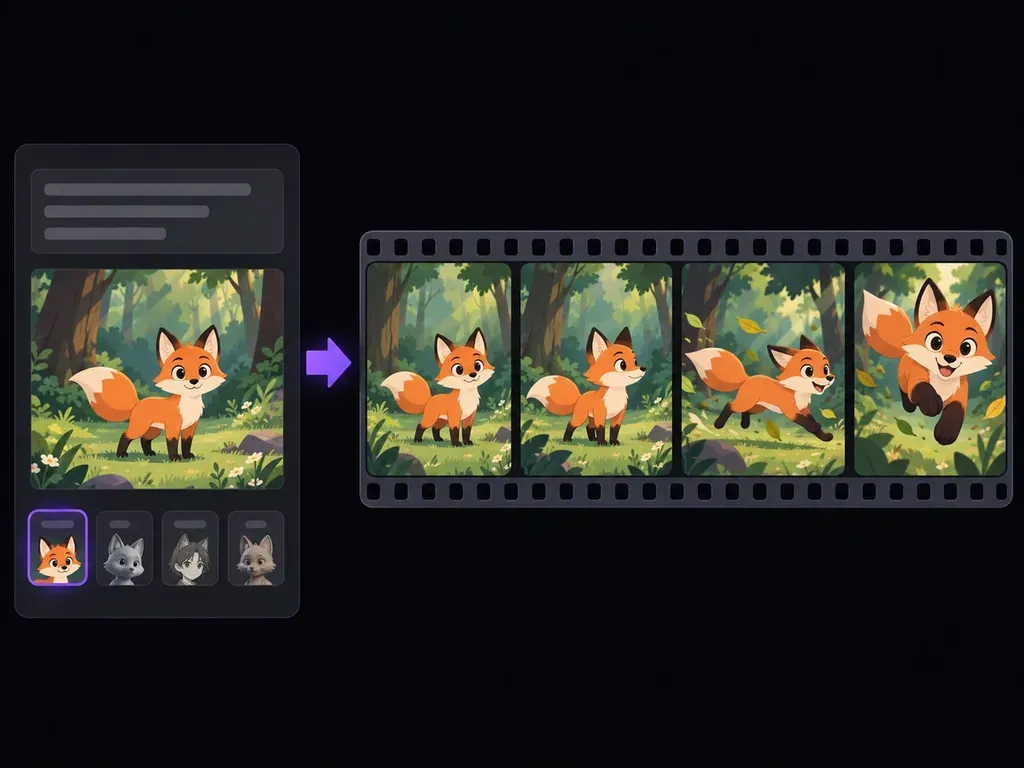
Turn text prompts or character illustrations into short animated video clips online. Choose 2D cartoon, anime cel-shading, 3D CGI, claymation, or sketch styles, set one clear motion beat, and export MP4 clips in seconds.
An AI animation generator (also searched as an AI animation video generator or AI animated video generator) turns a text prompt or character image into a short moving clip without bone rigging or manual keyframes. Focus each clip on three core controls:
• Single-action choreography: Prompt one clear movement, like a clay robot lifting its head, so limb geometry stays readable across every frame.
• Distinct visual mediums: Render the same action as a 2D cartoon, AI anime video generator cel-shaded shot, claymation loop, or 3D scene.
• Image-to-animation anchoring: Upload a character concept (ai animation generator from image) to lock color palette and proportions before motion starts.
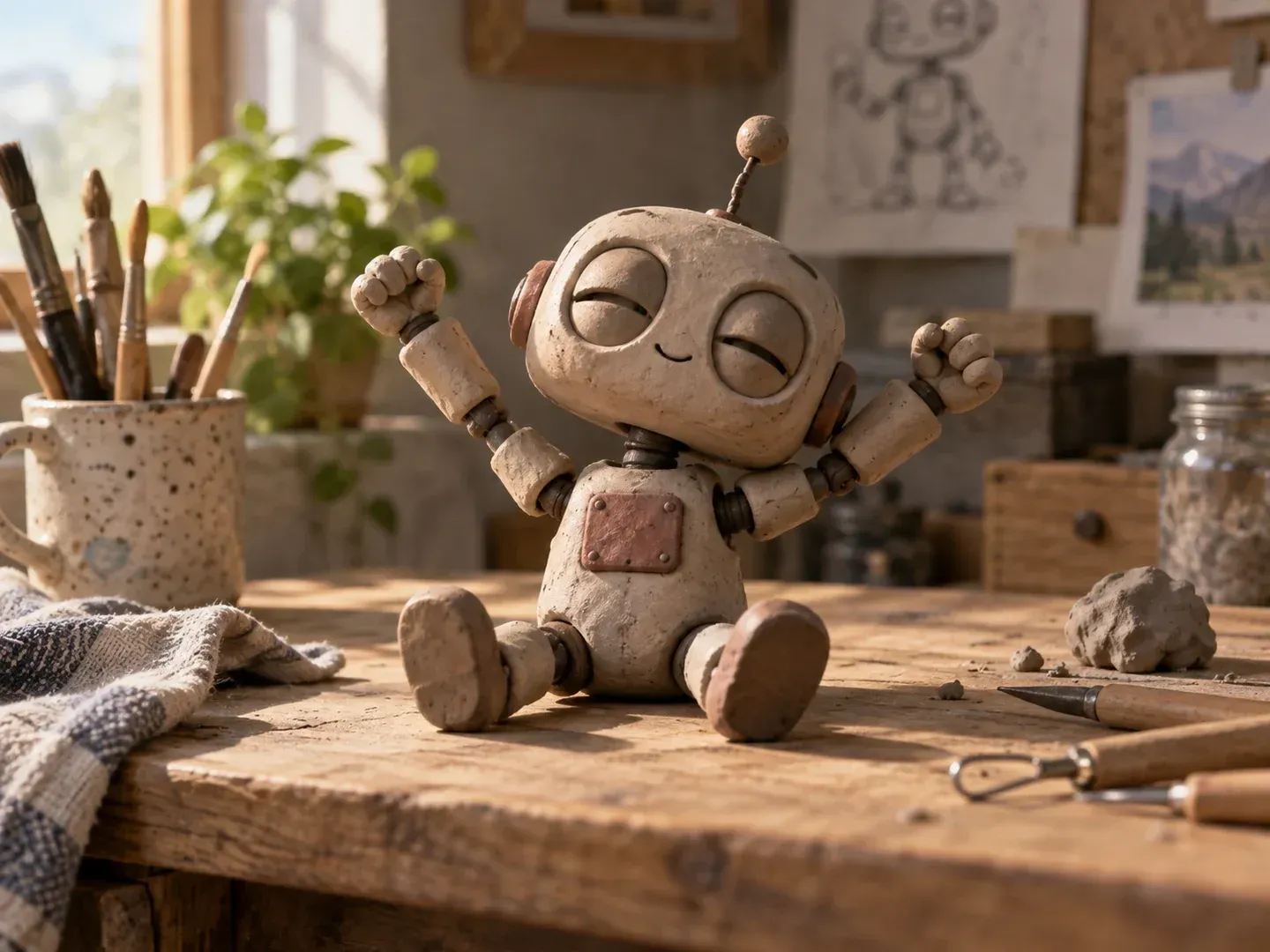
Three controls that keep short animated scenes readable when testing character motion and visual treatments.
Specify what the subject does and how the lens behaves, whether a static medium shot, a slow push-in toward a character's face, or a gentle lateral pan across a tabletop environment.

Run the same scene brief with drawn 2D ink outlines, cel-shaded anime lighting, tactile fingerprint clay textures, plush felt materials, or dimensional 3D shading to see which medium fits your story.

Watch the opening pose, mid-clip arc, and settling frame in your workspace to verify that character proportions, props, and background shapes stay coherent before exporting or iterating on the prompt.
How testing a scene concept in an AI animation video generator compares with building a traditional keyframe or rigged animation from scratch.
Traditional Keyframe & Rigged Setup
Virse AI Animation Generator
Pick 2D cartoon, anime cel-shading, 3D CGI, stop-motion claymation, or hand-drawn sketch, then set your aspect ratio.
Start from a text prompt or upload a character sheet, mascot, or storyboard frame to anchor proportions and colors.
Name the subject, one primary action, lighting mood, and one camera move such as a static frame or slow push-in.
Generate your preview, refine the motion verb if needed, and download the finished animated video clip as an MP4.
Effective animation prompts pair one subject, one physical action, lighting mood, camera behavior, and medium. Copy any of these templates into the generator and swap in your own character details:
• Stop-motion claymation loop: "A small sculpted clay robot on a wooden workbench slowly tilts its head up and blinks amber lens eyes, warm lamp light, static close-up."
• 2D anime character beat: "A courier in a navy windbreaker on a rain-slicked rooftop looks up as a paper lantern drifts past, gentle breeze, slow push-in, 2D cel-shaded anime."
• Stylized 3D mascot clip: "A plump corgi beside a broccoli floret on a kitchen counter tilts its head and taps one paw, soft studio rim light, eye-level medium shot."
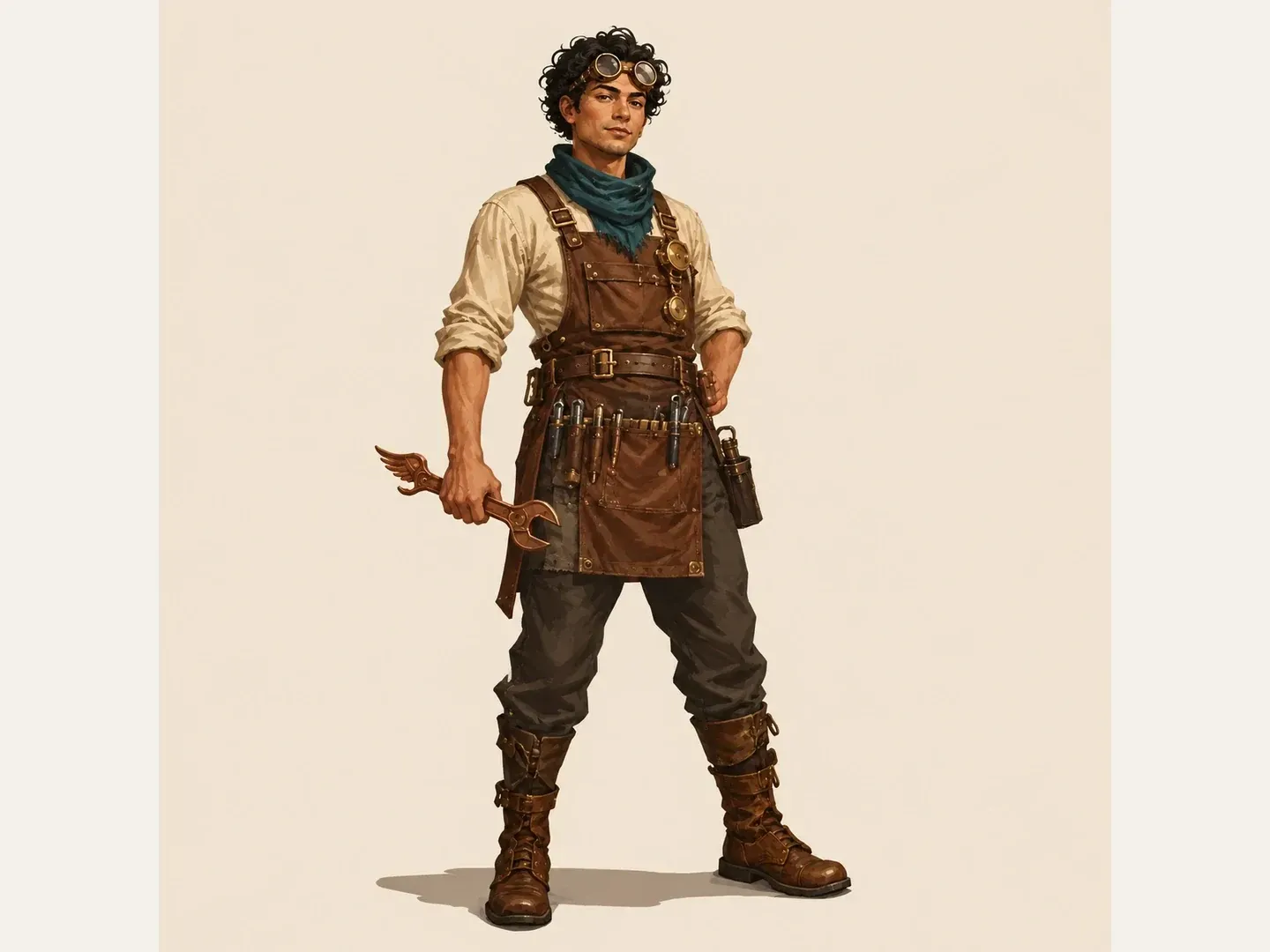
Four creative roles that use an AI animated video generator to test motion, timing, and visual direction before full production.
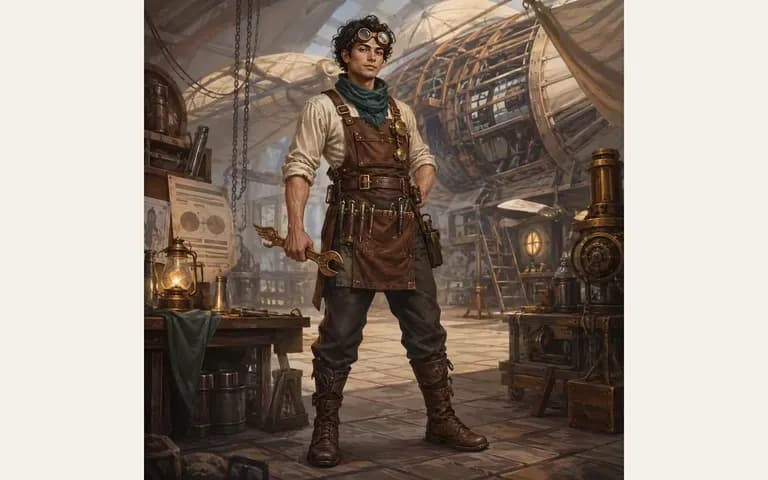
Upload an original drawing or describe a character concept to see how simplified shapes, brushwork, or plush textures behave in motion before animating by hand.

Build self-contained animated reaction loops, cozy lo-fi background clips, and short visual gags around one readable action before adding captions or audio in post.
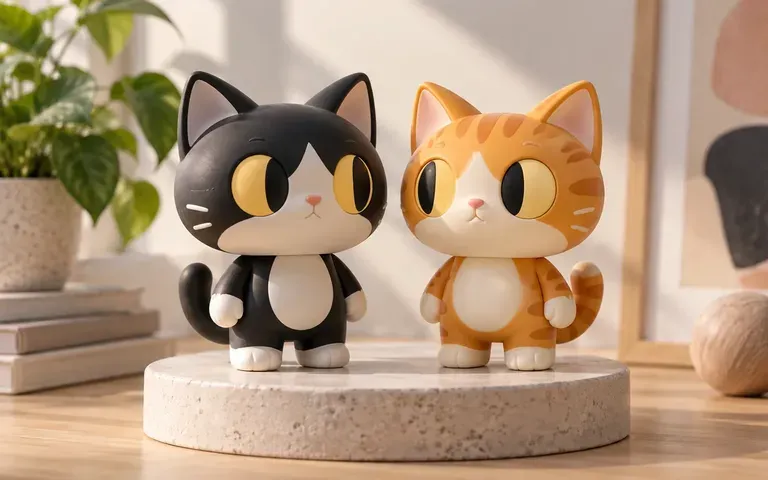
Show clients side-by-side motion tests in 2D cartoon, stop-motion clay, and 3D lighting during treatment reviews so stakeholders align on look and feel early.
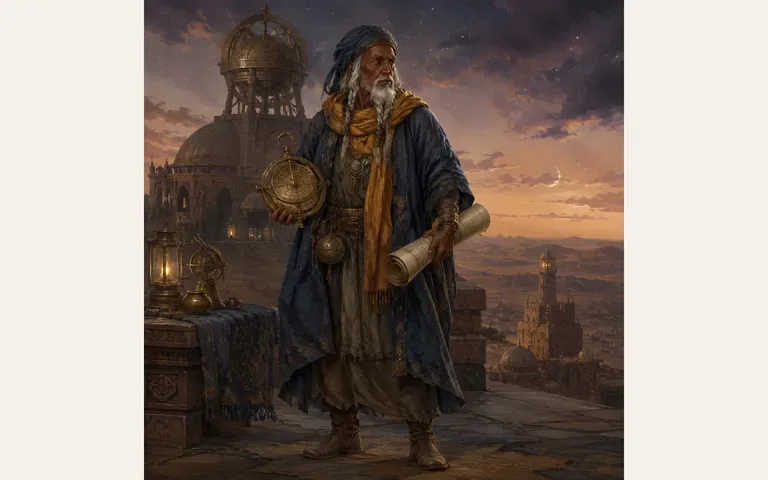
Turn individual script beats into timed motion studies to evaluate camera distance and staging while keeping scriptwriting and multi-scene editing in your dedicated pipeline.
Six concept frames illustrating the character shapes, clay textures, pencil linework, and stylized worlds you can explore as animated clips.
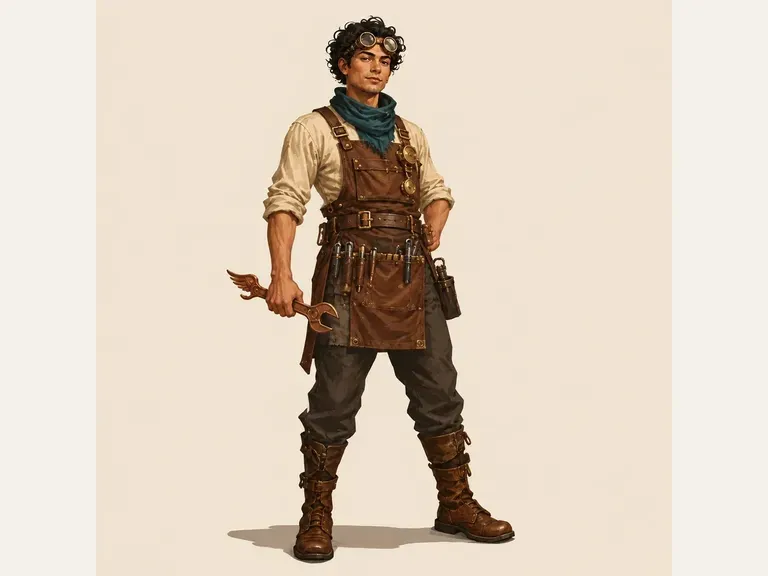

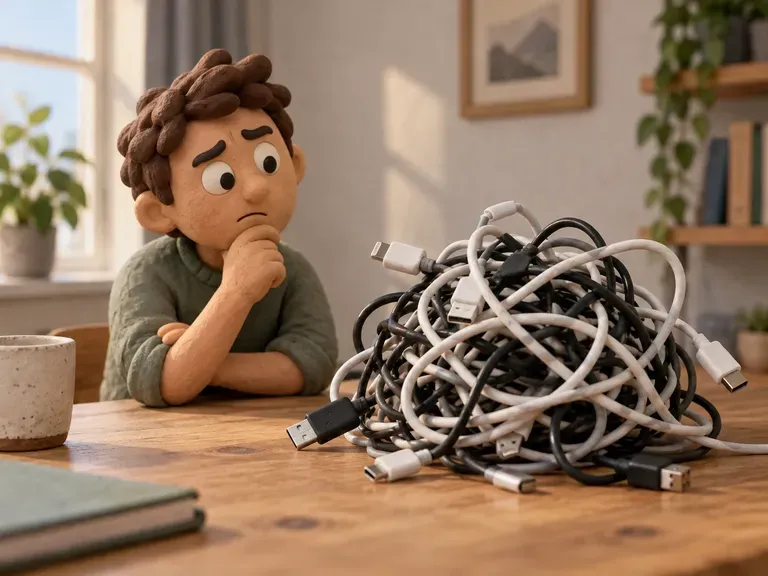
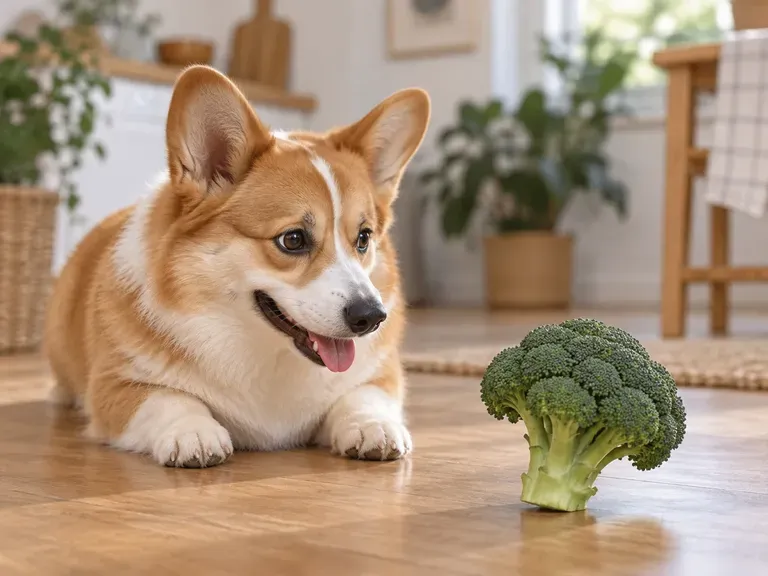
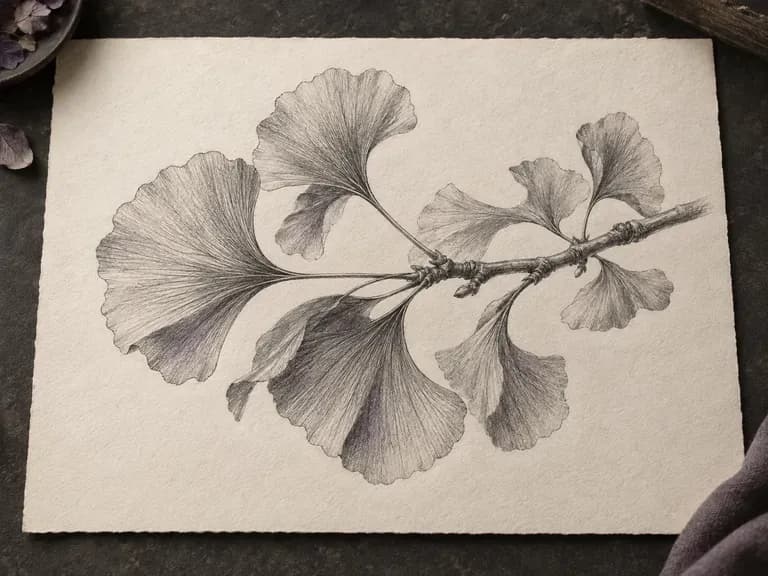

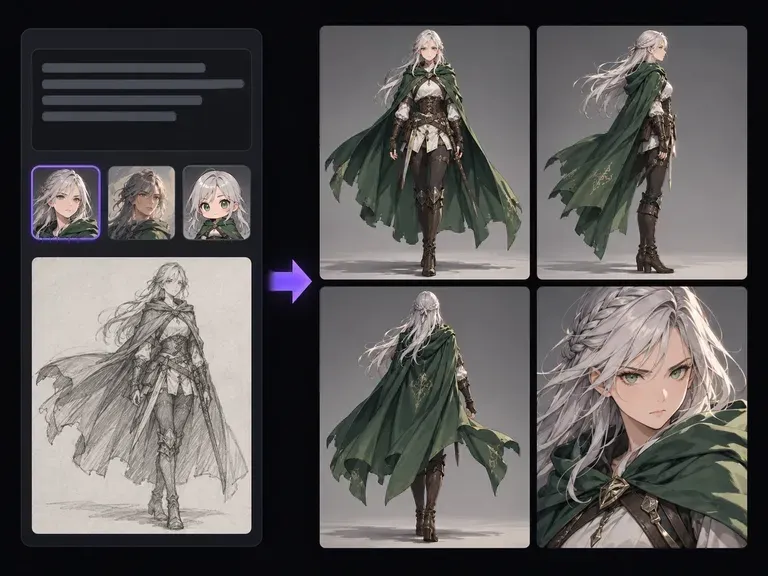
Design an original 2D, 3D, anime, or clay character concept sheet first, then bring the image here to animate a scene.
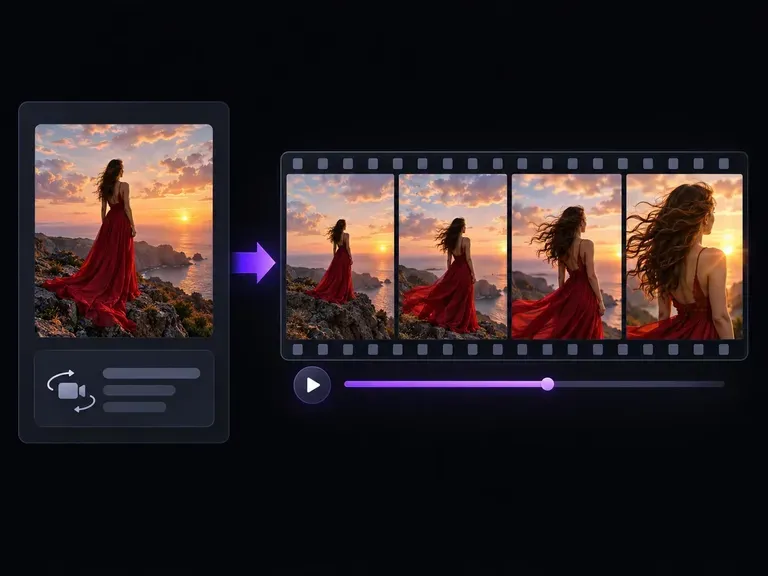
Start from a required still photograph or artwork frame and direct how the subject and camera move across the shot.
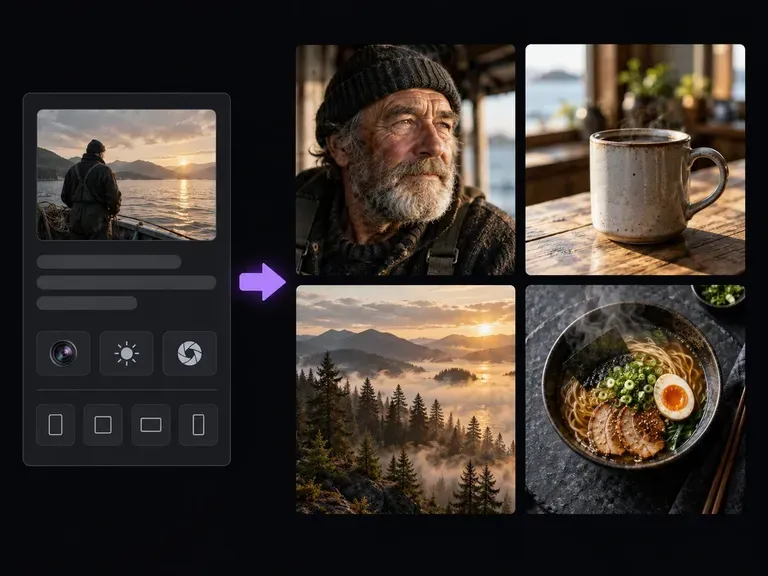
Create high-detail photographic or stylized environment frames to use as visual references or starting backgrounds.

Build atmospheric environment backdrops with coherent perspective, lighting, and depth of field.
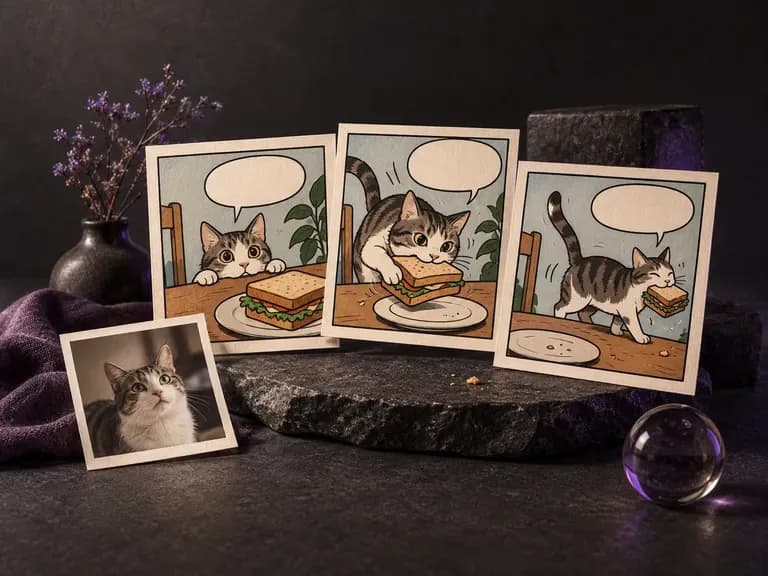
Lay out sequential panels, inked characters, and consistent costumes across comic pages.
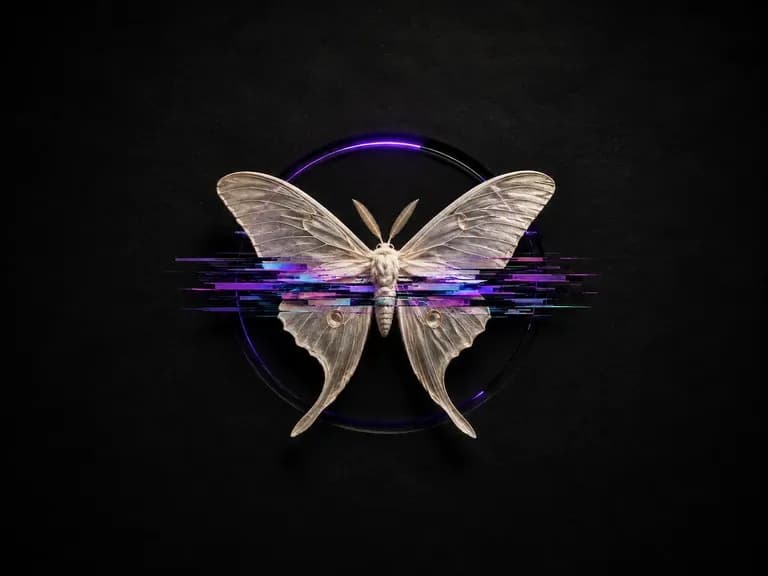
Add controlled scanlines, chromatic splits, and datamosh textures while keeping subjects legible.
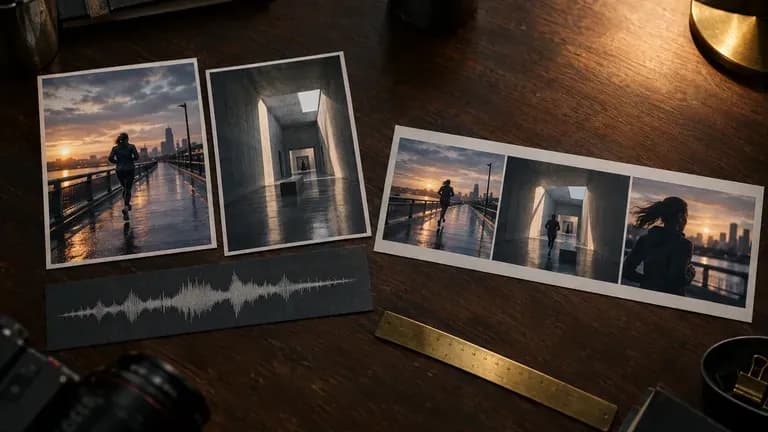
Turn static reference frames into rhythmic, beat-aware motion clips for social and campaign storyboards.
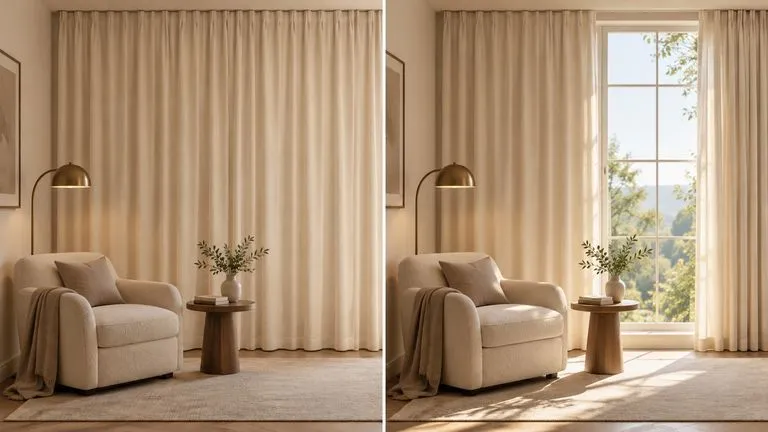
Maintain consistent character styling and background architecture across continuous video shots.
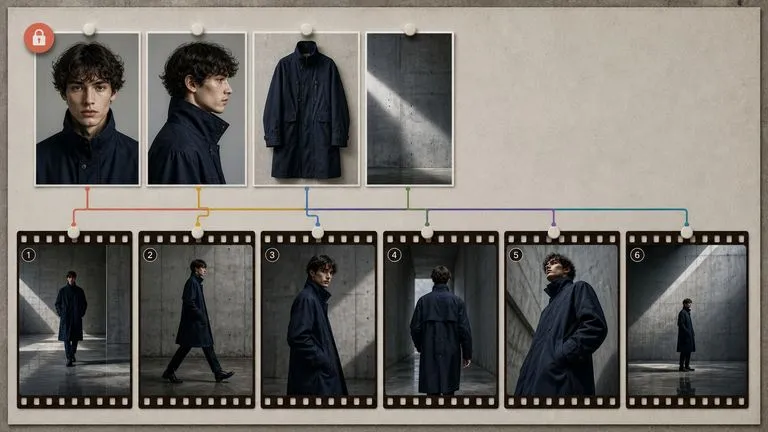
Produce expressive facial motion, dynamic pacing, and cinematic camera framing for short clips.
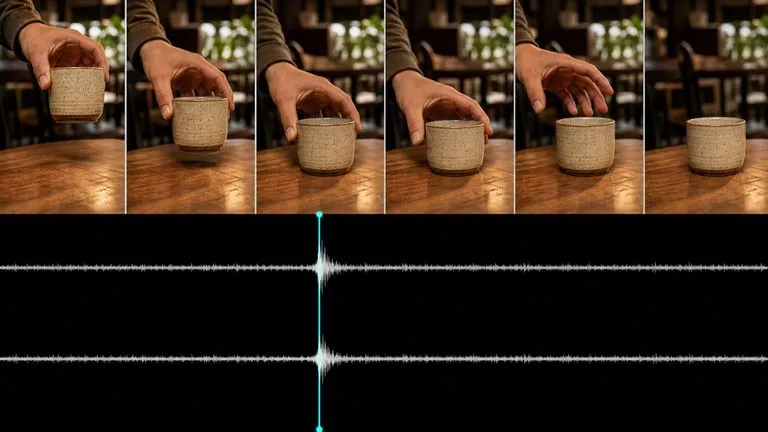
Test alternative motion trajectories and camera pans from a single starting keyframe.
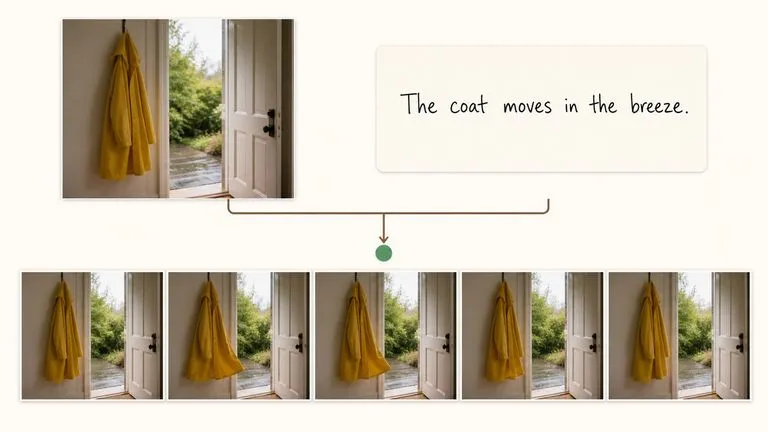
Create lively social-ready motion loops and stylized animated movement for short-form feeds.
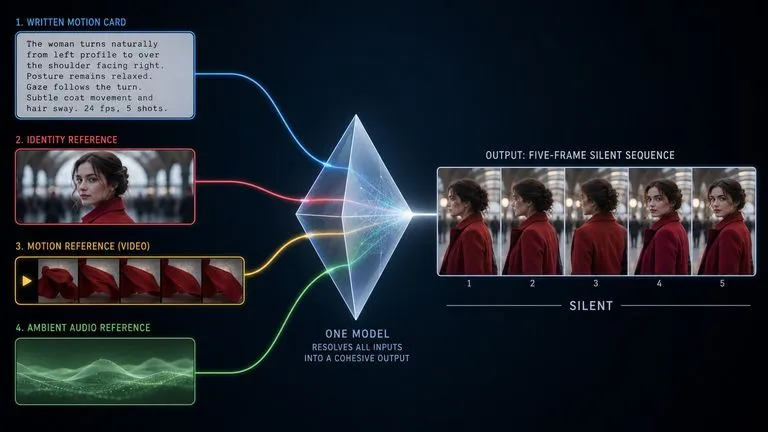
Draft quick motion previews and timing studies before rendering final high-bitrate video deliverables.
Describe one character, one readable action, and your preferred 2D, 3D, anime, or claymation style to preview a short animated clip in Virse.