
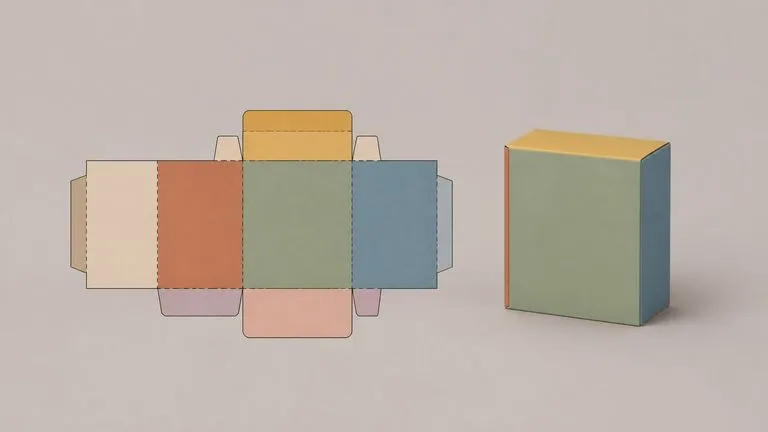
Required
The dieline itself
Cut lines, crease lines and panel boundaries are read as geometry. A tuck-top carton folds like a tuck-top carton. Artwork stays on the panel you drew it on rather than being wrapped around the box and hoping.
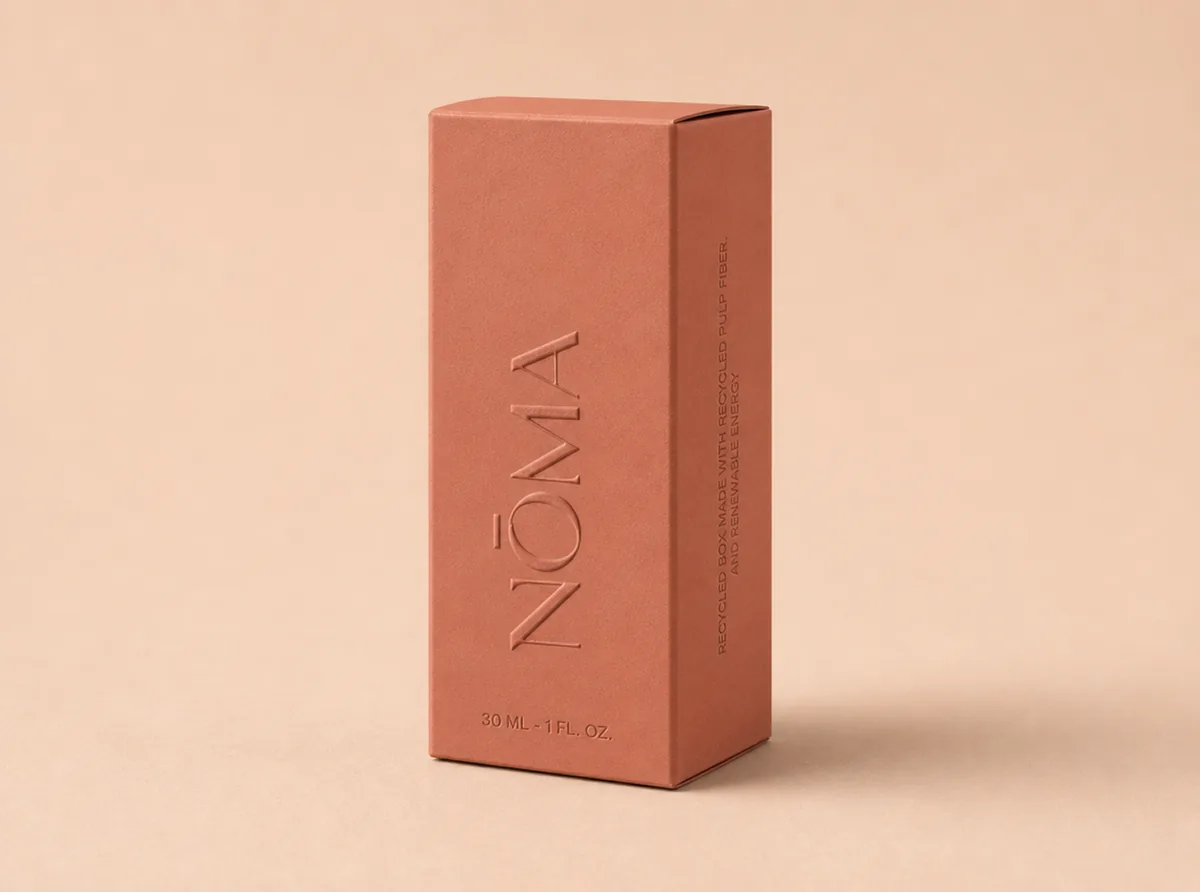
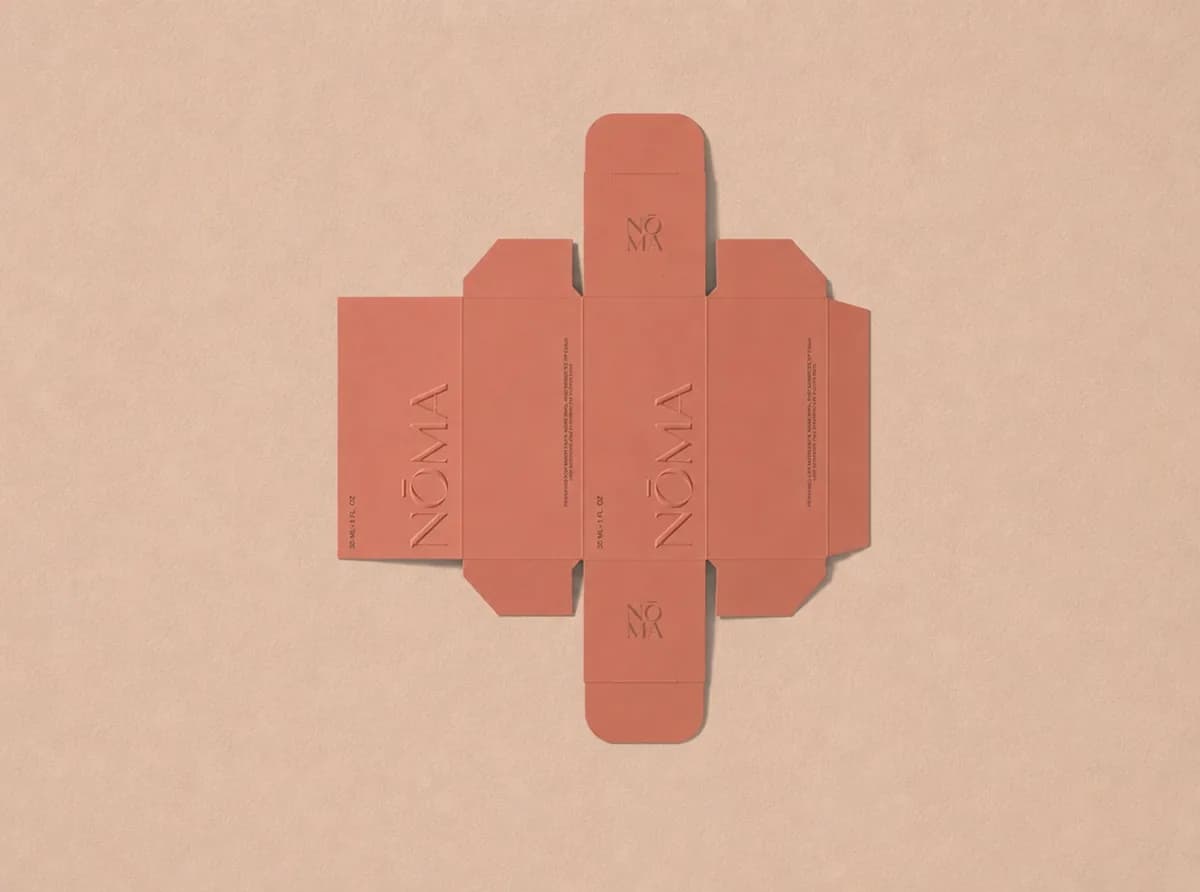
Upload the flat artwork. It reads the dieline panel by panel, works out the box structure from the cut and crease lines, and renders it folded, with each panel's artwork landing on the face it belongs to.
A dieline to 3D mockup takes the flat you send to print and shows it folded. The cut and crease lines already describe the structure, so the box does not need to be modelled. It is read out of the artwork you already have.
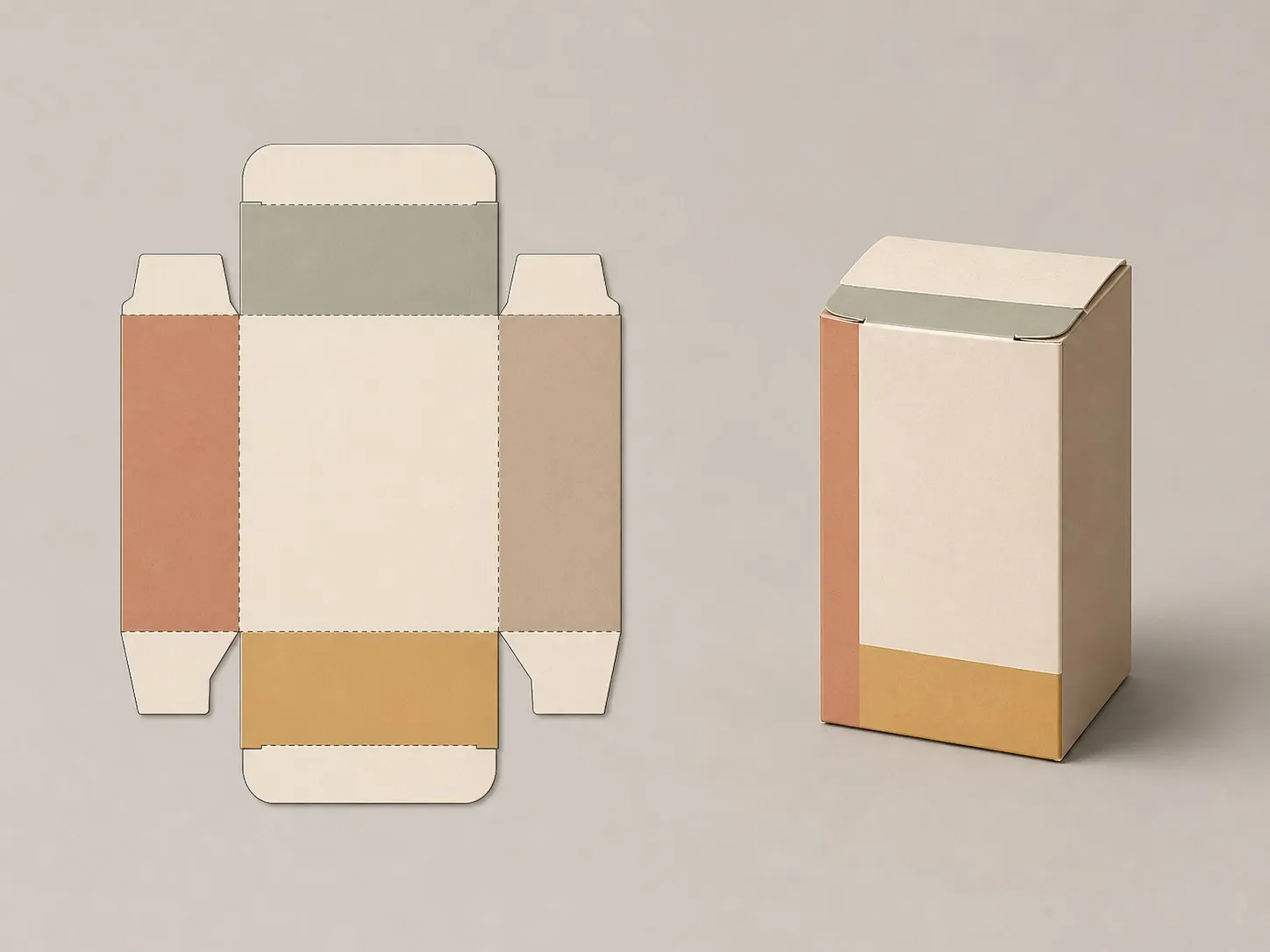
Three things go in. Only the first one is required, and it is the one carrying all the structure.
Cut lines, crease lines and panel boundaries are read as geometry. A tuck-top carton folds like a tuck-top carton. Artwork stays on the panel you drew it on rather than being wrapped around the box and hoping.
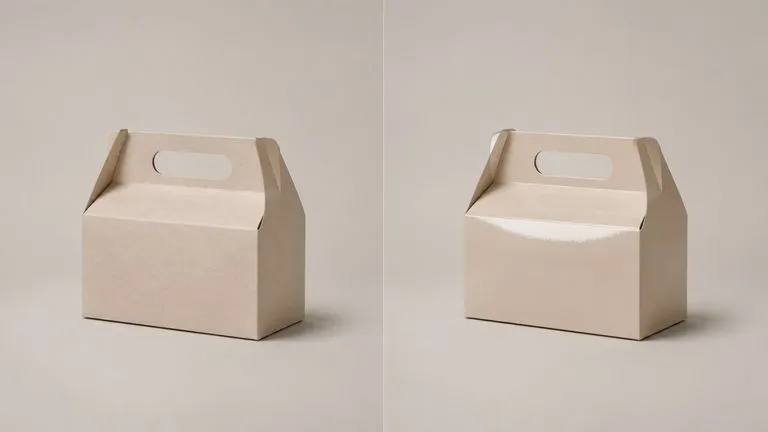
Rigid board, corrugated, matte laminate, spot gloss. You write the substrate in plain words, and it changes how light behaves on the render. Naming the box type helps when a die shape could fold more than one way.
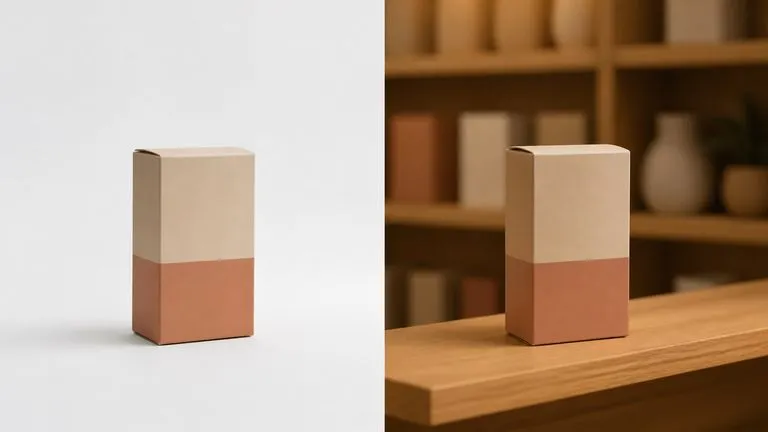
Drop in a shelf, a table or a studio backdrop and the package is rendered into it. Leave it out and you get a clean neutral render, which is usually what a print check wants.
Whatever you were going to send to print. Keep the cut and crease lines visible, because those are exactly what the tool reads to work out the fold.
One line. Tuck-top, sleeve, corrugated shipper, matte or gloss. This is also where you flag a fold that is not obvious from the die shape.
A shelf photo, a desk, a studio sweep. Skip it when you are checking the artwork rather than presenting it.
The folded package lands on a fresh Virse canvas beside the flat. Change the substrate and run it again, or take the render into an edit without exporting anything.
People holding a flat file and a decision that should not wait for a physical sample.
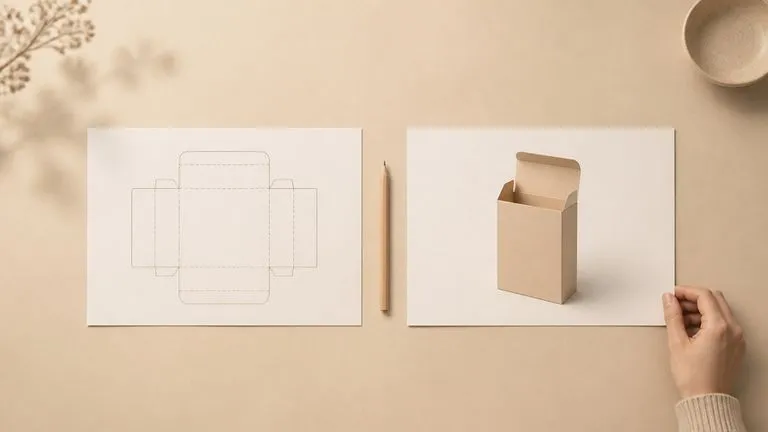
Check that the artwork lands where you think it does, before a proof gets cut and folded and the panel alignment turns out wrong.
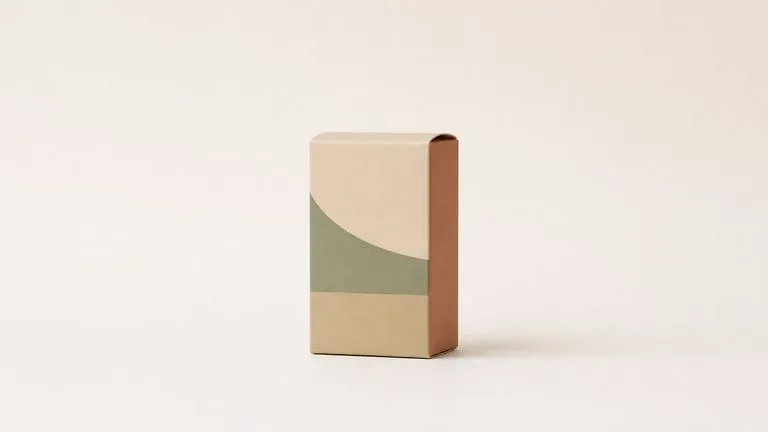
Show the box standing up in the meeting where the design is being approved, using the same flat that is going to print.
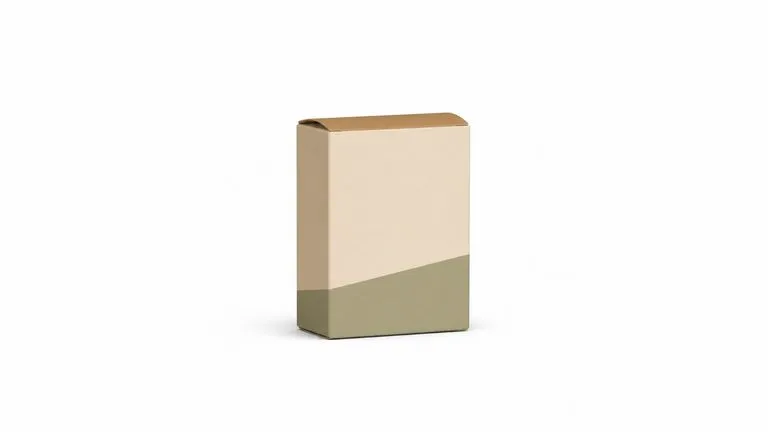
Get a product shot of packaging that has not been manufactured yet, so a listing or a pre-order page can go live on time.
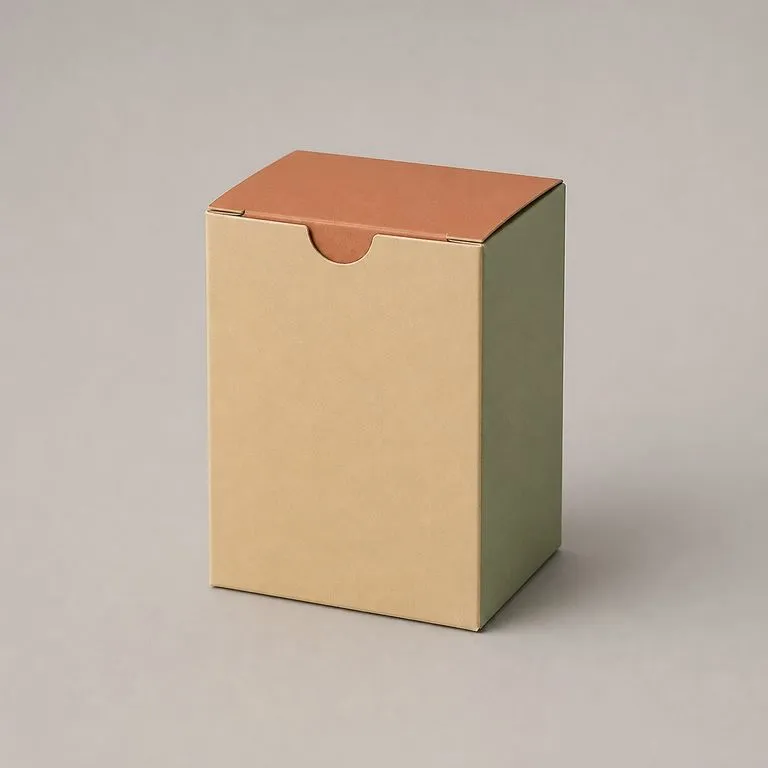
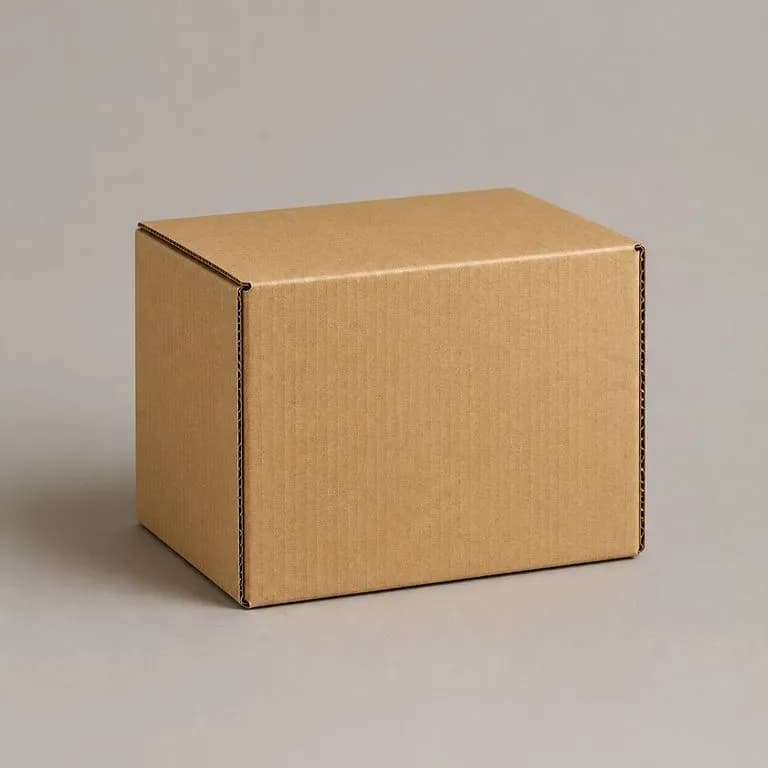
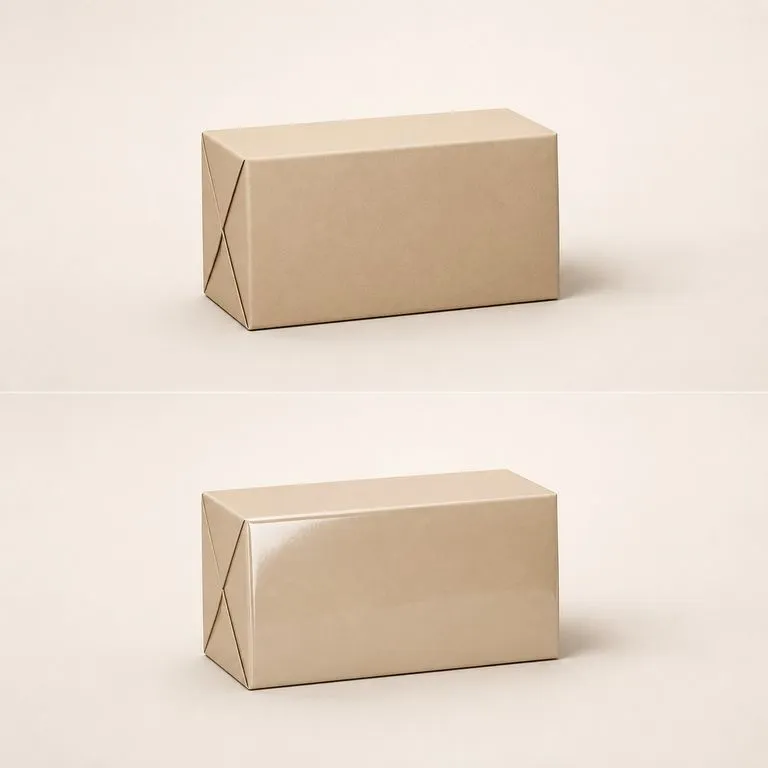
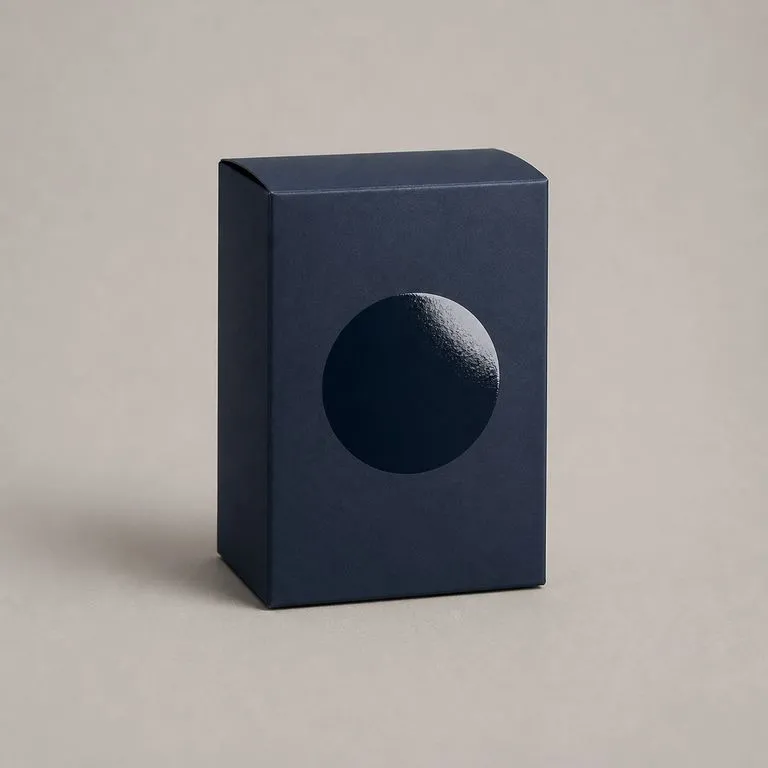
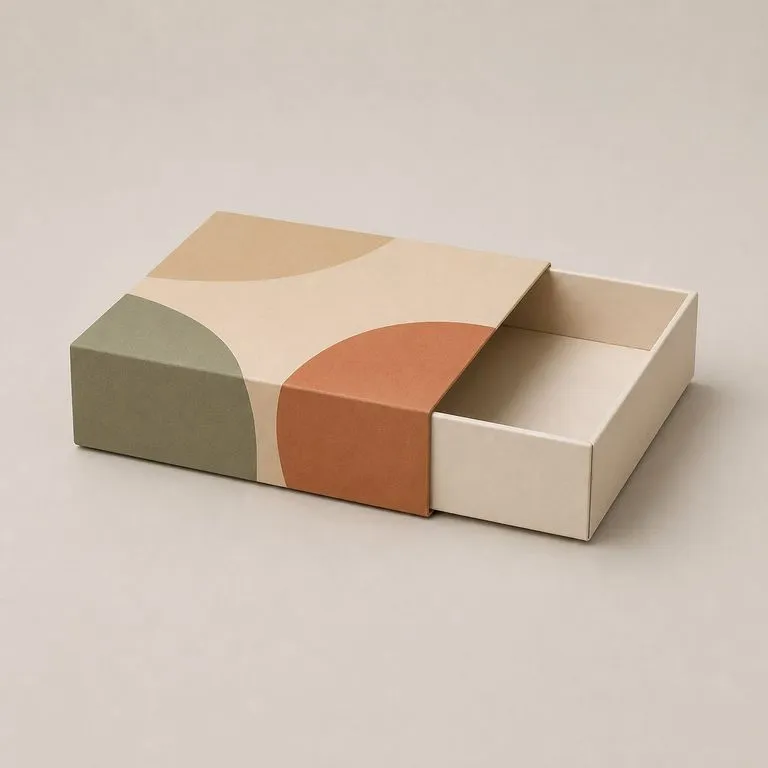
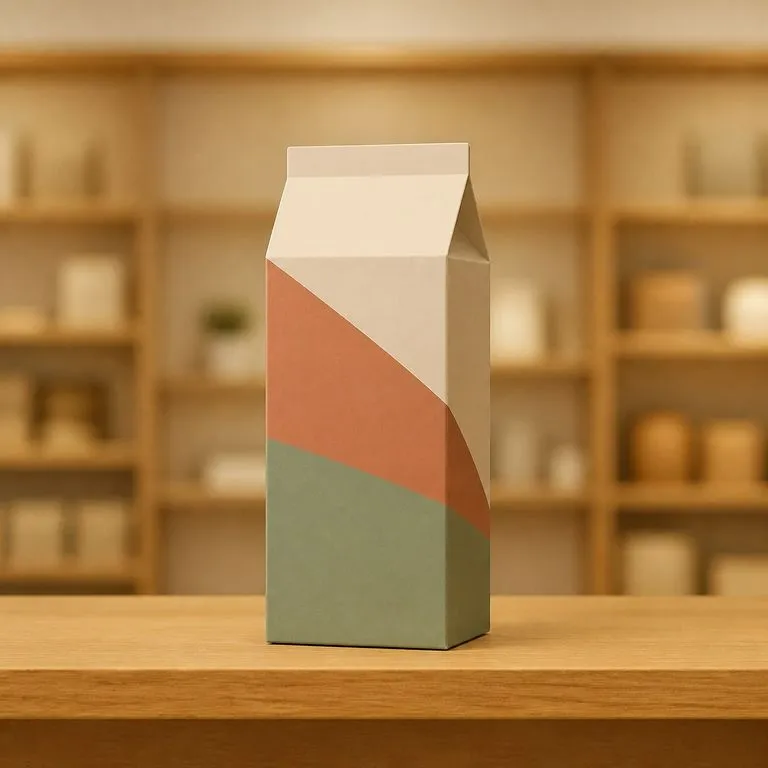
What changes when the flat you already have is the only input.
Building the mockup in 3D software
The Virse renderer
Start here. Drop the dieline in and the folded render opens on a fresh Virse canvas, with nothing running until you press Start.